

 DownloadSky Anime Resource Pack
Get the files on 9Minecraft
Guides
Step-by-step, in-game.
Combine Sky Anime with Other Resource PacksHow Layering Works Sky Anime Resource Pack is designed as an overlay—it only changes the sky and doesn't modify…Customize Which Biomes Show the Anime SkyUnderstanding Sky Behavior Sky Anime Resource Pack applies its painted anime background globally—the same sky appears…Enable the Anime Sky in Your GamePrerequisites Before the anime sky appears, you need Optifine installed and the resource pack activated in your…Fix the Sky Not Appearing or Looking WrongCheck Your Settings First If you see the default sky instead of the anime version: 1. Verify Custom Sky , Custom…
Frequently asked questions
Why doesn't my anime sky show up even though I installed the pack?
You need to enable Custom Sky, Stars, Sun, and Moon in your video settings for the pack to work. Open Video Settings, find the Custom Sky option, and make sure it's turned on along with the other custom celestial options.
Do I need Optifine to use this pack?
Yes, Optifine is required because it provides the custom graphics system that loads the anime sky overlay. Without it, the pack won't function properly.
Will this pack change how my blocks and mobs look?
No, the pack only changes the sky you see when you look up. All your blocks, items, and mobs keep their normal textures.
Can I use this pack together with other resource packs?
Yes, the pack is designed to work as an overlay and sits on top of other resource packs in your resource pack menu. You can stack it with other packs without conflicts.
See all 10 Sky Anime questions ›
Gallery
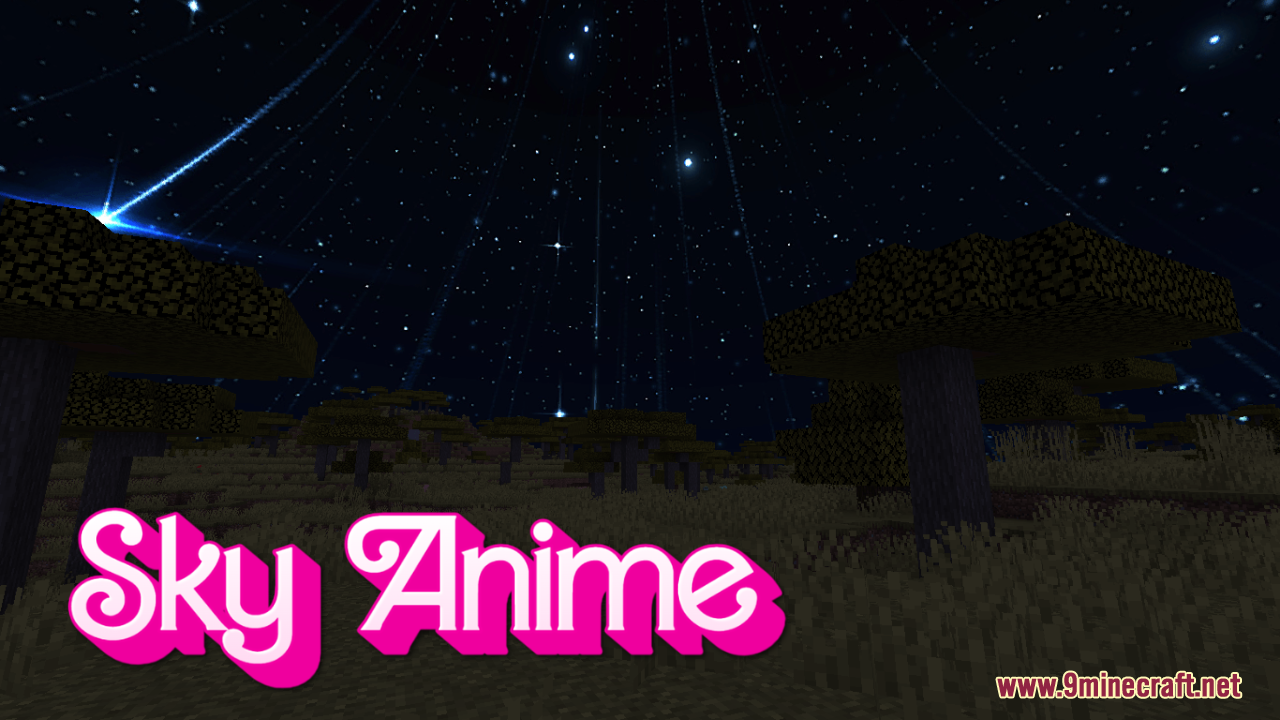
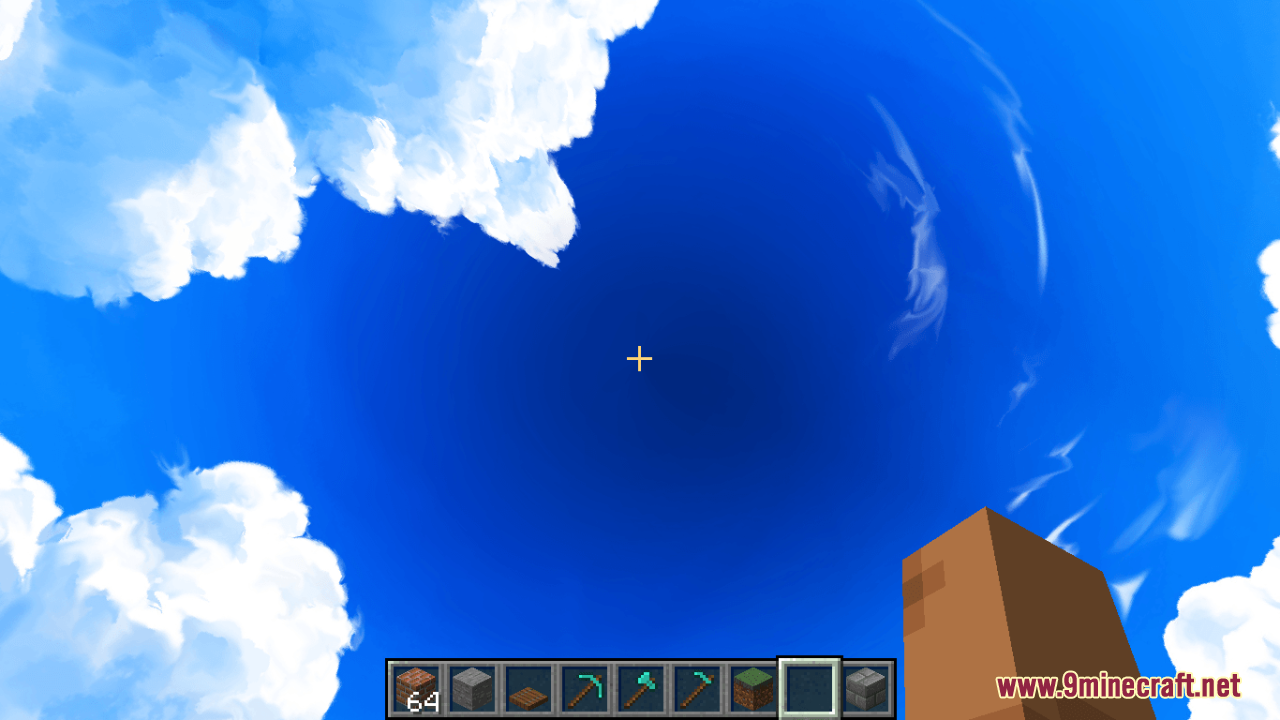
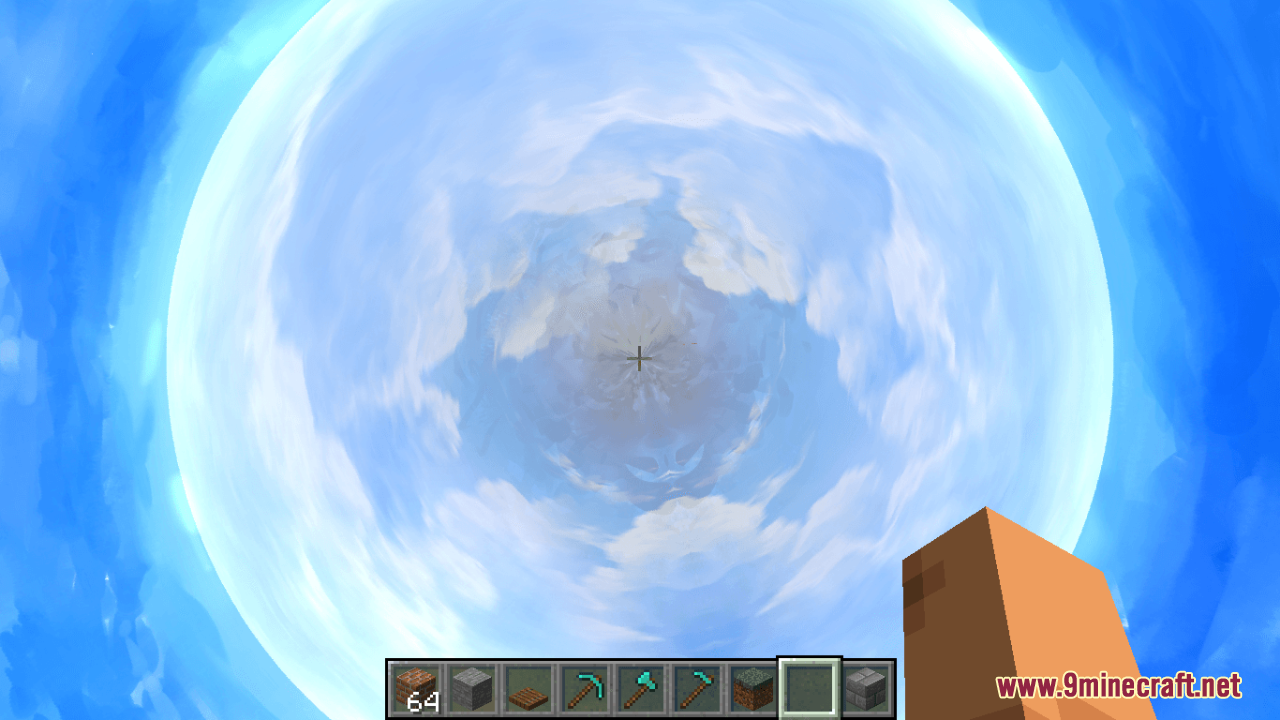
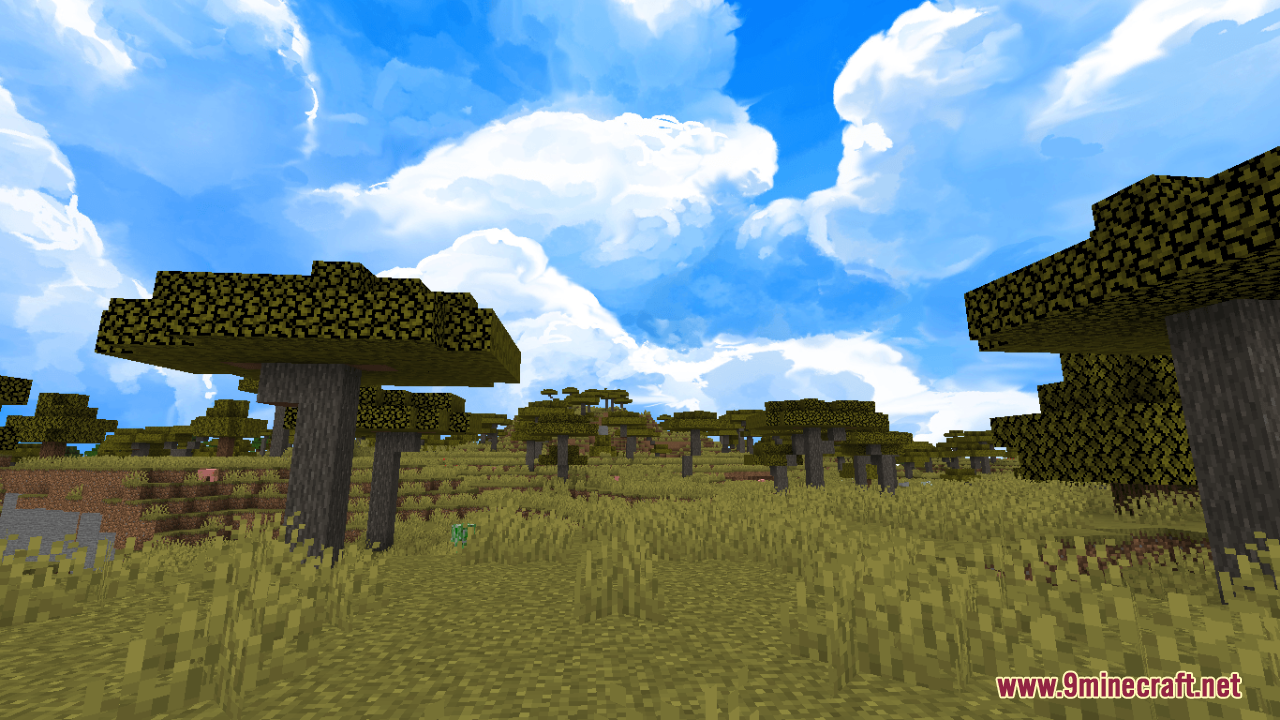
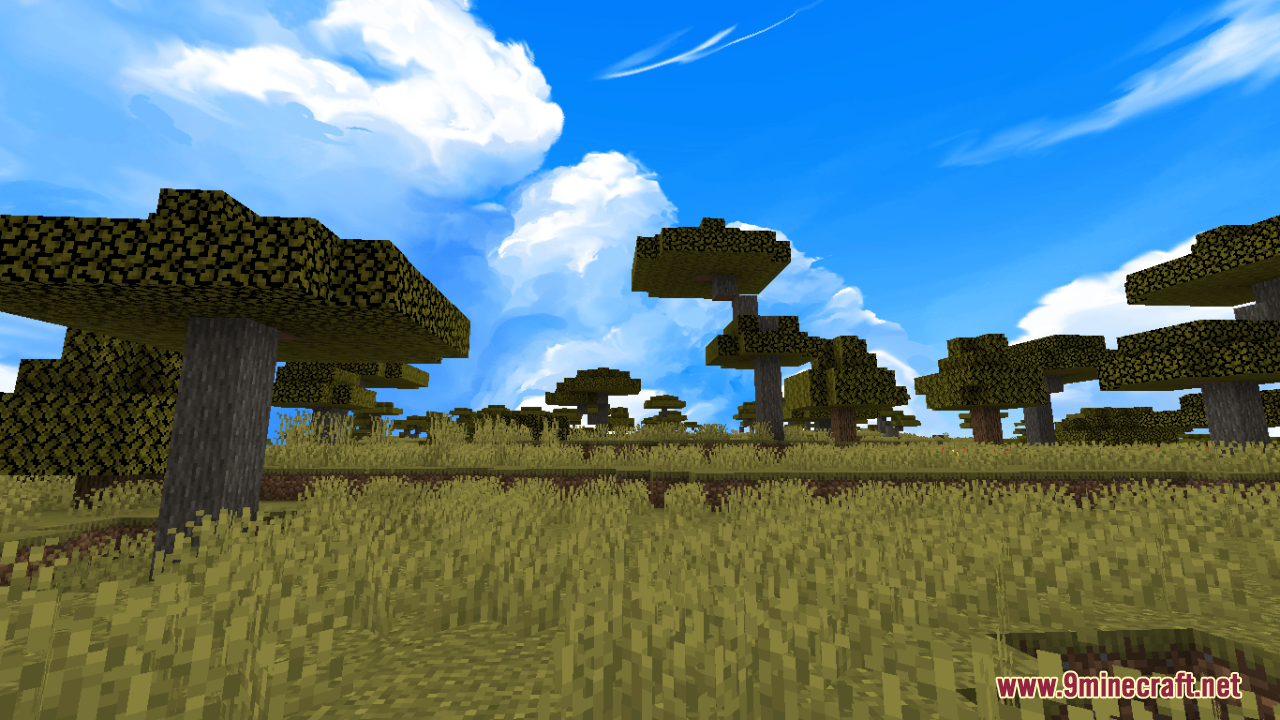
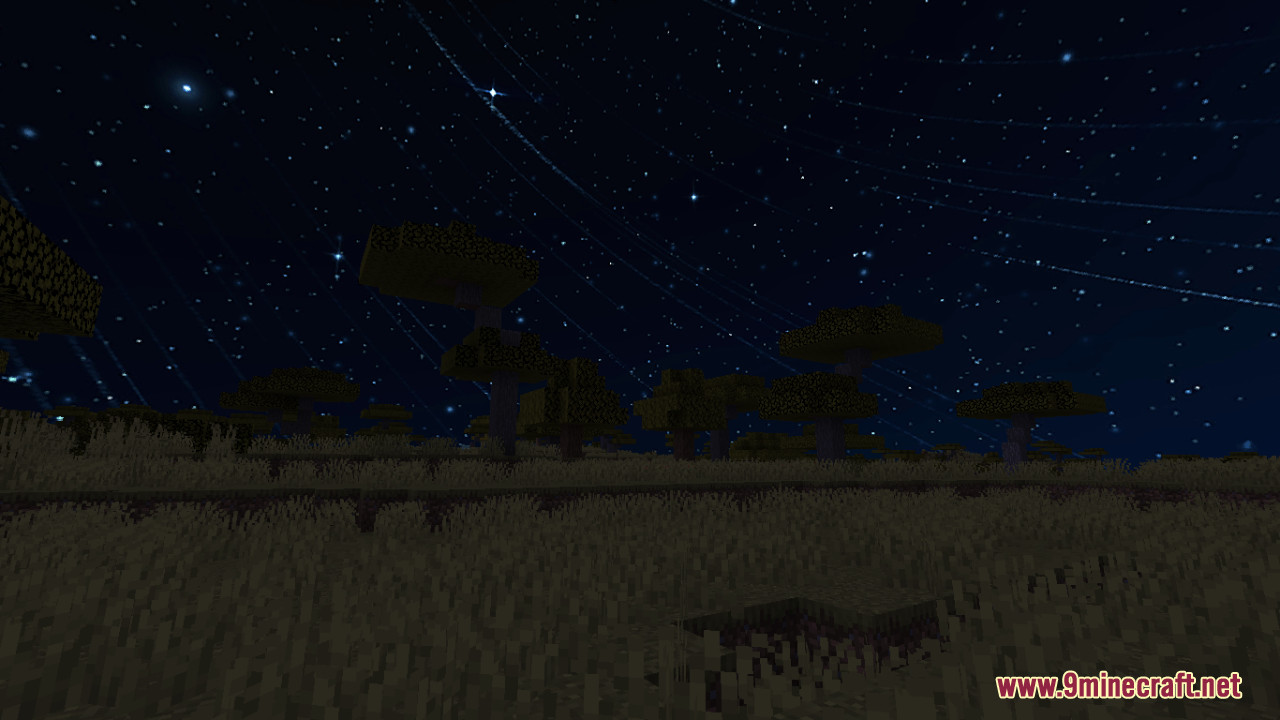
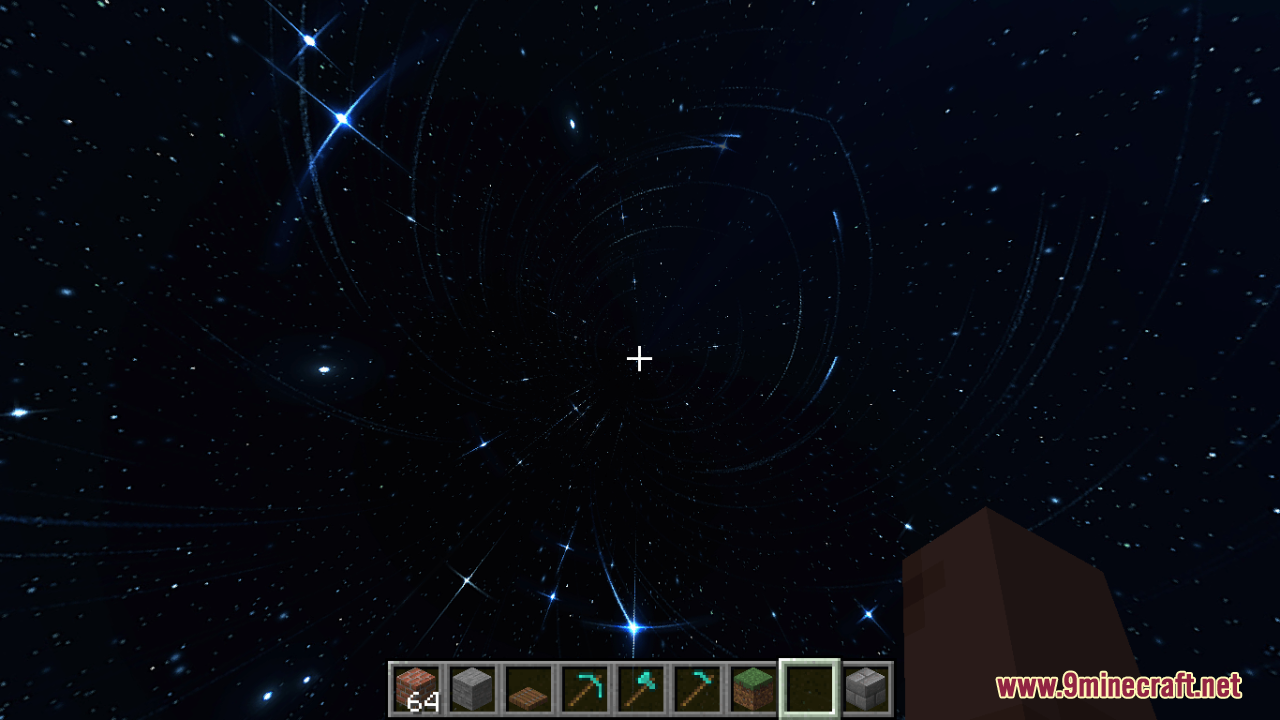
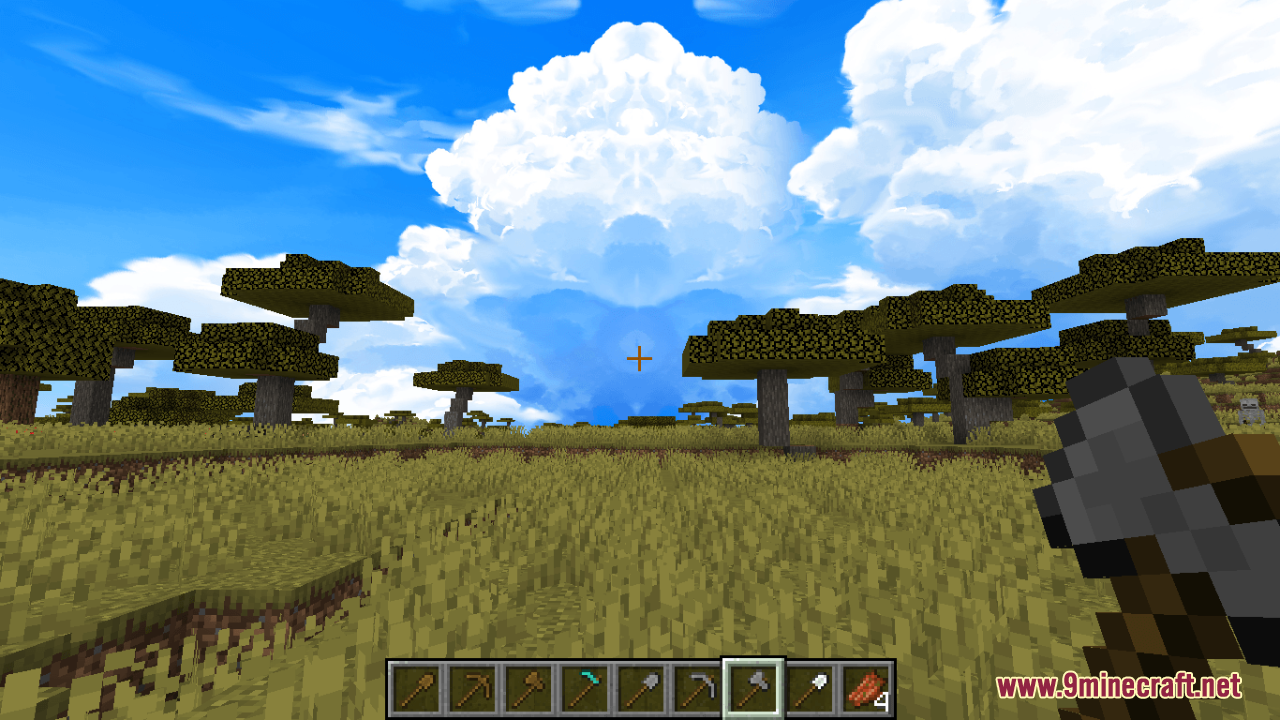
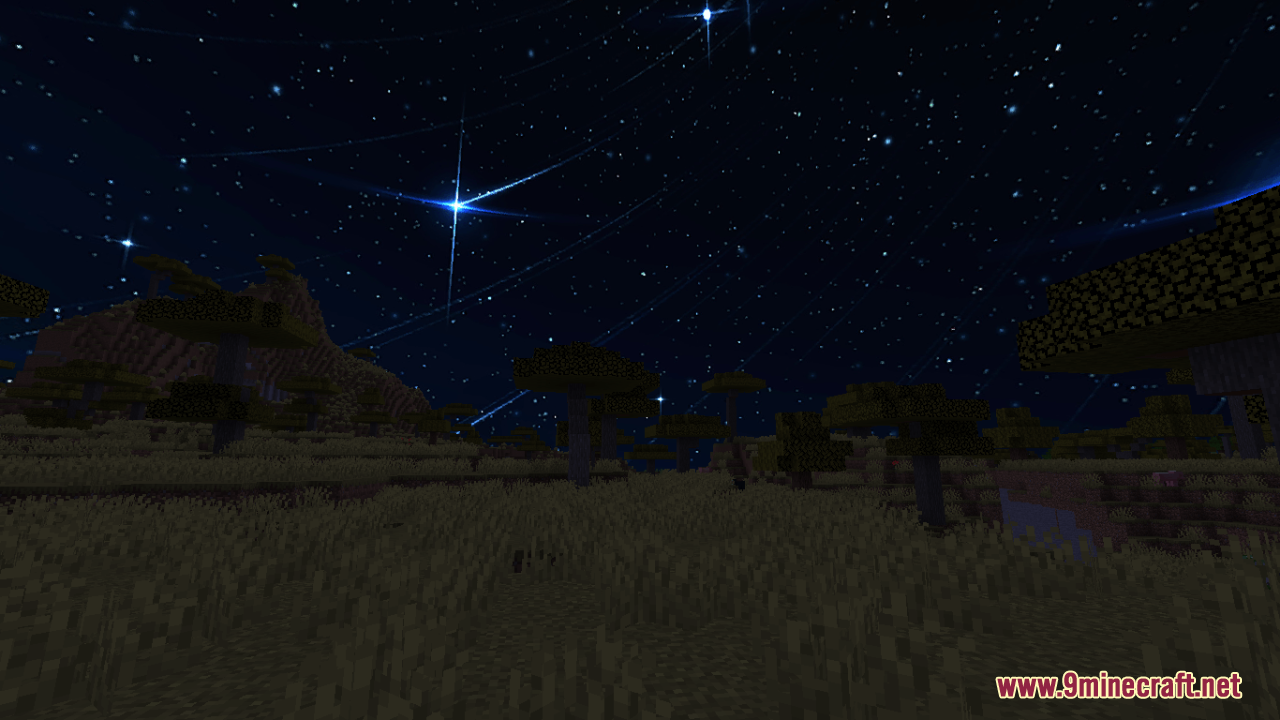
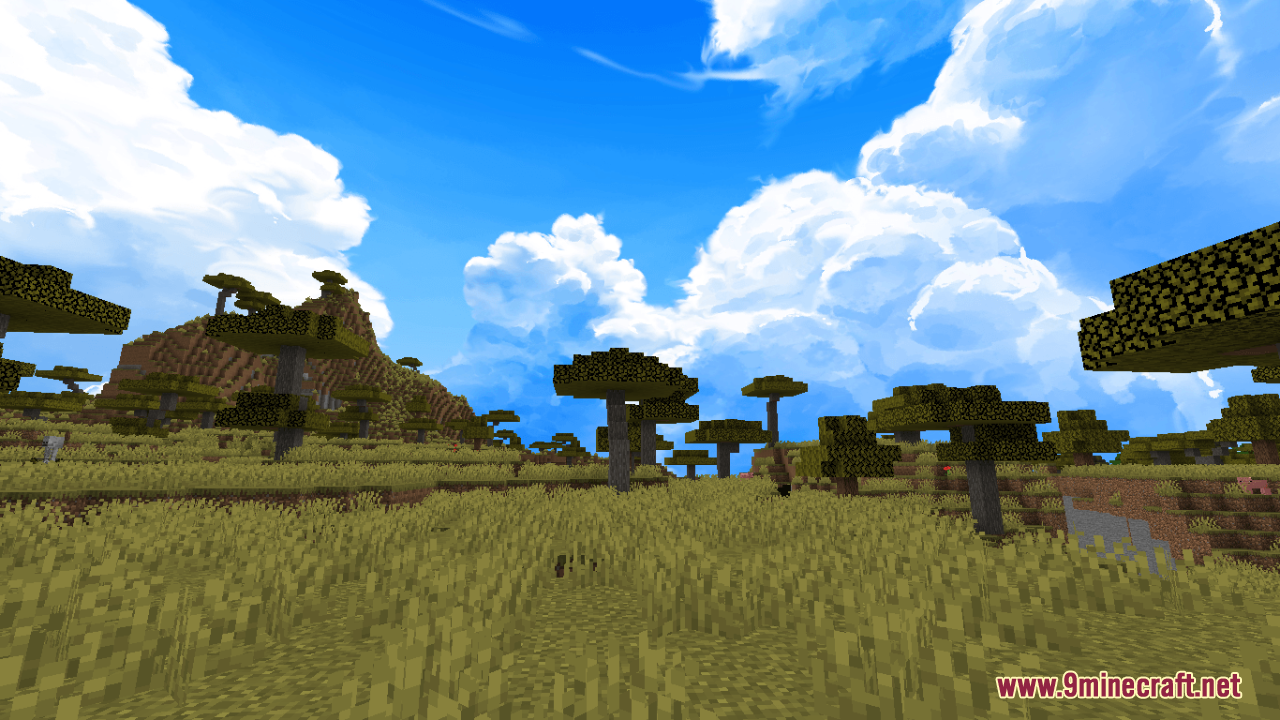
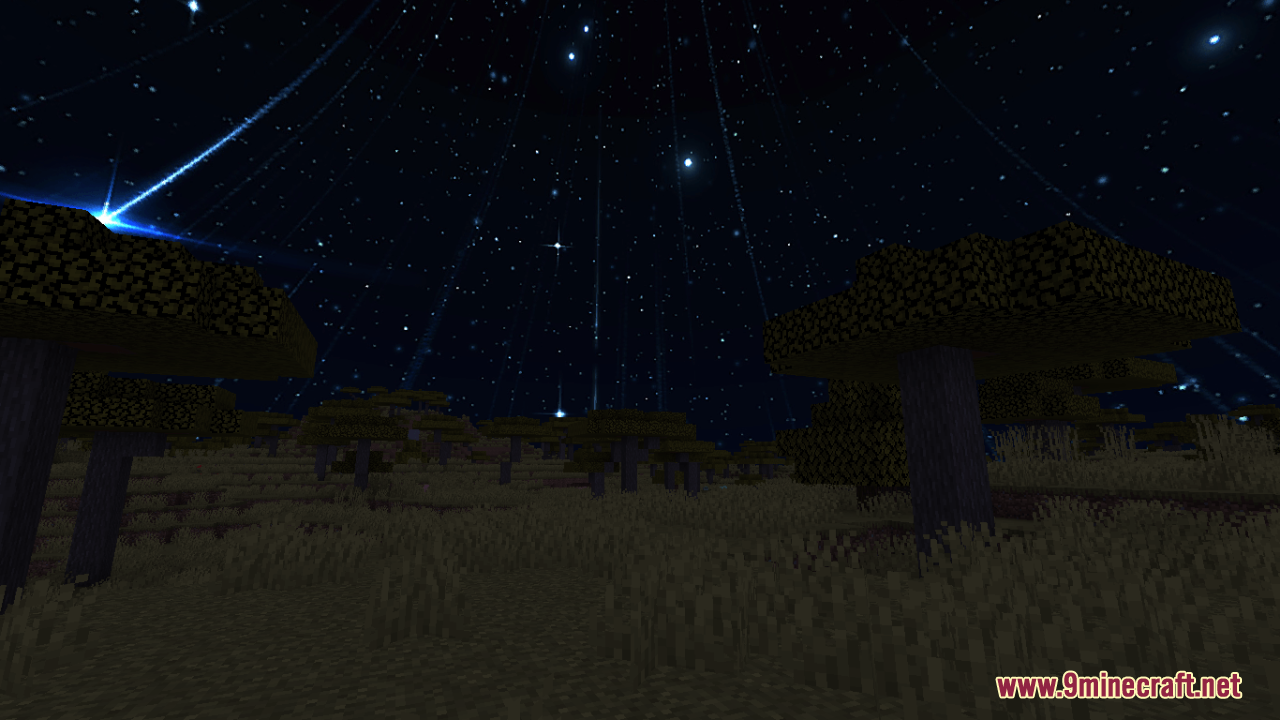
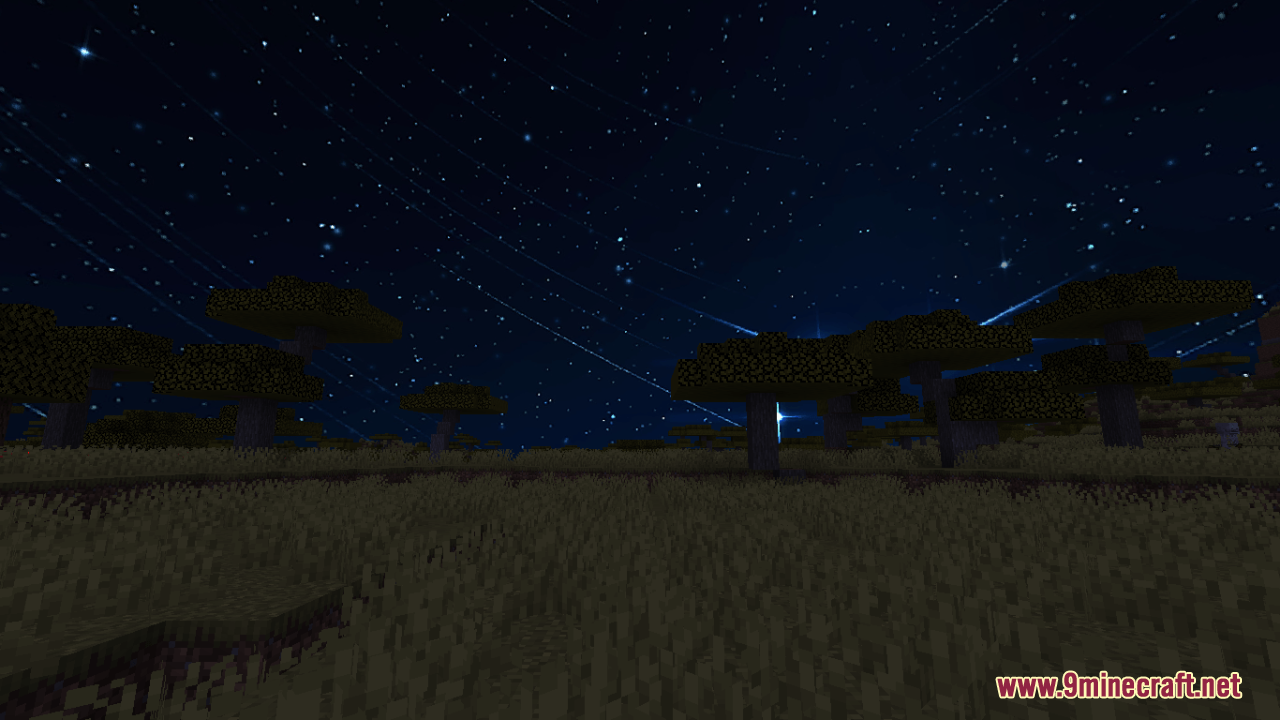
12 images from the Sky Anime Resource Pack page.
You May Also Like
Wikis that share the most with this one
Cubees Anime Saga Pack ModelDark Anime Sky Resource PackToon Cel Anime Style ShadersAnime Waifu Beds Resource PackAnime Waifu Totem Resource PackAnime Waifu Beds #20 Resource PackAnime Waifu Beds #26 Resource PackPvp Zegarn Anime Sky Resource PackCpvp Alya Kujo Anime Sky Resource PackCpvp Miku Nakano Anime Sky Resource PackCpvp Umi Asanagi Anime Sky Resource PackPvp Haimiya Pack Anime Sky Resource Pack
More resource pack wikis on the site
Skinframe Elite Resource PackSkin Totem 3D Edition Resource PackSimply Wool Pack Resource PackSimply Concrete Pack Resource PackSimplistic GUI Resource PackSimplistic Armor Resource PackSimplecraft X16 Resource PackSimple Rustic Glass Resource PackSimple Realistic Resource PackSimple Outlined Ores Resource PackSimple Lower Grass Sides Resource PackSimple Kite Shield Resource Pack
The most downloaded mods that have a wiki here
A few wikis from each of the other kinds