

 DownloadSlightly Improved Font Resource Pack
Get the files on 9Minecraft
Guides
Step-by-step, in-game.
Activating the Font Pack in Your GameEnable the Resource Pack Once installed, the font pack must be activated in your Minecraft launcher settings before…Combining This Font Pack with Other Resource PacksStacking Multiple Packs You can use the Slightly Improved Font Resource Pack alongside other resource packs. The…Troubleshooting Font Display IssuesFont Not Appearing If the improved font isn't showing after activation: 1. Confirm the pack is in your Selected list…Using the Improved Font Across Different ScreensWhere the Font Appears The Slightly Improved Font Resource Pack affects text rendering across nearly all in-game text…
Frequently asked questions
How do I activate the font pack in my game?
Open your Resource Packs folder, place the font pack there, then go to Options > Resource Packs in-game and move it from Available to Selected. The improved font will apply immediately.
Will this font work in all menus and screens?
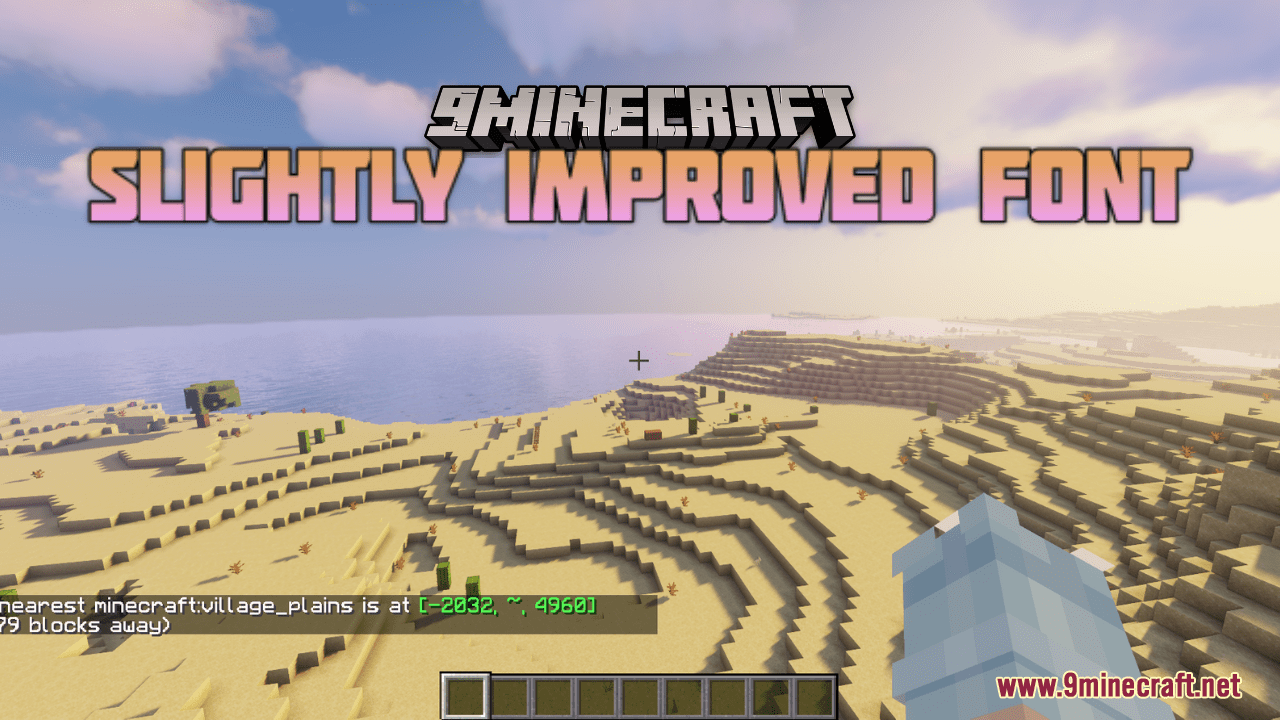
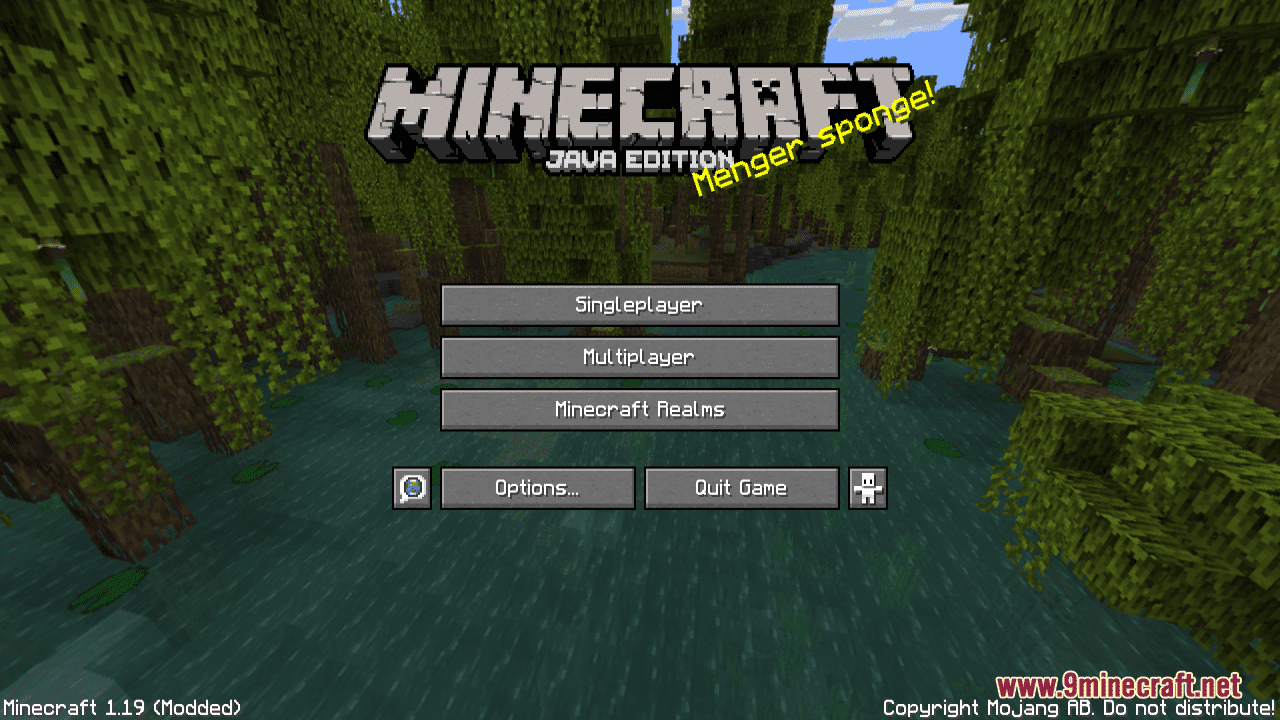
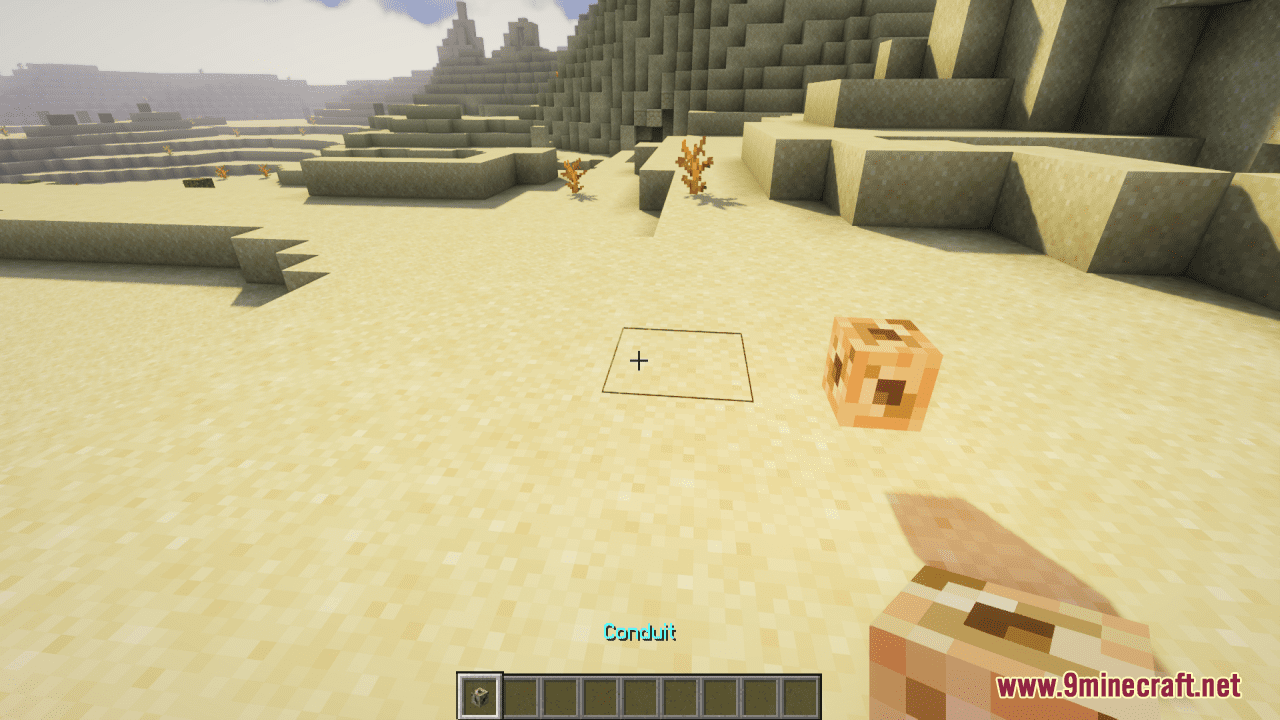
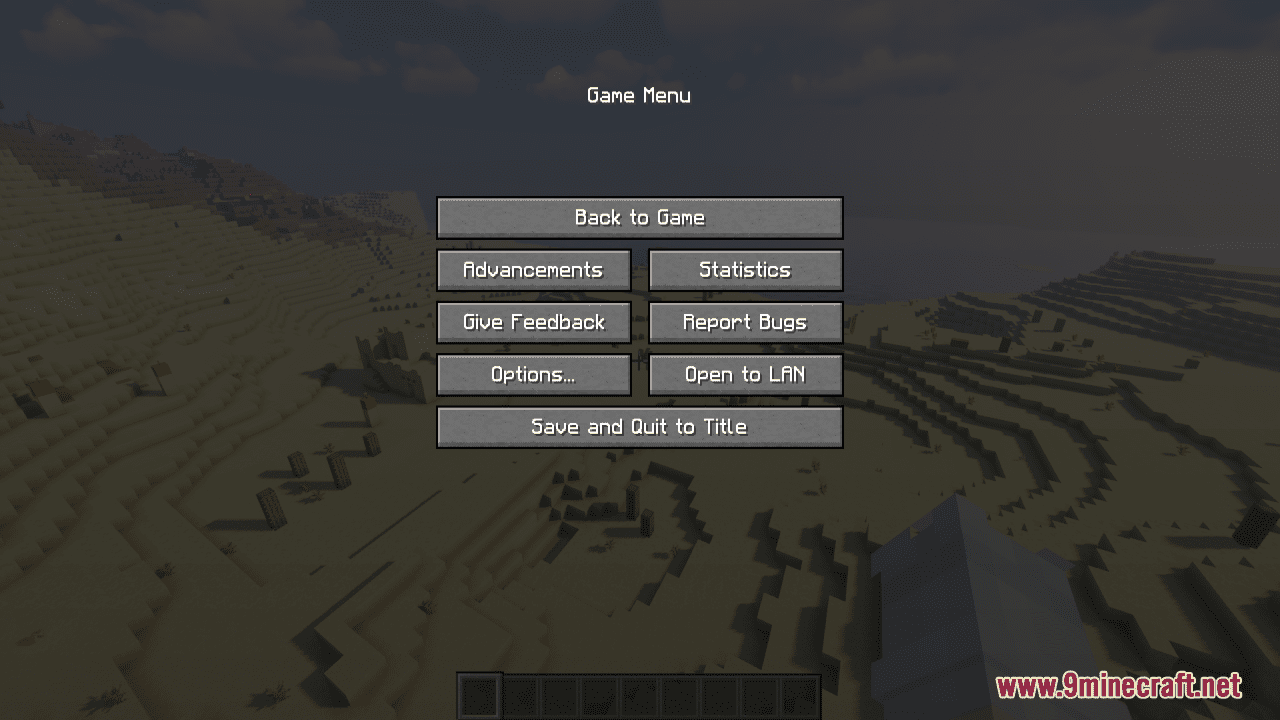
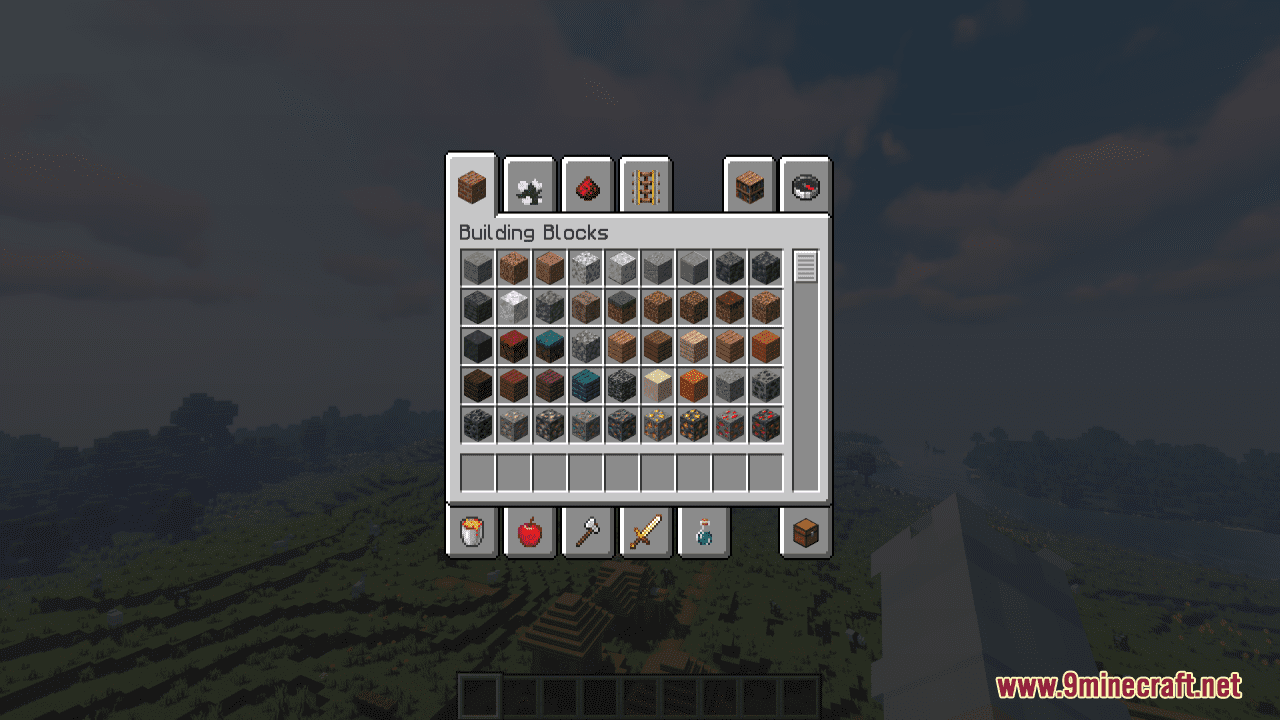
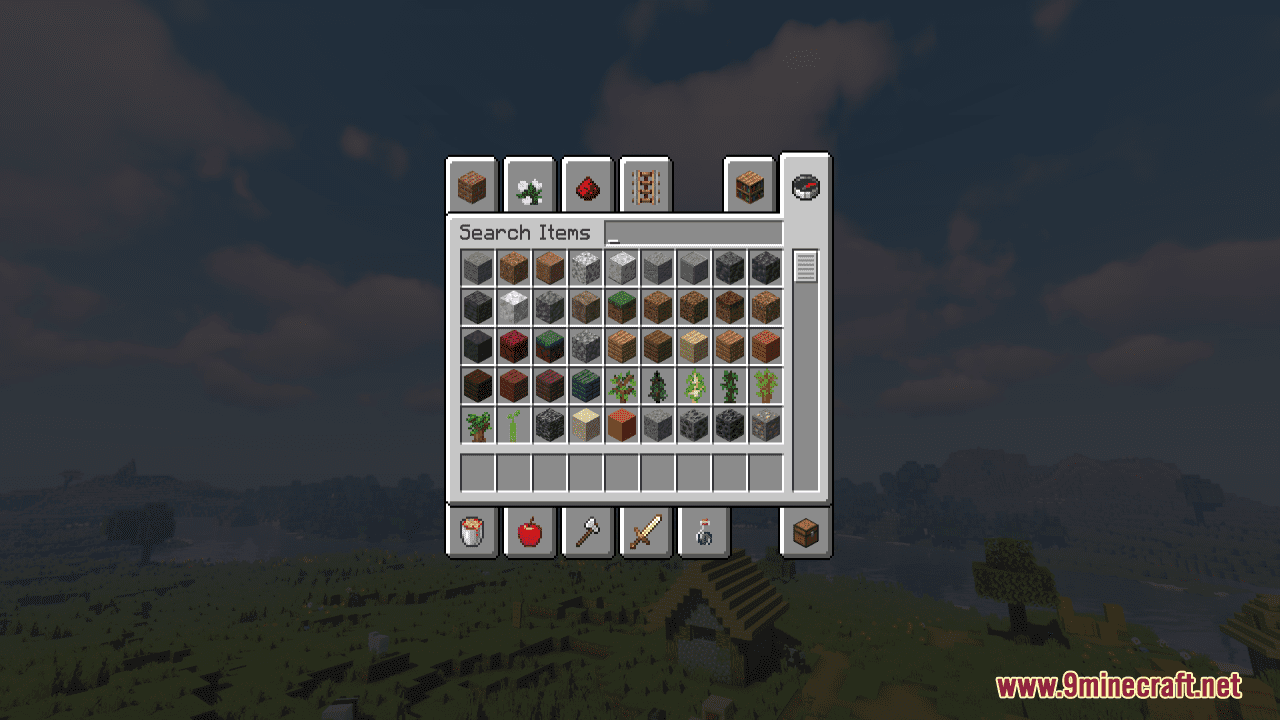
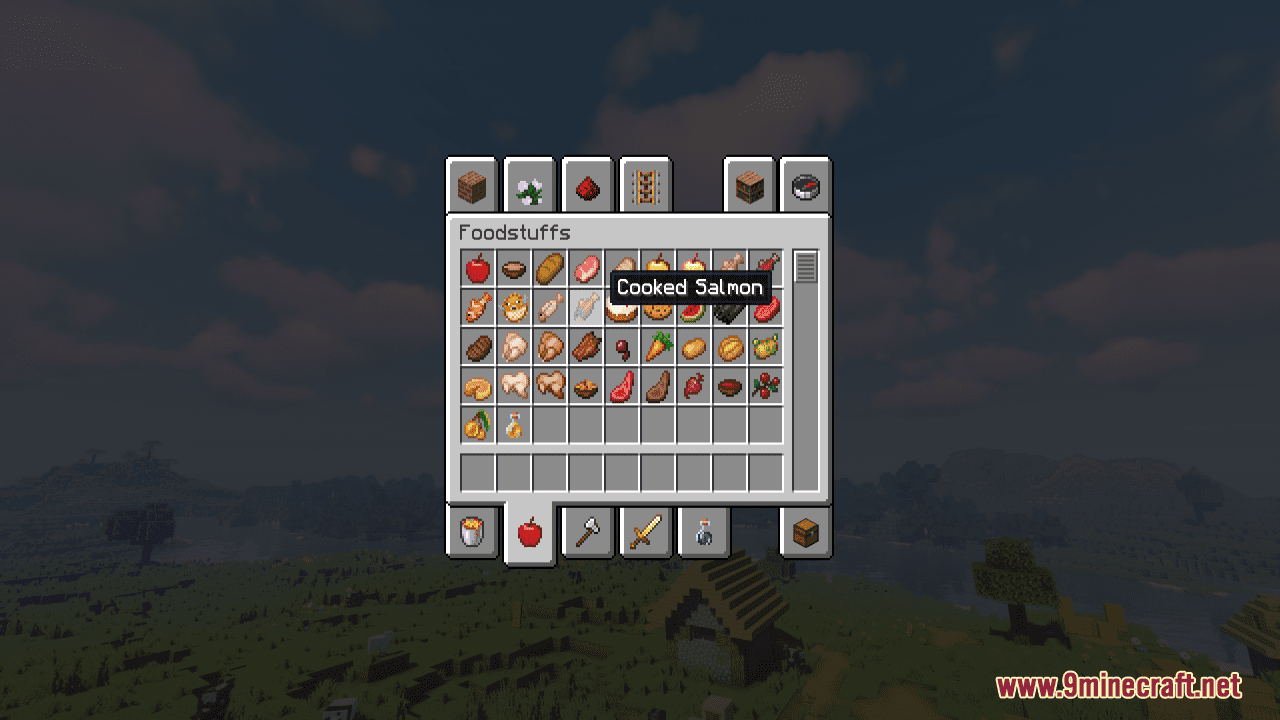
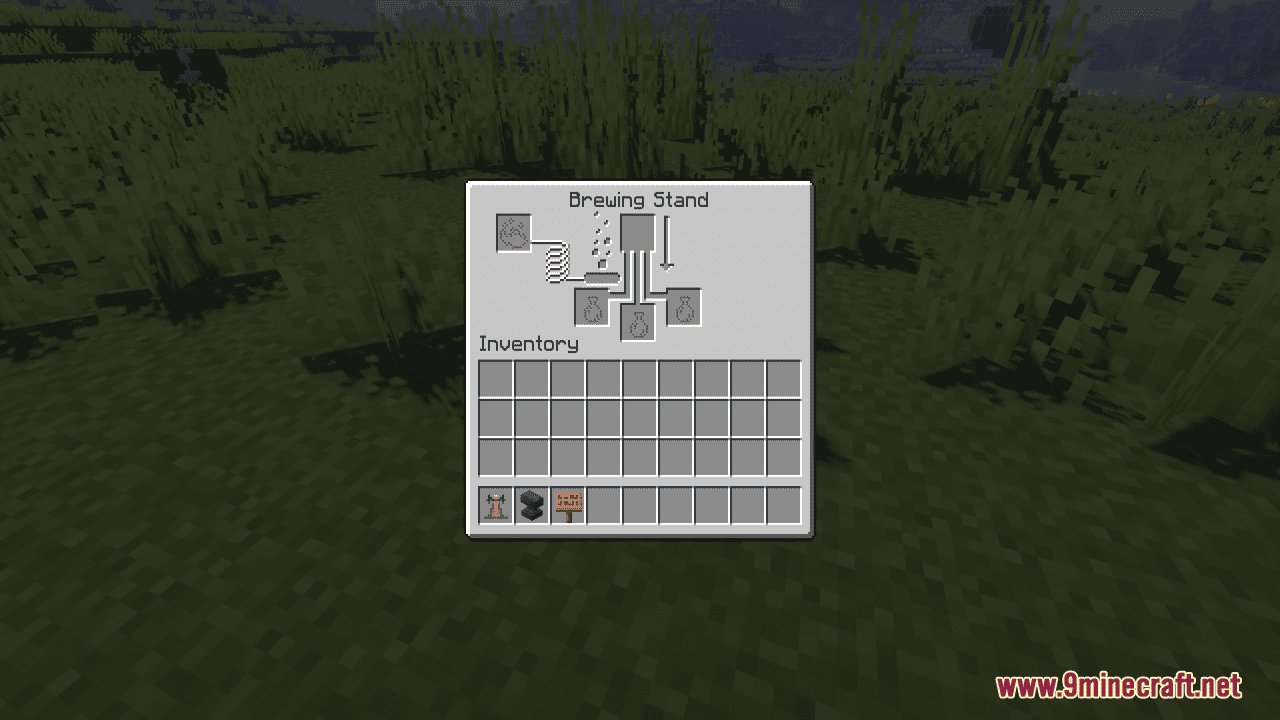
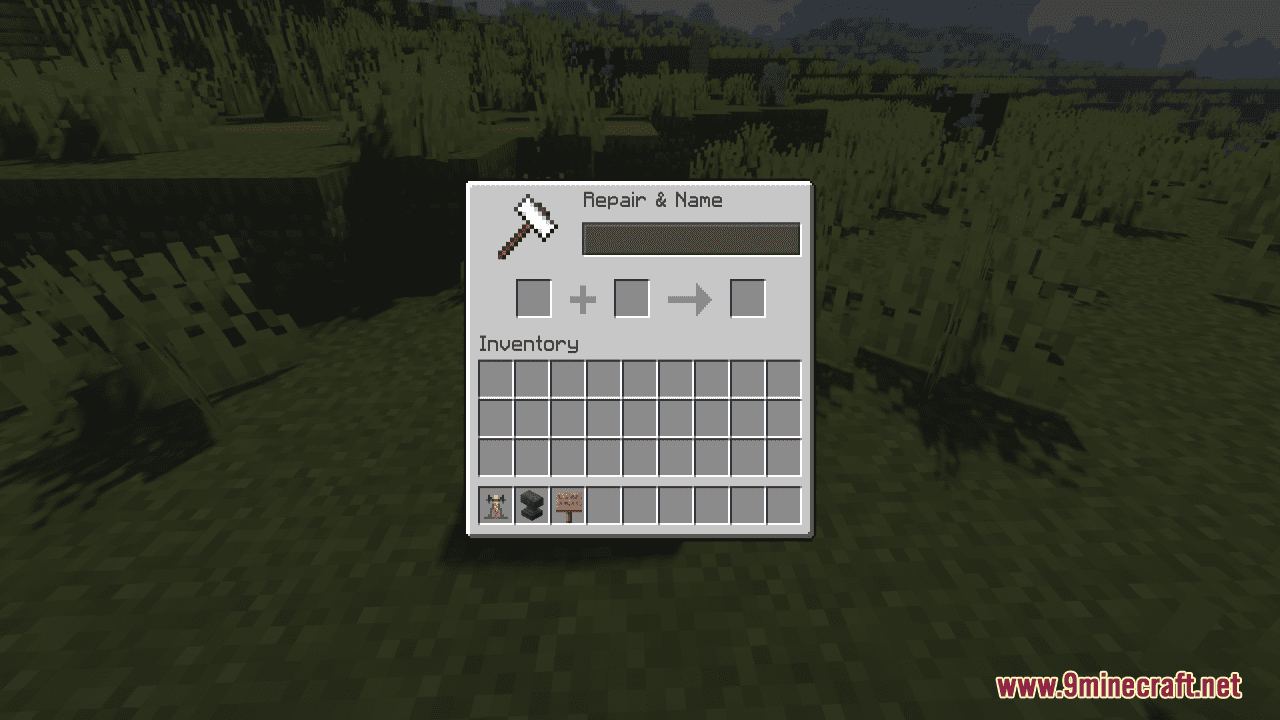
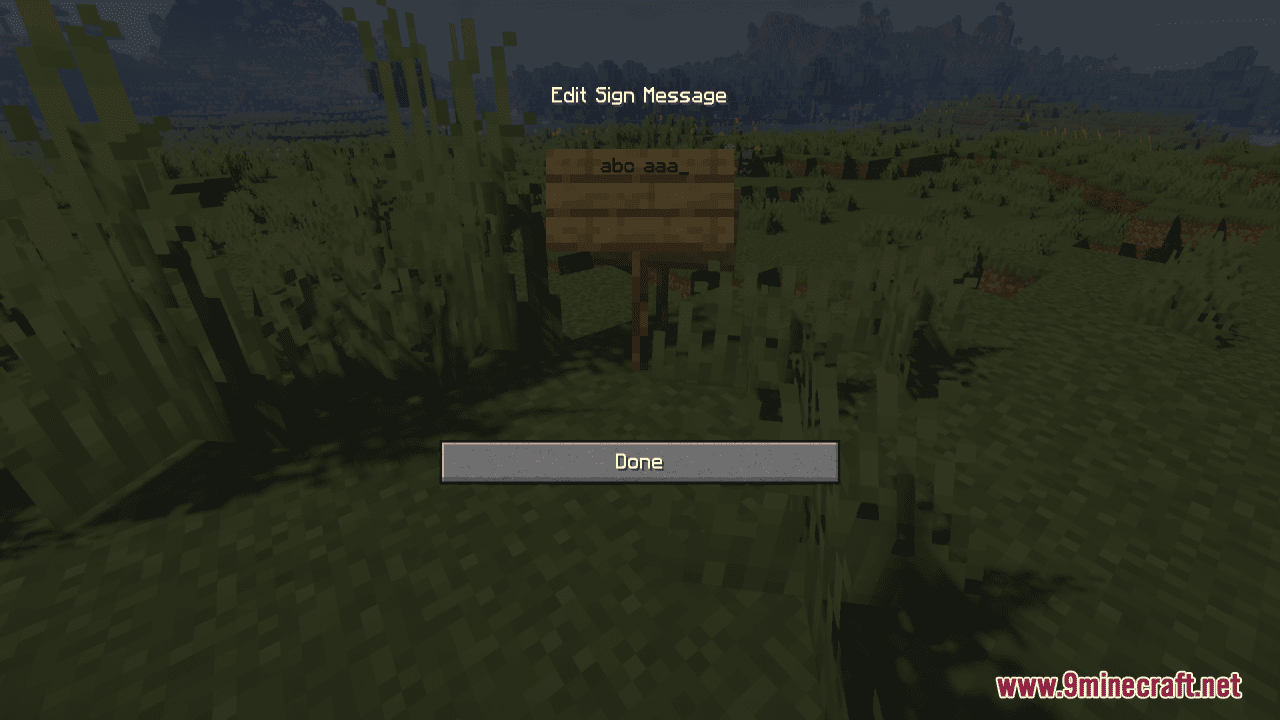
Yes, the font pack replaces the default font across all screens including chat, inventory, signs, and GUIs since it modifies the base font texture.
Can I use this with other resource packs?
Yes, you can combine it with other packs by loading them together in your Resource Packs menu—just make sure this font pack is positioned correctly in the load order depending on what other packs modify.
Does this support special characters and symbols?
The pack supports all plain ASCII characters and symbols, which covers standard English text, numbers, and common punctuation marks.
See all 10 Slightly Improved Font questions ›
Gallery
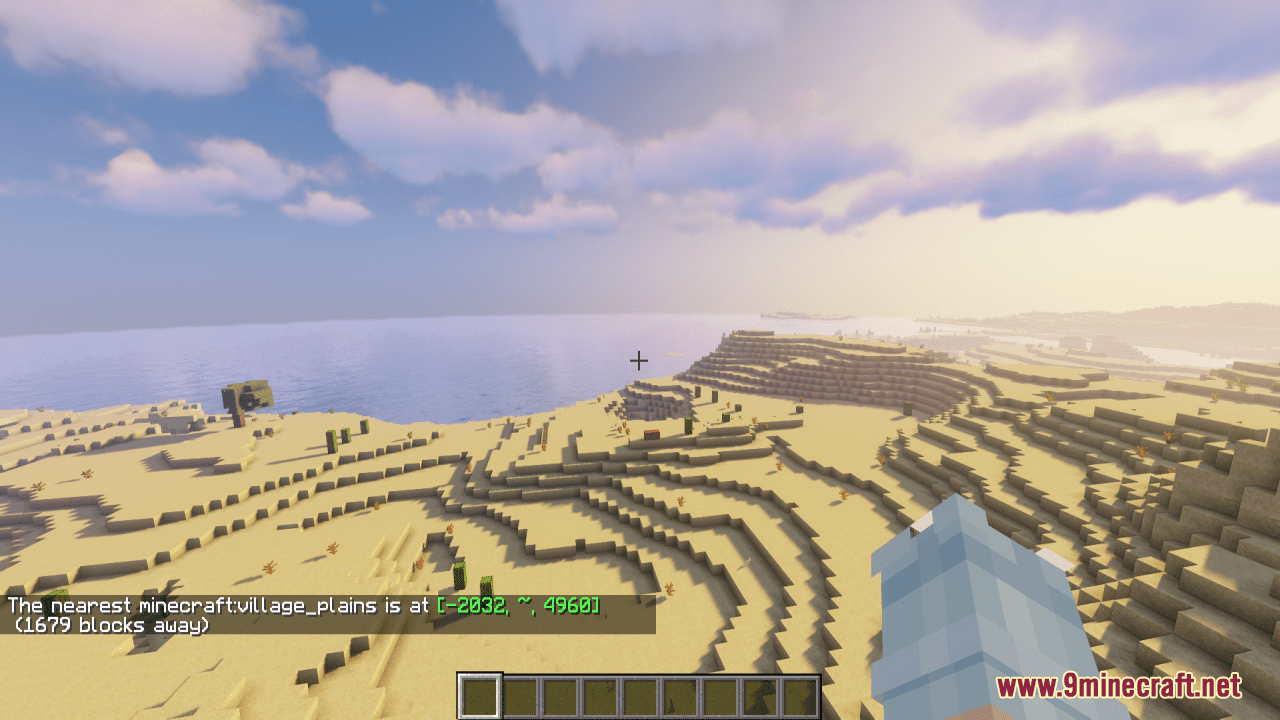
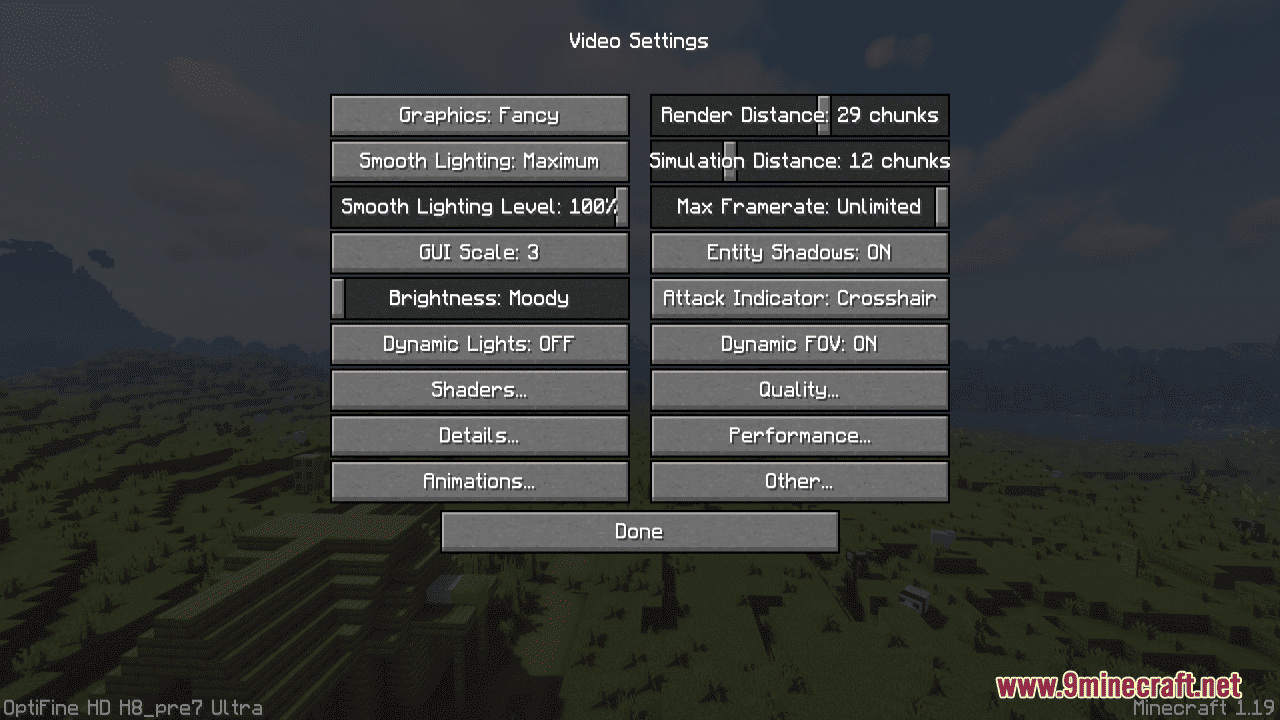
12 images from the Slightly Improved Font Resource Pack page.
You May Also Like
Wikis that share the most with this one
 Smooth Font
Wikis on the same theme: end
UltimacraftShaded Font Resource PackVibrant Pbr Resource PackMatralys 16X Resource PackX-Ray Vision Resource PackLiving Dragon Resource PackNew End Stone Resource Pack3d Entity Eggs Resource PackCapeless Wings Resource PackShield by Side Resource PackA7Mds 3D Potions Resource PackAuthentic Shadows Resource Pack
More resource pack wikis on the site
Sleek Commuter Textures Resource PackSkyblock Dark UI Resource PackSky Inventory Background Resource PackSky Anime Resource PackSkinframe Elite Resource PackSkin Totem 3D Edition Resource PackSimply Wool Pack Resource PackSimply Concrete Pack Resource PackSimplistic GUI Resource PackSimplistic Armor Resource PackSimplecraft X16 Resource PackSimple Rustic Glass Resource Pack
The most downloaded mods that have a wiki here
A few wikis from each of the other kinds