

 DownloadSkyblock Dark UI Resource Pack
Get the files on 9Minecraft
Guides
Step-by-step, in-game.
Combining Skyblock Dark UI With Shaders and Other HUD PacksWhat Plays Nicely Together Skyblock Dark UI edits GUI textures (menus, buttons, hotbar, health/hunger, XP bar).…How to Enable Skyblock Dark UI Without Breaking Your Other Texture PacksUnderstanding the Load Order Skyblock Dark UI only touches GUI textures, so it plays nicely with packs that change…Making Skyblock Dark UI Readable on Low-Brightness MonitorsWhy Dark UI Can Look Muddy A dark interface shines in dim rooms, but on a low-brightness or poorly calibrated monitor…Using Skyblock Dark UI on a Skyblock Server Without Losing the ThemeServer-Side Reality Check Resource packs are client-side only . Skyblock Dark UI changes what *you* see; it does not…
Frequently asked questions
How do I turn on the dark UI after installing the pack?
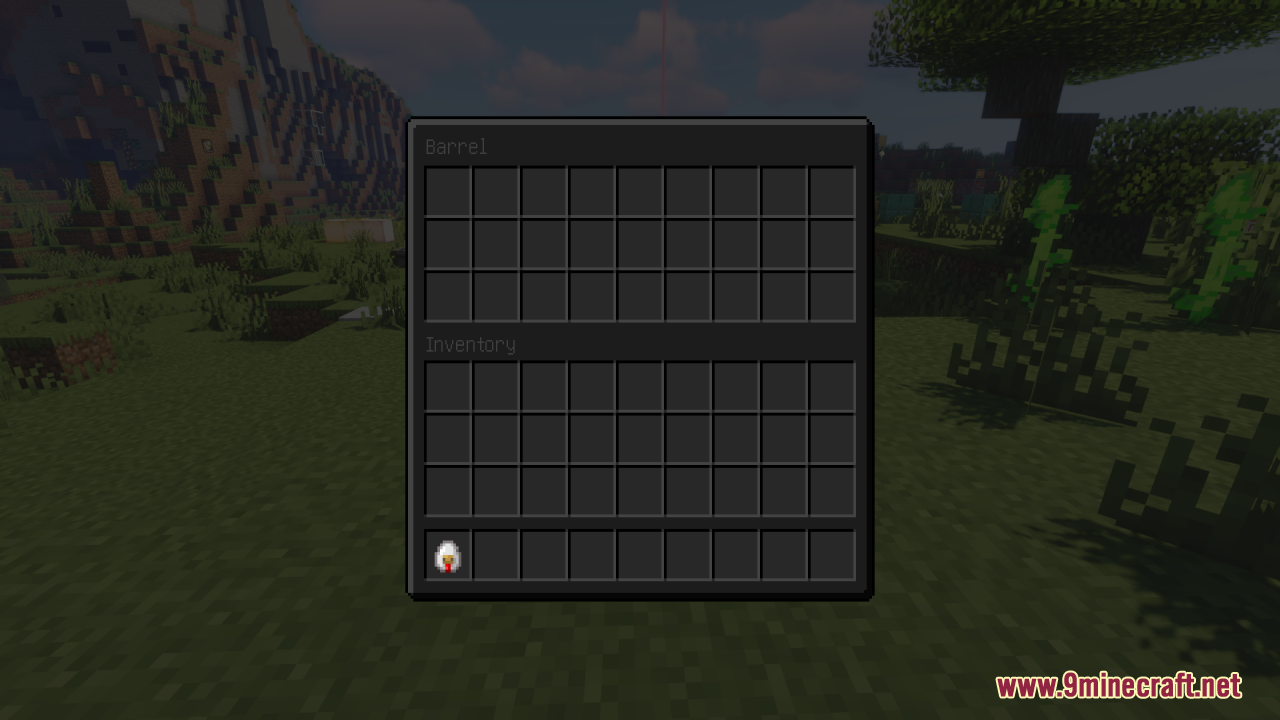
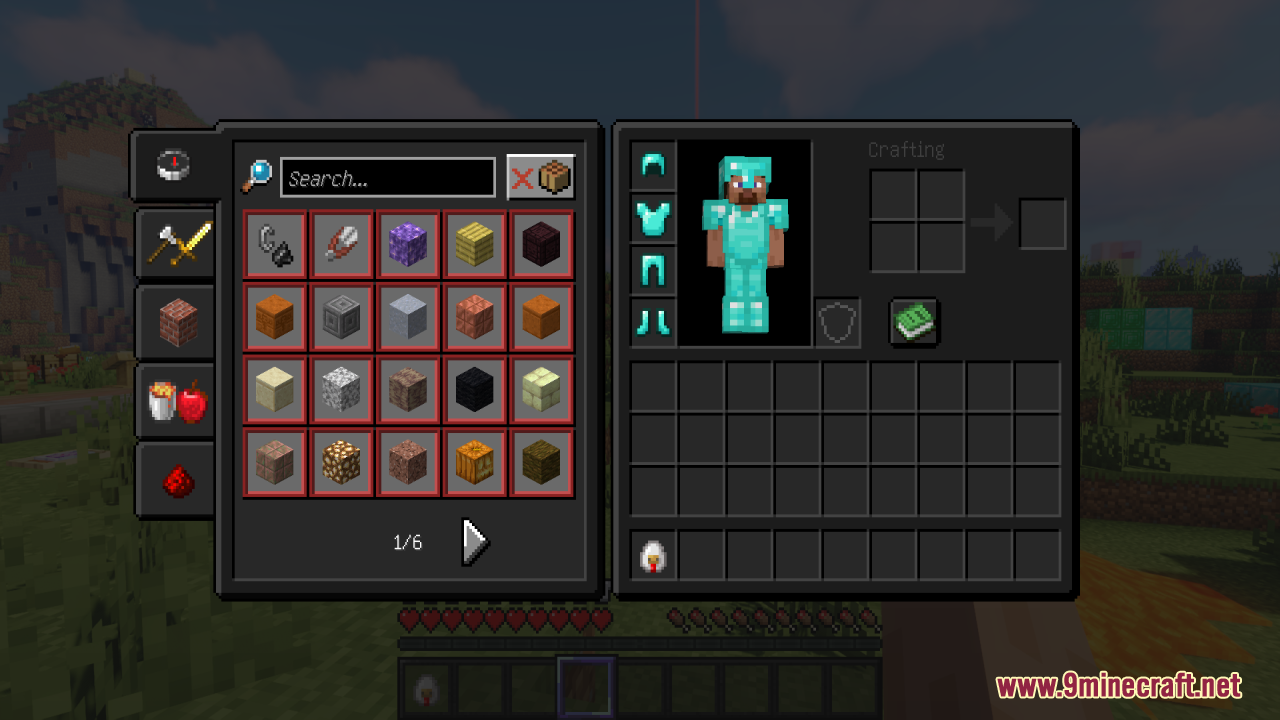
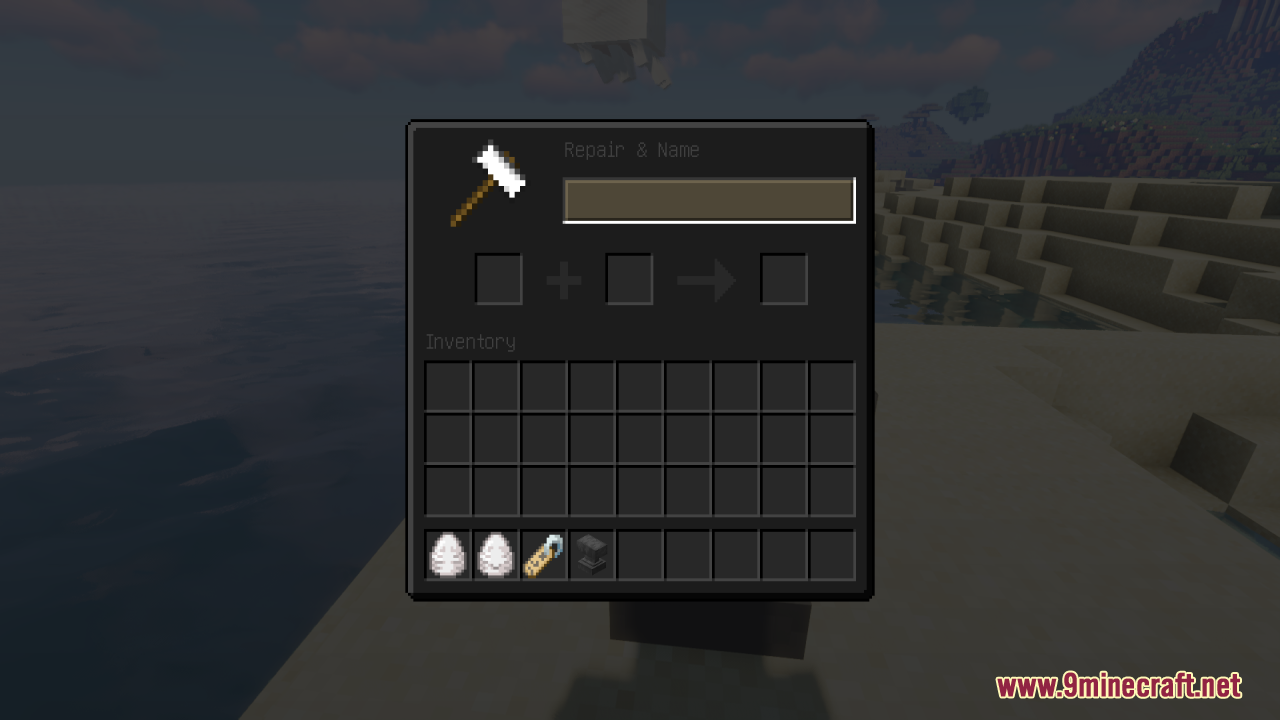
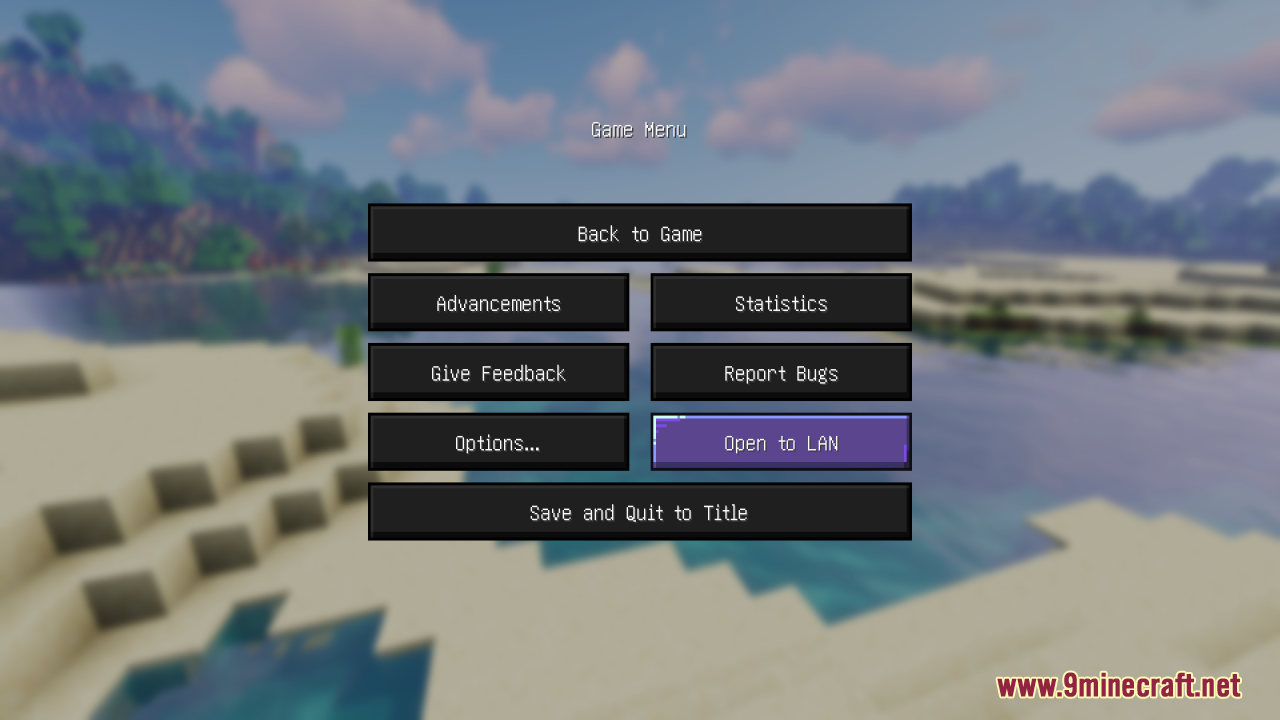
Open Options, then Resource Packs, and move Skyblock Dark UI from the left column to the right column so it sits above any pack you want it to override. Click Done and the menus, hotbar, and HUD should switch to the dark theme immediately.
Why is only part of my UI dark and the rest still vanilla?
Another resource pack is loading above Skyblock Dark UI and overwriting those specific textures. Drag Skyblock Dark UI to the top of the selected list, or remove the conflicting pack, so its GUI files take priority.
Does this pack change my blocks, items, or gameplay?
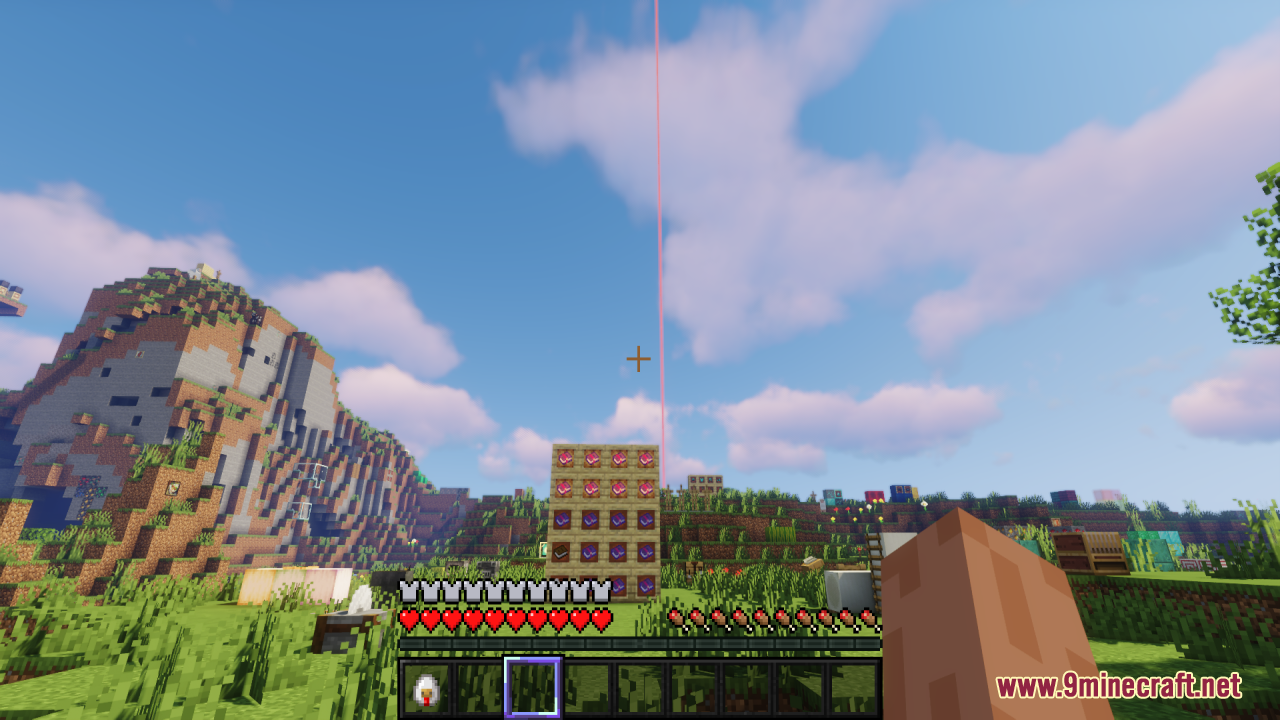
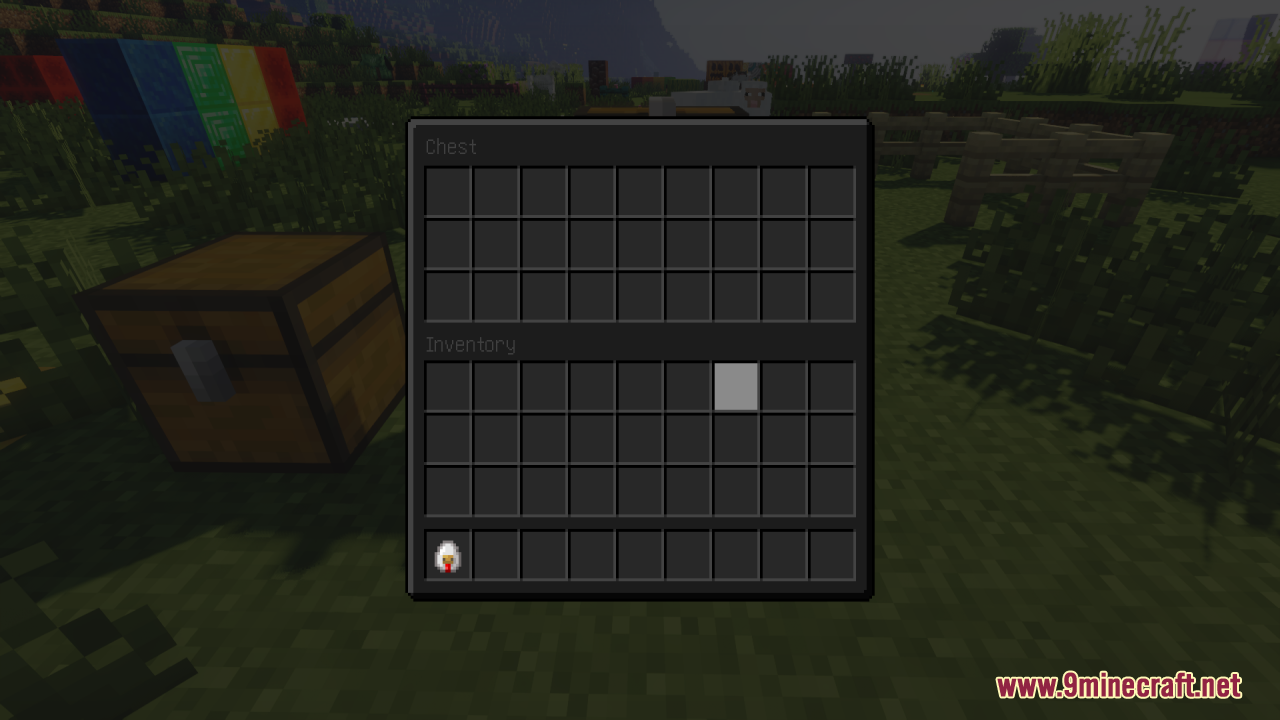
No, it only replaces GUI and HUD textures, so blocks, items, mobs, and mechanics stay exactly the same. You can add or remove it at any time without affecting your world or inventory.
Can I use Skyblock Dark UI together with a full texture pack like a 32x or 64x pack?
Yes, as long as the other pack doesn't heavily retexture the GUI. Place Skyblock Dark UI above the full pack so its dark menus win, and the higher-resolution blocks and items from the other pack still show through.
See all 10 Skyblock Dark UI questions ›
Gallery
11 images from the Skyblock Dark Ui Resource Pack page.
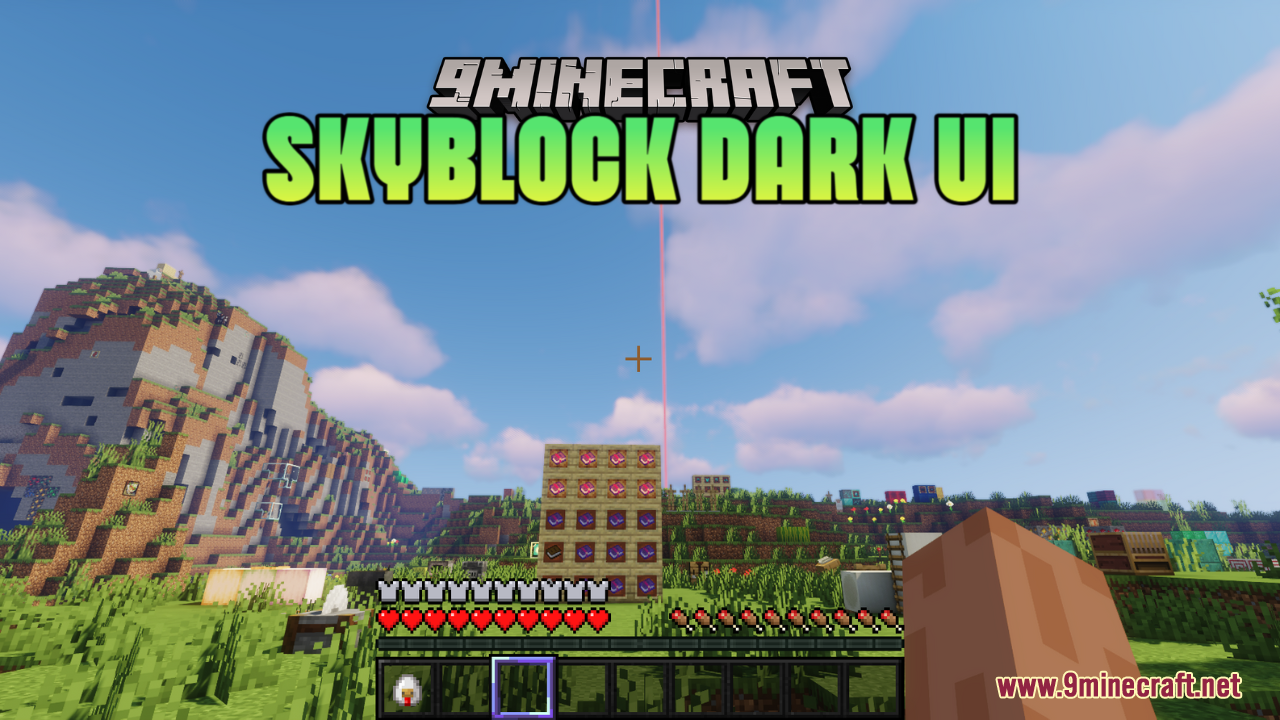
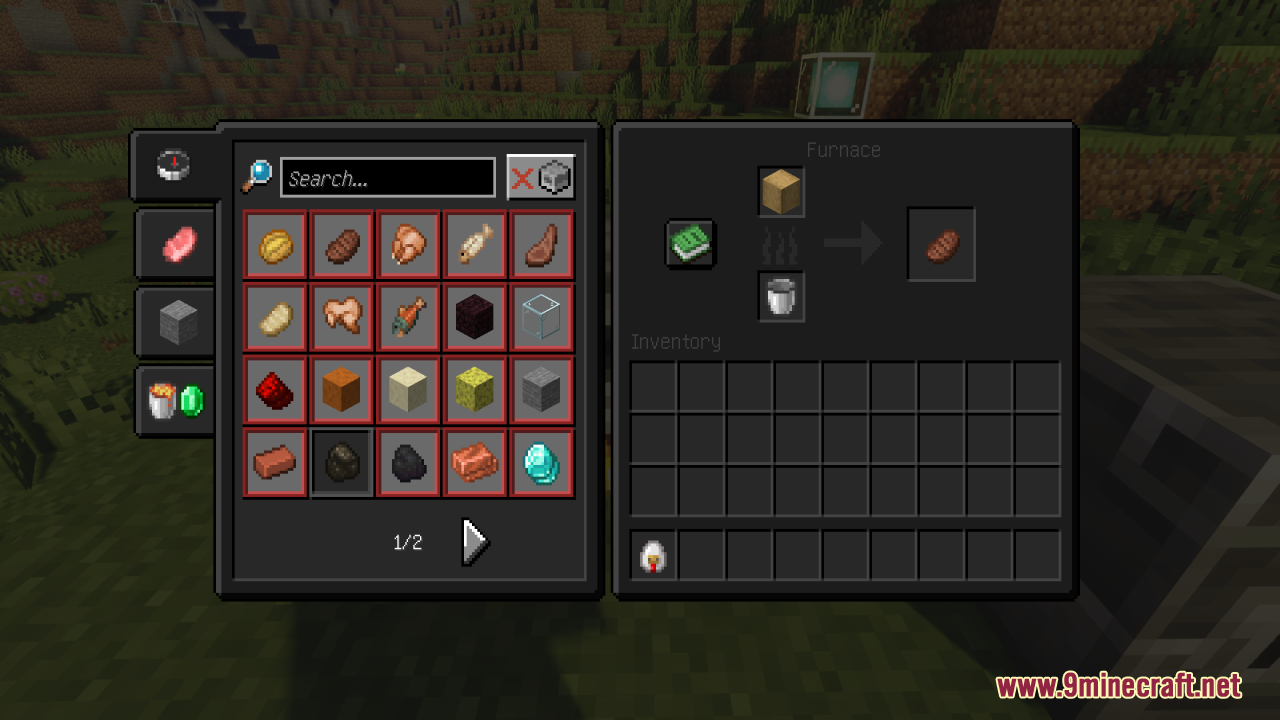
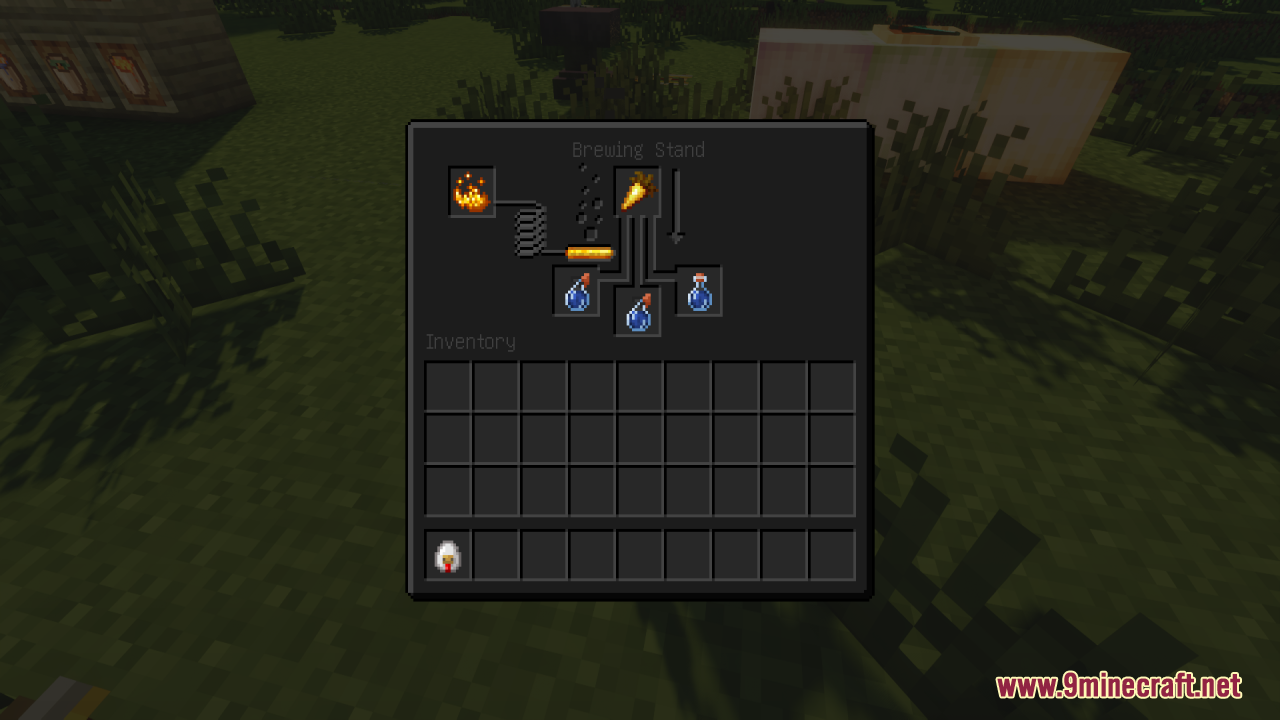
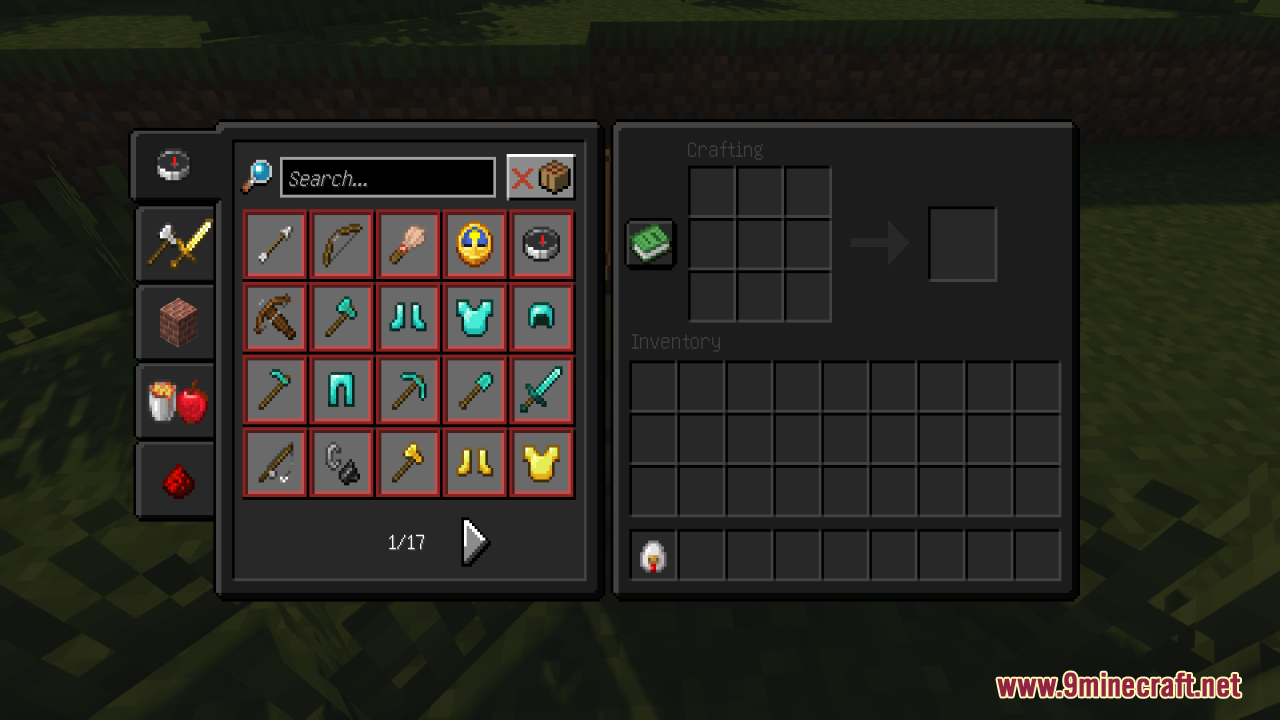
You May Also Like
Wikis that share the most with this one
More resource pack wikis on the site
Sky Inventory Background Resource PackSky Anime Resource PackSkinframe Elite Resource PackSkin Totem 3D Edition Resource PackSimply Wool Pack Resource PackSimply Concrete Pack Resource PackSimplistic GUI Resource PackSimplistic Armor Resource PackSimplecraft X16 Resource PackSimple Rustic Glass Resource PackSimple Realistic Resource PackSimple Outlined Ores Resource Pack
The most downloaded mods that have a wiki here
A few wikis from each of the other kinds