

 DownloadSlim Fire Resource Pack
Get the files on 9Minecraft
Guides
Step-by-step, in-game.
Maintain Immersion While Improving VisibilityBalancing Aesthetics and Practicality Some players worry that reducing the fire overlay will break Minecraft's visual…Optimize Your Resource Pack Setup for Maximum ClarityLoad Order and Conflicts Since Slim Fire Resource Pack modifies the fire overlay texture, its position in your…Reduce Fire Overlay Distraction During CombatWhy the Fire Overlay Matters in PvP When you're on fire during combat, the default Minecraft fire overlay can obscure…Use Fire Overlay Clarity for Nether ExplorationWhy the Nether is Dangerous The Nether is full of fire sources—lava, fire blocks, and flaming mobs. With a large fire…
Frequently asked questions
How do I enable the Slim Fire Resource Pack?
Load the resource pack through your Resource Packs menu in-game by selecting it from your available packs and moving it to the active list. The fire overlay will immediately appear slimmer once applied.
Does this pack work with other resource packs?
Yes, you can layer it with other packs by placing it higher or lower in your resource pack list depending on which effects you want to prioritize. If another pack also modifies fire textures, whichever is loaded first will take precedence.
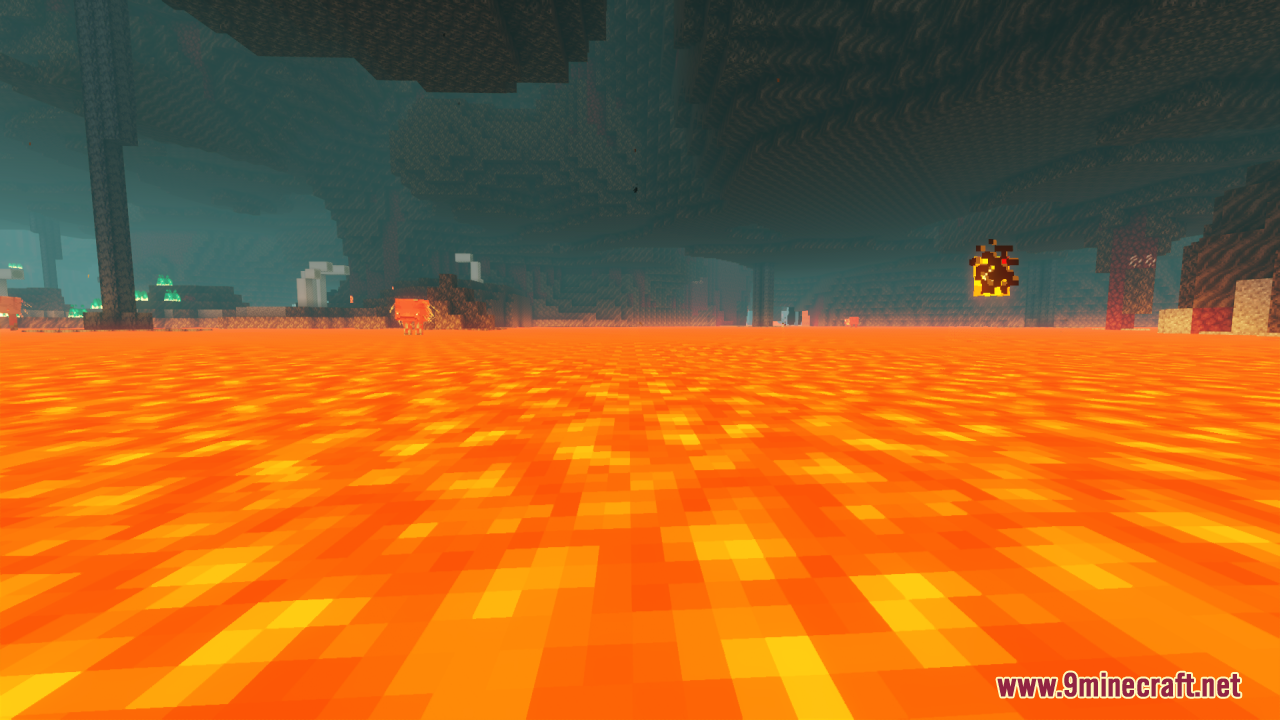
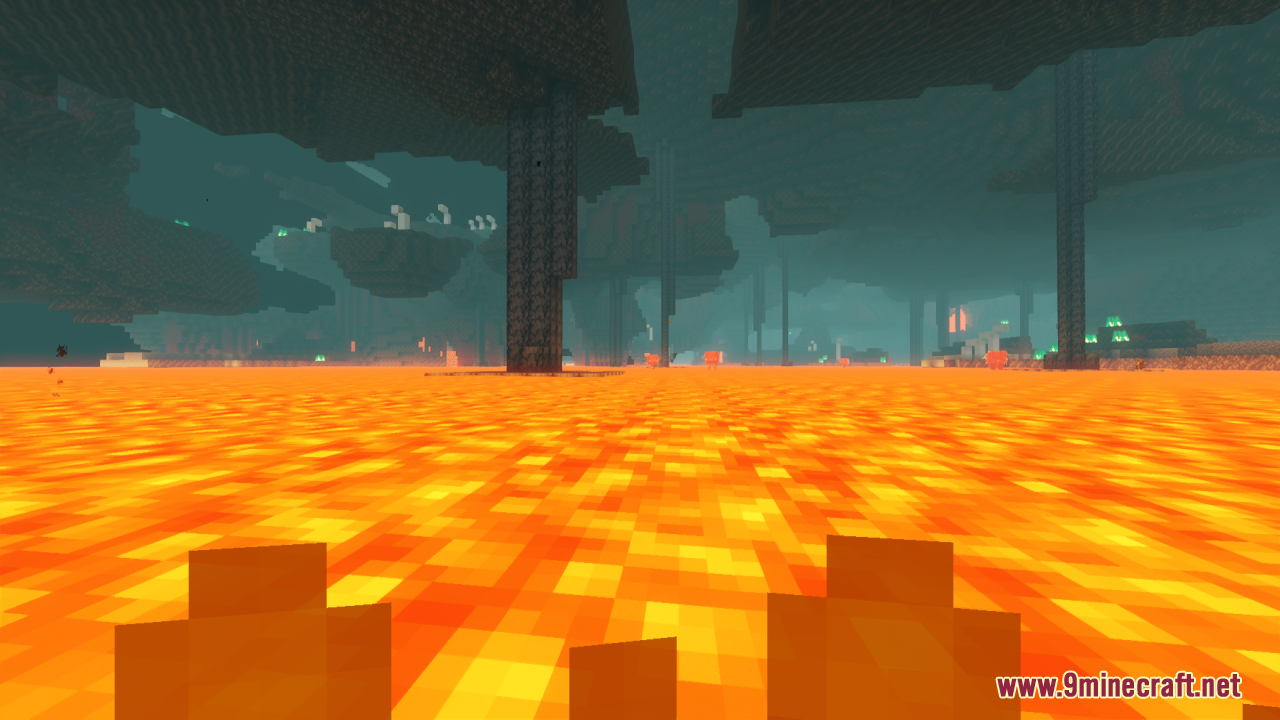
Will the slim fire effect work in the Nether?
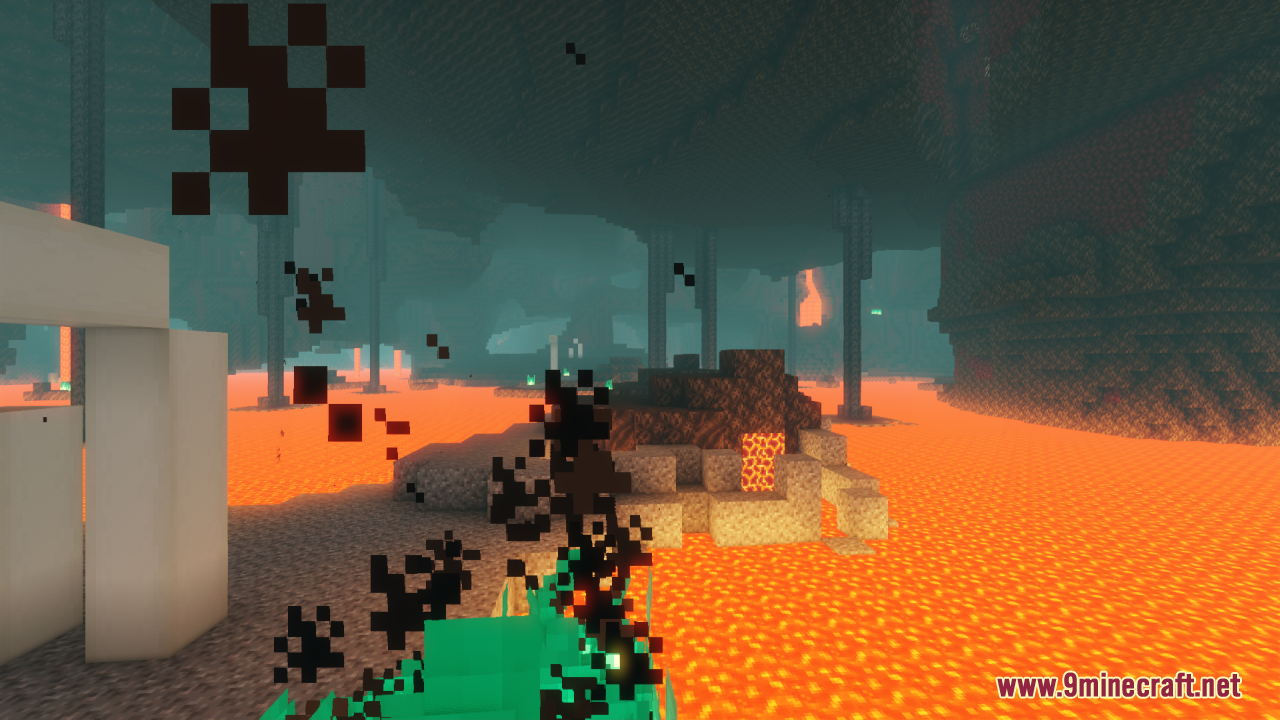
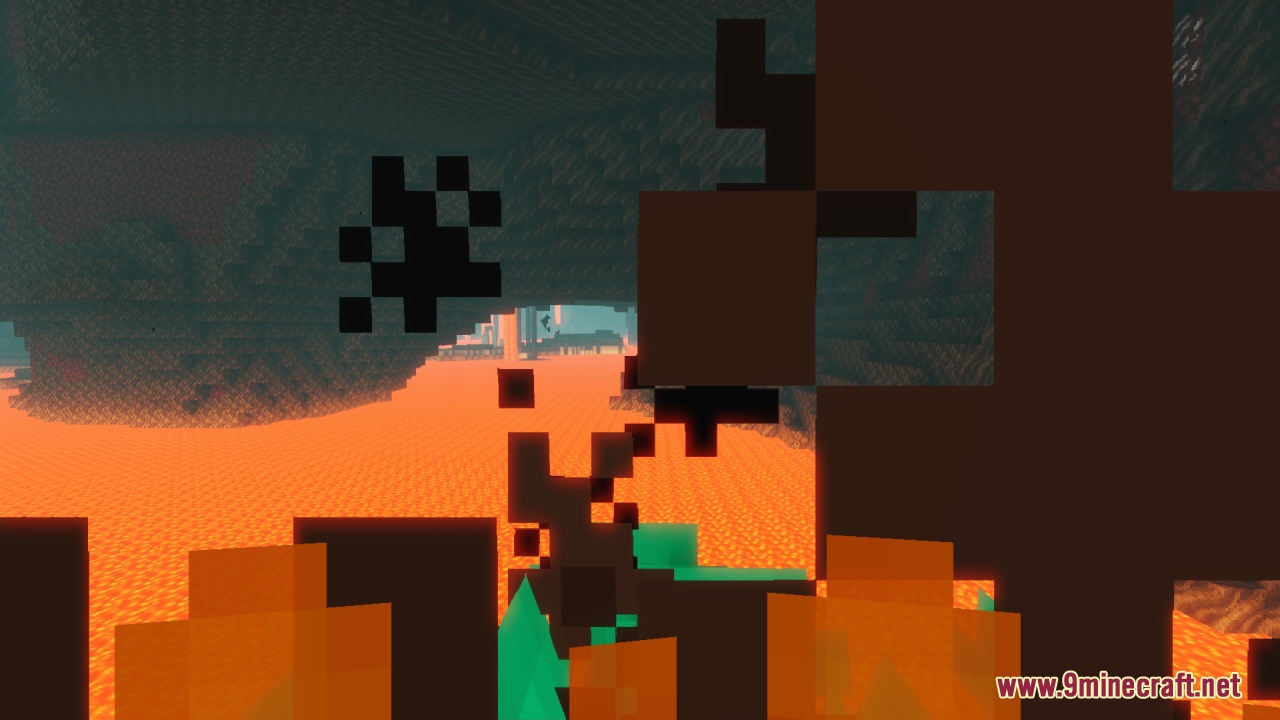
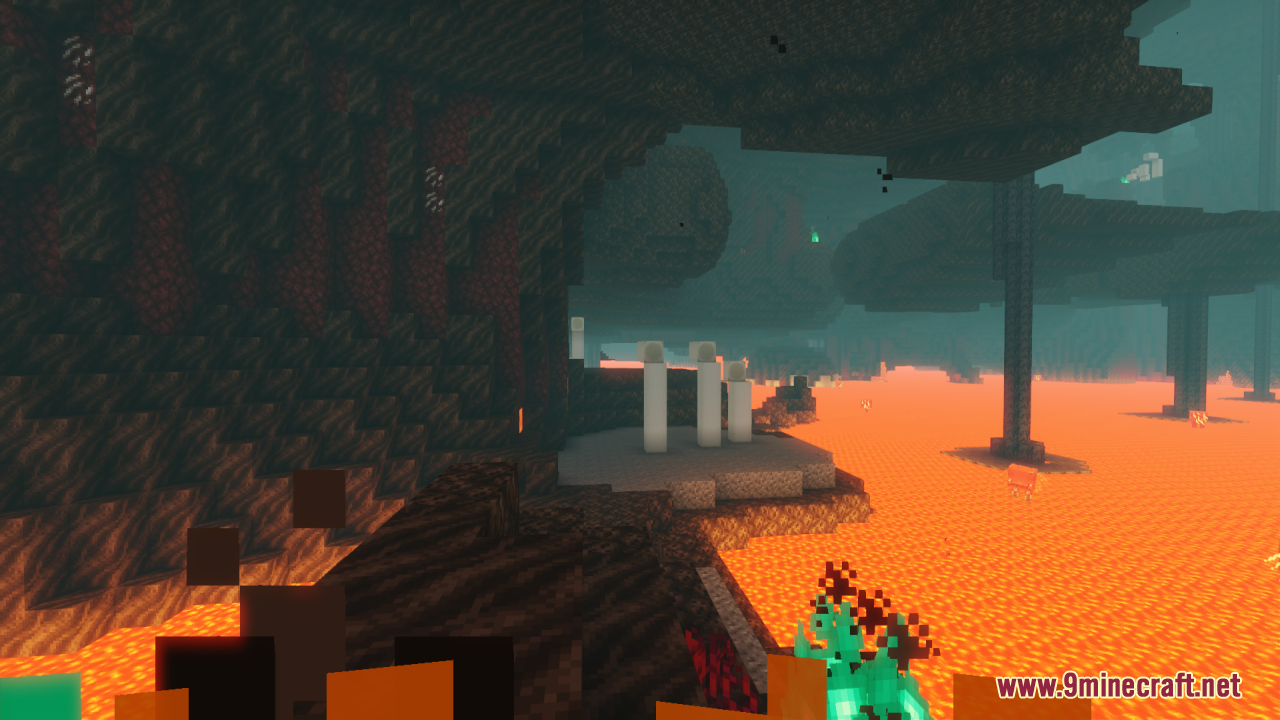
Yes, the reduced fire overlay applies everywhere, including the Nether, making it easier to navigate lava-heavy areas and see threats more clearly.
Can I still see when I'm on fire with this pack?
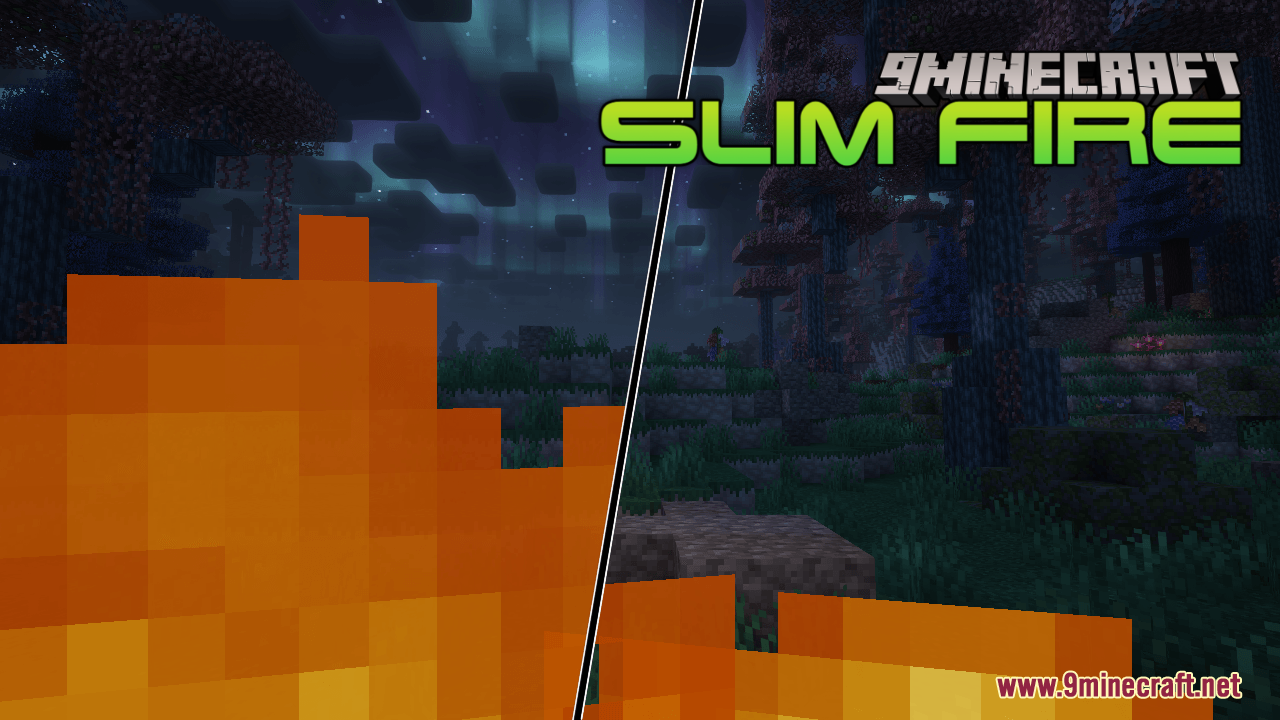
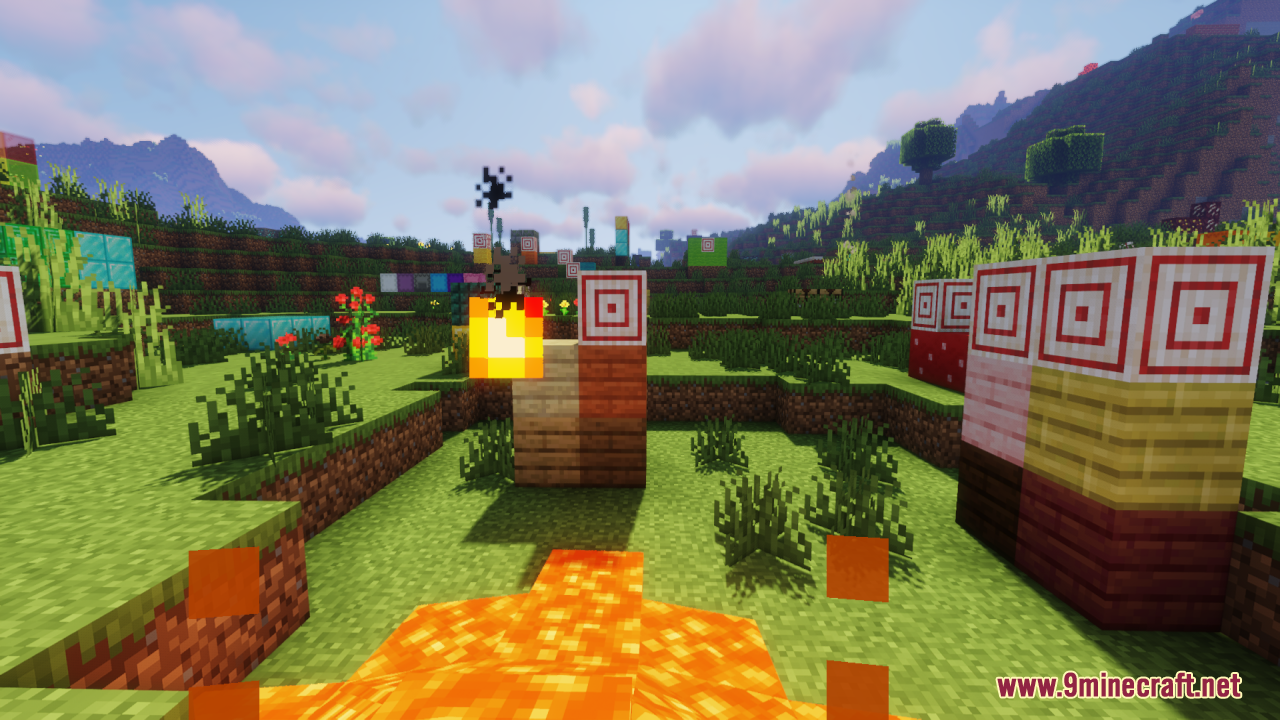
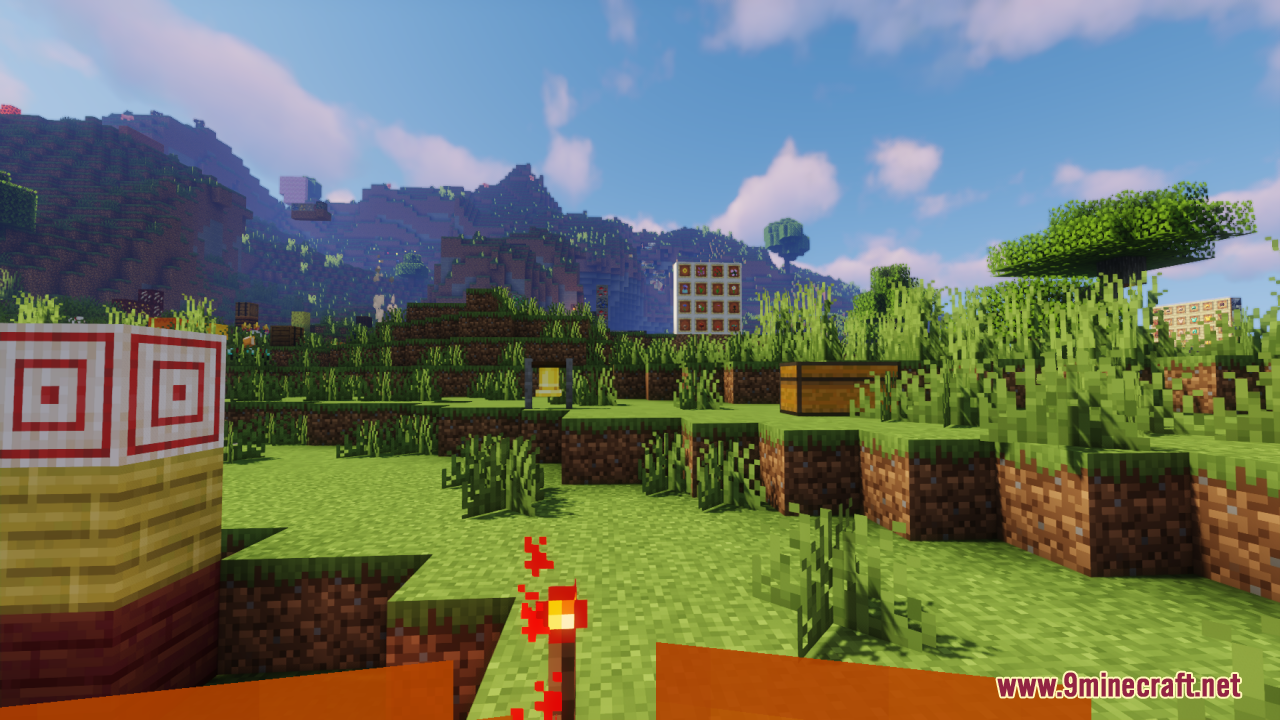
Absolutely—the fire effect is still visible and animated, just smaller and less visually overwhelming, so you'll still know you're taking damage without losing sight of your surroundings.
See all 10 Slim Fire questions ›
Gallery
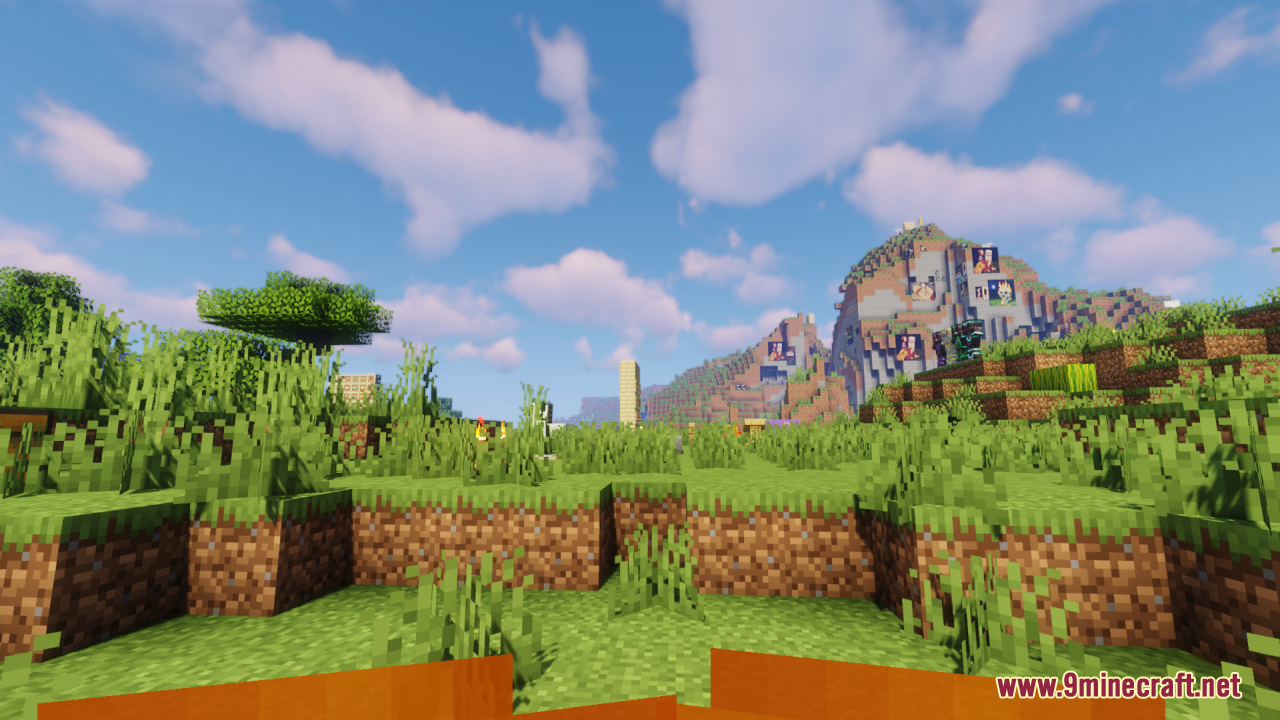
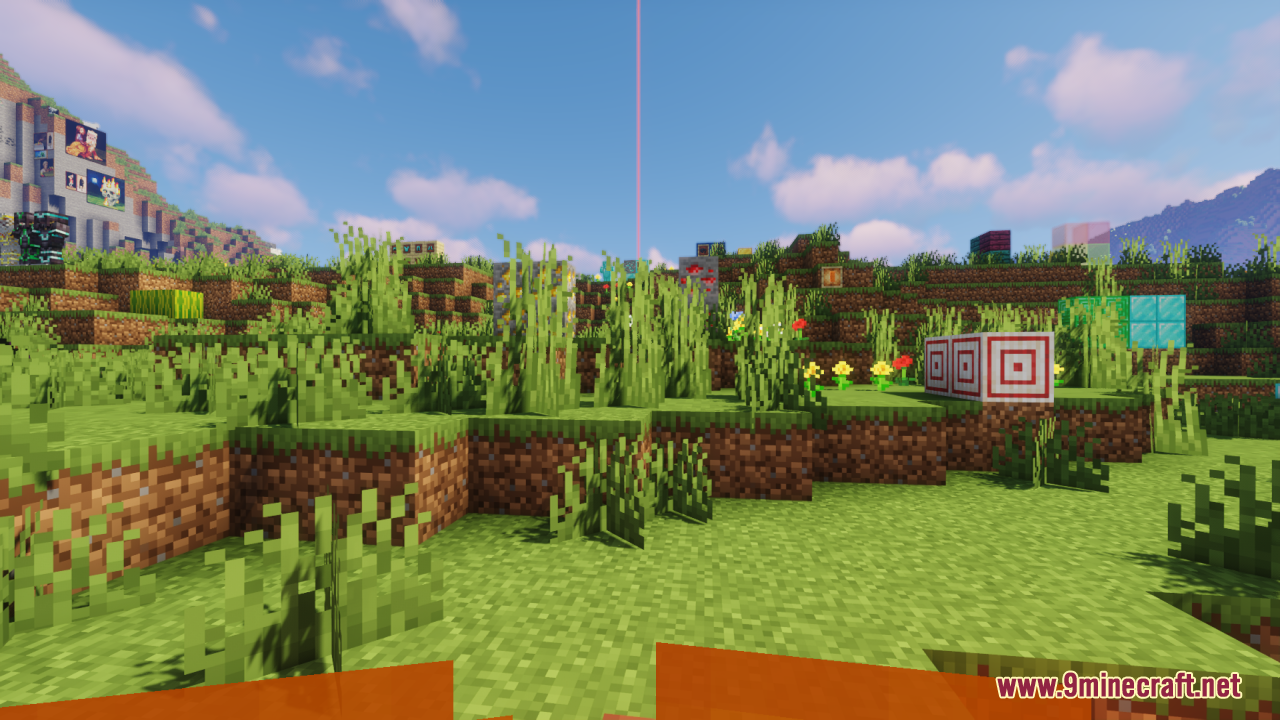
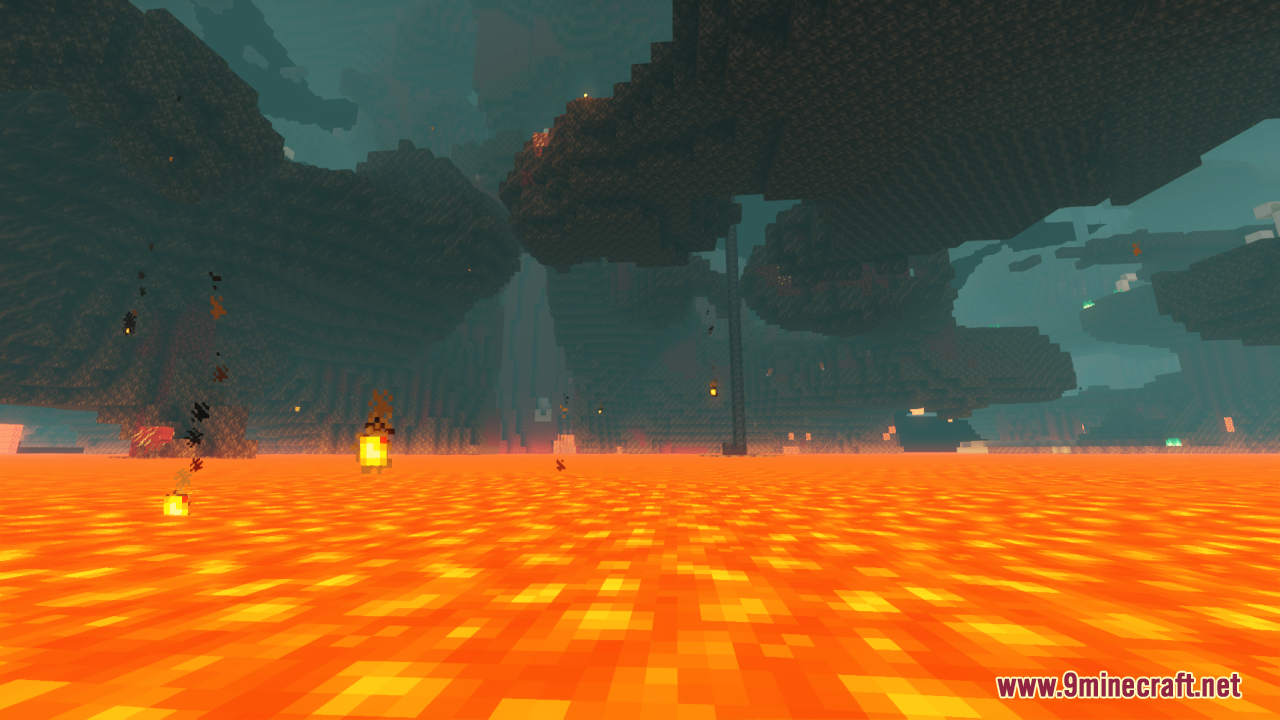
11 images from the Slim Fire Resource Pack page.
You May Also Like
Wikis that share the most with this one
Wikis on the same theme: ore
More resource pack wikis on the site
Slightly Improved Font Resource PackSleek Commuter Textures Resource PackSkyblock Dark UI Resource PackSky Inventory Background Resource PackSky Anime Resource PackSkinframe Elite Resource PackSkin Totem 3D Edition Resource PackSimply Wool Pack Resource PackSimply Concrete Pack Resource PackSimplistic GUI Resource PackSimplistic Armor Resource PackSimplecraft X16 Resource Pack
The most downloaded mods that have a wiki here
A few wikis from each of the other kinds