

 DownloadFire Hud Mod
Get the files on 9Minecraft
Guides
Step-by-step, in-game.
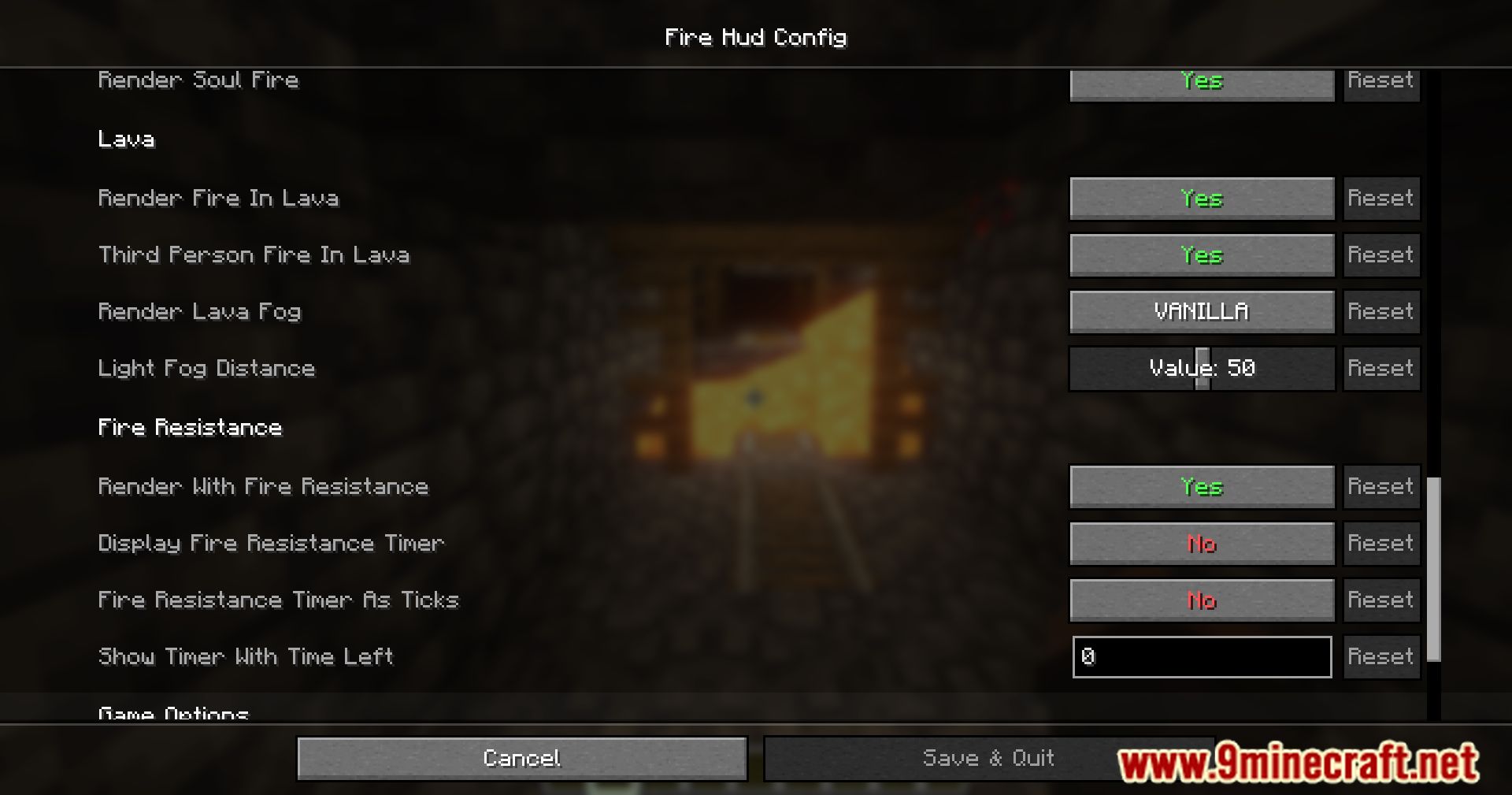
Configure Fire Resistance Timer DisplayAccessing Timer Settings Open your mod configuration menu (usually accessible via the mods screen or a dedicated…Customize Vanilla Fire RenderingDisable Vanilla Fire Overlay If you find the standard orange fire overlay distracting or obstructive, navigate to the…Improve Visibility When Underwater or in LavaReduce Lava Fog Distance When submerged in lava, the game applies heavy fog that severely limits visibility. Access…Monitor Fire Resistance Duration During CombatTrack Potion Effect Timing The fire resistance timer displays exactly how much time remains on your fire resistance…
Frequently asked questions
Where does the fire resistance timer appear on my screen?
The timer displays on your HUD, typically in a customizable location that you can adjust in the mod's configuration settings. By default, it shows how many seconds remain on your active fire resistance effect.
How do I move the fire resistance timer to a different position?
Open the mod's configuration file and locate the position settings for the timer display. You can adjust the X and Y coordinates to place it wherever you prefer on your screen.
Can I make the vanilla fire effect less visible or remove it completely?
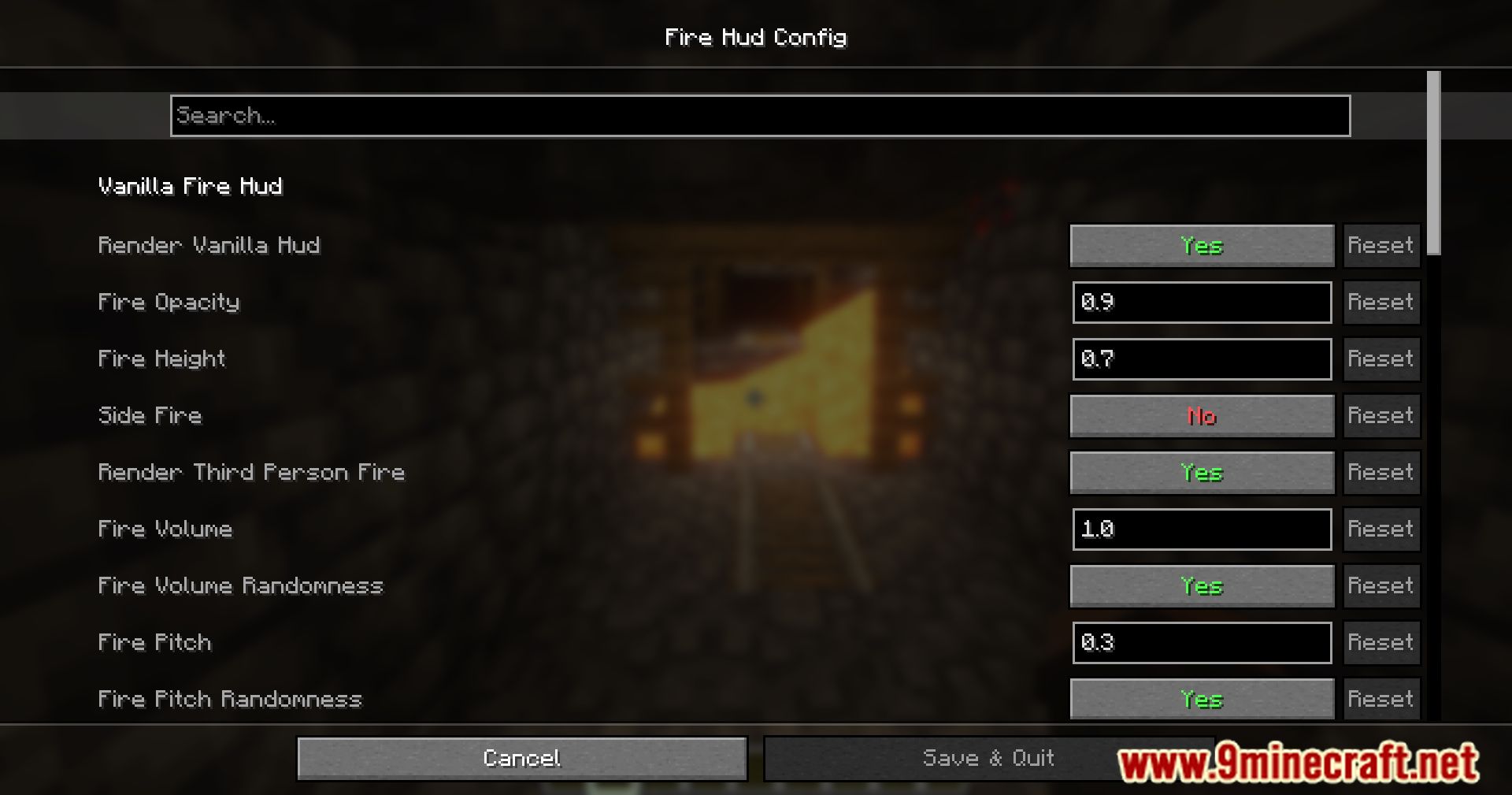
Yes—the mod lets you adjust the opacity of vanilla fire or disable it entirely through the configuration options. This is useful if you find the fire overlay distracting or if you prefer one of the alternative HUD designs.
What happens when I'm in soul fire instead of regular fire?
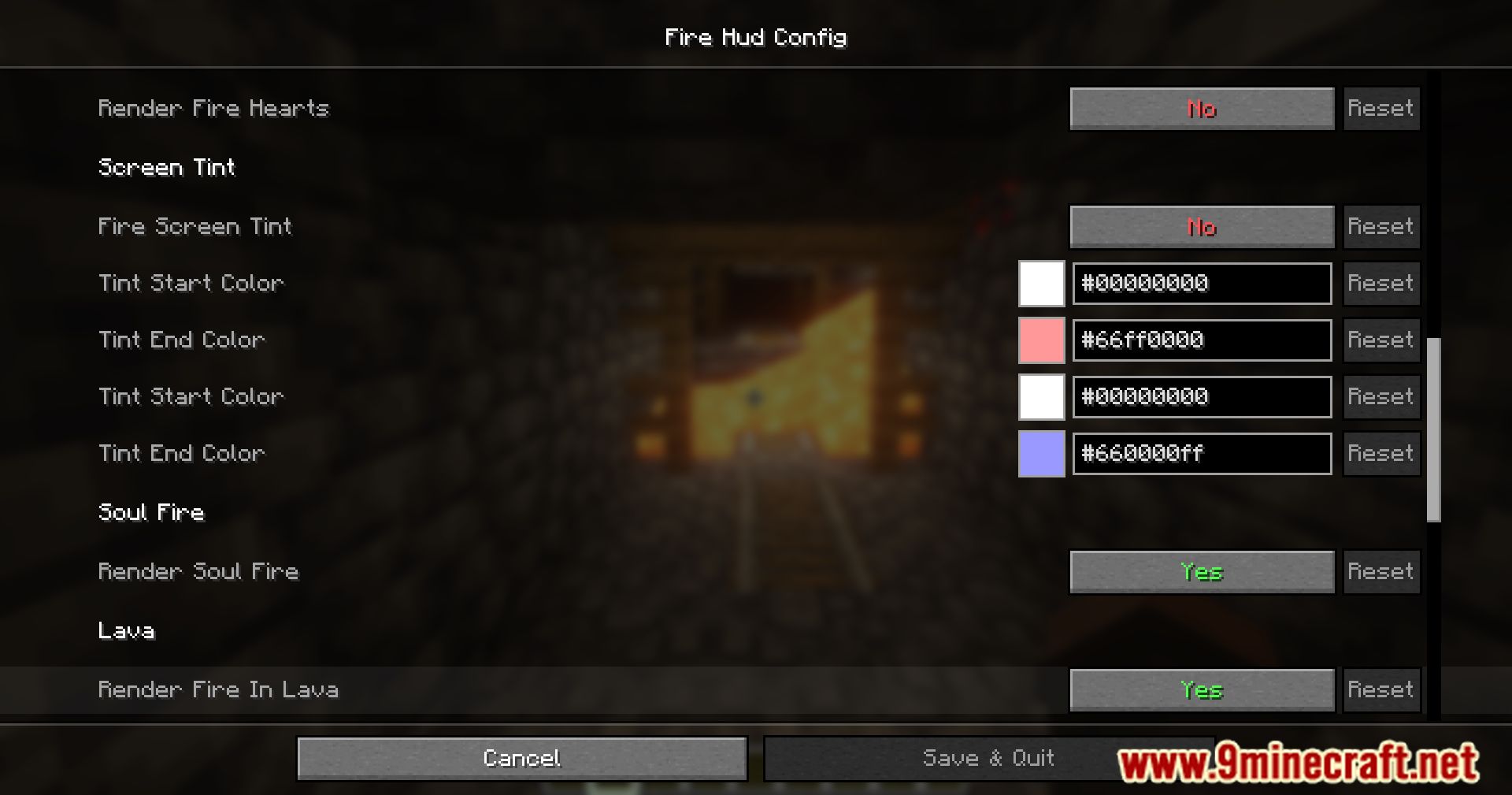
The mod displays soul fire with its own visual effect on your player model, and the fire resistance timer still tracks your protection duration. The HUD will reflect that you're in soul fire rather than normal orange fire.
See all 10 Fire Hud questions ›
Gallery
12 images from the Fire Hud Mod page.

You May Also Like
Wikis that share the most with this one
More mod wikis on the site
The most downloaded mods that have a wiki here
A few wikis from each of the other kinds