

 DownloadNo Pumpkin Blur Resource Pack
Get the files on 9Minecraft
Guides
Step-by-step, in-game.
Fixing the Pumpkin Blur Not Disappearing After Installing the PackConfirm the Pack Is Loaded Correctly If the blur is still showing, the most common cause is that the pack is not…How to Remove the Pumpkin Blur Effect in MinecraftWhat This Pack Actually Changes The No Pumpkin Blur resource pack targets one specific visual overlay: the dark,…Setting Up No Pumpkin Blur for PvP and Clean NavigationWhy It Matters for PvP In player-versus-player combat, screen clarity is everything. The pumpkin blur obscures your…Using a Carved Pumpkin as a Helmet Without Losing VisibilityWhy Wear a Pumpkin at All A carved pumpkin is a legitimate helmet. It can be worn on your head and provides a small…
Frequently asked questions
How do I turn off the pumpkin blur?
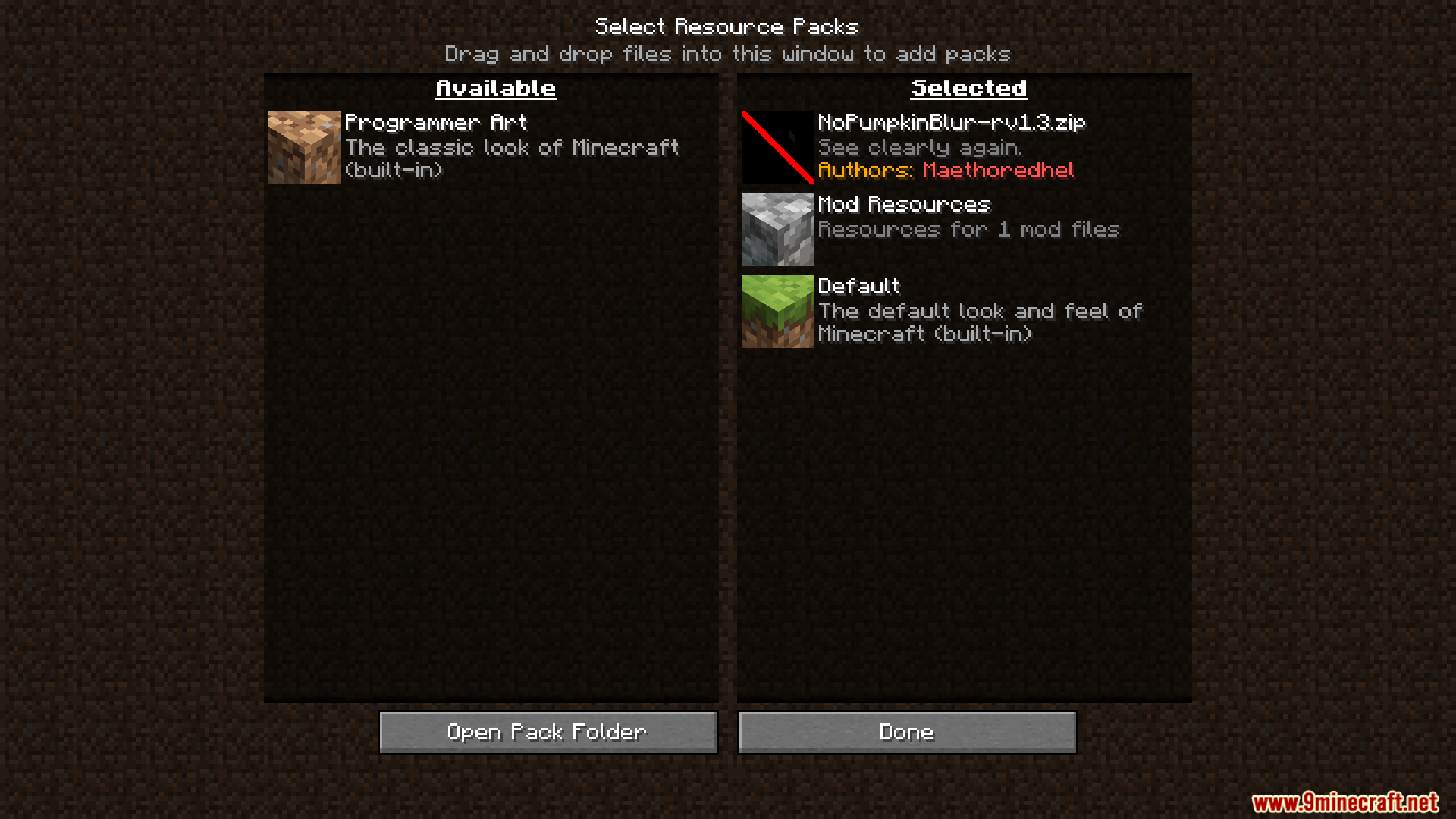
Equip the No Pumpkin Blur resource pack in your resource pack list and make sure it sits above any pack that also edits the pumpkin overlay. Once enabled, wearing a carved pumpkin no longer darkens your screen.
Does this resource pack work in vanilla Minecraft or only with mods?
It's a resource pack, so it works in vanilla Minecraft and doesn't require Forge, Fabric, or any other mod loader. Just enable it like any other pack.
Why is my pumpkin blur still there after installing the pack?
Another resource pack loaded above it is probably overriding the pumpkin overlay texture. Move No Pumpkin Blur to the top of your pack list, or remove the conflicting pack.
Can I still see the pumpkin on my head with this pack?
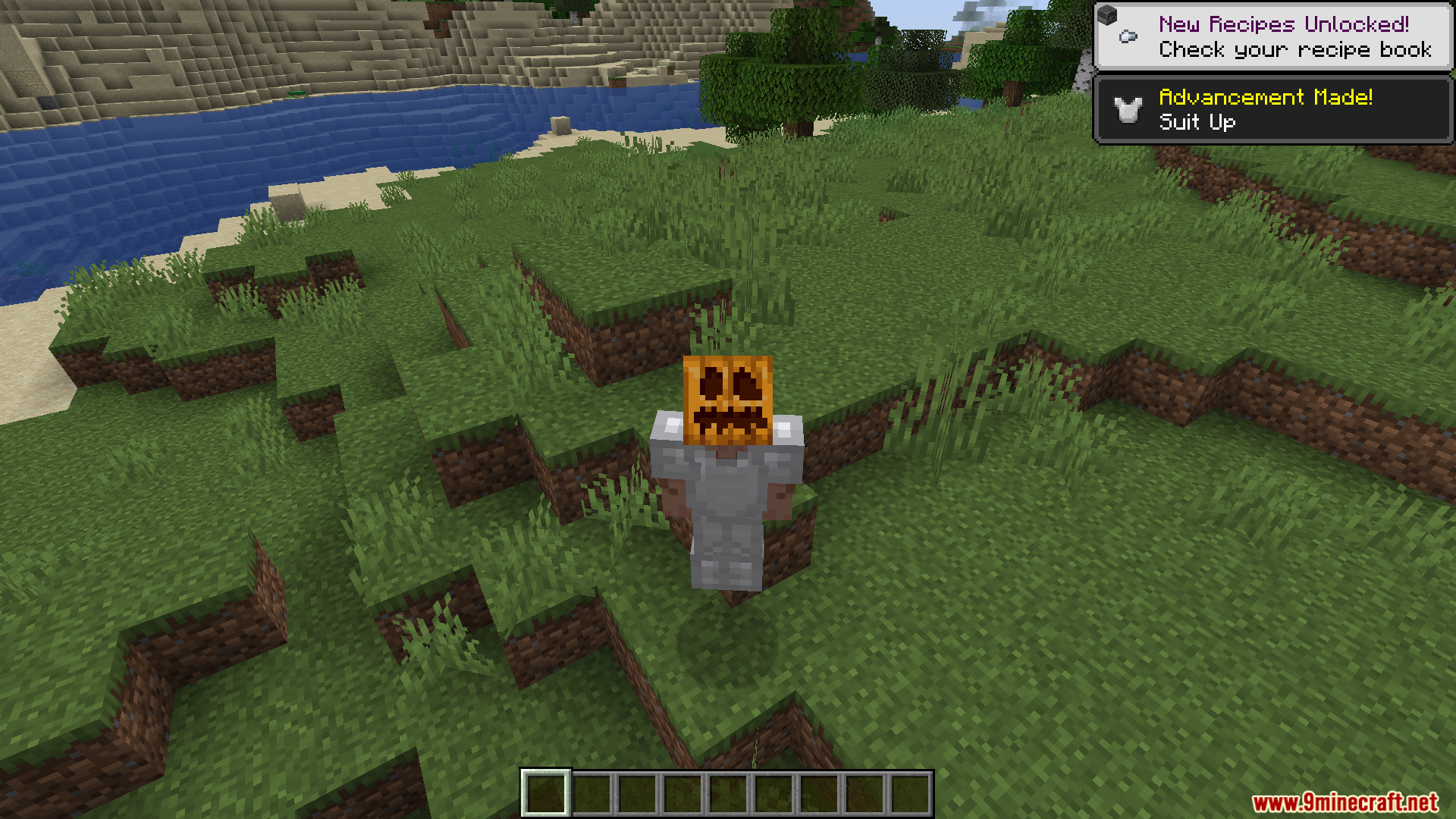
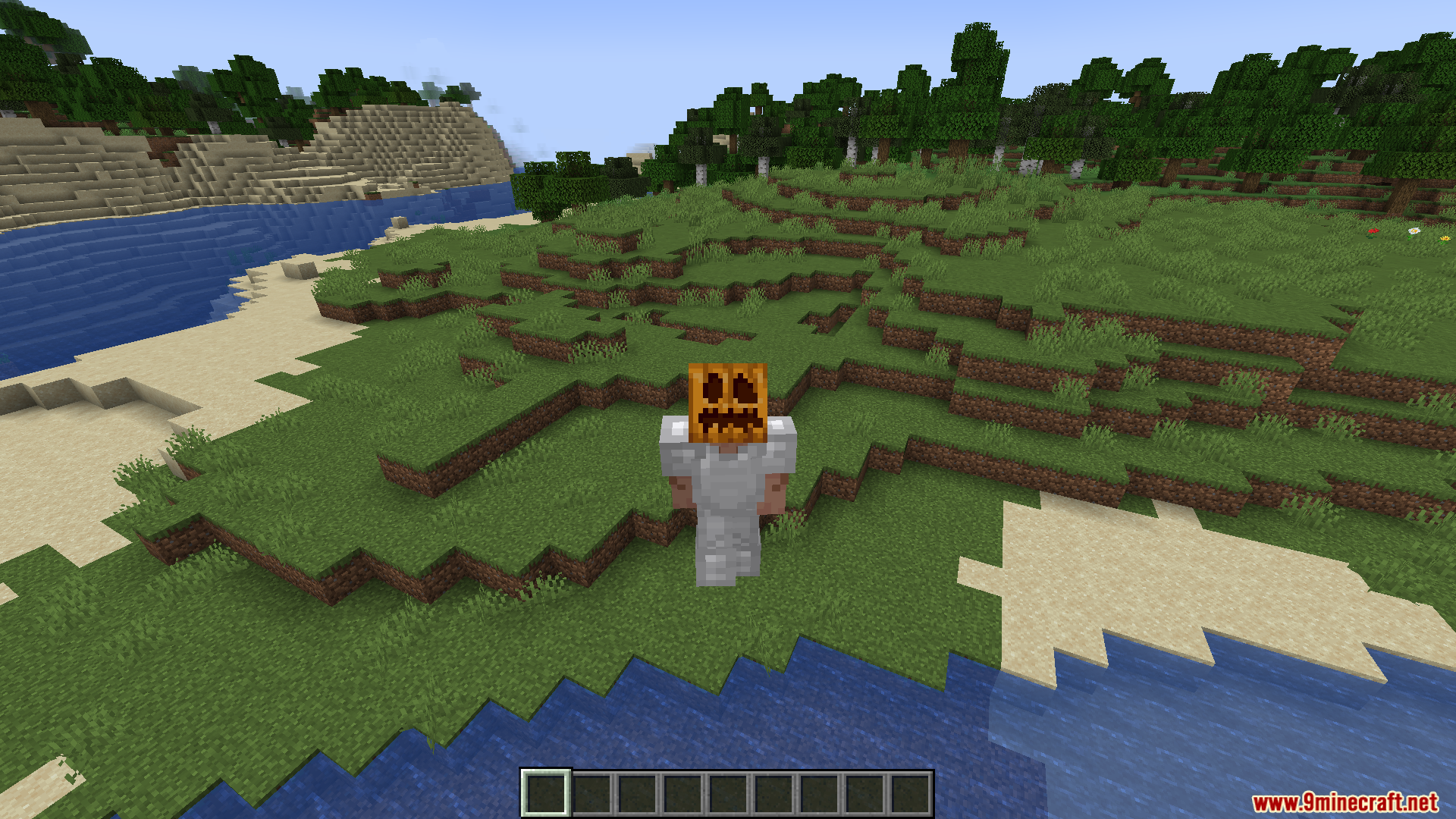
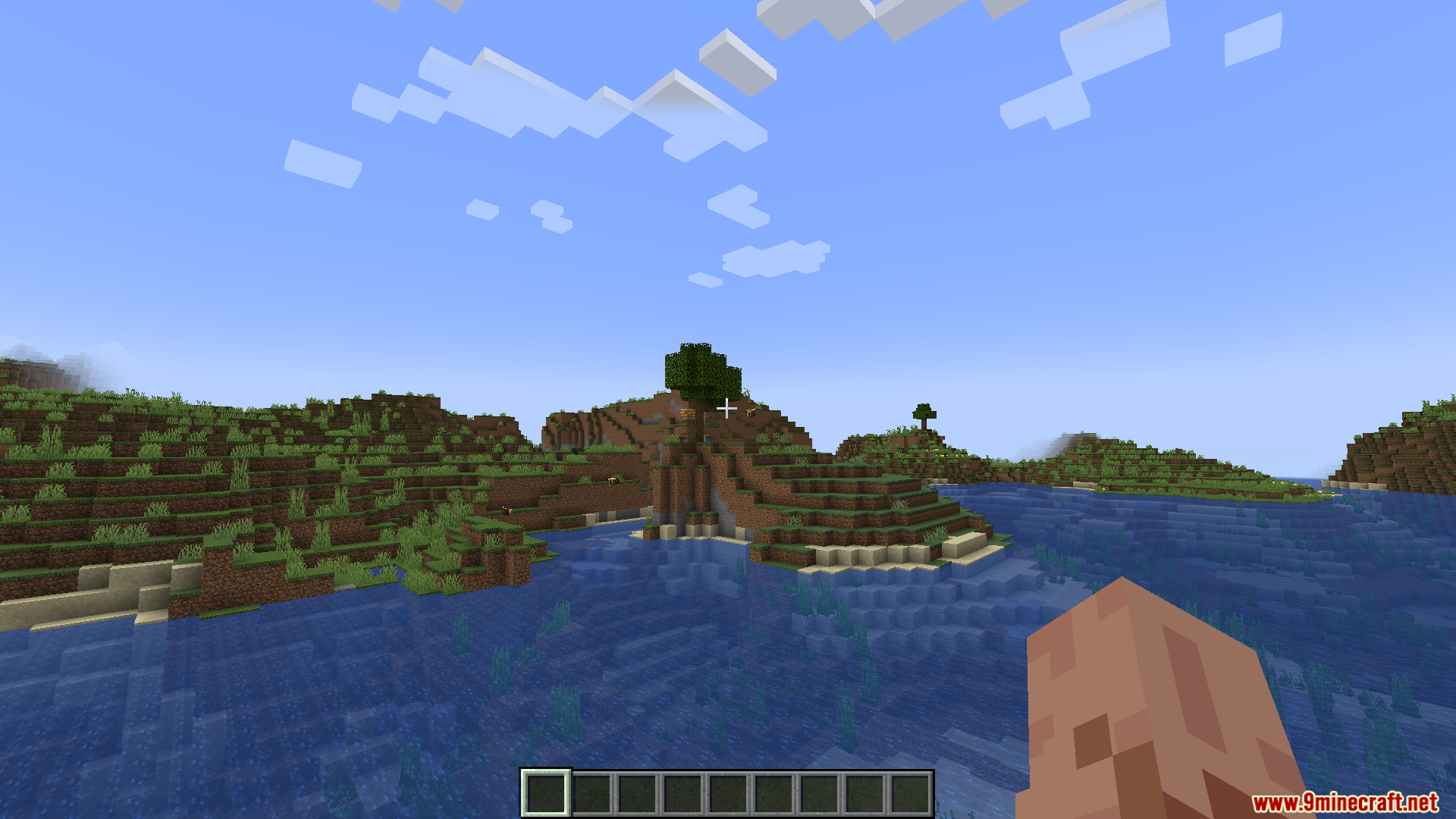
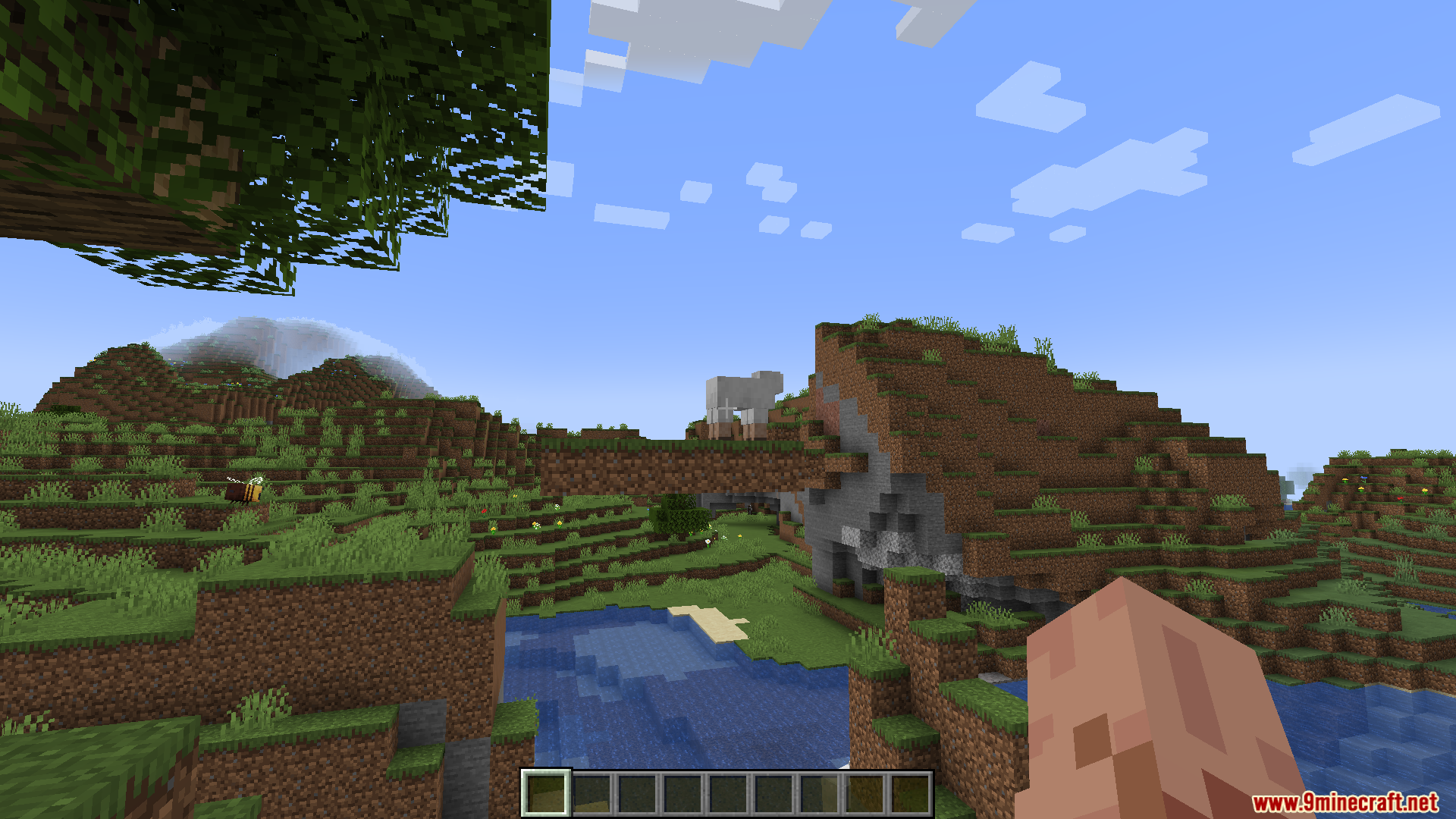
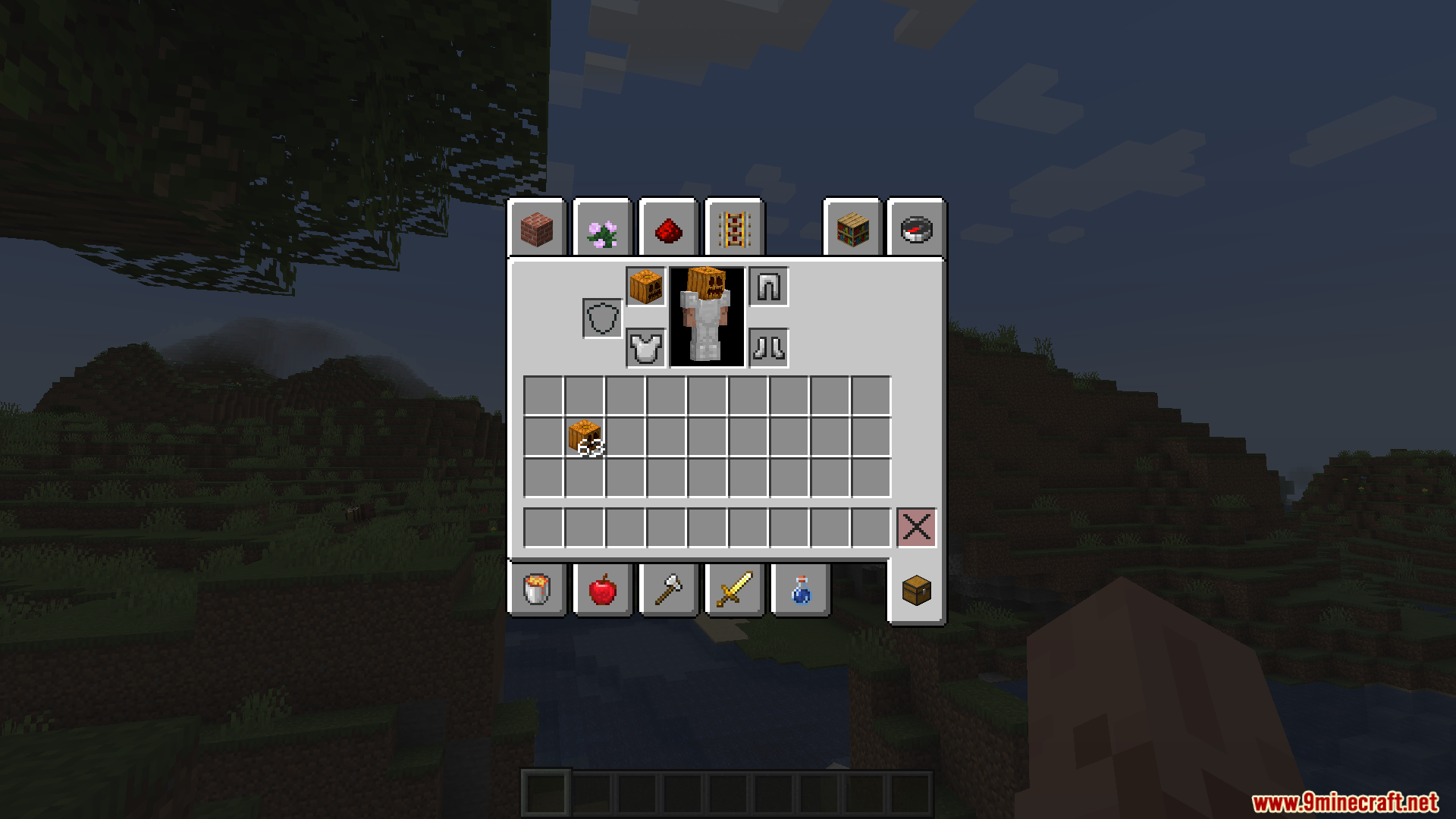
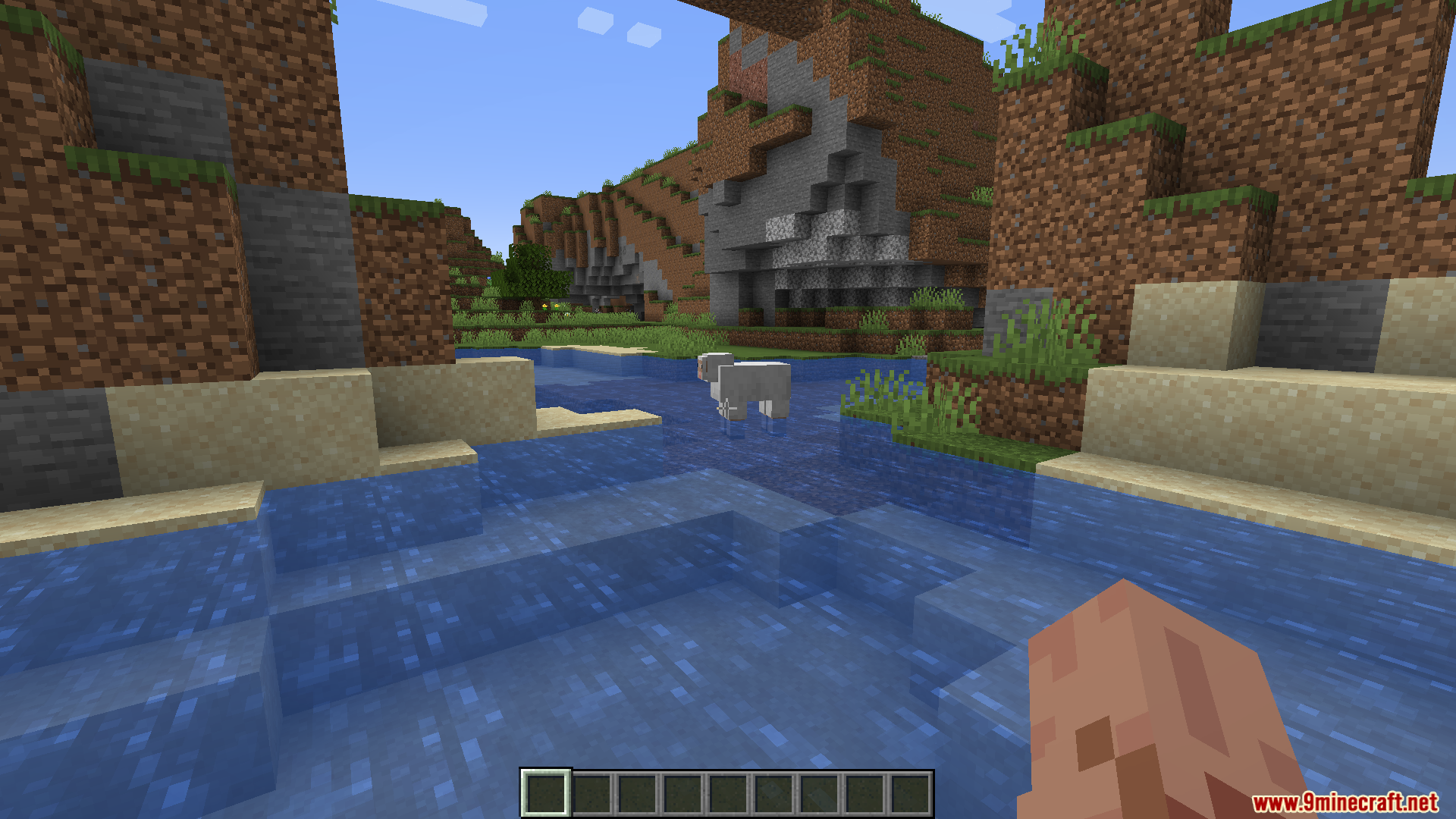
Yes, the carved pumpkin still renders on your character and in  third-person view. Only the first-person blur overlay is removed, so other players still see you wearing it.
See all 10 No Pumpkin Blur questions ›
Gallery
8 images from the No Pumpkin Blur Resource Pack page.
You May Also Like
Wikis that share the most with this one
More resource pack wikis on the site
No Fog Resource PackNo Explosion Particles Resource PackNo Enchant Glint Resource PackNo Block Particles Resource PackNico’s 3D Ladders Resource PackNew Style Squid Resource PackNew Hearts Resource PackNew End Stone Resource PackNether Structure Highlighter Resource PackNether Depths Upgrade PT BR Translation Resource PackNeon Pulse Interface Resource PackNeon Grid Protocol Resource Pack
The most downloaded mods that have a wiki here
A few wikis from each of the other kinds