

 DownloadObsidian Interface Resource Pack
Get the files on 9Minecraft
Guides
Step-by-step, in-game.
Apply Dark Theme to Workstation ScreensUnderstanding Workstation Coverage Obsidian Interface redesigns interfaces for all standard workstations: crafting…Customize Dark Theme Colors for Your PreferenceAccessing Theme Files The Obsidian Interface Resource Pack uses texture files to define its dark color palette. To…Ensure Compatibility With Your Installed ModsChecking Mod Support Obsidian Interface officially supports several popular mods including Iris Shaders, ModMenu,…Use Obsidian Interface With Language SettingsLanguage Compatibility Obsidian Interface is fully functional in both English and Russian language settings. The…
Frequently asked questions
Why do my menus still look bright after installing this pack?
Make sure the Obsidian Interface Resource Pack is positioned above the default textures in your resource pack list—it needs to be loaded after the vanilla pack to override the default menus. If you're using multiple packs, drag Obsidian Interface to the top of the active list.
Does this work with shader mods like Iris?
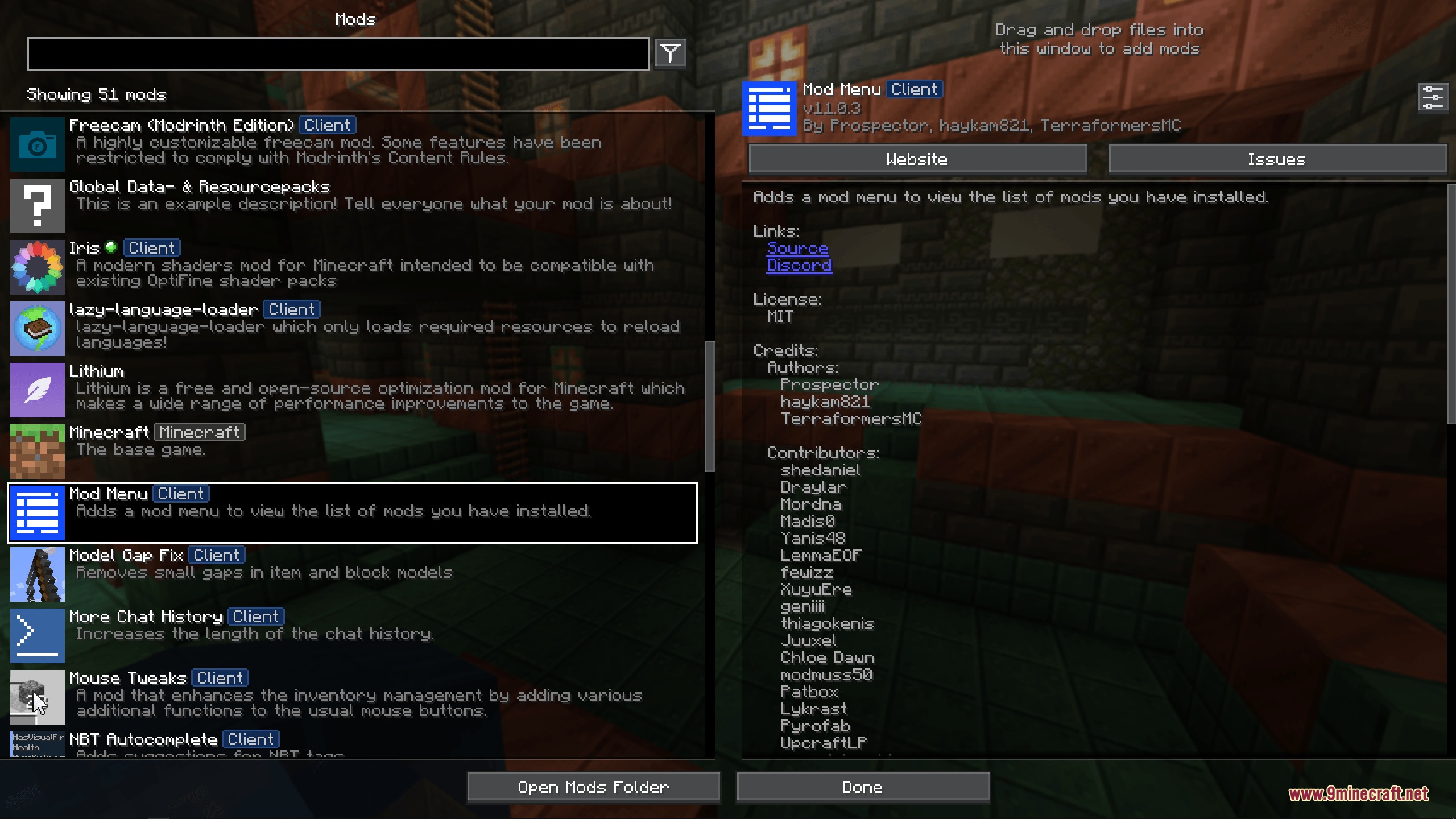
Yes, Obsidian Interface is fully compatible with Iris Shaders and other popular graphics mods. The dark theme will display correctly over your shader effects without conflicts.
Can I use this pack with OptiFine features?
The pack supports OptiFine and includes special reskins for colored shulker boxes when OptiFine is installed. It works alongside OptiFine's features without issues.
How do I apply the dark theme to my crafting table and furnace screens?
Once the pack is active, all workstation interfaces—including crafting tables, furnaces, anvils, and enchanting tables—automatically display with the dark theme. No additional configuration is needed.
See all 10 Obsidian Interface questions ›
Gallery
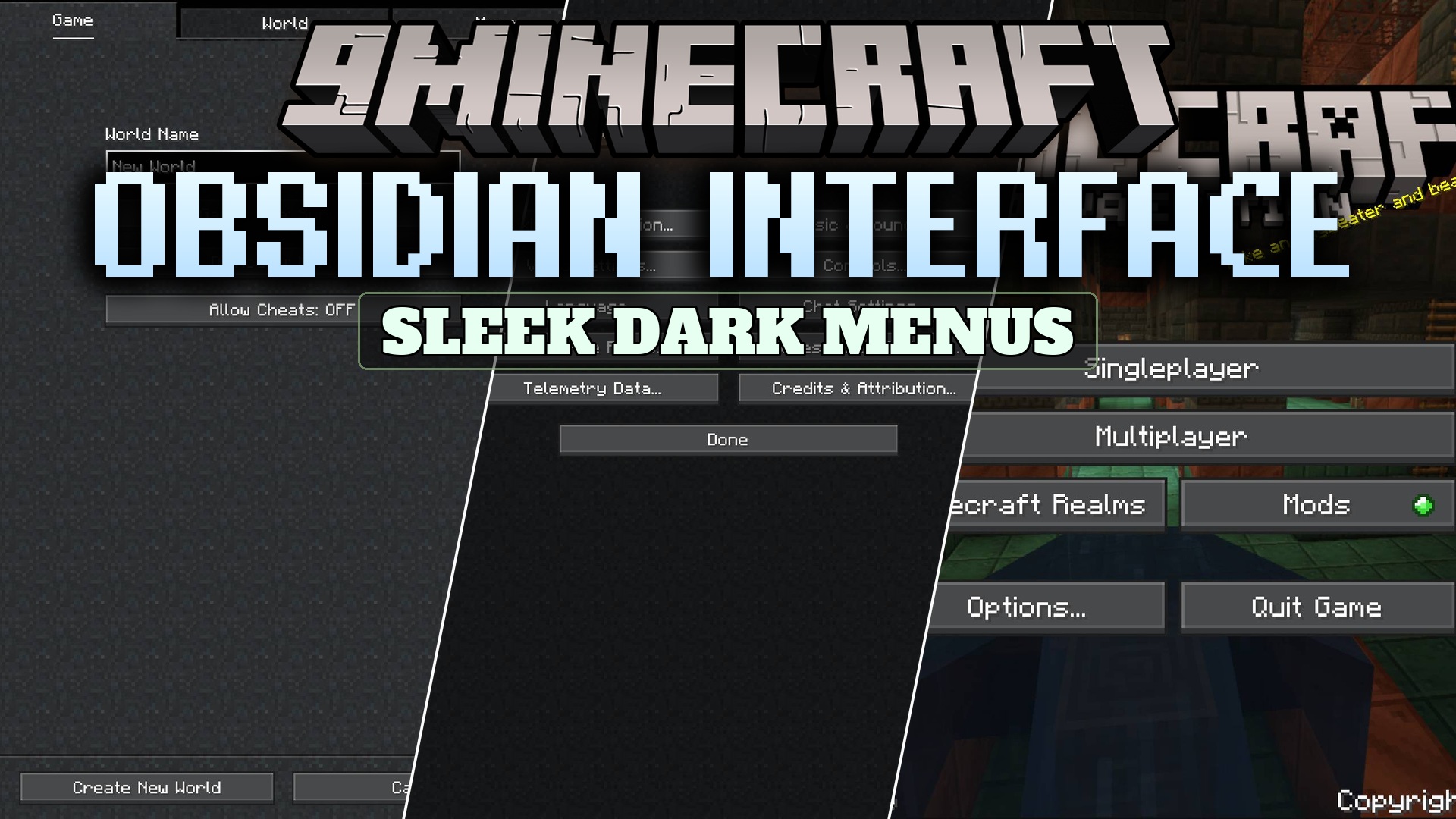
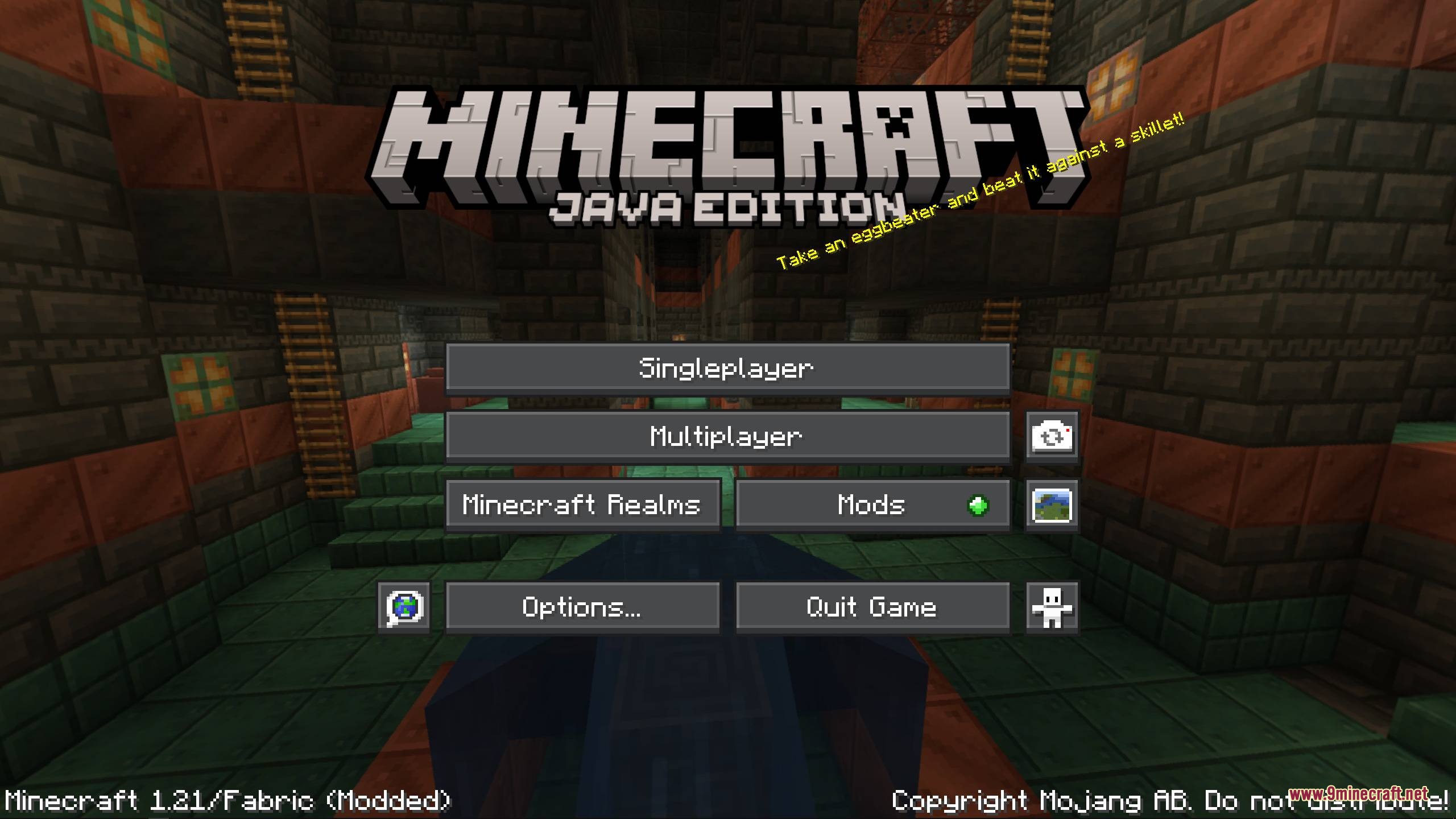
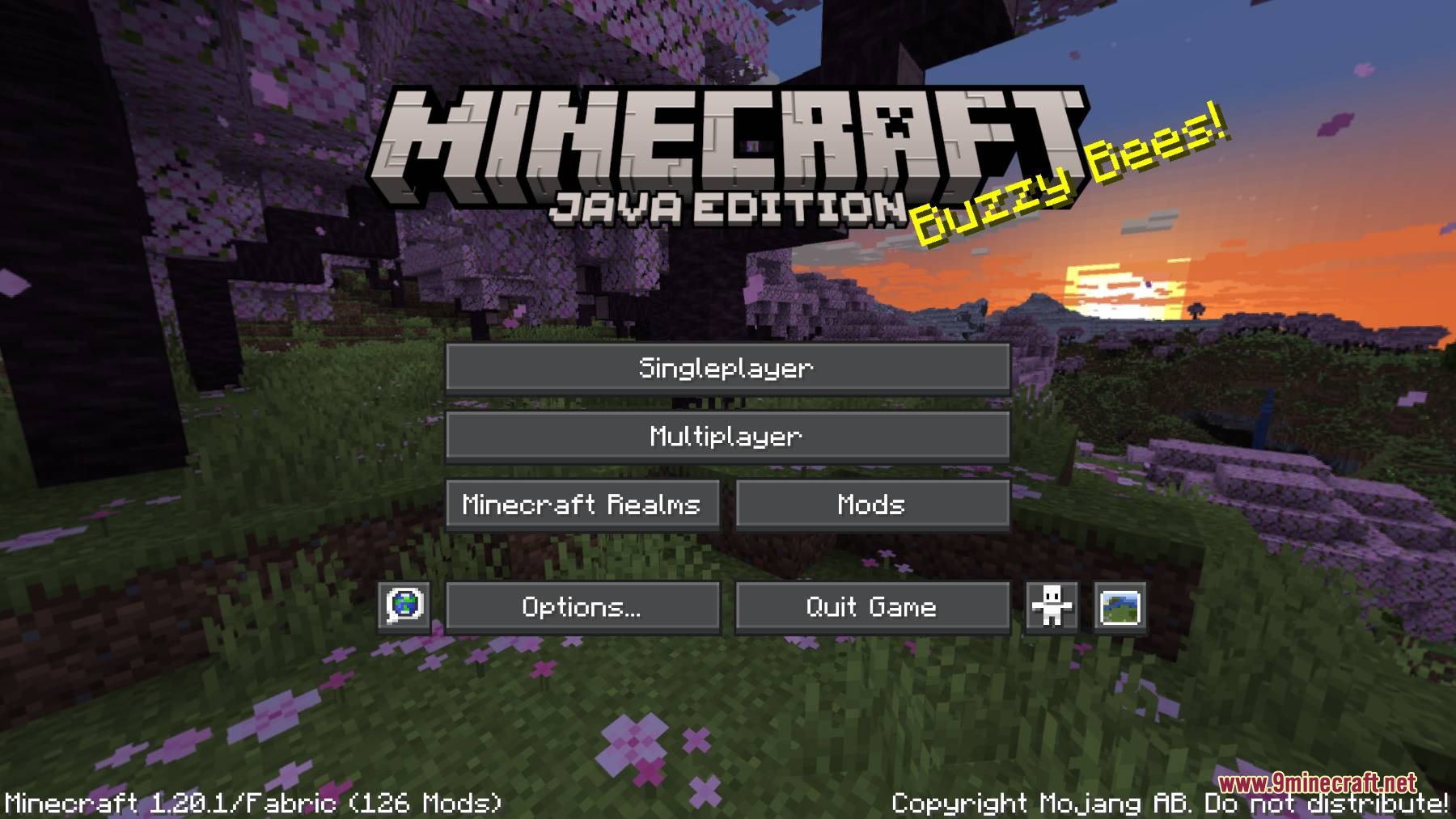
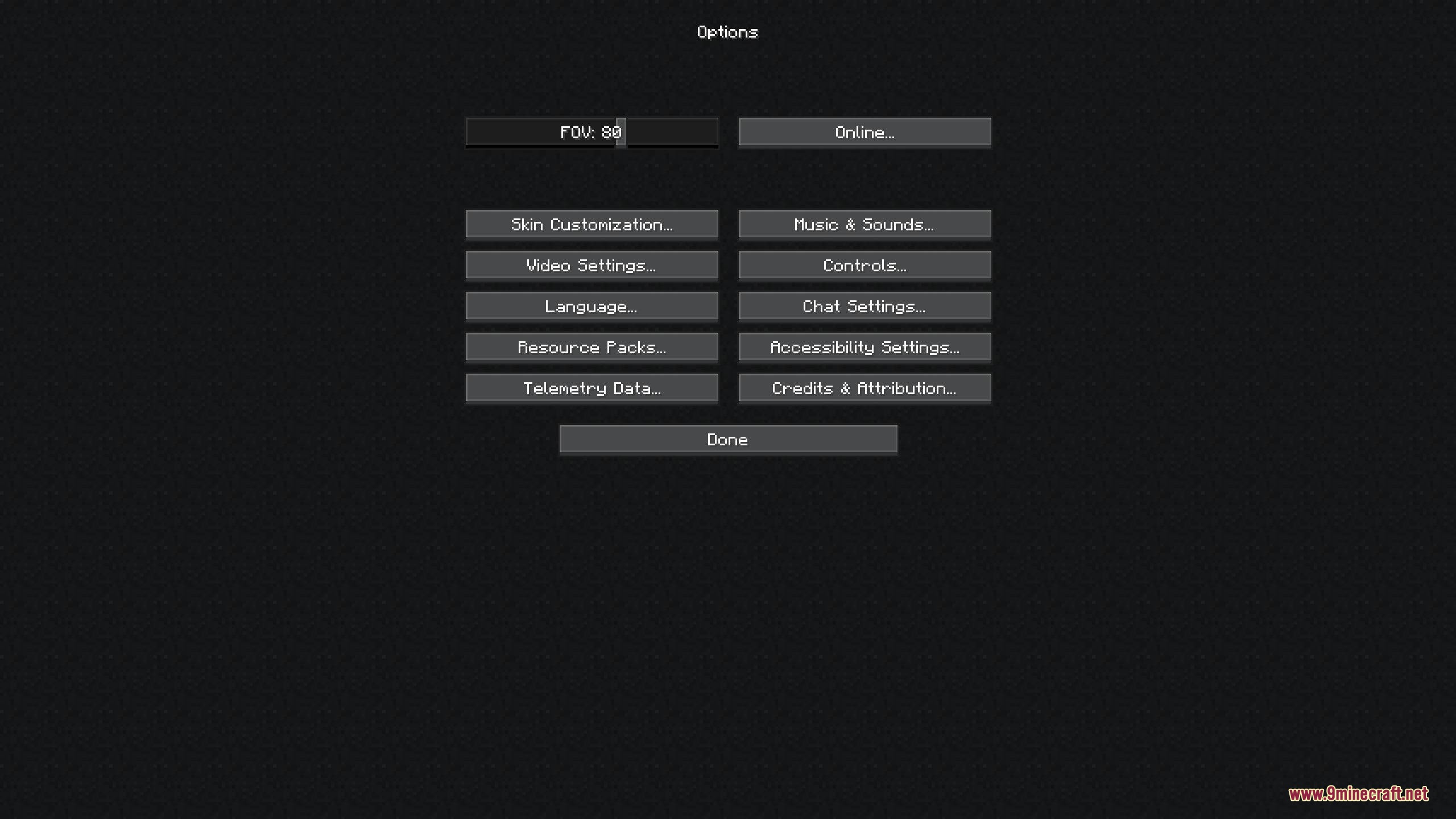
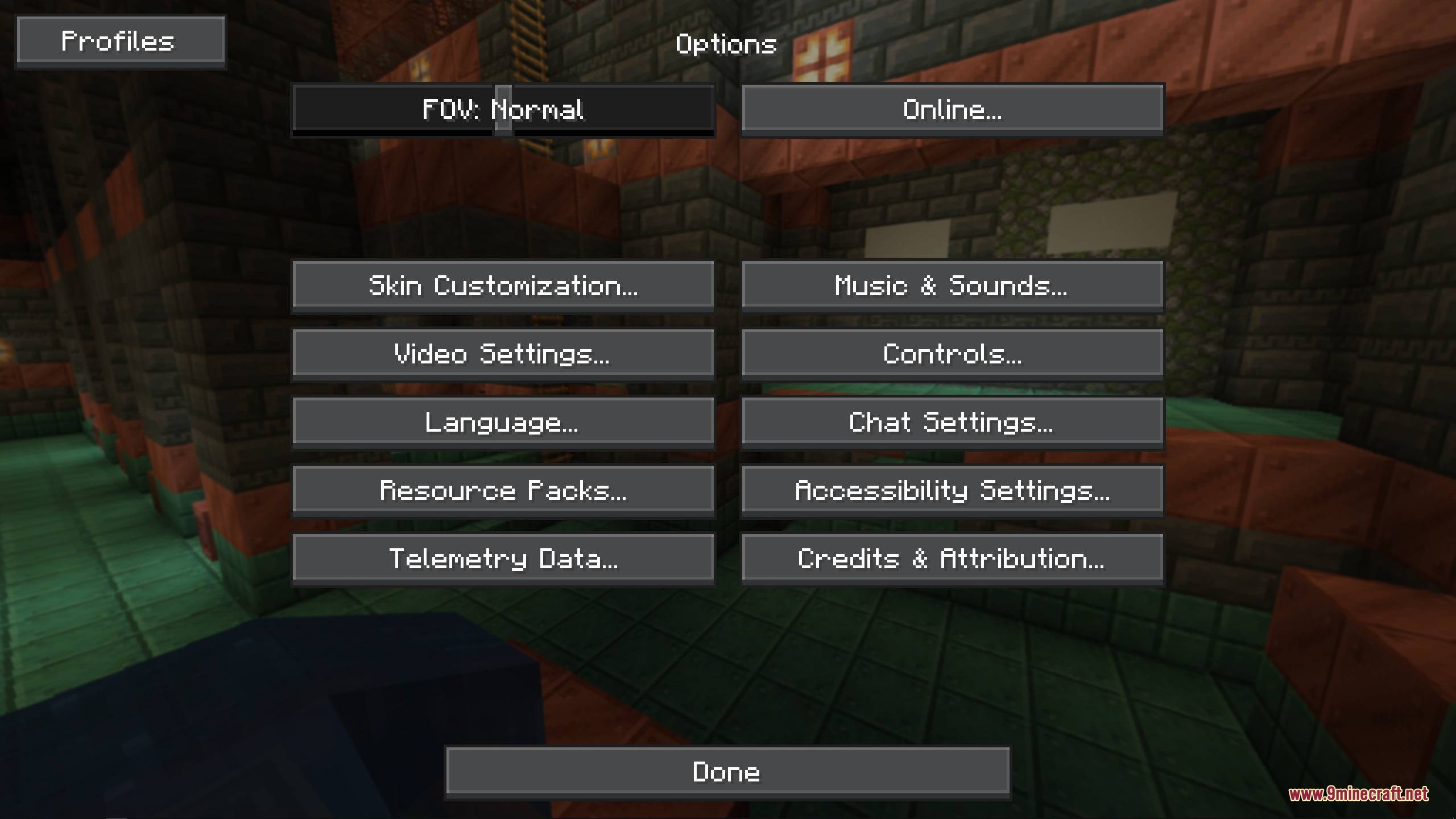
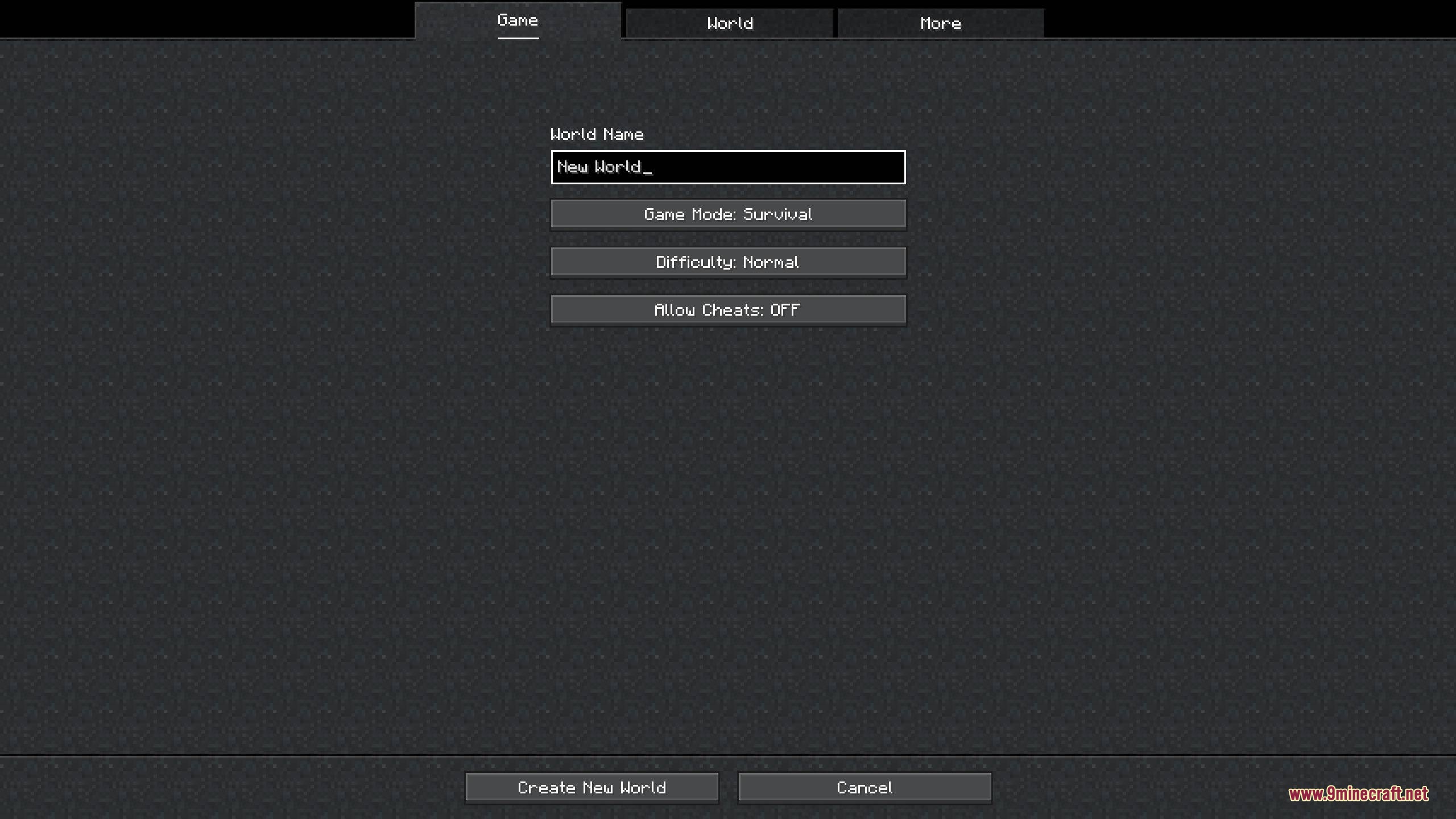
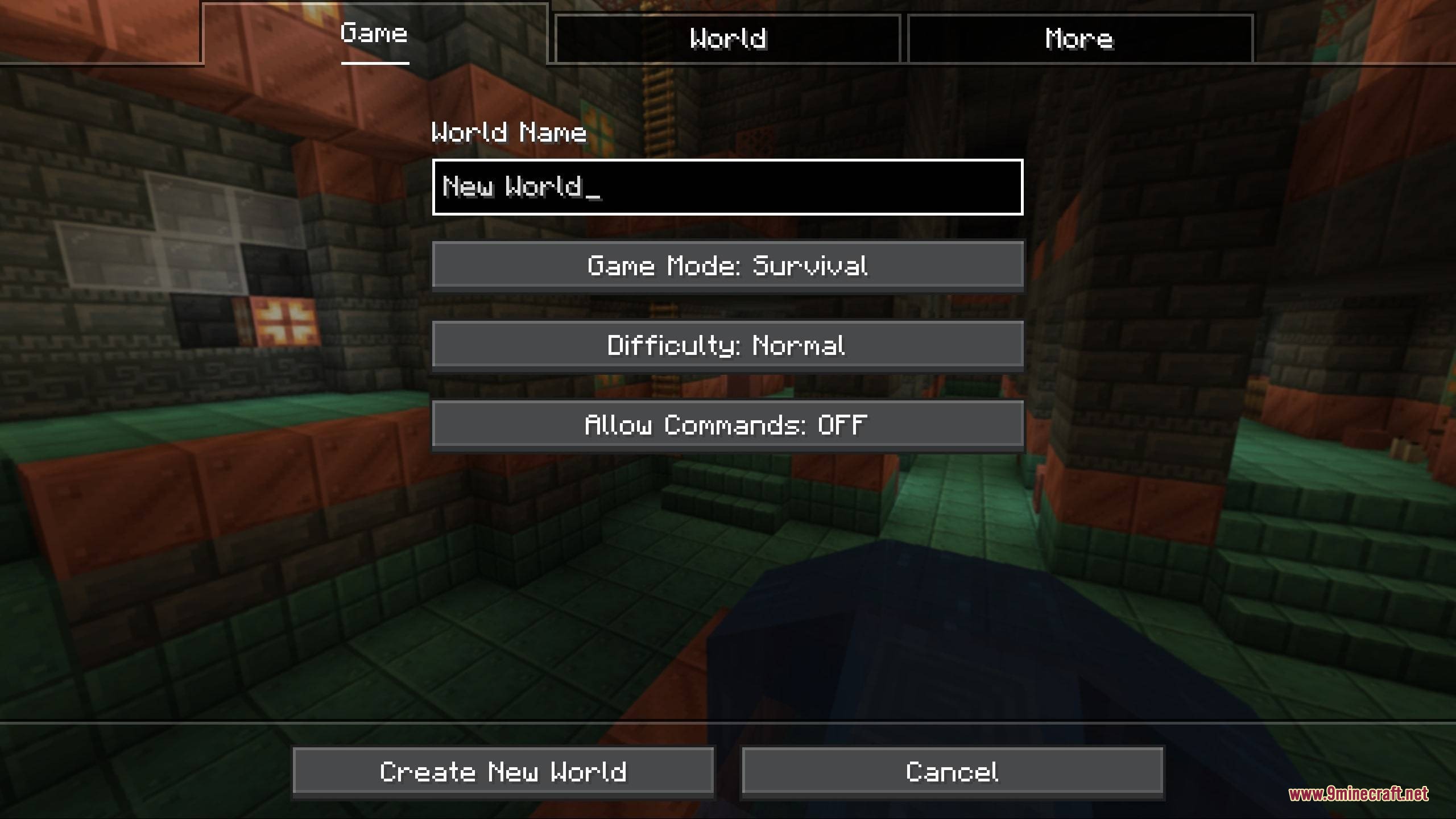
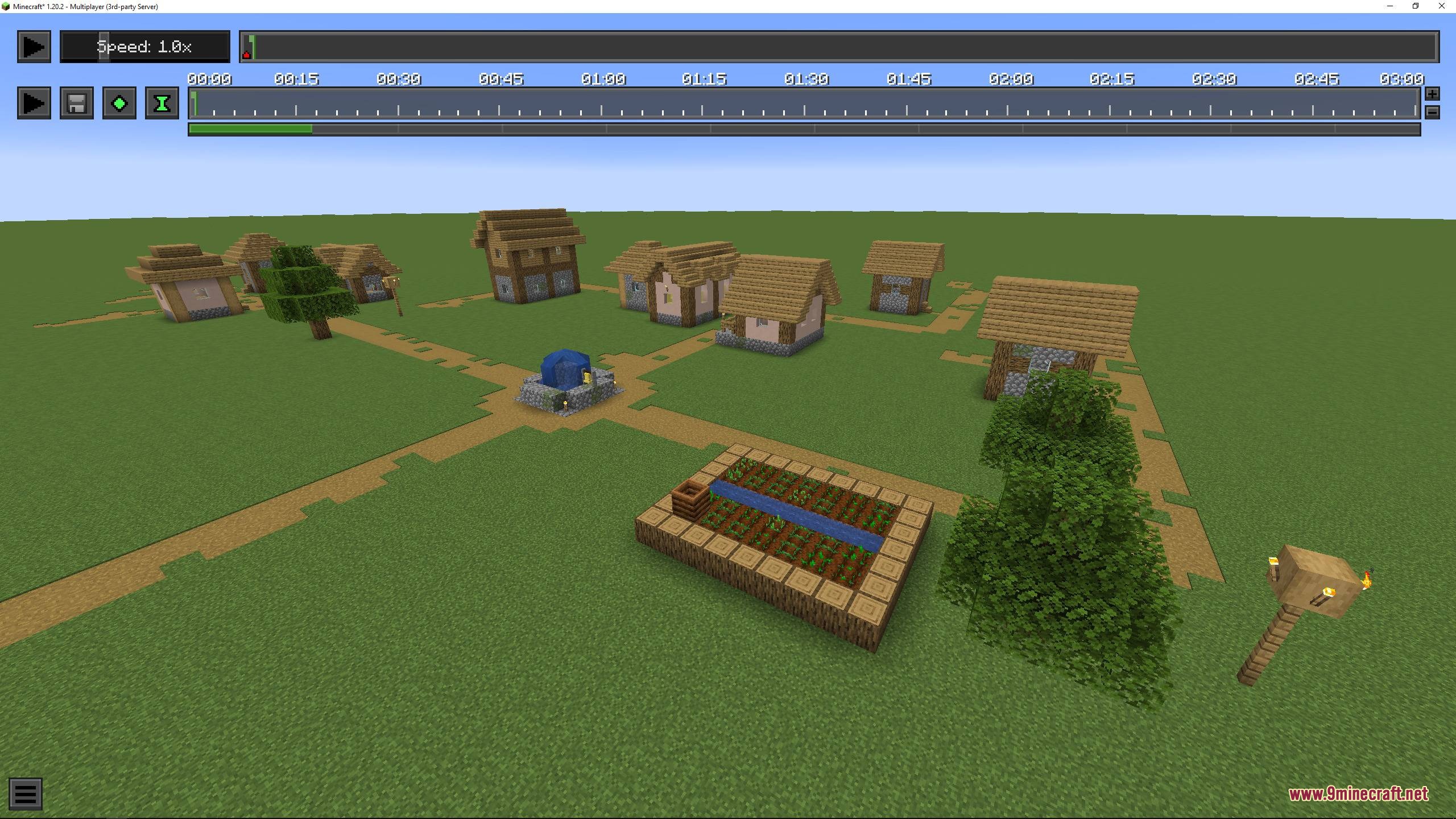
9 images from the Obsidian Interface Resource Pack page.
You May Also Like
Wikis that share the most with this one
 Obsidian Shaders
More resource pack wikis on the site
Obelisk Frontline VisualsNythral Pvp Resource PackNotch Totem of Undying Resource PackNorthern Council Panorama Resource PackNOO Aliens OV Outfit for Alien Evo Resource PackNo Resource Pack Warnings ModNo Pumpkin Blur Resource PackNo Fog Resource PackNo Explosion Particles Resource PackNo Enchant Glint Resource PackNo Block Particles Resource PackNo Block Break Particles Resource Pack
The most downloaded mods that have a wiki here
A few wikis from each of the other kinds