

 DownloadNo Fog Resource Pack
Get the files on 9Minecraft
Guides
Step-by-step, in-game.
Fixing No Fog Not Working or Clashing With ShadersCommon Reasons It Stops Working If fog is still visible after enabling No Fog , the usual culprits are: Another…How to Install and Enable the No Fog Resource PackGetting the Pack Into Your Game Once you have the No Fog Resource Pack file on your computer, open Minecraft and go…Making the Nether and End Easier to Navigate With No FogNether Navigation Fog in the Nether is thick and red, hiding terrain and making it easy to walk into lava or off a…Using No Fog to Spot Structures and Biomes From Far AwayWhy Fog Removal Helps Exploration Atmospheric fog normally hides anything past a short render distance, which makes…
Frequently asked questions
What does the No Fog Resource Pack actually change?
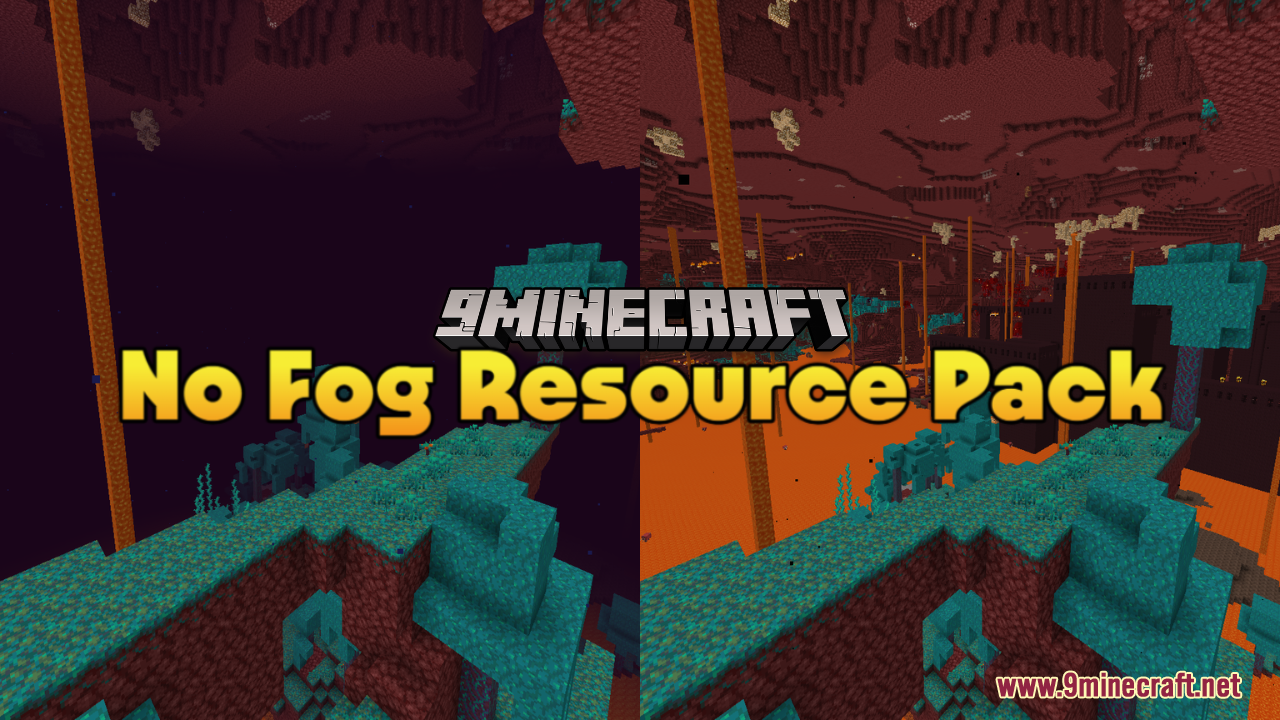
It removes the  atmospheric fog that normally hides distant terrain in the Overworld, Nether, and End. No textures, blocks, or items are altered, so it only affects how far you can see.
How do I turn the pack on after downloading it?
Open Options, then Resource Packs, move No Fog from the Available list to the Selected list, and confirm. If you use a mod loader, make sure the pack sits above any other pack that also touches fog or sky rendering.
Do I need OptiFine or a specific mod loader for this to work?
No, it works as a plain resource pack on vanilla, though many players pair it with performance mods for better results. If you're on a modded client, just enable it like any other resource pack.
Why can I still see fog after enabling the pack?
Another resource pack is likely overriding it, or a shader is drawing its own fog. Move No Fog to the top of your selected packs and disable or reconfigure shader fog settings.
Gallery
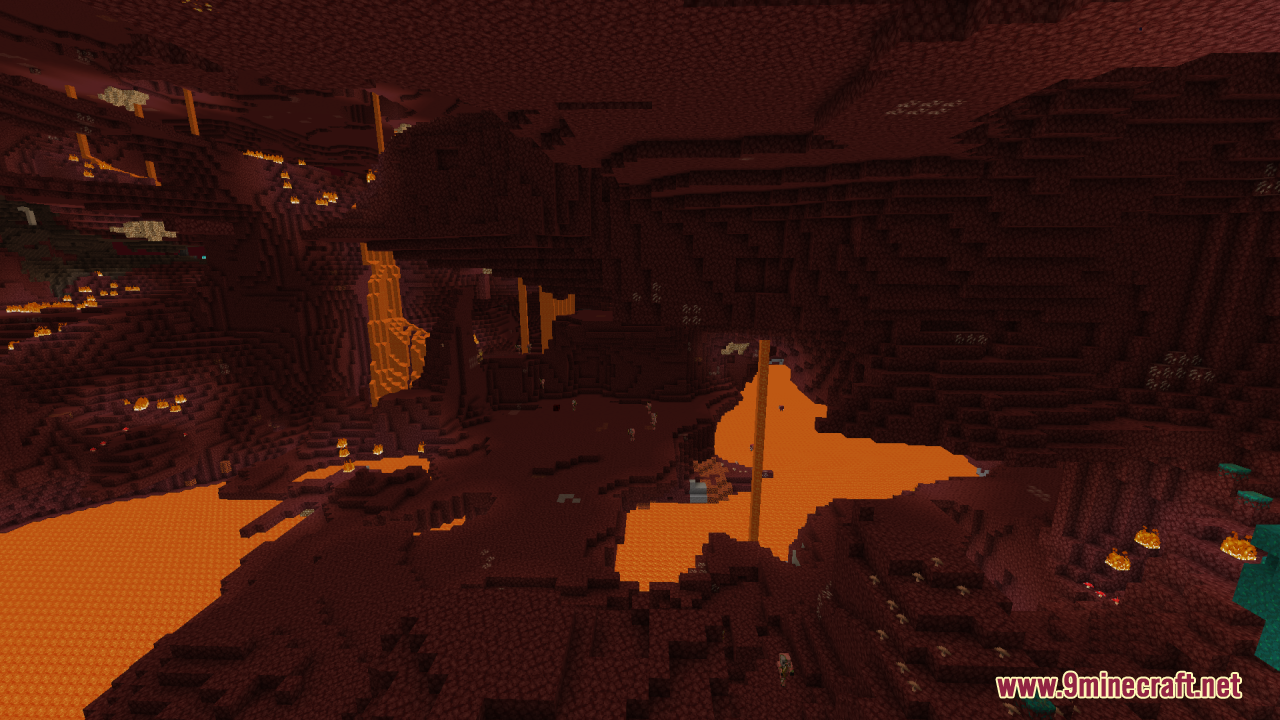
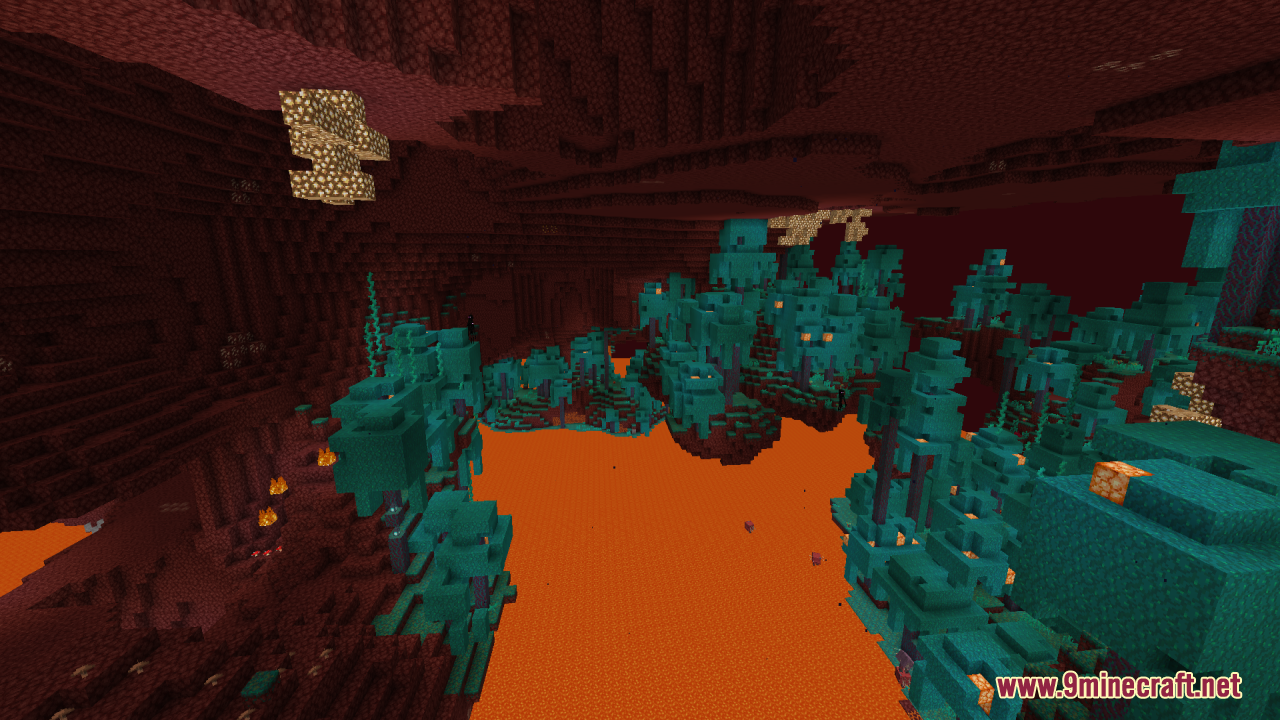
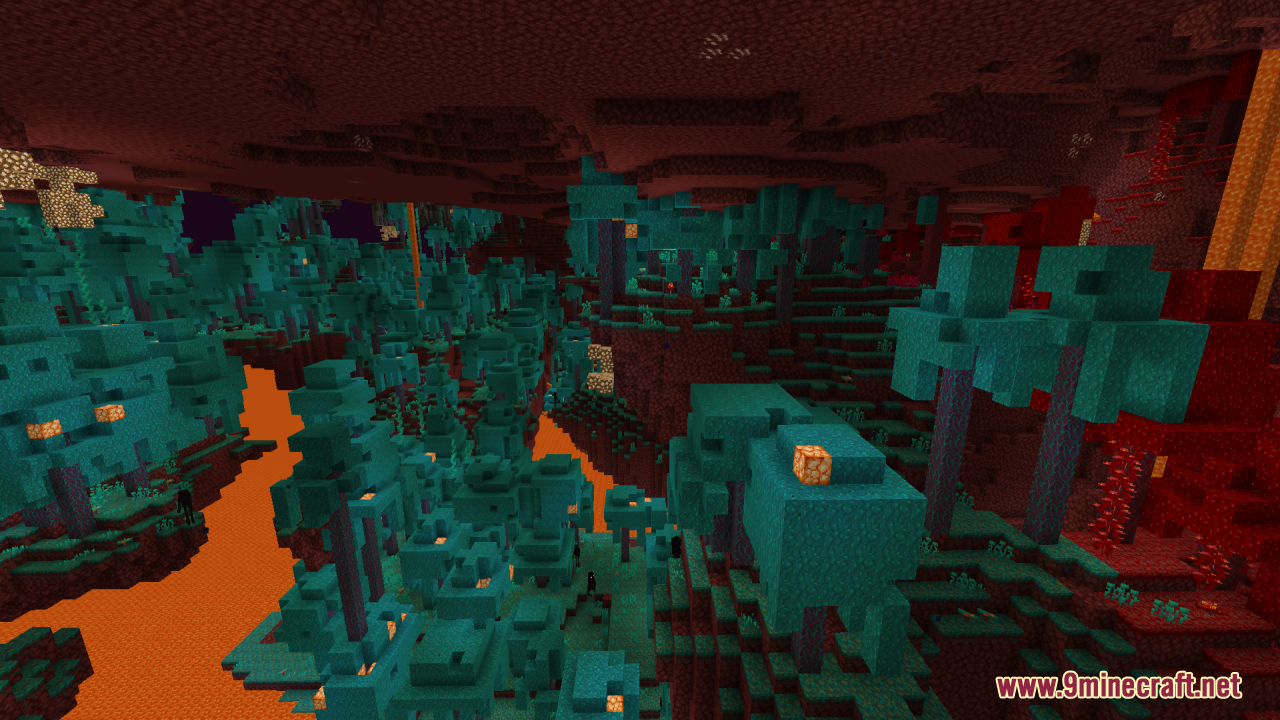
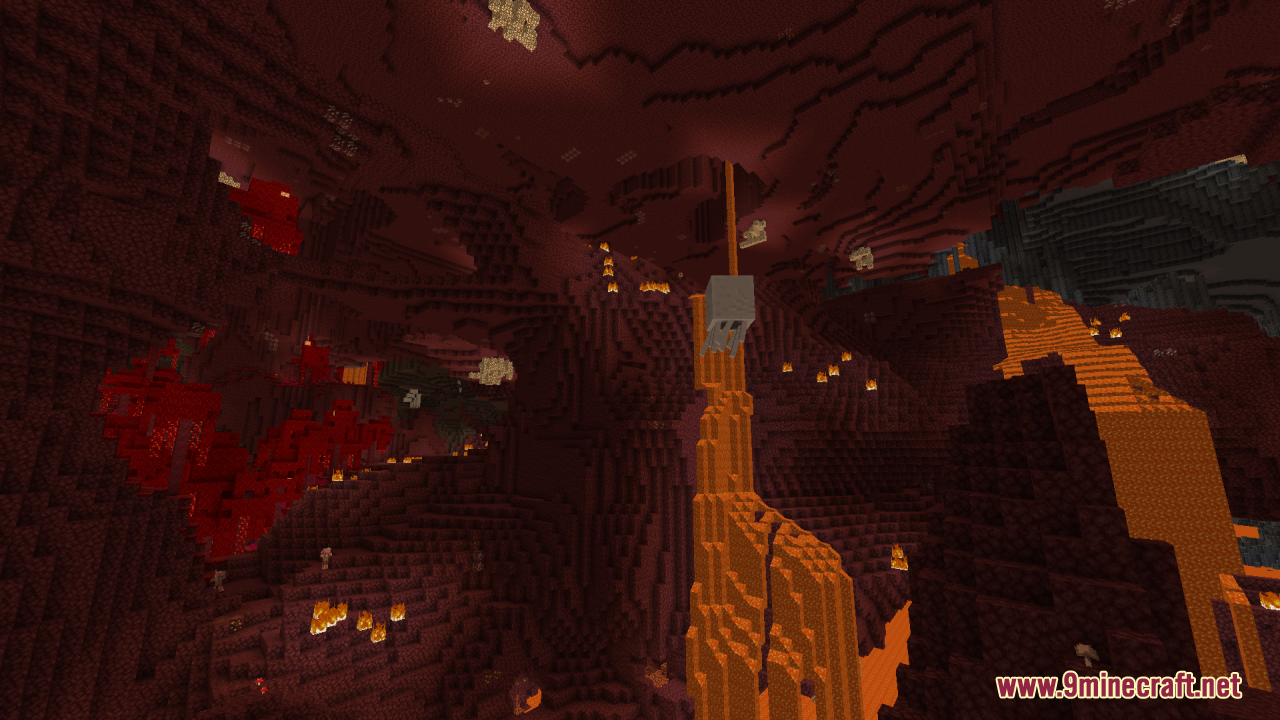
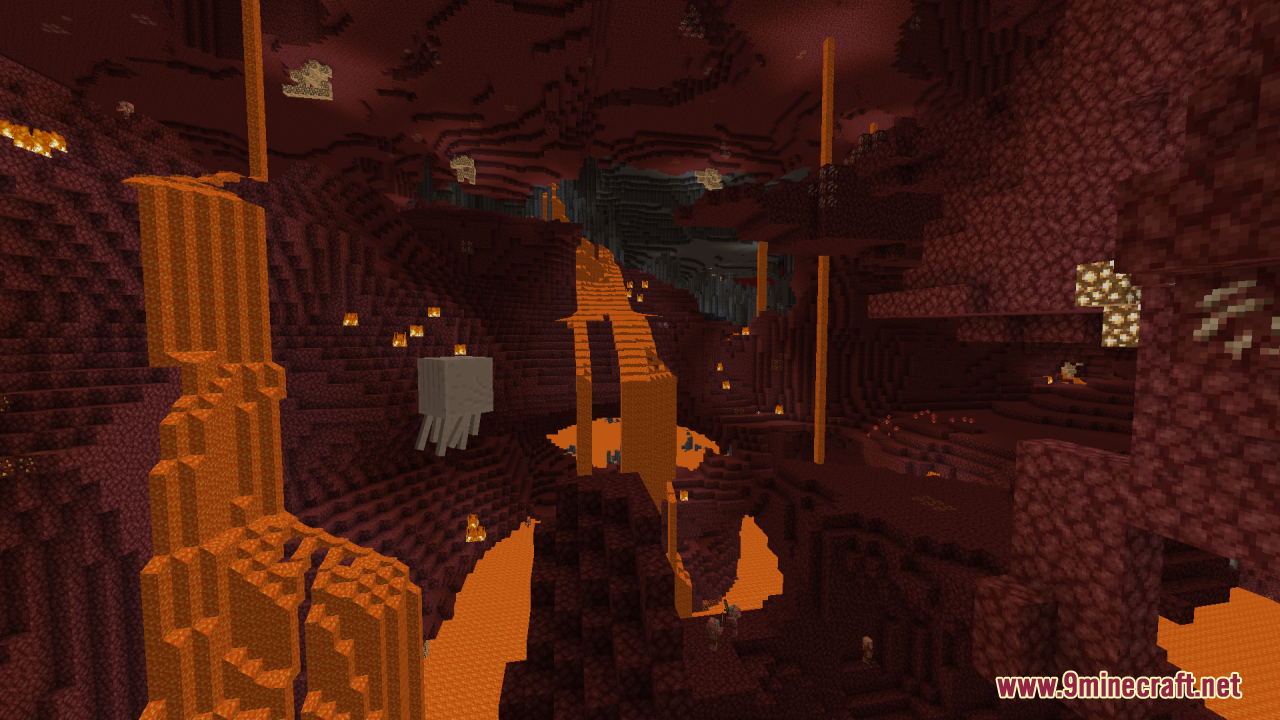
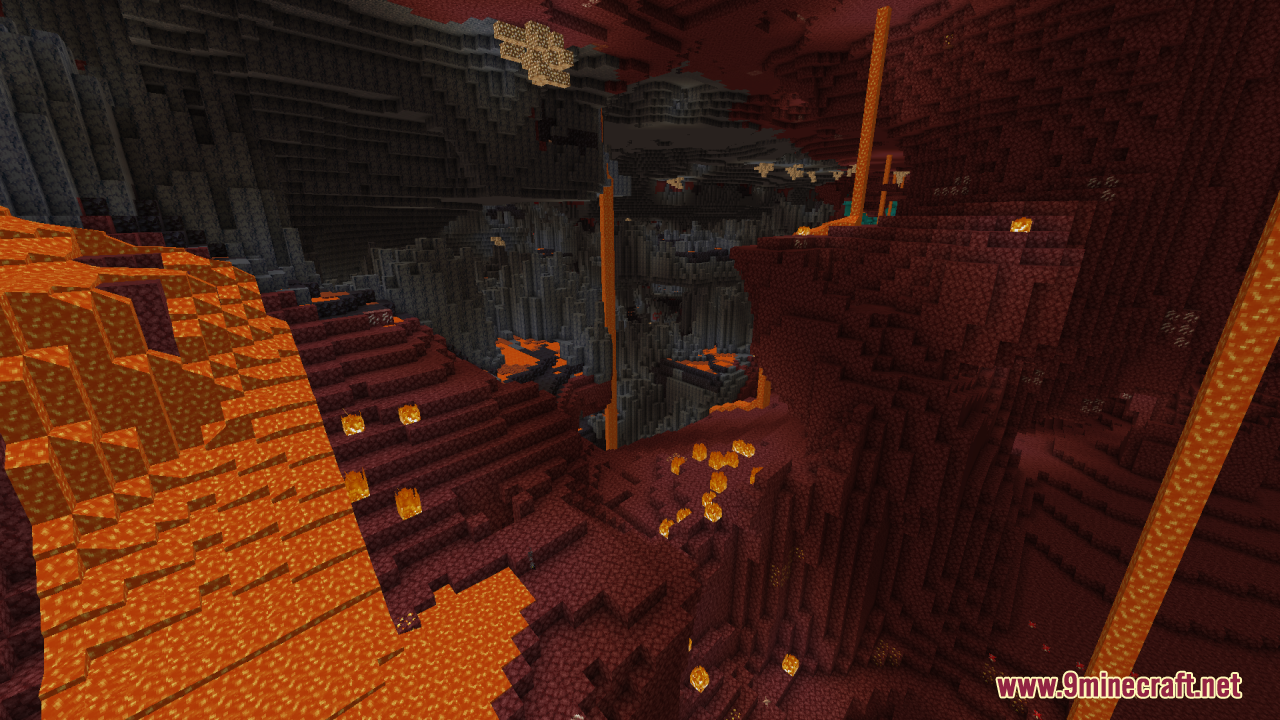
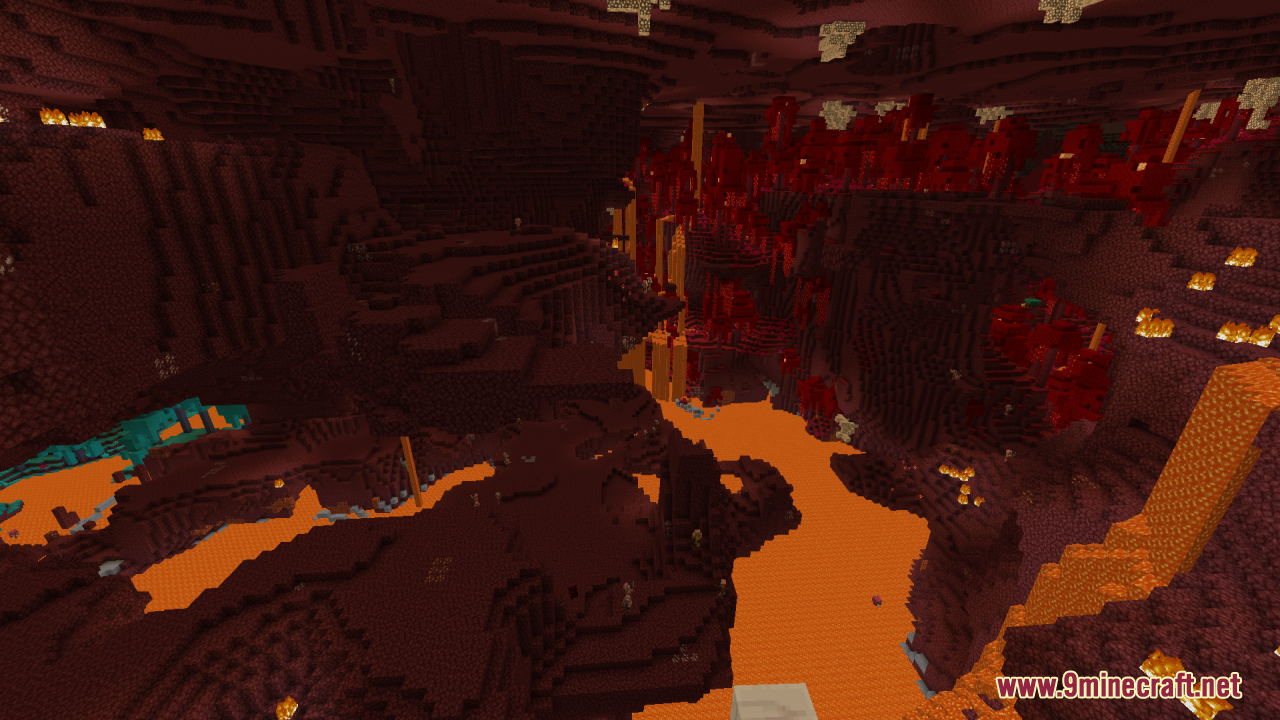
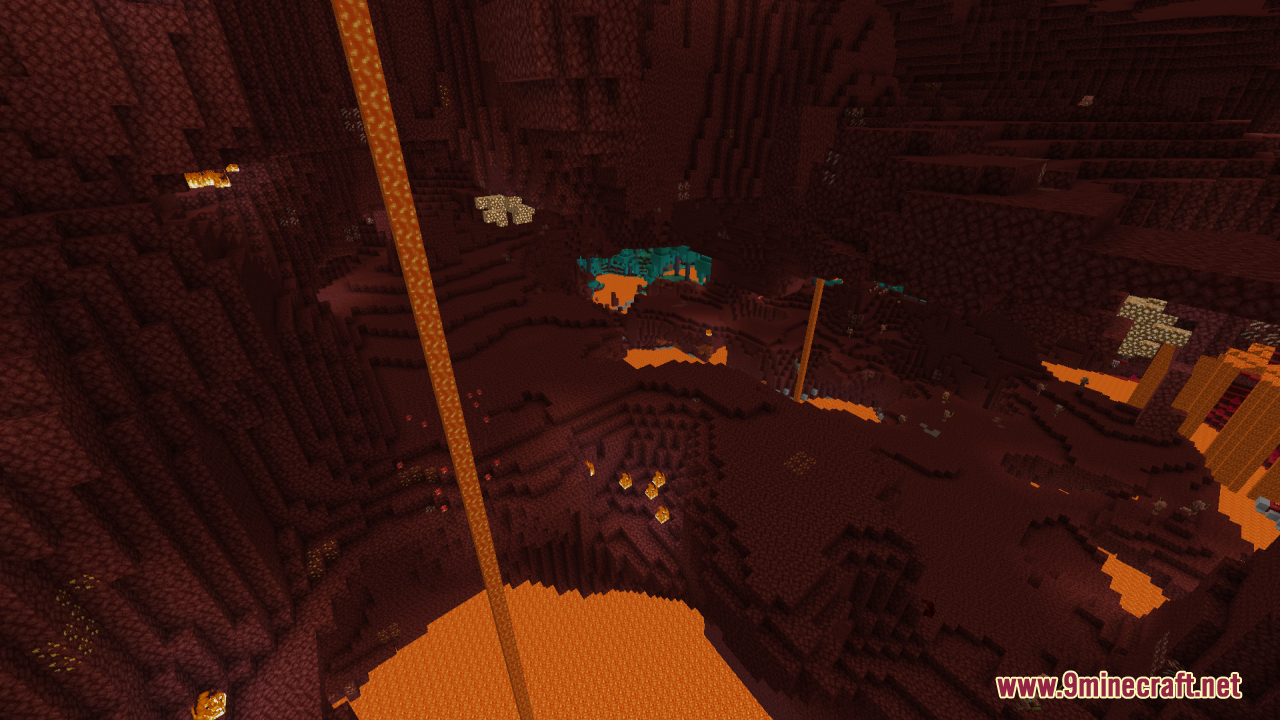
12 images from the No Fog Resource Pack page.
You May Also Like
Wikis that share the most with this one
Nico’s 3D Ladders Resource PackNight Vision 9minecraft Resource PackNight Vision Craft Resource PackNinjago Breeze Resource PackNo Block Break Particles Resource PackNo Block Particles Resource PackNo Enchant Glint Resource PackNo Explosion Particles Resource PackNo Pumpkin Blur Resource PackNo Resource Pack Warnings ModNOO Aliens OV Outfit for Alien Evo Resource PackNorthern Council Panorama Resource Pack
More resource pack wikis on the site
New Style Squid Resource PackNew Hearts Resource PackNew End Stone Resource PackNether Structure Highlighter Resource PackNether Depths Upgrade PT BR Translation Resource PackNeon Pulse Interface Resource PackNeon Grid Protocol Resource PackNeko’s Dragon Blazes Resource Pack Neighborcraftresources Resource PackNebula RPG Glint Yellow Resource PackNebula RPG Glint Blue Resource PackNebula Glint Green Resource Pack
The most downloaded mods that have a wiki here
A few wikis from each of the other kinds