

 DownloadMidnight Echo Interface Mod
Get the files on 9Minecraft
Guides
Step-by-step, in-game.
Adjust Menu Animation SpeedOpen Interface Settings Navigate to your main Settings menu and find the Midnight Echo Interface options. Look for…Customize Your Chat Interface ColorsAccess Chat Settings Open your Settings menu and look for the Midnight Echo Interface section. Find the Chat…Fix Overlapping Text in MenusIdentify the Problem If text in your menus, world selection screen, or server list appears cut off or overlapping,…Restore Default Theme After CustomizationLocate the Theme Reset Option If you've made multiple customizations to colors, animations, or layout and want to…
Frequently asked questions
Why do my menus look different after installing this mod?
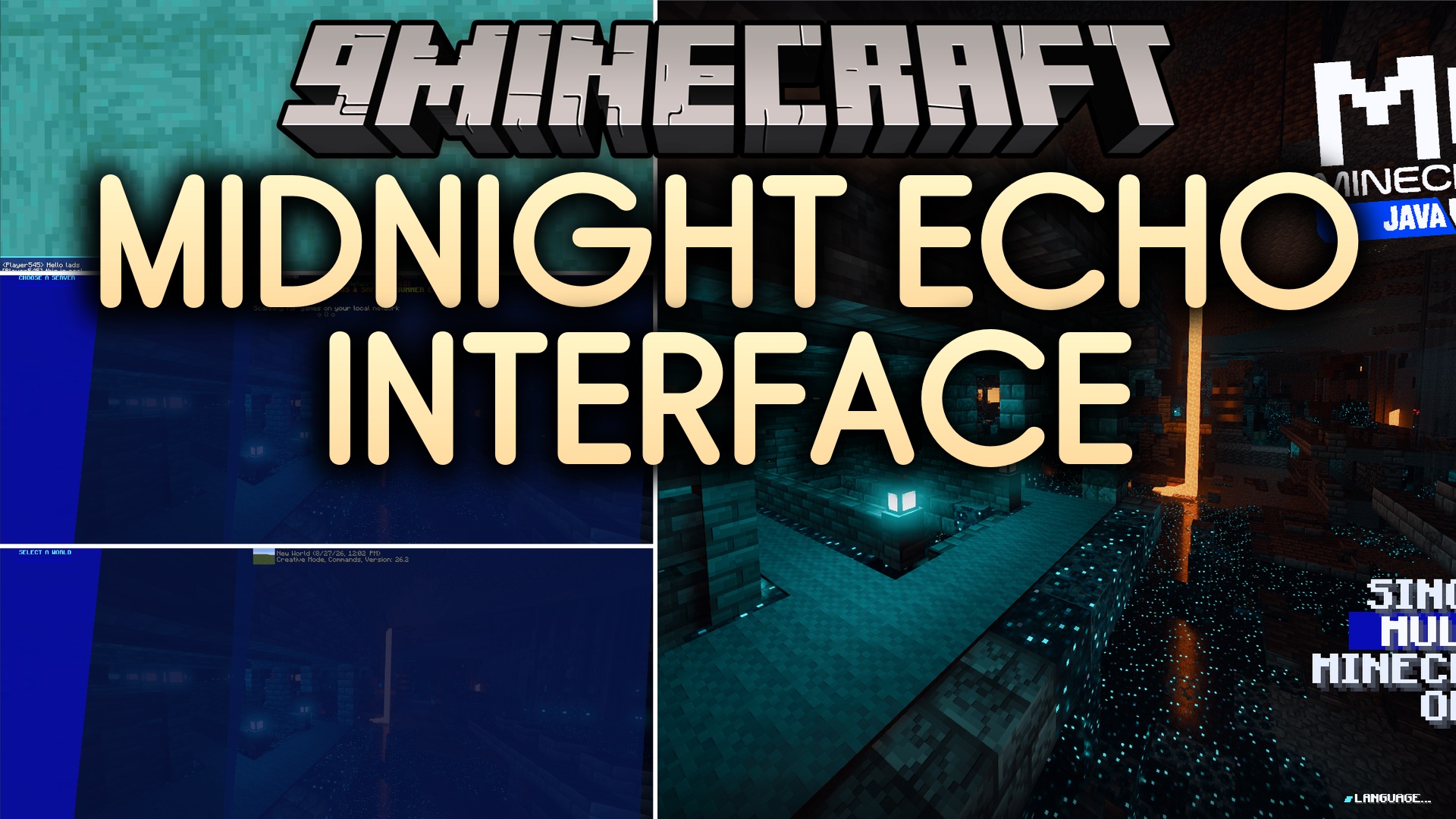
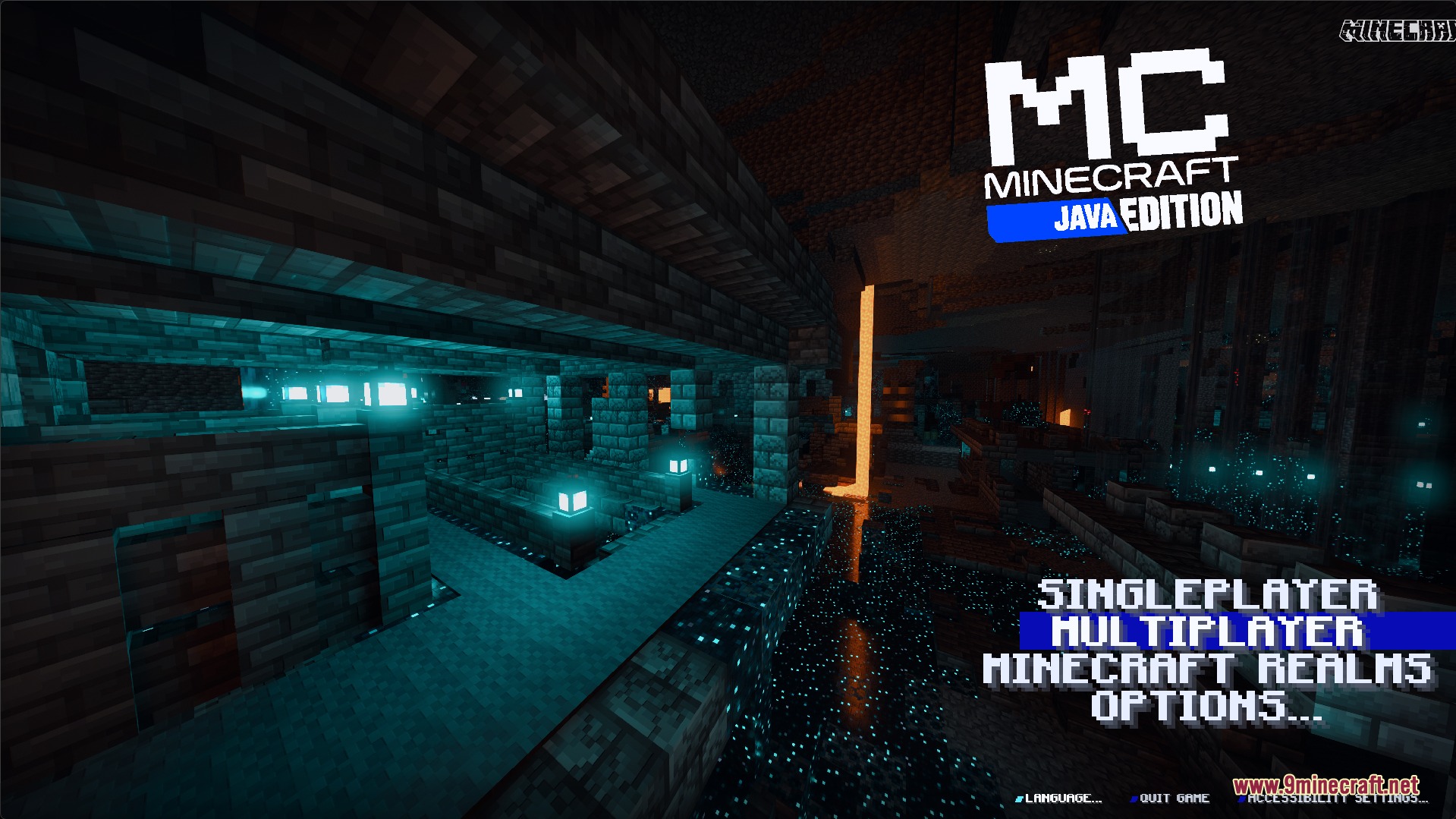
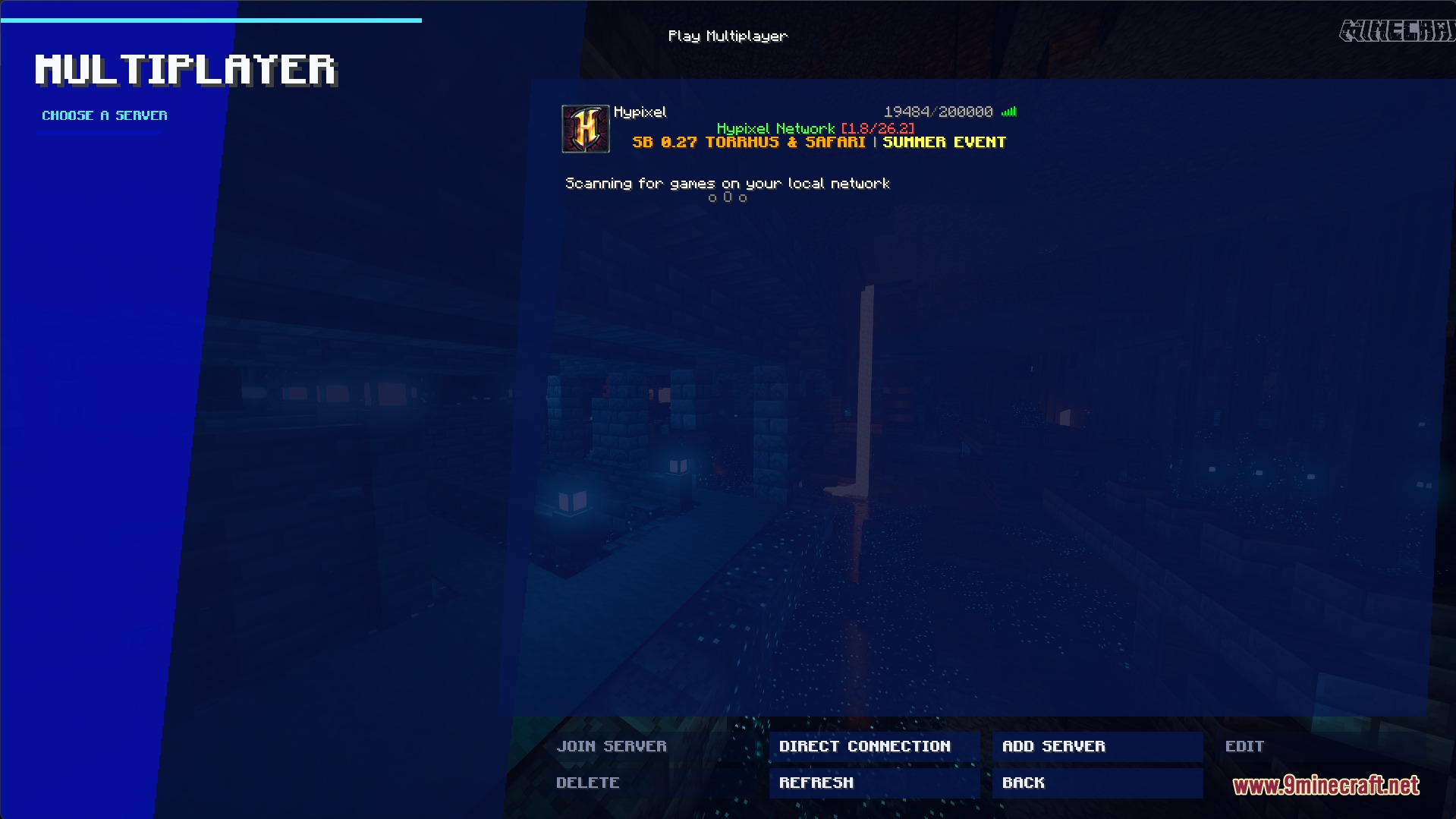
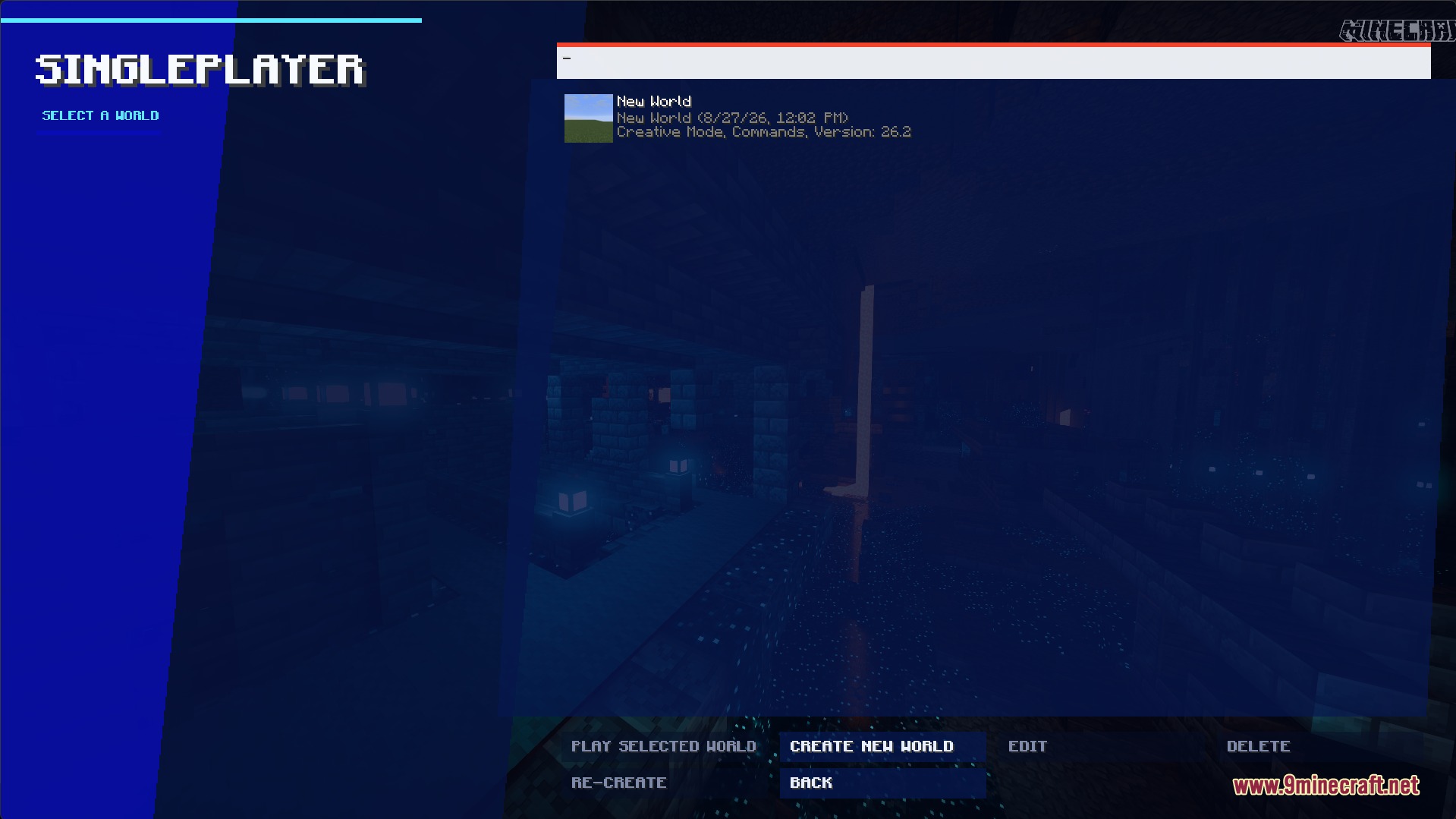
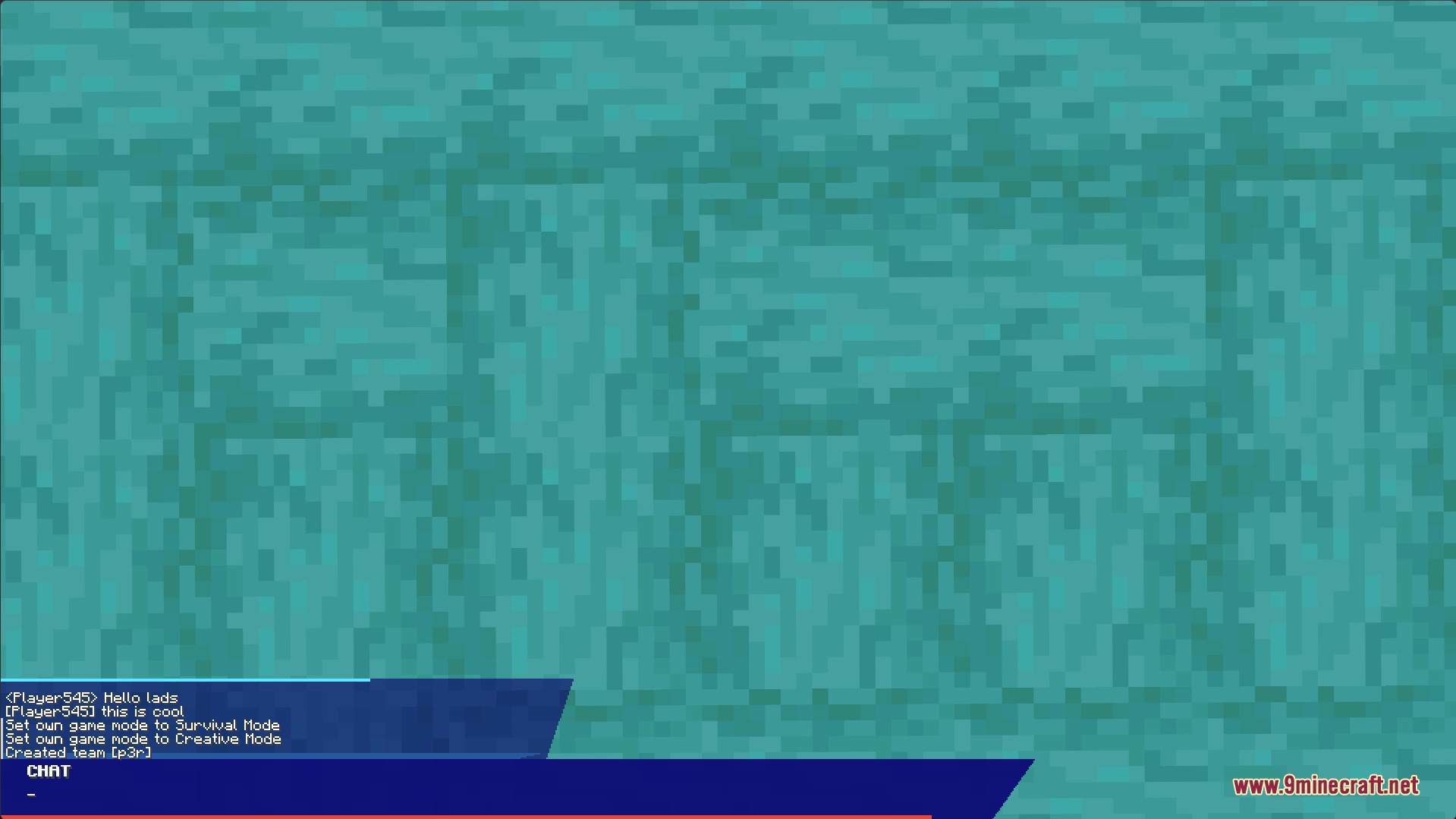
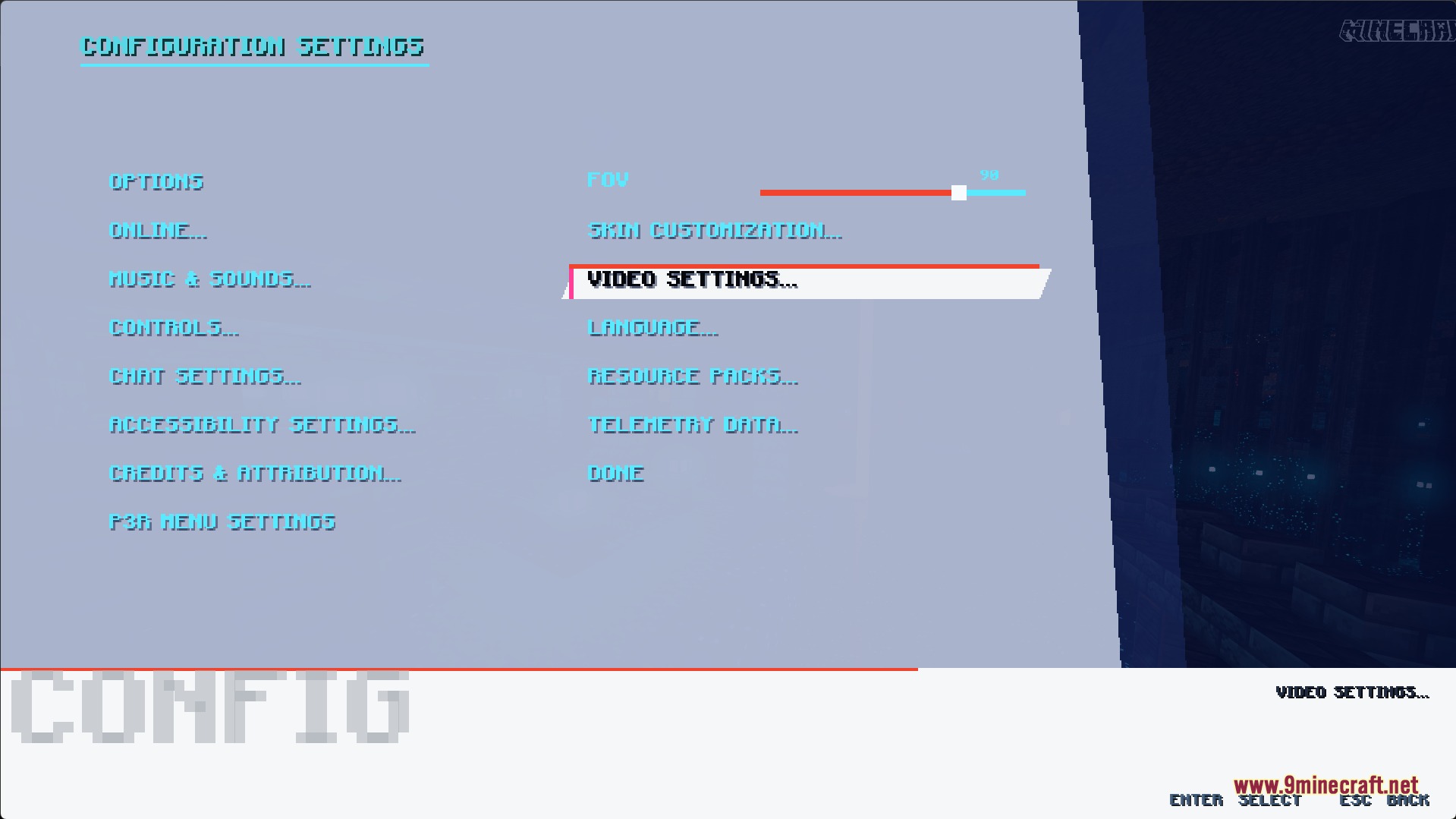
The Midnight Echo Interface Mod automatically replaces Minecraft's default menu screens with a Persona 3 Reload-inspired visual style when you launch the game. This happens to your title screen, world selection, server list, settings menu, and chat interface without any setup needed.
Can I turn off the animations if they're too fast?
Yes, you can adjust menu animation speed through the mod's settings. Open your settings menu and look for animation or motion speed options to slow down or disable transitions.
How do I change the chat interface colors?
The mod includes customization options for your chat interface colors. Check the mod's configuration settings or in-game menu options to find the chat color customization panel where you can adjust text, background, and accent colors.
What if text is overlapping or cut off in menus?
Text overlap usually happens when the mod's layout doesn't match your resolution or GUI scale. Try adjusting your GUI scale in Minecraft's video settings, or refer to the 'Restore Default Theme After Customization' guide if you've made custom changes that caused the issue.
See all 10 Midnight Echo Interface questions ›
Gallery
6 images from the Midnight Echo Interface Mod page.
You May Also Like
Wikis that share the most with this one
More mod wikis on the site
The most downloaded mods that have a wiki here
A few wikis from each of the other kinds