

 DownloadBlur Perfected Mod
Get the files on 9Minecraft
Guides
Step-by-step, in-game.
Customize Blur Fade-In and Fade-Out SpeedOpen Configuration Menu Access the Blur Perfected mod settings from your main menu or pause screen. Navigate to the…Enable Blur on Books and SignsAccess the Mod Settings Open your mod configuration menu (usually accessible from the main menu or pause screen,…Fix Blur Stuck on Screen After Closing InventoryIdentify the Problem If your screen remains blurry after closing your inventory or other menus, the blur effect has…Prevent Visual Glitches from Rapid Menu TogglingUnderstand the Issue Rapidly opening and closing menus (like your inventory) can cause the blur effect to glitch,…
Frequently asked questions
How do I turn on blur for books and signs?
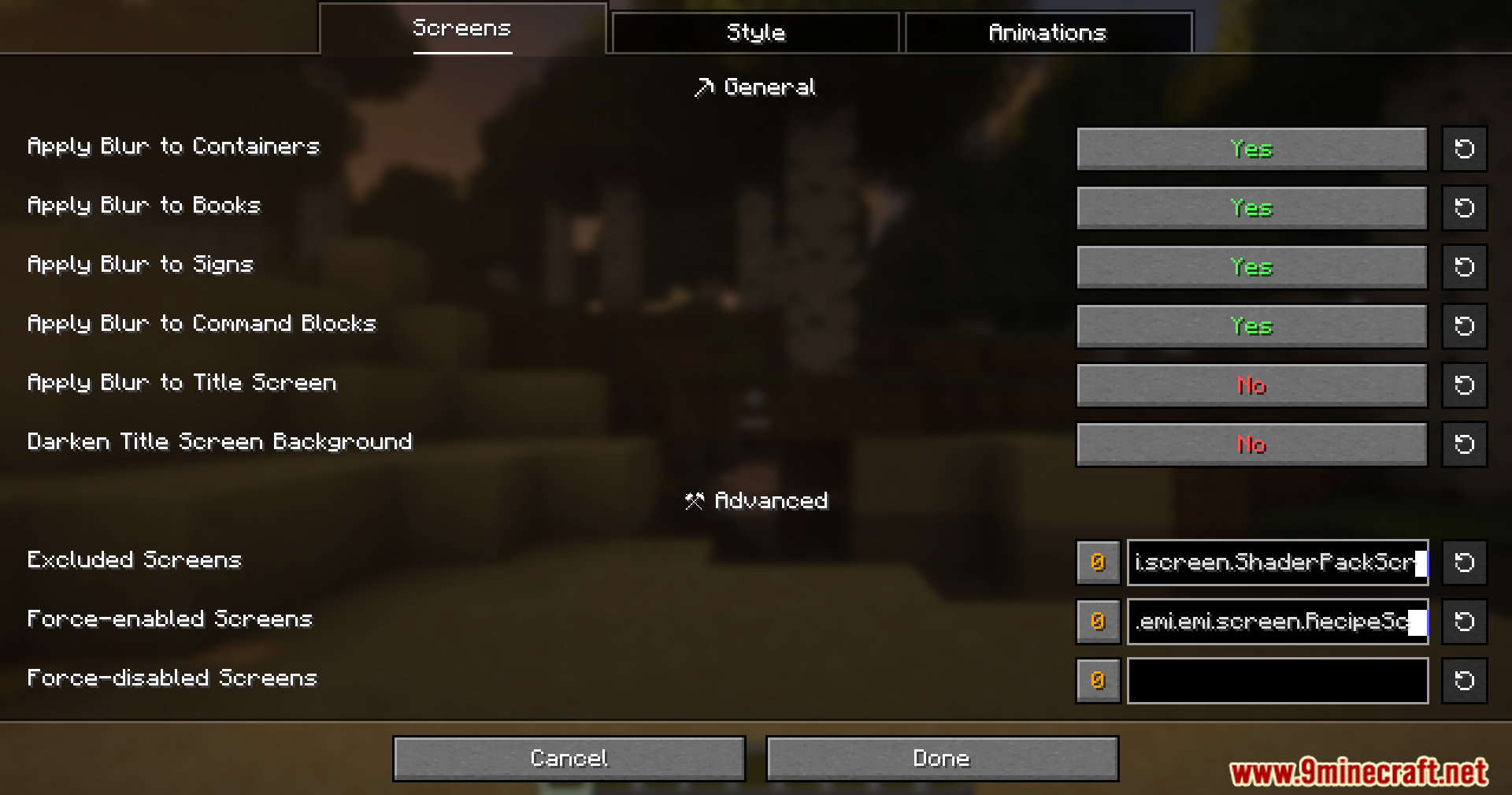
Open the mod's settings menu and find the option to enable blur on additional screens. You can toggle blur for books, signs, and command blocks individually to customize which screens show the effect.
Why is my screen still blurry after I close my inventory?
This is a known bug in the base Blur+ mod that Blur Perfected fixes. Make sure you have Blur Perfected installed and enabled—it automatically prevents the blur effect from getting stuck on your screen.
The blur keeps glitching when I spam open and close menus. How do I fix this?
Blur Perfected is designed to handle rapid menu toggling without visual glitches. If you're still seeing problems, verify the mod is enabled in your mod list and try adjusting the fade animation settings in the config.
Can I change how fast the blur fades in and out?
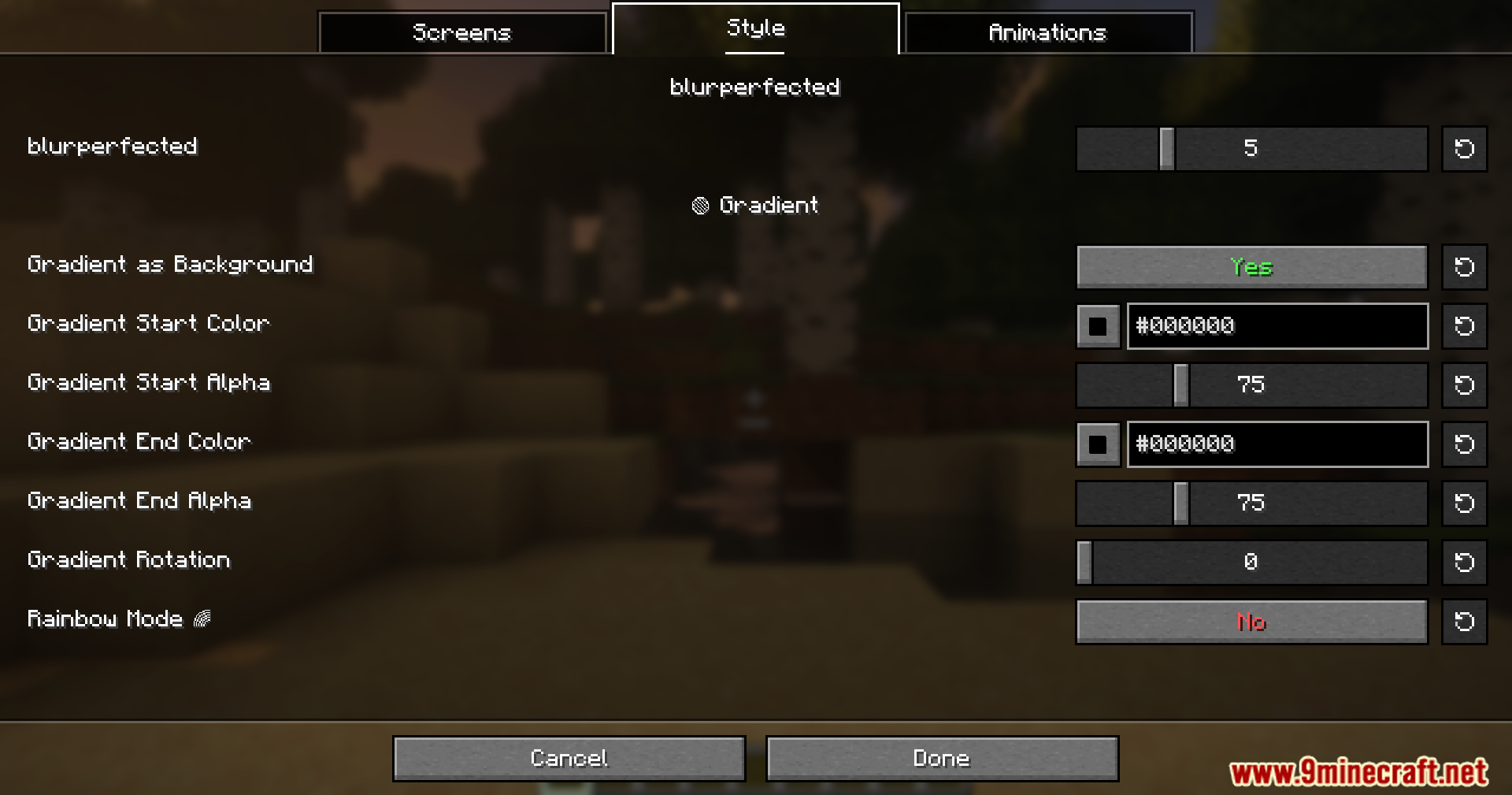
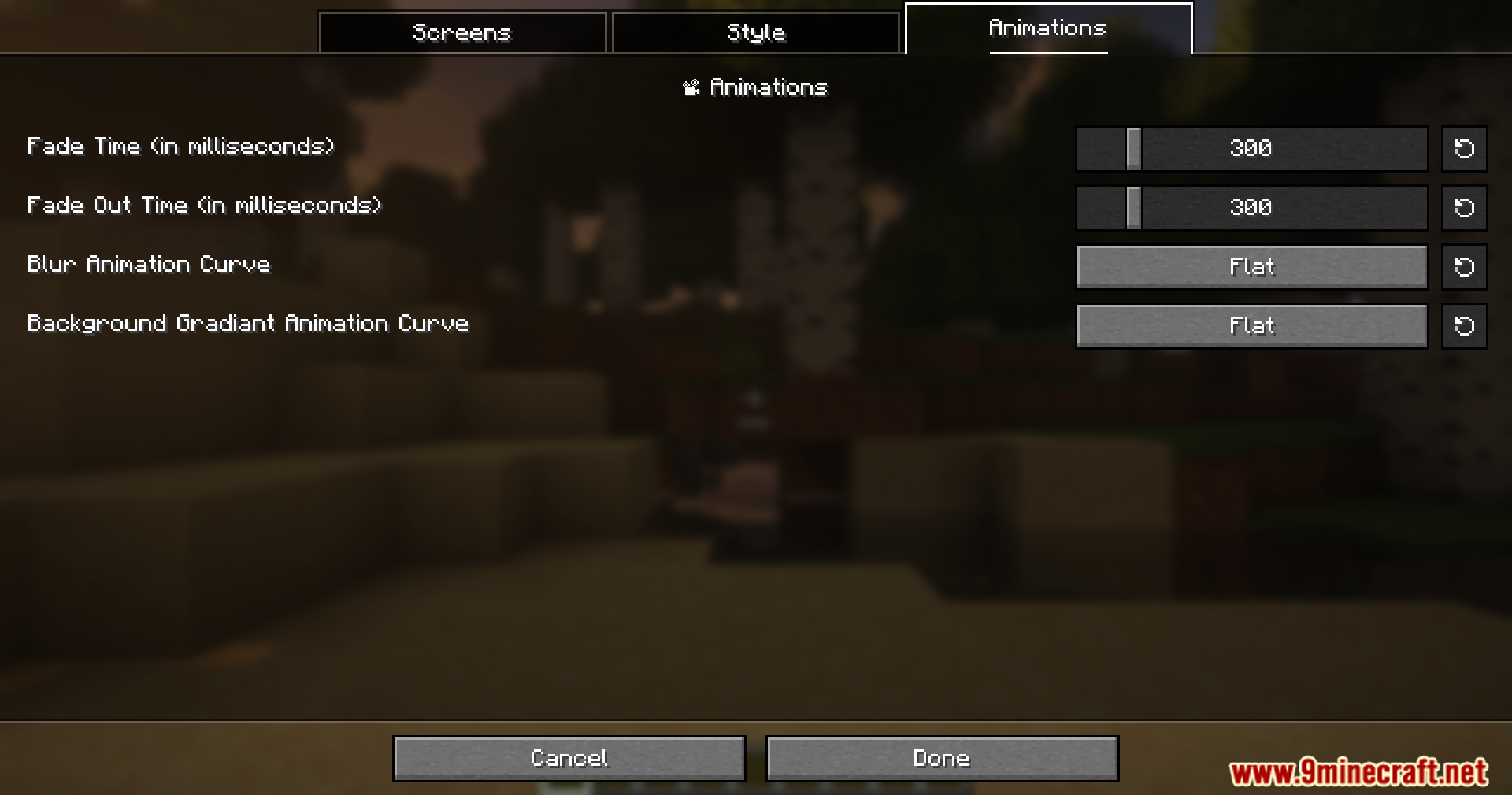
Yes, Blur Perfected adds customizable fade-in and fade-out speed settings. Open the mod's configuration menu to adjust the animation timing to your preference.
See all 10 Blur Perfected questions ›
Gallery
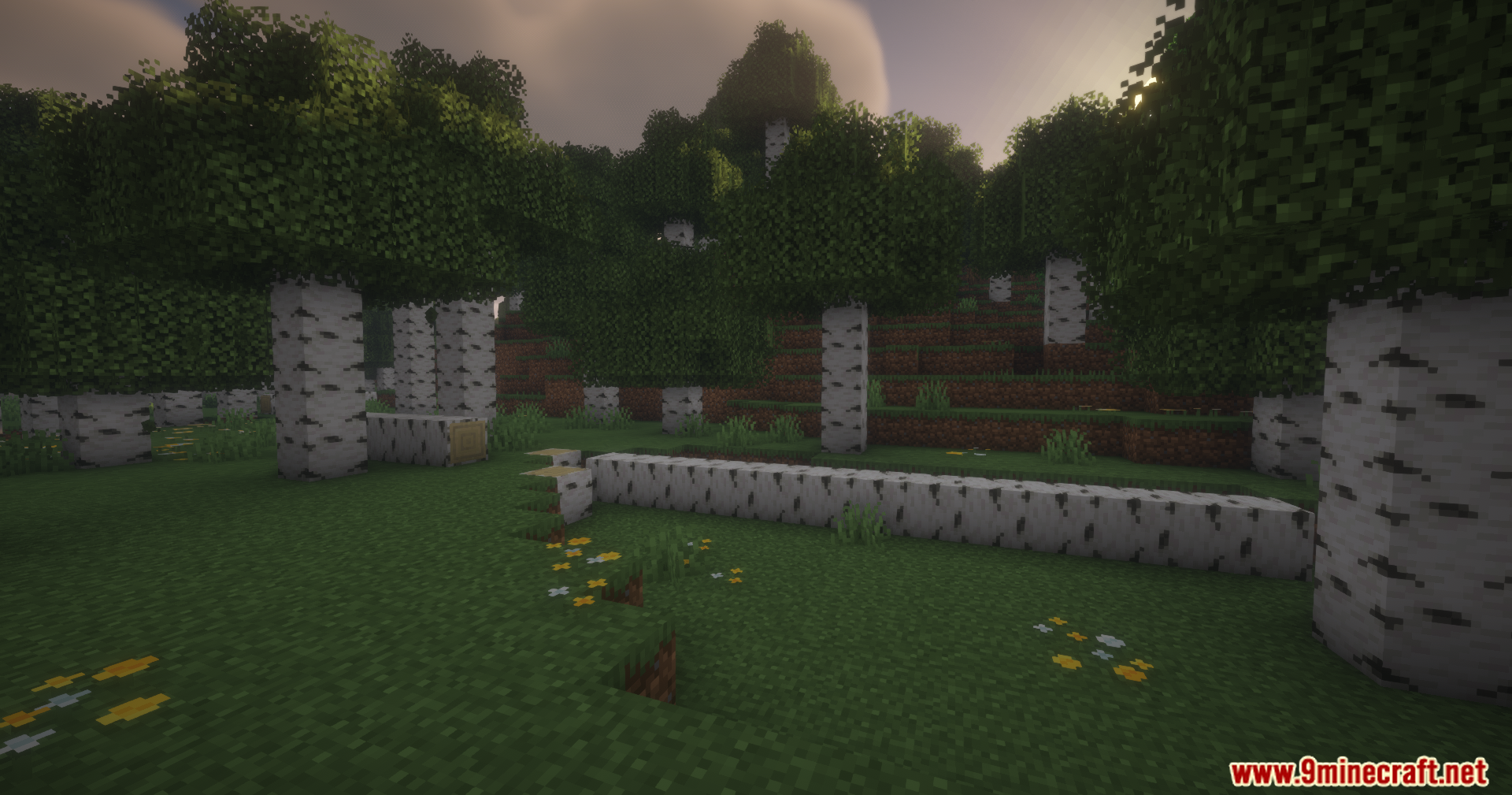
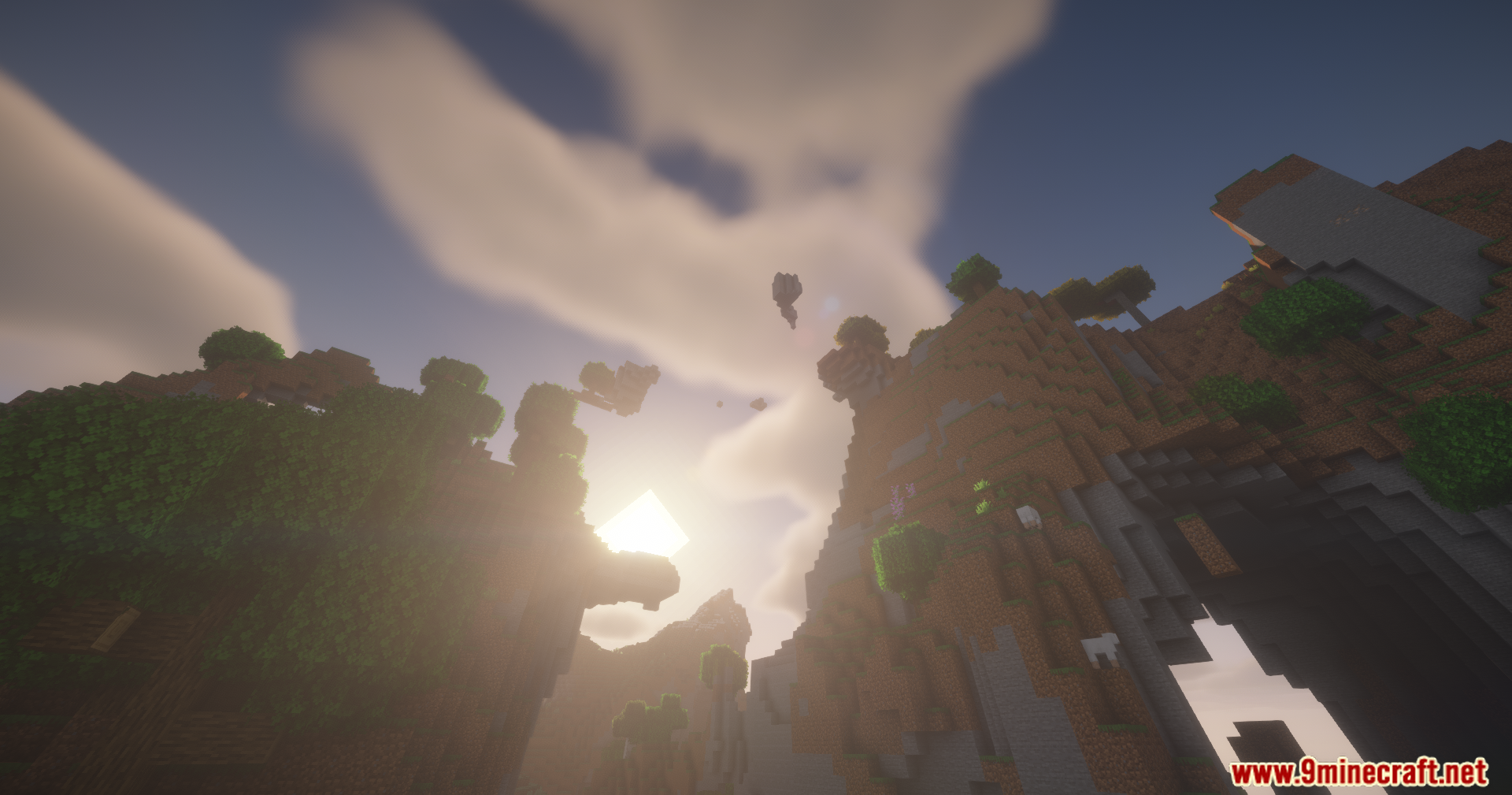
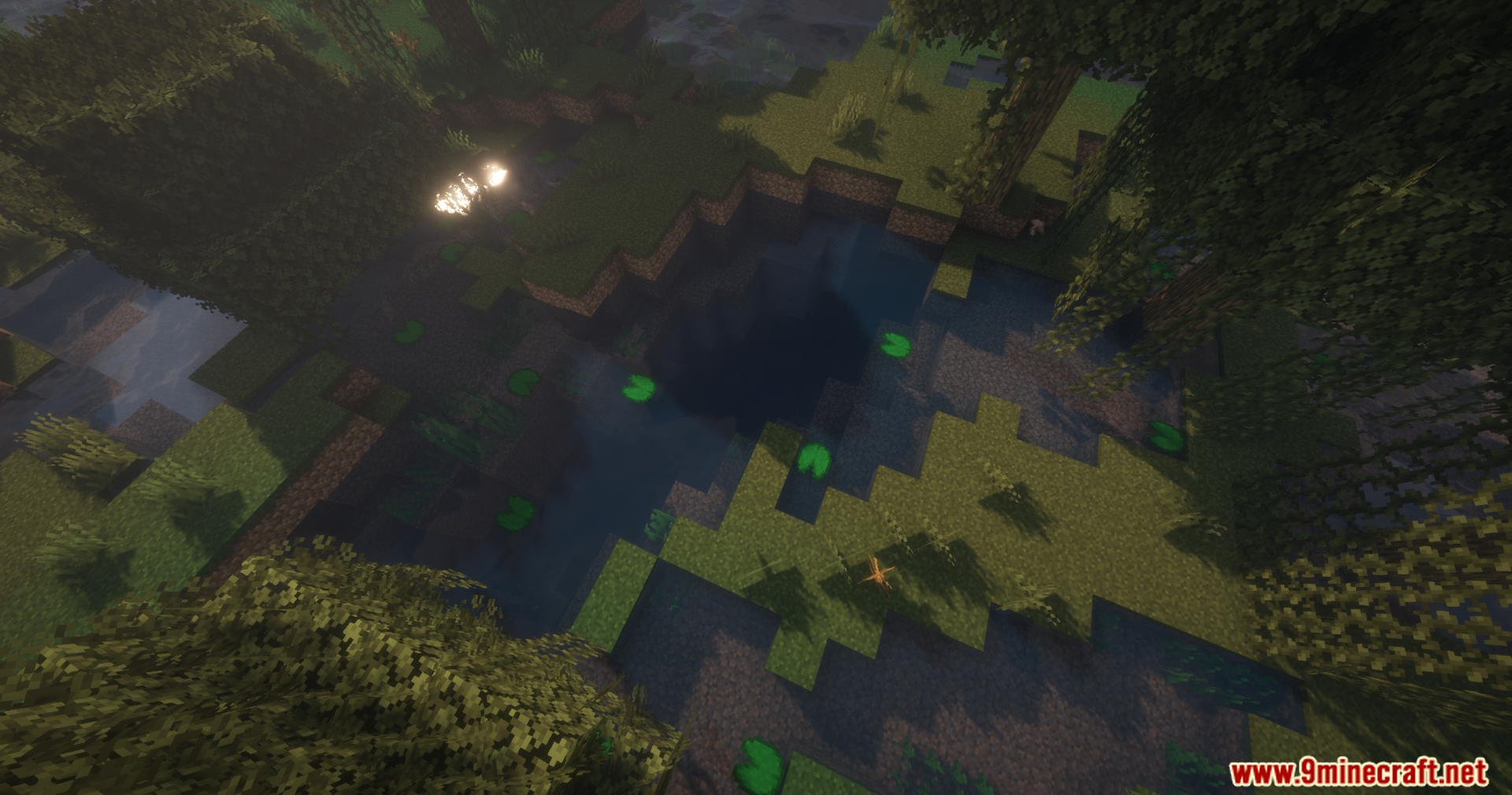
11 images from the Blur Perfected Mod page.
You May Also Like
Wikis that share the most with this one
More mod wikis on the site
The most downloaded mods that have a wiki here
A few wikis from each of the other kinds