

 DownloadNeon Pulse Interface Resource Pack
Get the files on 9Minecraft
Guides
Step-by-step, in-game.
Customize Your HUD Colors to Match Your World ThemeAccessing the Resource Pack Settings The Neon Pulse Interface Resource Pack uses Minecraft's built-in resource pack…Ensure Food Values Display Correctly with AppleSkinSetting Up AppleSkin Integration Neon Pulse Interface is designed to work seamlessly with AppleSkin's food value…Match Thirst Meters from Thirst Mods to Your InterfaceCompatibility with Thirst-Based Addons Neon Pulse Interface automatically reskins thirst meters from compatible…Set Up a Cohesive Sci-Fi Interface for Your Space BaseBuilding Your Futuristic Workspace To create a fully immersive sci-fi environment with Neon Pulse Interface: 1. Place…
Frequently asked questions
Why do my menus look different after installing this pack?
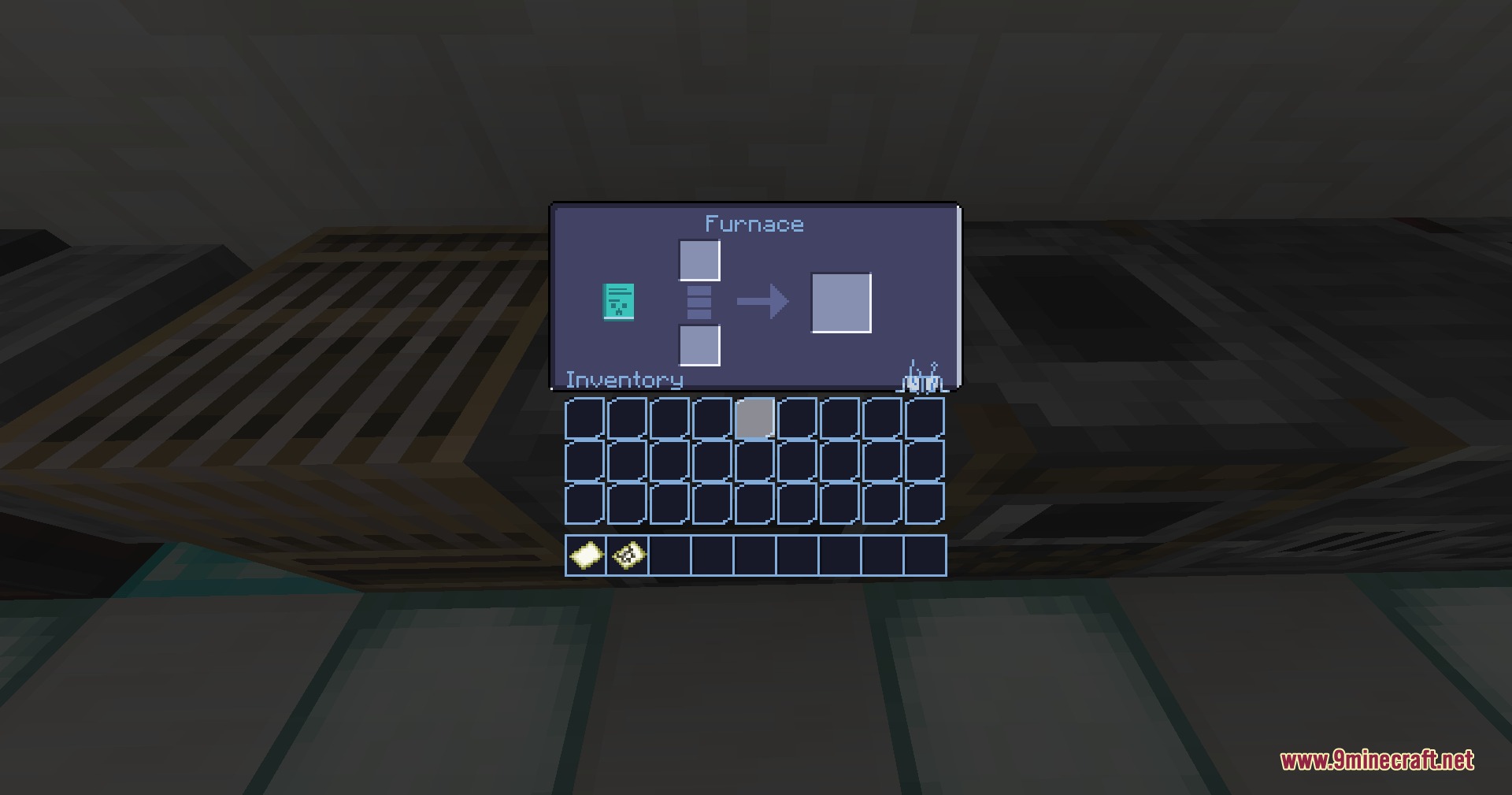
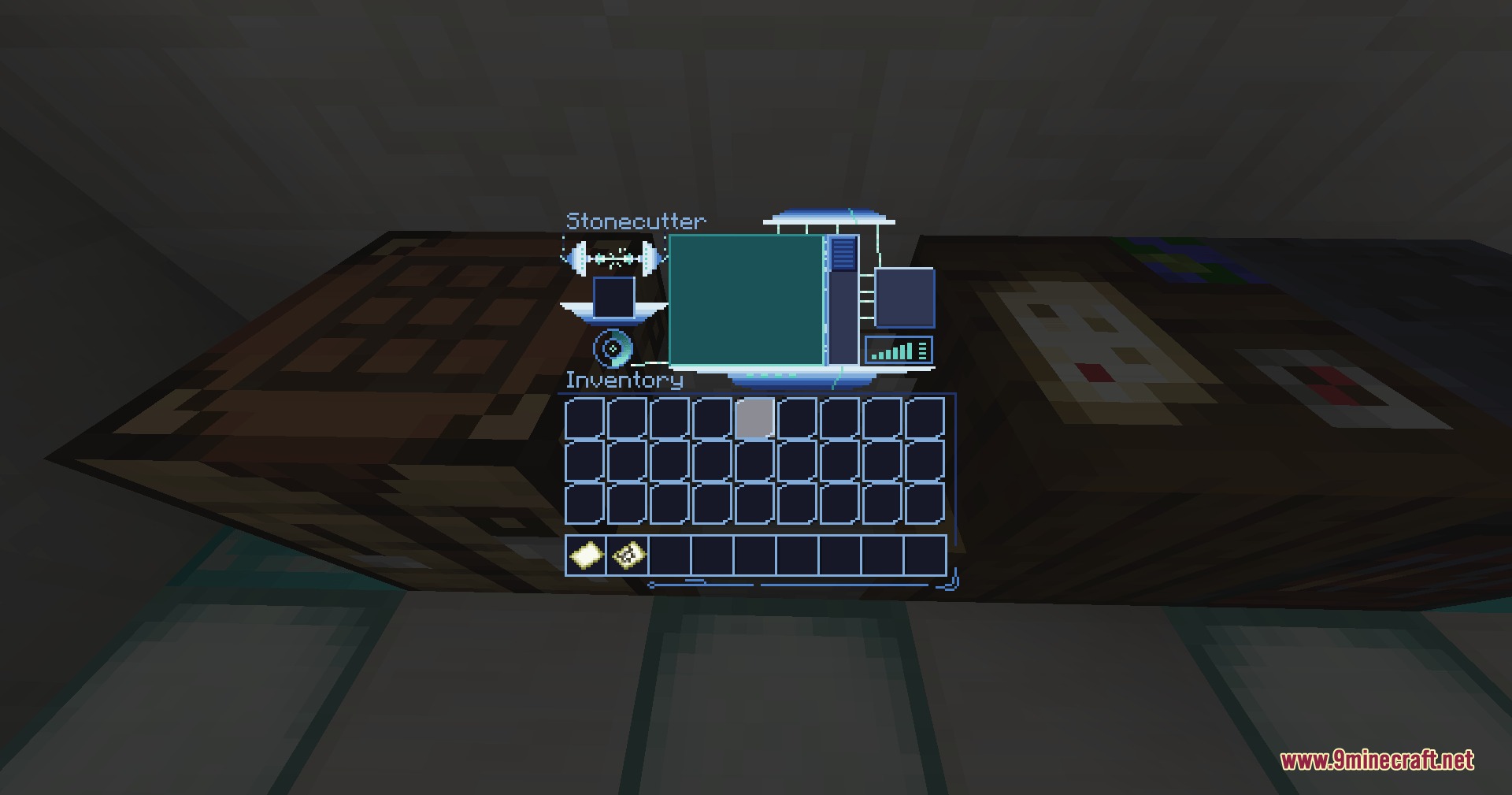
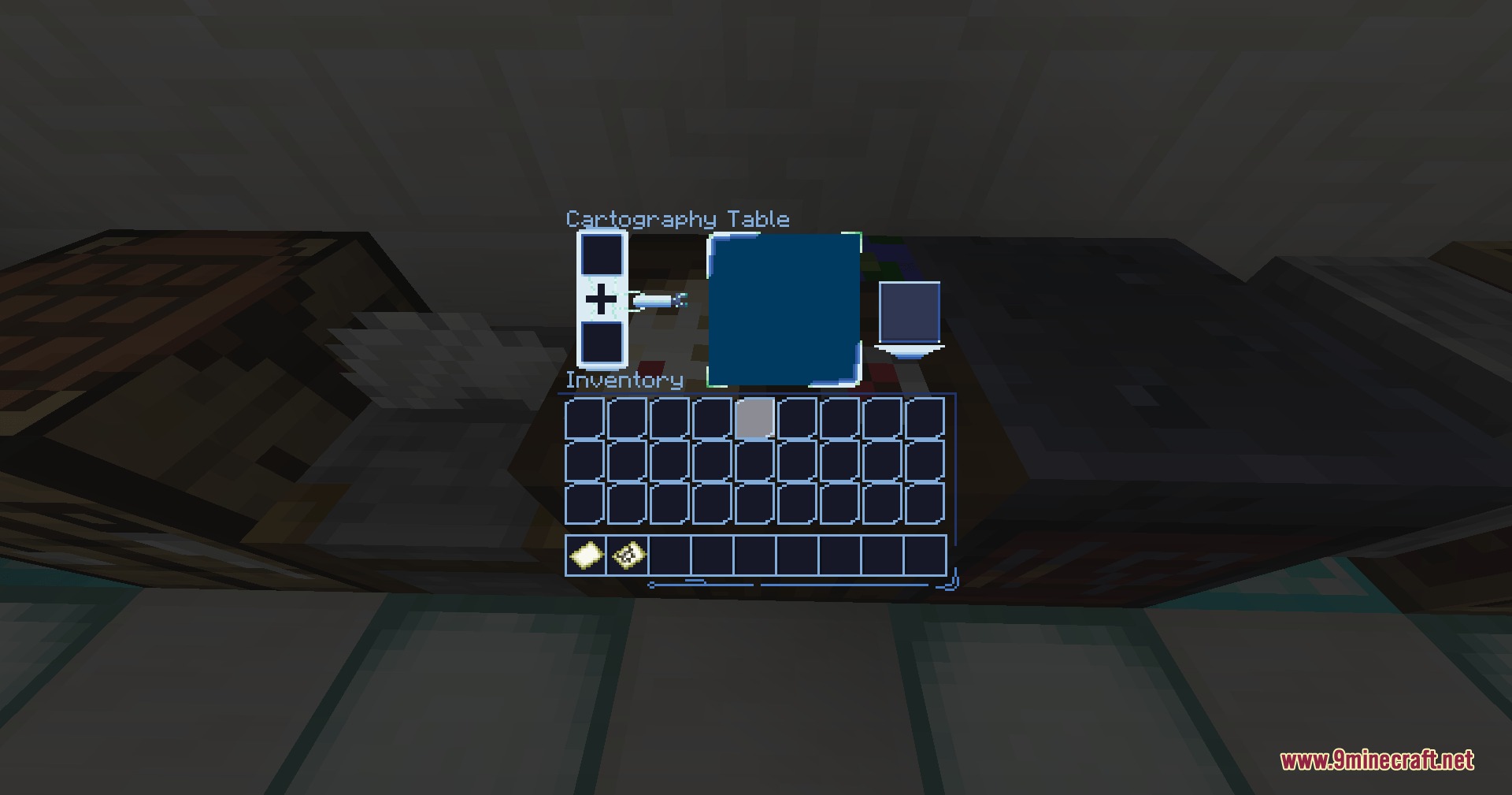
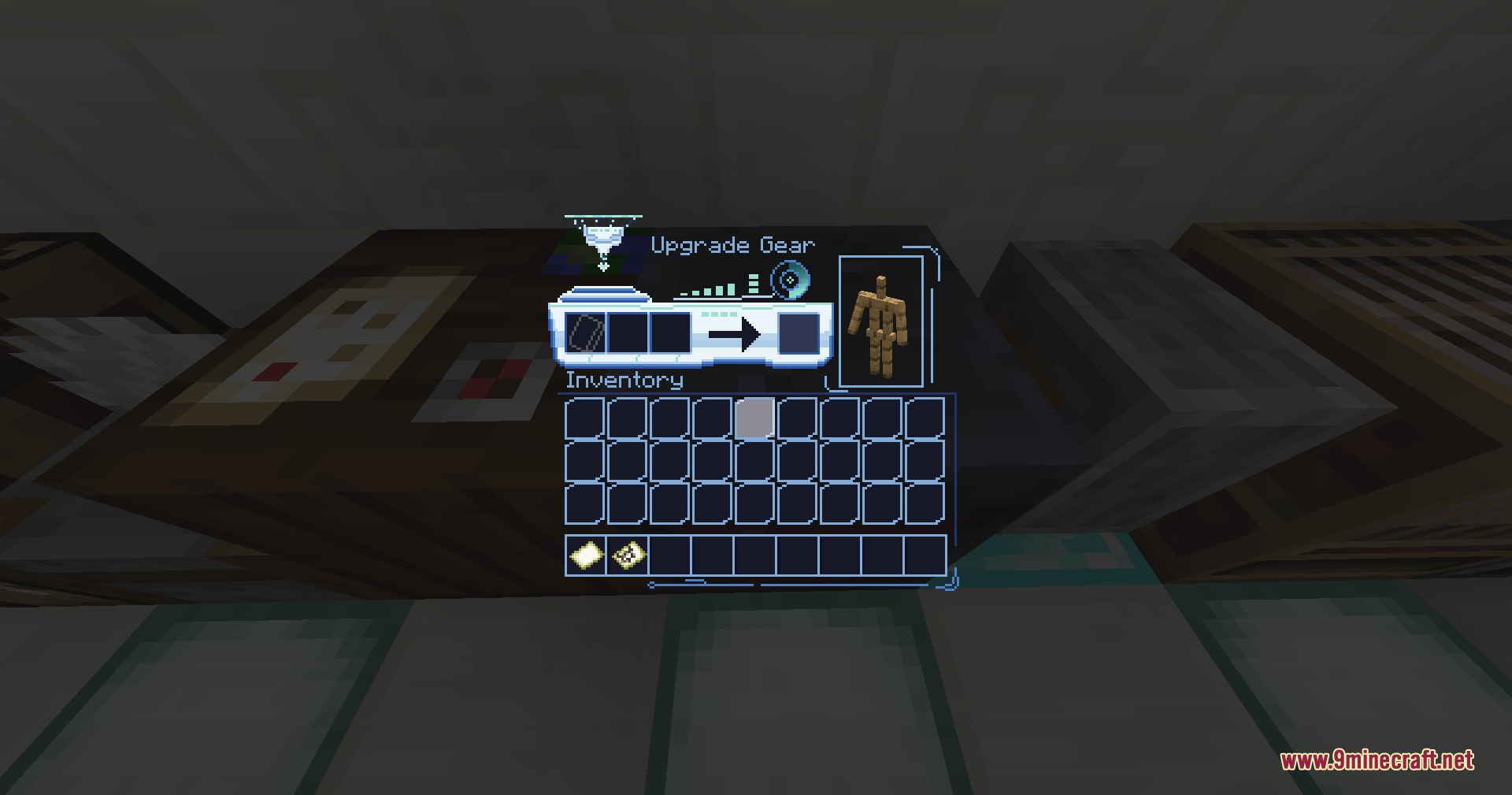
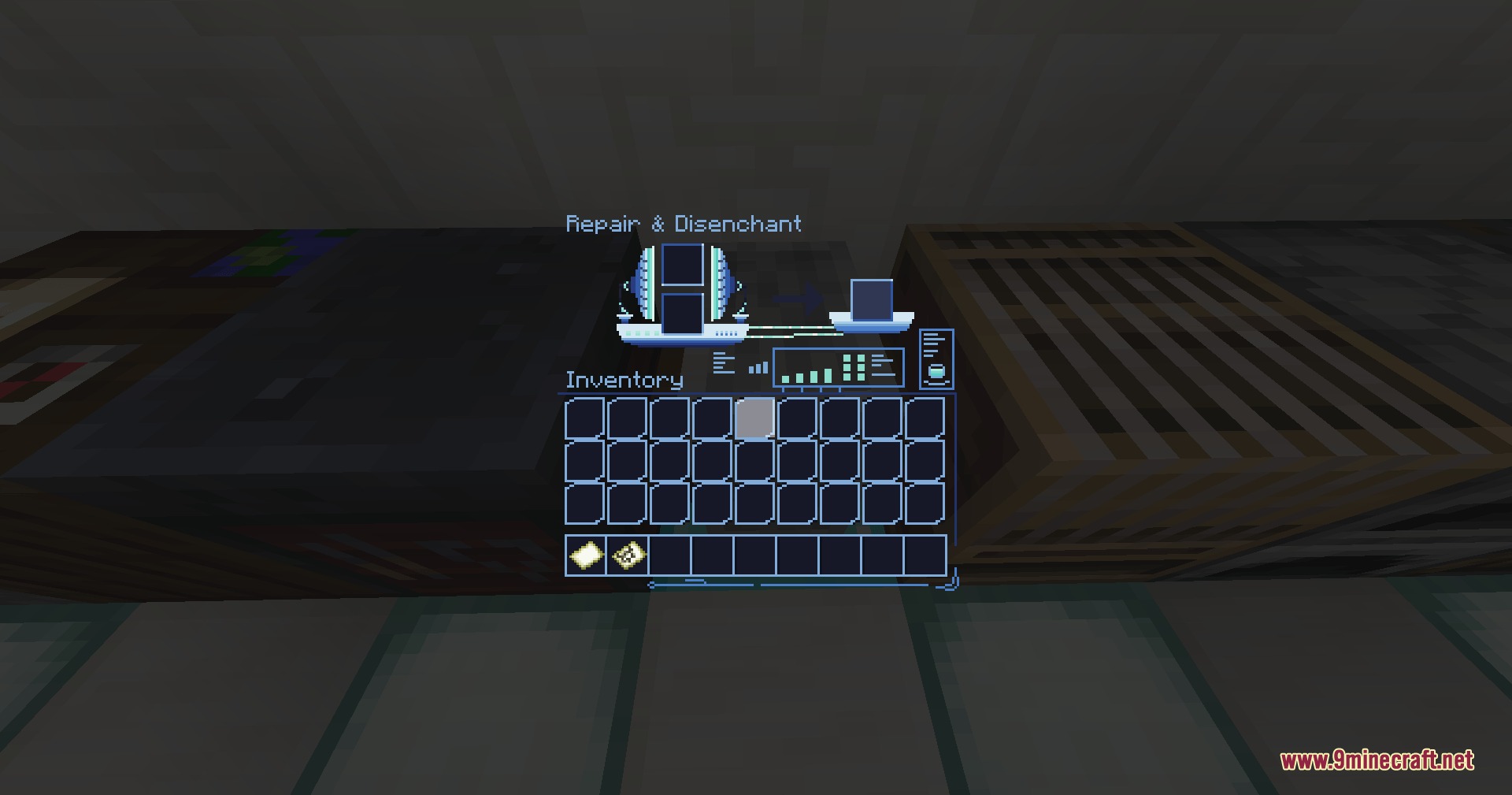
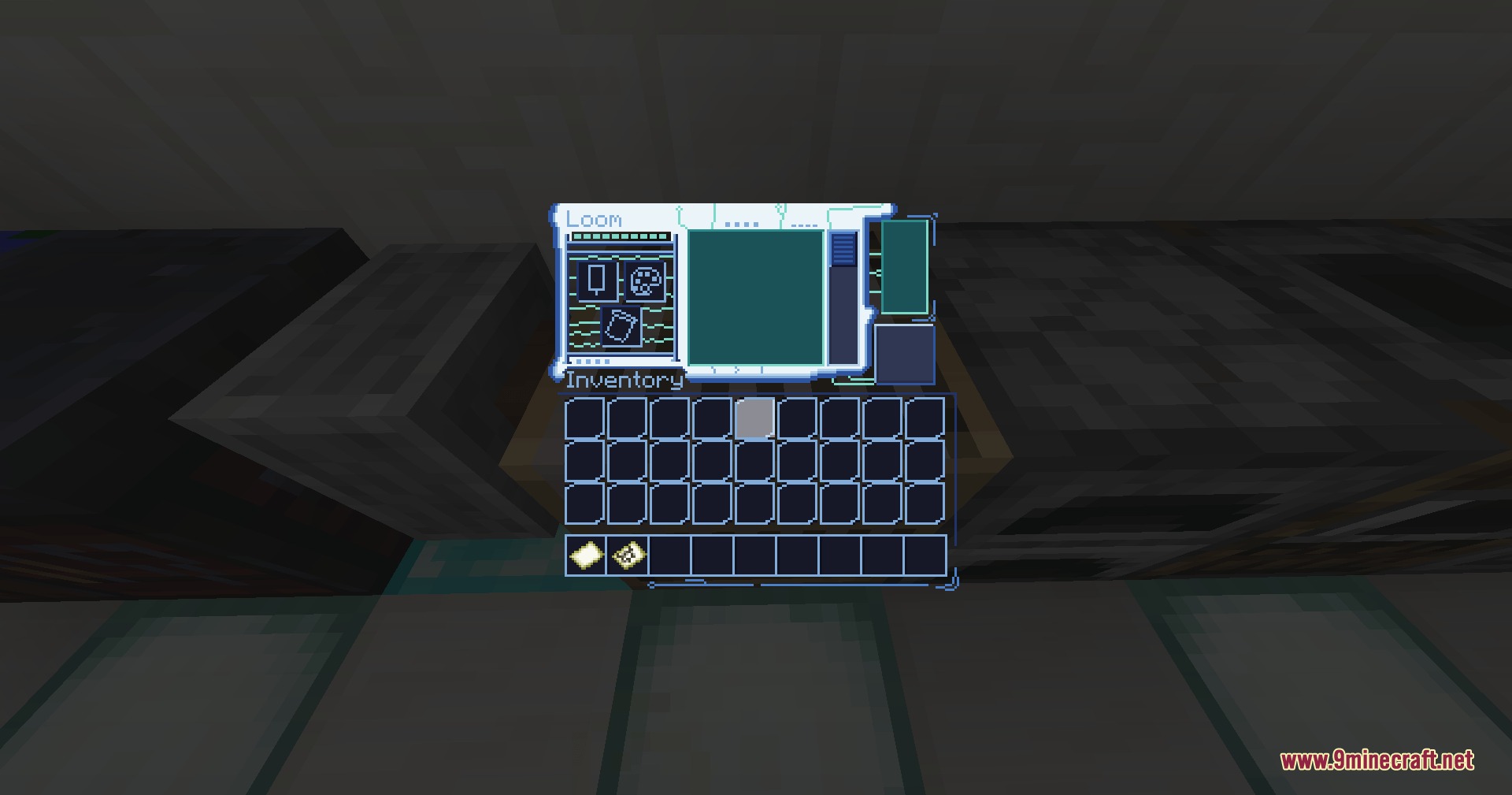
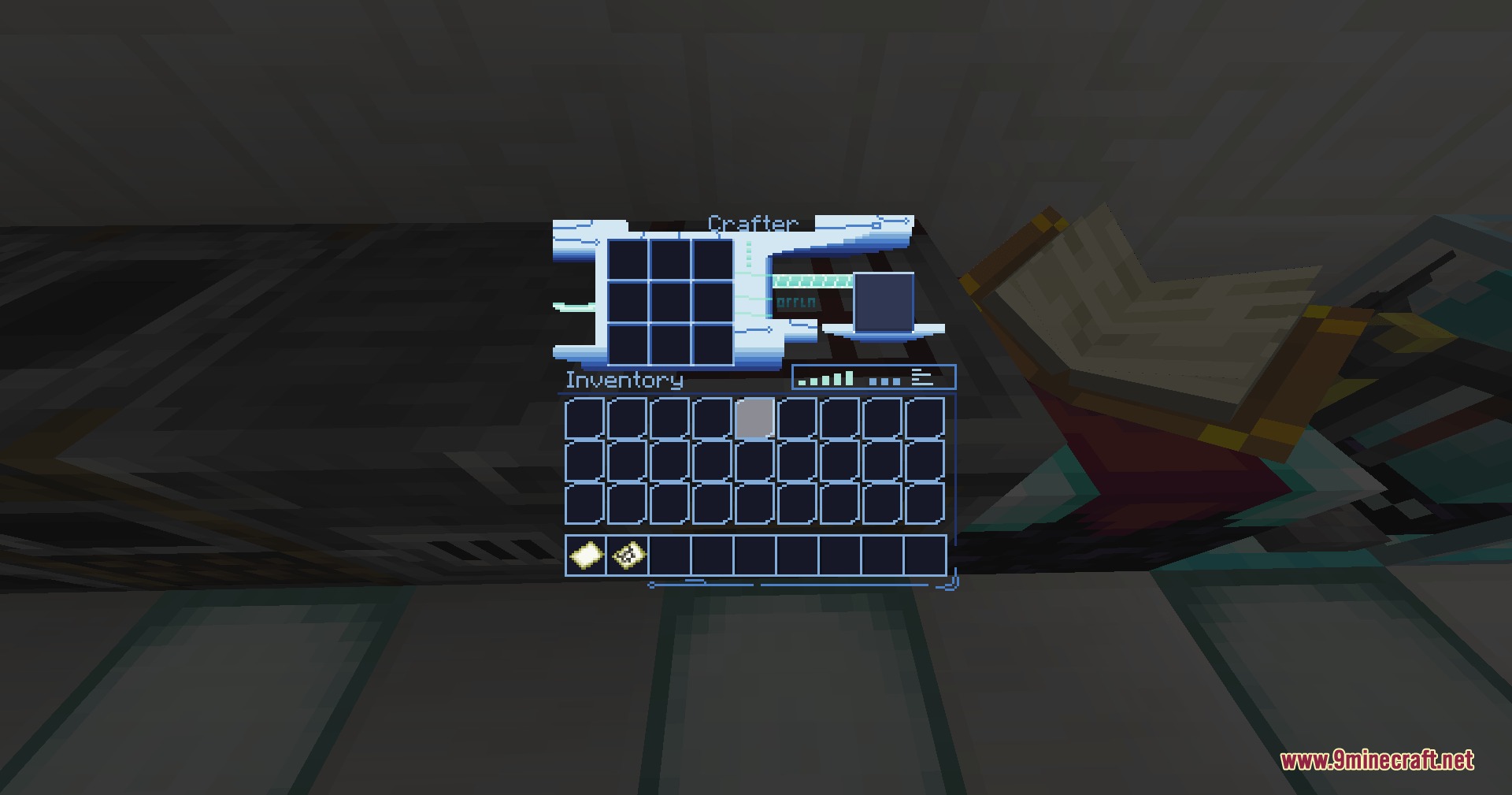
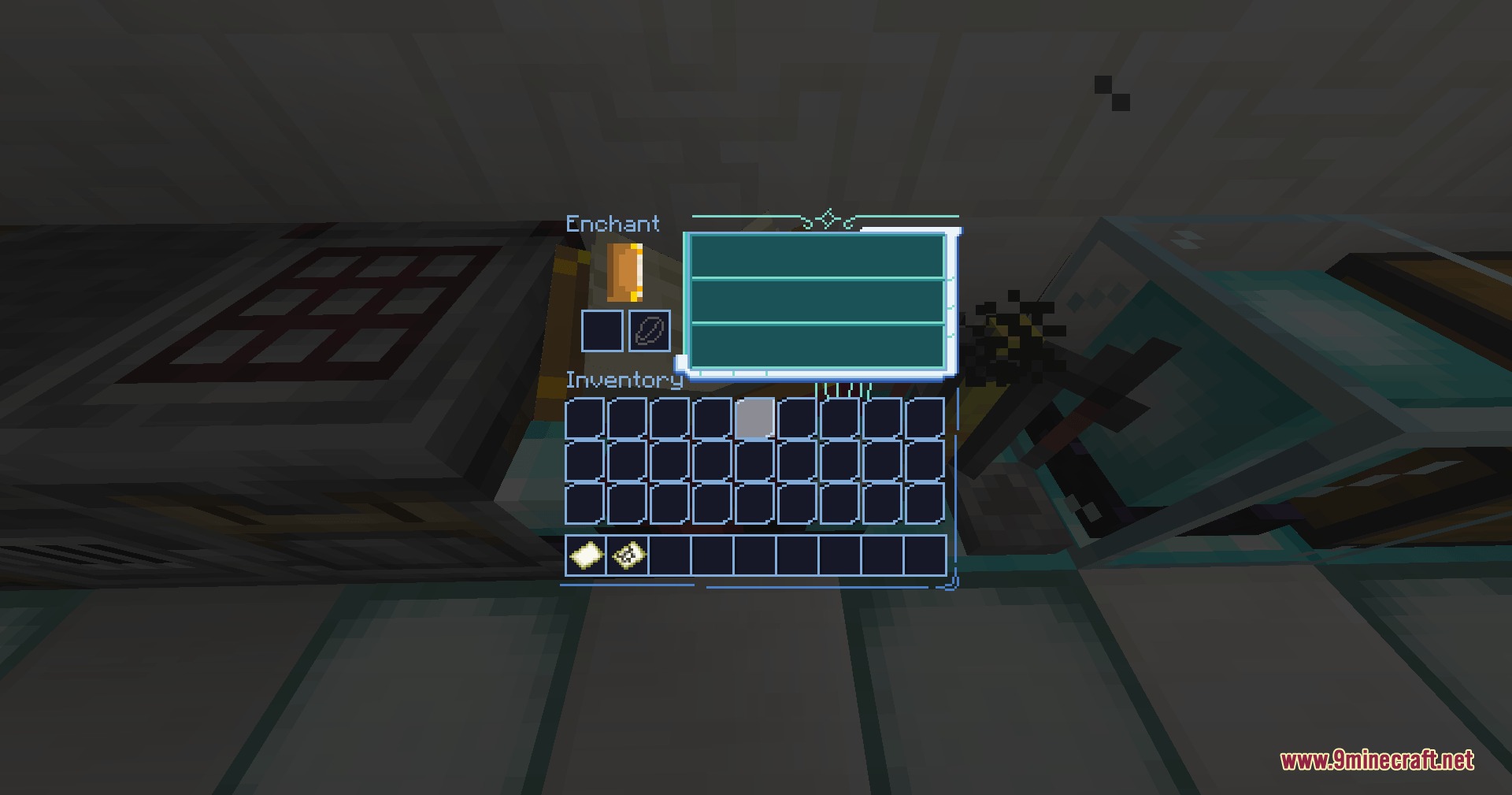
Neon Pulse Interface replaces your default Minecraft UI textures with a sci-fi themed design. This affects all container screens (furnaces, chests, crafting tables, etc.) and your HUD elements like hearts and hunger bars. The pack is working correctly—you can disable it anytime by removing it from your resource packs folder if you prefer vanilla visuals.
Does this work with AppleSkin?
Yes, Neon Pulse Interface is designed to work with AppleSkin's food value tooltips and exhaustion indicators. The futuristic styling will apply to these overlays automatically, so your food information displays with the same sci-fi aesthetic as the rest of your interface.
Can I use this with thirst mods?
Neon Pulse Interface includes styling that matches thirst meters from thirst-based addons, so they'll blend seamlessly with your futuristic HUD. If your thirst bar looks out of place, check that this pack is loaded after your thirst mod's resource pack in your resource pack list.
How do I customize the HUD colors to match my world?
You can edit the pack's texture files directly using an image editor, or use a resource pack editor tool to modify the color values of hearts, hunger icons, and status meters. Refer to the 'Customize Your HUD Colors to Match Your World Theme' guide for step-by-step instructions on which files to change.
See all 10 Neon Pulse Interface questions ›
Gallery
9 images from the Neon Pulse Interface Resource Pack page.
You May Also Like
Wikis that share the most with this one
More resource pack wikis on the site
Neon Grid Protocol Resource PackNeko’s Dragon Blazes Resource Pack Neighborcraftresources Resource PackNebula RPG Glint Yellow Resource PackNebula RPG Glint Blue Resource PackNebula Glint Green Resource PackNautilus3D Resource PackNature XNatural Texture Pack Resource PackMythic Mounts PT BR Translation Resource PackMy Resource Pack My Choice ModMy Minimal Armor Resource Pack
The most downloaded mods that have a wiki here
A few wikis from each of the other kinds