

 DownloadNew Hearts Resource Pack
Get the files on 9Minecraft
Guides
Step-by-step, in-game.
Customize Heart Colors to Match Your PlaystyleFinding the Heart Texture Files The New Hearts Resource Pack stores its heart textures in a dedicated folder within…Ensure Hearts Display Correctly Across Different Game ModesHearts in Survival and Adventure Modes New Hearts displays consistently in Survival and Adventure modes since both…Layer New Hearts with Other Resource PacksUnderstanding Pack Priority Resource packs stack in order—packs listed higher in your pack menu override those below…Restore Default Hearts While Keeping the Pack InstalledTemporarily Disabling the Pack The quickest way to see vanilla hearts is to uncheck New Hearts in your resource packs…
Frequently asked questions
Why aren't my new hearts showing up in-game?
Make sure the resource pack is enabled and positioned above any conflicting packs in your resource pack list. If hearts still don't appear, try moving New Hearts to the top of your active packs and restart your game.
Can I use this pack with other resource packs at the same time?
Yes, New Hearts is designed to layer with other packs since it only modifies heart textures. Place it above or below other packs depending on which heart style you want to prioritize, and they'll blend together without conflicts.
Do the pastel hearts work in Creative mode?
The hearts only appear when you have a health bar to display, so they won't show in Creative mode since you don't take damage. Switch to Survival or Adventure mode to see your new heart textures.
How do I change the heart colors to match my preferred aesthetic?
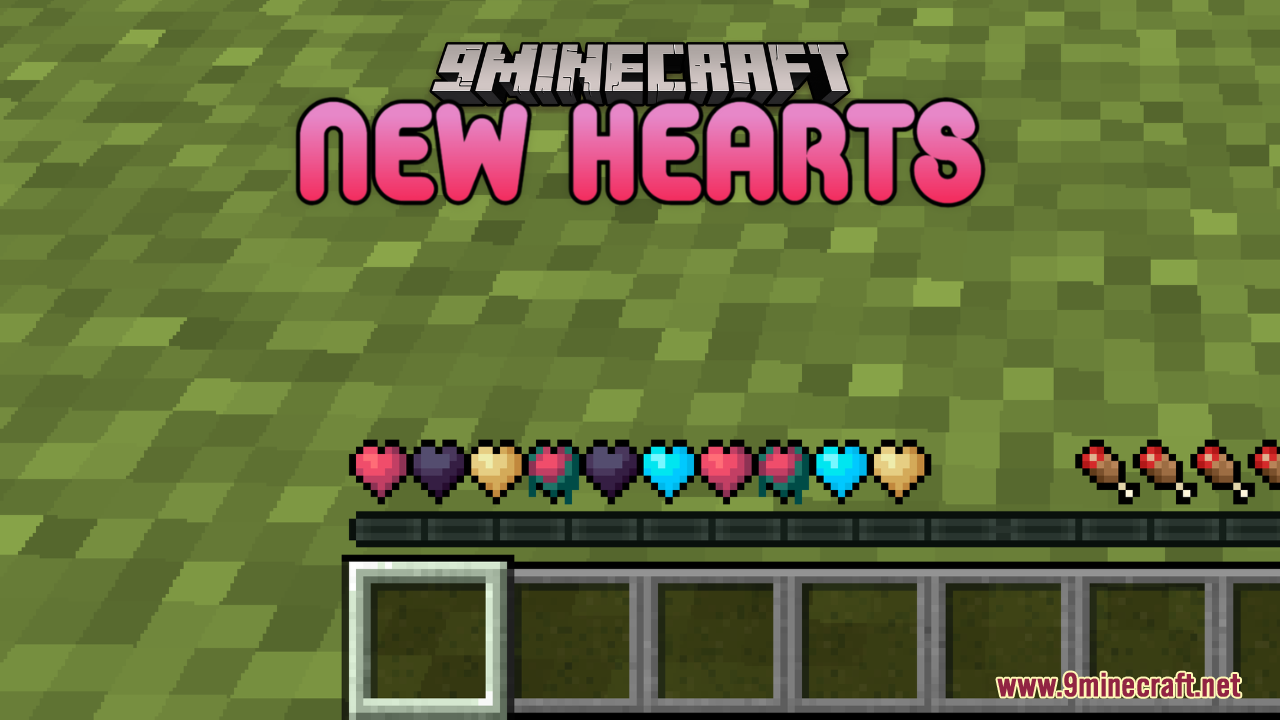
Open the resource pack folder, navigate to the textures directory, and edit the heart texture files with an image editor to adjust the pastel colors to your liking, then reload the pack in-game.
See all 10 New Hearts questions ›
Gallery
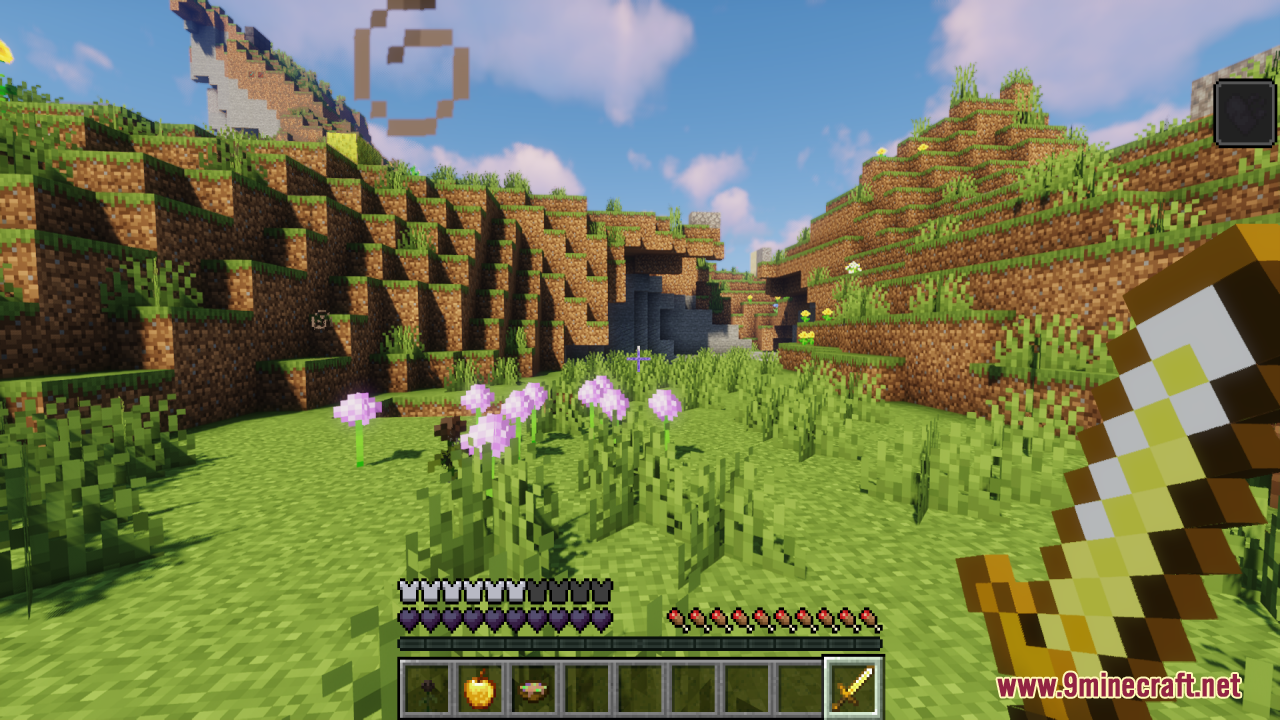
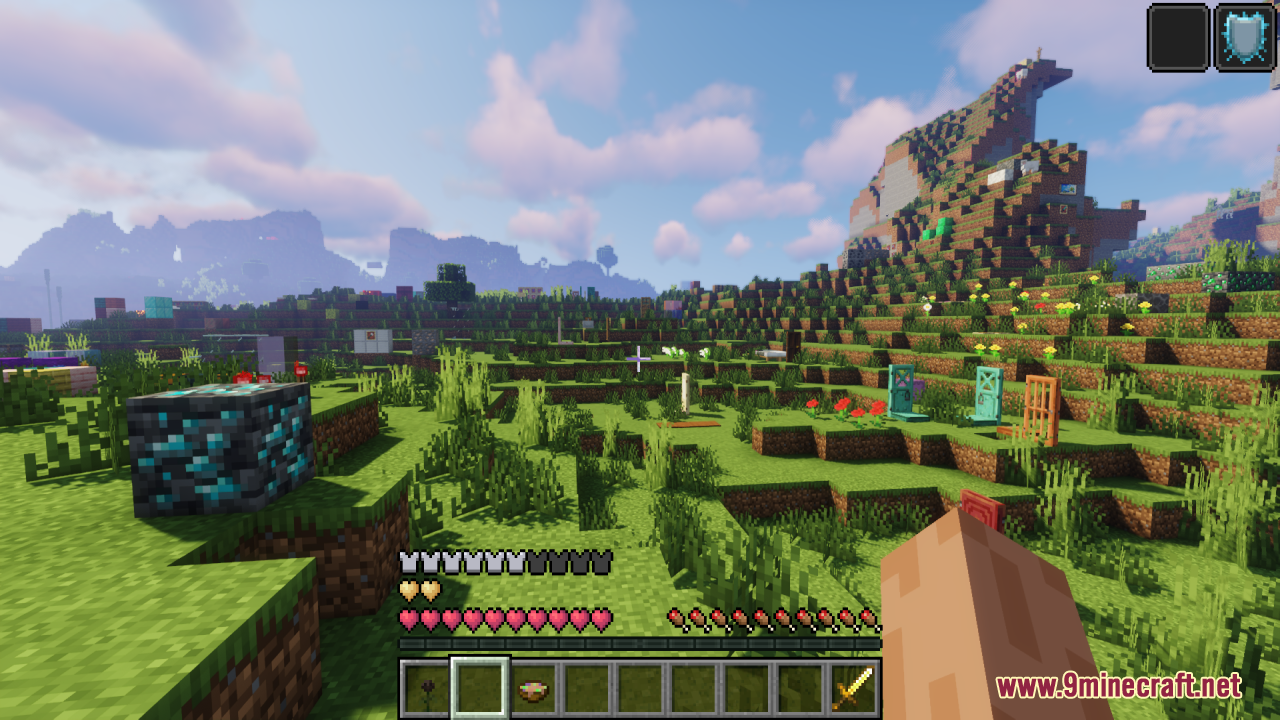
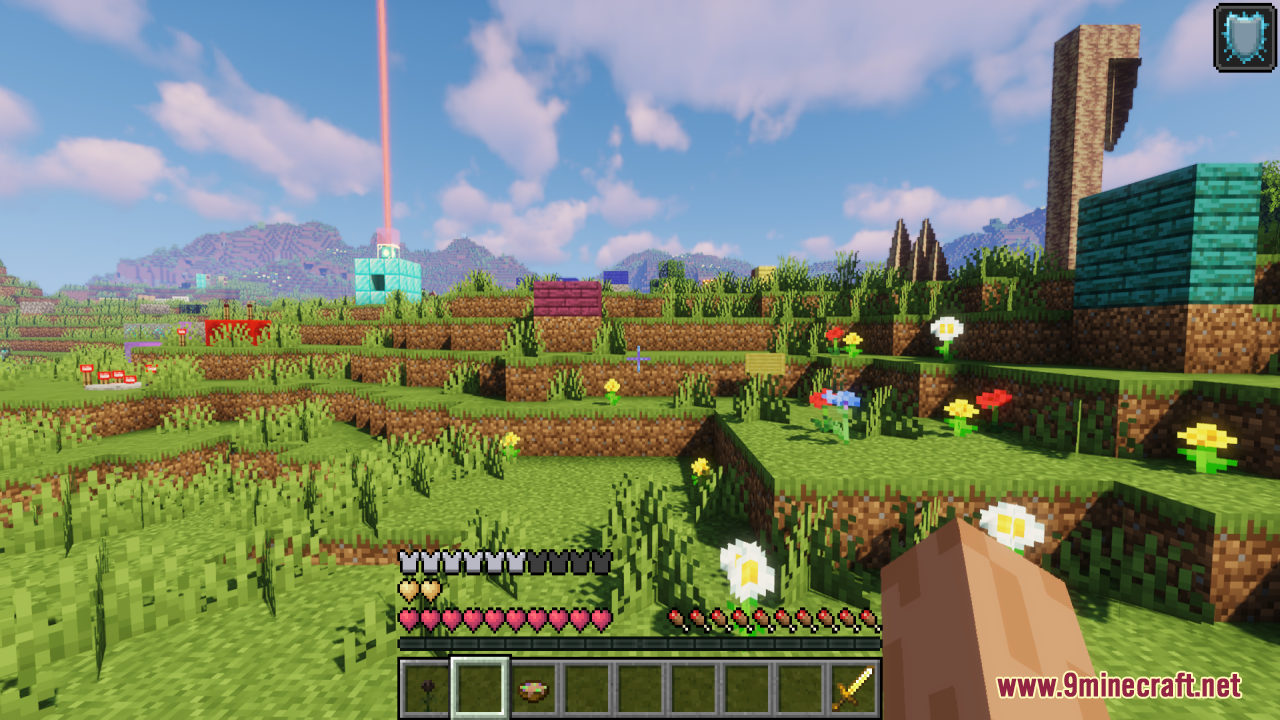
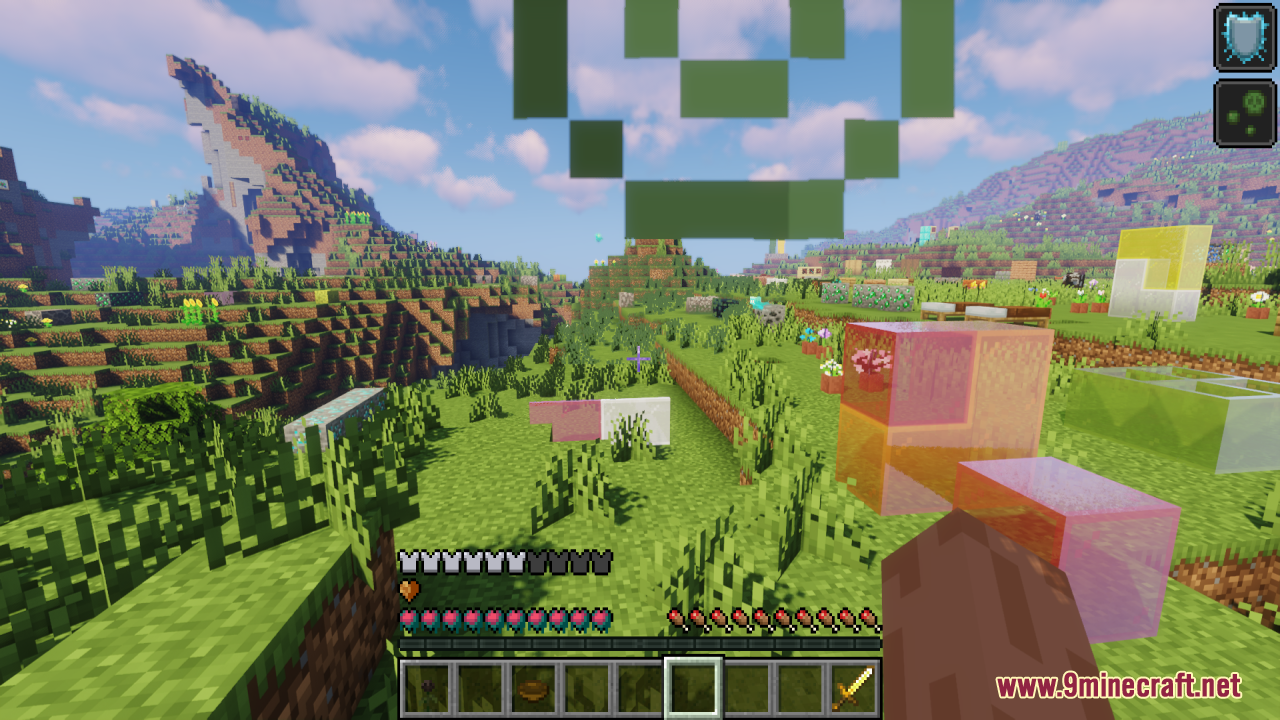
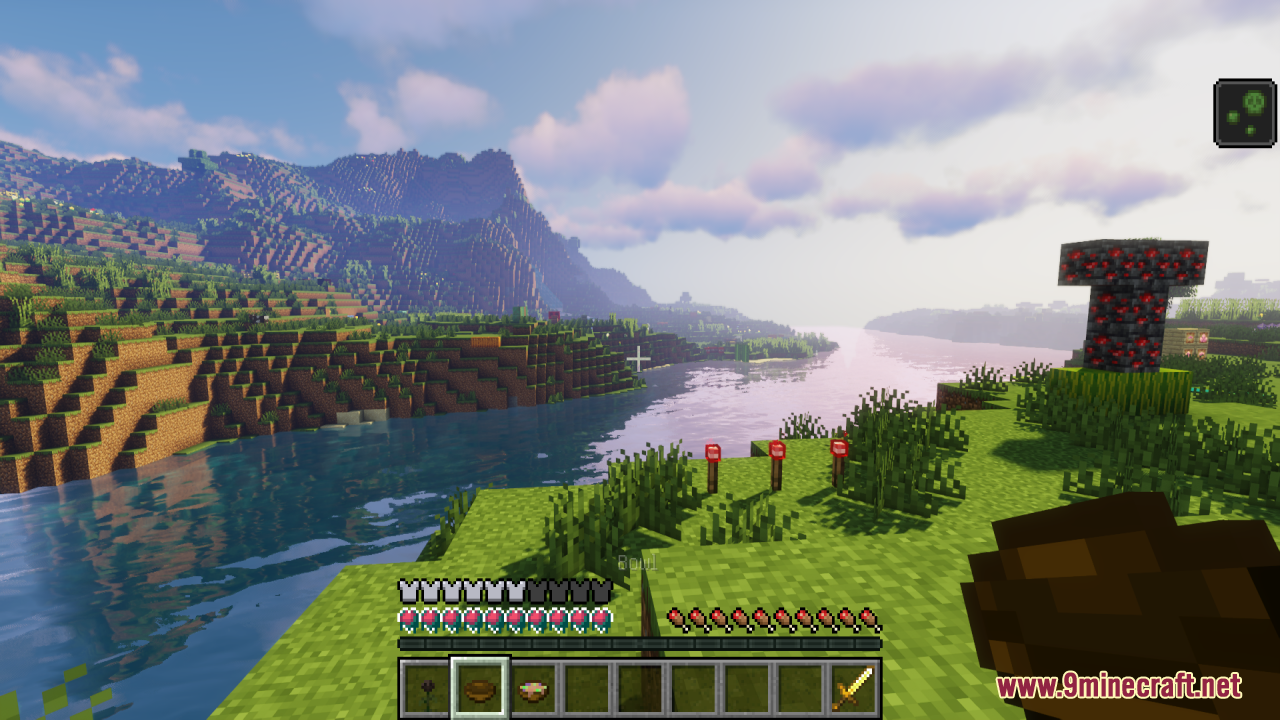
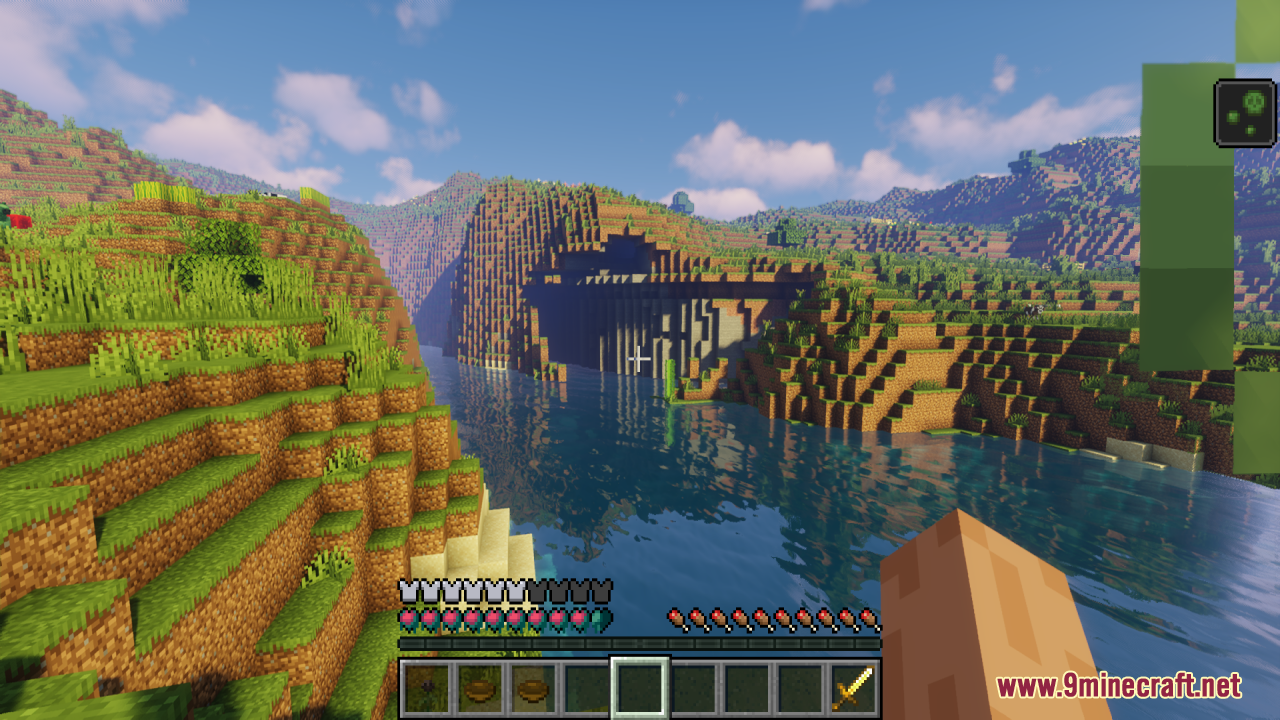
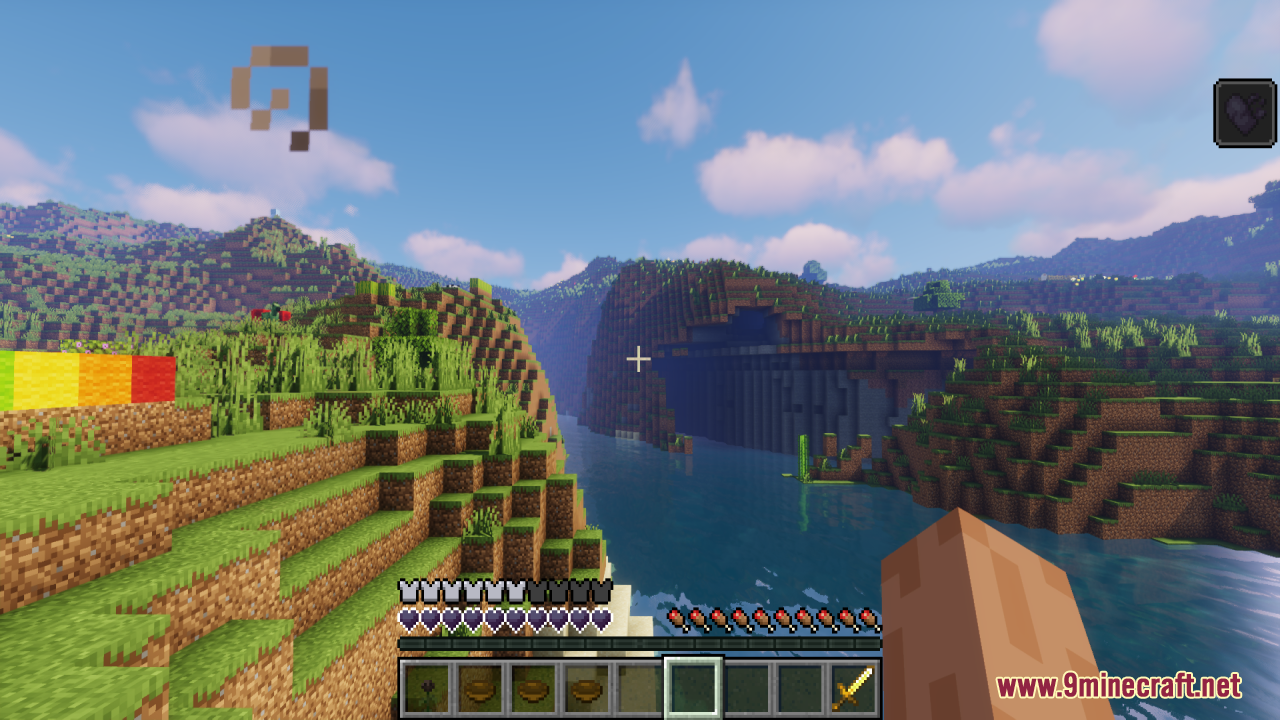
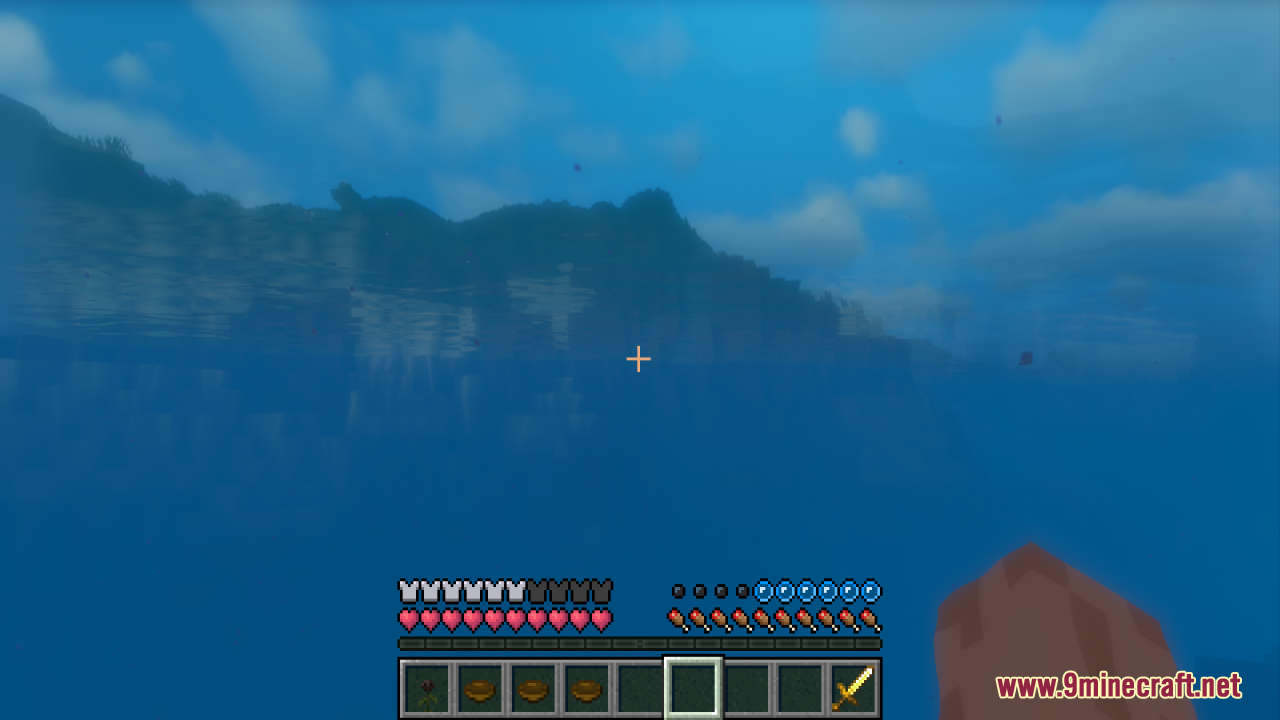
12 images from the New Hearts Resource Pack page.
You May Also Like
Wikis that share the most with this one
Blue HeartsPartial Hearts ModColorful Hearts ModApple Hearts Resource PackFresh Hearts Resource PackShiny Hearts Resource PackSalmon Hearts Resource PackDev’s Better Wither Hearts Resource PackNebula RPG Glint Yellow Resource Pack Neighborcraftresources Resource PackNeko’s Dragon Blazes Resource PackNeon Grid Protocol Resource Pack
More resource pack wikis on the site
New End Stone Resource PackNether Structure Highlighter Resource PackNether Depths Upgrade PT BR Translation Resource PackNeon Pulse Interface Resource PackNebula RPG Glint Blue Resource PackNebula Glint Green Resource PackNautilus3D Resource PackNature XNatural Texture Pack Resource PackMythic Mounts PT BR Translation Resource PackMy Resource Pack My Choice ModMy Minimal Armor Resource Pack
The most downloaded mods that have a wiki here
A few wikis from each of the other kinds