

 DownloadVelocity Blur Mod
Get the files on 9Minecraft
Guides
Step-by-step, in-game.
Maximize Velocity Blur Effect While FlyingAchieve Maximum Blur Intensity To see the strongest possible motion blur effect, you need to reach the highest speeds…Turn Off the Speed Counter DisplayAccess the Mod Configuration The speed counter that appears in the top right corner of your screen can be disabled if…Understand What the Speed Counter MeasuresReading Your Speed Display The small text box in the top right corner shows your current movement speed in a specific…Verify the Mod Is Working CorrectlyCheck That Velocity Blur Is Active If you're not seeing motion blur or the speed counter, verify the mod is…
Frequently asked questions
How do I turn on the velocity blur effect?
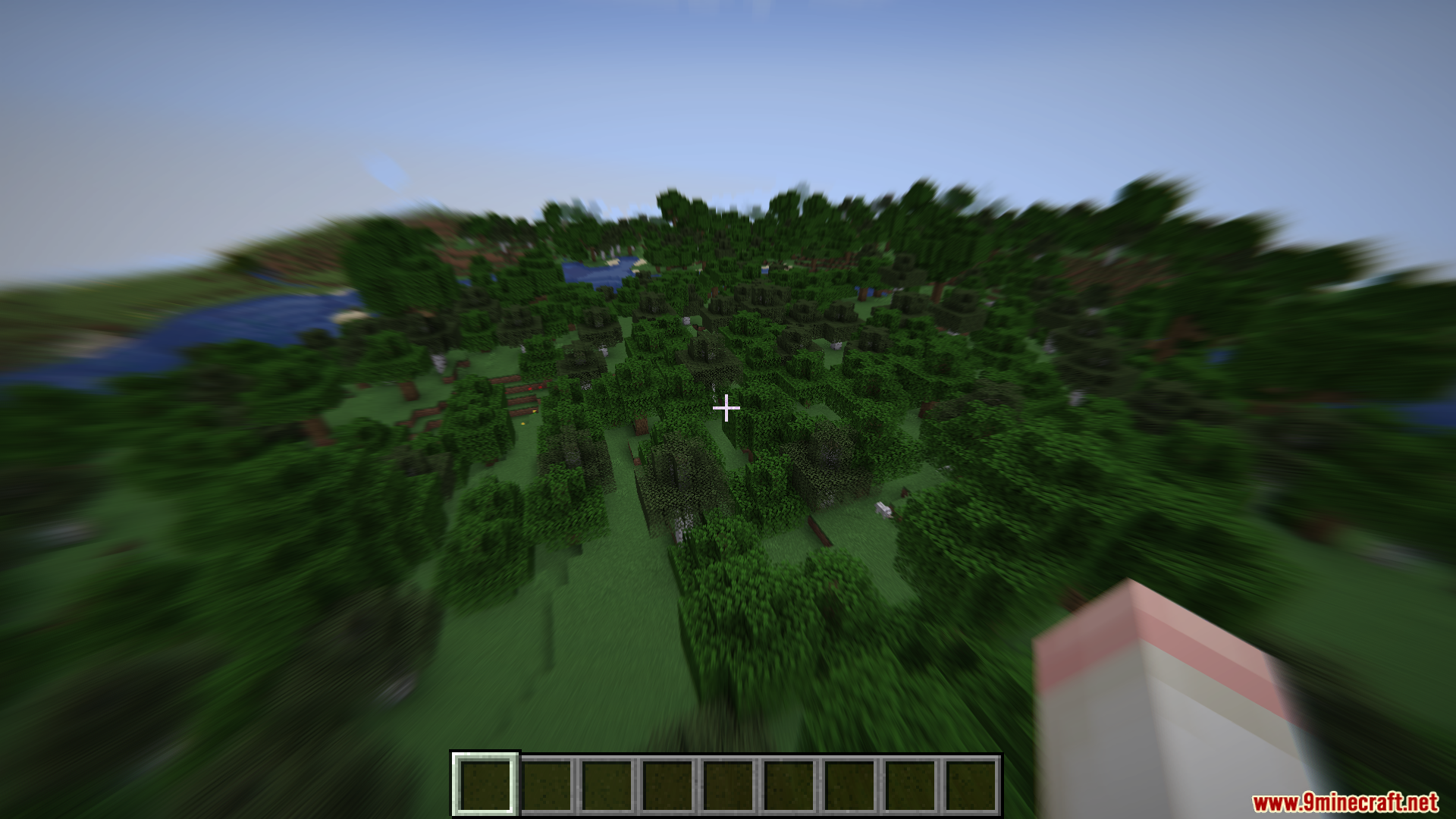
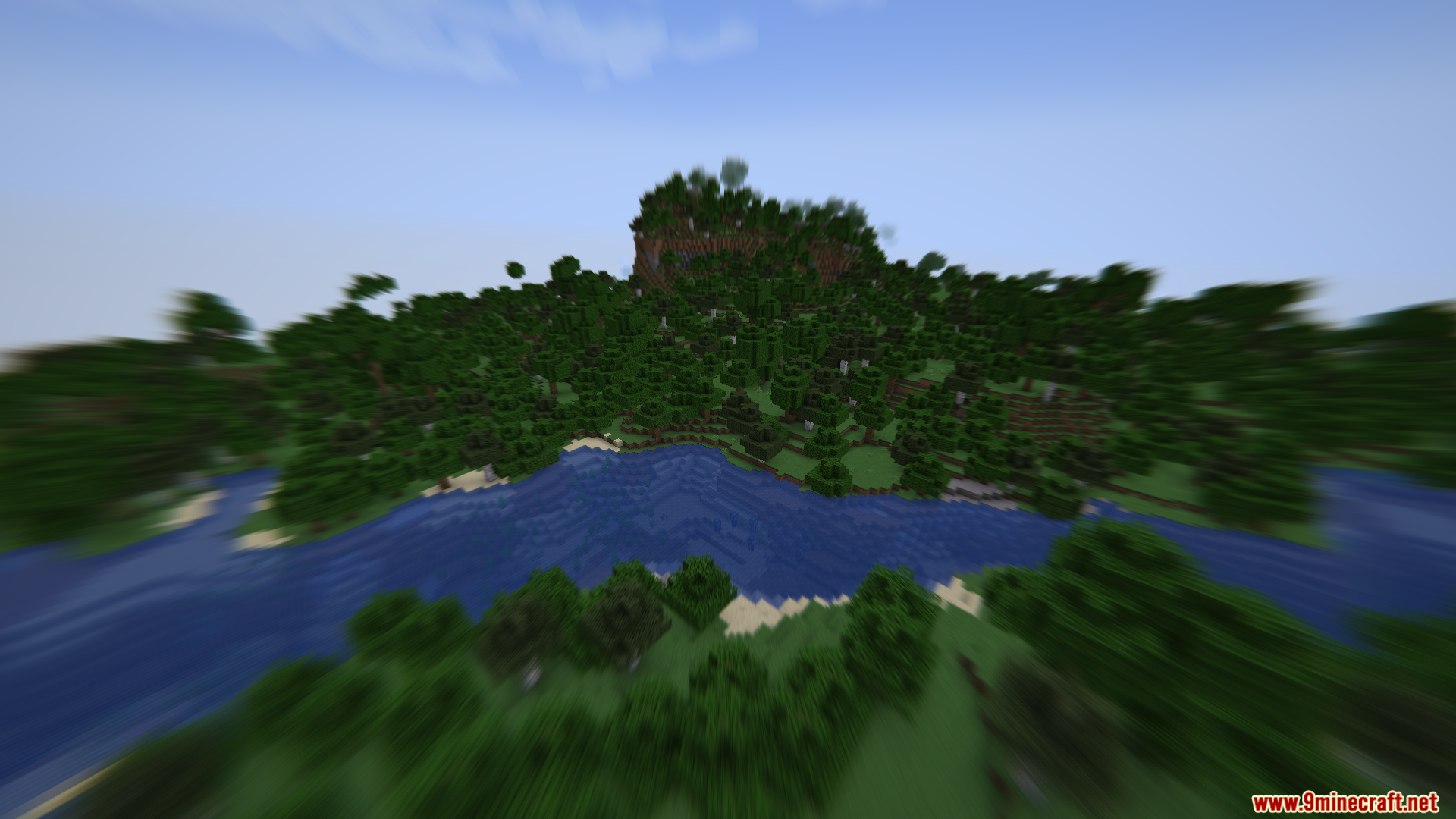
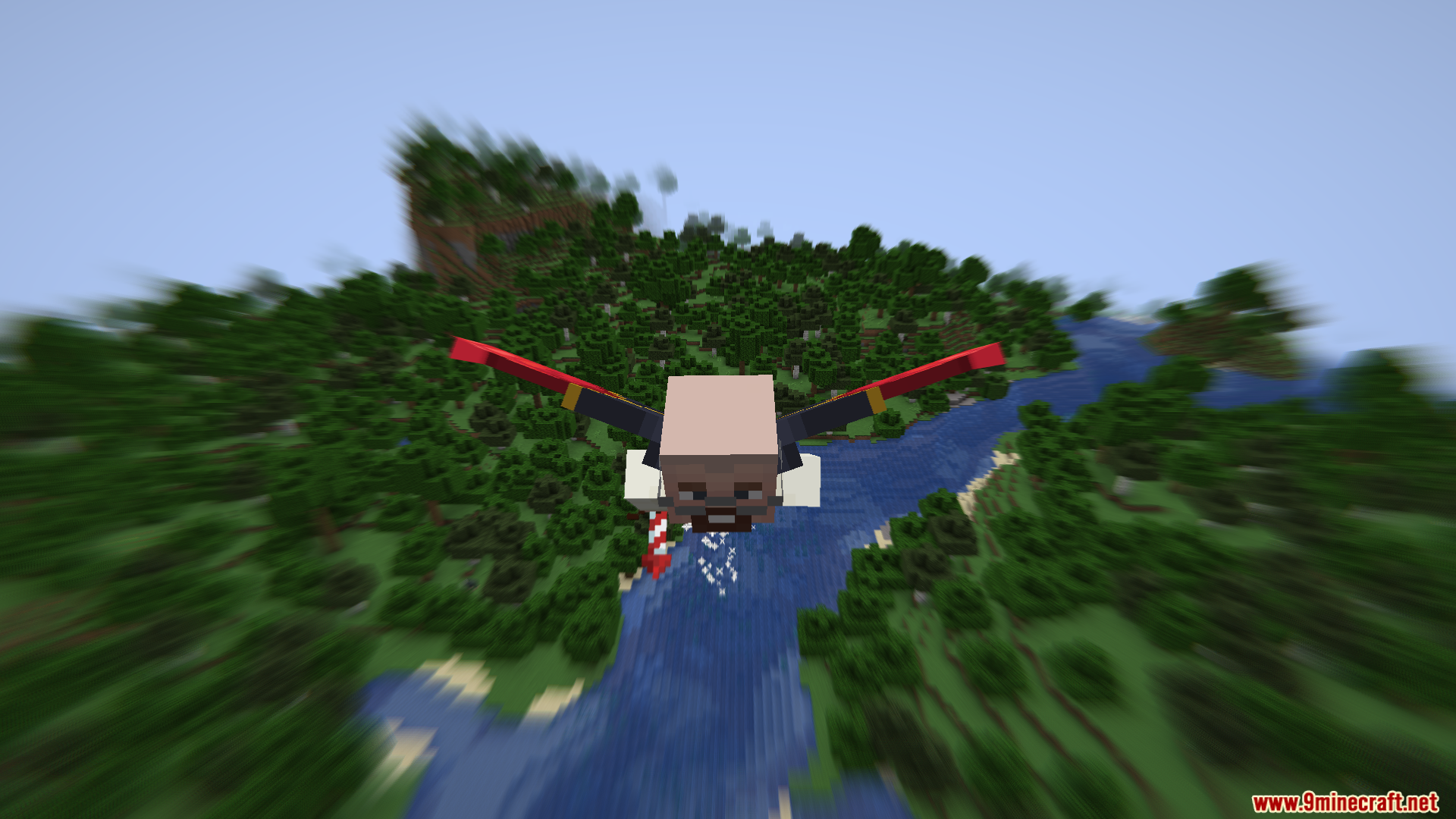
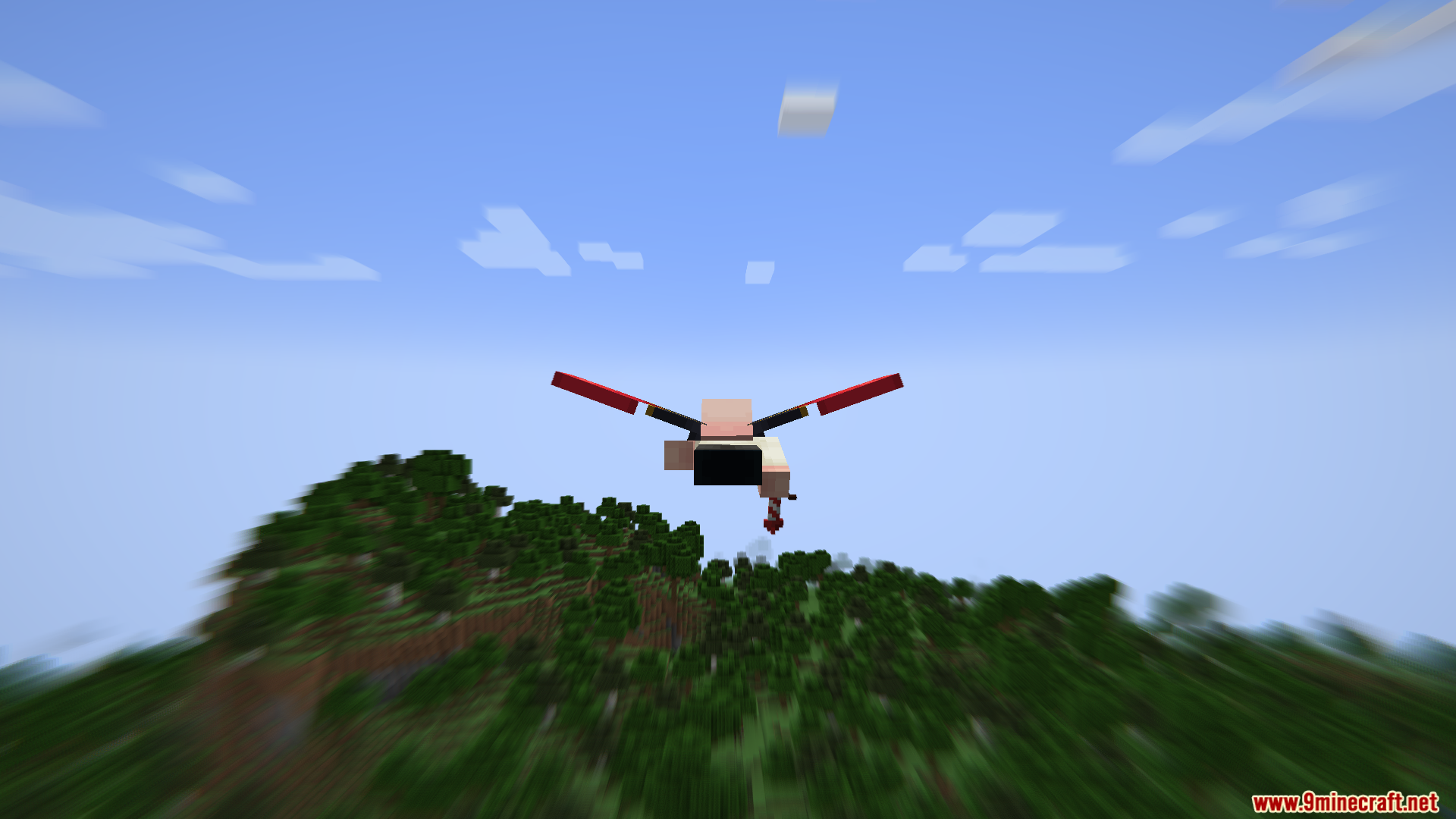
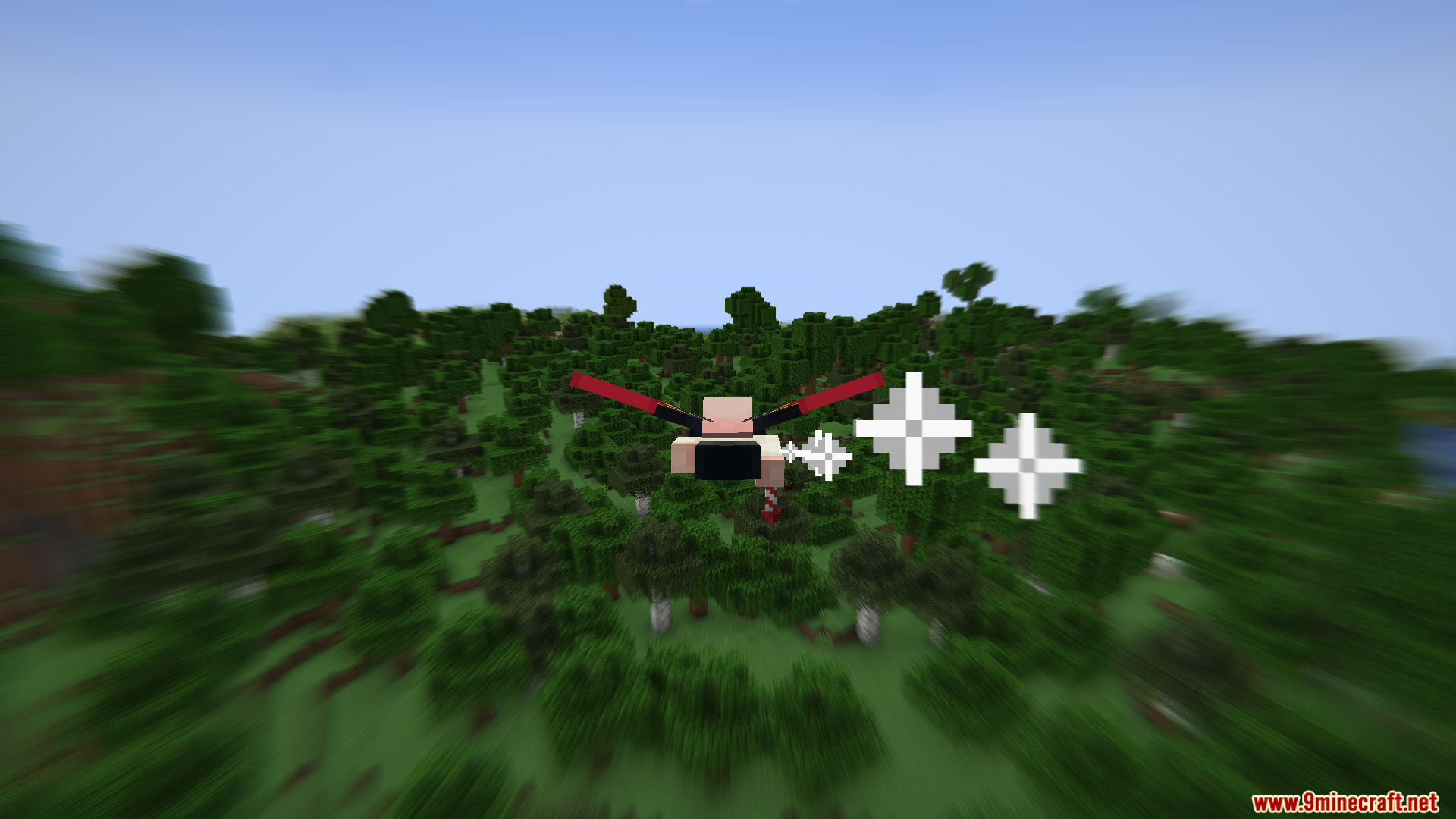
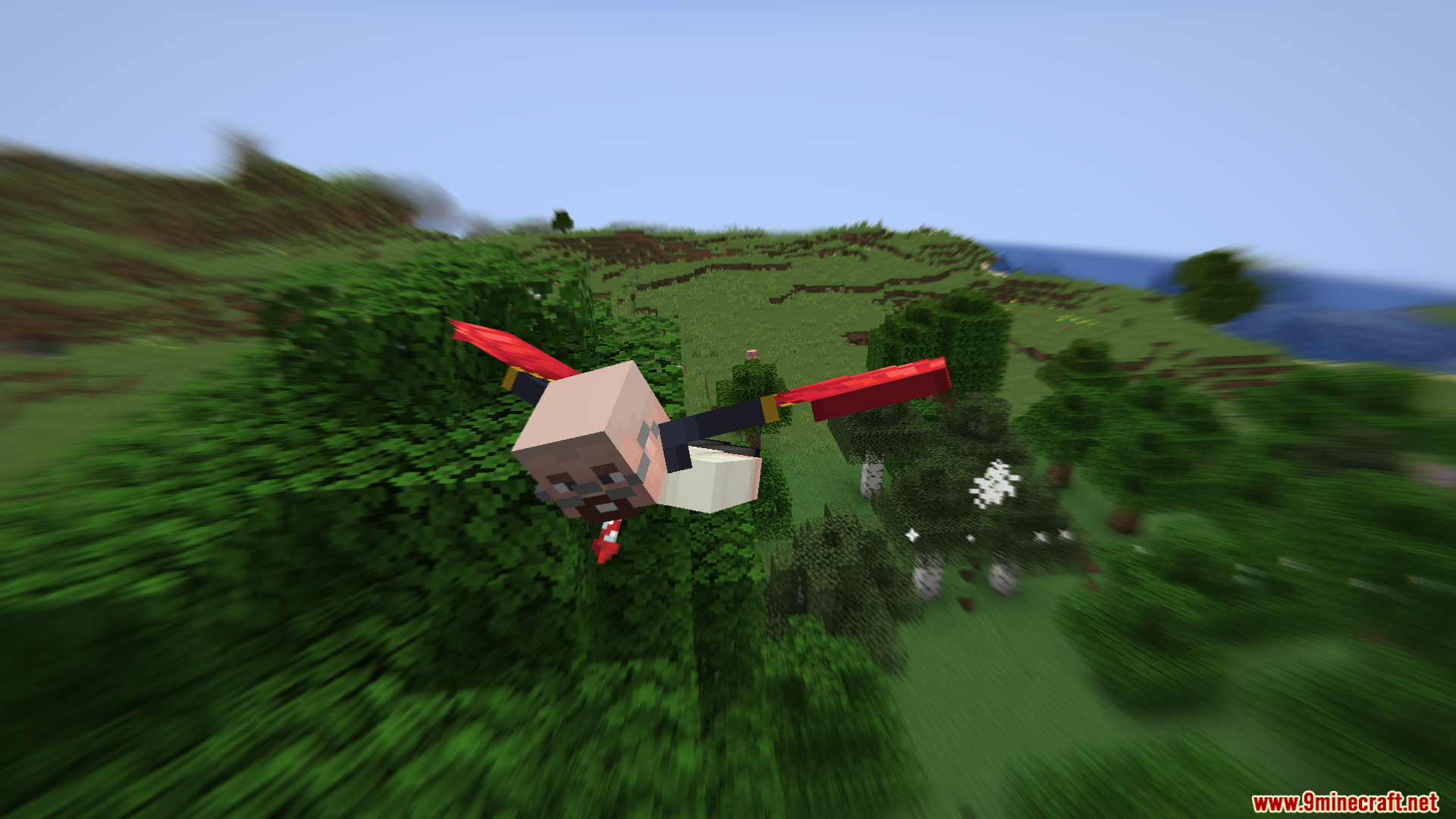
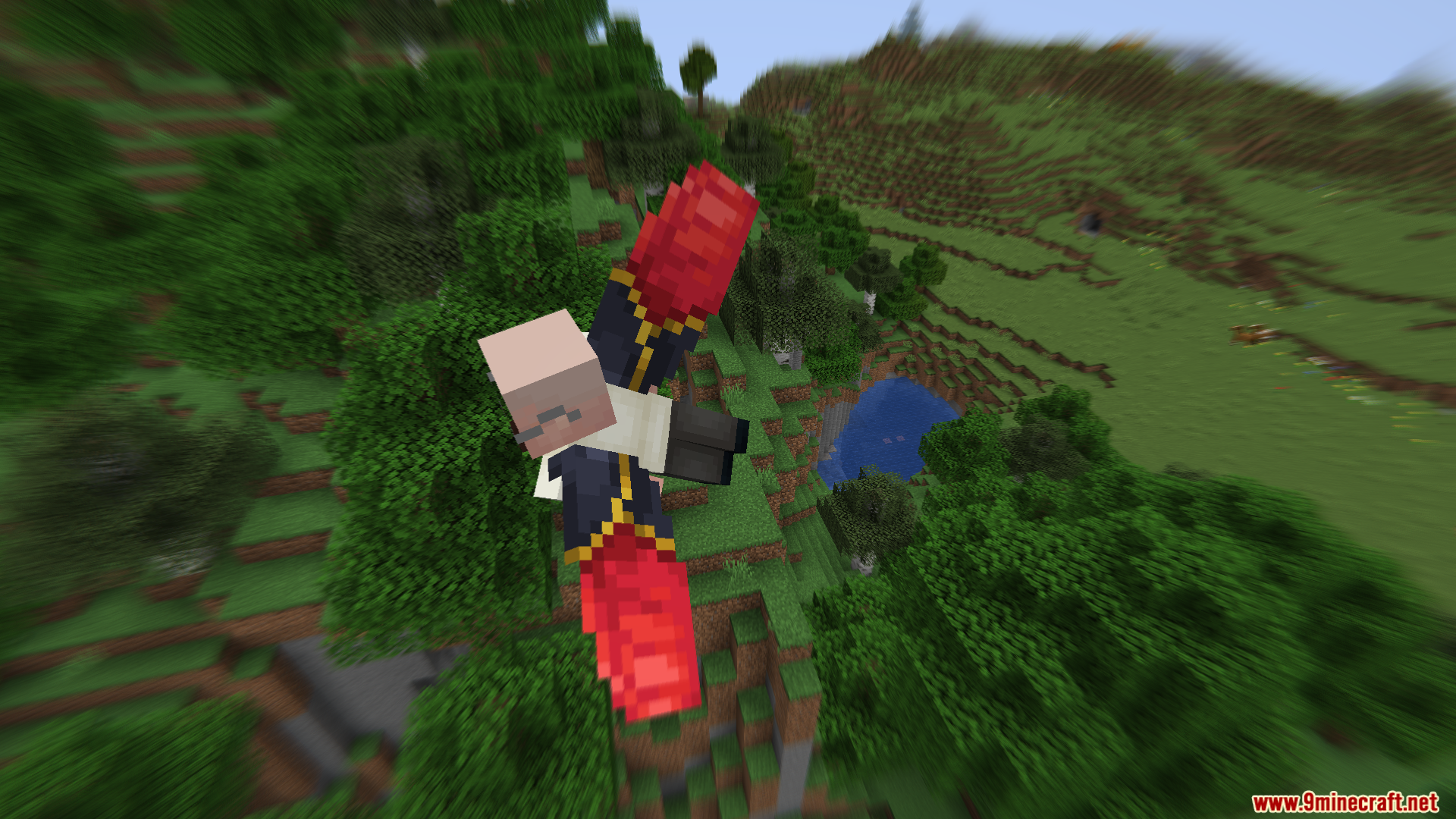
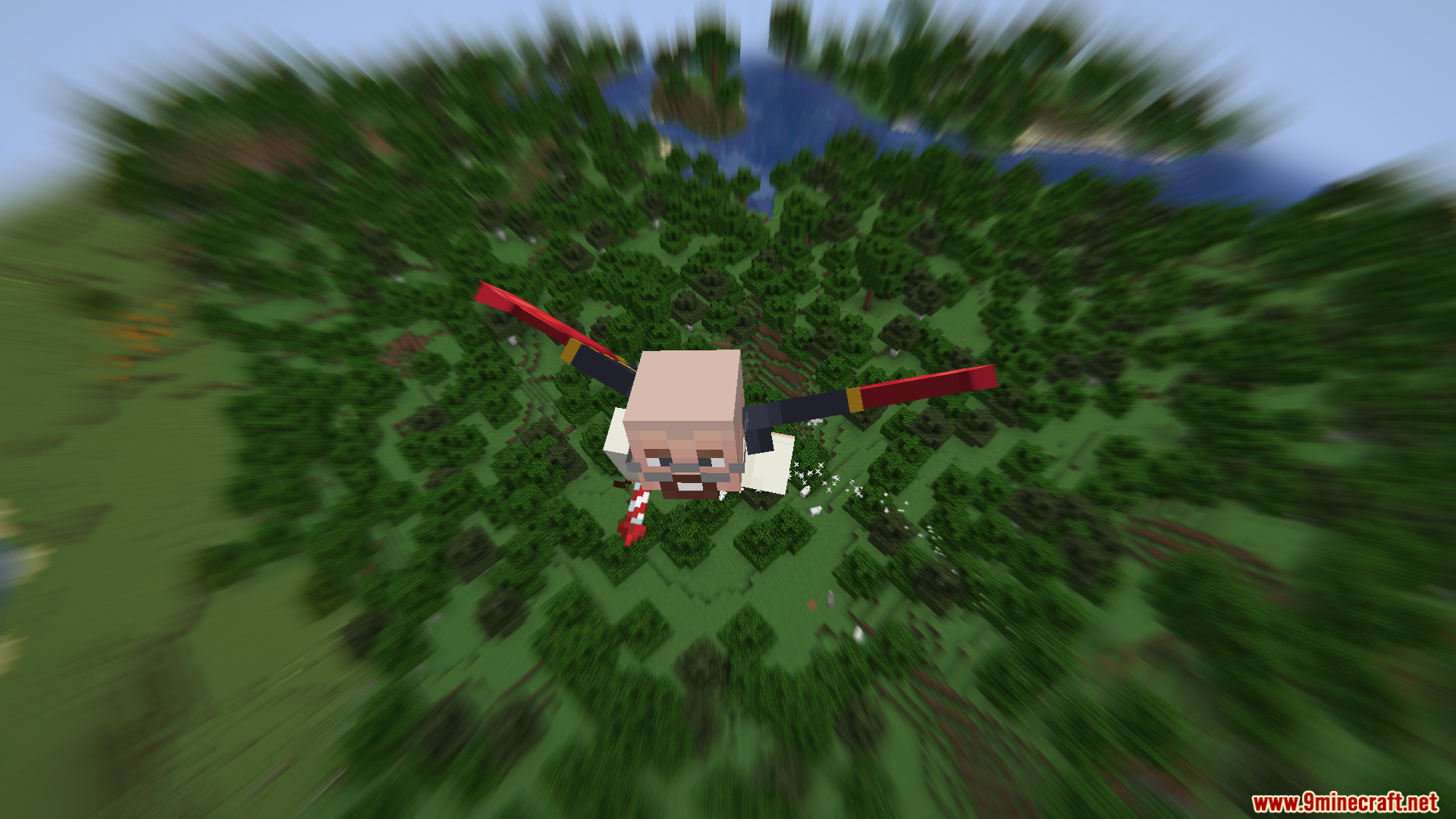
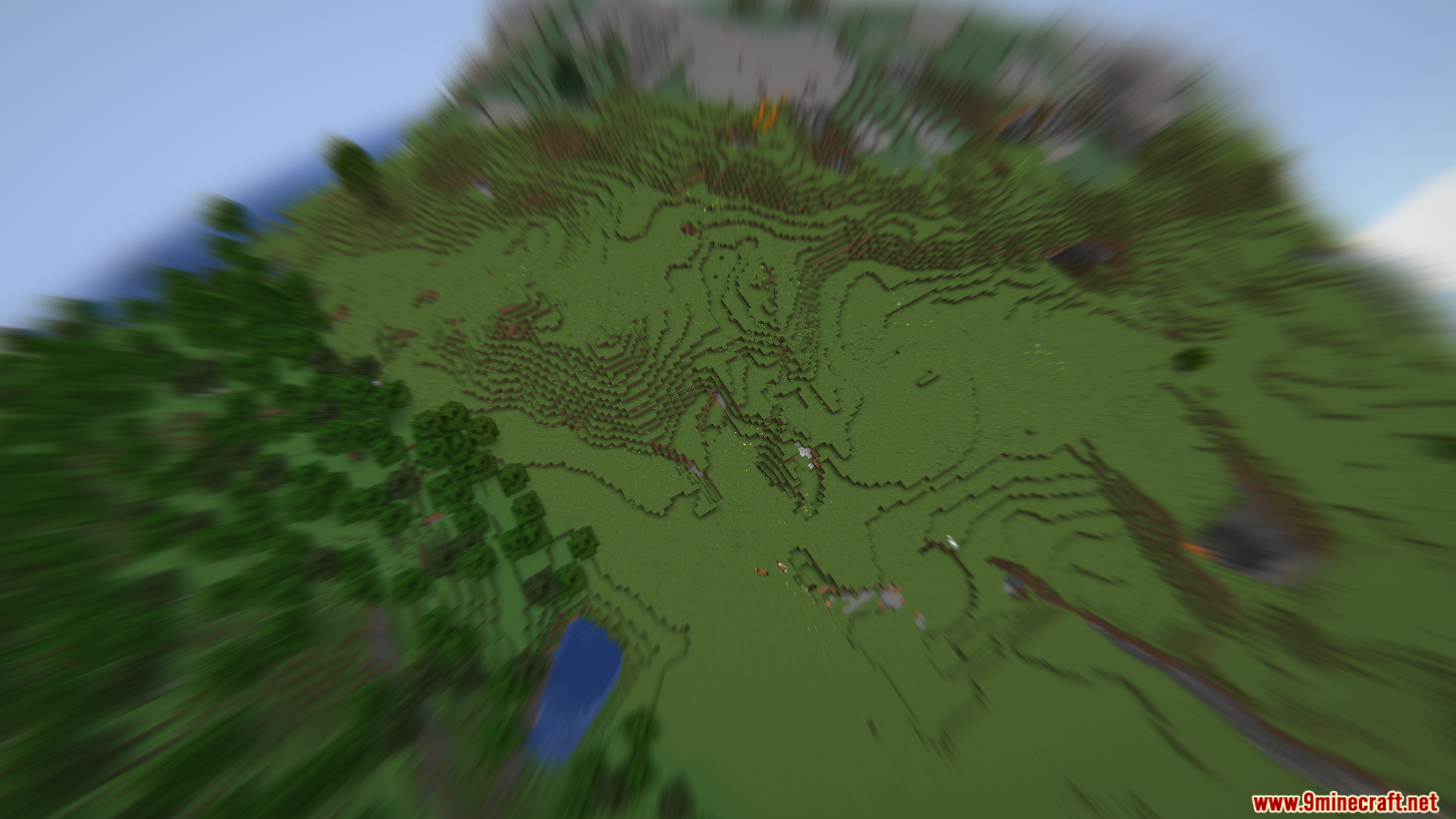
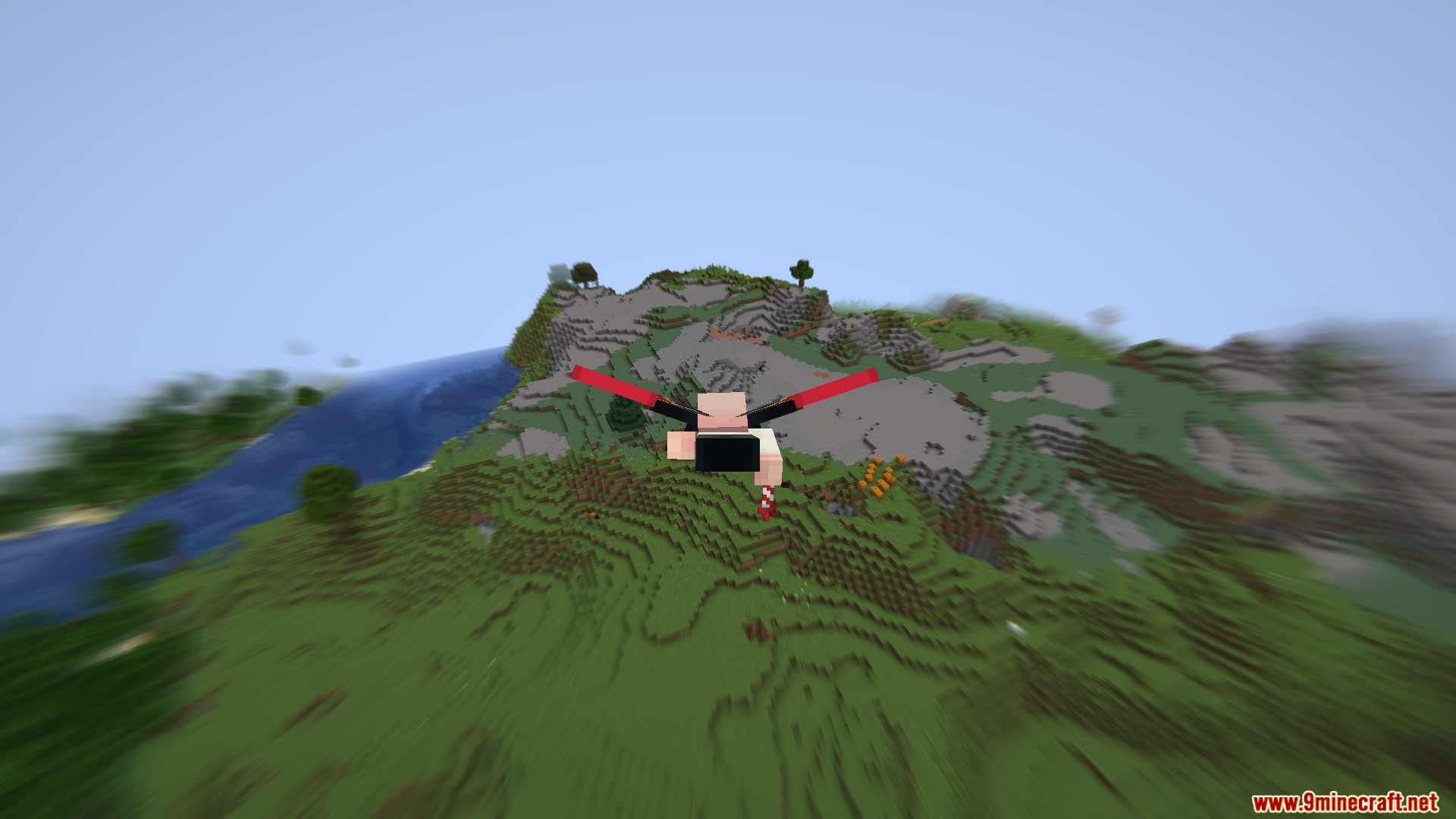
The mod activates automatically once installed—you'll see motion blur on your screen as soon as you start moving fast. If you don't see it, check your mod menu to ensure the effect isn't disabled in the configuration settings.
Why isn't the speed counter showing up?
The speed counter appears in the top right corner by default, but you may have turned it off in the mod configuration. Open your mod menu and re-enable the speed text display option.
What does 'blocks per second' actually measure?
The speed counter shows how many blocks your character travels forward each second, giving you an exact numerical readout of your current velocity as you move or fly.
Does this mod work on multiplayer servers?
Yes, the Velocity Blur Mod is entirely client-side, meaning it only affects your screen and doesn't require the server to have the mod installed.
See all 10 Velocity Blur questions ›
Gallery
11 images from the Velocity Blur Mod page.
You May Also Like
Wikis that share the most with this one
More mod wikis on the site
The most downloaded mods that have a wiki here
A few wikis from each of the other kinds