

 DownloadNatural Motion Blur Mod
Get the files on 9Minecraft
Guides
Step-by-step, in-game.
How to Choose the Right Blur Method in Natural Motion Blur ModWhat the Blur Method Does The mod offers several blending methods, and each one mixes frames differently. That…How to Stop Motion Blur From Applying in Third-Person View (F5)Why Third-Person Blur Looks Wrong In third-person view the camera sits behind the player, so the whole screen moves…How to Tune Blur Strength and Sample Amount for Smooth but Readable MotionUnderstanding the Two Controls Blur strength sets how intense the blended effect looks, while sample amount controls…How to Turn Motion Blur On or Off in Natural Motion Blur ModUsing the Config Open the mod's config screen from the Mods list (or wherever the mod registers its config entry) and…Natural Motion Blur Mod GuideAbout Natural Motion Blur Natural Motion Blur simulates human-like motion blur by blending frames together. This…
Frequently asked questions
What does the Natural Motion Blur Mod do?
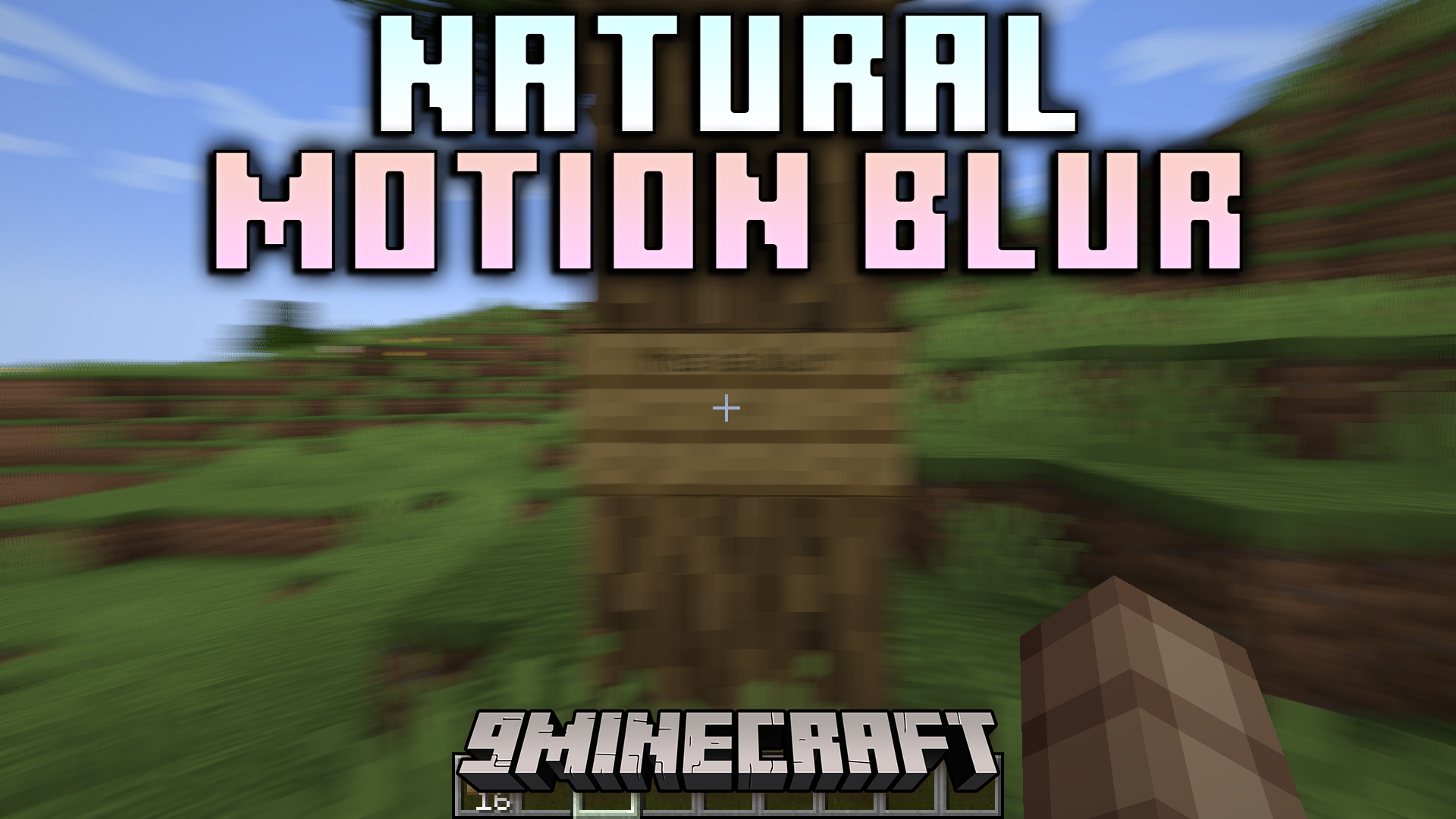
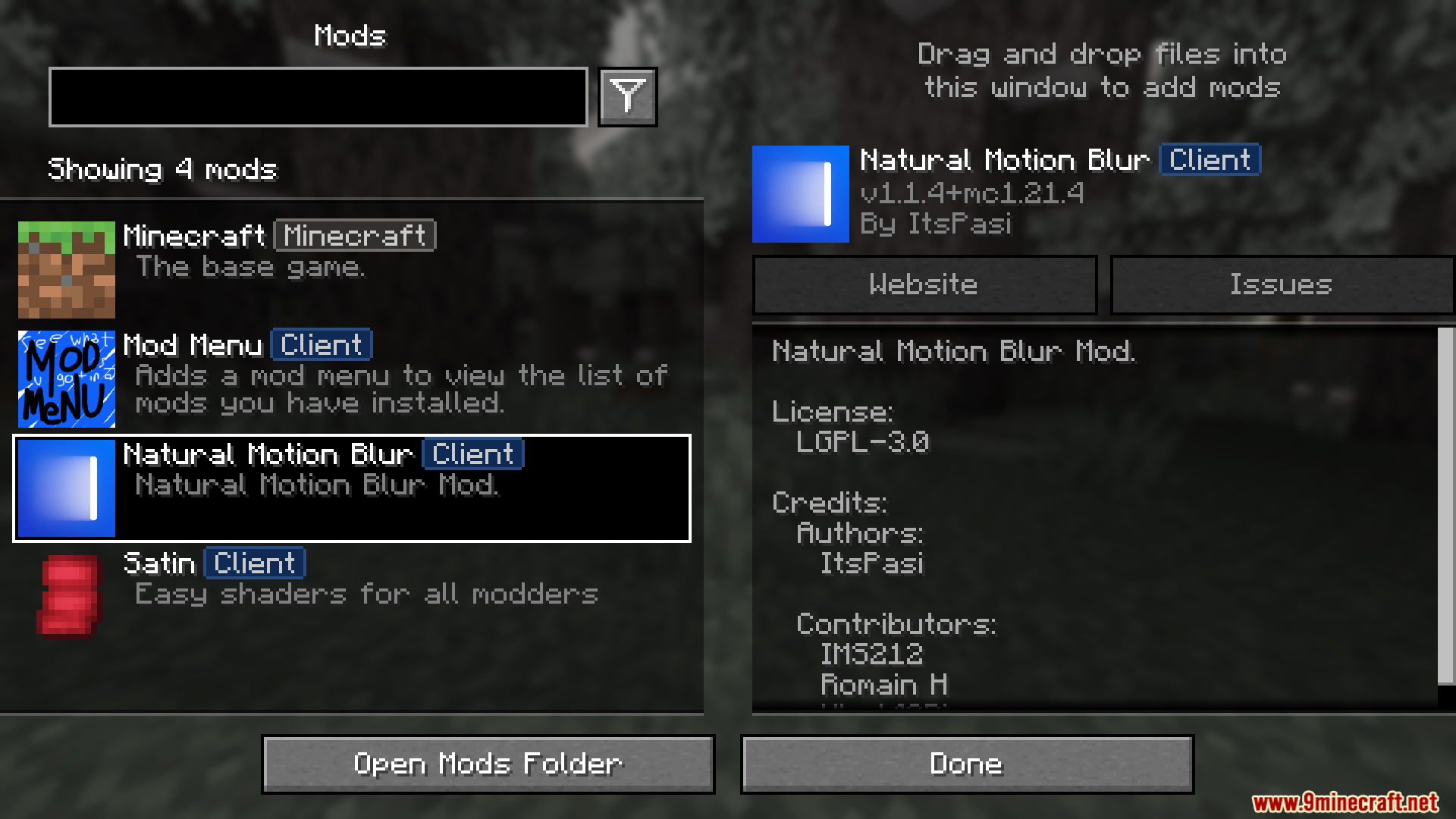
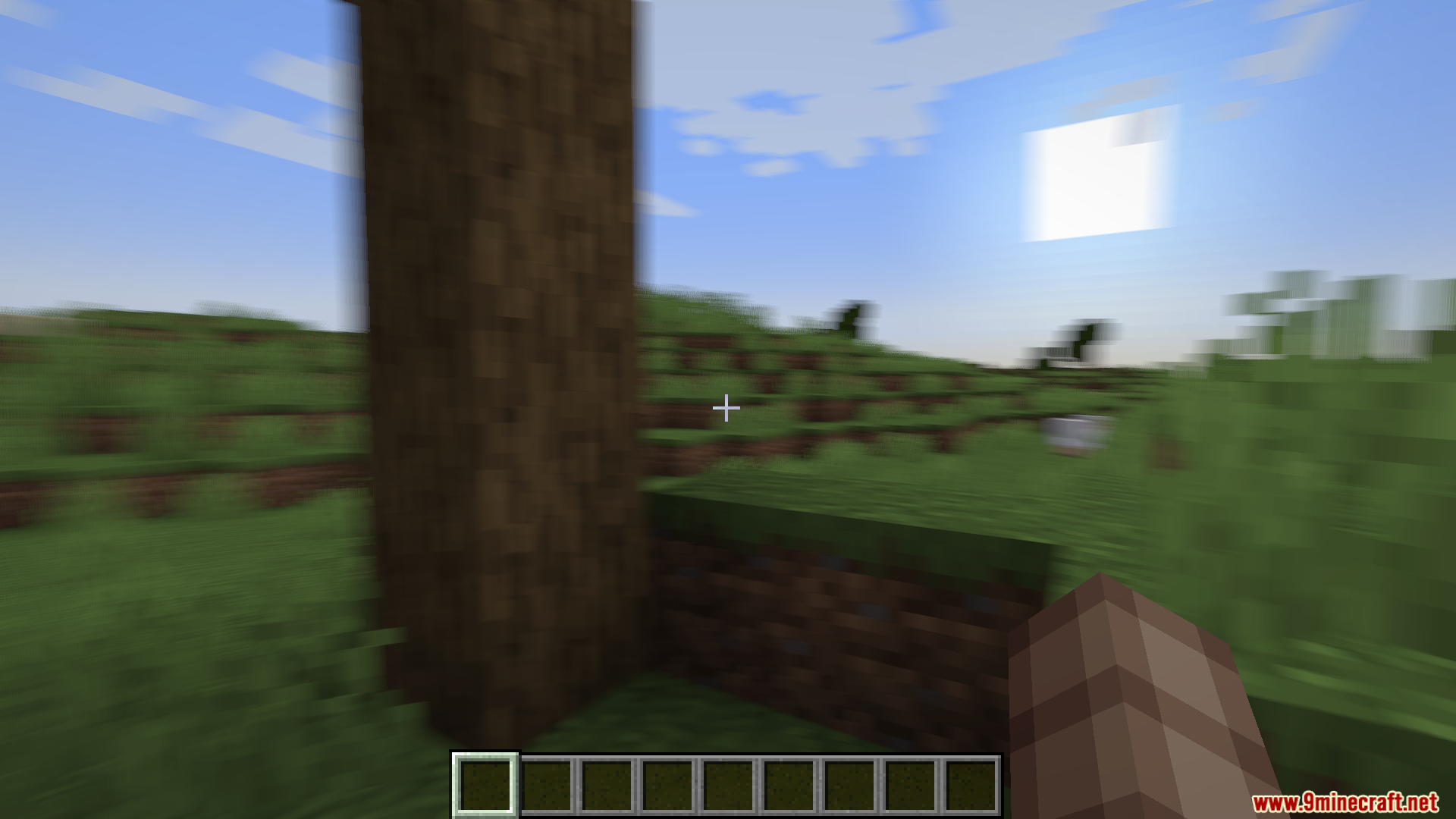
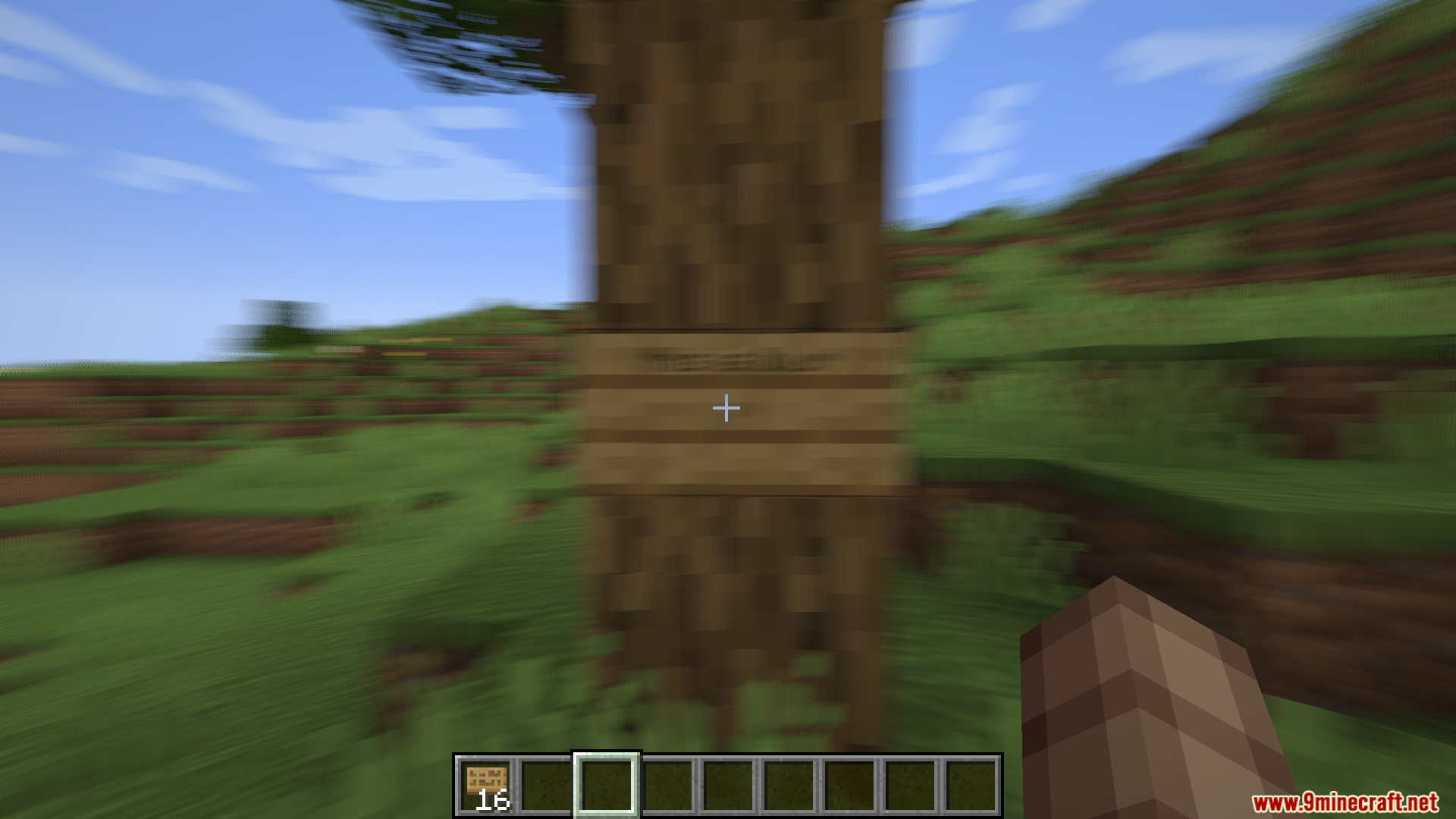
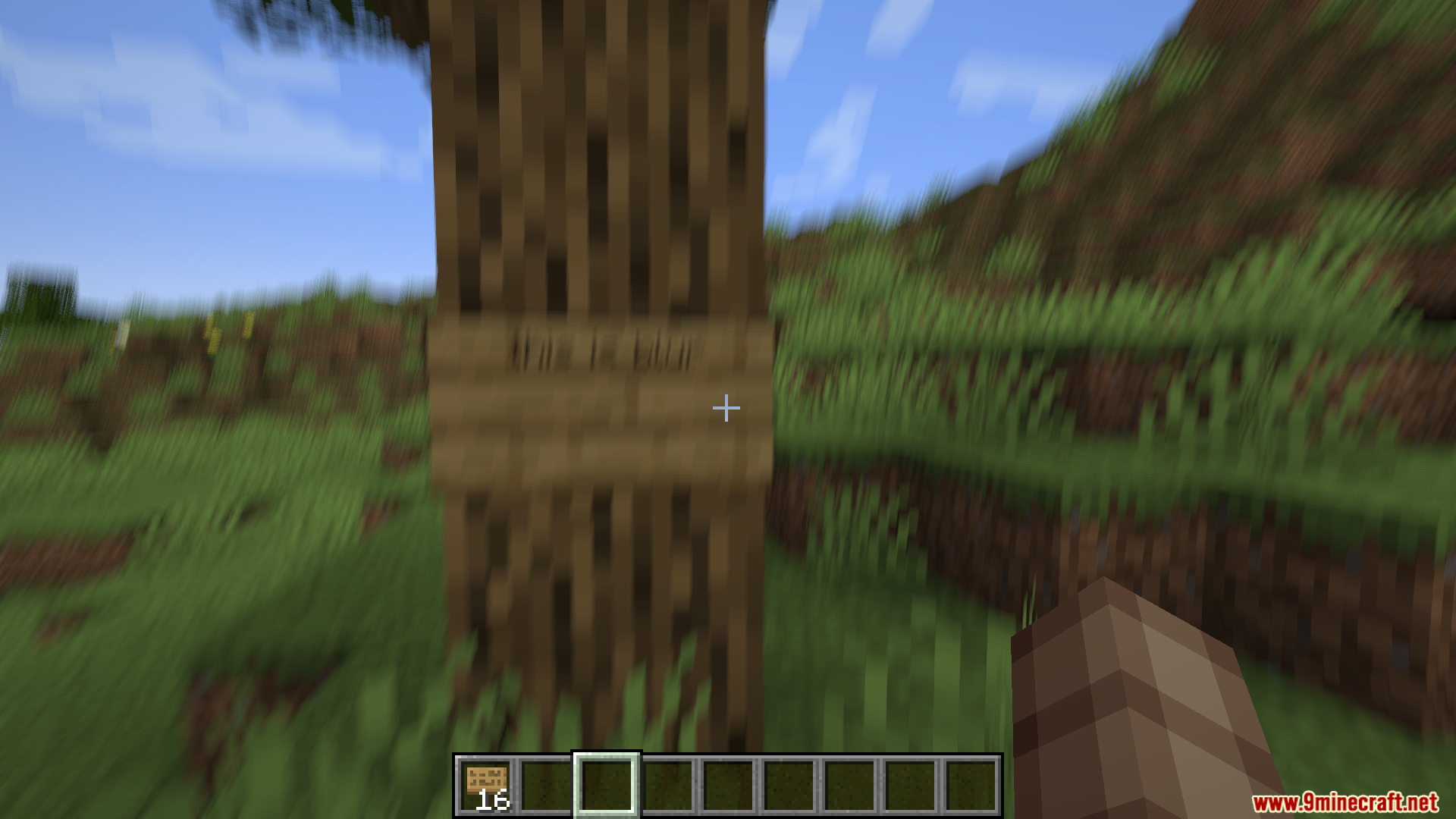
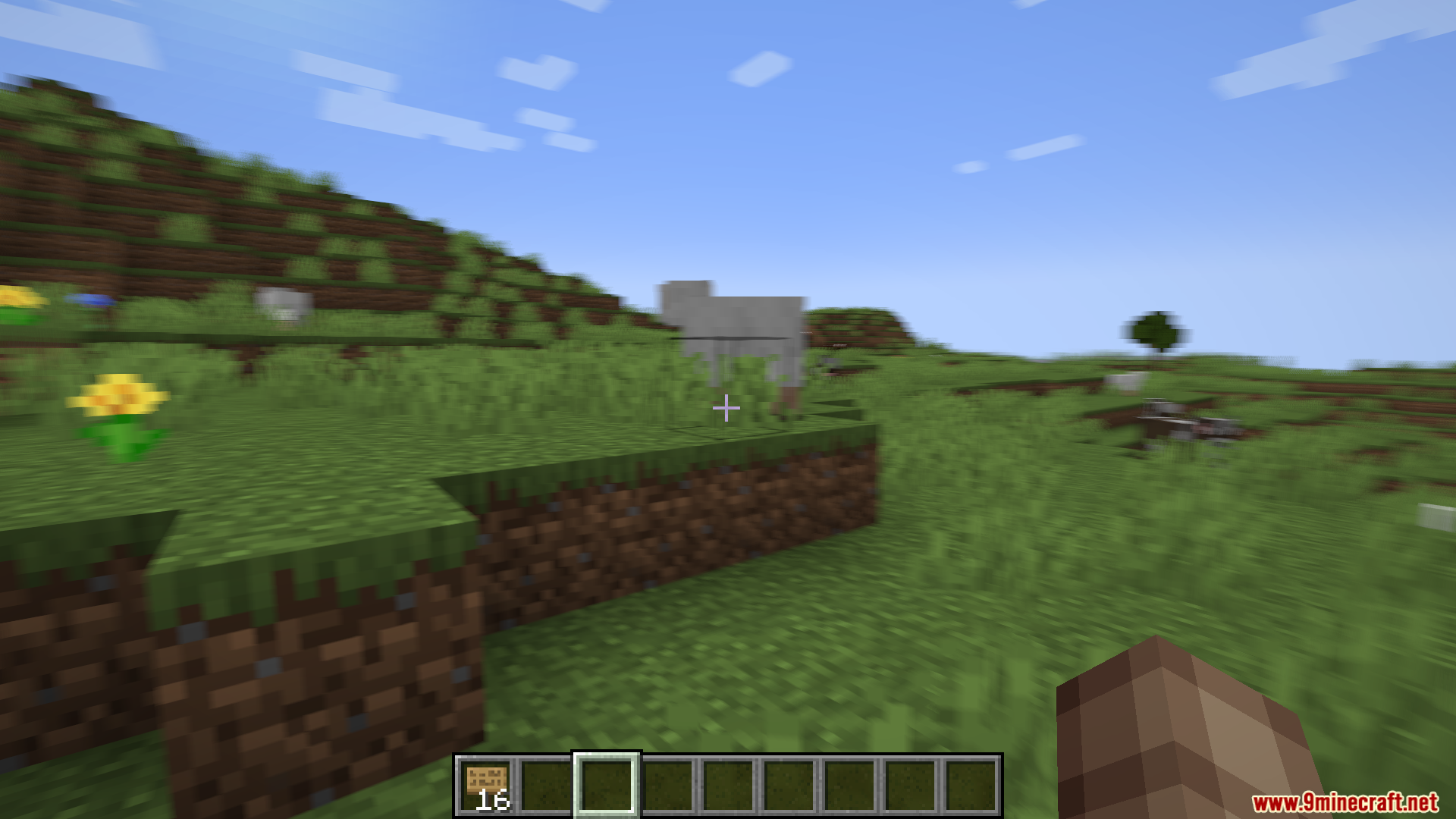
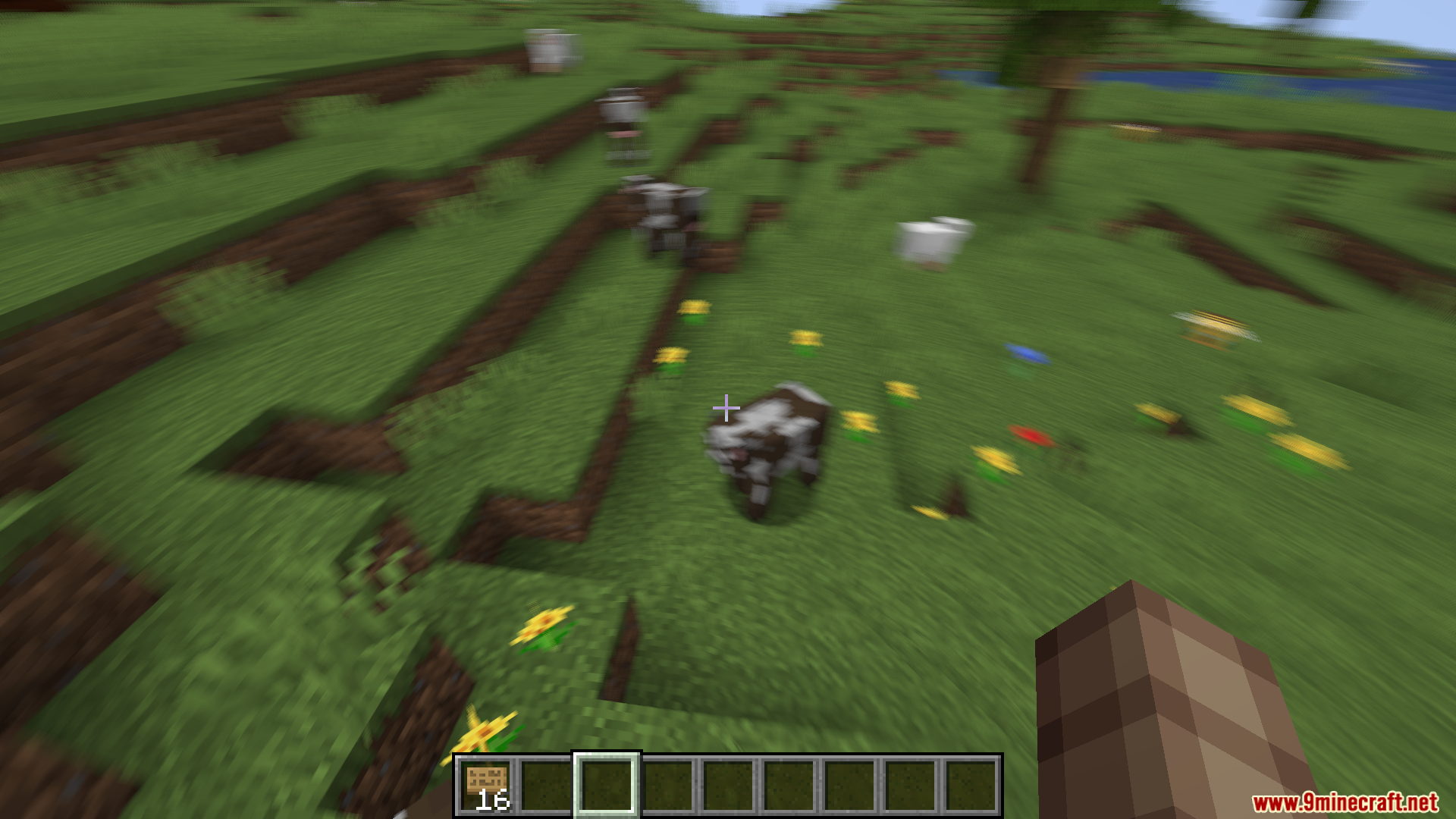
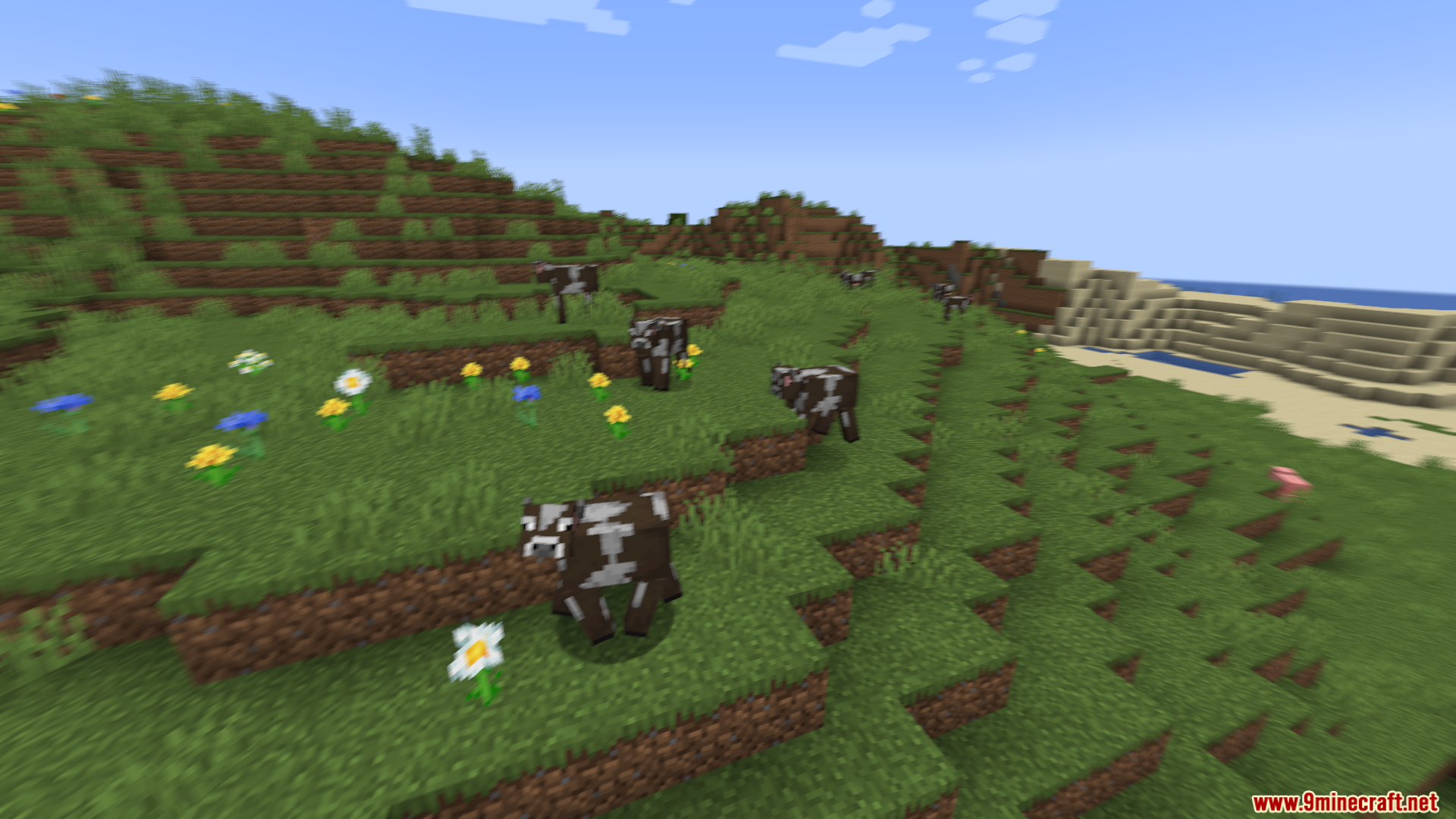
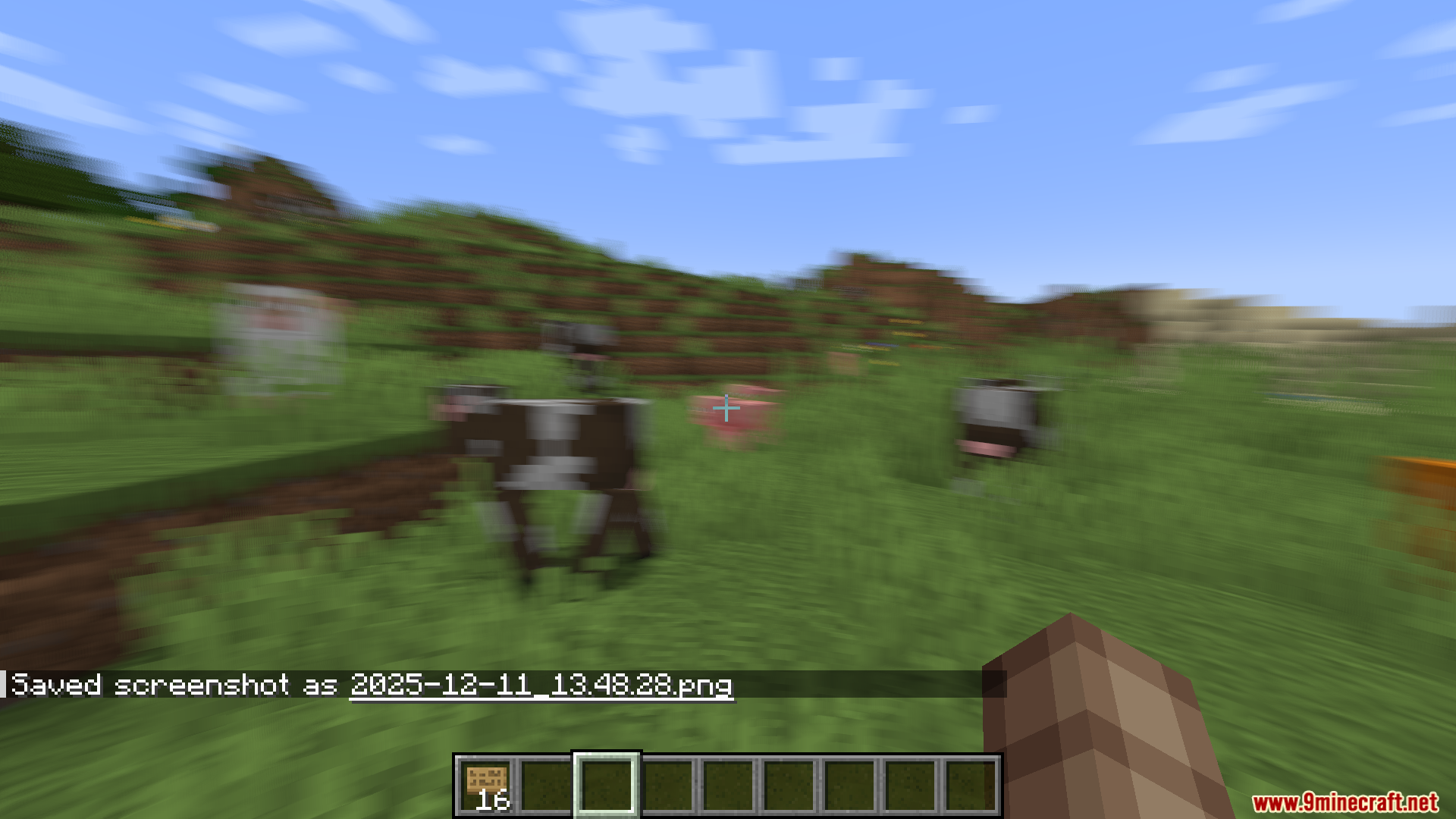
It simulates human-like motion blur by blending frames together, reducing stroboscopic effects and making movement appear smoother and more fluent.
How do you enable or disable motion blur?
You can toggle it via the config or by using the /motionblur or /mb commands.
Does the blur apply in third-person view?
There is an F5 blur toggle that lets you decide whether blur applies in  third-person view.
Can you change how intense the blur is?
Yes, the blur strength setting lets you adjust the intensity of the blur effect.
See all 6 Natural Motion Blur questions ›
Gallery
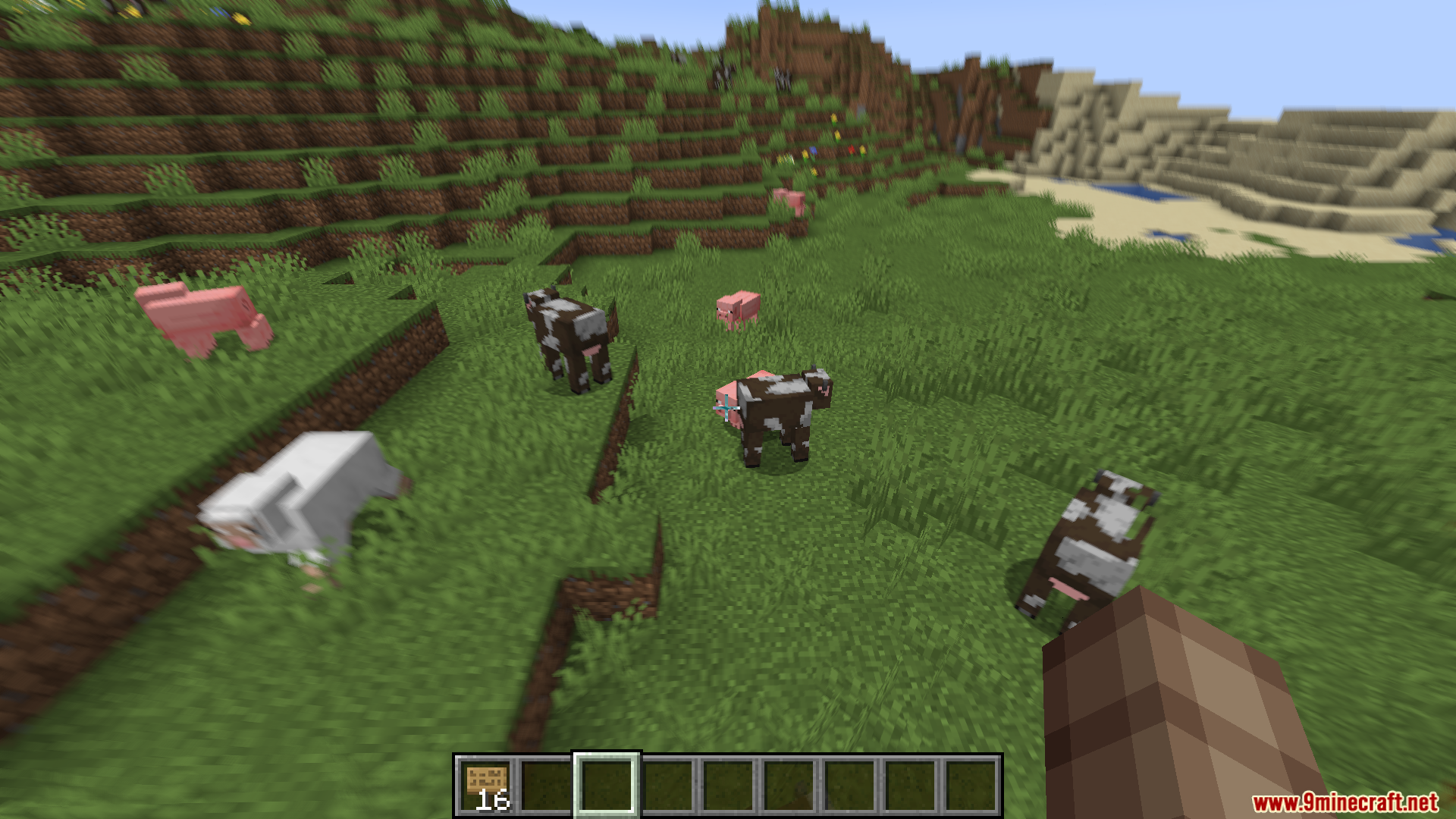
10 images from the Natural Motion Blur Mod page.
You May Also Like
Wikis that share the most with this one
More mod wikis on the site
The most downloaded mods that have a wiki here
A few wikis from each of the other kinds