

 DownloadBlur Plus Mod
Get the files on 9Minecraft
Guides
Step-by-step, in-game.
Blur Plus Mod: How the GUI Blur WorksA Cleaner Interface Through Background Blur Blur Plus Mod applies a smooth blur effect to the background behind…How to Enable and Adjust the GUI Blur Effect in Blur PlusThe Blur Plus mod blurs the background behind every GUI menu so the interface looks cleaner and menu elements stand…How to Fix Blur Plus Not Working or Blur Not ShowingYou installed Blur Plus expecting blurred menus, but the background still looks plain. This is a common situation and…How to Make the Blur Stronger or Weaker (Customizing Blur Strength)Blur Plus lets you control exactly how heavy the background blur is, so you can match it to your taste or your…How to Reduce Blur Plus Performance Impact While Keeping the EffectBlur Plus is designed to be lightweight, but any background blur still costs some rendering work. If you notice lower…
Frequently asked questions
What does the Blur Plus Mod do?
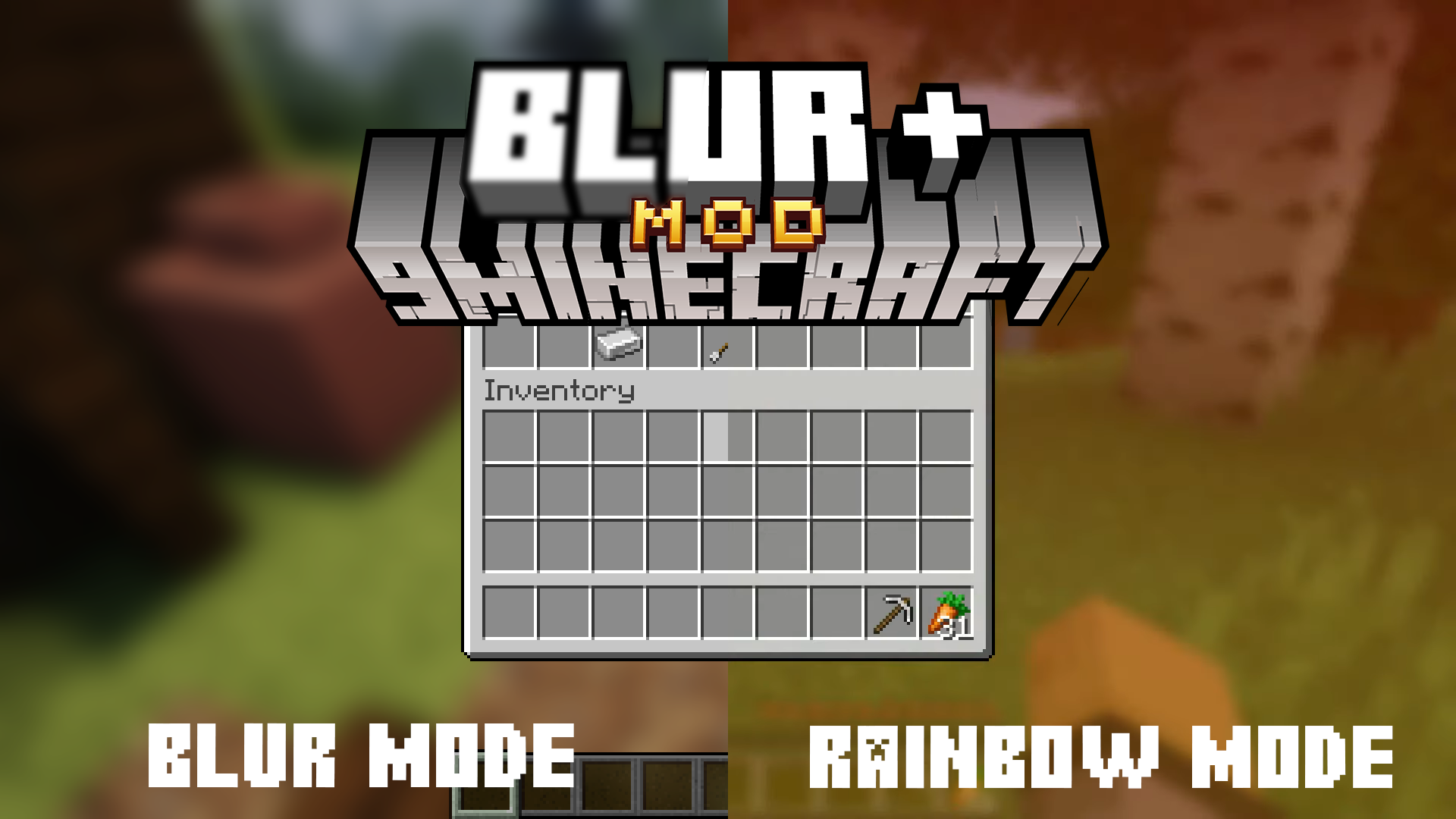
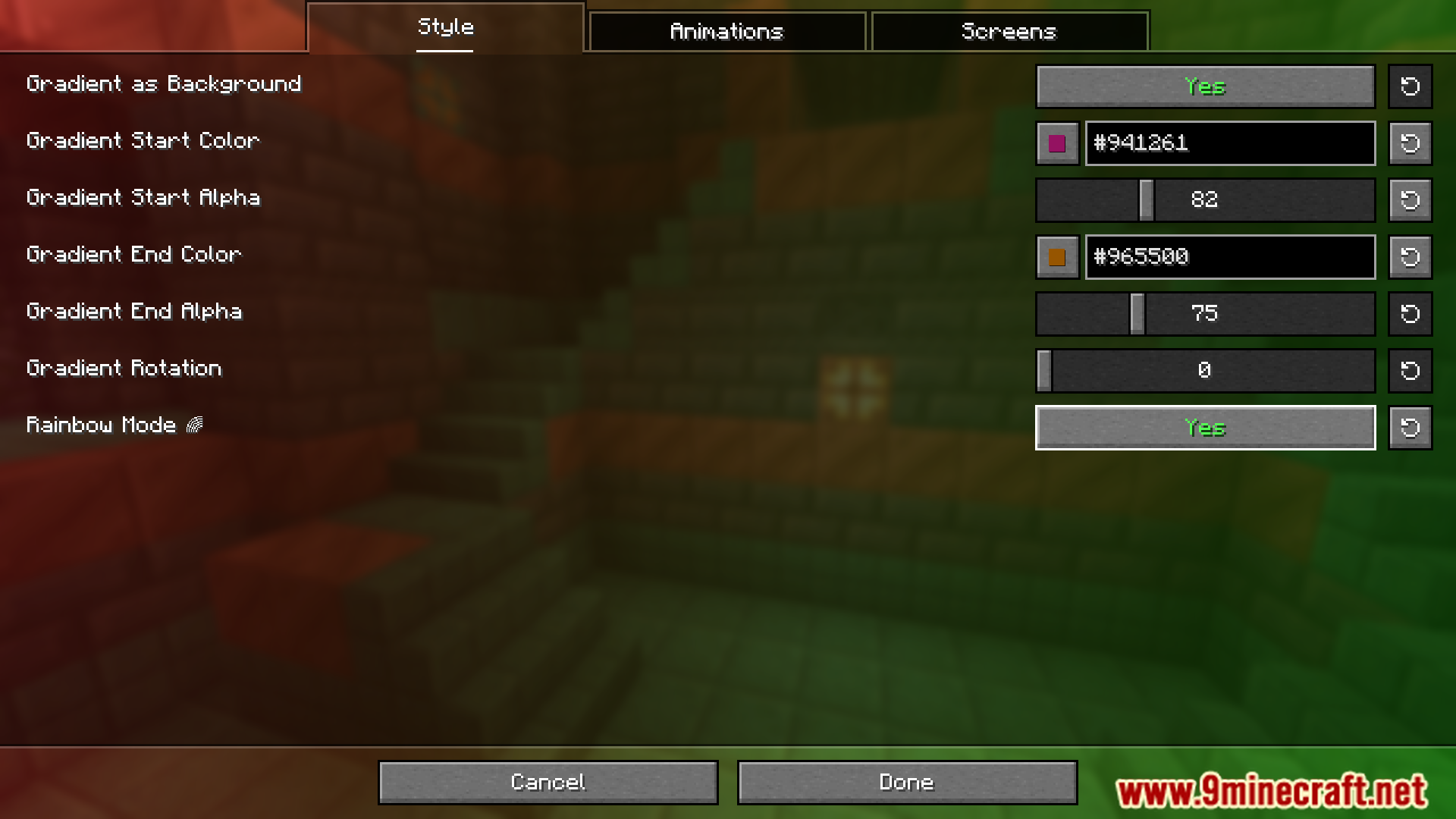
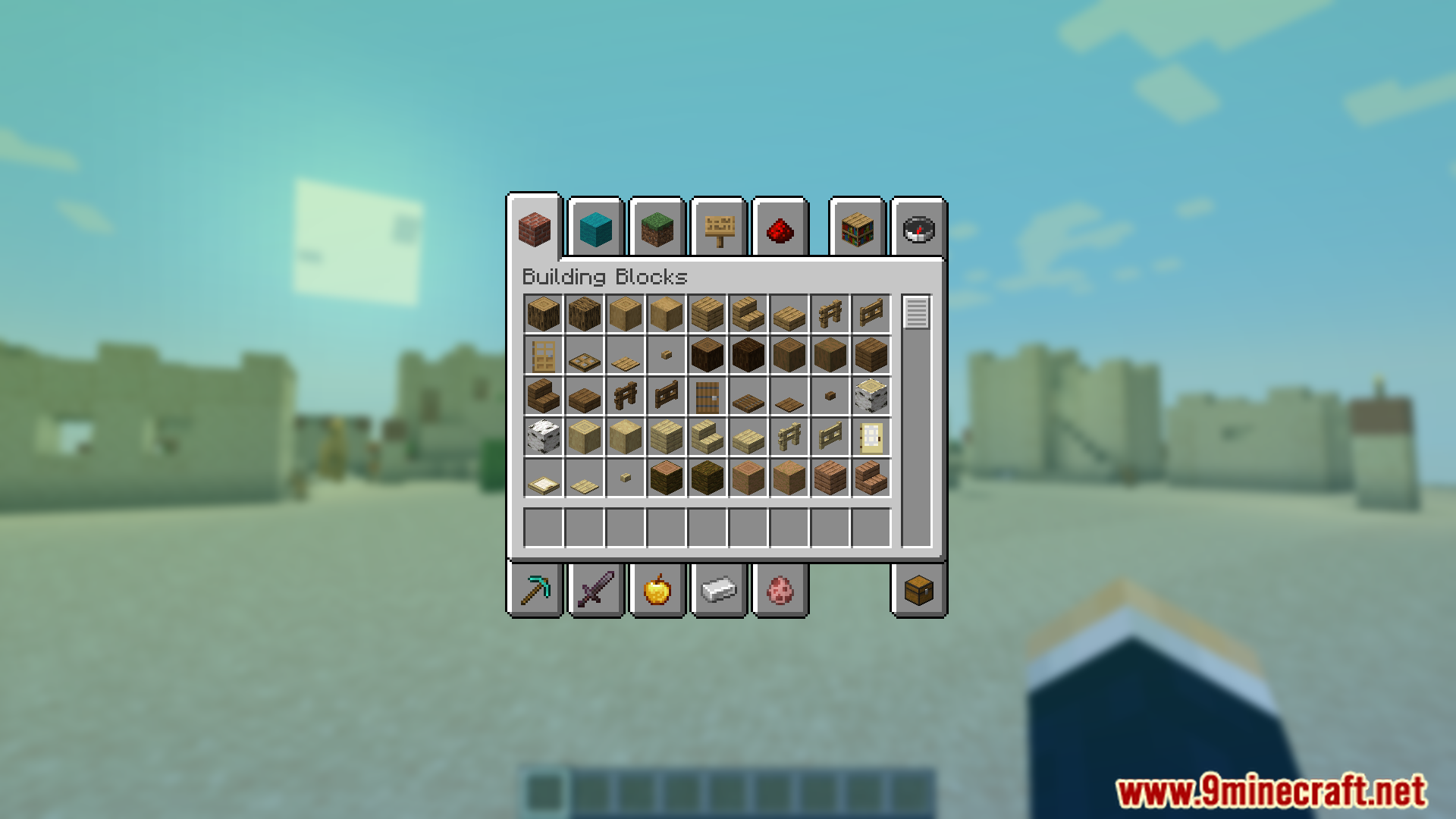
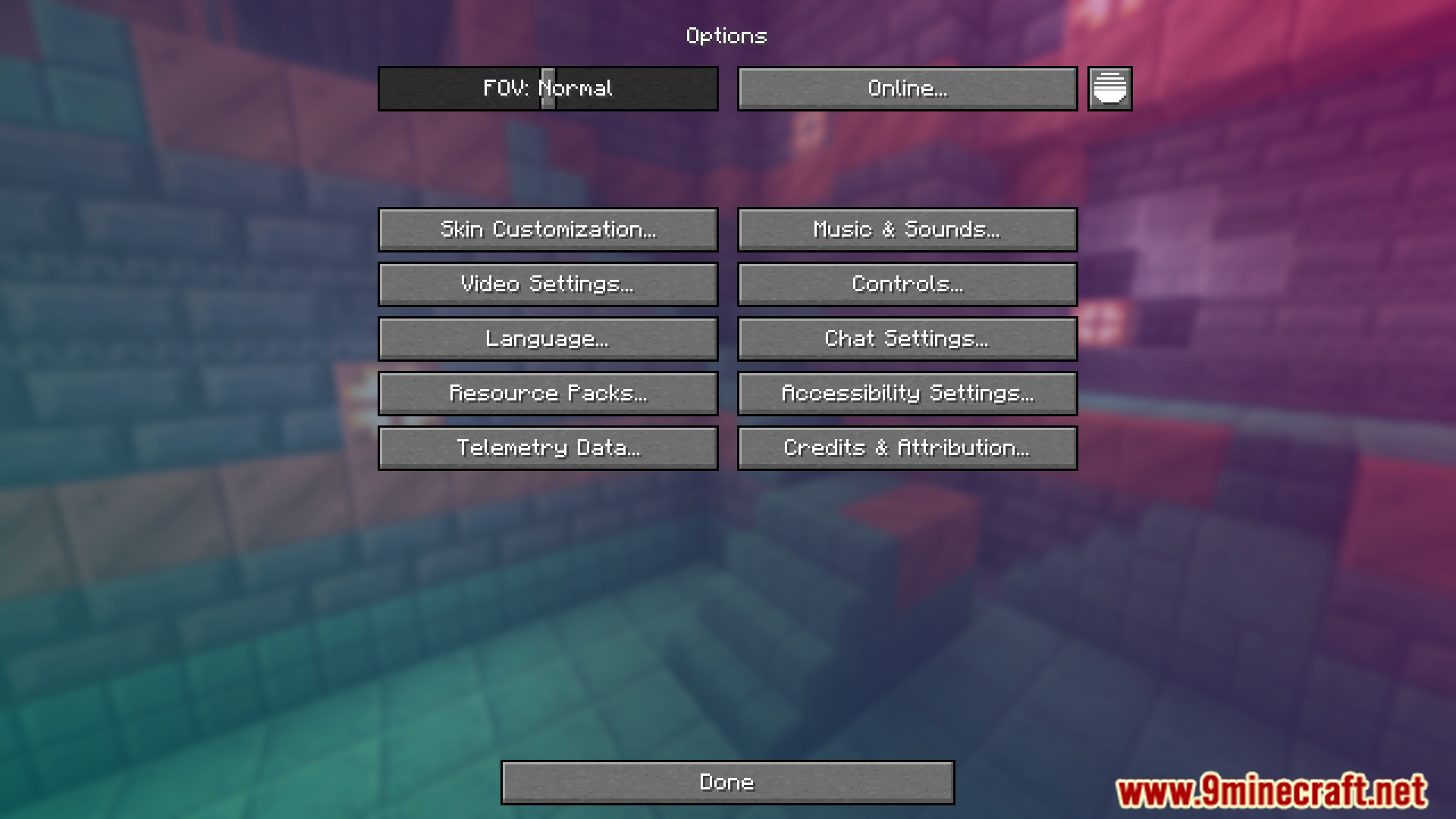
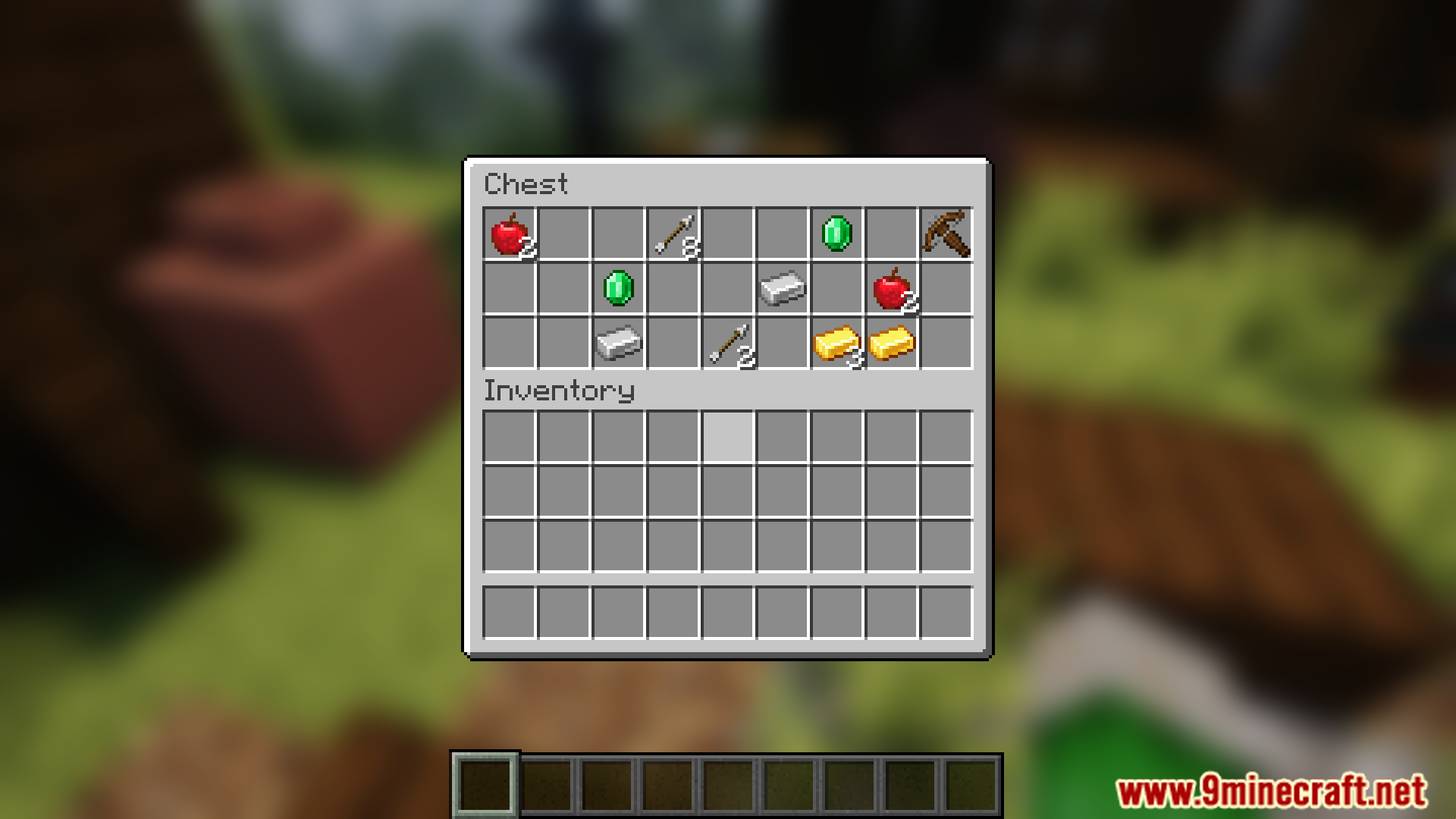
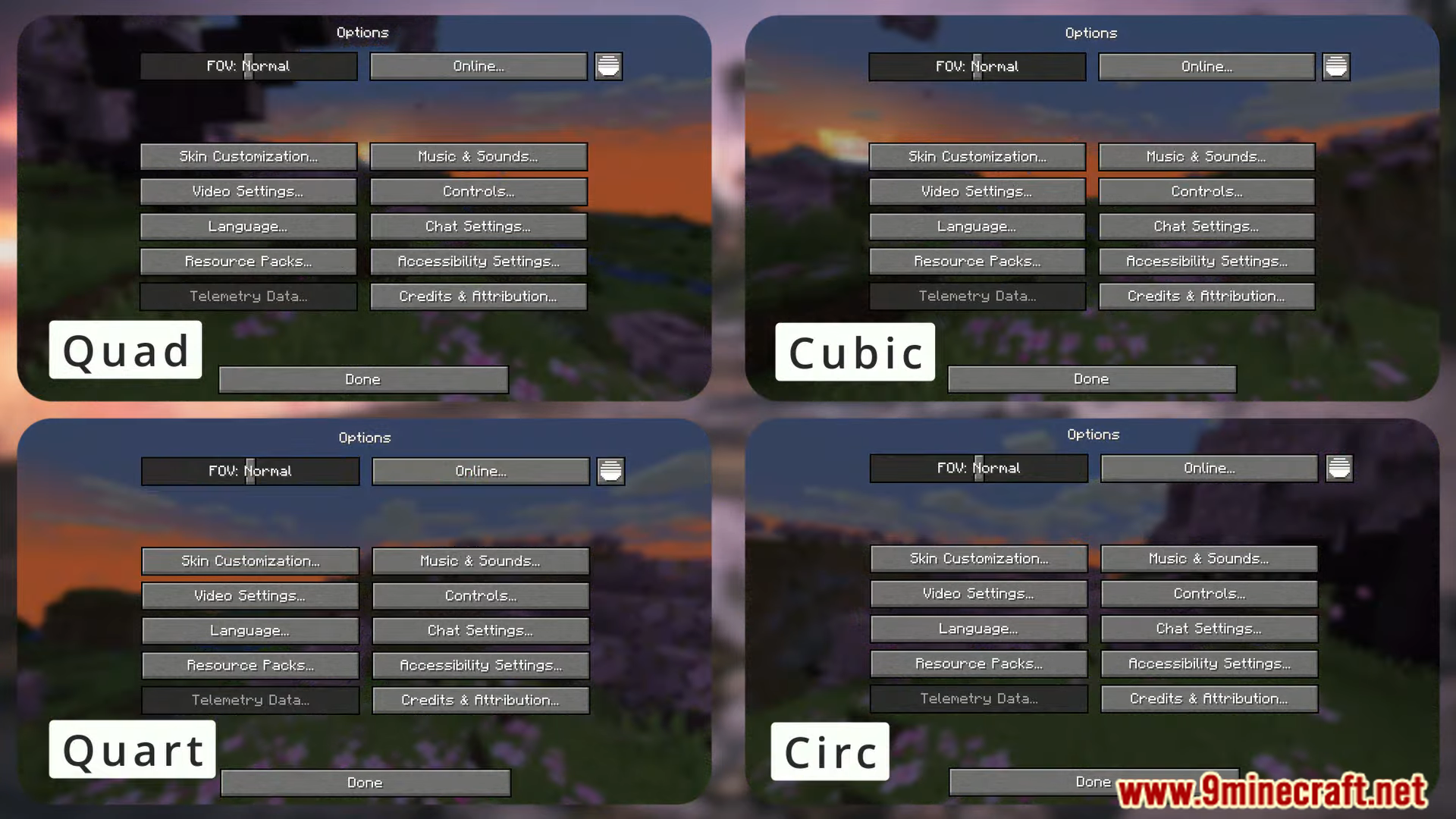
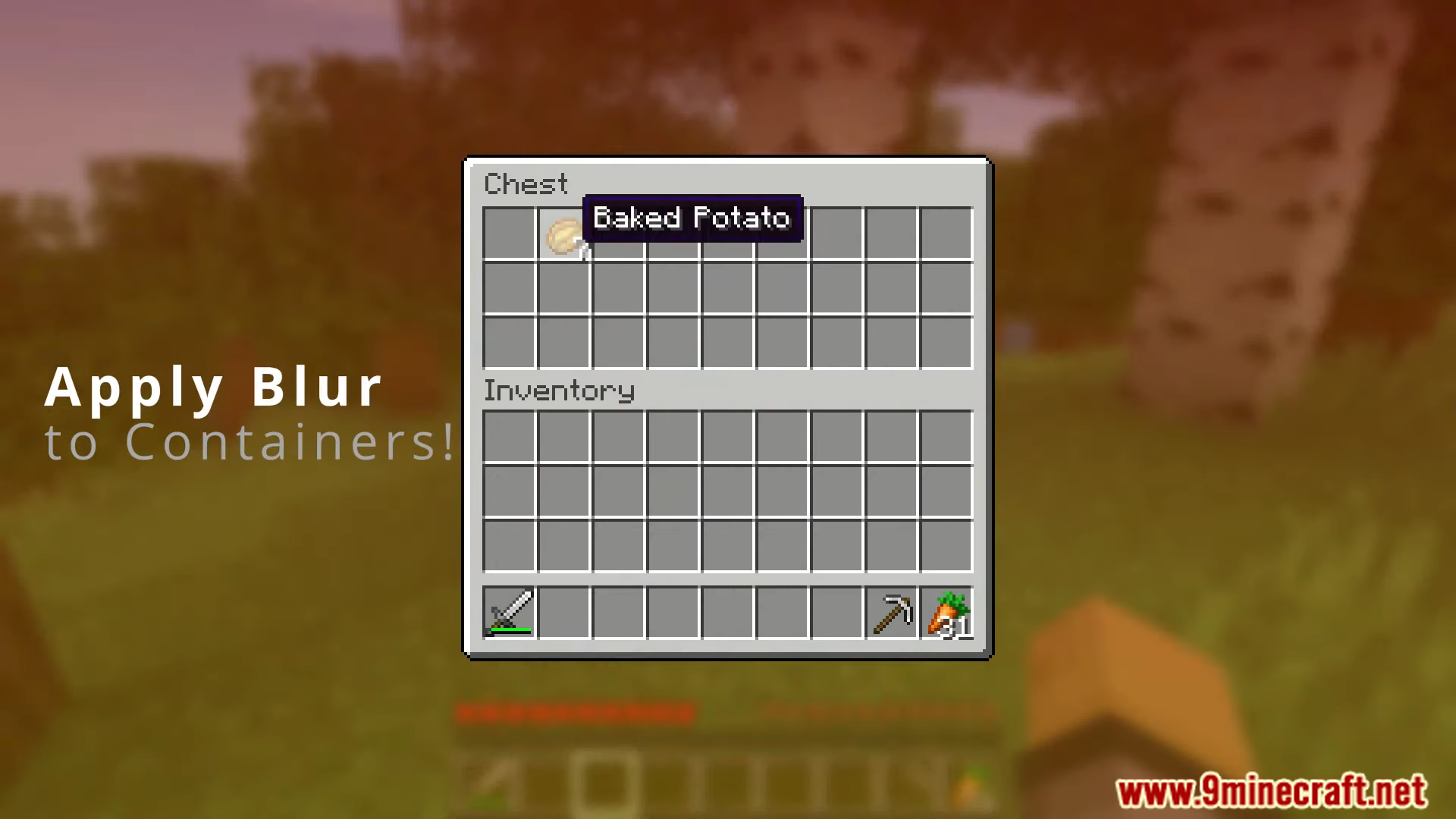
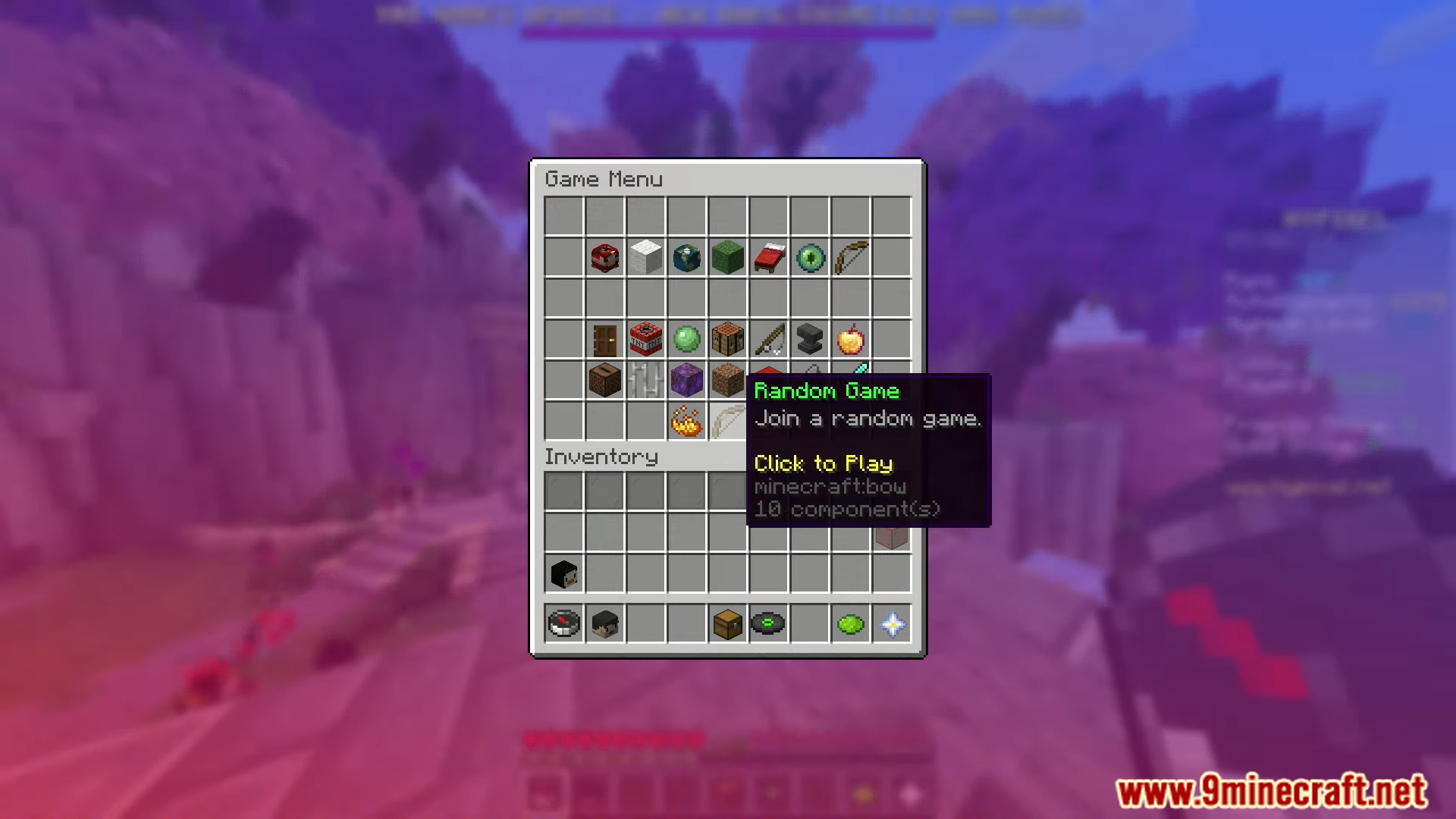
It applies a smooth blur effect to the background of all GUI menus in Minecraft. This makes the interface cleaner and less distracting so players can focus on menu elements.
Does the mod affect gameplay performance?
No, it is designed to be lightweight and performance-friendly. It integrates without impacting performance.
Can I change how strong the blur looks?
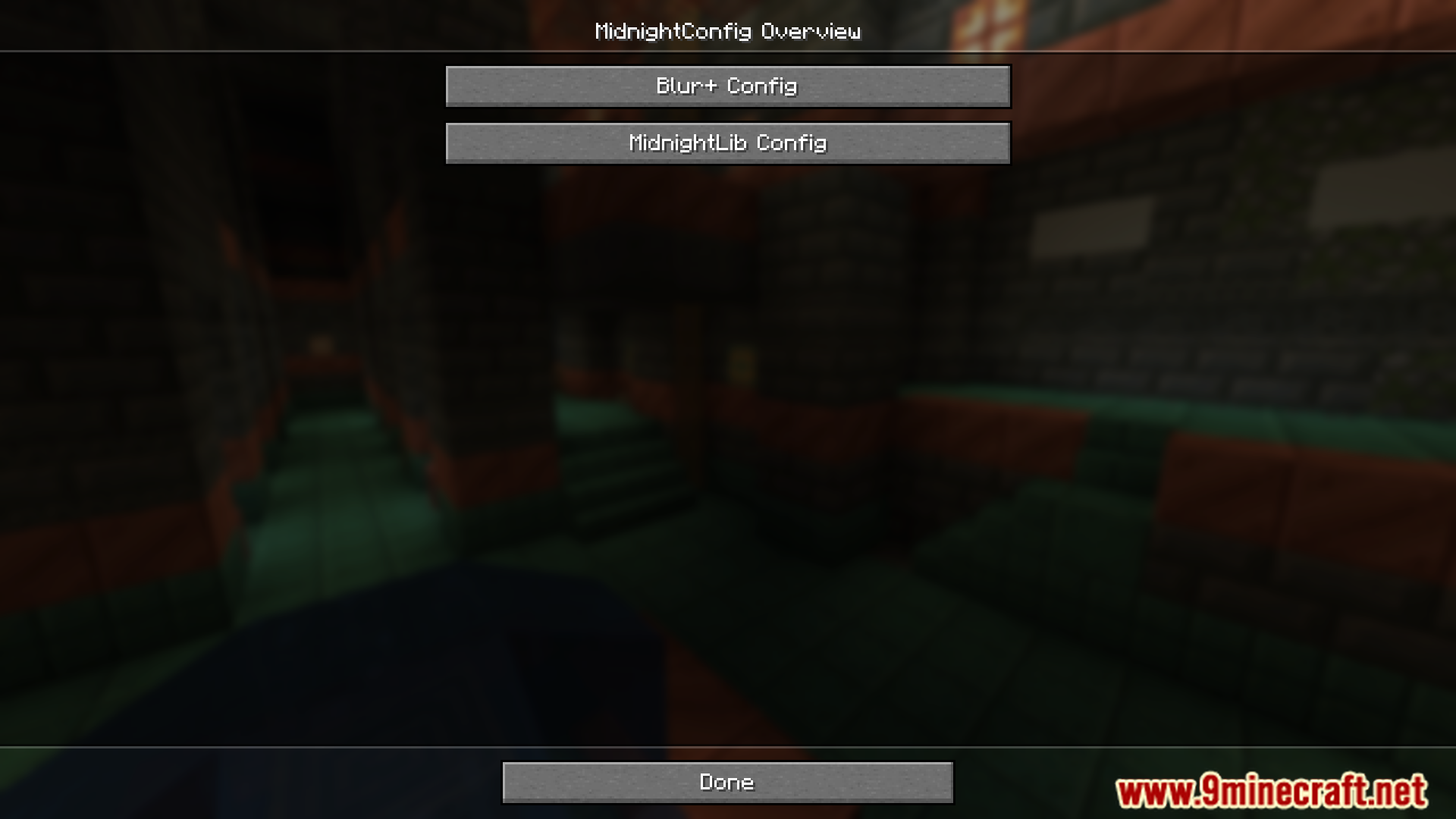
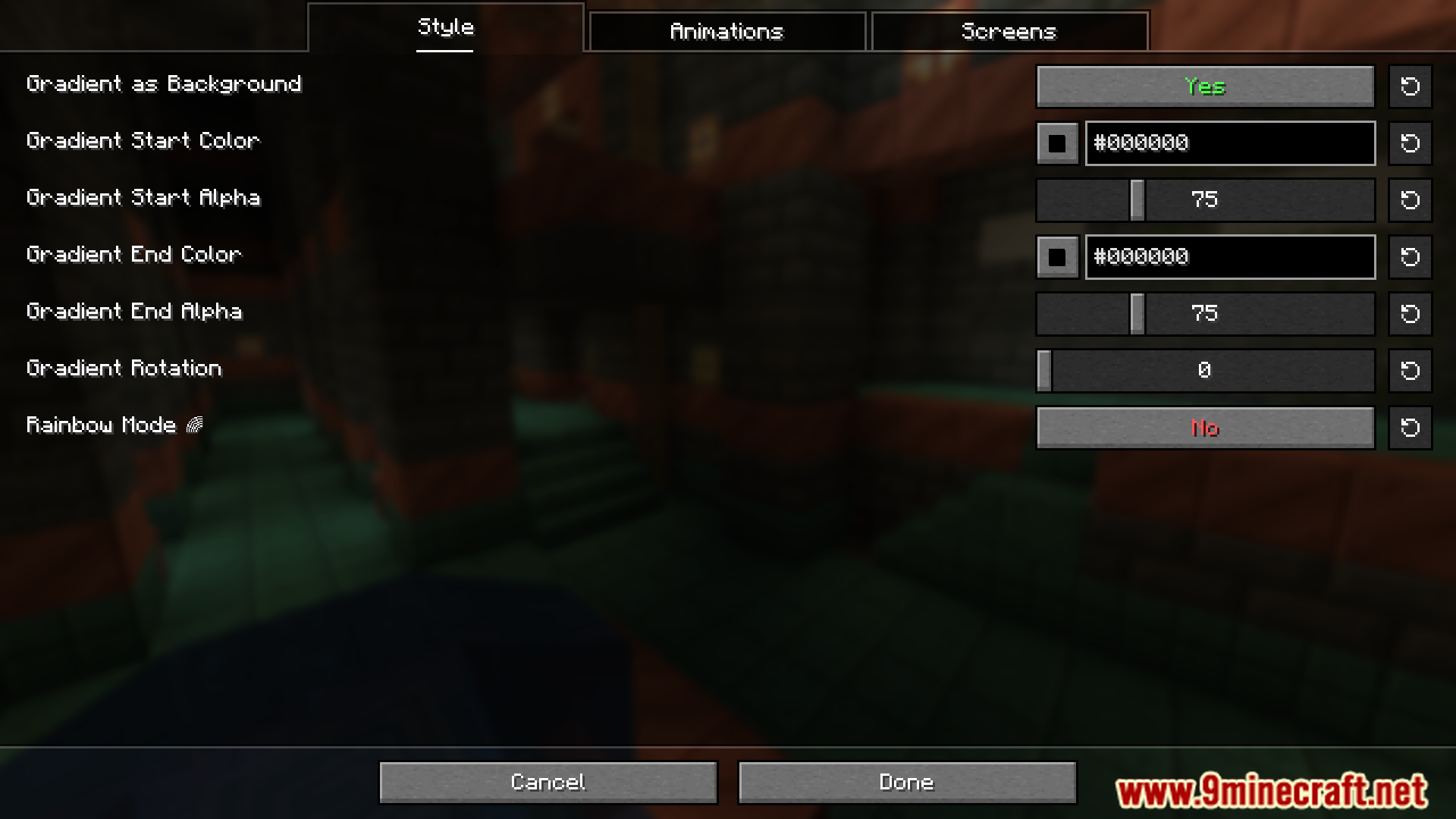
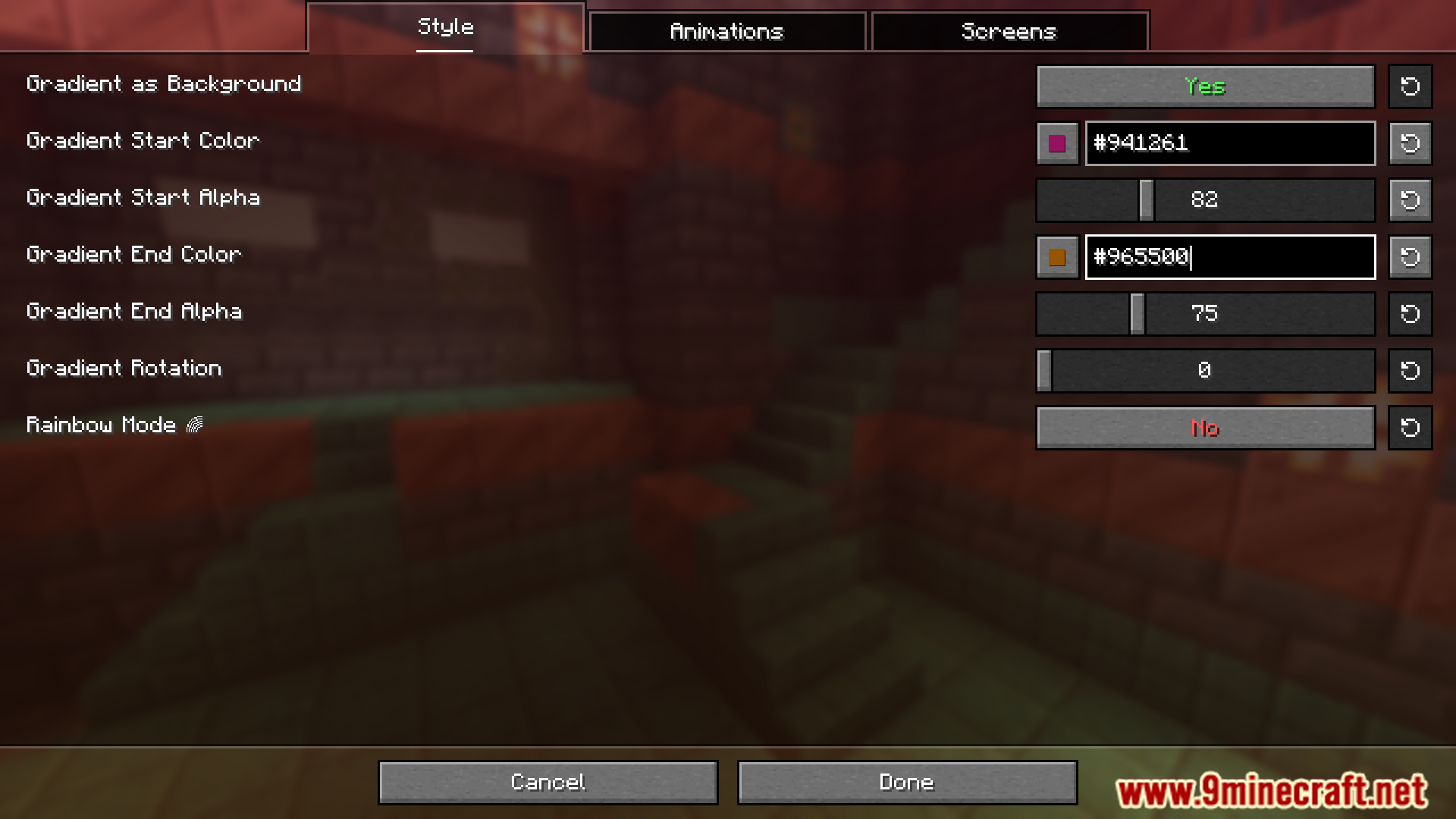
Yes, the mod includes customizable settings that let you adjust the blur strength. This gives you flexibility to suit your preferences.
Which parts of the game does the blur affect?
The blur is applied behind GUI menus. It affects the menu backgrounds rather than the game world itself.
See all 6 Blur Plus questions ›
Gallery
11 images from the Blur Plus Mod page.
You May Also Like
Wikis that share the most with this one
More mod wikis on the site
The most downloaded mods that have a wiki here
A few wikis from each of the other kinds