DownloadA Vanilla Overlay Resource Pack
Get the files on 9Minecraft
Contents (8)
Guides
Step-by-step, in-game.
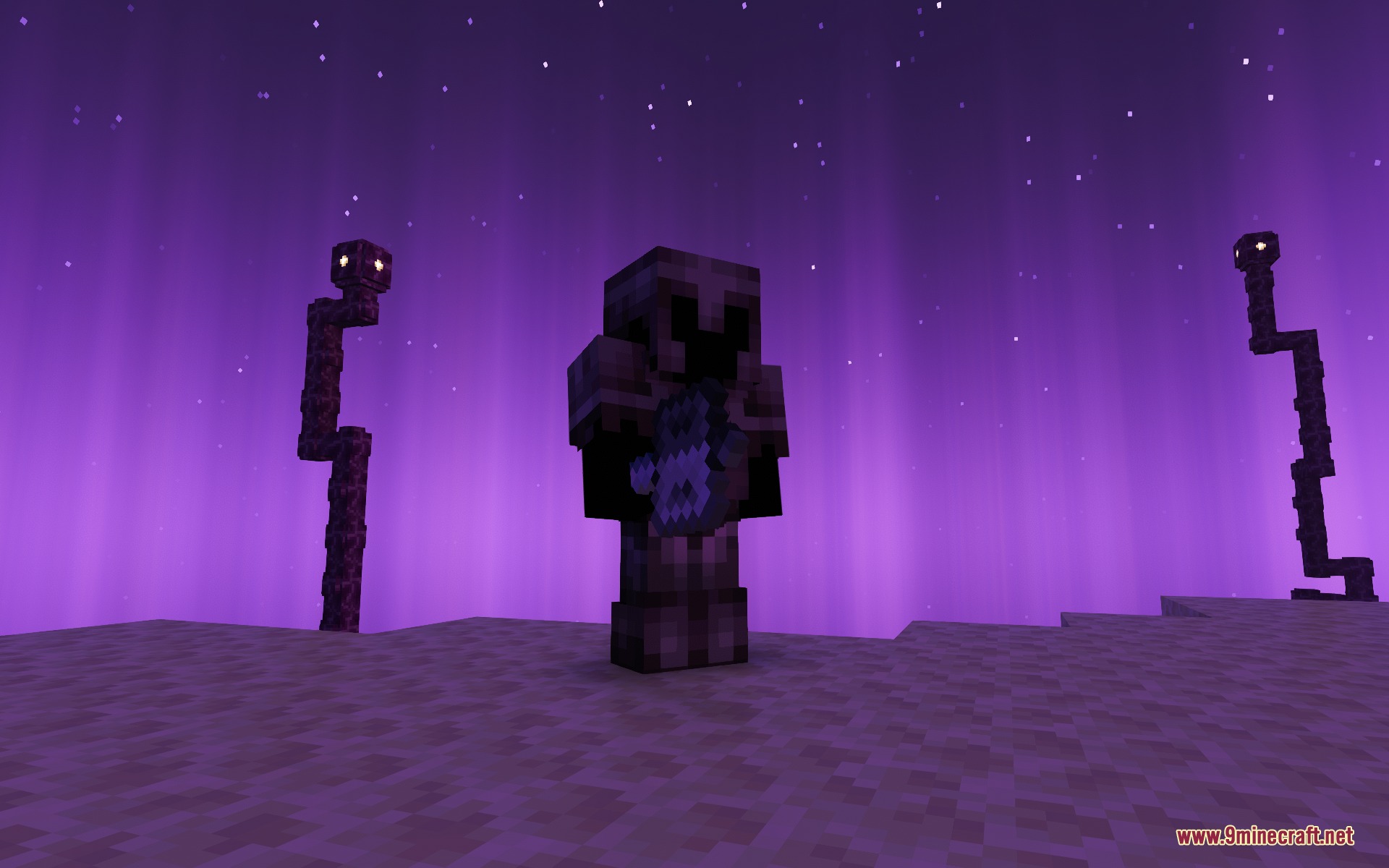
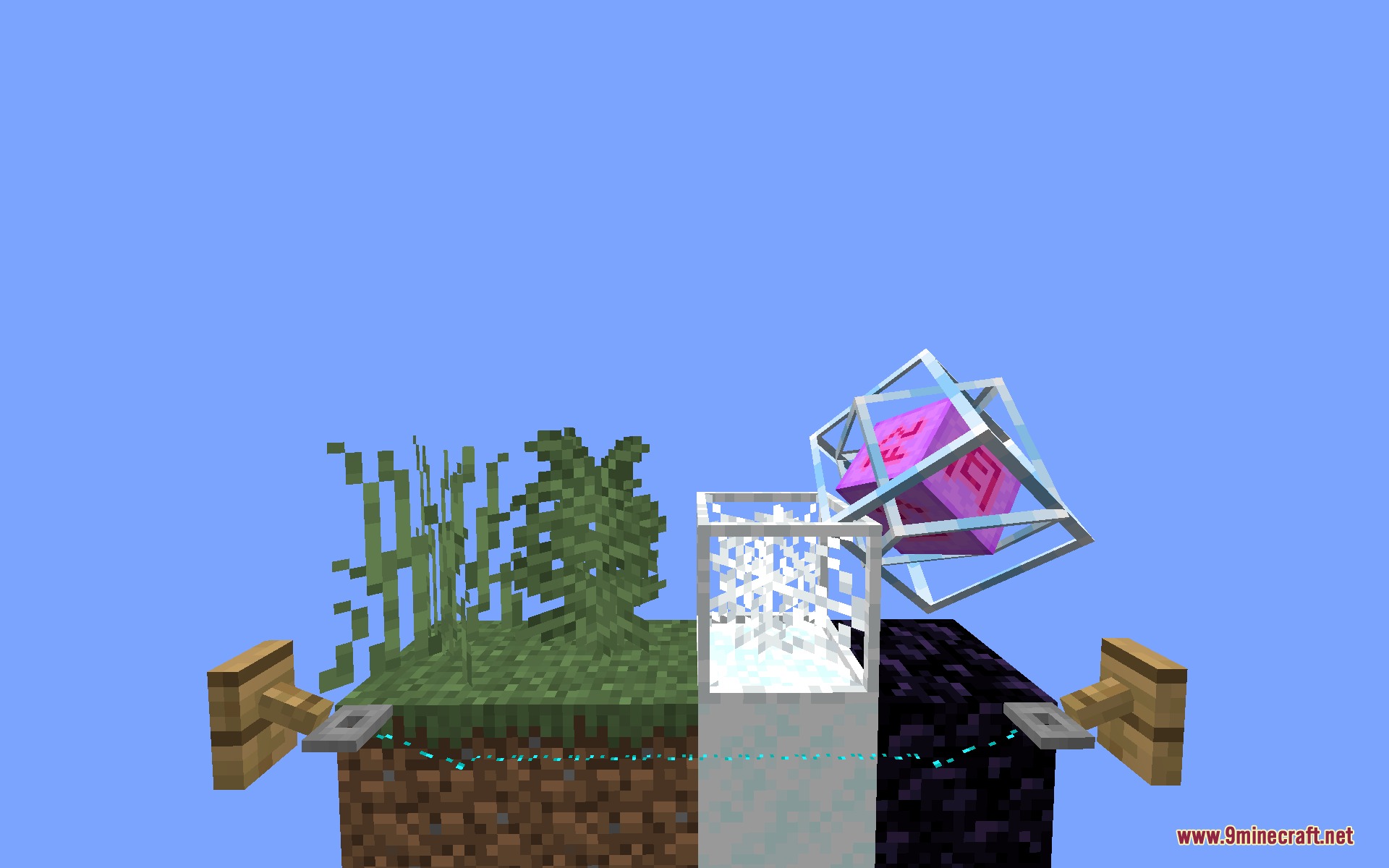
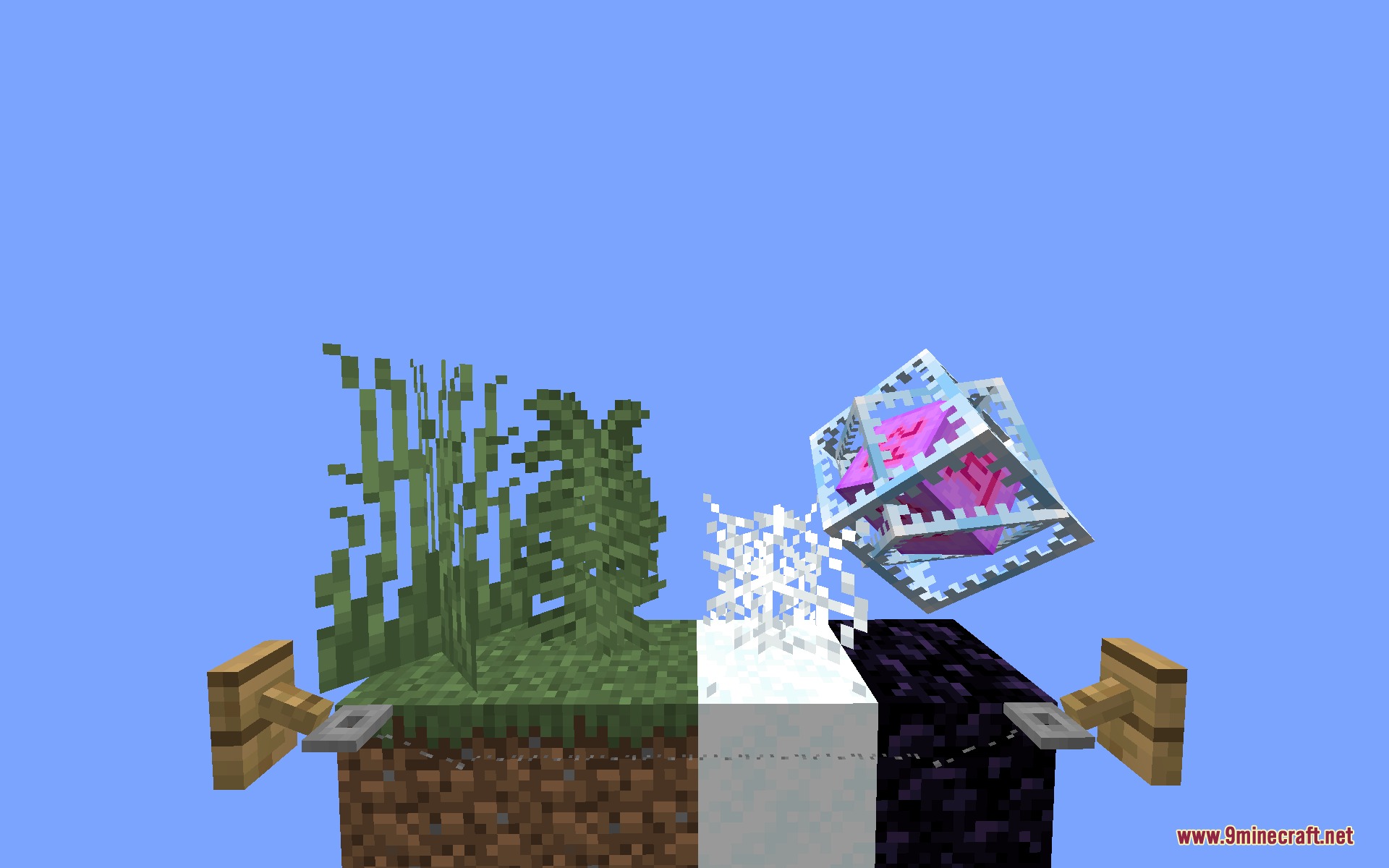
Identify Traps and Hazards InstantlyRecognize Trapped Chests and Tripwires The pack adds clear visual outlines around trapped chests and tripwires,…Improve Accuracy with Weapon Charge IndicatorsRead Bow and Crossbow Charge Animations The pack includes clear charge animations for bows and crossbows, so you know…Reduce Visual Clutter During CombatLower Fire and Shield Overlays The pack automatically reduces the size and opacity of fire animations and blocking…Spot Ores and Valuable Blocks FasterEnable Ore Borders The pack adds bright, colored outlines around ore blocks embedded in cave walls and underground…
Items
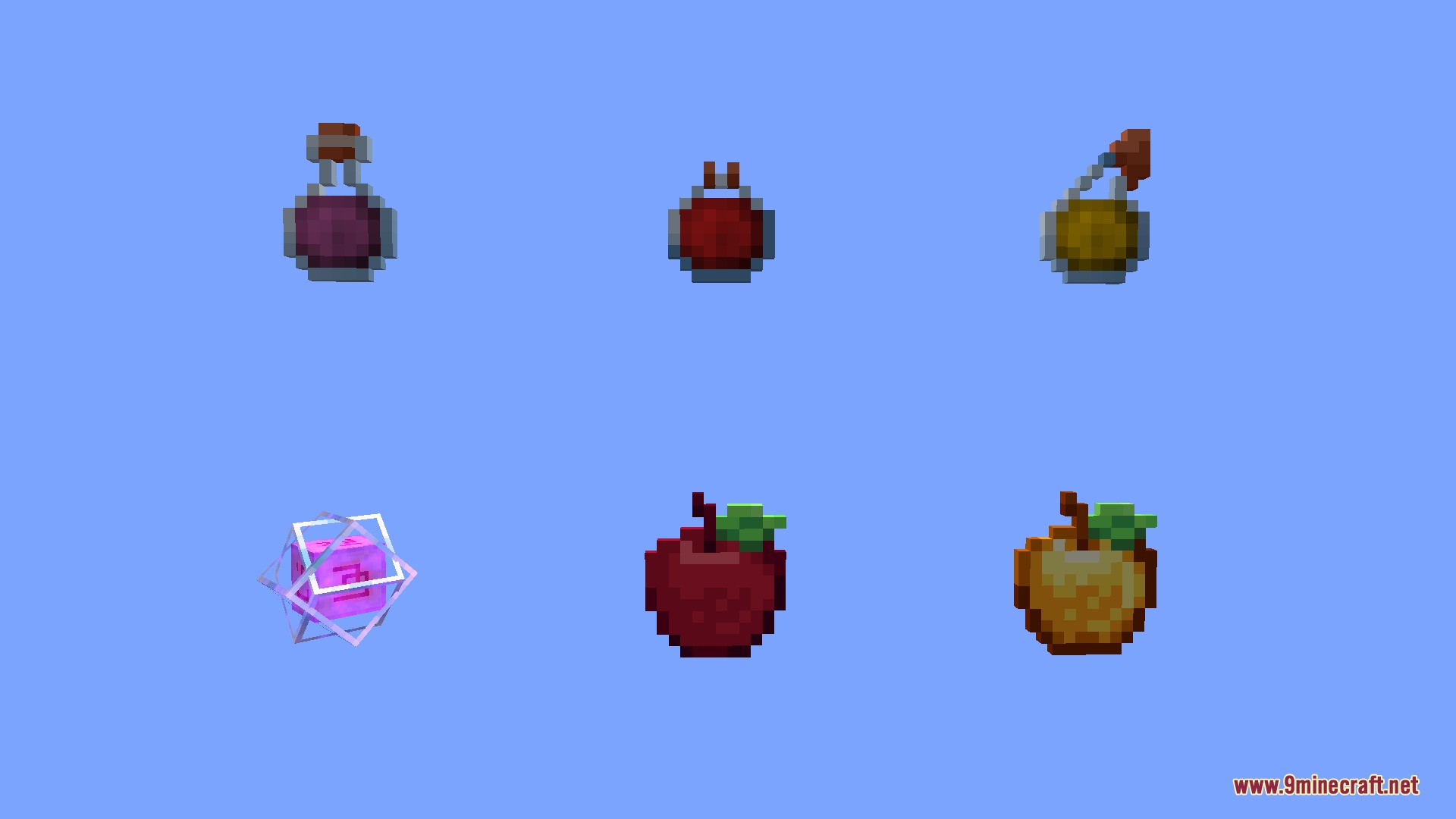
 Apple
 Bone Meal
 Bow
 End Crystal
 Golden Apple
 Lingering Potion
 Potion
 Splash Potion
Blocks
C
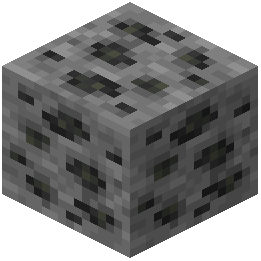 Coal Ore
 Cobweb
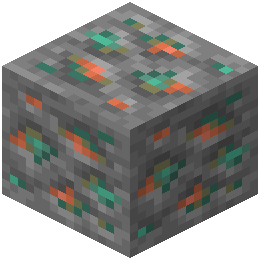 Copper Ore
D
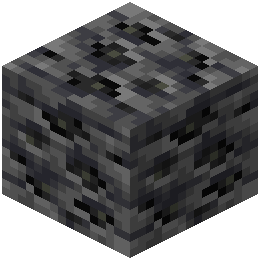 Deepslate Coal Ore
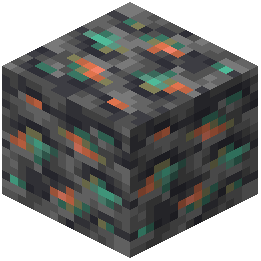 Deepslate Copper Ore
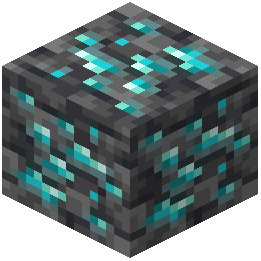 Deepslate Diamond Ore
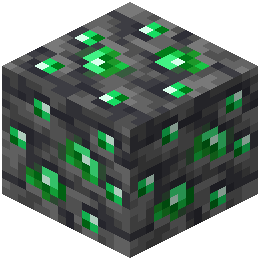 Deepslate Emerald Ore
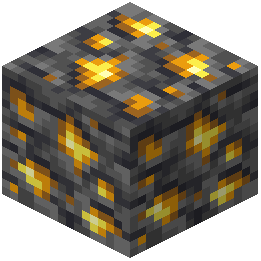 Deepslate Gold Ore
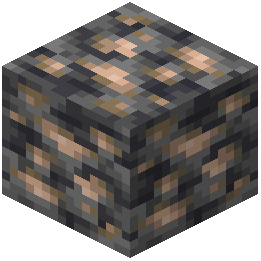 Deepslate Iron Ore
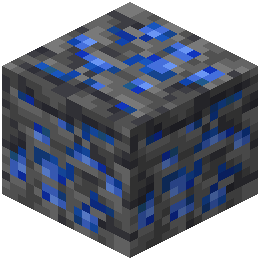 Deepslate Lapis Lazuli Ore
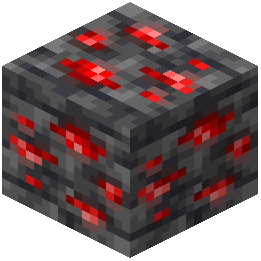 Deepslate Redstone Ore
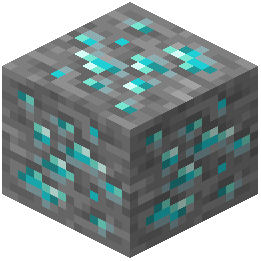 Diamond Ore
E
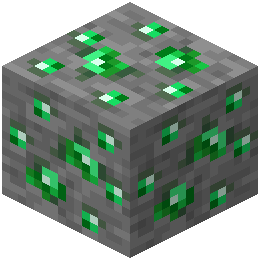 Emerald Ore
G
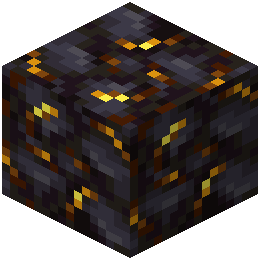 Gilded Blackstone
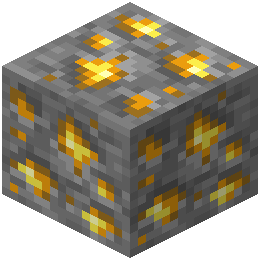 Gold Ore
I
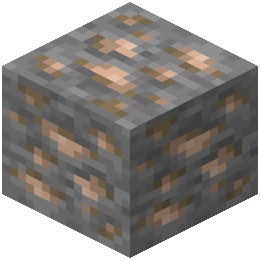 Iron Ore
L
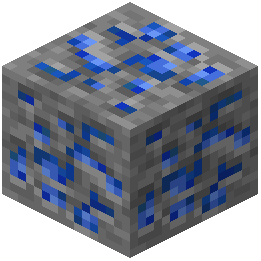 Lapis Lazuli Ore
N
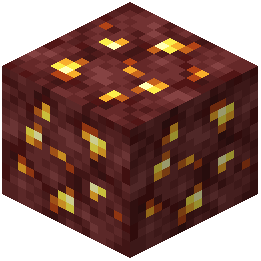 Nether Gold Ore
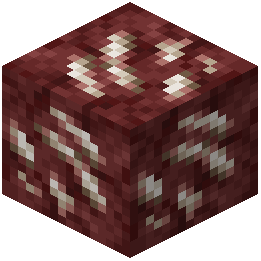 Nether Quartz Ore
P
 Powder Snow
R
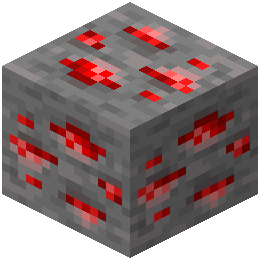 Redstone Ore
T
 Tripwire
What this pack changes
Every texture group the pack replaces, counted from the pack itself.
| Area | Textures replaced |
|---|---|
| Blocks | 134 |
| Particles | 52 |
| Mobs & entities | 50 |
| GUI & menus | 46 |
| Items | 21 |
| Misc | 5 |
| Armor trims | 4 |
| Sky & weather | 3 |
Pack format 34–88 (Minecraft 1.21.2–1.21.9)315 texture files in total
Extra features
Custom block/item models
Reworked GUI
Custom particles
Frequently asked questions
How do I enable or disable specific features of this pack?
This is a resource pack, not a mod with a config menu. To toggle features on or off, you'll need to edit the pack files directly or create a custom version by removing texture and JSON files for the features you don't want. Most players keep the full pack enabled since the features work together without conflicts.
Why can't I see my shield when I'm blocking?
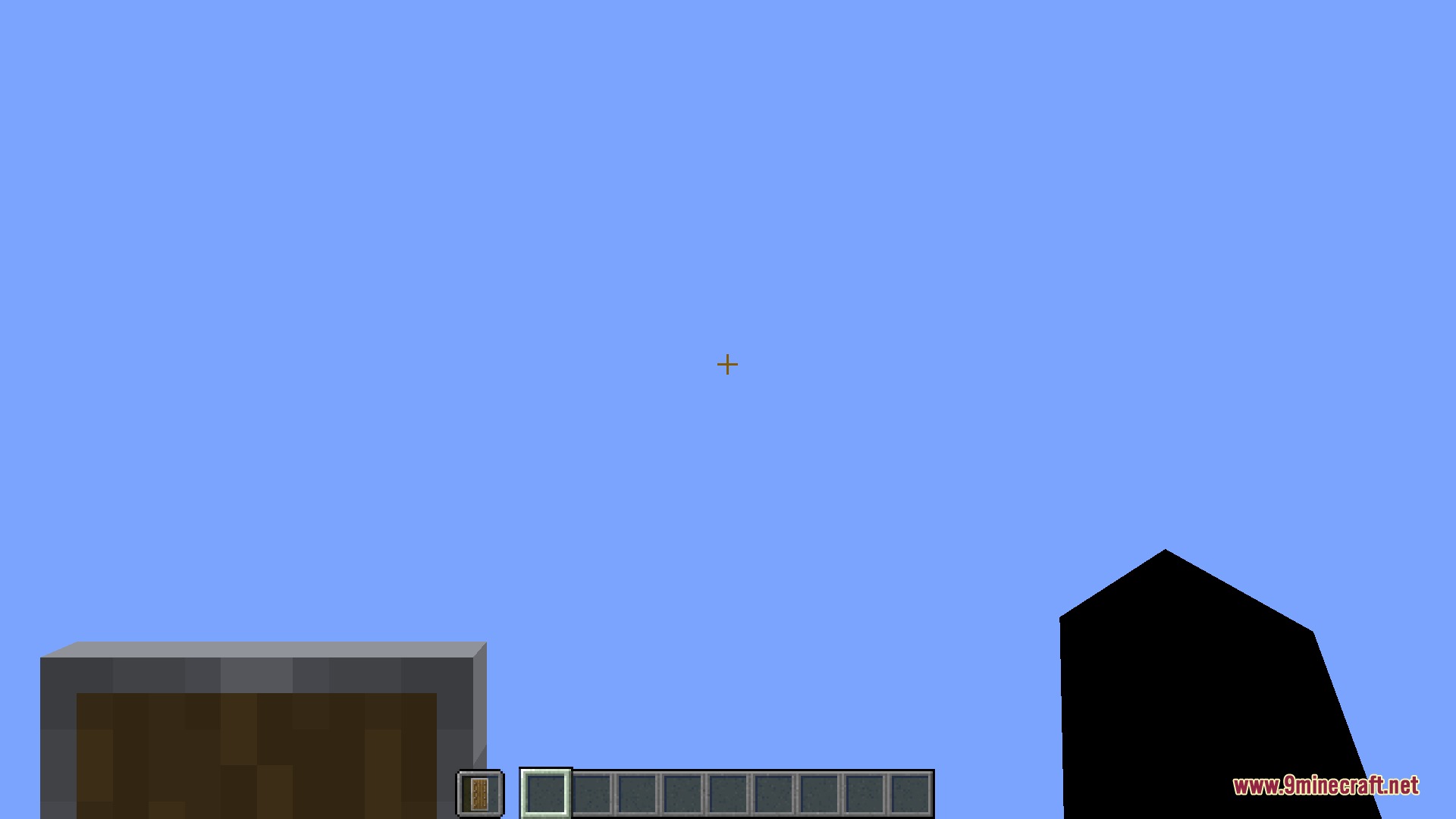
The pack lowers shields so they don't block your view during combat. Your shield is still protecting you—it's just positioned lower on your screen so you can see enemies clearly while defending.
Does this pack work with other resource packs?
You can layer this pack with others, but features may conflict if both packs modify the same textures or files. Place this pack higher in your resource pack list if you want its visuals to take priority over other packs.
Will this pack help me see better in caves and dark areas?
Yes. The pack adds bright ore borders to help you spot minerals in darkness, shortens grass to reduce ground clutter, and clears up water visibility so you can navigate caves more easily.
How do the trap and hazard outlines work?
The pack adds bright, visible borders around cobwebs, tripwires, trapped chests, and powder snow so you can spot them instantly instead of walking into them. These outlines make dangerous blocks stand out against their surroundings.
Does this pack affect my performance or FPS?
Resource packs have minimal performance impact since they only change textures and visuals. This pack actually removes many particle effects (explosions, fire, leaves), which may slightly improve performance on lower-end systems.
Why is my water transparent and what does it look like?
The pack makes water clear so you can see through it and spot hazards or items underwater without murky obstruction. The water still functions normally for swimming and breathing.
Can I use this pack on multiplayer servers?
Yes, resource packs are client-side only, so servers won't reject you for using it. Other players won't see your modified textures—only you will.
What's the mace indicator and how does it work?
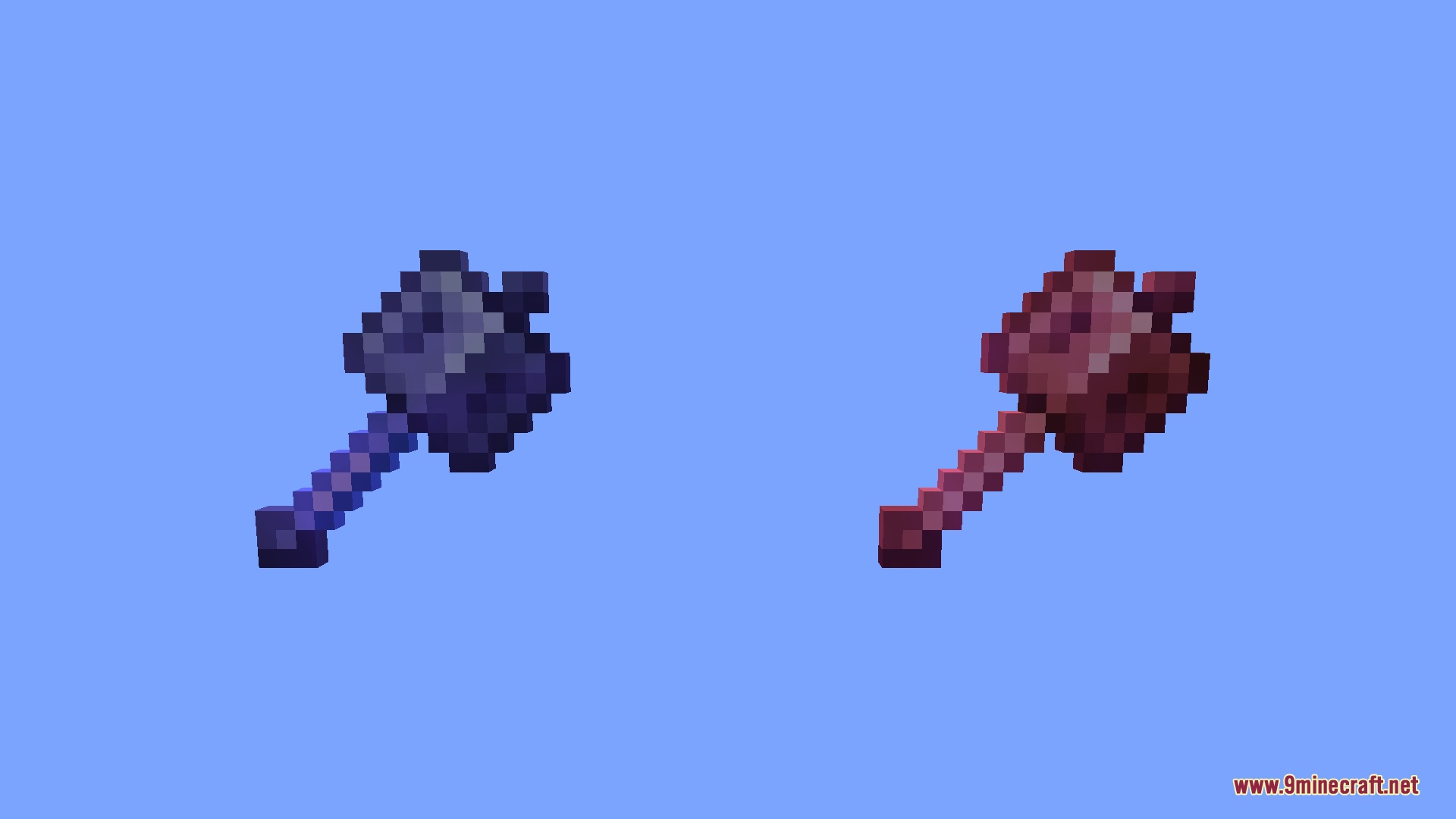
The pack adds a visual indicator that shows when your mace is ready to use or charging. This helps you time your attacks more accurately during combat.
Does this pack work with Bedrock Edition or only Java?
This pack is designed for Java Edition. Bedrock Edition uses a different resource pack format and won't be compatible with this pack.
You May Also Like
Wikis that share the most with this one
Wikis on the same theme: potion
3D Default Resource PackUhc Optimized Resource PackA7Mds 3D Potions Resource PackShureees Potions Resource PackCrimson Fist Legacy Resource PackWeskersons 3D Items Resource PackVisual Potion Effects Resource PackAlmost Vanilla Potions Resource PackRemove Potion Particles Resource PackGeforcelegends 3D Default Resource PackXali’s Potions 9minecraft Resource PackHurkledurkle S Animated Items Resource Pack
More resource pack wikis on the site
A Btv Texture Pack 64Px Full 3 D Pom Resource Pack3D Vanilla Items Resource Pack3D Muskets Resource Pack3D Ladders Resource Pack3D Items Vanillaism Resource Pack3D Items Vanillaism3d Entity Eggs Resource Pack3D Crops Revamped Resource Pack3D Crops 9Minecraft Resource Pack3D Bricks Remastered Resource Pack3d Animated Doors Resource Pack3 D Spears Reimagined Resource Pack
The most downloaded mods that have a wiki here
A few wikis from each of the other kinds
Gallery
8 images from the A Vanilla Overlay Resource Pack page.