

 DownloadA7Mds 3D Potions Resource Pack
Get the files on 9Minecraft
Contents (7)
Guides
Step-by-step, in-game.
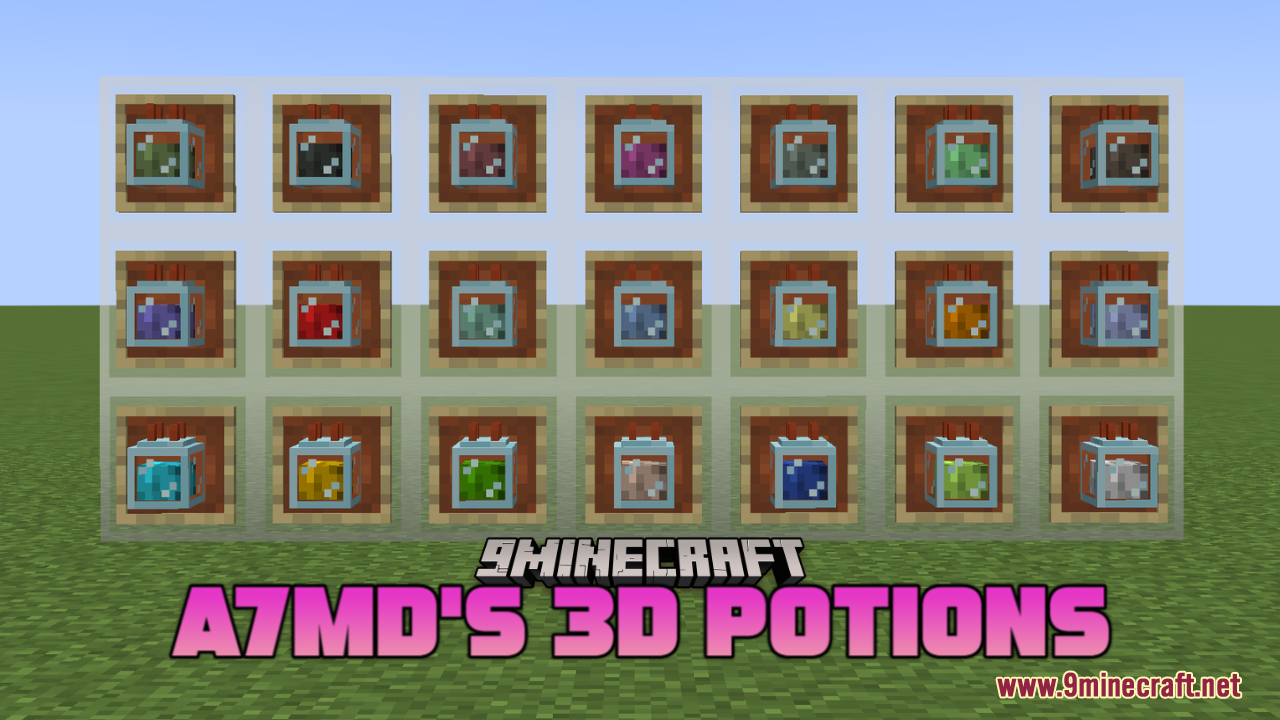
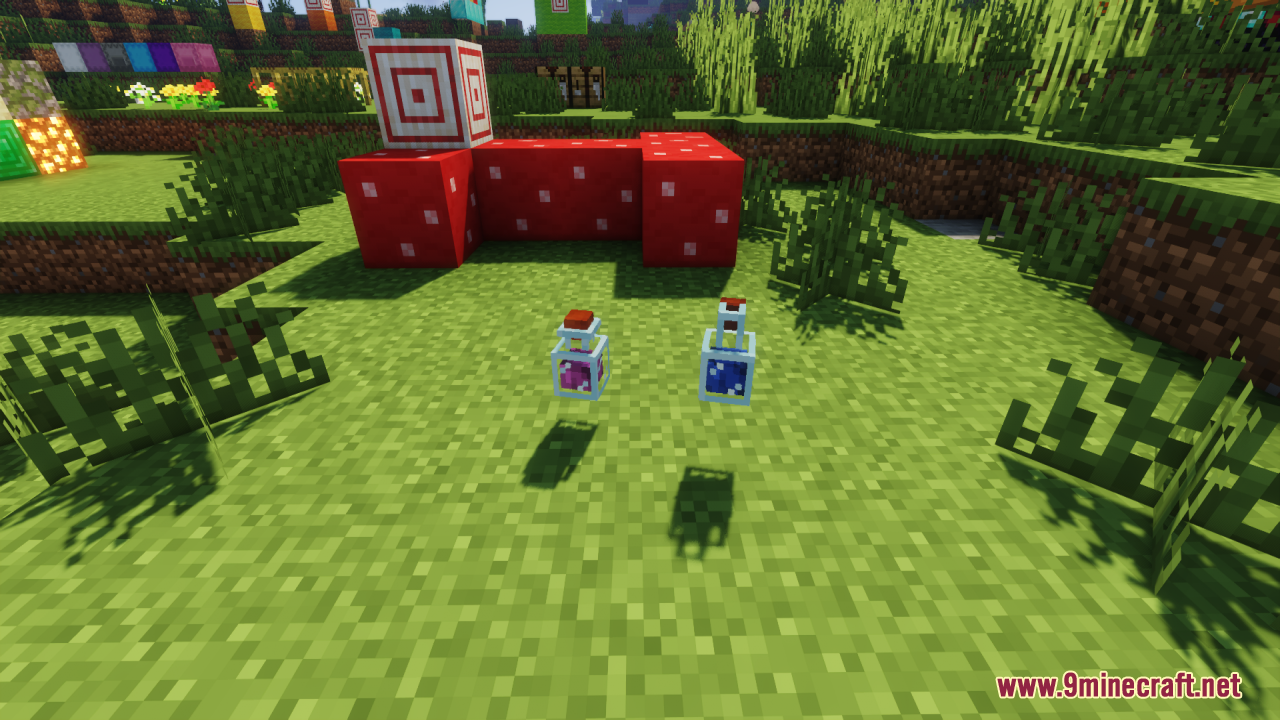
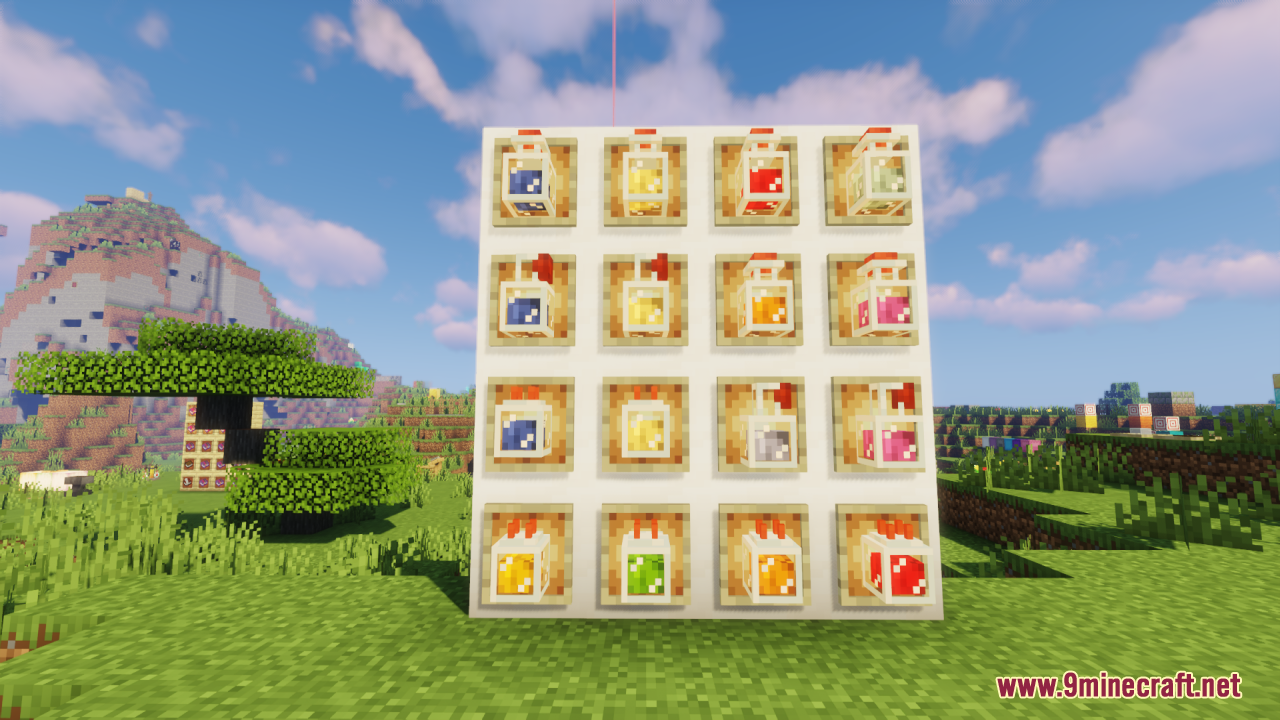
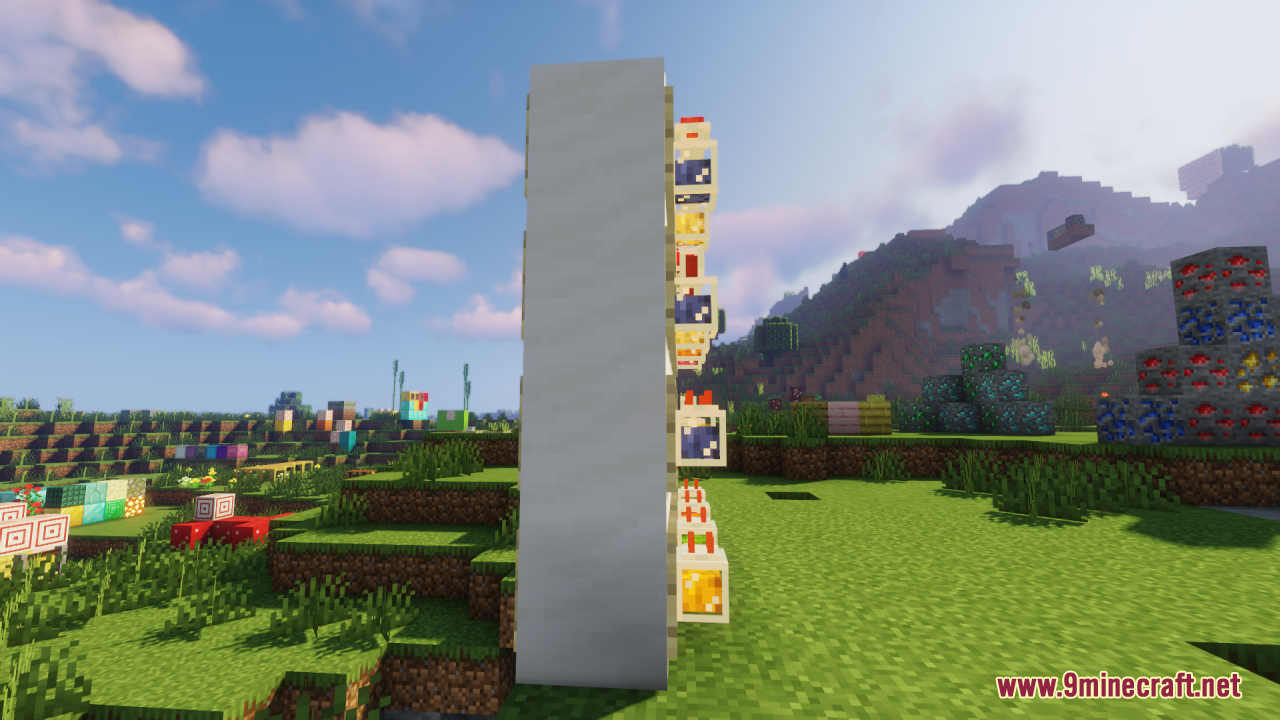
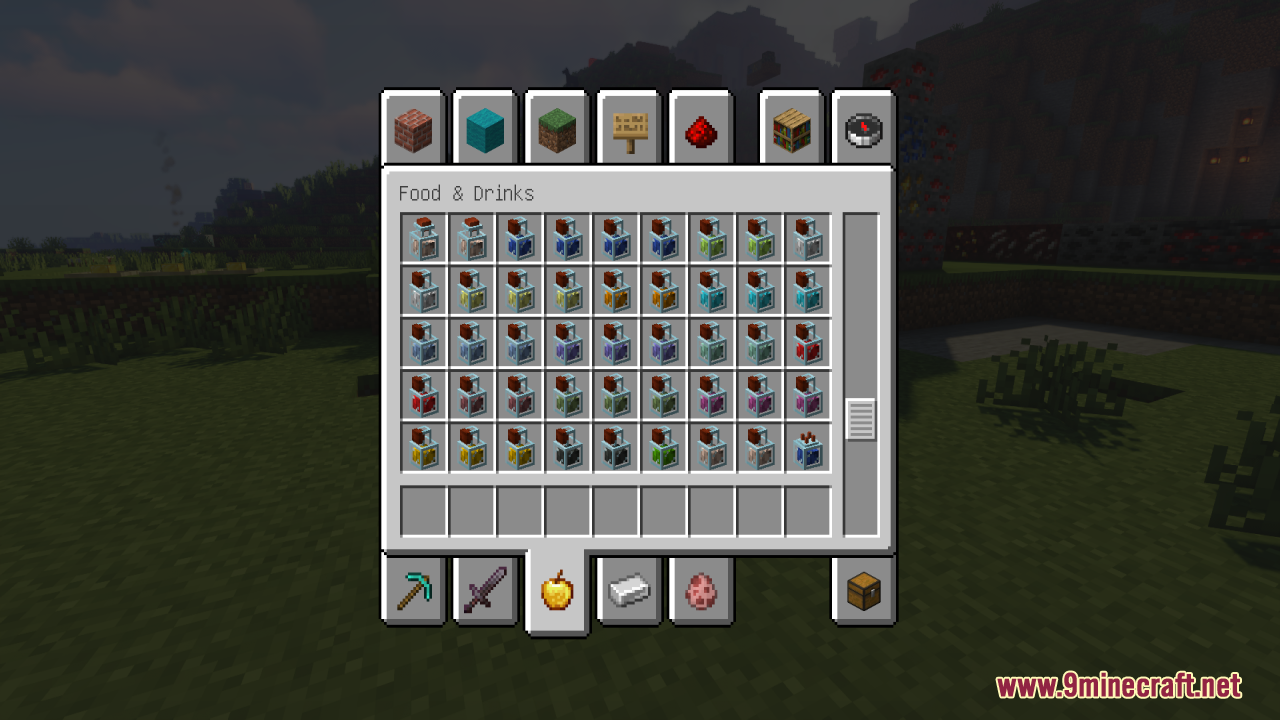
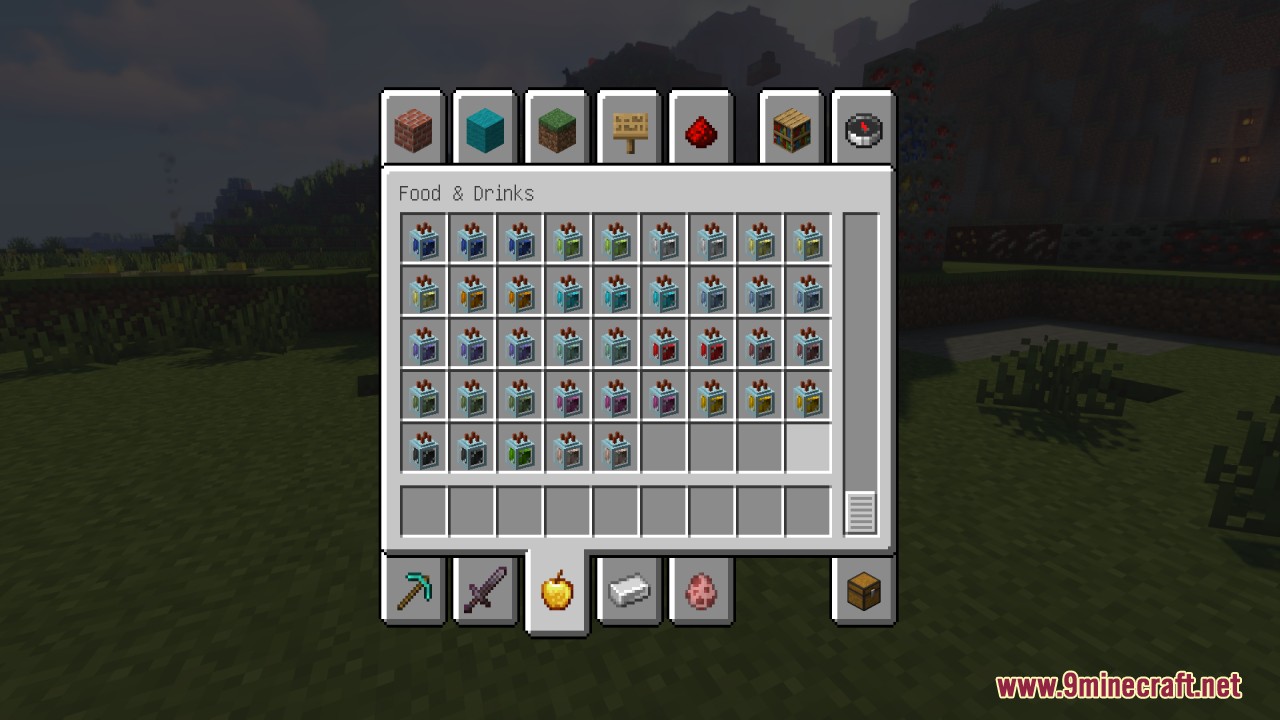
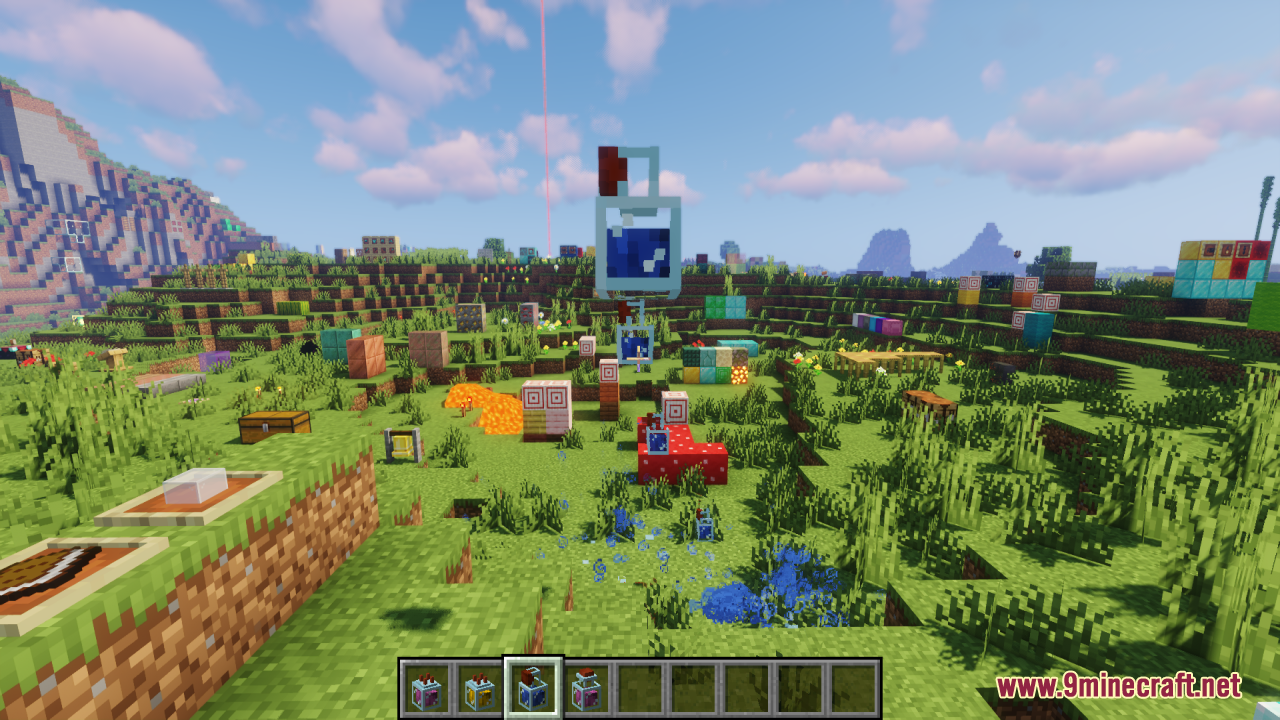
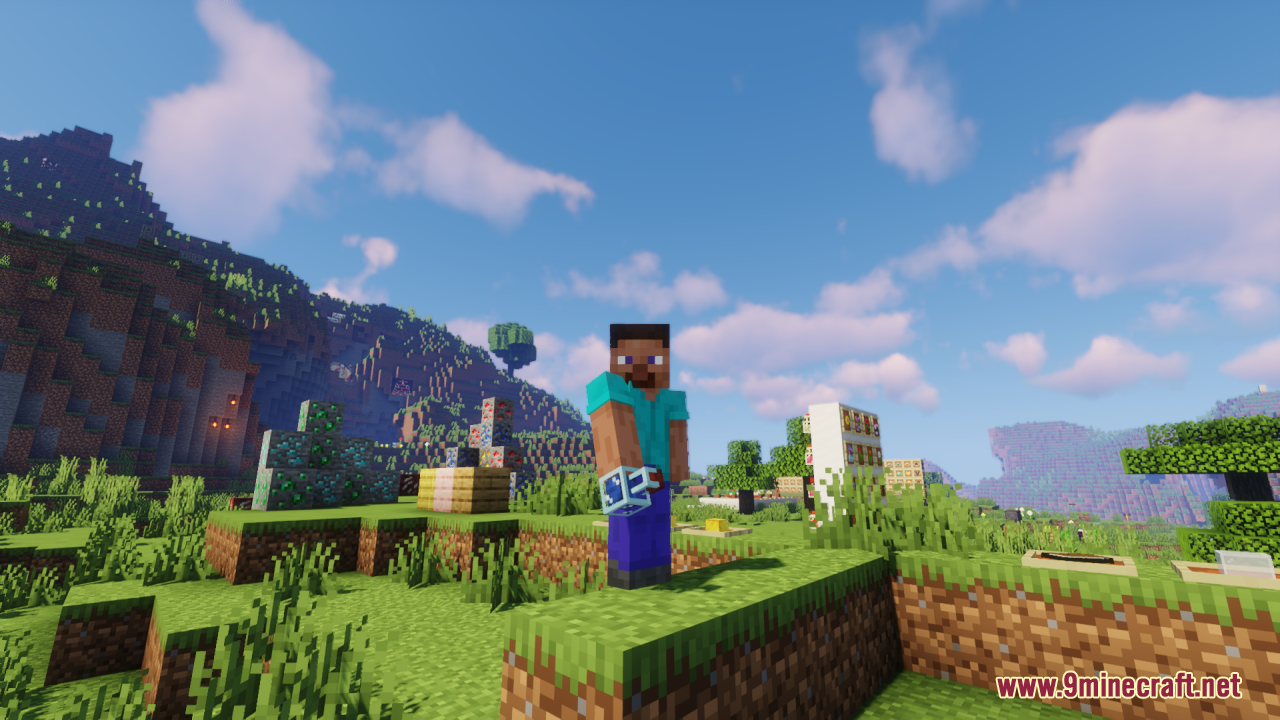
Identifying Potions by Their 3D DesignRecognizing Potion Effects Visually Each potion type now has a distinct 3D model design, making it easier to identify…Troubleshooting 3D Potion Display IssuesPotions Not Showing as 3D Models If potions still appear flat or vanilla-styled: Verify the resource pack is enabled…Using 3D Potions in Your Brewing SetupDisplaying Potions in Builds The 3D models look particularly striking when displayed on shelves, in item frames, or…Viewing Your Potions in 3DSee the Enhanced Models Once the resource pack is active, all potions in your inventory and on the ground will…
Items
 Bottle o' Enchanting
 Dragon's Breath
 Honey Bottle
 Lingering Potion
 Ominous Bottle
 Splash Potion
What this pack changes
Every texture group the pack replaces, counted from the pack itself.
| Area | Textures replaced |
|---|---|
| Items | 21 |
Pack format 84–88 (Minecraft 1.21.9)21 texture files in total
Extra features
Custom block/item models
Frequently asked questions
Do I need to install anything else for the 3D potions to show up?
No, this is a resource pack only — it requires no mods or additional software. Simply load it in your resource pack folder and enable it in your world settings, and the 3D models will replace your  potion textures immediately.
Why do my potions still look flat?
Make sure the resource pack is enabled and ranked above any conflicting packs in your resource pack list. If you're using shaders, some shader packs may override the 3D models; try disabling shaders temporarily to confirm the pack is working.
Does this work with splash and lingering potions?
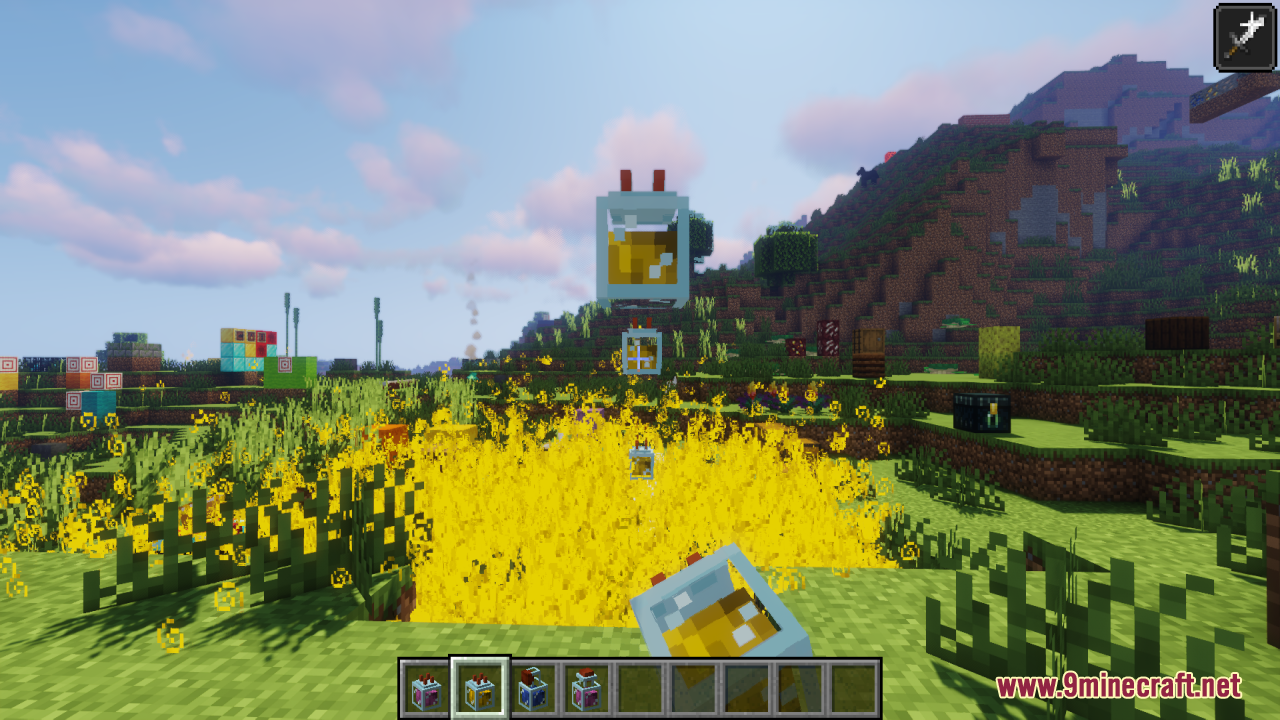
Yes, the pack includes unique 3D models for regular potions, splash potions, and lingering potions, so all three types will display with enhanced visuals.
Can I tell which potion is which just by looking at the bottle?
Yes, each potion type has a distinct 3D design and color scheme, making it easy to identify potions by their appearance without checking the tooltip.
potion type has a distinct 3D design and color scheme, making it easy to identify potions by their appearance without checking the tooltip.See all 10 A7Mds 3D Potions questions ›
Gallery
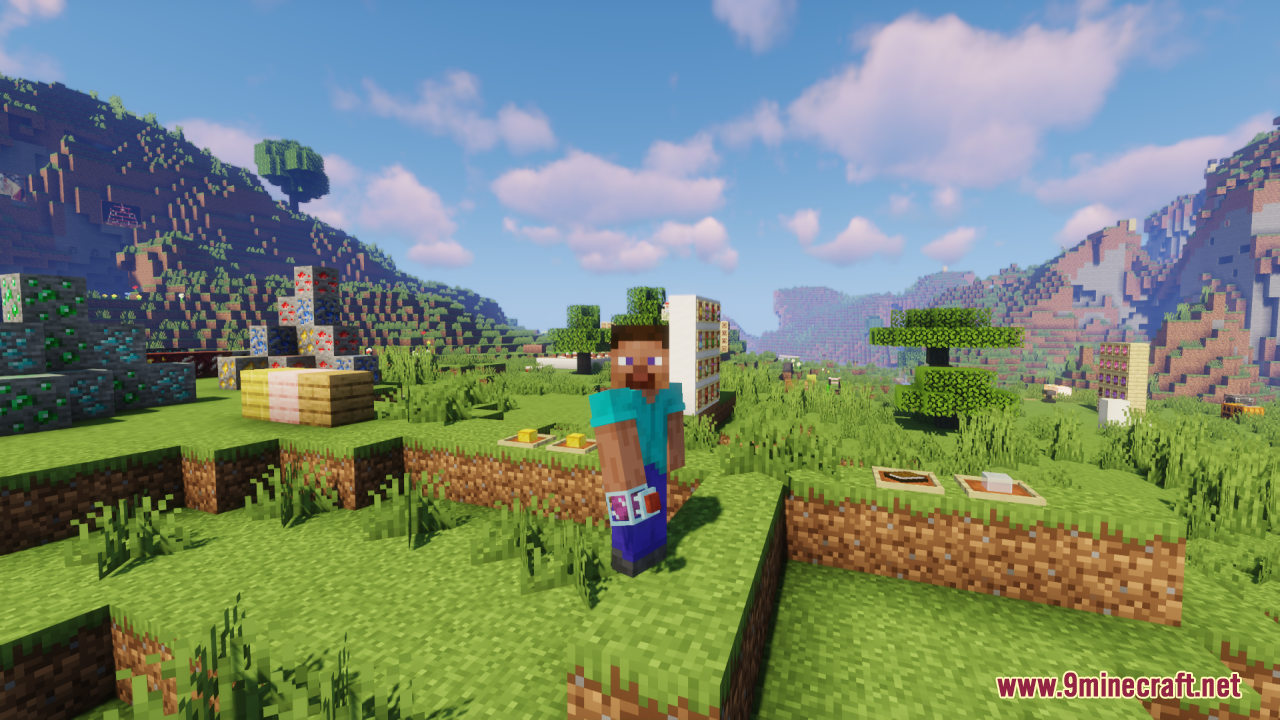
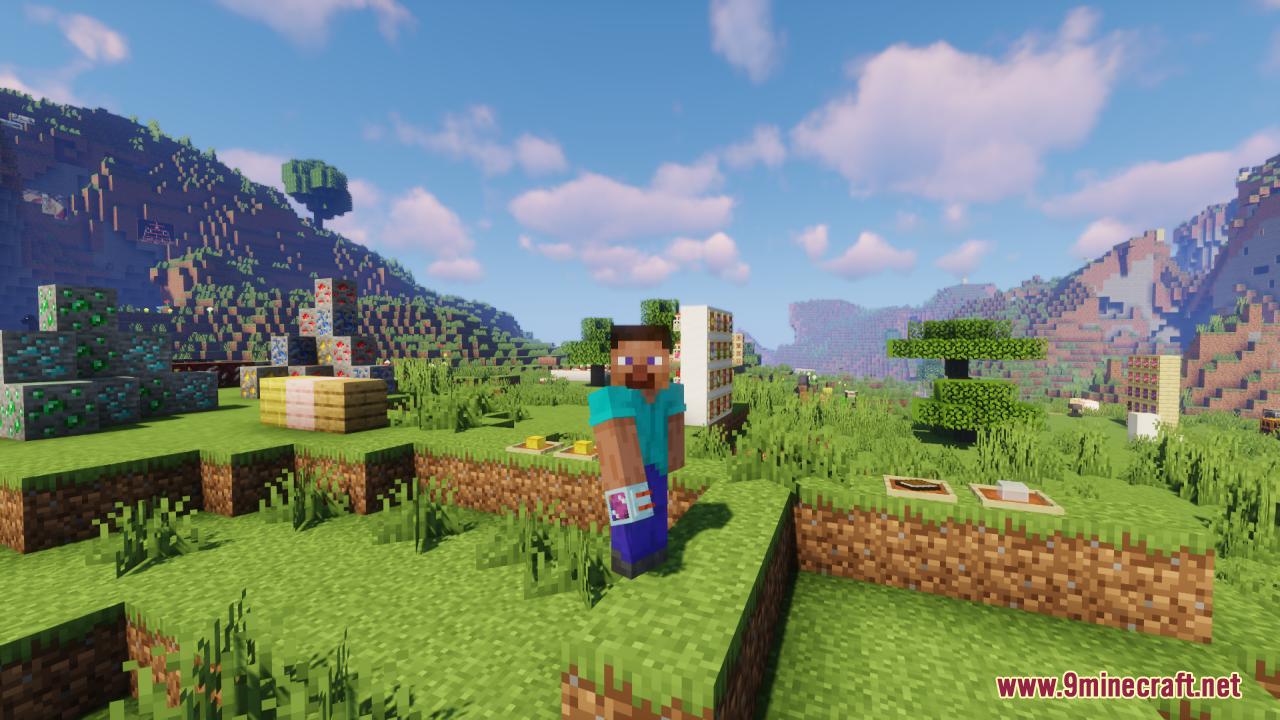
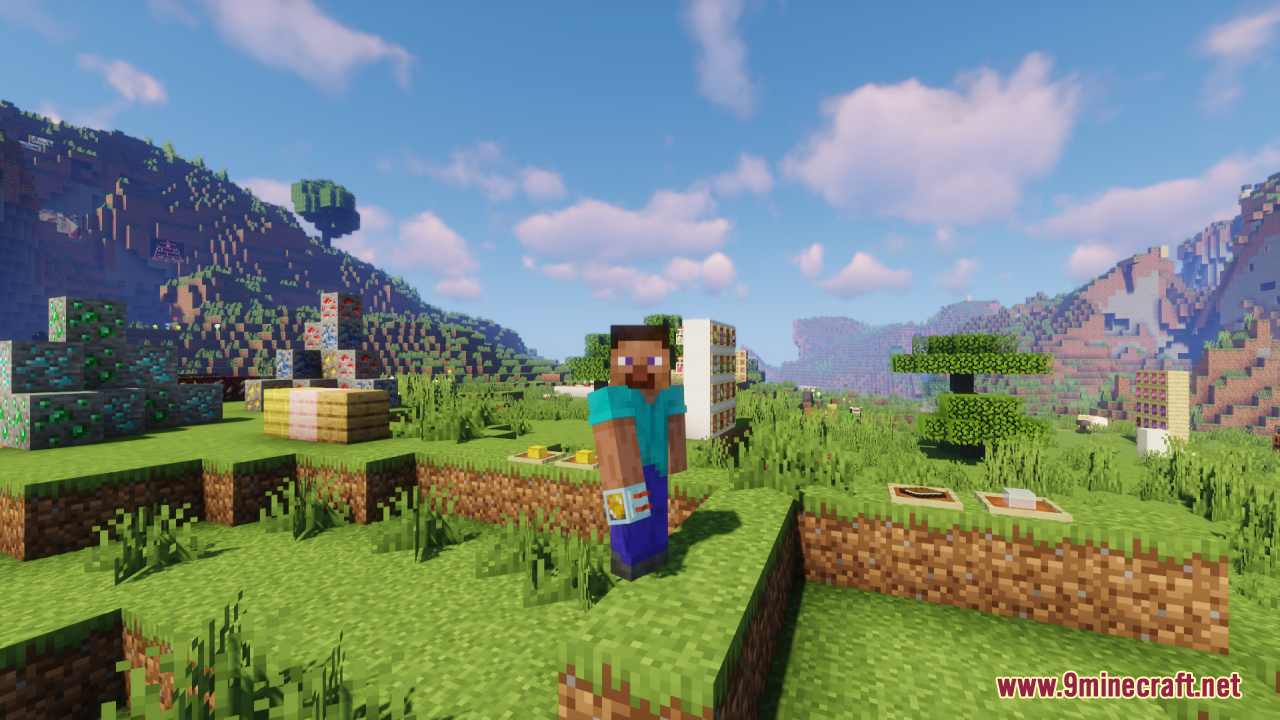
12 images from the A7Mds 3D Potions Resource Pack page.
You May Also Like
Wikis that share the most with this one
Wikis on the same theme: potion
Uhc Optimized Resource PackA Vanilla Overlay Resource PackCrimson Fist Legacy Resource PackWeskersons 3D Items Resource PackVisual Potion Effects Resource PackRemove Potion Particles Resource PackHurkledurkle S Animated Items Resource PackRemove Potion Particles 9minecraft Resource PackScp 207Citadel UpCompound VBloody Hell
More resource pack wikis on the site
A Btv Texture Pack 64Px Full 3 D Pom Resource Pack3D Vanilla Items Resource Pack3D Muskets Resource Pack3D Ladders Resource Pack3D Items Vanillaism Resource Pack3D Items Vanillaism3d Entity Eggs Resource Pack3D Crops Revamped Resource Pack3D Crops 9Minecraft Resource Pack3D Bricks Remastered Resource Pack3d Animated Doors Resource Pack3 D Spears Reimagined Resource Pack
The most downloaded mods that have a wiki here
A few wikis from each of the other kinds