

 DownloadFPS Overlay Mod
Get the files on 9Minecraft
Guides
Step-by-step, in-game.
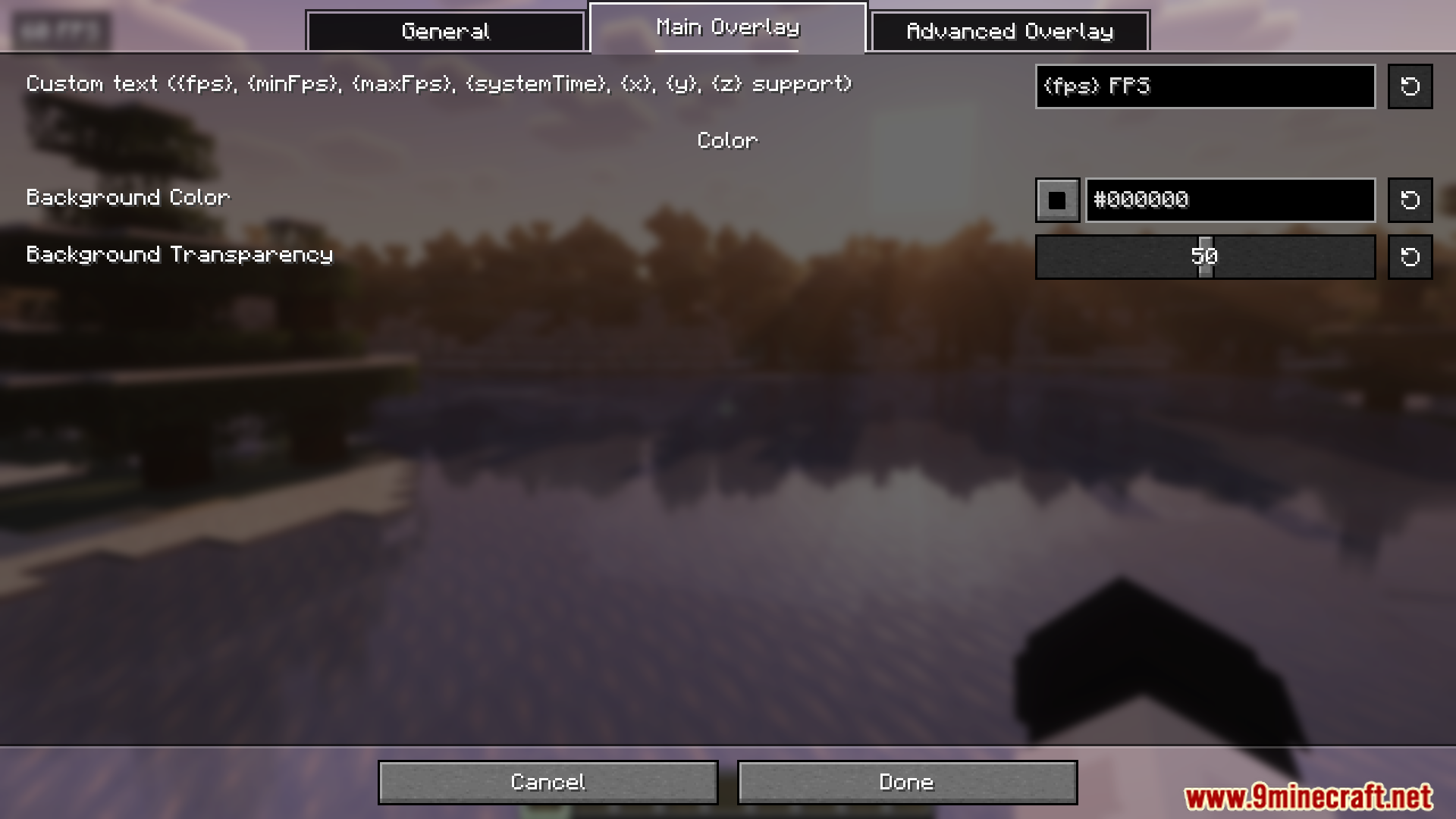
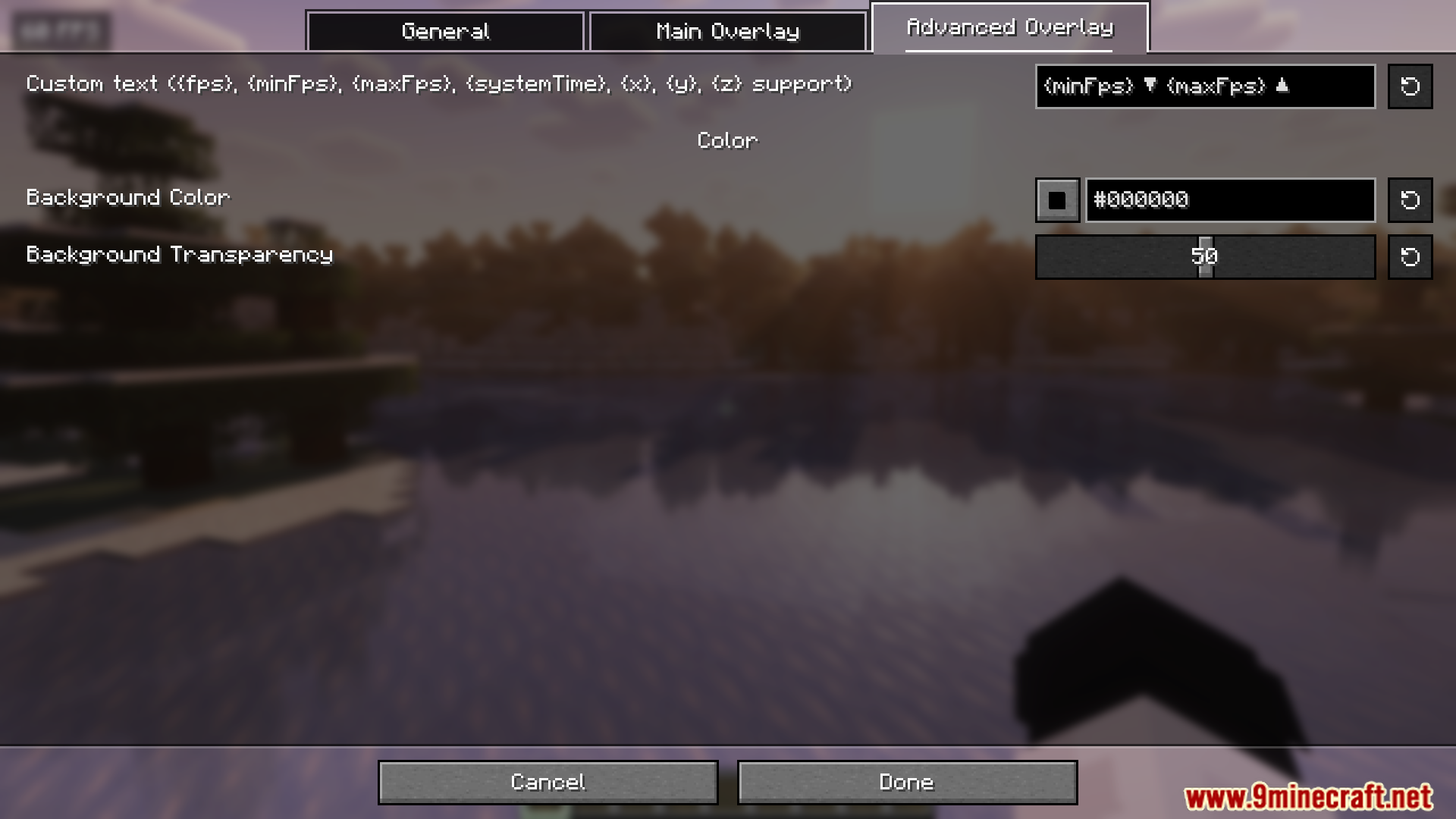
Change the Color and Appearance of the FPS TextNavigate to Appearance Settings Open the FPS Overlay Mod configuration. Look for sections labeled Appearance ,…Display Minimum and Maximum FPS StatisticsOpen the Mod Settings Access the FPS Overlay Mod configuration menu from your mod settings or main menu. Find the FPS…Hide the FPS Counter During Screenshots or StreamingFind the Toggle or Visibility Settings Open the FPS Overlay Mod configuration menu. Search for options like Toggle…Move the FPS Counter to a Different CornerAccess the Configuration Menu Open your mod configuration settings. Most mods use a config screen accessible from the…
Frequently asked questions
How do I turn on the FPS counter?
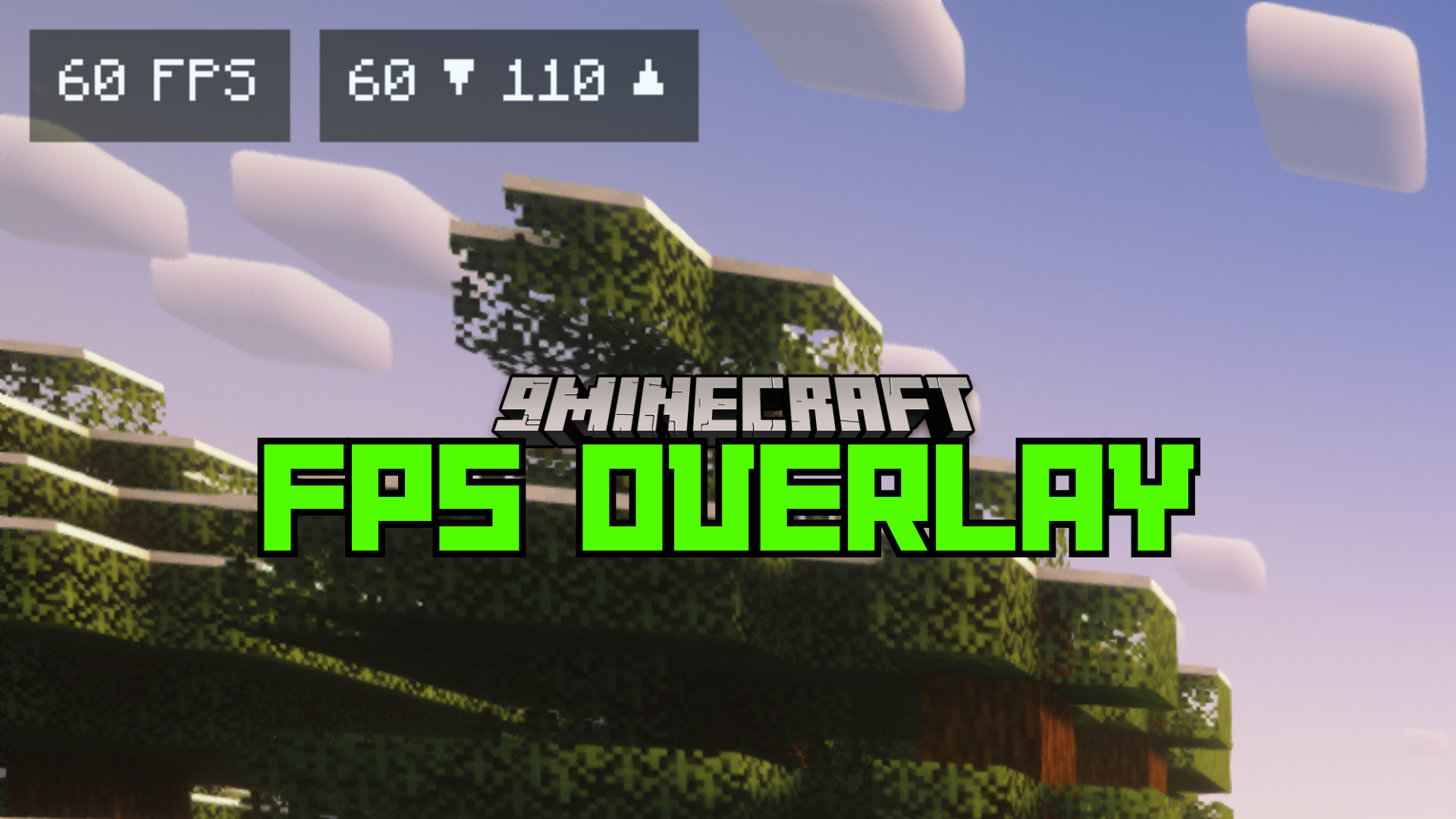
The FPS overlay should display automatically when you load into a world. If it's not visible, check your mod configuration settings to ensure the overlay is enabled, or look for a toggle keybind in your controls.
Where is the config file for this mod?
The configuration file is located in your `.minecraft/config` folder. Look for the FPS Overlay Mod config file and open it with a text editor to adjust settings like position, colors, and visibility options.
Can I move the FPS counter to a different corner of my screen?
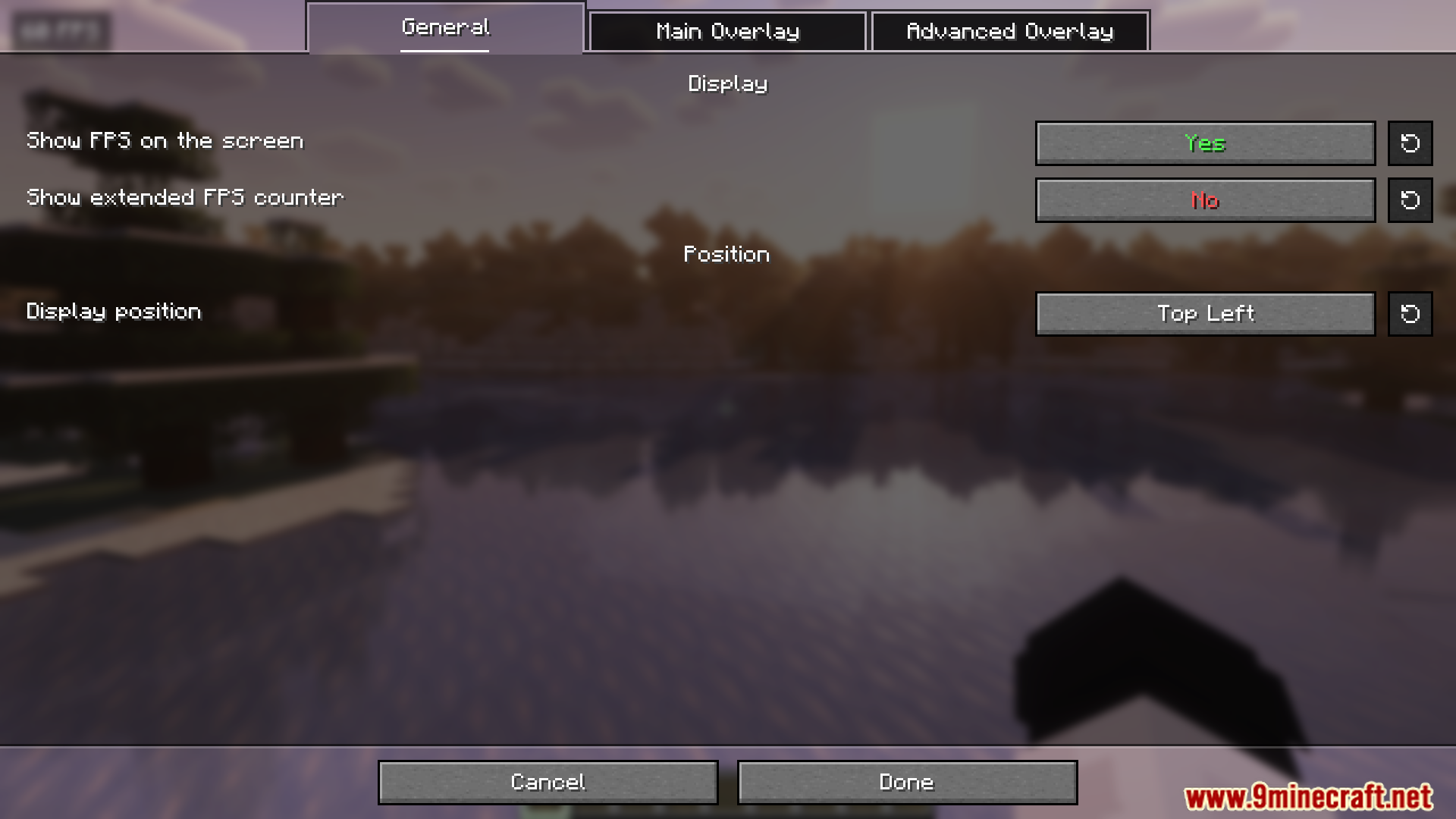
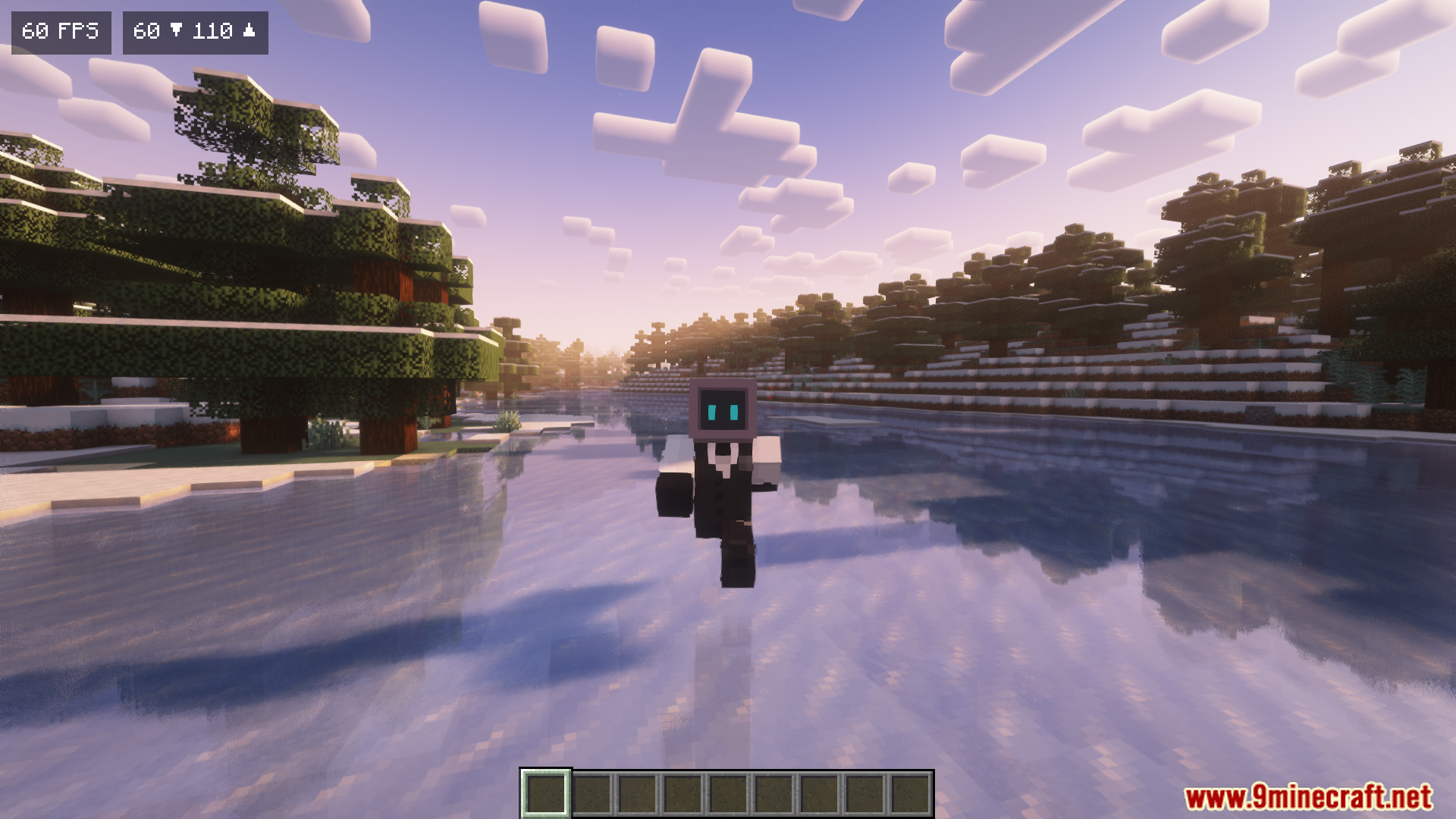
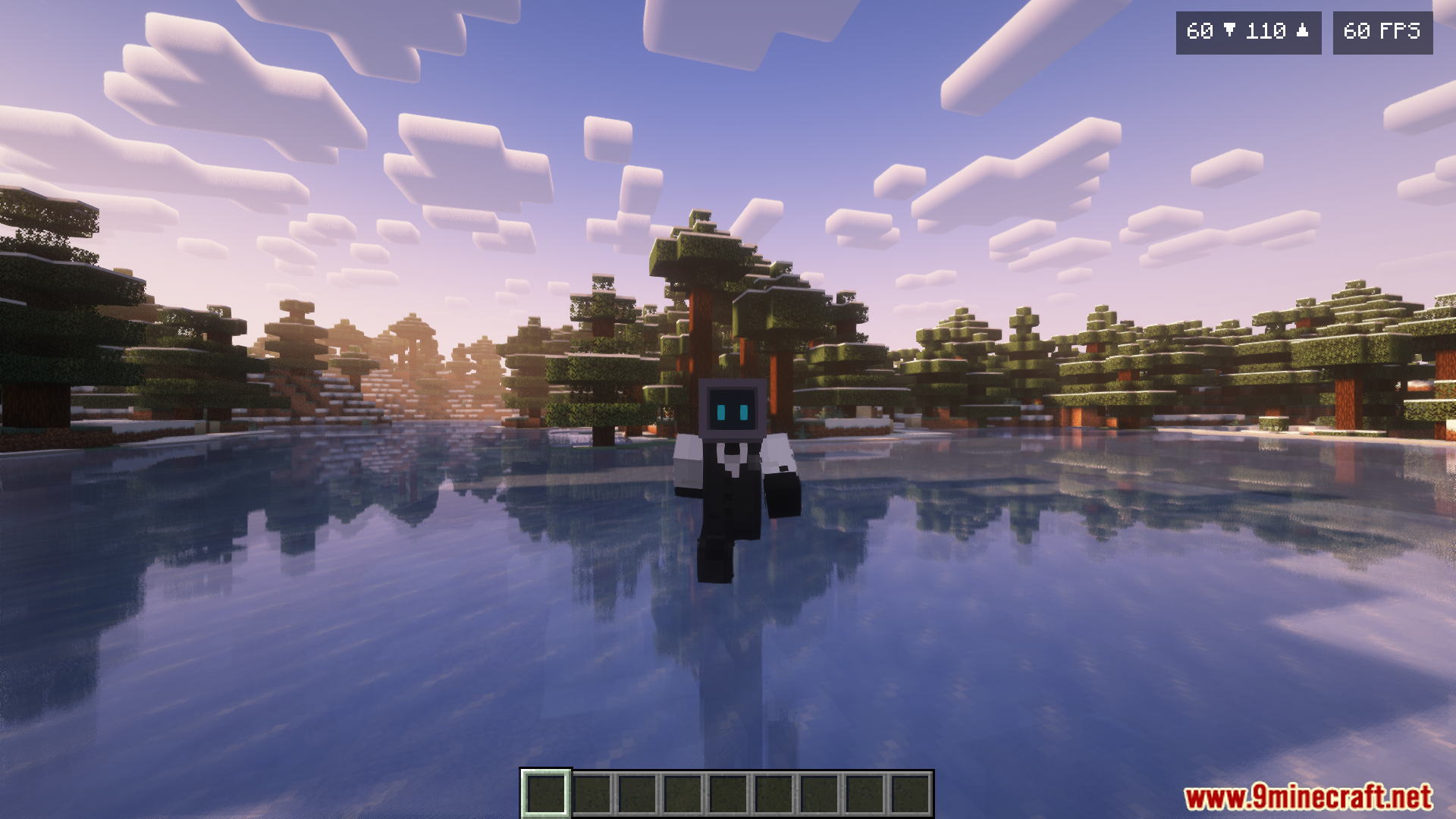
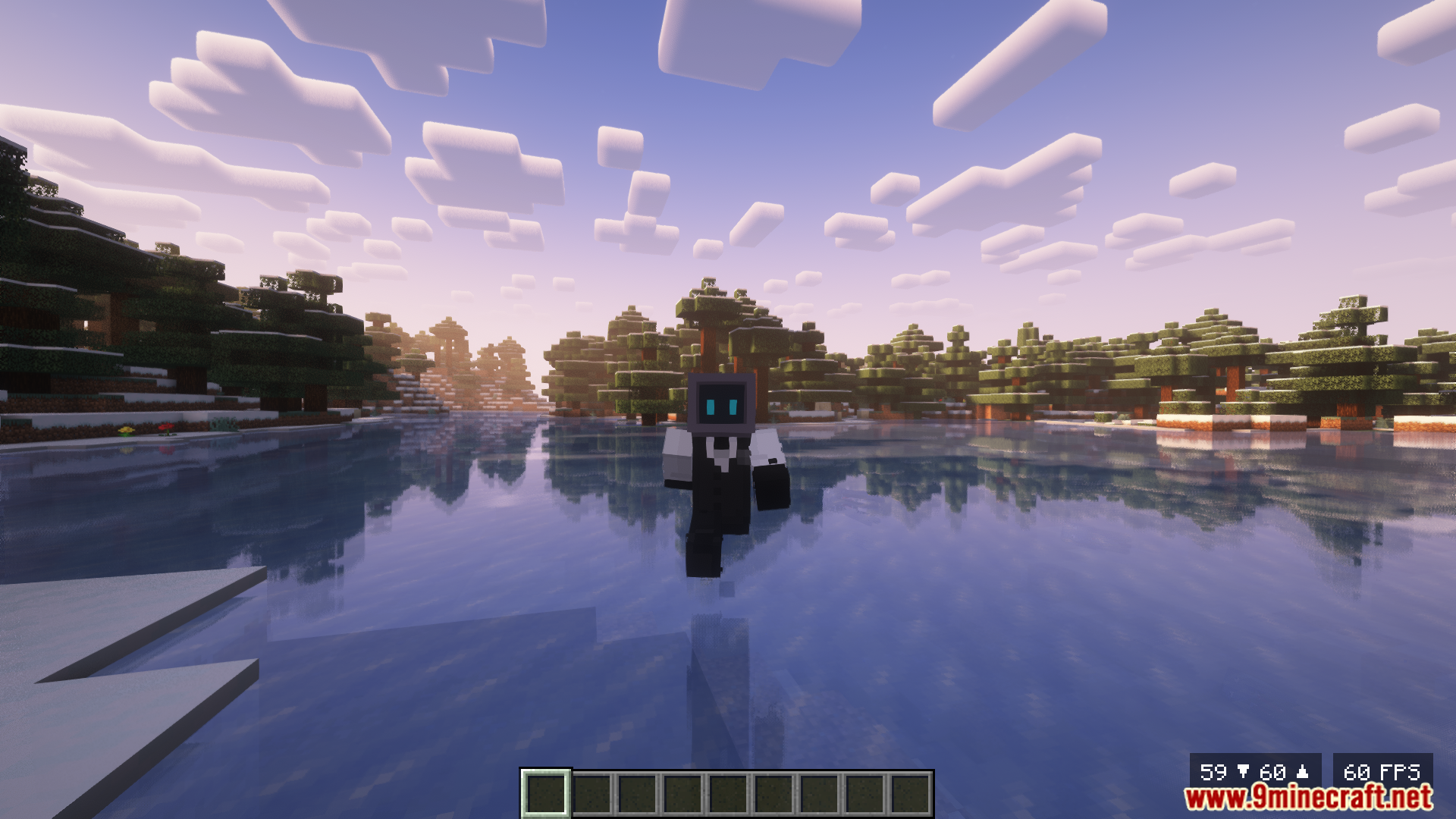
Yes, you can customize the overlay position through the config file or in-game settings. The mod supports positioning in all four corners and the center of your screen.
How do I show minimum and maximum FPS instead of just current FPS?
You can enable minimum and maximum FPS tracking in the mod's configuration settings. Once enabled, these statistics will display alongside your current FPS to help you monitor performance fluctuations.
See all 10 FPS Overlay questions ›
Gallery
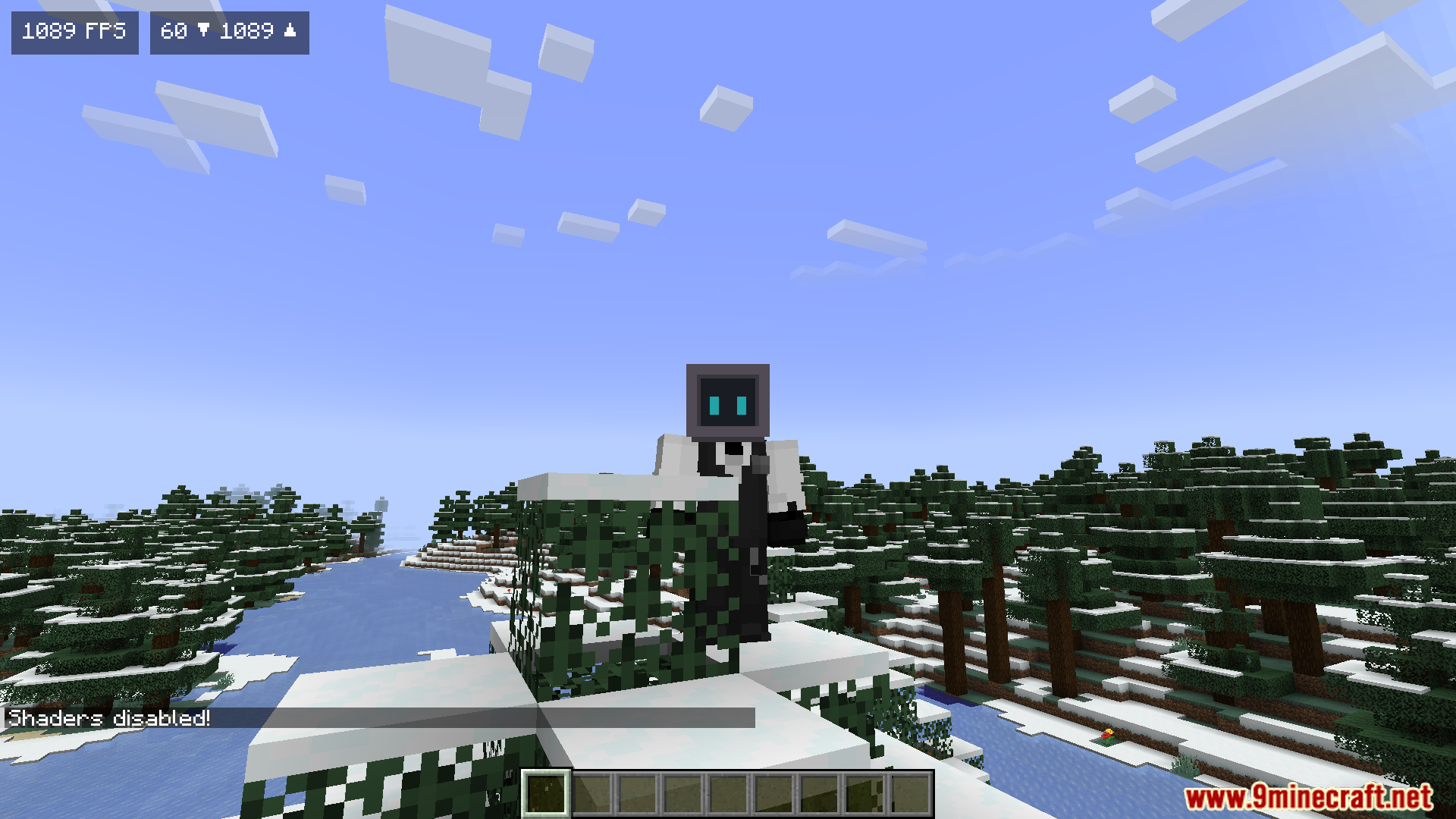
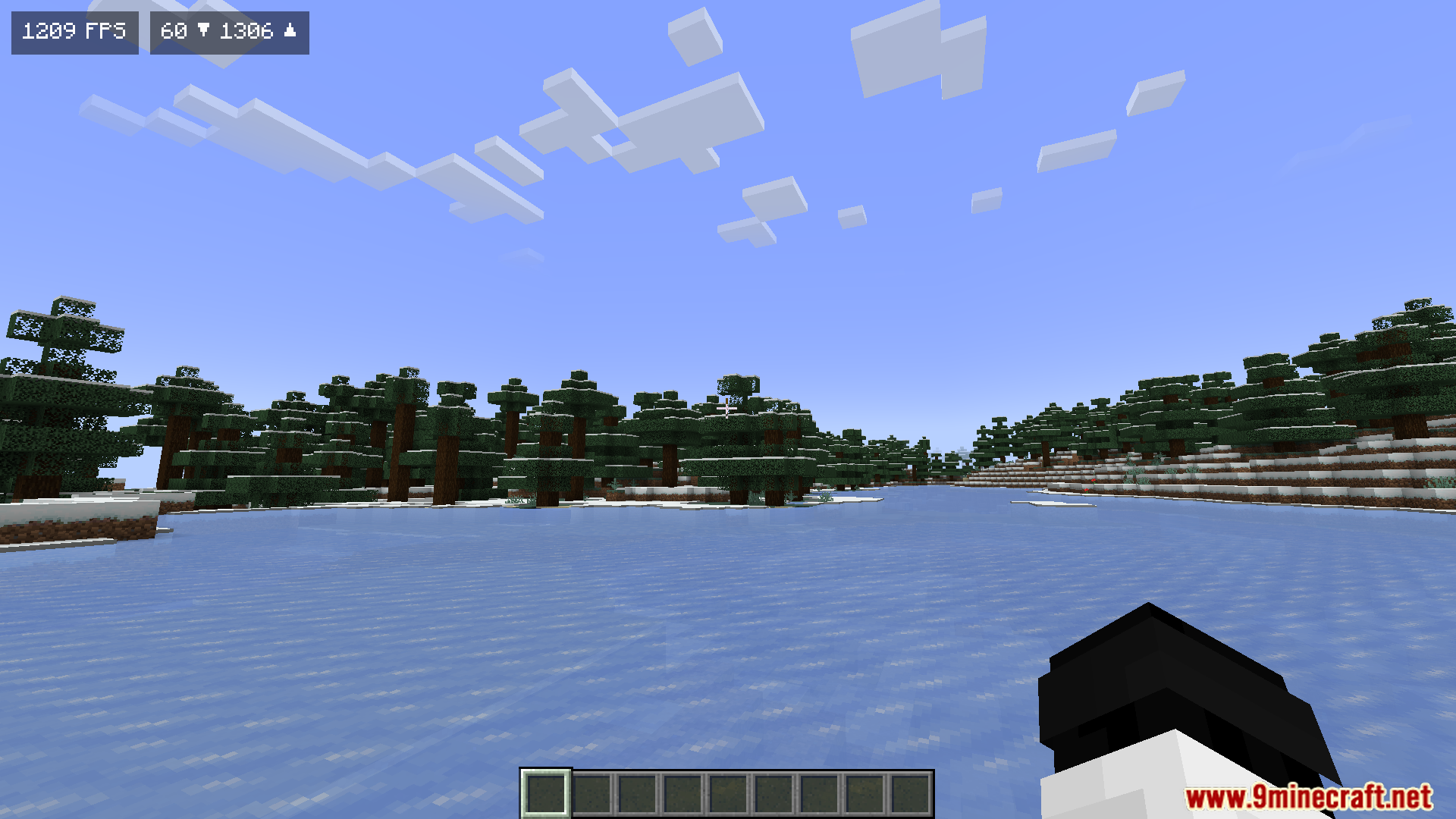
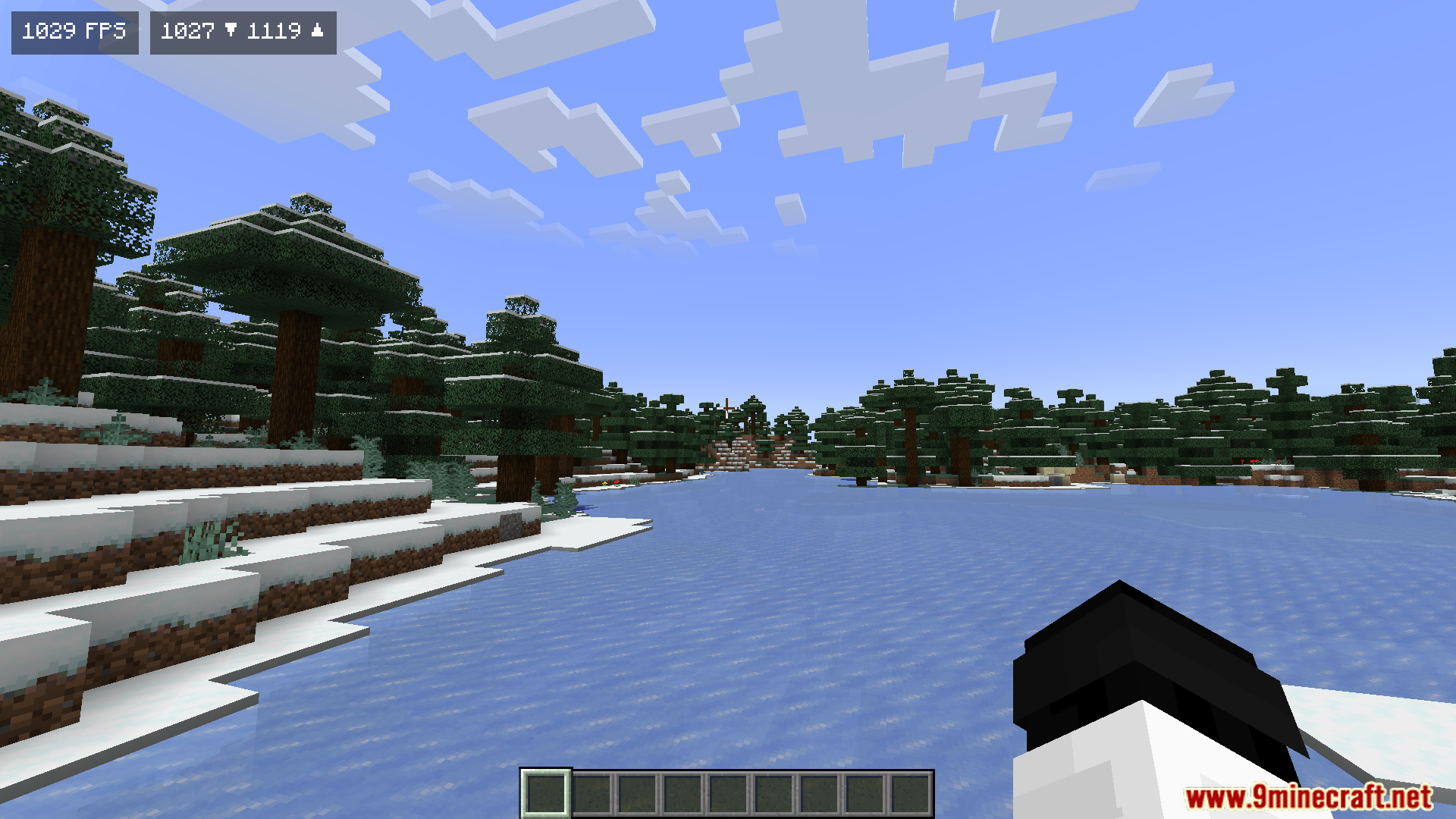
11 images from the Fps Overlay Mod page.
You May Also Like
Wikis that share the most with this one
Overlay Lib ModOverlay Tweaks ModEnhanced Overlay ModCrossstream Overlay ModItem Overlay Border ModSimple Block Overlay ModEuphoria Prism Overlay ModNo Nether Portal Overlay ModA Vanilla Overlay Resource PackSmooth Pvp Overlay Resource PackCustom Damage Overlay Color ShadersFlamefrags Smp Overlay Resource Pack
More mod wikis on the site
The most downloaded mods that have a wiki here
A few wikis from each of the other kinds