DownloadAlmost Vanilla Potions Resource Pack
Get the files on 9Minecraft
Guides
Step-by-step, in-game.
Brew and Use Splash and Lingering Potions EffectivelyUnderstanding Splash and Lingering Forms Almost Vanilla Potions Resource Pack applies its visual indicators to splash…Distinguish Between Potion Bottles in Your InventoryQuick Inventory Recognition When you have multiple potions stacked or stored in chests, the Almost Vanilla Potions…Identify Potion Types by Visual IndicatorsUnderstanding Potion Markings Almost Vanilla Potions Resource Pack uses consistent visual cues to help you recognize…Recognize Honey and Experience BottlesNon-Potion Bottle Items Almost Vanilla Potions Resource Pack doesn't just improve potions—it also updates honey…
Items
 Bottle o' Enchanting
 Glass Bottle
 Honey Bottle
What this pack changes
Every texture group the pack replaces, counted from the pack itself.
| Area | Textures replaced |
|---|---|
| Items | 143 |
Pack format 69–1000 (Minecraft 1.21.6–1.21.9)143 texture files in total
Extra features
Custom block/item models
Frequently asked questions
How do I know which potion does what now?
Do splash and lingering potions look different too?
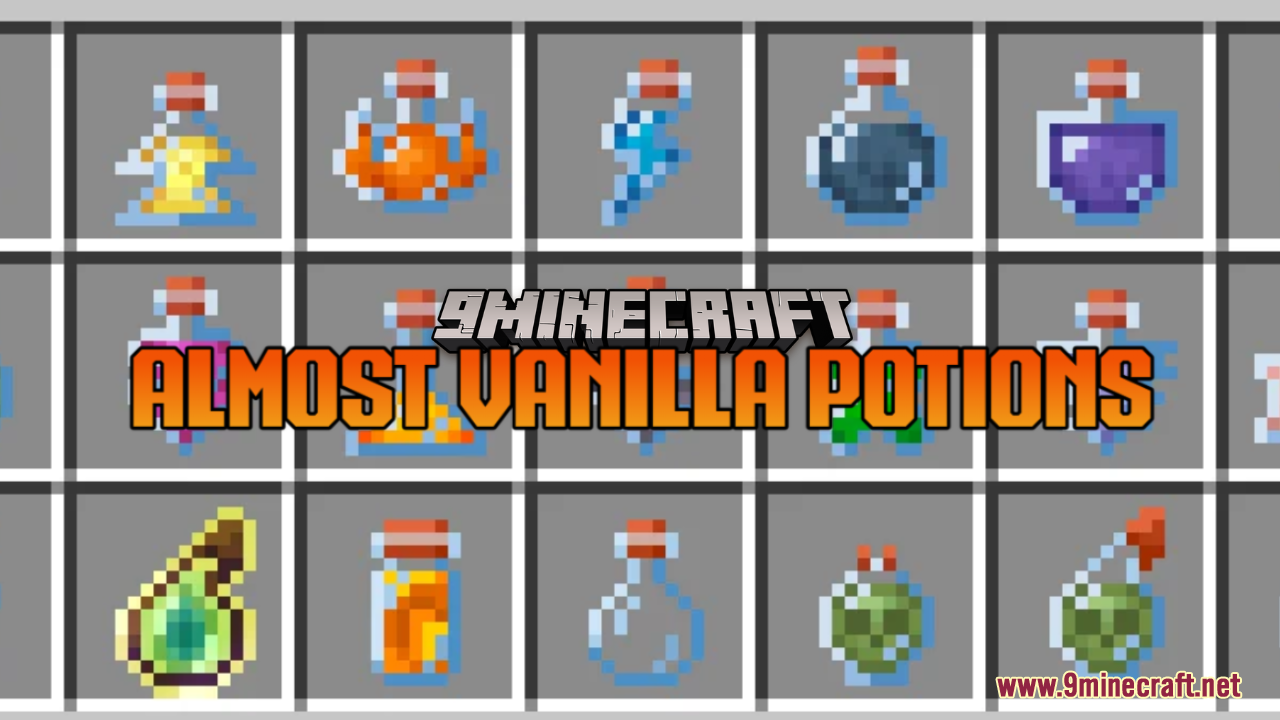
Yes, splash potions have a wider, rounder bottle shape to distinguish them from regular potions, and lingering potions use a different visual style entirely. Honey and experience bottles also receive updated textures that fit the pack's aesthetic.
Can I tell potions apart by color alone or do I need the indicators?
The pack uses both color and shape/indicator changes together—the visual markers like the red band and gray stopper make identification much easier than color alone, especially in low light or when moving quickly through your inventory.
Does this pack work with other resource packs?
This pack should work alongside most other resource packs, but if another pack also modifies potion textures, they may conflict. Load this pack lower in your resource pack list if you want its textures to take priority.
Will this affect potion brewing or recipes?
No, this is purely a visual resource pack—brewing recipes, potion effects, and mechanics remain completely unchanged. It only changes how potions look in your inventory and world.
What if I can't see the difference between two potions?
Hover over the potion in your inventory to read its full name and effect, or check the pack's guide on visual indicators to learn which marker corresponds to which potion type. The indicators are designed to be clear, but lighting and monitor settings can affect visibility.
Does the pack include custom models or just retextures?
The pack primarily uses retextures and recolors to maintain compatibility and performance, though some potions may have subtle shape variations achieved through texture work rather than 3D models.
Will this work on servers or multiplayer worlds?
Yes, resource packs are client-side only, so you can use this pack on any server or multiplayer world without needing others to install it. Only you will see the updated potion textures.
How do I tell a level II potion from a regular one at a glance?
Level II potions feature a gray stopper on the bottle, making them visually distinct from their level I counterparts even from across your inventory.
Does this pack change how potions look when thrown or in the world?
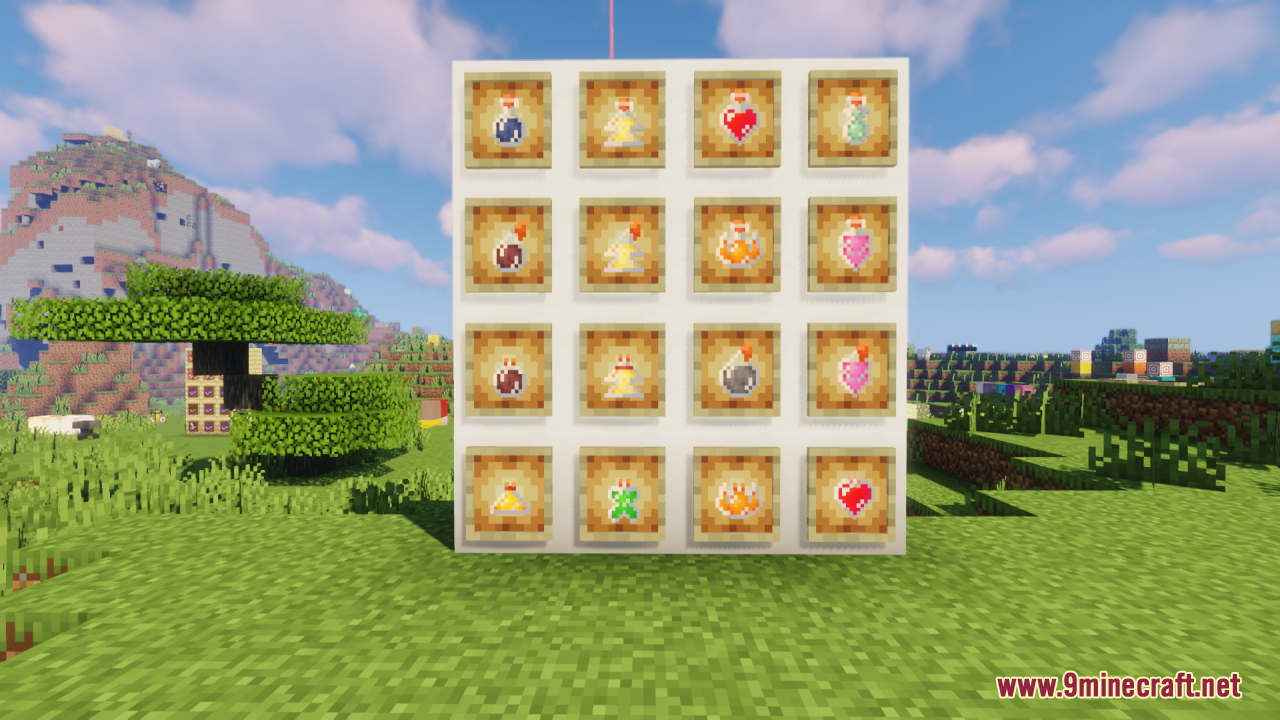
Yes, the updated textures apply to splash and lingering potions when they're in the world, on the ground, or in item frames, so your potion storage areas will look more organized and visually distinct.
You May Also Like
Wikis that share the most with this one
Wikis on the same theme: potion
3D Default Resource PackUhc Optimized Resource PackA7Mds 3D Potions Resource PackShureees Potions Resource PackA Vanilla Overlay Resource PackCrimson Fist Legacy Resource PackWeskersons 3D Items Resource PackVisual Potion Effects Resource PackRemove Potion Particles Resource PackGeforcelegends 3D Default Resource PackXali’s Potions 9minecraft Resource PackHurkledurkle S Animated Items Resource Pack
More resource pack wikis on the site
All White Textures Resource PackAll Tropical Fish Collection Resource PackAll The Mons Cobblemon Resource PackAlien Evo Female Aliens Resource PackAlices Box Resource PackAlagard Font Resource PackAlacrityAL’s Piglins Revamped Resource PackAimz – Tiny Crosshair Resource PackAimz – Throne and Liberty Crosshair Resource PackAimz – Sniper Crosshair Resource PackAimz – PVP Crosshair Resource Pack
The most downloaded mods that have a wiki here
A few wikis from each of the other kinds
Gallery
12 images from the Almost Vanilla Potions Resource Pack page.