

 DownloadOverlay Tweaks Mod
Get the files on 9Minecraft
Guides
Step-by-step, in-game.
Add and Customize Shield Cooldown IndicatorsConfigure Shield Cooldown Visual Feedback Overlay Tweaks enhances shield feedback by letting you add colored…Customize Fire Overlay Appearance During BurningAdjust Fire Visual Effects When your character catches fire, Minecraft displays animated flames around the screen…Disable Hand Sway and Keep Your Hand Visible When HUD is HiddenCustomize Hand View Behavior Overlay Tweaks provides fine control over how your character's hand appears in…Remove the Water Overlay and Restore Normal Vision UnderwaterDisable Water Distortion Effects When swimming, Minecraft applies a wavy overlay and reduces your field of view.…
Frequently asked questions
Where do I configure Overlay Tweaks settings?
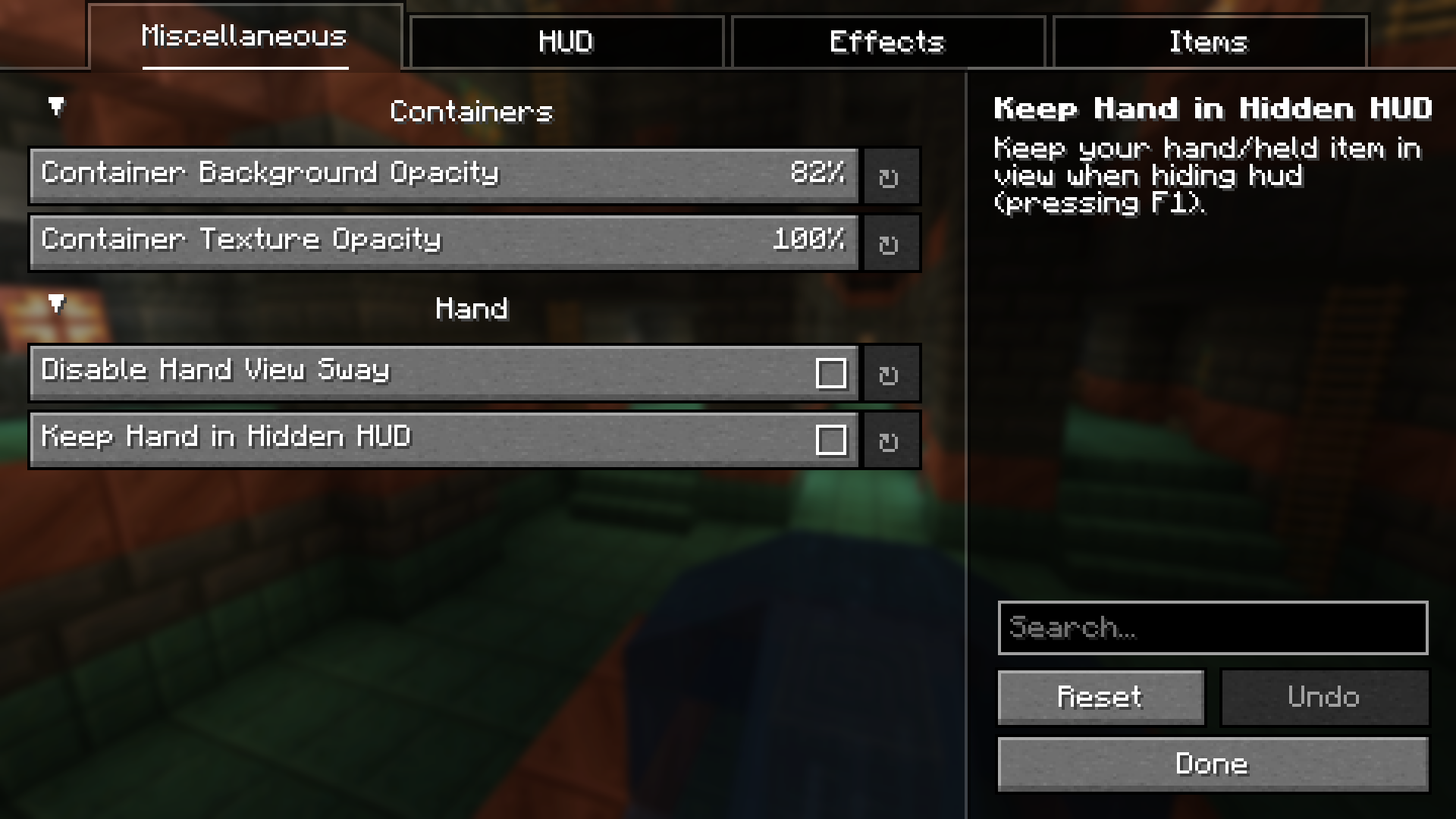
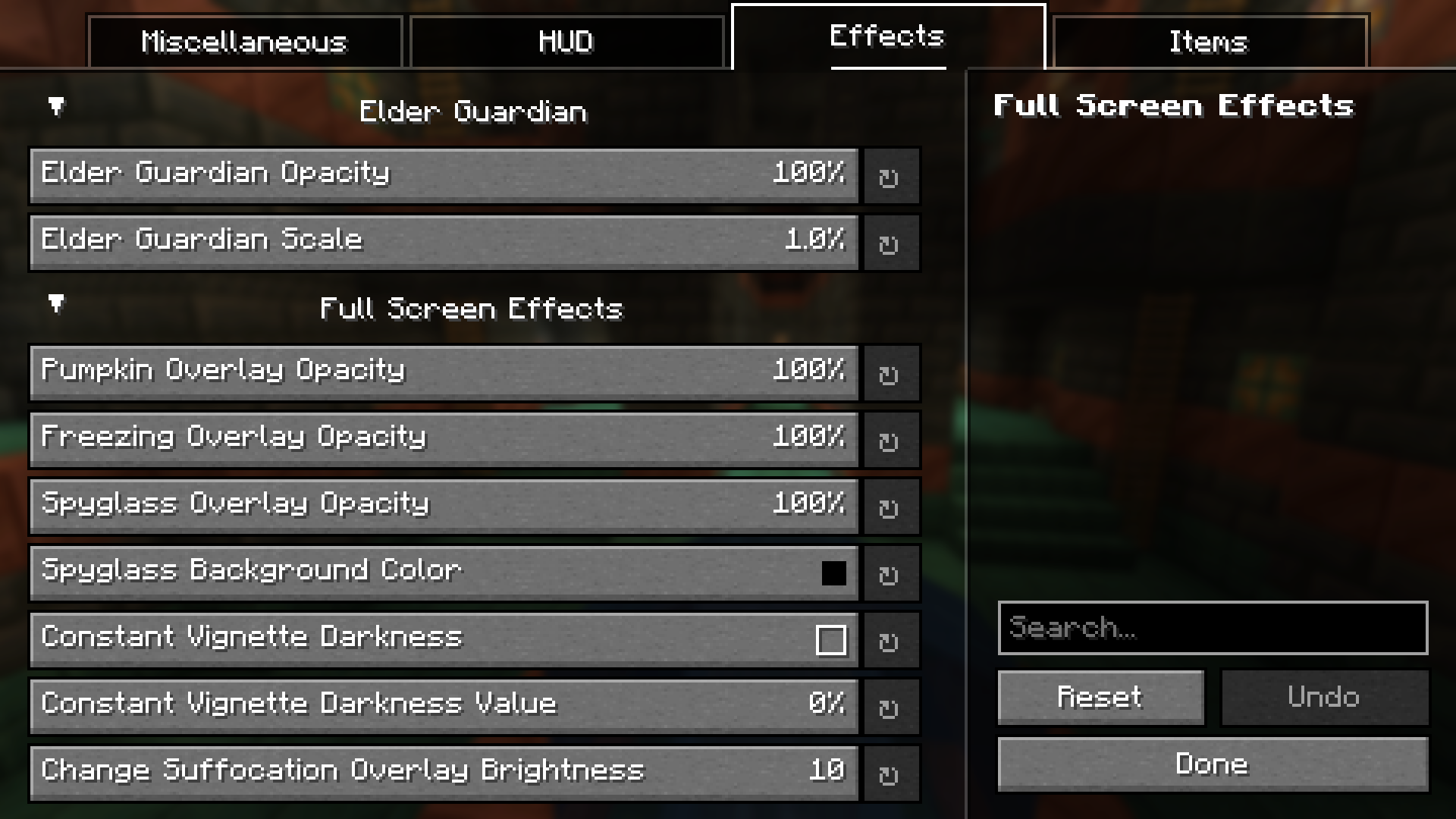
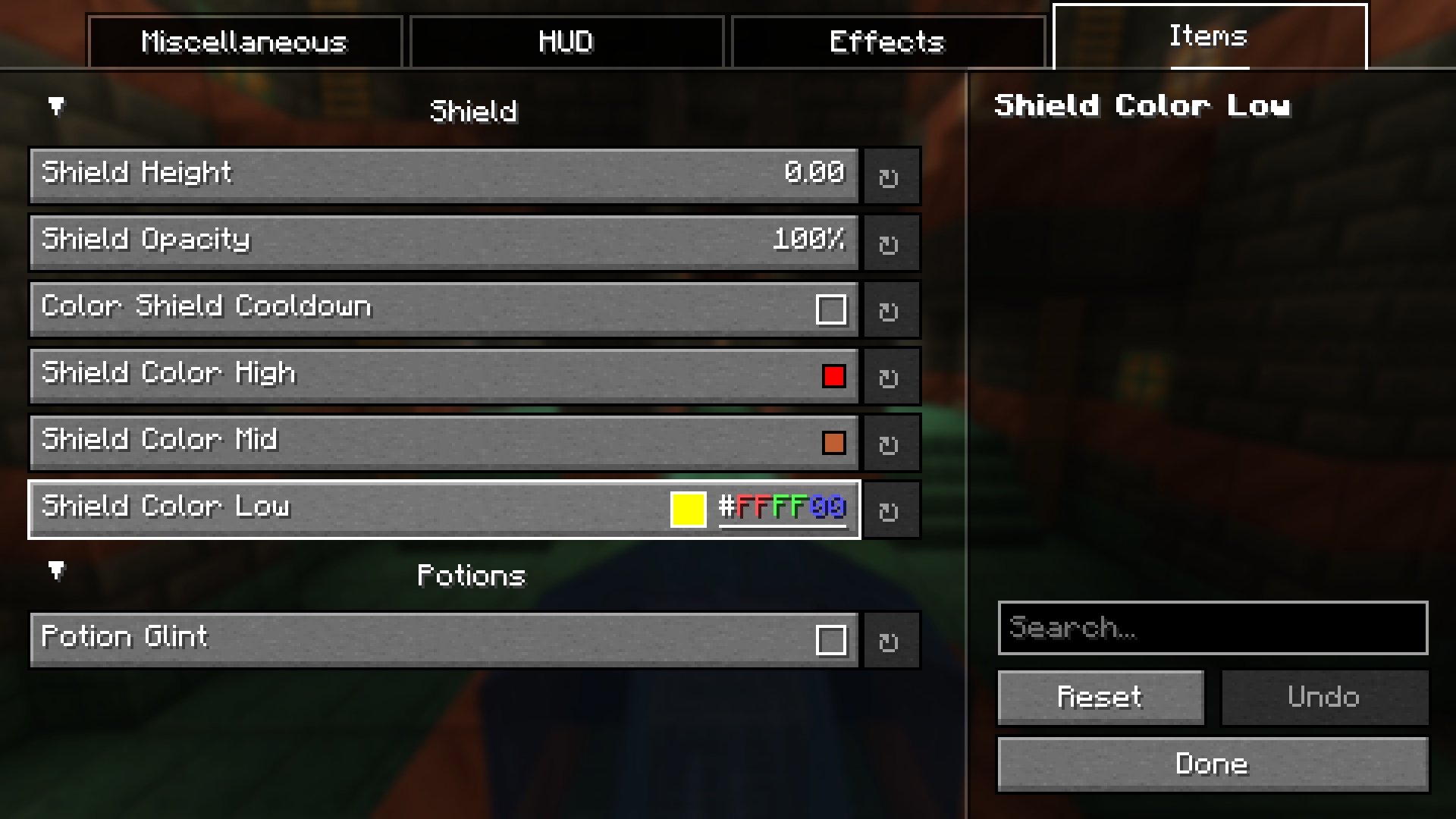
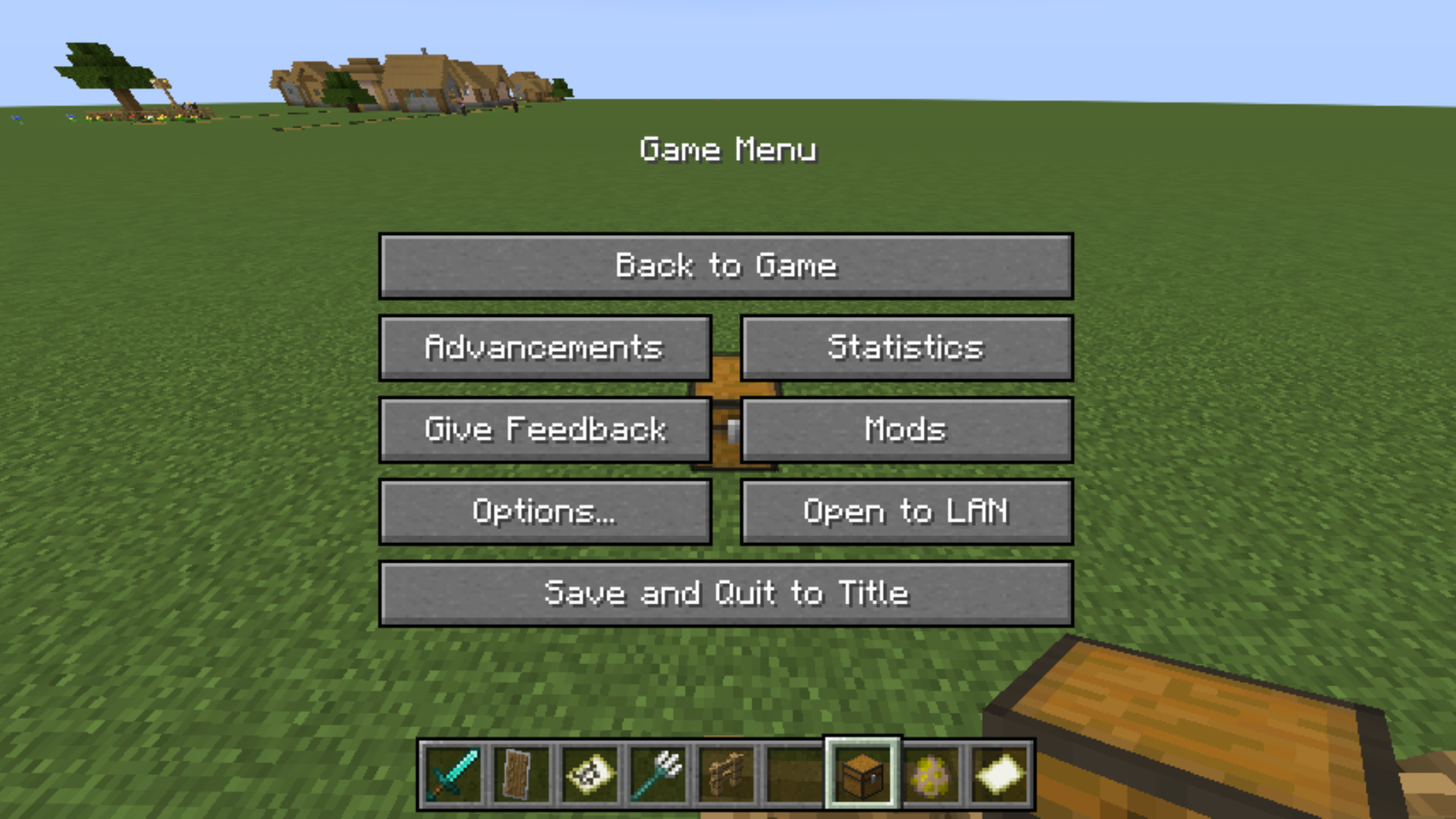
Open your mod configuration menu (usually accessible from the main menu or pause screen) and look for Overlay Tweaks. Settings are organized by category: Container, Hand View, HUD, Effects, and Items. Changes apply immediately without restarting.
How do I turn off the water overlay completely?
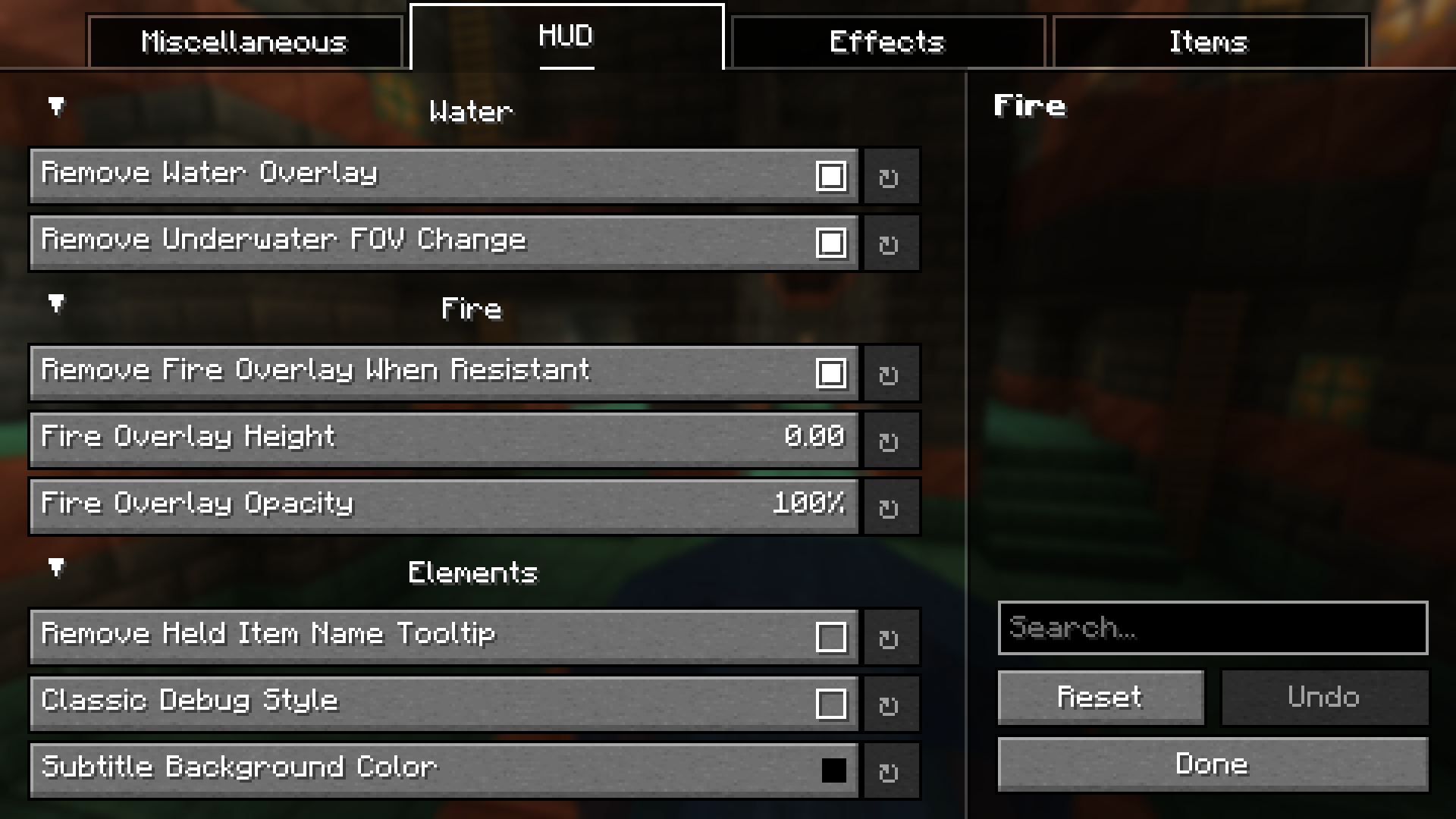
Go to HUD Tweaks in the config and disable the water overlay option. You can also separately toggle the underwater FOV change if you want to keep one but not the other.
Can I make the fire overlay less distracting?
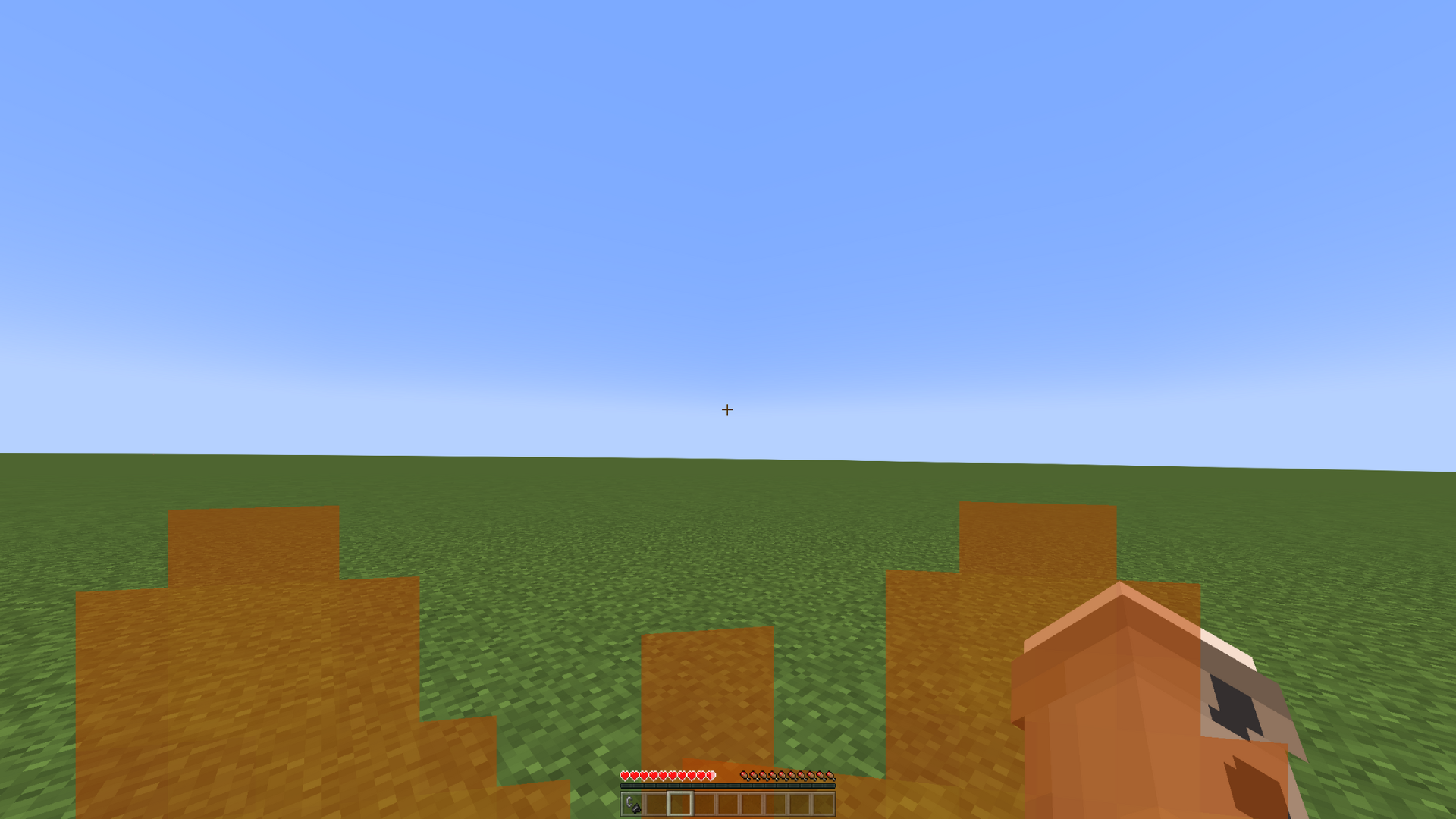
Yes—in the HUD Tweaks section, you can adjust both the opacity (transparency) and height of the fire overlay to suit your preference.
Why is my hand still visible when I hide the HUD?
Check your Hand View settings; there's an option to keep the hand visible even when the HUD is hidden. Disable this if you want the hand to disappear with the rest of the UI.
See all 10 Overlay Tweaks questions ›
Gallery
10 images from the Overlay Tweaks Mod page.
You May Also Like
Wikis that share the most with this one
More mod wikis on the site
The most downloaded mods that have a wiki here
A few wikis from each of the other kinds