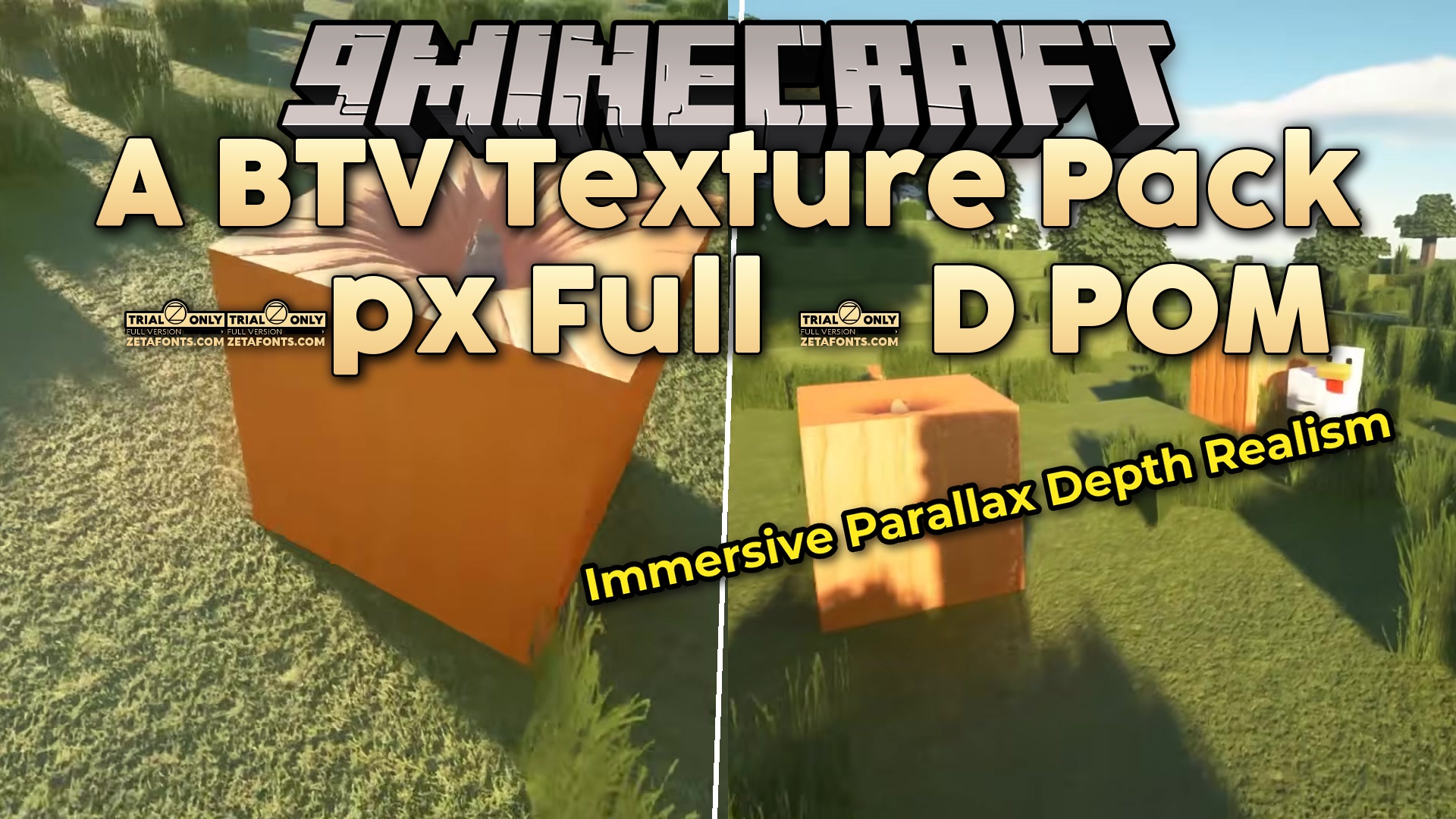
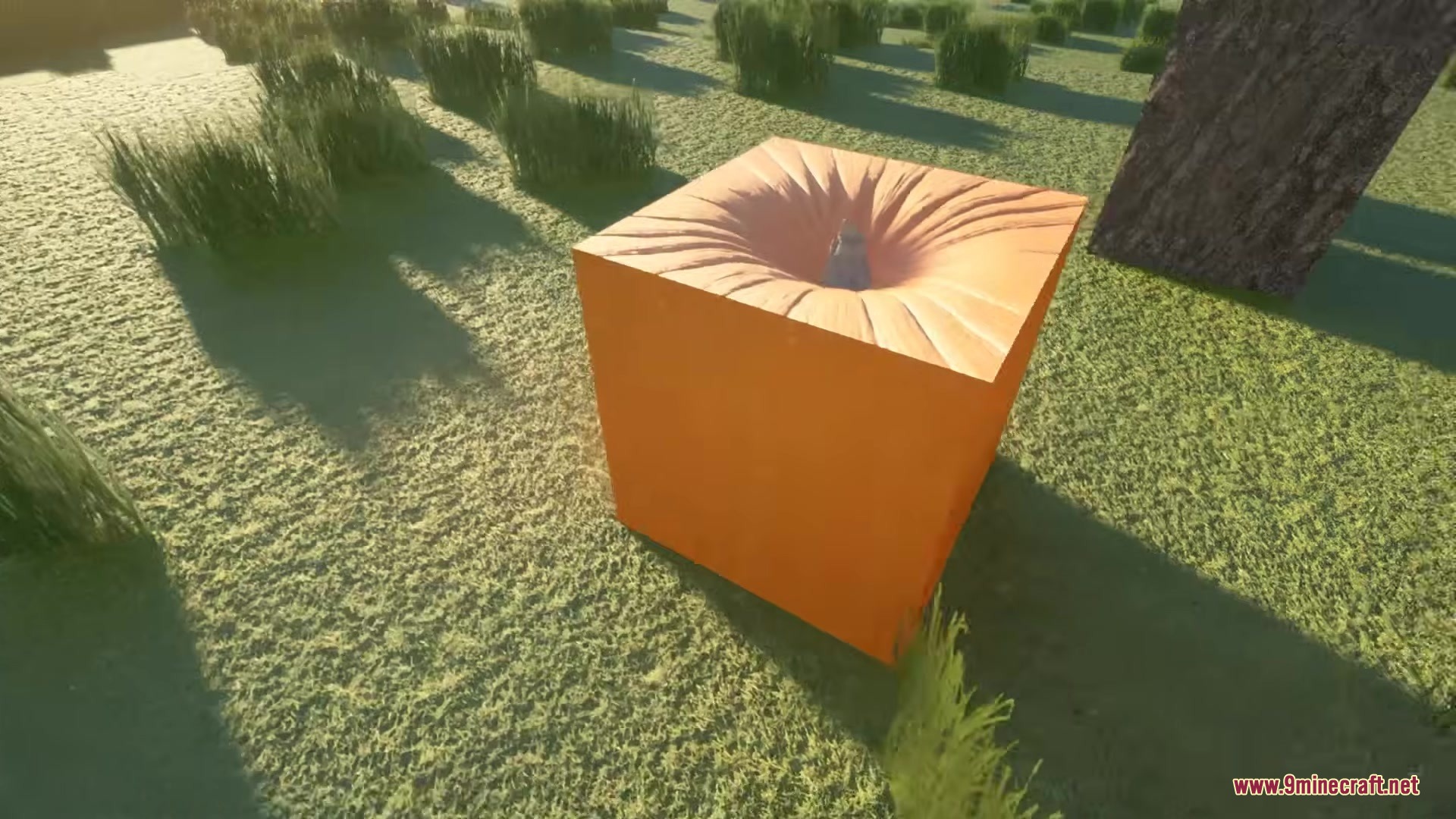
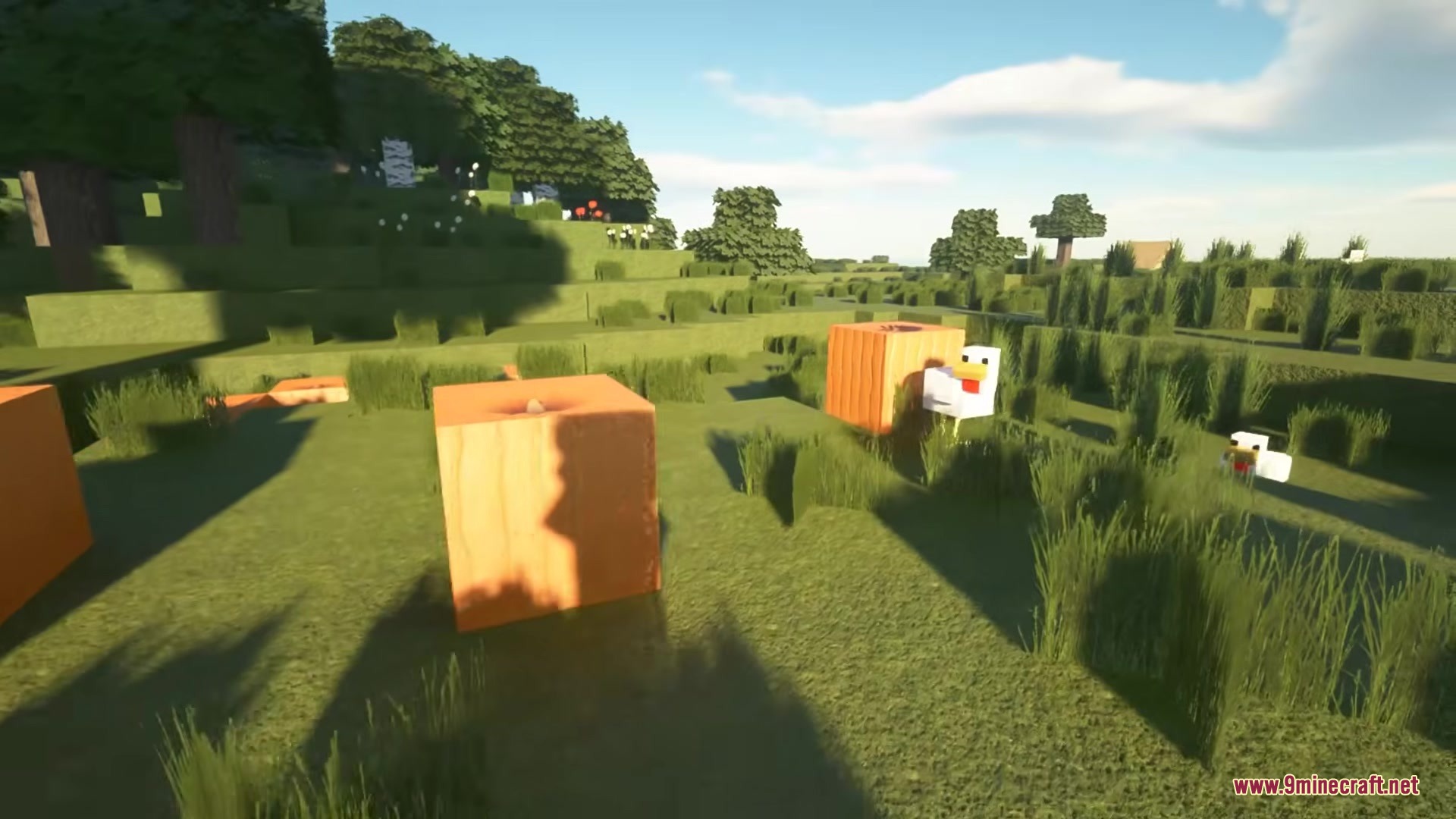
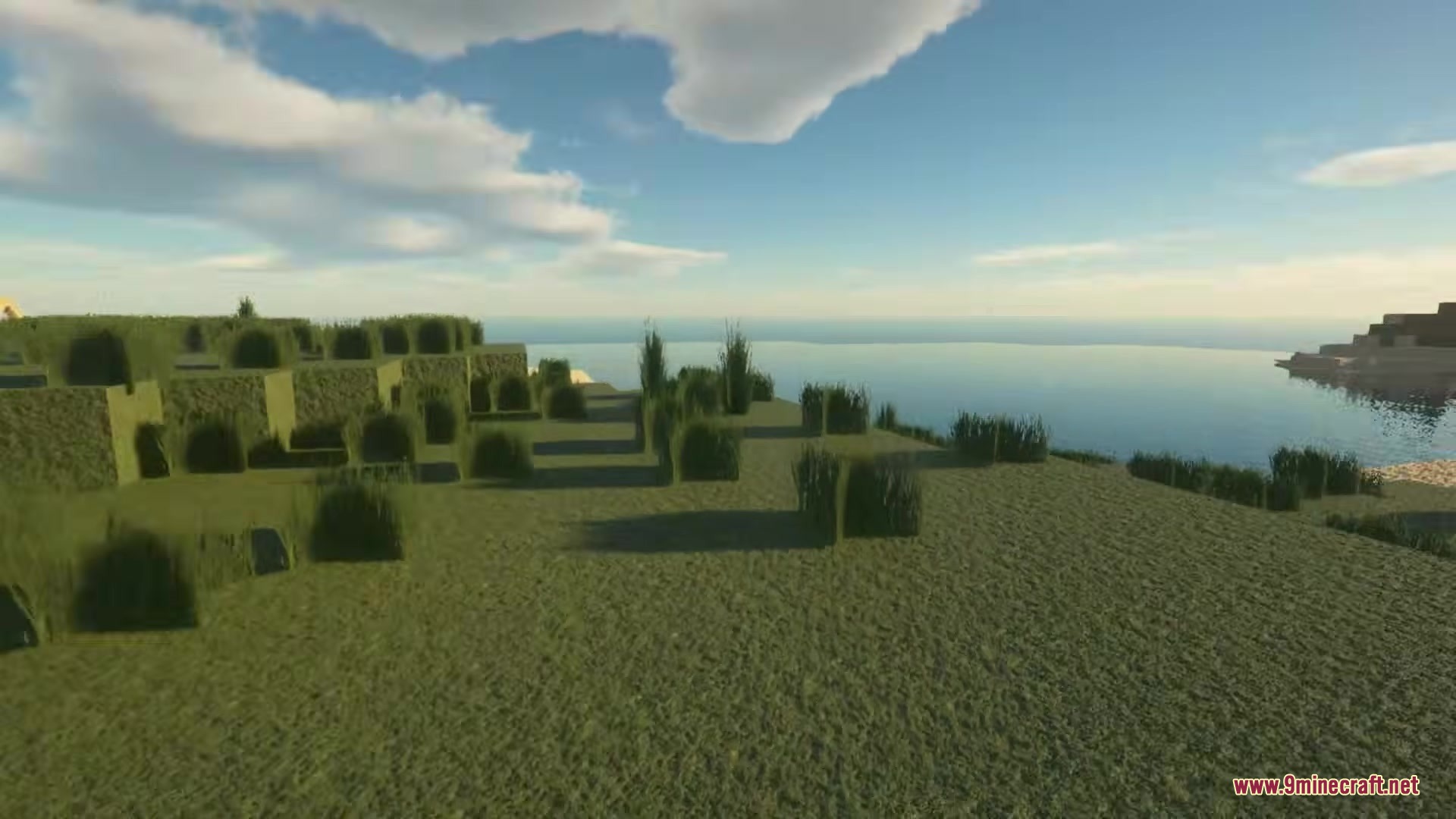
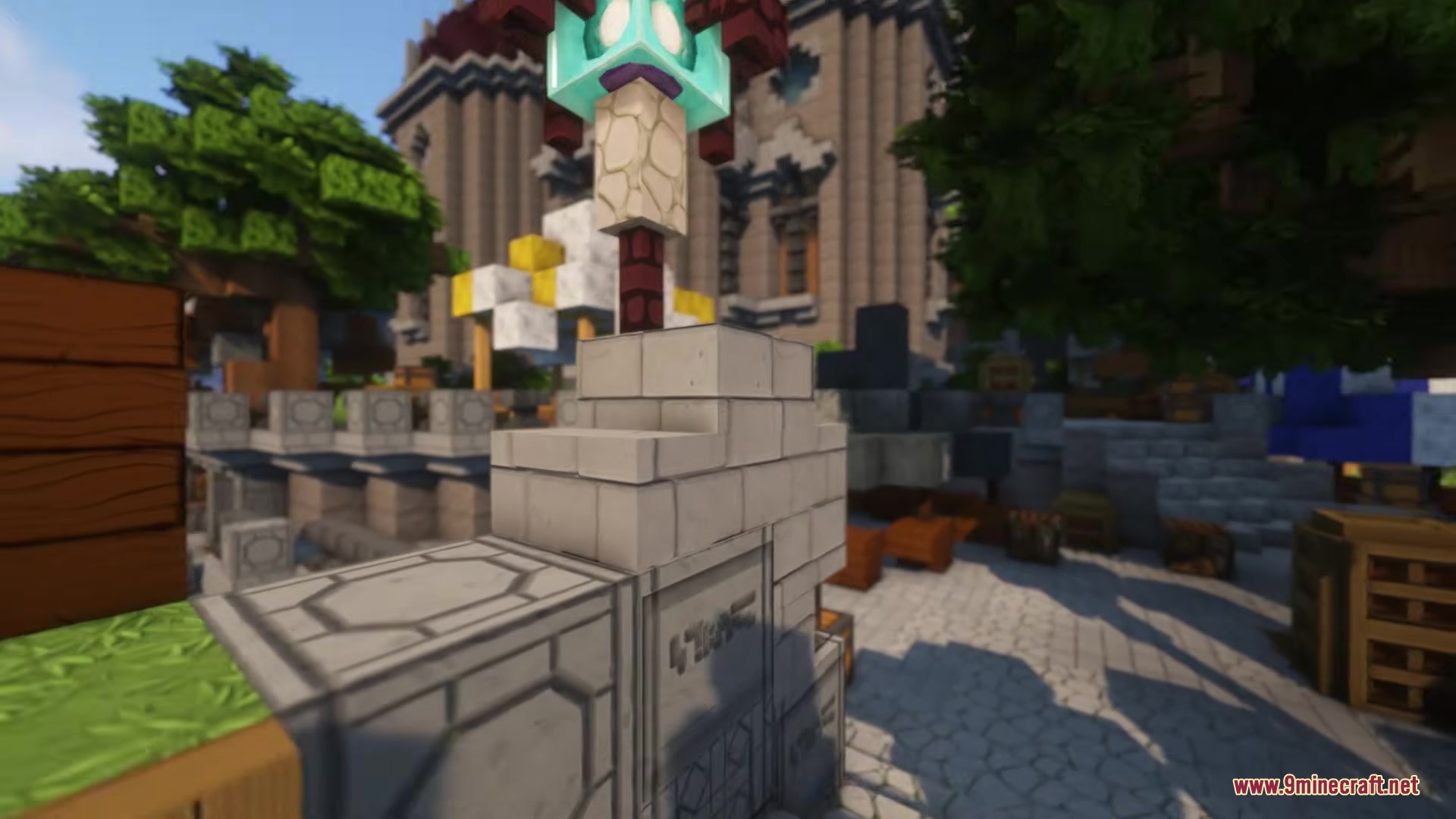
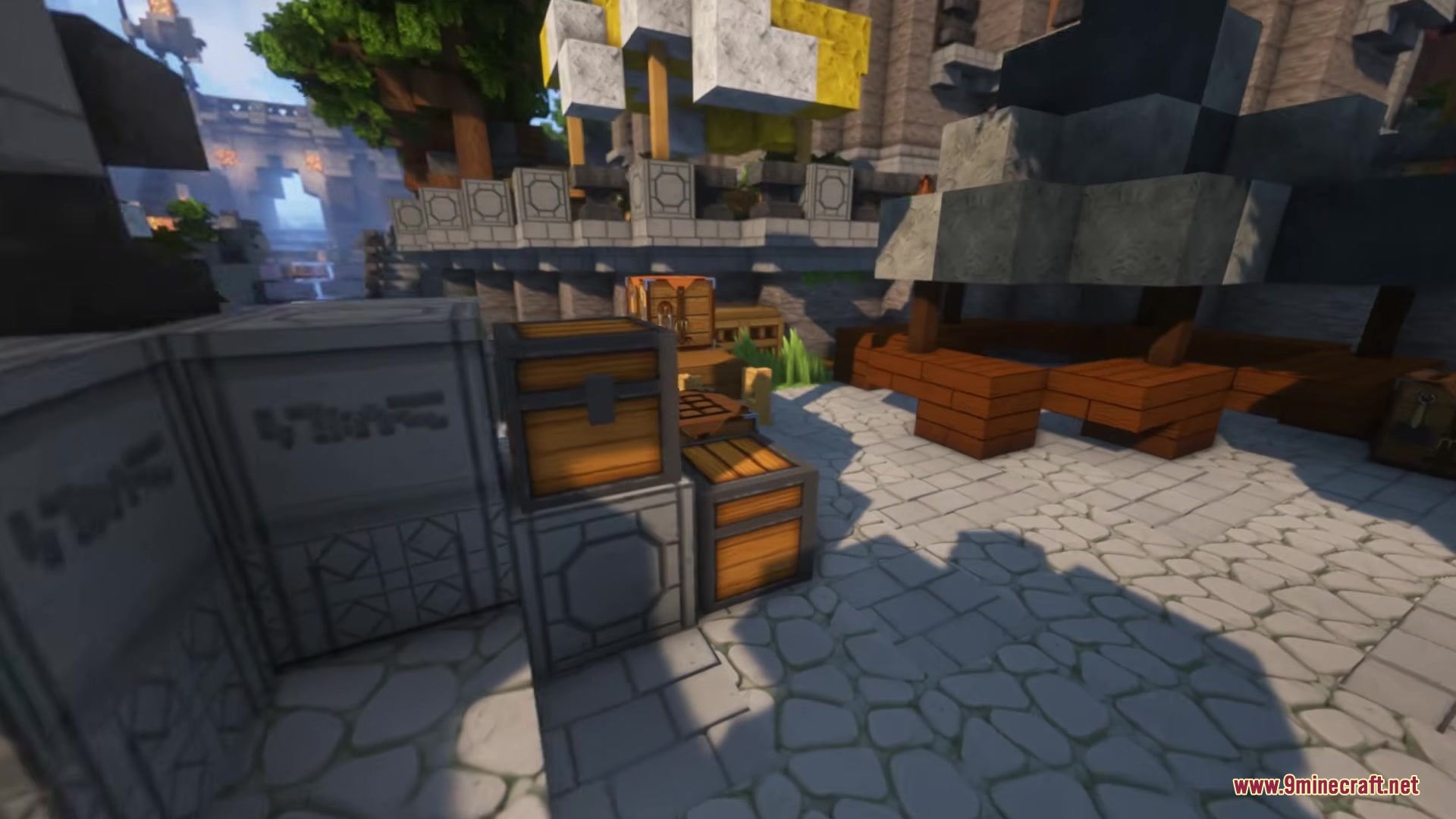
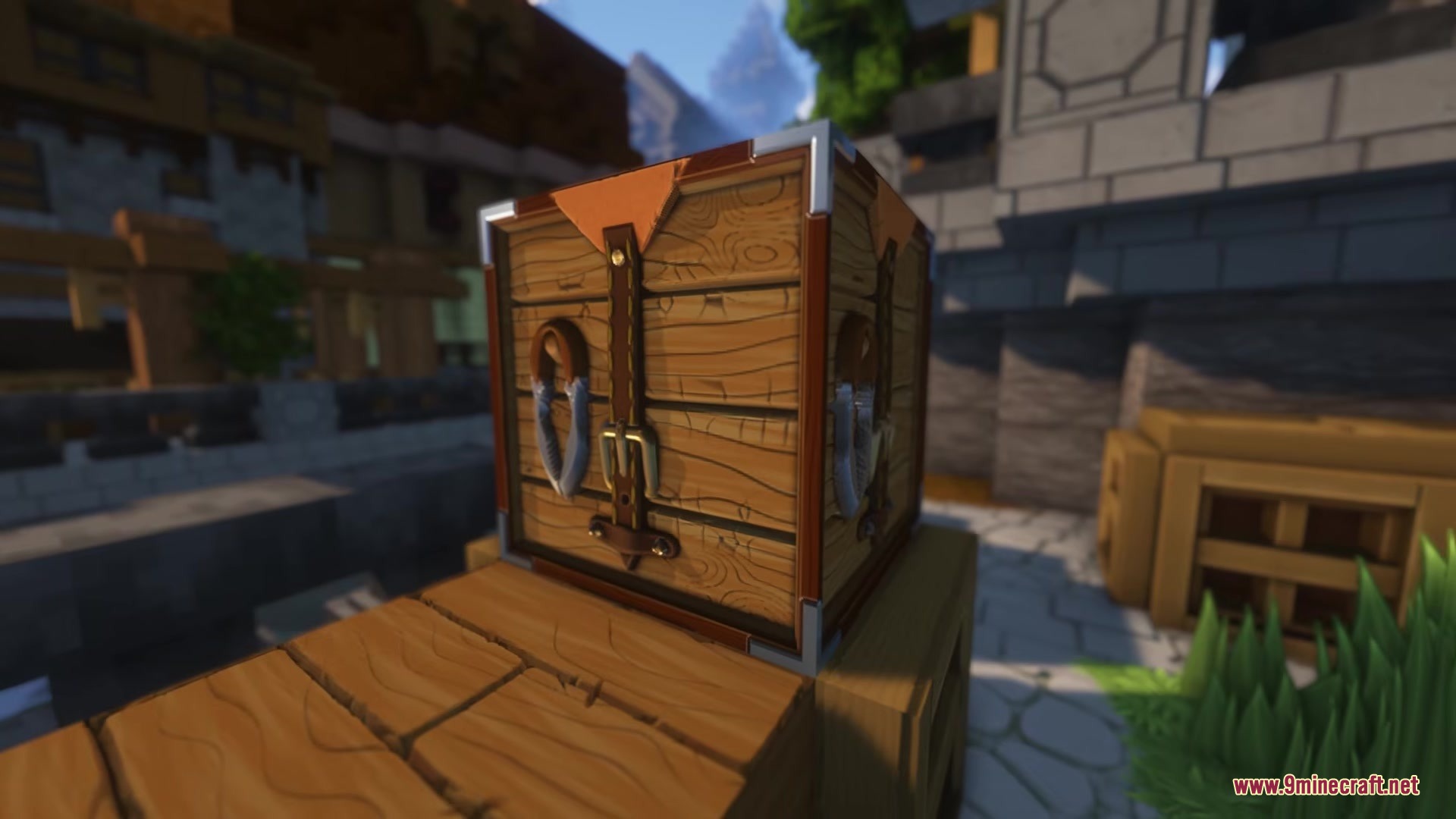
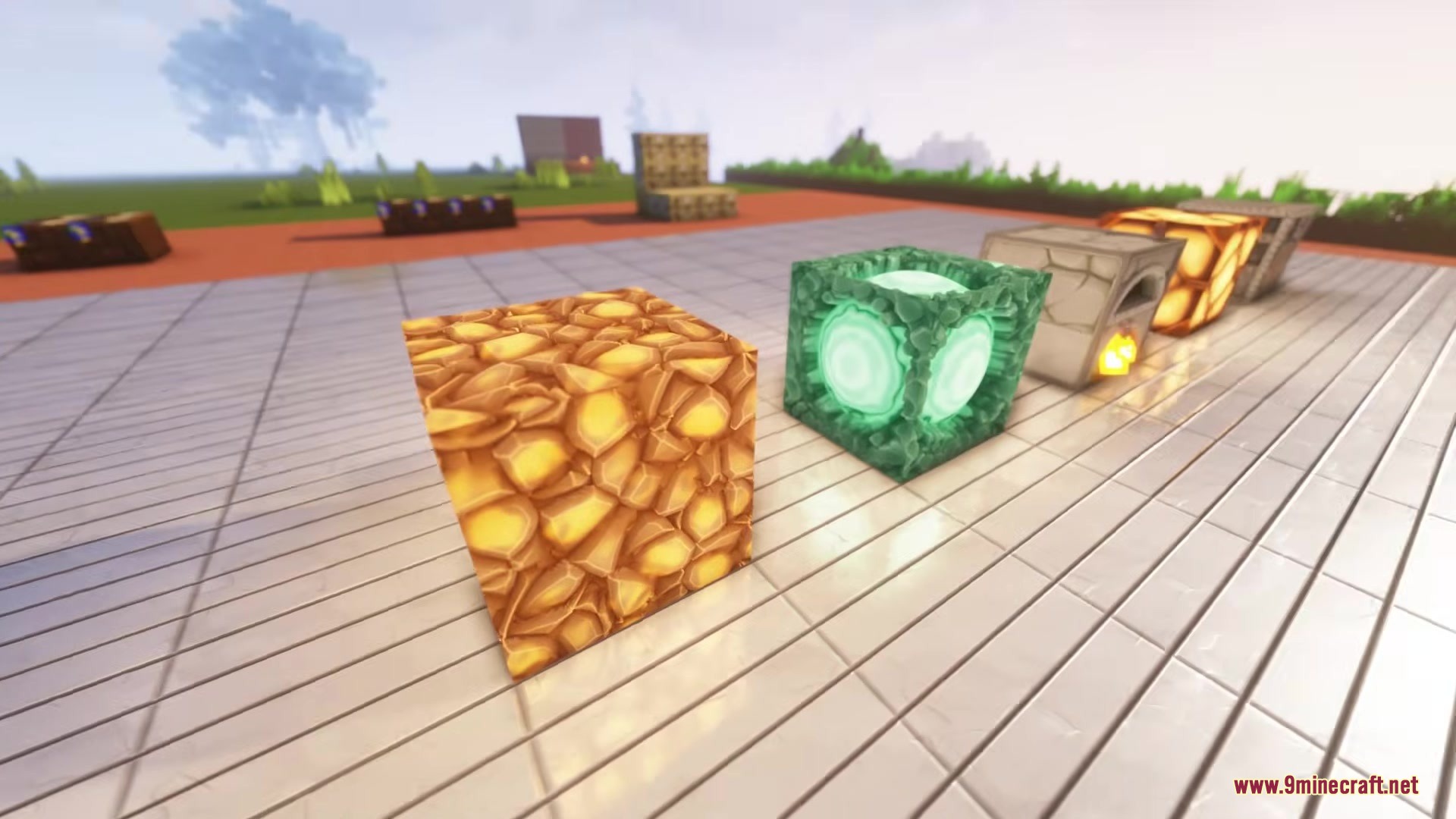
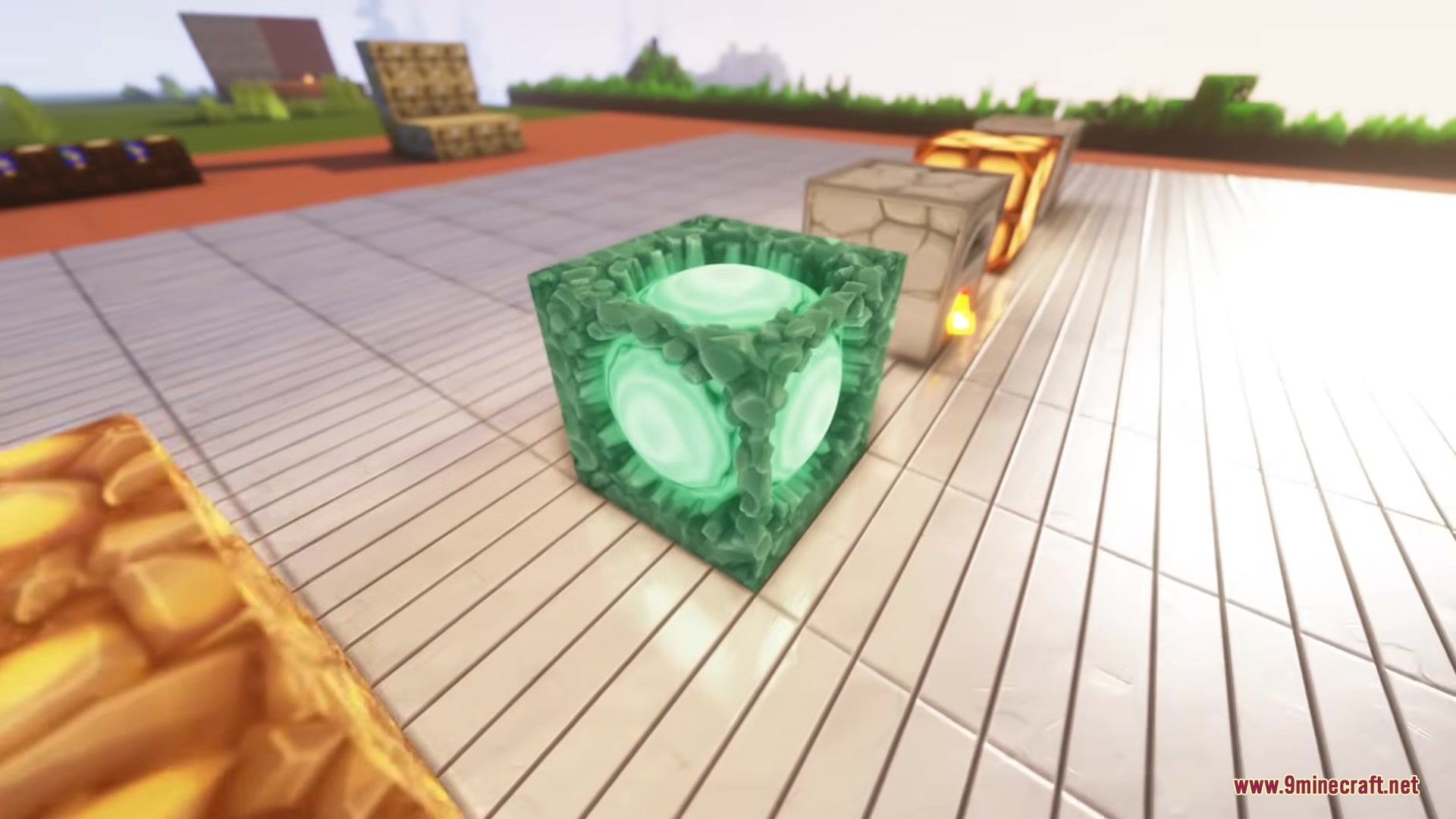
DownloadA Btv Texture Pack 64Px Full 3 D Pom Resource Pack
Get the files on 9Minecraft
Contents (8)
Guides
Step-by-step, in-game.
Build a Medieval Structure That Showcases Block DetailsChoosing Blocks for Maximum Visual Impact Not all blocks benefit equally from this pack's 3D models. Stone variants,…Enable Parallax Occlusion Mapping (POM) for Maximum 3D DetailWhat POM Does Parallax Occlusion Mapping creates the illusion of depth on block surfaces without adding extra…Set Up Shaders to Complement the Medieval AestheticChoosing Compatible Shaders This pack pairs best with shaders that enhance realistic lighting without oversaturating…Troubleshoot Visual Issues and Performance ProblemsCommon Visual Problems Blocks look flat or textures seem low-quality : Ensure the pack is actually loaded. Check your…
Items
415 items · showing 24. Browse all →
 Acacia Boat
 Acacia Boat with Chest
 Acacia Door
 Acacia Hanging Sign
 Acacia Sign
 Amethyst Shard
 Angler Pottery Sherd
 Apple
 Archer Pottery Shard
 Archer Pottery Sherd
 Armadillo Scute
 Armor Stand
 Arms Up Pottery Shard
 Arms Up Pottery Sherd
 Arrow
 Baked Potato
 Bamboo
 Bamboo Door
 Bamboo Hanging Sign
 Bamboo Raft
 Bamboo Raft with Chest
 Bamboo Sign
 Banner Pattern (Piglin)
 Banner Pattern (Guster)
Blocks
499 blocks · showing 24. Browse all →
 Acacia Button
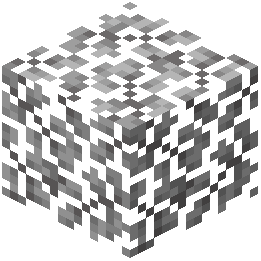 Acacia Leaves
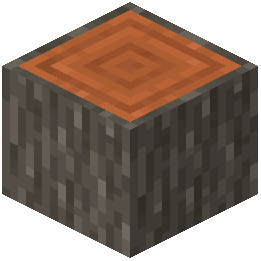 Acacia Log
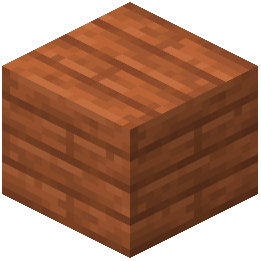 Acacia Planks
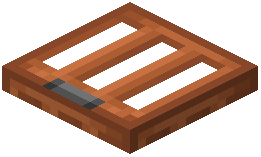 Acacia Trapdoor
 Activator Rail
 Allium
 Amethyst Cluster
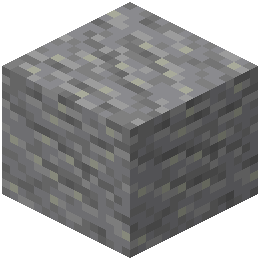 Andesite
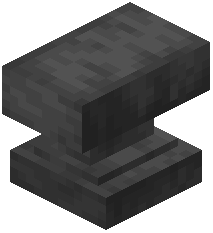 Anvil
 Attached Melon Stem
 Attached Pumpkin Stem
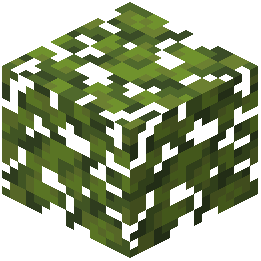 Azalea Leaves
 Azure Bluet
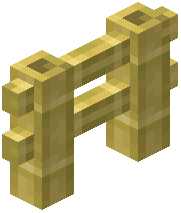 Bamboo Fence
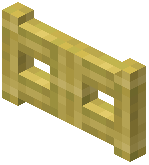 Bamboo Fence Gate
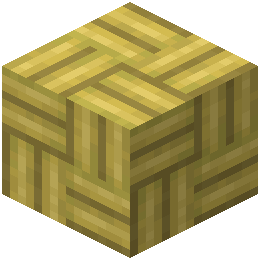 Bamboo Mosaic
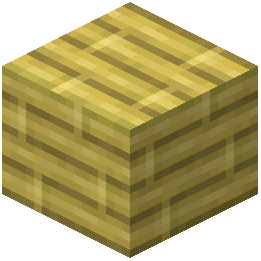 Bamboo Planks
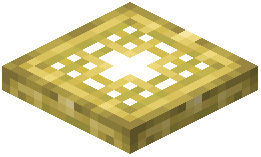 Bamboo Trapdoor
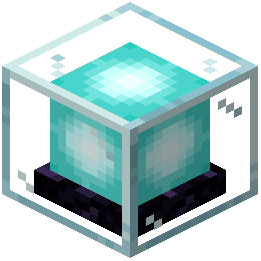 Beacon
 Bedrock
 Big Dripleaf Stem
 Birch Button
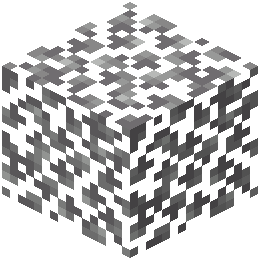 Birch Leaves
What this pack changes
Every texture group the pack replaces, counted from the pack itself.
| Area | Textures replaced |
|---|---|
| Blocks | 3,513 |
| Mobs & entities | 1,374 |
| Items | 1,348 |
| GUI & menus | 492 |
| Particles | 211 |
| Paintings | 152 |
| Armor trims | 88 |
| Models | 45 |
| Status effects | 32 |
| Sky & weather | 5 |
| Misc | 2 |
| Effect | 1 |
| Maps | 1 |
Pack format 58 (Minecraft 1.21.5)7,264 texture files in total
Extra features
Custom entity models (OptiFine/CEM)
Custom block/item models
Reworked GUI
Frequently asked questions
How do I enable POM to see the 3D details on blocks?
POM (Parallax Occlusion Mapping) is typically enabled through your shader settings, not the resource pack itself. Load a compatible shader like BSL, open its settings menu in-game, and look for the POM or Parallax option—toggle it on and adjust the depth slider to control how pronounced the 3D effect appears.
Which shaders work best with this texture pack?
BSL Shader is the most commonly recommended choice and pairs well with the medieval aesthetic. Other compatible options include Complementary Shaders and SEUS, though results vary—test a few to see which lighting style you prefer with the pack's textures.
Why do my blocks look flat even with the resource pack installed?
The 3D models and depth effects require a shader to display properly; vanilla Minecraft won't show POM or advanced lighting. Install and enable a shader, then make sure POM is turned on in that shader's settings.
Does this pack work with RTX ray tracing?
Yes, the pack supports RTX ray tracing on compatible hardware and Minecraft versions. Enable ray tracing in your video settings and the pack's textures will render with realistic light bouncing and shadows.
What's the performance impact compared to vanilla?
The 64px resolution and 3D models increase VRAM usage and reduce frame rates, especially with shaders enabled. Expect a noticeable performance hit on lower-end systems—consider lowering shader settings or POM depth if you experience lag.
Can I use this pack with mods that add new blocks?
The pack only retextures and remodels blocks it includes; new blocks from mods will appear in vanilla style unless the mod author creates textures for this pack. Check if the mod has a compatibility patch or addon available.
Why do some blocks look misaligned or have texture seams?
This usually happens if POM depth is set too high, causing geometry to clip, or if you're using an incompatible shader version. Try lowering POM intensity or updating your shader to the latest version.
How do I make the medieval theme look cohesive in my builds?
Focus on using stone, wood, and brick blocks from the pack, which have the most detailed medieval textures. Avoid mixing in vanilla-textured blocks from mods, and use the pack's redesigned items and decorative blocks to maintain visual consistency.
Is this pack compatible with Optifine?
Yes, Optifine is compatible and can help with performance optimization. However, make sure your Optifine version matches your Minecraft version, and test shader compatibility since some older Optifine builds conflict with modern shaders.
Why is my frame rate dropping significantly with this pack and shaders?
The combination of high-resolution textures, 3D models, and shader effects is demanding. Reduce POM depth, lower shader quality settings, disable advanced lighting features, or decrease render distance to improve performance.
You May Also Like
Wikis that share the most with this one
Full Brightness Toggle ModFull Grown Crop Marker ModMobVote Full Edition ModelFull Brightness Resource PackFull Sea Animals Bundle ModelBlockception Full Resource PackPokemon Stadium 2 Full Stadium Version Map Vex’s Huge Wooden Plains House Full Interior Map3D Crops Revamped Resource Pack3D Default Resource Pack3d Entity Eggs Resource Pack3D Items Vanillaism
More resource pack wikis on the site
3D Vanilla Items Resource Pack3D Muskets Resource Pack3D Ladders Resource Pack3D Items Vanillaism Resource Pack3D Crops 9Minecraft Resource Pack3D Bricks Remastered Resource Pack3d Animated Doors Resource Pack3 D Spears Reimagined Resource Pack3 D Models Ulti Craft Sandalone Resource Pack3 D Medieval Iron Bars Resource Pack3 D Buckets Resource Pack1×1 Ultimate Resource Pack
The most downloaded mods that have a wiki here
A few wikis from each of the other kinds
Gallery
10 images from the A Btv Texture Pack 64Px Full 3 D Pom Resource Pack page.