Download3D Crops Revamped Resource Pack
Get the files on 9Minecraft
Guides
Step-by-step, in-game.
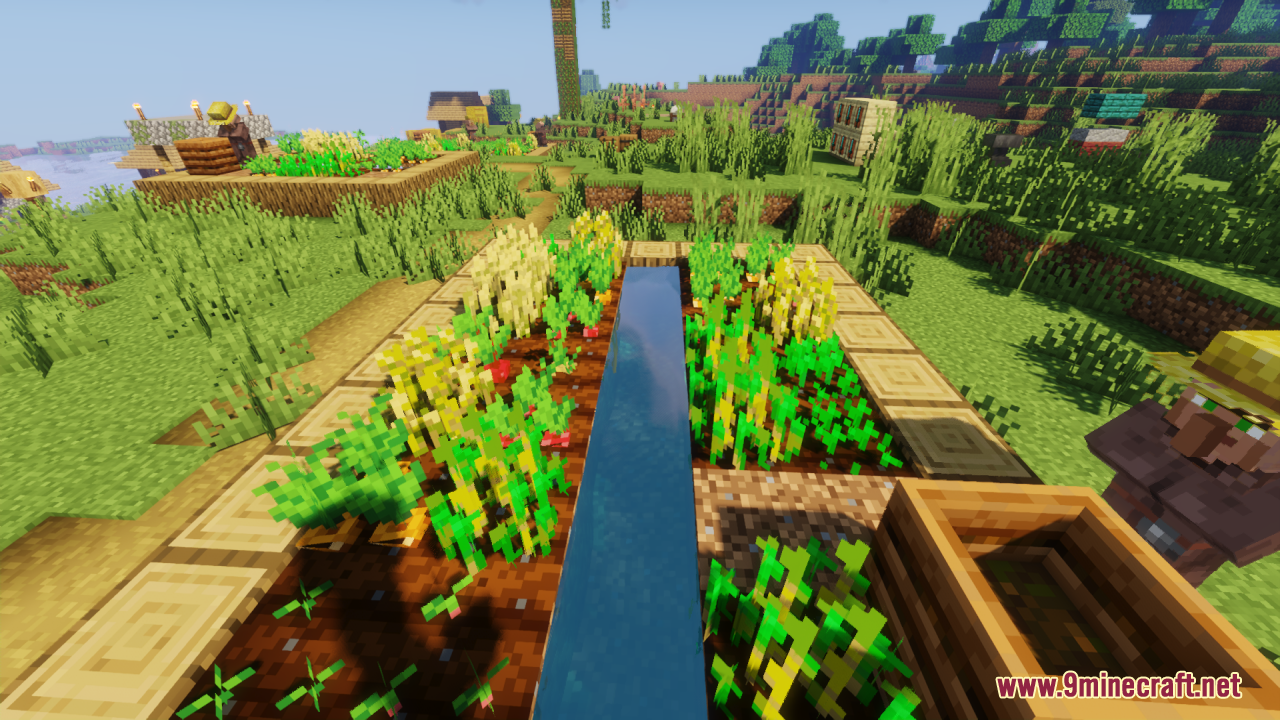
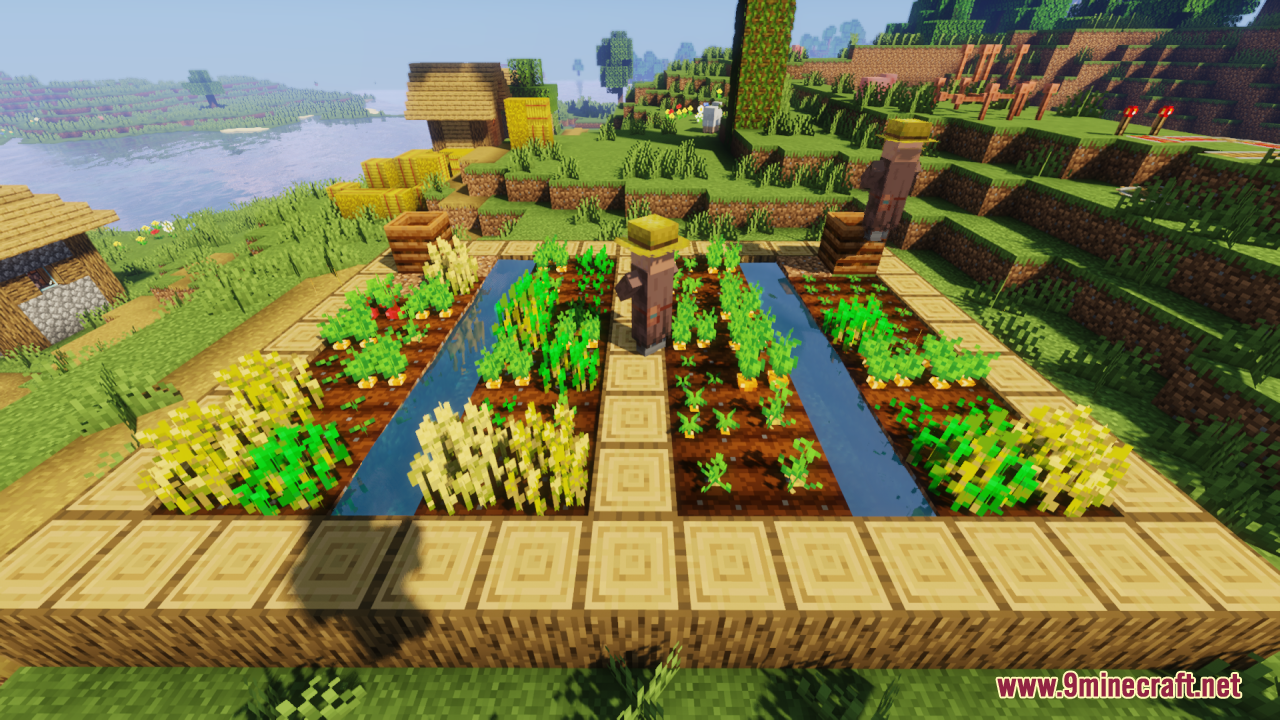
Enjoying Natural-Looking Pumpkin and Melon StemsWhat Changed with Stems 3D Crops Revamped colors pumpkin and melon stems to match their growth and connection state.…Making Your Crops Easier to Identify by Growth StageWhy Growth Stages Matter With 3D Crops Revamped, each crop progresses through distinct visual stages as it grows. The…Reducing Texture Repetition for a More Natural FarmThe Problem with Repetitive Textures Vanilla Minecraft crops can look flat and repetitive when planted in large…Understanding Invisible Edges on 3D Crop ModelsWhat Invisible Edges Do 3D Crops Revamped applies invisible edges to crop models, which prevents visual glitches and…
Blocks
 Attached Melon Stem
 Attached Pumpkin Stem
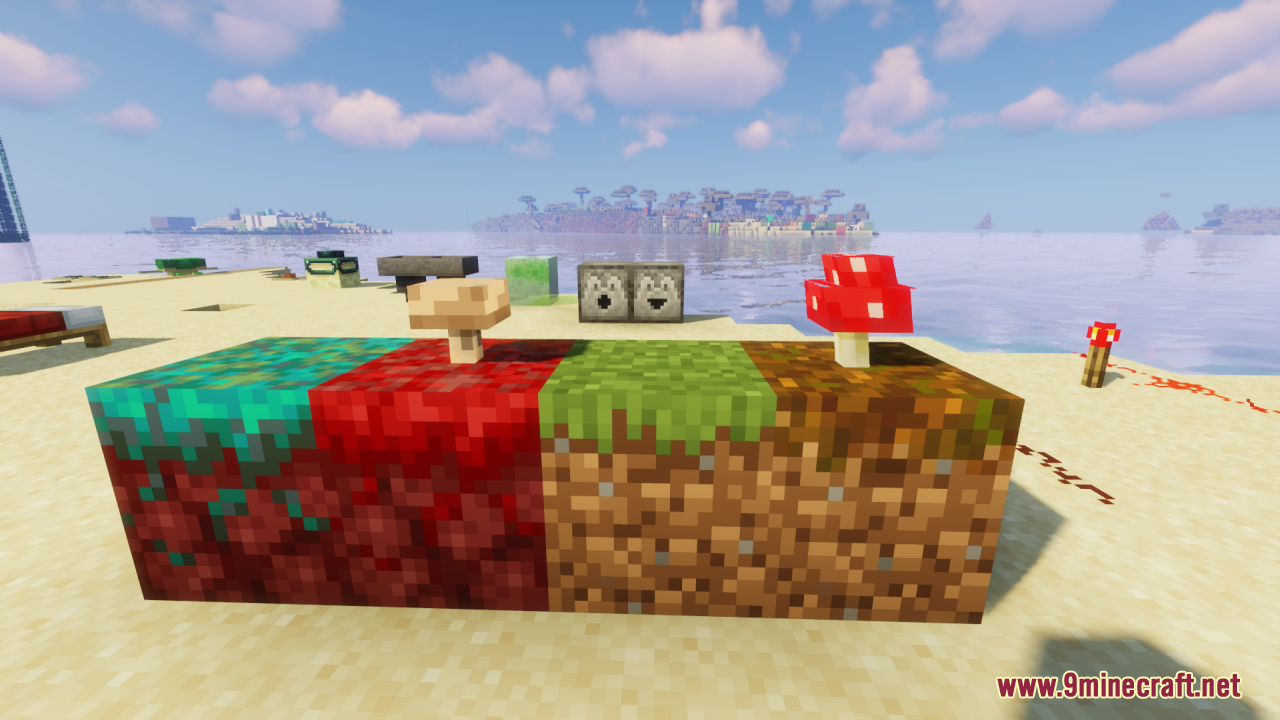
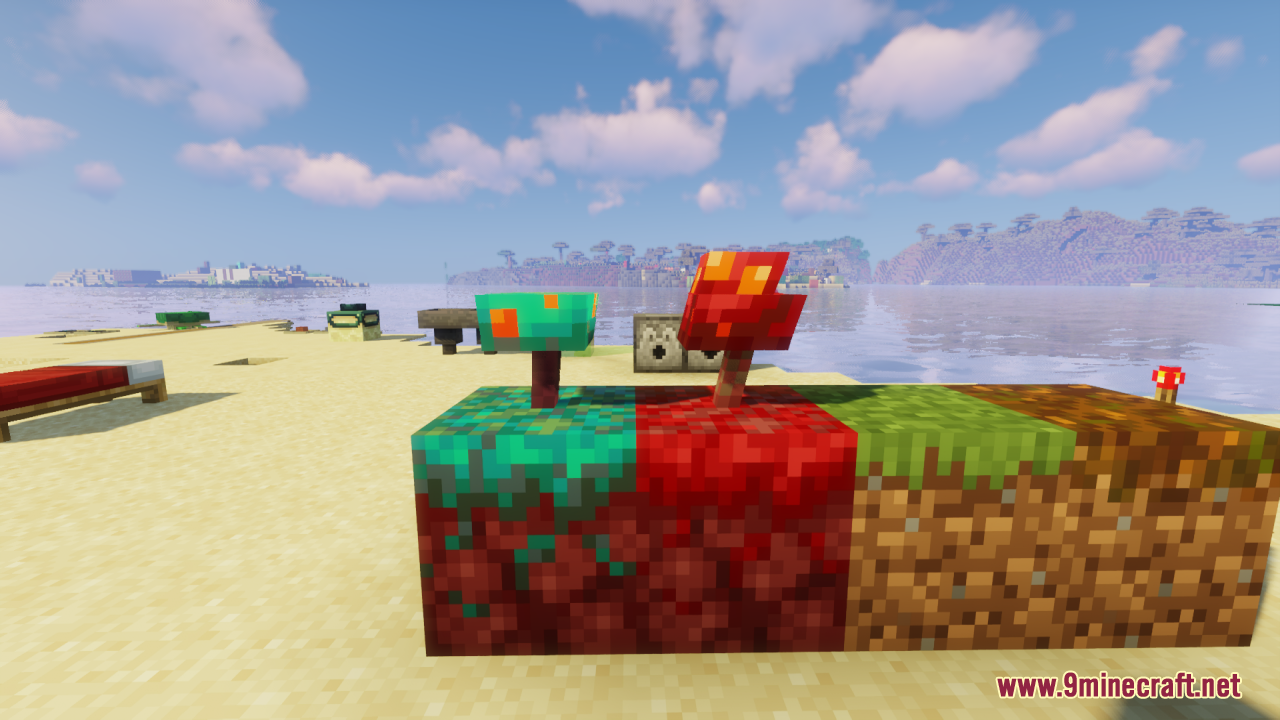
 Brown Mushroom
 Melon Stem
 Pumpkin Stem
 Red Mushroom
 Sugar Cane
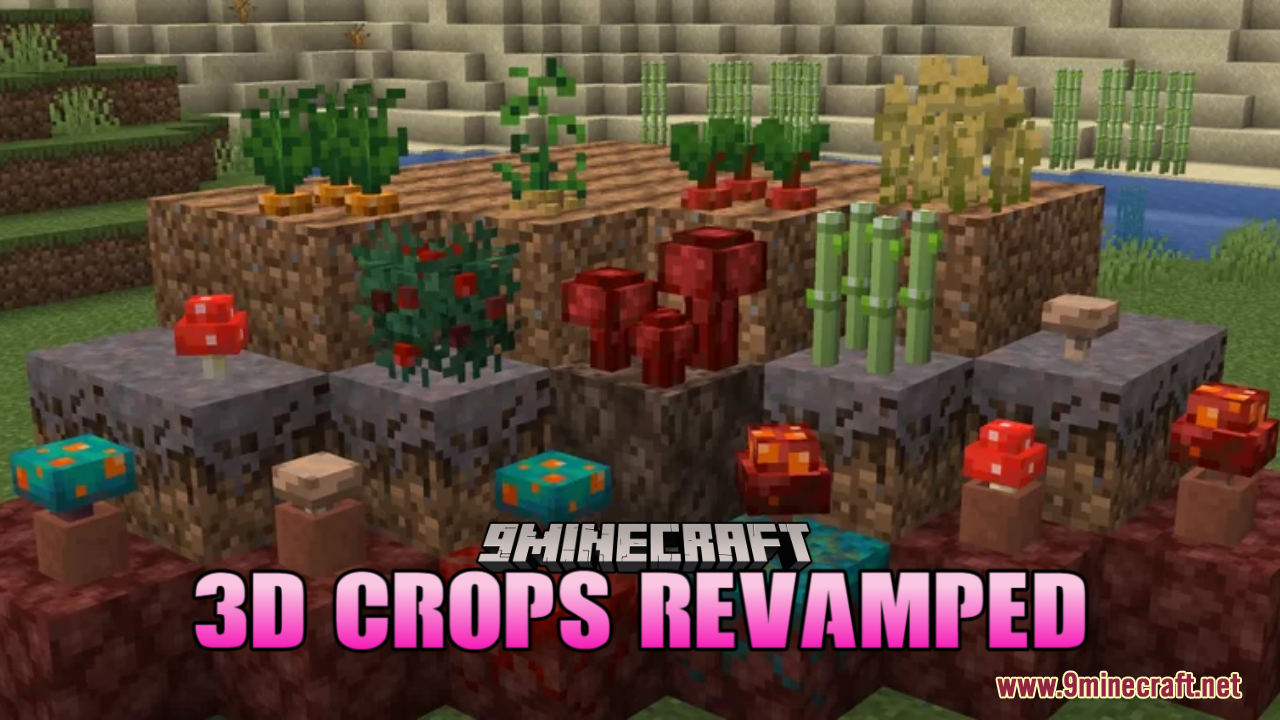
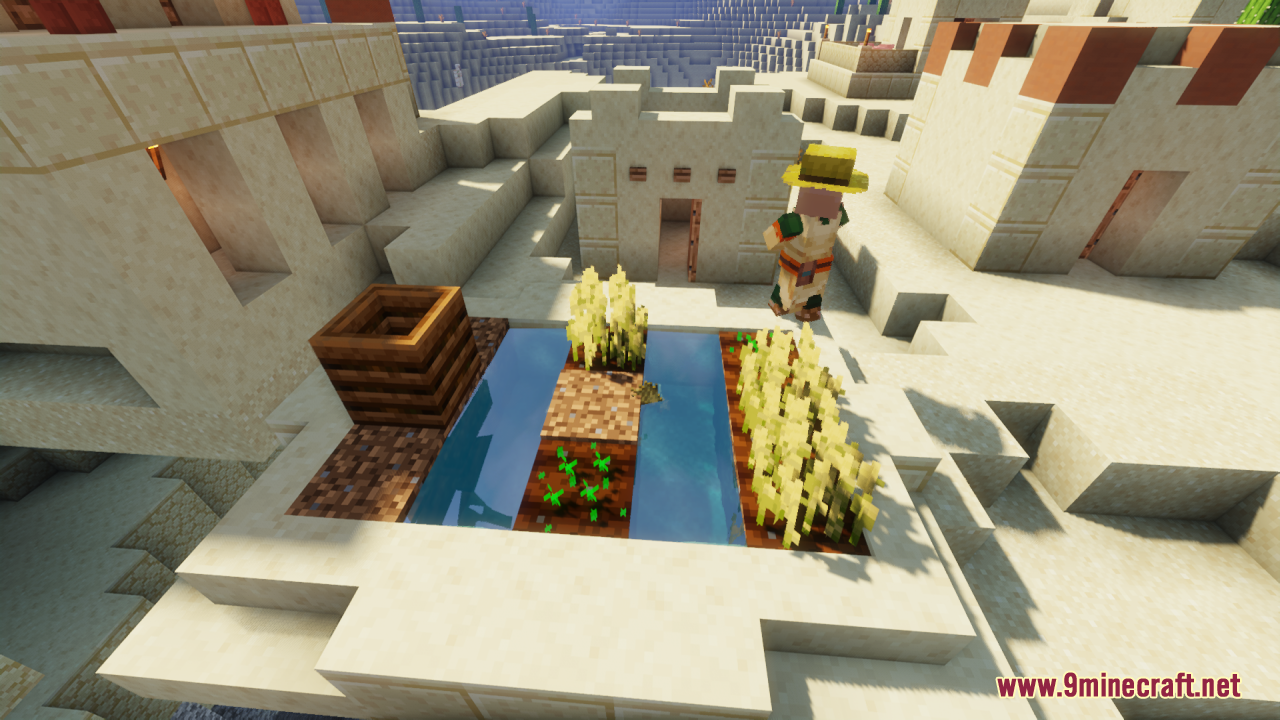
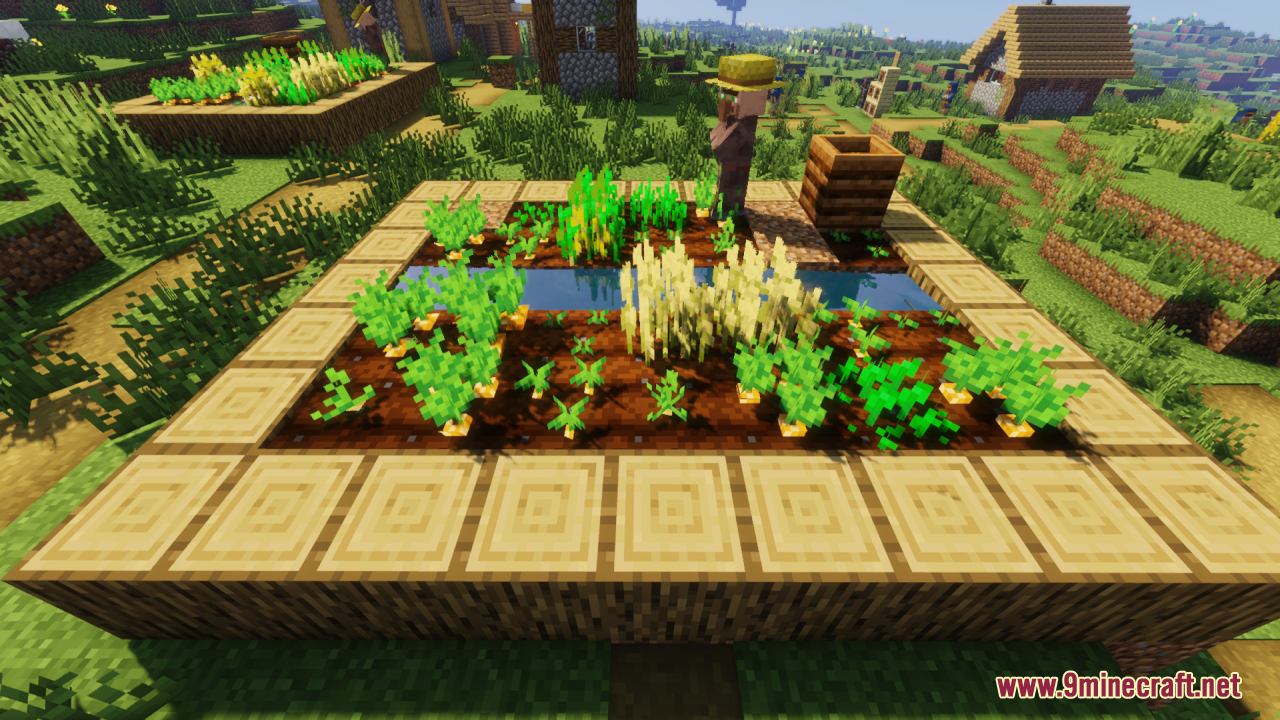
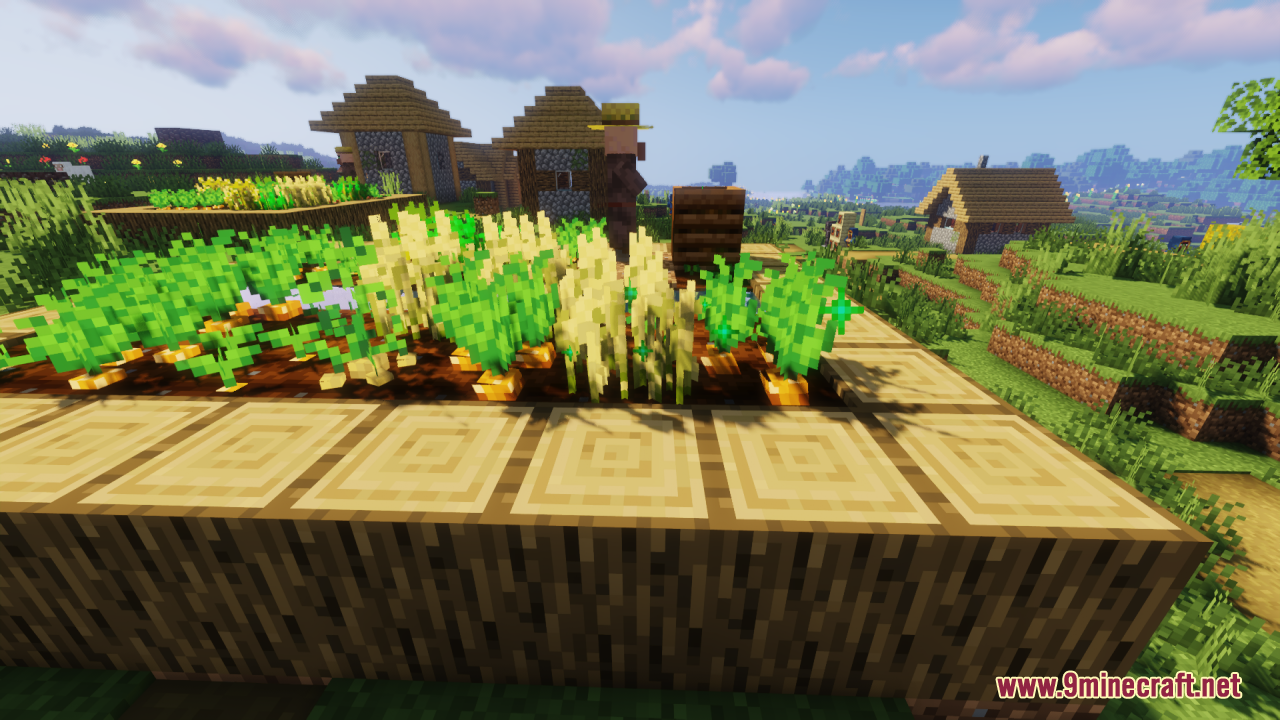
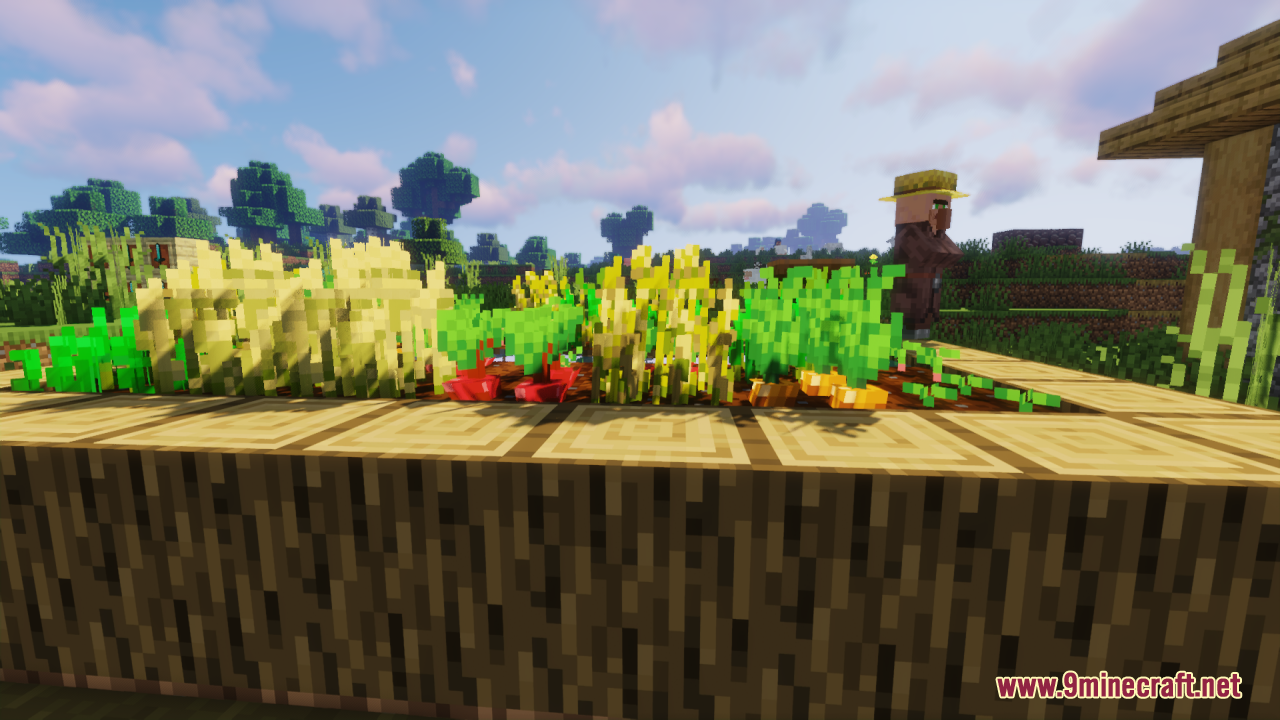
What this pack changes
Every texture group the pack replaces, counted from the pack itself.
| Area | Textures replaced |
|---|---|
| Blocks | 40 |
Pack format 55 (Minecraft 1.21.5)40 texture files in total
Extra features
Custom block/item models
Frequently asked questions
Do I need a mod loader or is this just a resource pack?
This is a resource pack only—no mod loader required. Simply download it and add it to your resource packs folder, then activate it in your world settings.
Why do my crops still look flat?
Make sure the resource pack is enabled and ranked above any conflicting packs in your resource pack list. If using other crop-related packs, move 3D Crops Revamped to the top.
Can I tell what growth stage my crops are at now?
Yes—the pack enhances readability of growth stages by making each stage visually distinct, so you can easily see when crops are ready to harvest without breaking them.
Do pumpkin and melon stems look different in this pack?
What does 'invisible edges' mean on the crop models?
Invisible edges remove the visible seams and hard borders where 3D crop models meet, creating a smoother, more natural appearance without visual glitches.
Will this pack work with other resource packs?
It can work alongside other packs, but place it higher in your resource pack list to ensure its textures take priority. Packs that heavily modify crops may conflict.
Does this affect my FPS or performance?
The pack is designed to be lightweight, so performance impact is minimal. If you notice lag, try disabling other visual packs or lowering your render distance.
Why do my crops look repetitive even with this pack?
The pack reduces texture repetition through varied textures and model details, but the effect is most noticeable with larger farms—small patches may still show some pattern.
Does this work on multiplayer servers?
Yes, resource packs are client-side only, so you can use this on any server without the server needing to install or approve it.
Are there any leaves that look different now?
Yes, the pack fixes floating textures on certain leaves and improves their overall appearance to look more natural and less disconnected from trees.
You May Also Like
Wikis that share the most with this one
Wikis on the same theme: dimension
3D Default Resource Pack3 D Buckets Resource PackAether Regenerated Resource Pack3D Crops 9Minecraft Resource PackWeskersons 3D Items Resource Pack3 D Medieval Iron Bars Resource PackDimension Red’s Alchemy Resource PackDimensional Vitals Case Resource PackGeforcelegends 3D Default Resource PackJamdYAMDAAether
More resource pack wikis on the site
3D Bricks Remastered Resource Pack3d Animated Doors Resource Pack3 D Spears Reimagined Resource Pack3 D Models Ulti Craft Sandalone Resource Pack1×1 Ultimate Resource Pack18W43A Wood Resource Pack3d Entity Eggs Resource Pack3D Items Vanillaism3D Items Vanillaism Resource Pack3D Ladders Resource Pack3D Muskets Resource Pack3D Vanilla Items Resource Pack
The most downloaded mods that have a wiki here
A few wikis from each of the other kinds
Gallery
12 images from the 3D Crops Revamped Resource Pack page.