

 DownloadVivid Panel Canvas Mod
Get the files on 9Minecraft
Guides
Step-by-step, in-game.
Frequently asked questions
How do you open the quick action menu in Vivid Panel Canvas Mod?
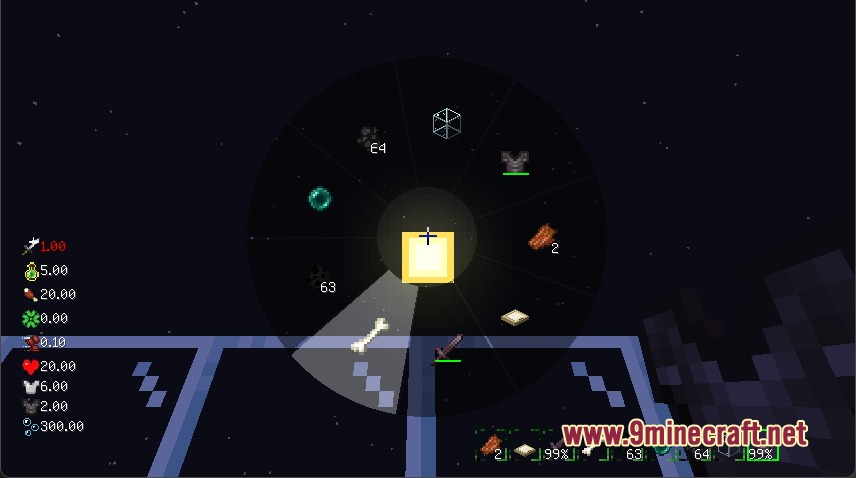
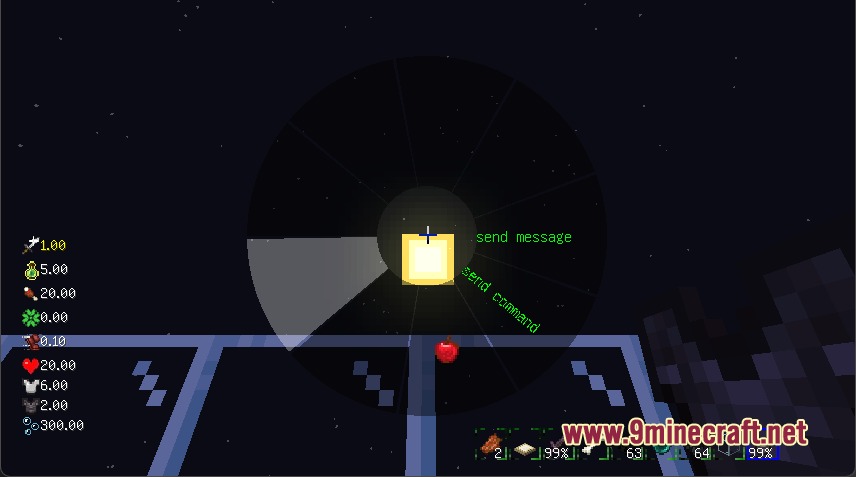
Hold down the TAB key on your keyboard to open the radial selection wheel menu.
Can you customize which HUD elements appear on your screen?
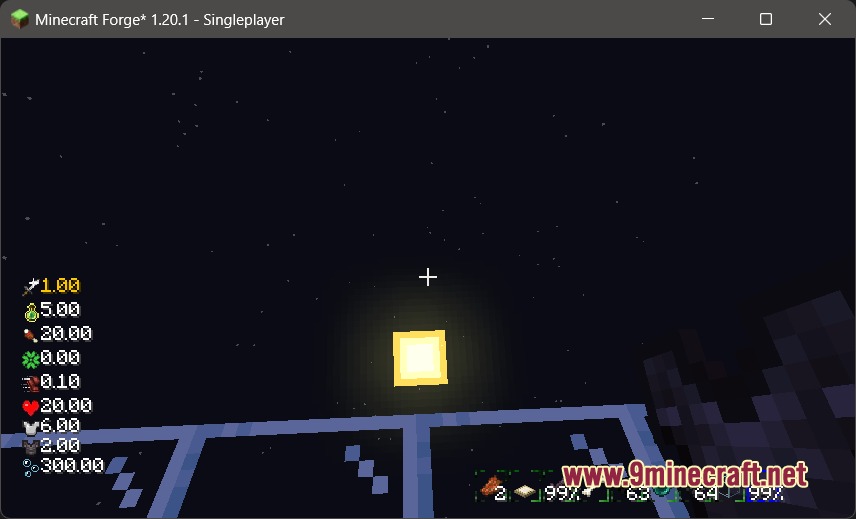
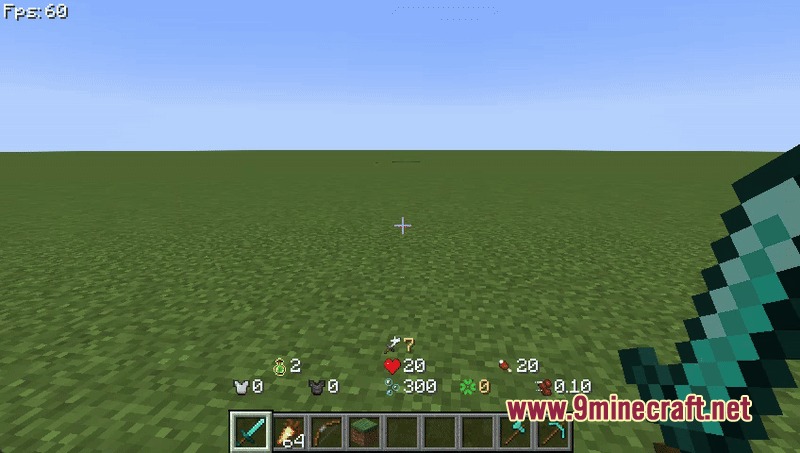
Yes, each HUD component like health bars, food levels, and hotbars can be turned on or off separately through the mod's configuration files.
What does the mob position tracker do?
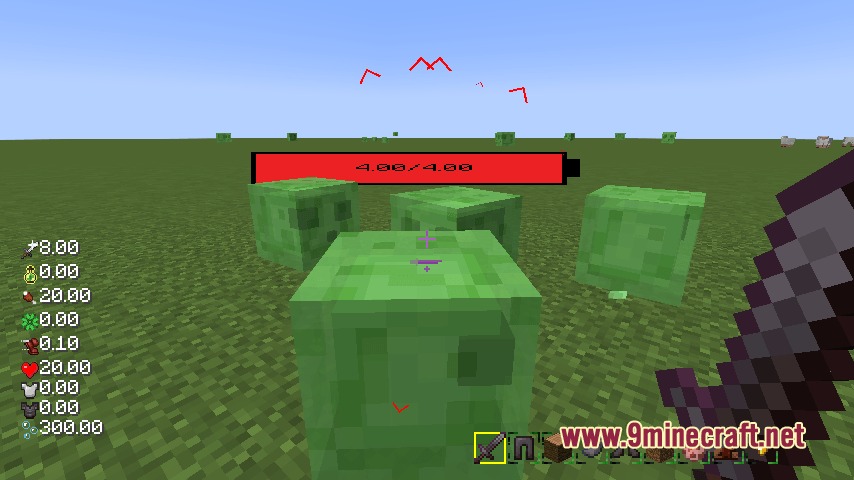
The mob radar displays visual indicators of nearby mobs around you with icons that change size based on their distance from you.
How do you select an option from the radial menu?
Hover your mouse cursor over your desired option and release the TAB key to select and trigger the chosen action.
See all 6 Vivid Panel Canvas questions ›
Gallery
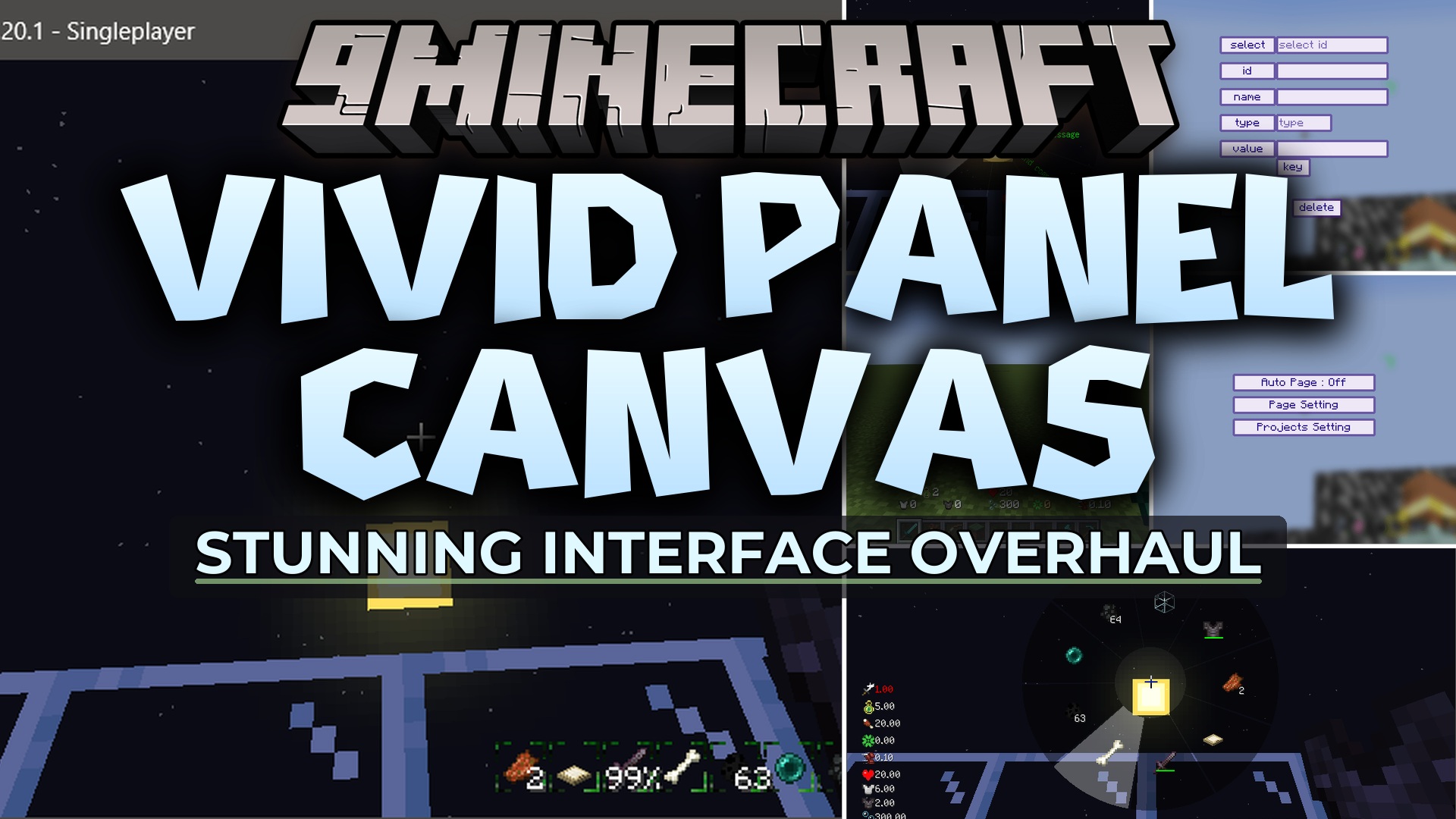
8 images from the Vivid Panel Canvas Mod page.
You May Also Like
Wikis that share the most with this one
Wikis on the same theme: end
More mod wikis on the site
The most downloaded mods that have a wiki here
A few wikis from each of the other kinds