

 DownloadVisual Workbench Mod
Get the files on 9Minecraft
Guides
Step-by-step, in-game.
How to Craft Faster with a Pre-Loaded Visual WorkbenchThe convenience mechanic The Visual Workbench remembers what you left in its grid. That means you can pre-load the…How to Leave Items in the Visual Workbench Without Losing ThemWhy items stay put Unlike a vanilla crafting table, the Visual Workbench keeps whatever you place in its crafting…How to Move a Visual Workbench Without Losing Your Crafting LayoutUnderstand what happens on break When you break the Visual Workbench block, the block itself and every item currently…How to Use the Visual Workbench as a Display Block on a ServerWhat makes it decorative Because the Visual Workbench renders the contents of its crafting grid on the block surface,…Place and Use a Visual WorkbenchCrafting with a Visual Workbench The Visual Workbench block functions as a regular crafting table, but displays items…Set Up a Decorative Crafting WorkshopCreating a Visual Crafting Display The Visual Workbench is ideal for building themed workshops or crafting areas…Troubleshoot Visual Workbench Display IssuesFixing Rendering Problems If items aren't appearing on your Visual Workbench or the display looks incorrect, try…Understand Visual Workbench vs Regular Crafting TableWhy Use a Visual Workbench? The Visual Workbench is functionally identical to a regular crafting table in terms of…Visual Workbench Mod: How the 3D Crafting Table WorksWhat the Visual Workbench Mod Does The Visual Workbench Mod adds a functional 3D workbench to Minecraft. It isn't a…
Frequently asked questions
How do I use the Visual Workbench Mod?
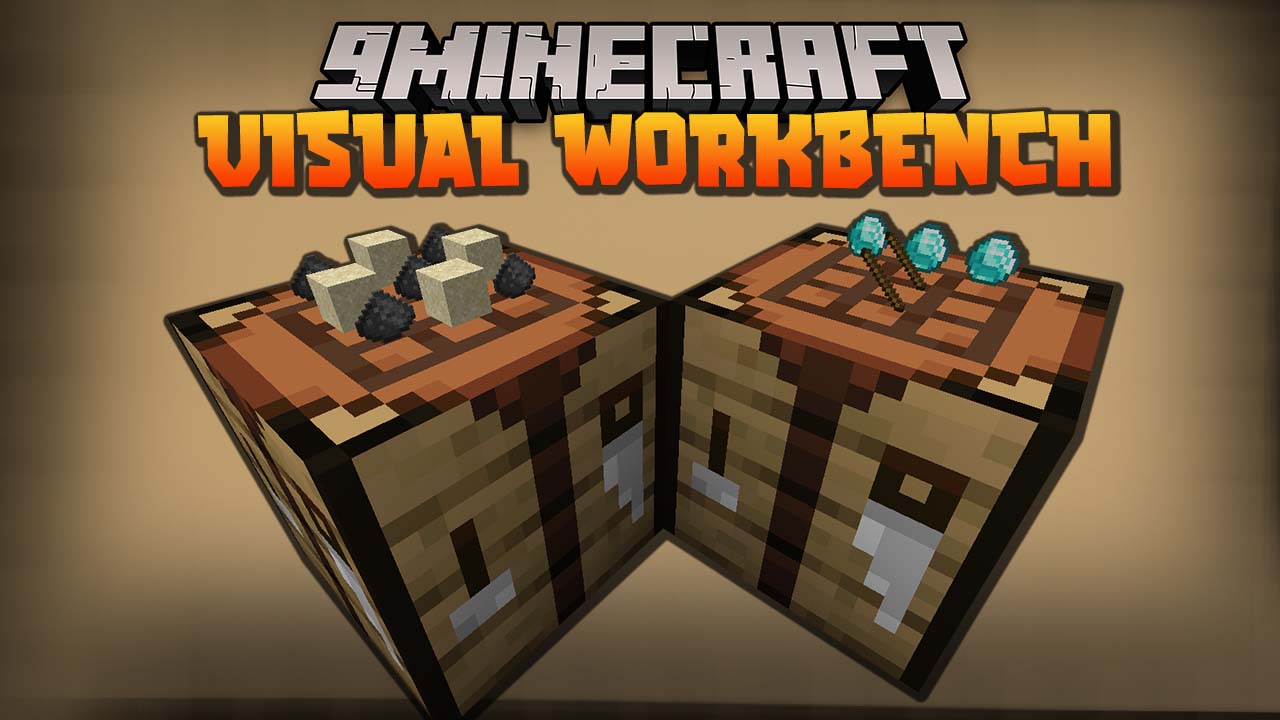
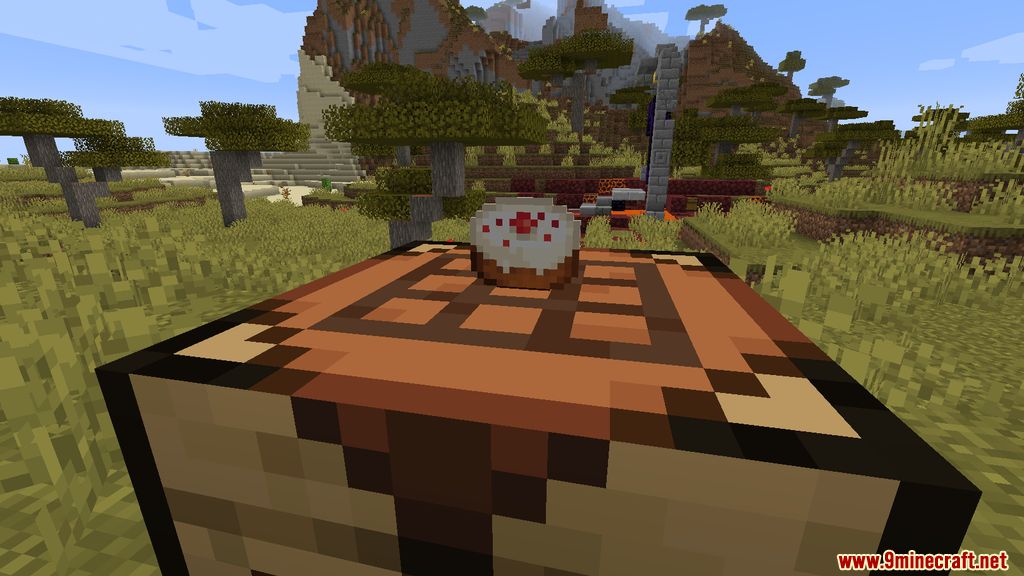
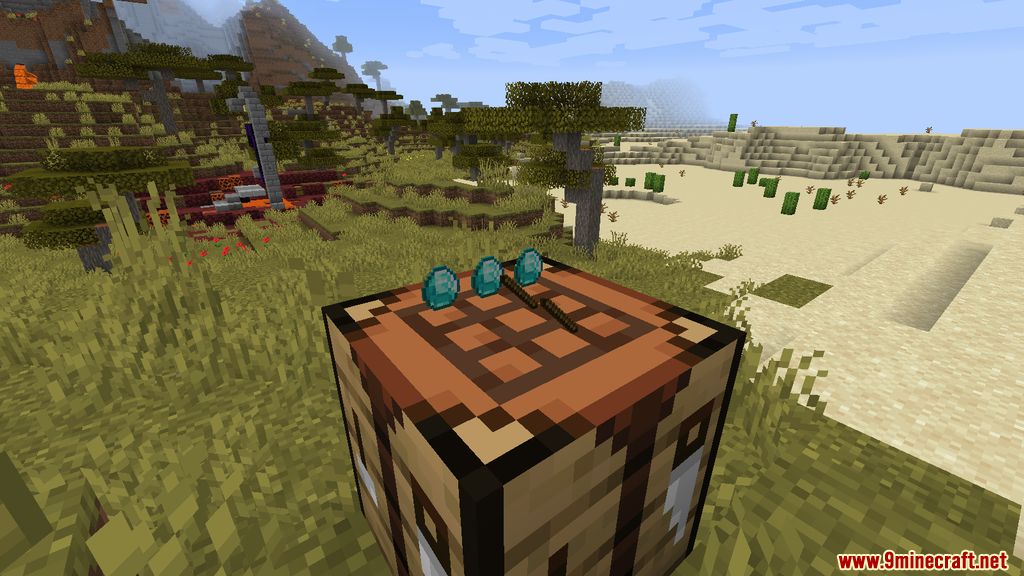
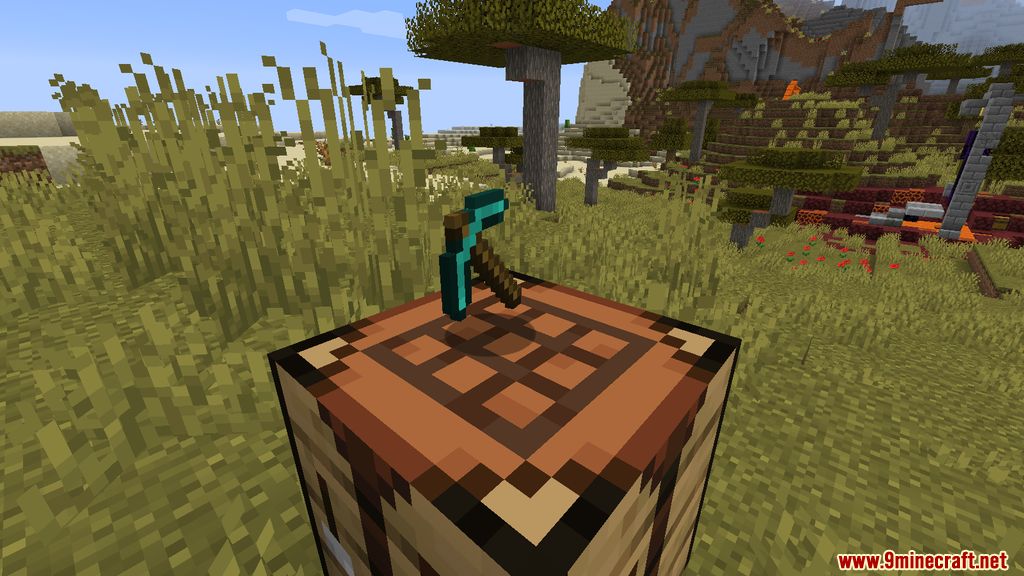
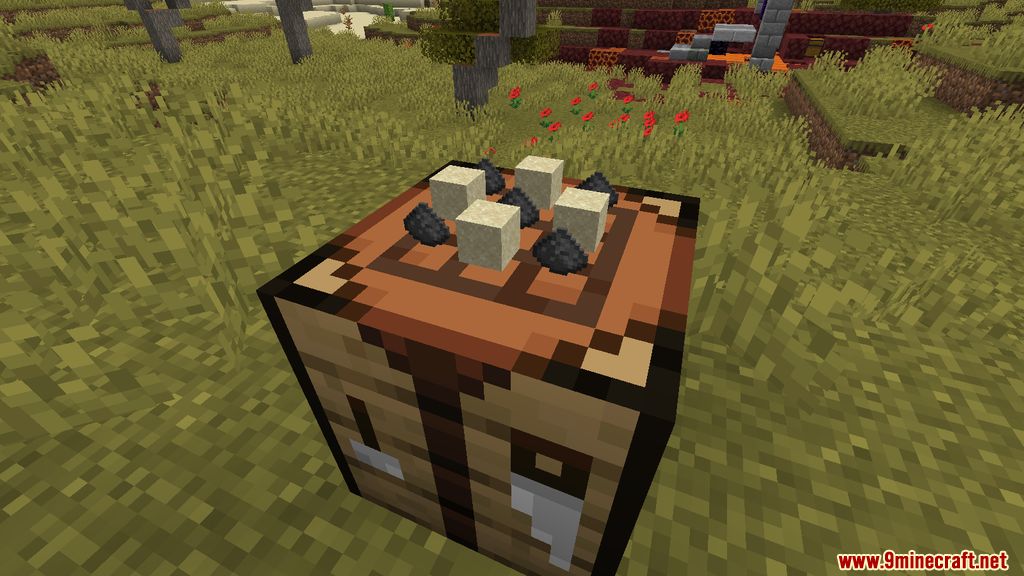
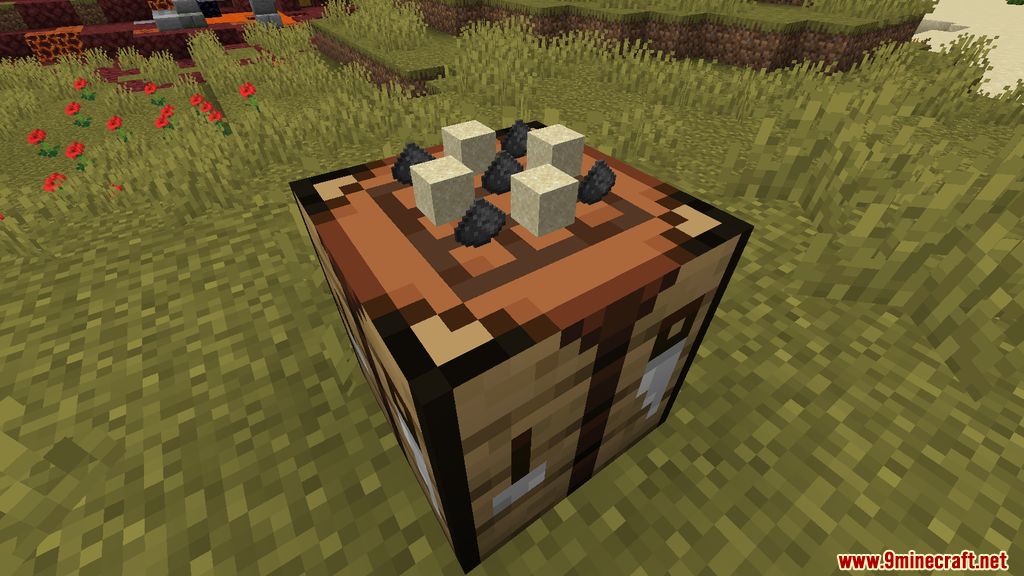
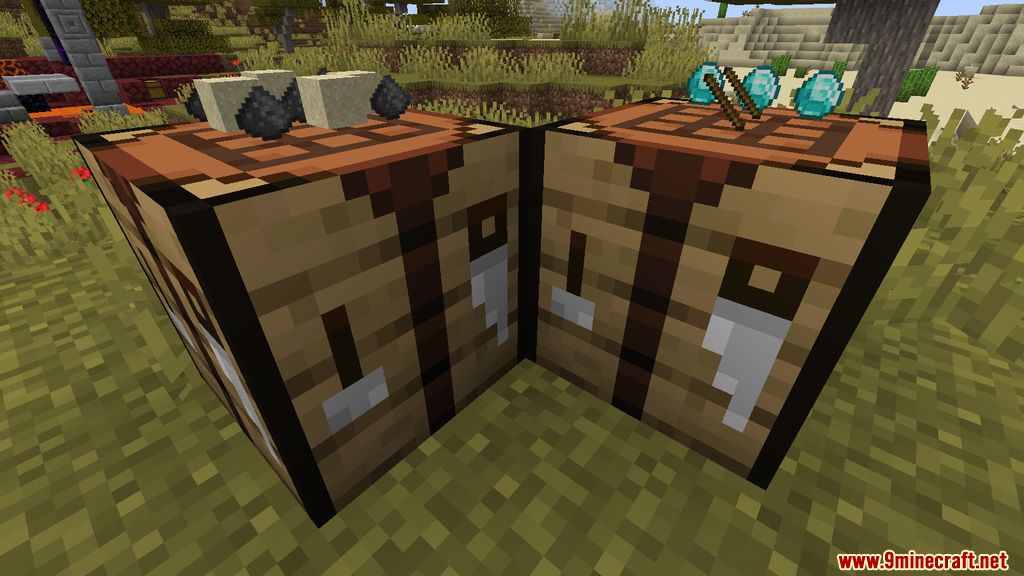
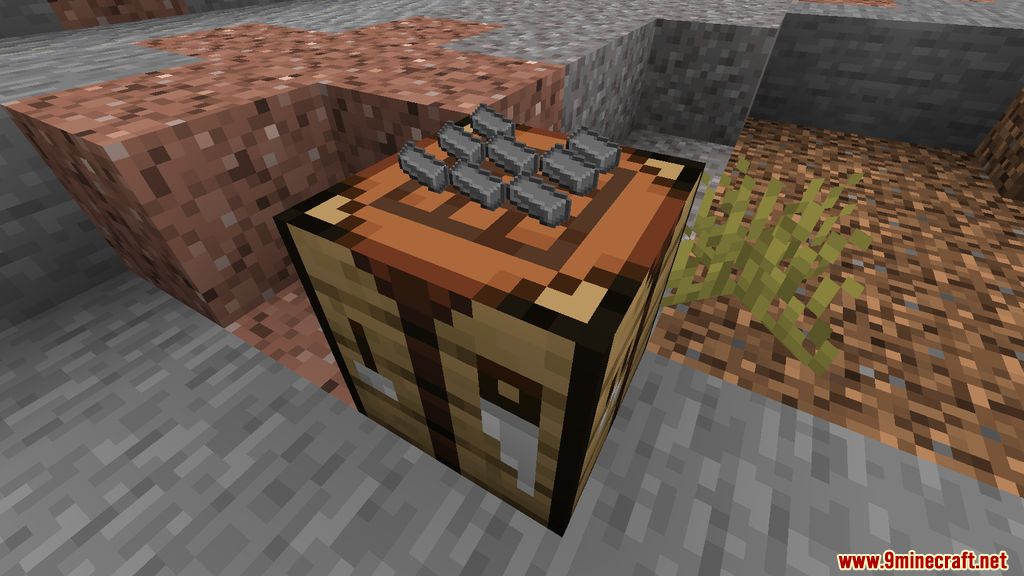
Just place a crafting table and open it like normal — the mod changes the existing block, so there's nothing new to craft or unlock. Put items in the grid and they'll stay there and show up on the block.
Do items stay in the crafting table after I close it?
Yes. Anything left in the crafting grid stays there when you close the interface, so you can walk away and come back to it later. This is the main feature that separates it from a vanilla crafting table.
Why can't I see my items on the workbench block?
Make sure you're actually using a crafting table and not a different  crafting station, since the mod only affects the vanilla workbench. Also check that the items are in the grid slots and not just your inventory, and confirm the mod is loaded for the world you're in.
What happens to my items if I break the workbench?
All items in the crafting grid drop on the ground when the block is broken, so nothing is lost. Pick them up before they despawn, especially on a server.
See all 16 Visual Workbench questions ›
Dependencies
Other mods needed to run this one.
Puzzleslib (required)
Gallery
8 images from the Visual Workbench Mod page.
You May Also Like
Wikis that share the most with this one
More mod wikis on the site
The most downloaded mods that have a wiki here
A few wikis from each of the other kinds