

 DownloadVisuality Reforged Mod
Get the files on 9Minecraft
Guides
Step-by-step, in-game.
How to Change Visuality Reforged Particle Settings In-GameVisuality Reforged is a client-side mod, so all of its options live on your machine and never touch the server. That…How to Disable Specific Visuality Reforged Particles You Find AnnoyingNot every particle effect suits every playstyle. Some players love the extra sparkle, while others find certain…How to Get Crystal Sparkle Particles from Amethyst in Visuality ReforgedOne of the standout effects in Visuality Reforged is the sparkle that appears around amethyst crystals. If you have…How to Use Visuality Reforged Without Hurting Server PerformanceA common worry with visual mods is whether they will lag a multiplayer server or get you flagged. Visuality Reforged…
Configuration
Every setting in the mod config file, with what it changes.
| Option | What it does |
|---|---|
charge | Charge Particle Enabled |
general | General |
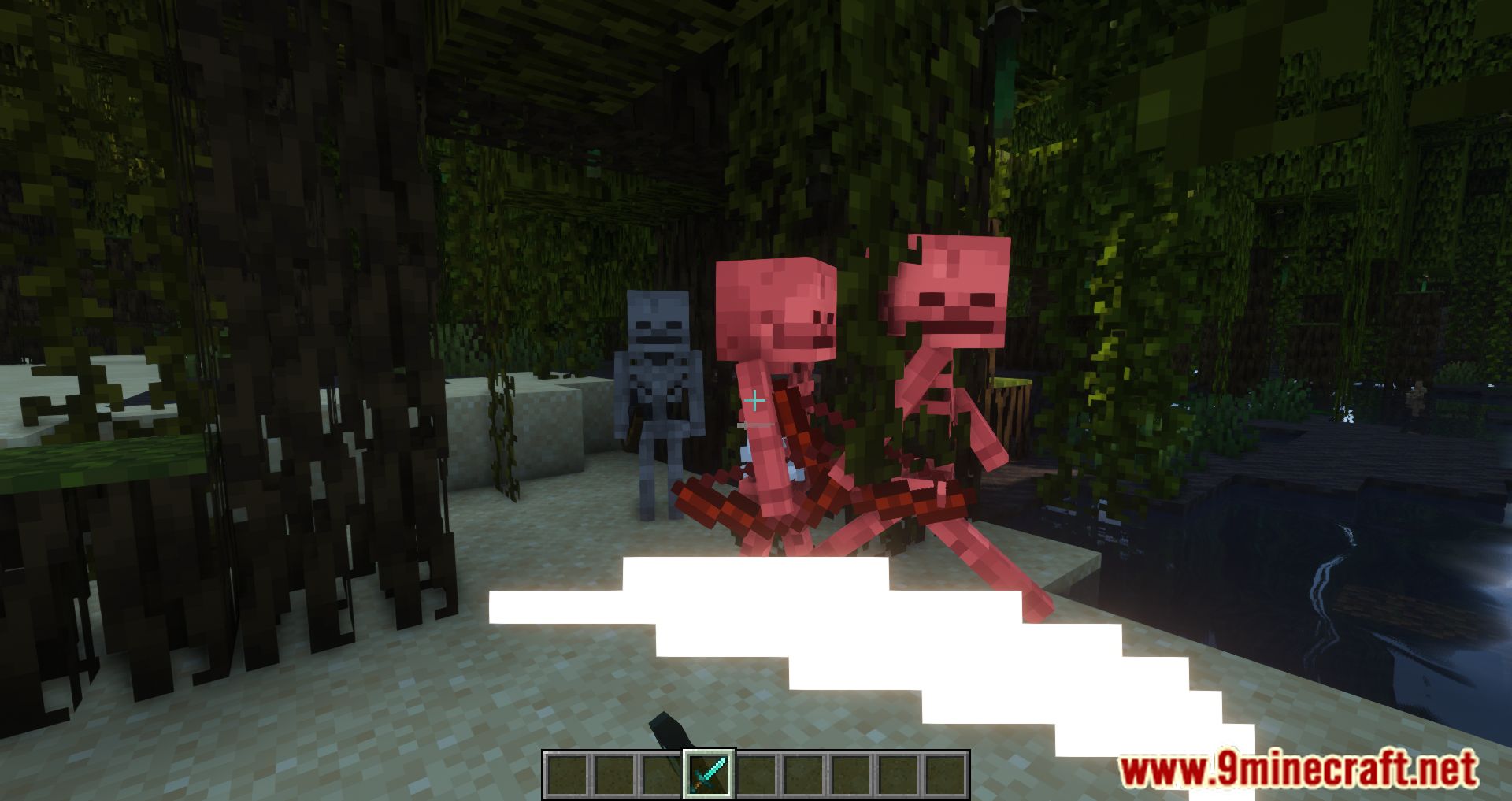
hitParticles | Hit Particles Enabled |
shinyArmor | Shiny Armor Enabled |
shinyBlocks | Shiny Blocks Enabled |
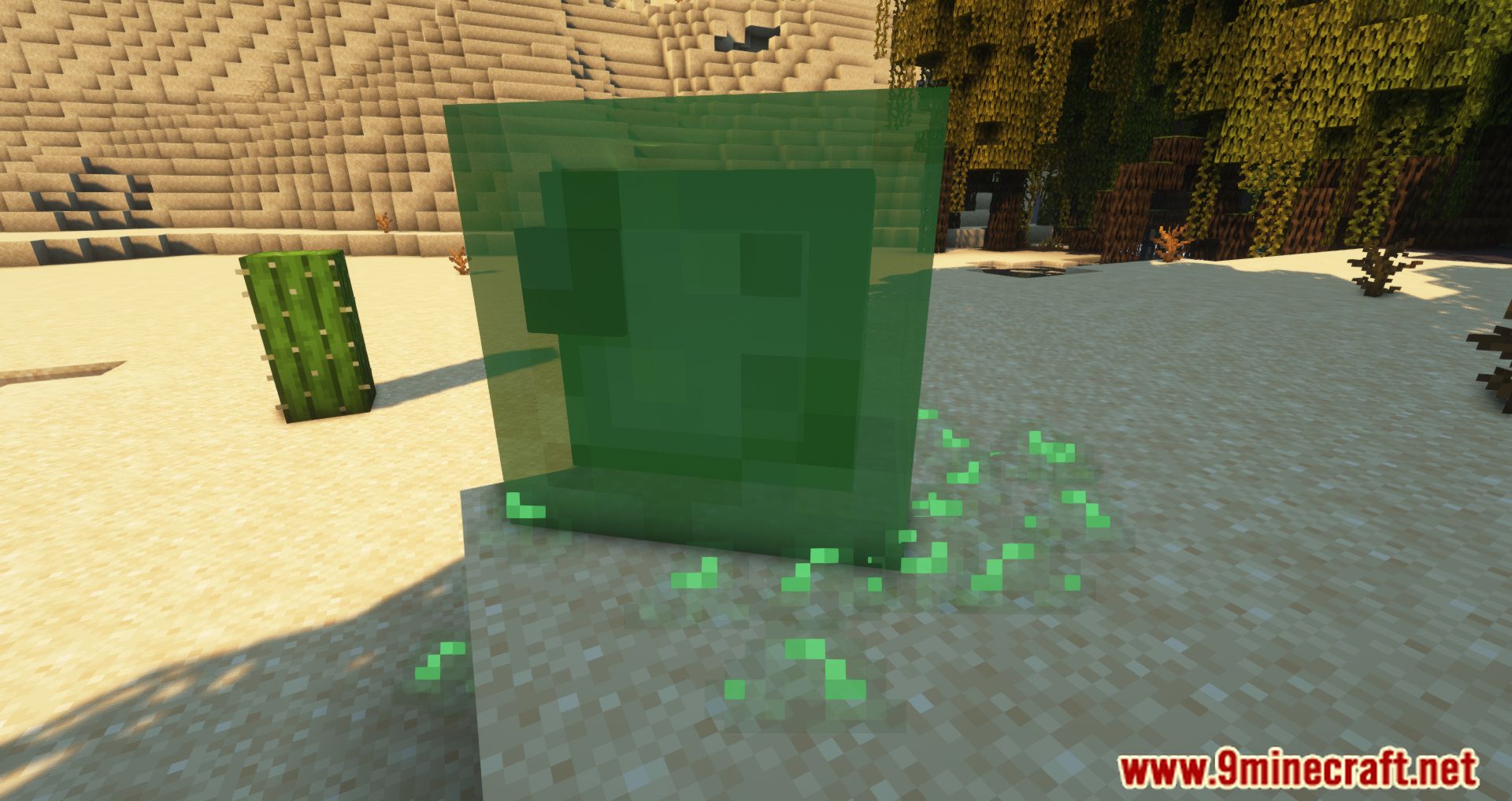
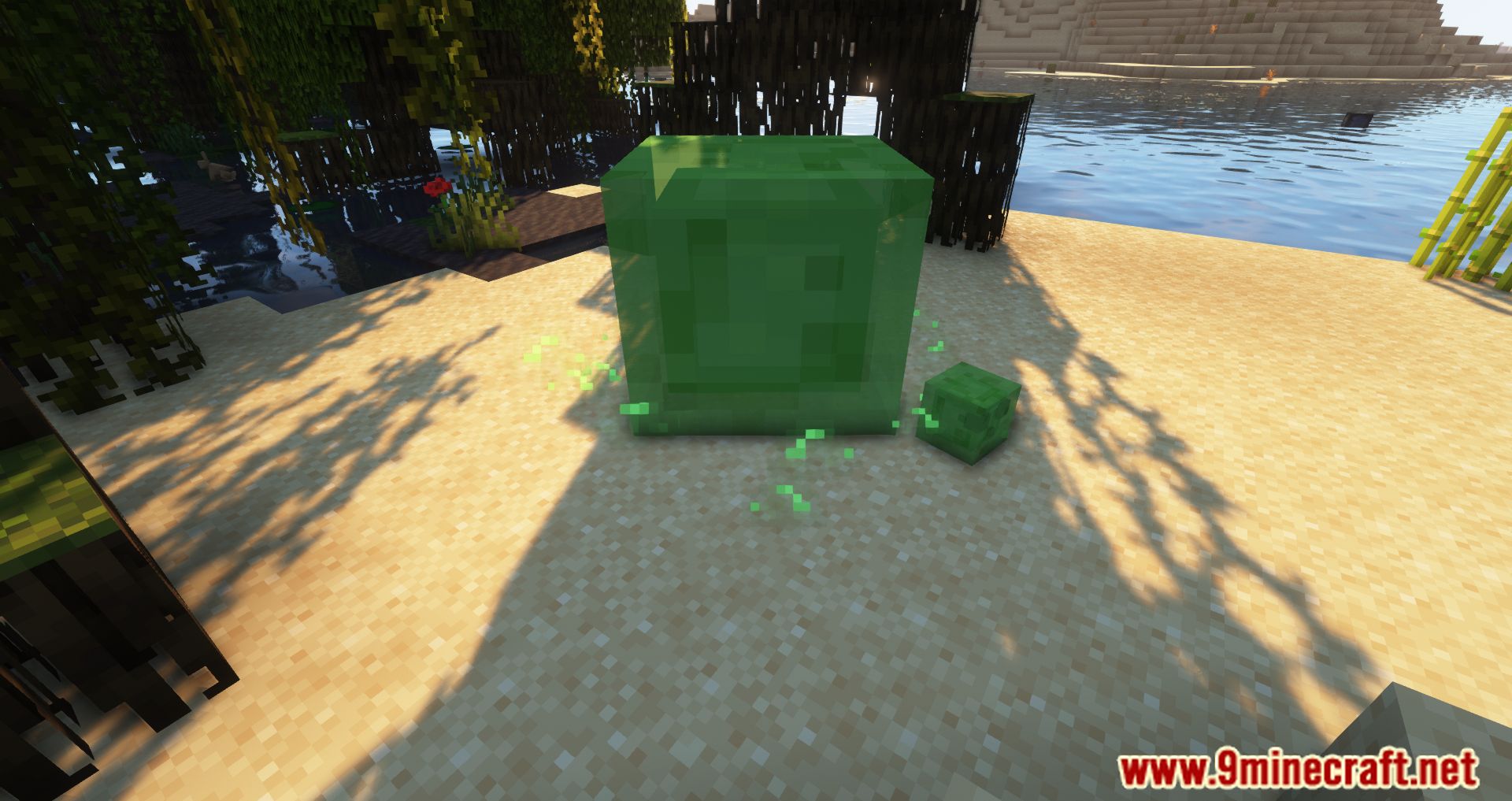
slime | Slime Blobs Enabled |
soul | Soul Particle Enabled |
sparkle | Sparkle Particle Enabled |
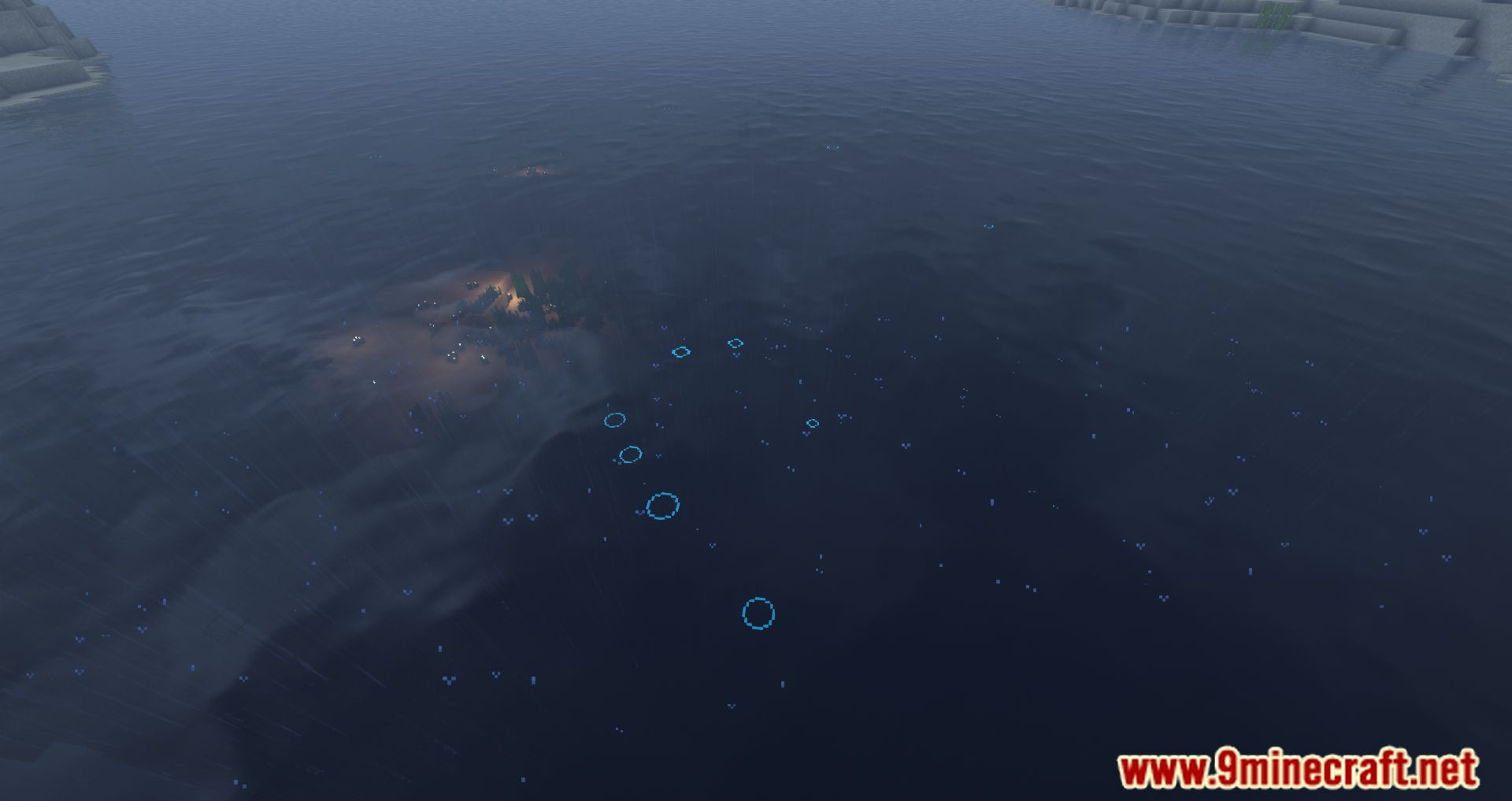
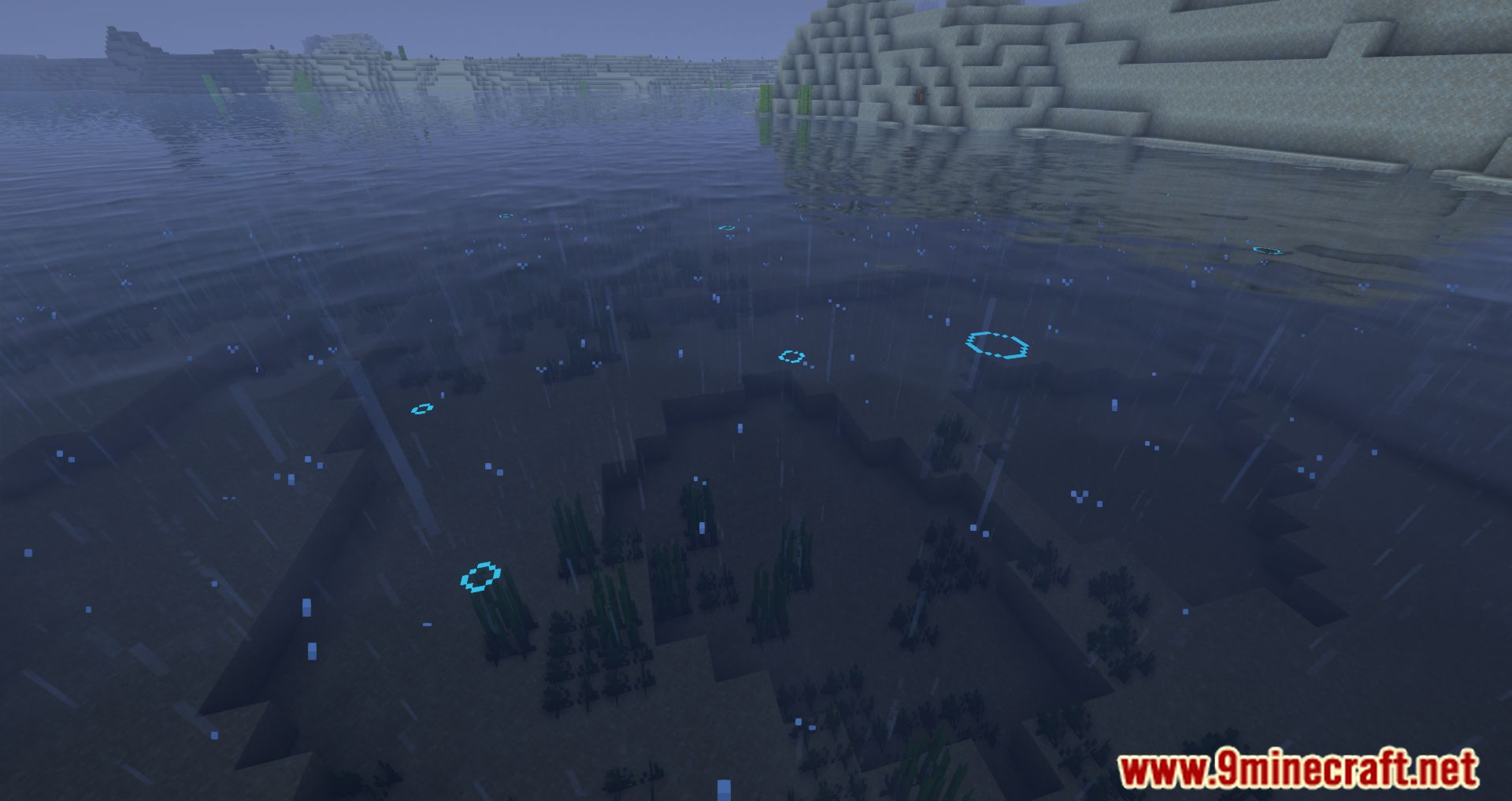
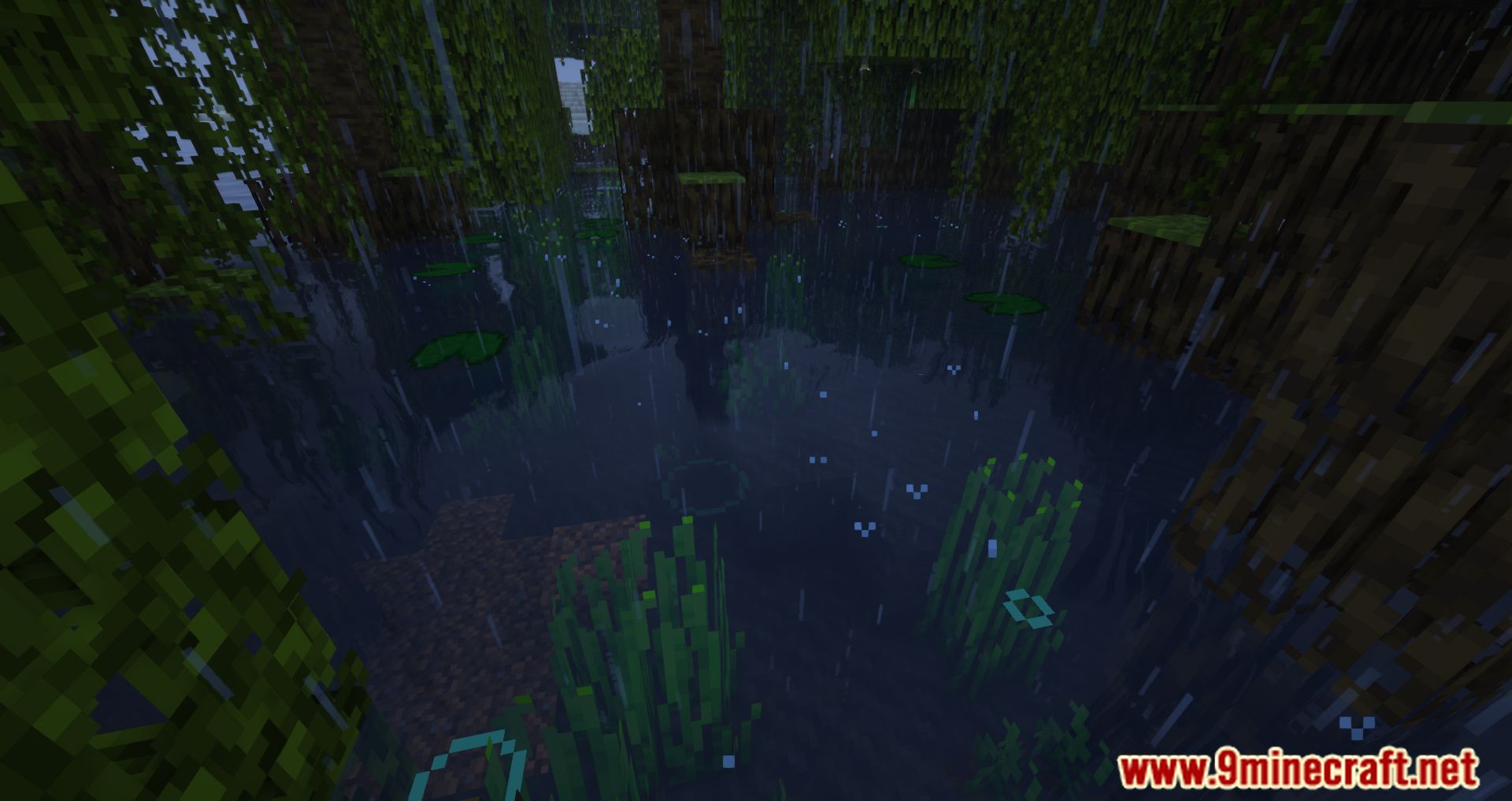
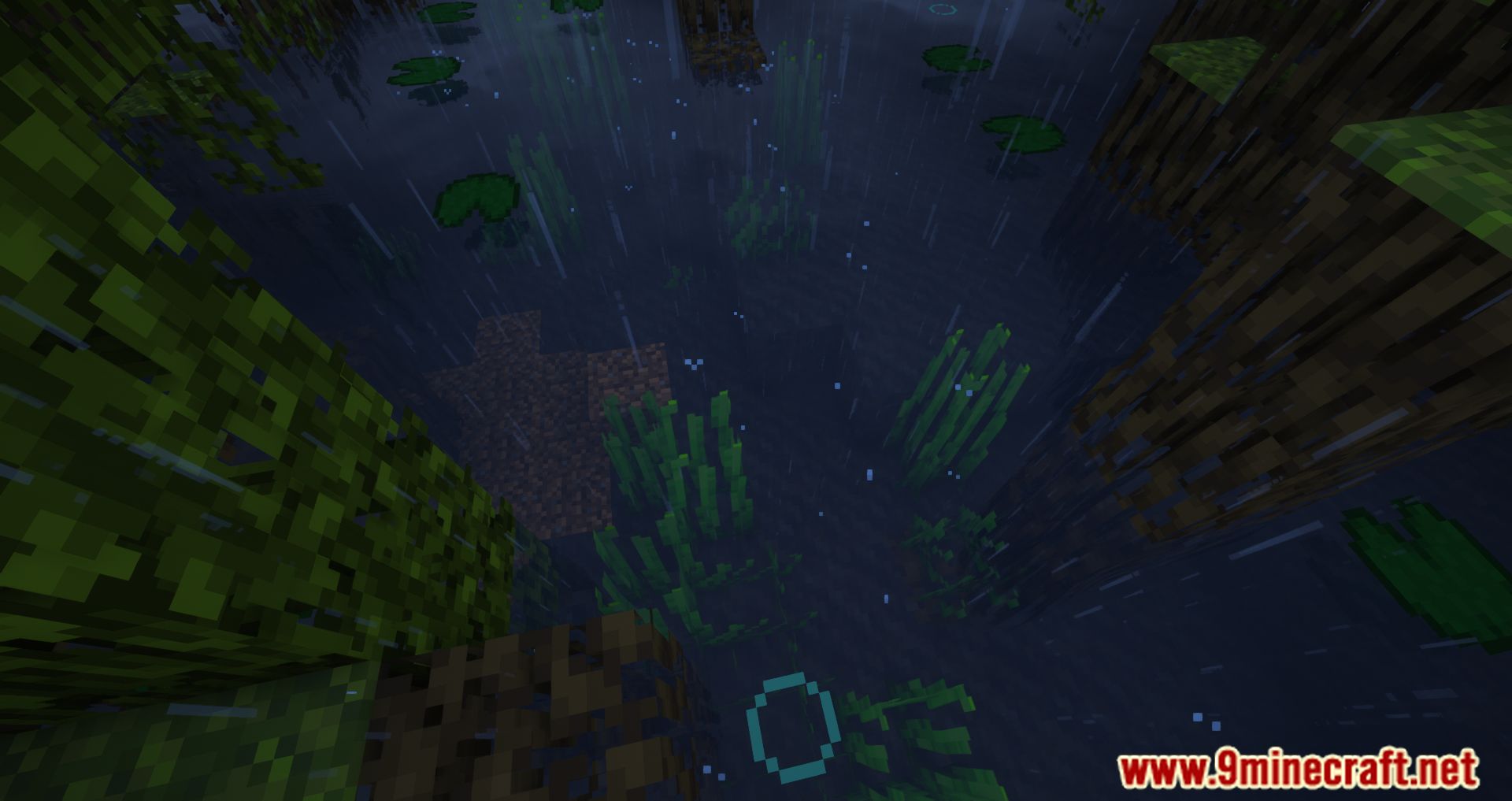
waterCircle | Water Circles Enabled |
Option
| Option | What it does |
|---|---|
entries | Hit Particles Entries |
entries | Shiny Armor Entries |
entries | Shiny Blocks Entries |
color | Slime Blobs Color |
colored | Water Circles Colored |
density | Water Circles Density |
radius | Water Circles Radius |
Frequently asked questions
How do I open the Visuality Reforged config in-game?
Open the mod list from the pause menu, select Visuality  Reforged, and click the config button to launch its in-game settings UI. From there you can toggle particle categories on or off without editing any files.
Do I need to install anything on the server for Visuality Reforged to work?
No. Visuality Reforged is entirely client-sided, so it only needs to be installed on your own game. Servers and other players without the mod are unaffected.
Reforged is entirely client-sided, so it only needs to be installed on your own game. Servers and other players without the mod are unaffected.Why aren't I seeing any particles from Visuality Reforged?
Check that the relevant particle category is enabled in the config and that your Minecraft particle settings aren't set to Minimal or Decreased. Some effects, like crystal sparkles, only trigger under specific conditions such as amethyst interactions.
How do I stop slime or bone particles from showing up?
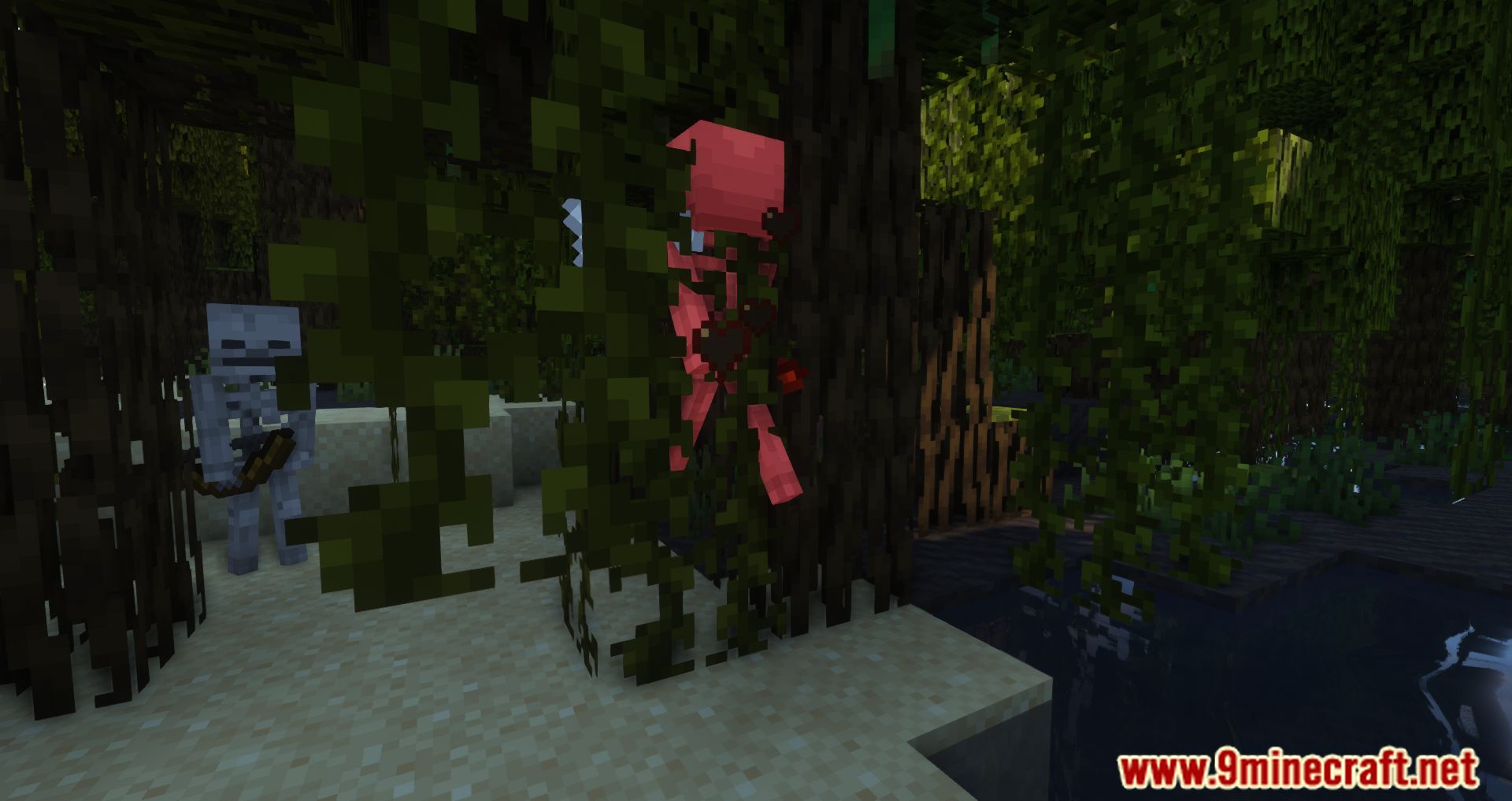
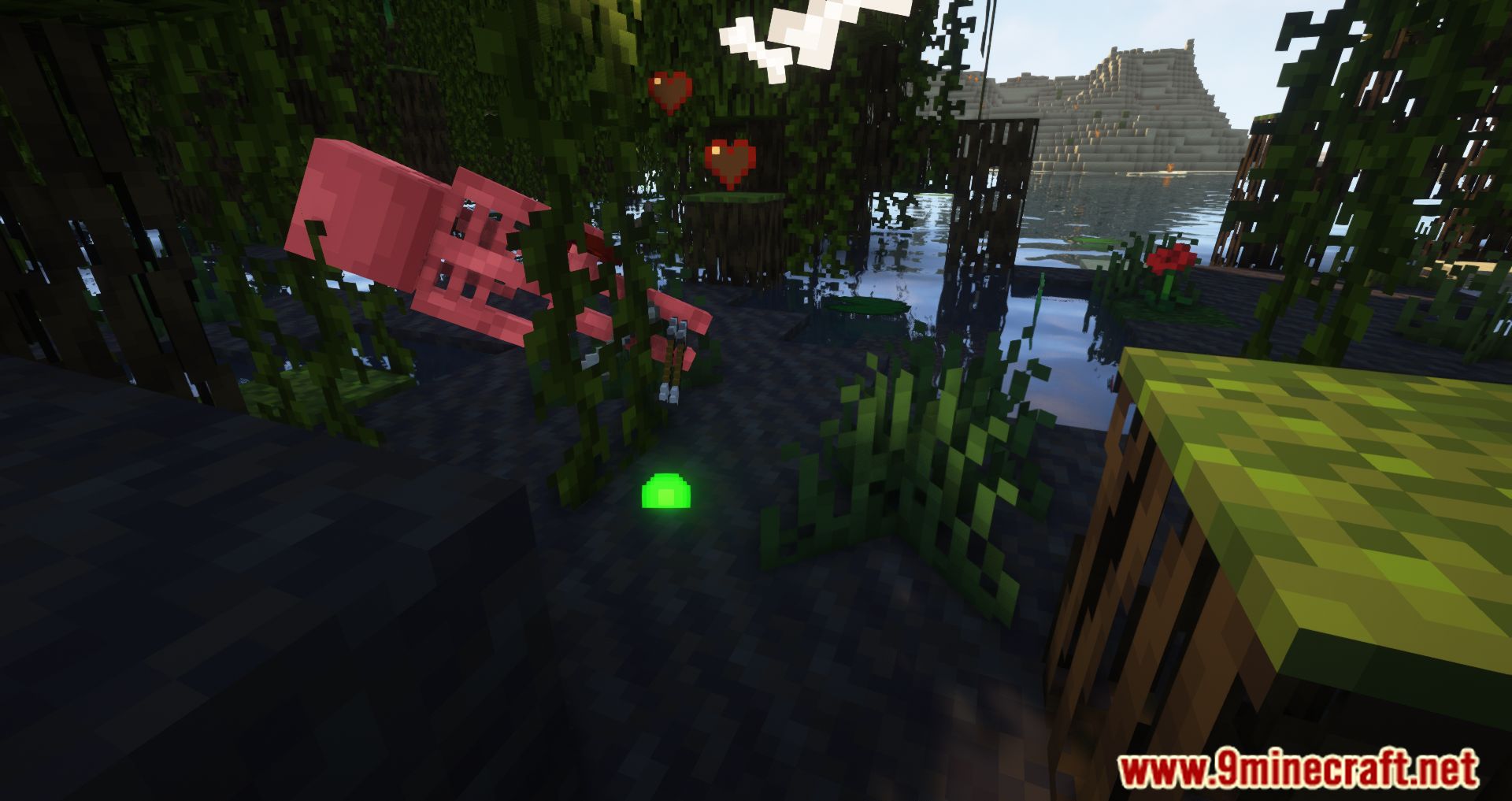
Open the in-game config UI and disable the specific particle category you don't want, such as mob hit particles or slime blobs. Changes apply immediately, so you don't need to restart the game.
See all 10 Visuality Reforged questions ›
Gallery
12 images from the Visuality Reforged Mod page.
You May Also Like
Wikis that share the most with this one
 SkyWars Reforged Map
More mod wikis on the site
The most downloaded mods that have a wiki here
A few wikis from each of the other kinds