

 DownloadVivid Idle Exploration Mod
Get the files on 9Minecraft
Guides
Step-by-step, in-game.
Customize Camera Speed and Shot DurationFine-Tuning Your Cinematic Experience The mod's default camera movements might feel too fast, too slow, or the shots…Disable the Idle Camera for Specific SituationsWhen You Need Full Control Immediately Sometimes you want to stay still without triggering cinematic mode—like when…Enable Letterbox Mode and Background MusicCreating a Full Movie Experience The mod includes optional visual and audio enhancements that transform idle time…Keep Your Nametag Visible or Hidden During Idle ShotsControlling Nametag Display When the cinematic camera activates, your character's nametag (or other players' nametags…
Frequently asked questions
How do I turn on the idle camera?
The mod activates automatically—just stand still and wait for the AFK timer to count down (default is a few seconds). Once the timer expires, the camera will switch to cinematic angles. You can adjust how long you need to wait before it activates in the mod settings.
Why does the camera stop when I take damage?
The mod is designed to wake you up instantly if you take damage, returning full control to your character so you can respond to threats. This keeps you safe from mobs, fall damage, or other hazards while you're AFK.
Can I use this mod on multiplayer servers?
Yes, the mod runs entirely on your client side, so it works on vanilla servers, Realms, and custom servers without requiring any server-side installation or permission.
How do I get out of cinematic mode?
Press any key on your keyboard or move your mouse, and you'll instantly regain full control of your character and camera. The mod returns to normal gameplay immediately.
See all 10 Vivid Idle Exploration questions ›
Gallery
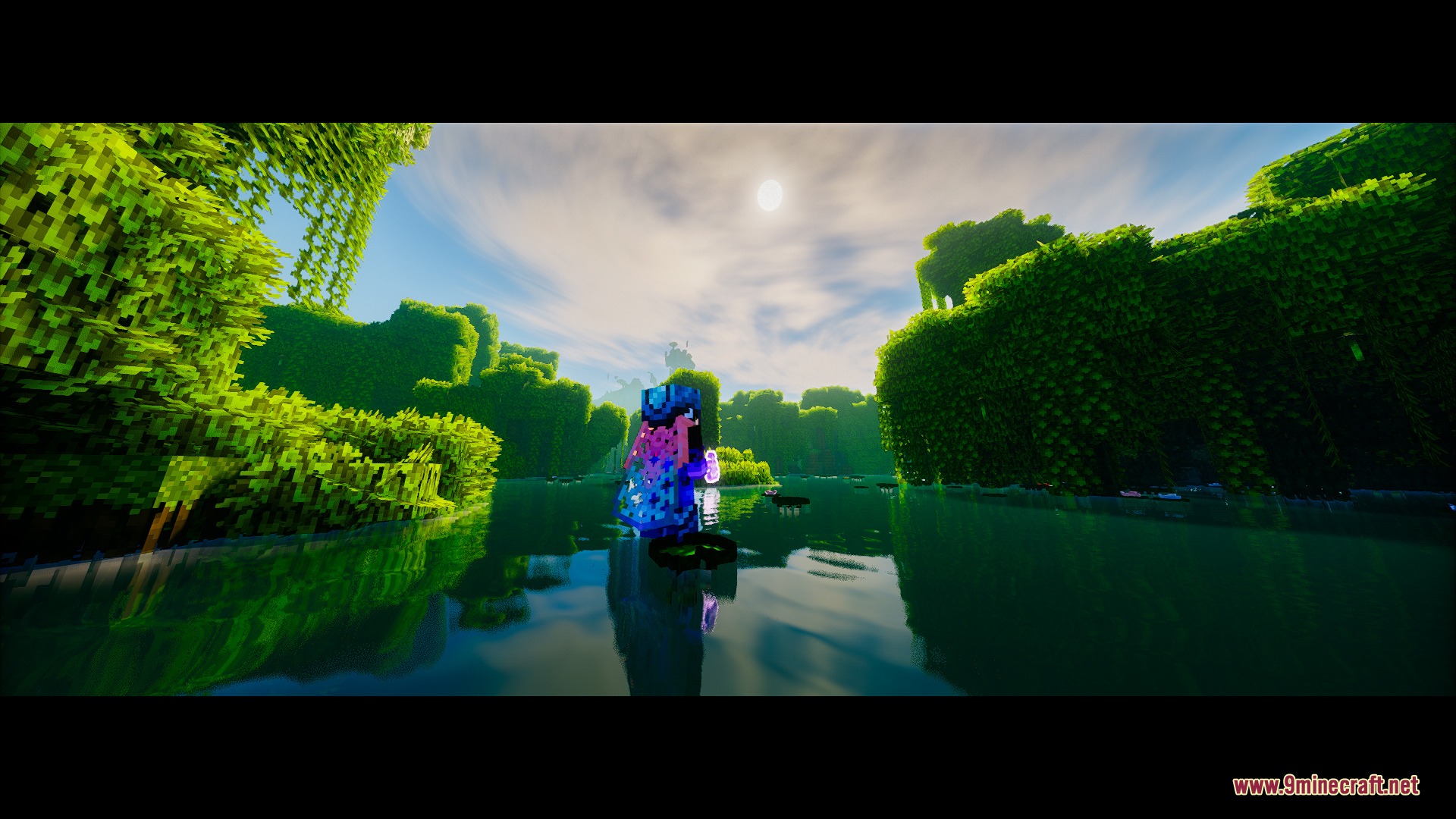
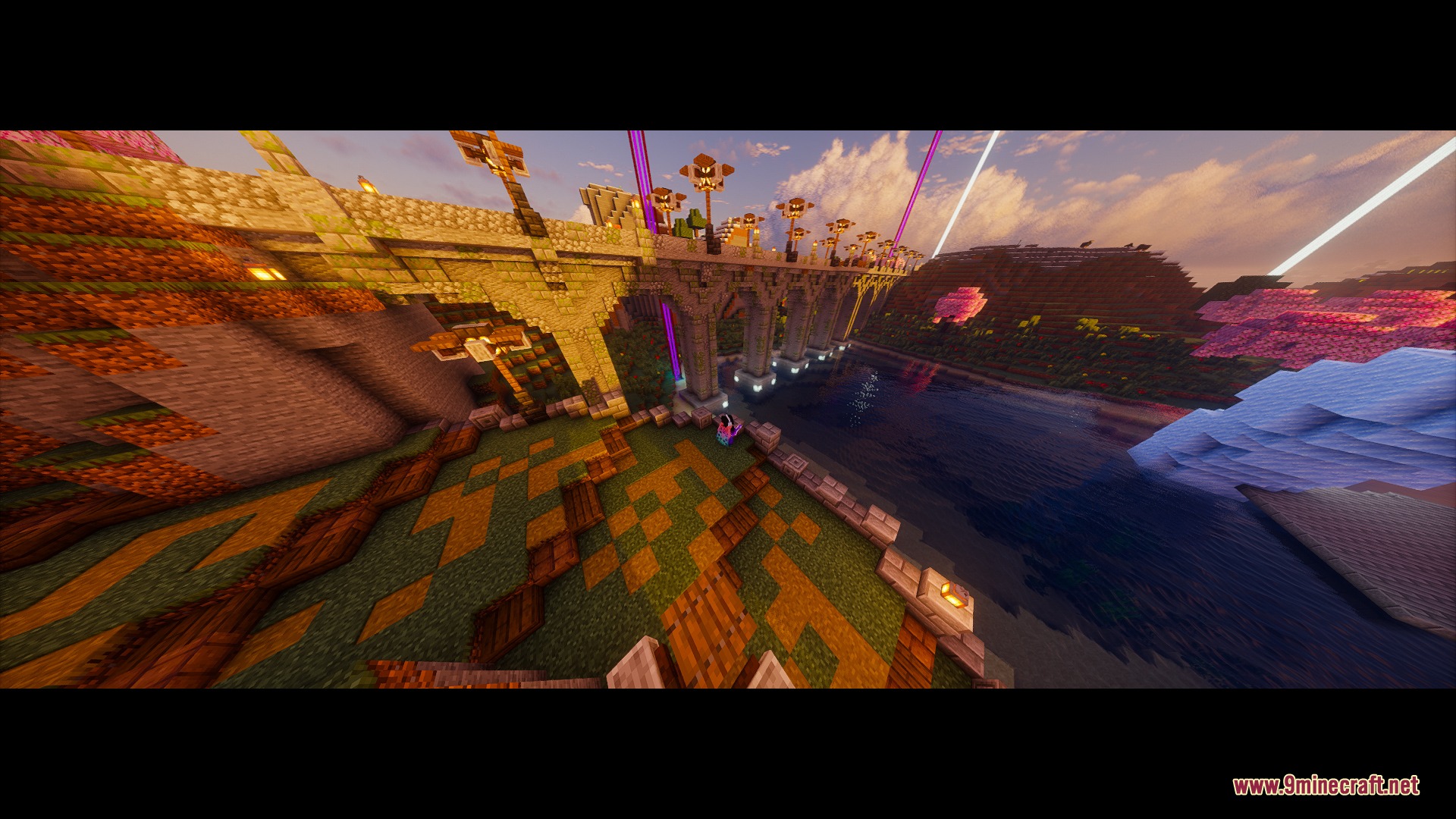
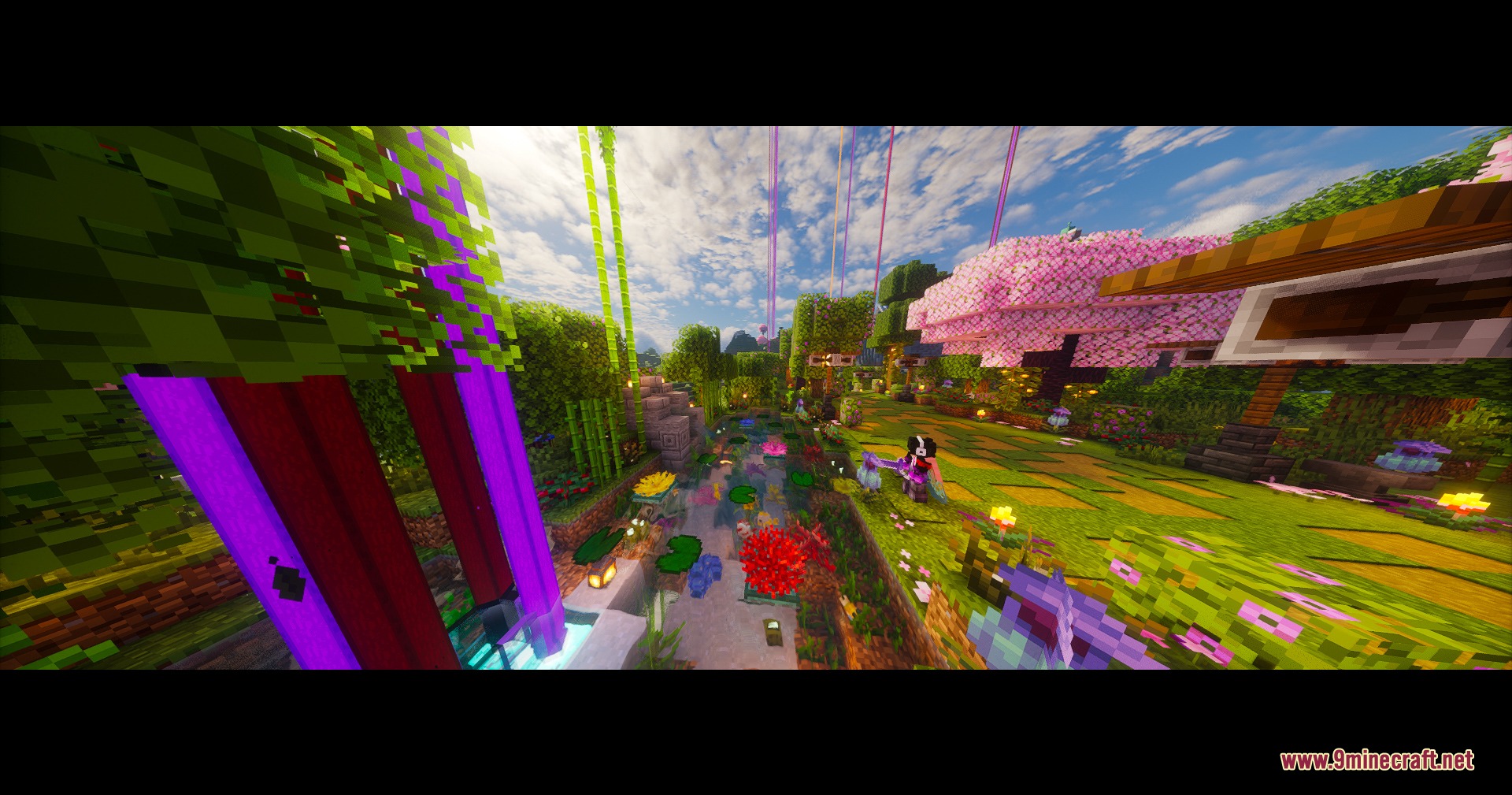
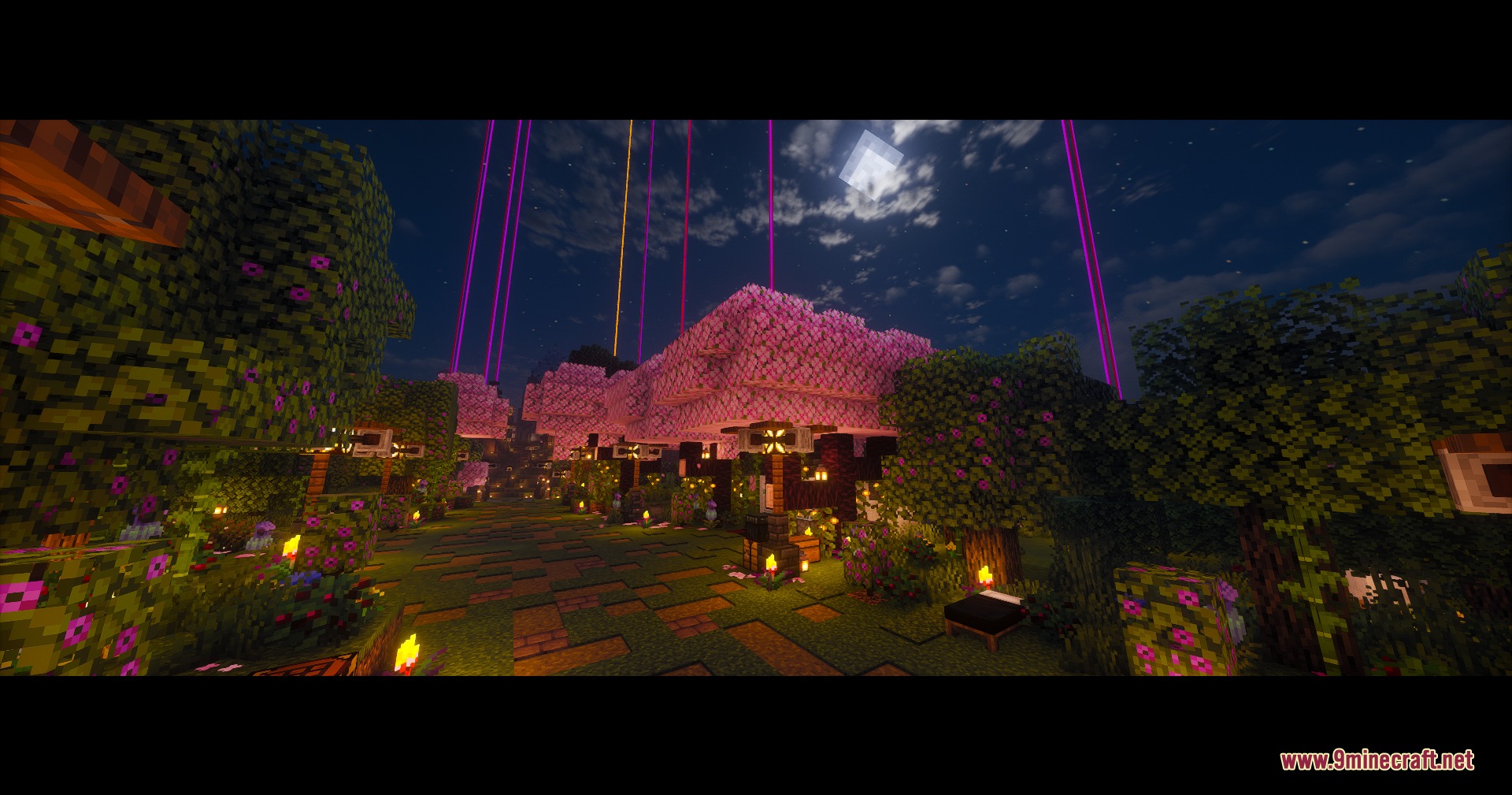
6 images from the Vivid Idle Exploration Mod page.


You May Also Like
Wikis that share the most with this one
More mod wikis on the site
The most downloaded mods that have a wiki here
A few wikis from each of the other kinds