

 DownloadVisualhealth Mod
Get the files on 9Minecraft
Guides
Step-by-step, in-game.
Configure Wound Visibility for Different Mob TypesAccess the Settings Menu Open your mod configuration screen (usually through the main menu or mod settings folder).…Identify Enemy Health by Wound PatternsUnderstand Health Tier Indicators The mod displays wounds progressively as mobs lose health. A creature at full…Set Custom Glowing Colors for Specific CreaturesOpen the Configuration Screen Access your mod settings and find the custom color configuration section. This is where…Use Visualhealth with Resource PacksVerify Compatibility Visualhealth Mod works alongside popular resource packs like Fresh Animations without conflicts.…
Frequently asked questions
How do I see wounds appear on mobs?
Simply attack any mob with a weapon or your fist. Wounds will instantly appear on their body, with more damage marks showing as their health decreases. The type of weapon you use will create different wound patterns.
Can I turn off damage marks on peaceful animals?
Yes, open the settings menu and disable wounds for specific mob types like cows, pigs, or sheep. This lets you keep battle marks visible only on hostile monsters if you prefer.
Why do different mobs show different colored wounds?
How do I change the color of wounds for a specific mob?
Open the configuration screen and find the color codes section for each creature type. Enter a custom hex color code to change how that mob's wounds appear in battle.
See all 10 Visualhealth questions ›
Gallery
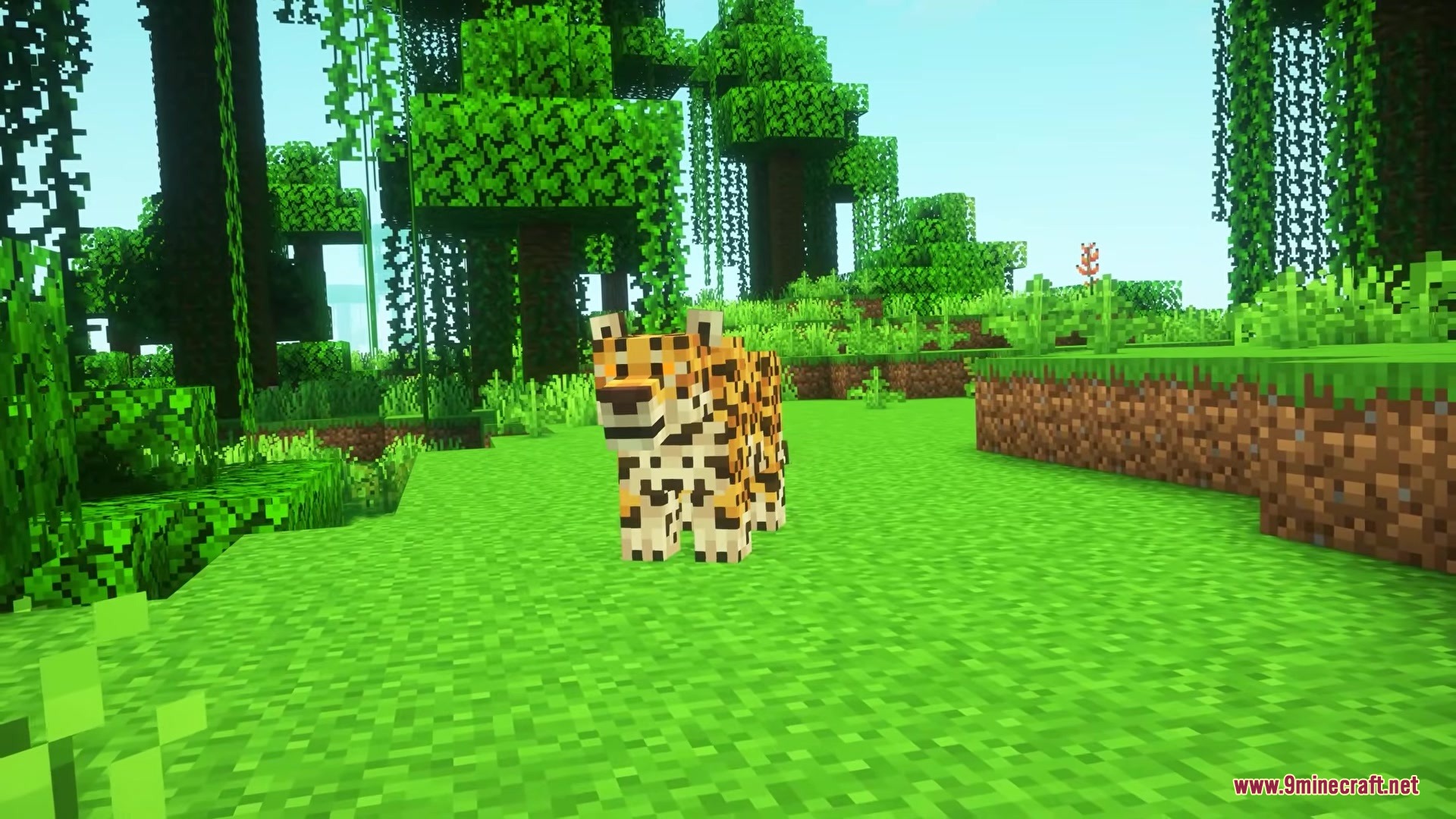
11 images from the Visualhealth Mod page.










You May Also Like
Wikis that share the most with this one
More mod wikis on the site
The most downloaded mods that have a wiki here
A few wikis from each of the other kinds