

 DownloadVisual Keys Mod
Get the files on 9Minecraft
Guides
Step-by-step, in-game.
Find Unassigned Keys for New KeybindsLocating Available Keys When you want to bind a new function but aren't sure which keys are still free, the Visual…Identify Conflicting KeybindsFinding Duplicate Key Assignments When Minecraft warns you about a keybind conflict, the Visual Keys Mod makes it…Open the Visual Keys ScreenAccessing the Keyboard Layout The Visual Keys Mod adds a dedicated keybind to open its main interface. This screen…Organize Your Keybinds by CategoryPlanning a Logical Keybind Layout The Visual Keys Mod helps you see your entire keybind scheme at once, making it…
Frequently asked questions
How do I open the Visual Keys screen?
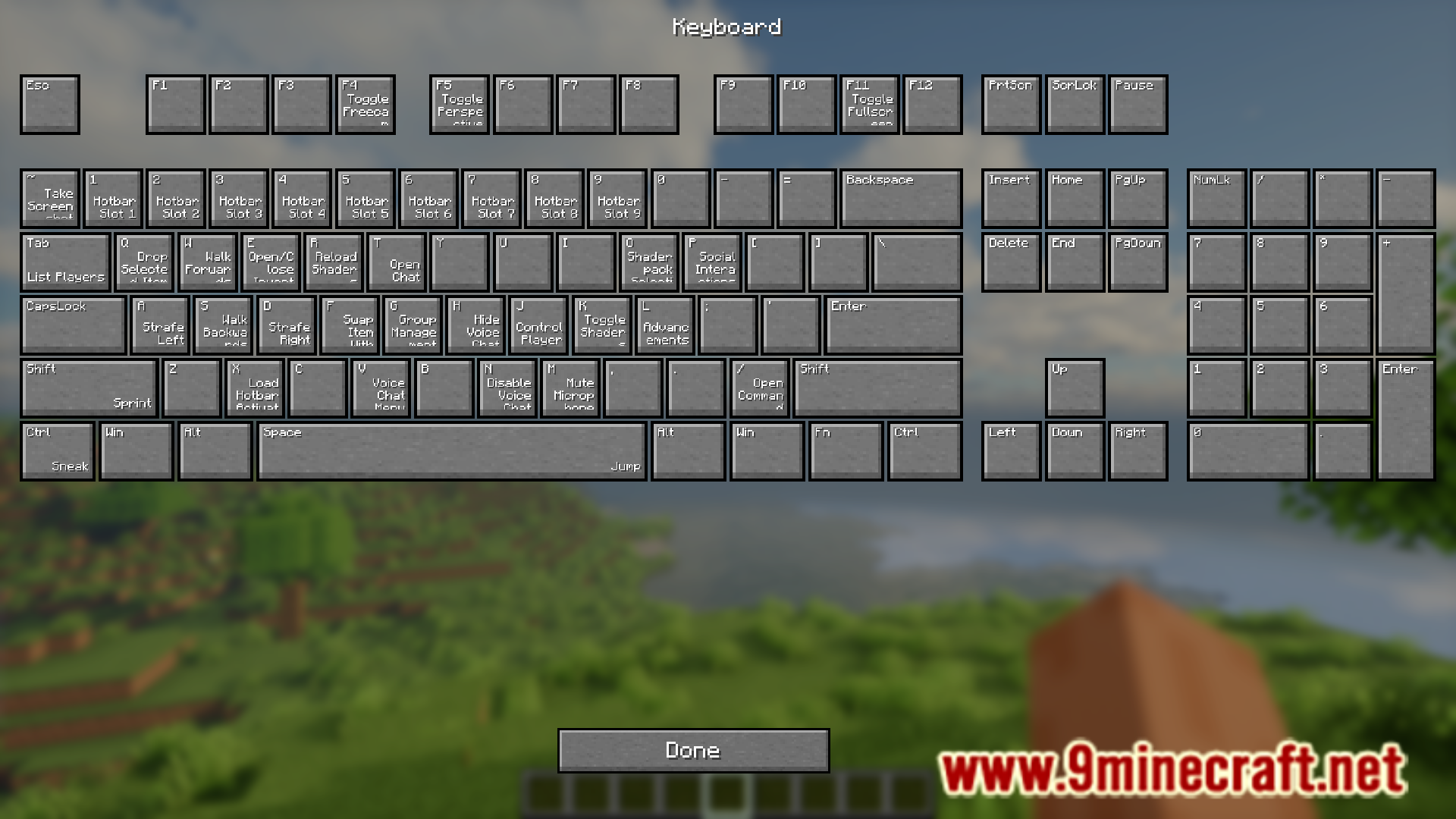
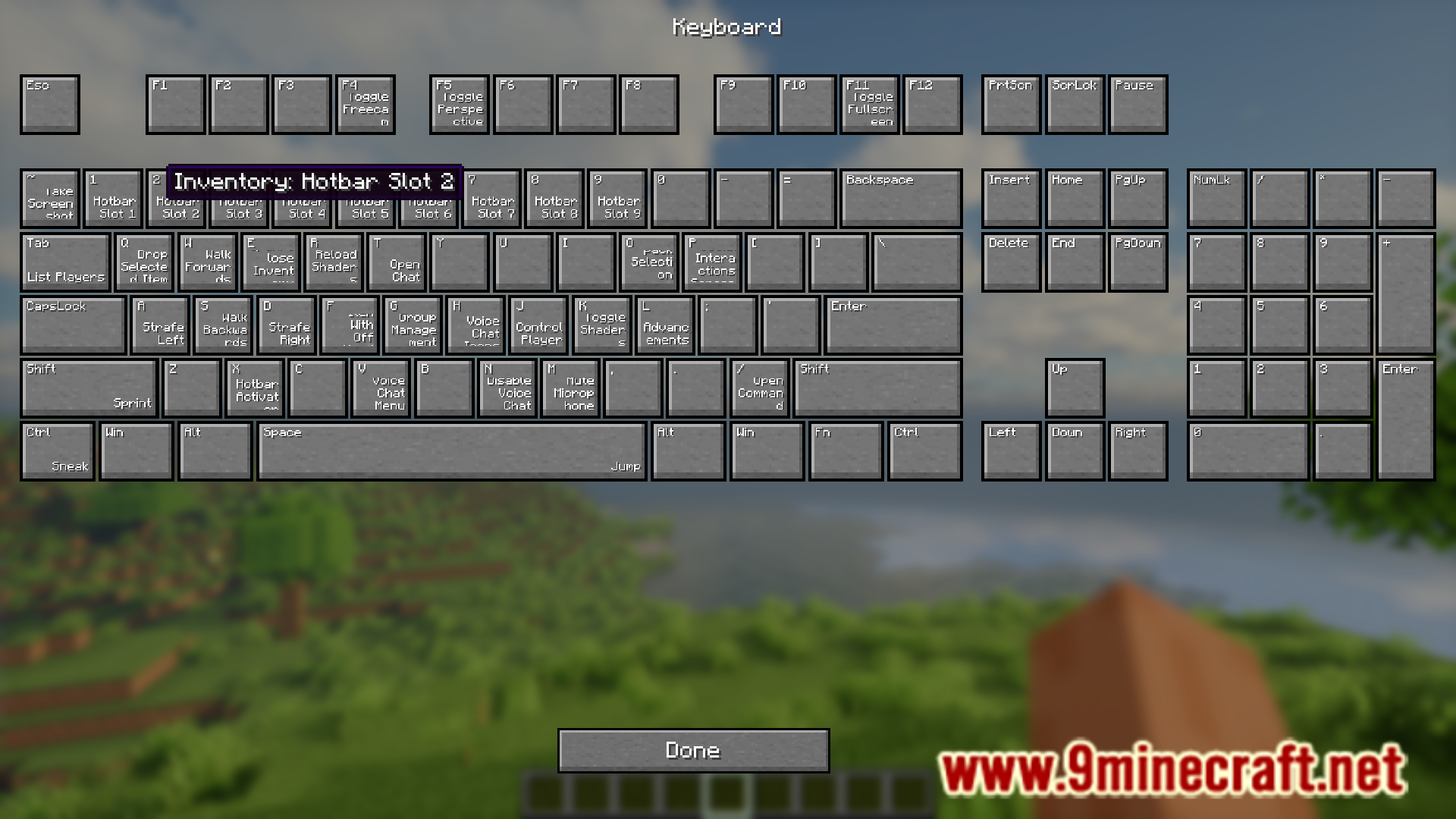
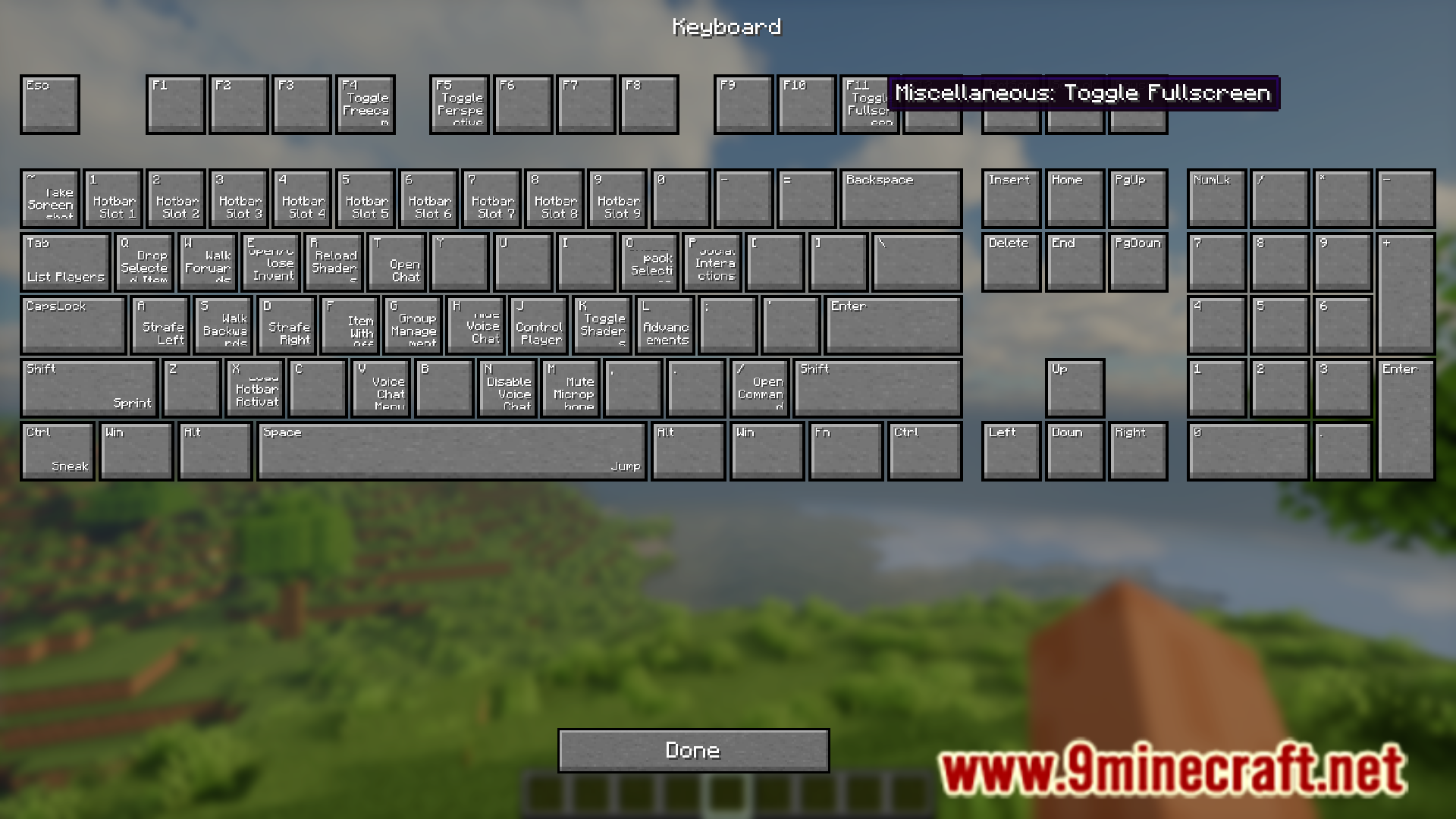
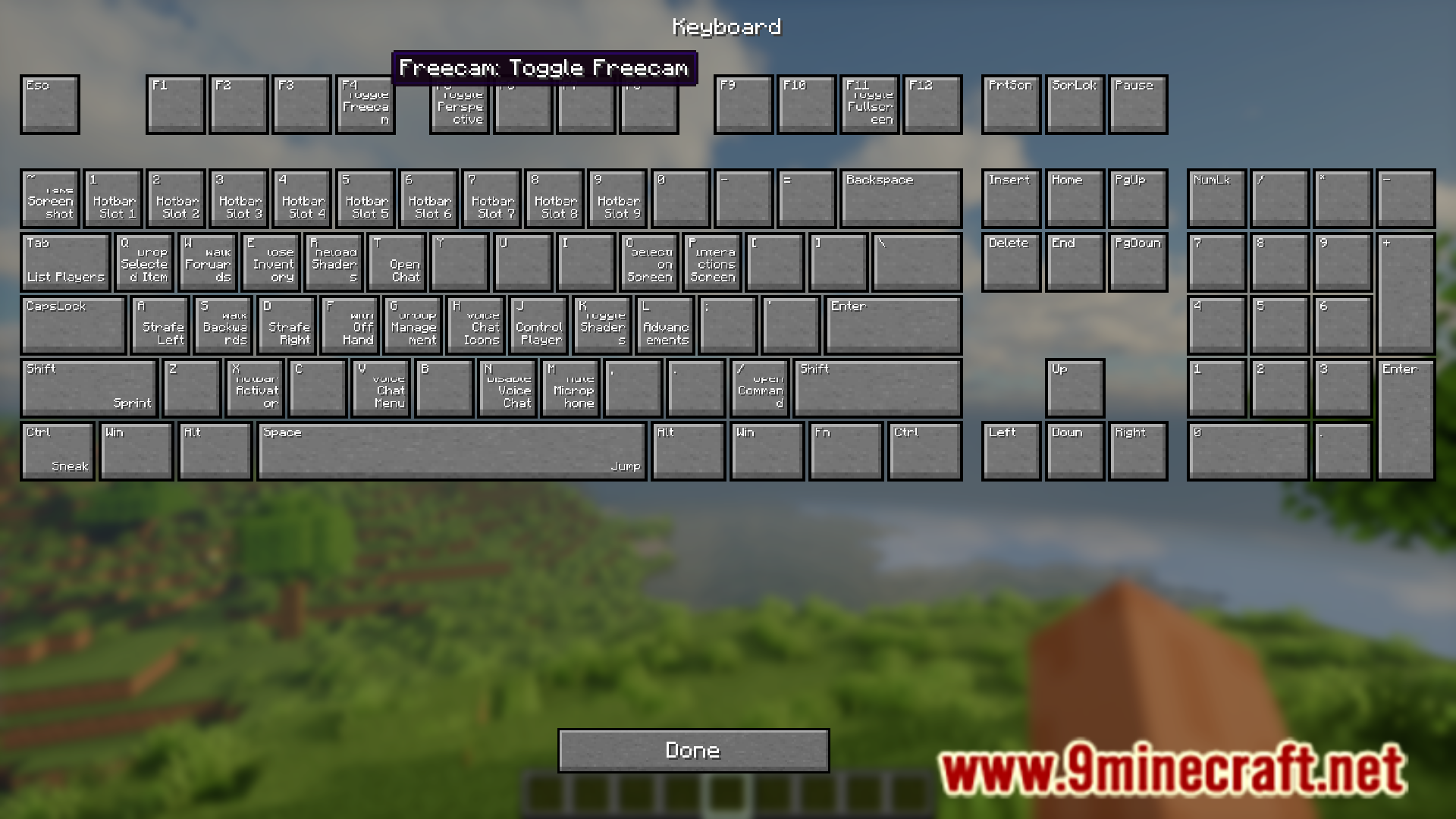
Press the keybind you assigned to Visual Keys Mod in your keybind settings screen—by default this is often an unassigned key, but you can customize it. The keyboard layout screen will appear, showing all your currently assigned keybinds color-coded on a visual keyboard.
What do the different colors on the keyboard mean?
Each color represents a different category or mod—for example, movement keys might be one color, combat keys another, and mod-specific functions their own colors. This color-coding helps you quickly identify which functions are bound to which keys at a glance.
Can I see which keys have no keybind assigned?
Yes, unassigned keys typically appear in a neutral color (like gray or white) on the Visual Keys screen, making it easy to spot available keys for new keybinds without opening the full keybind settings menu repeatedly.
How do I find keybind conflicts?
Open the Visual Keys screen and look for keys that show multiple functions or appear highlighted differently—these indicate conflicting keybinds. You can then decide which function should keep the key and reassign the other in your keybind settings.
See all 10 Visual Keys questions ›
Gallery
6 images from the Visual Keys Mod page.
You May Also Like
Wikis that share the most with this one
Wikis on the same theme: cat
More mod wikis on the site
The most downloaded mods that have a wiki here
A few wikis from each of the other kinds