

 DownloadVisible Toggle Sprint Mod
Get the files on 9Minecraft
Guides
Step-by-step, in-game.
Choose Between Crosshair, Icon, or Text DisplayUnderstand Each Display Method This mod offers three ways to see your toggle status. Each has different advantages:…Customize Icon and Text Positions on ScreenAccess Position Settings Open your mod config screen using the keybind you assigned earlier. Inside the config menu,…Set Up Your First Toggle Status DisplayOpen the Configuration Screen Before you can see your sprint and sneak toggle status, you need to assign a keybind to…Troubleshoot Missing or Invisible Toggle IndicatorsVerify the Config Screen Opens If you can't see any toggle indicators, first confirm the mod is working: 1. Check…
Frequently asked questions
How do I open the config screen?
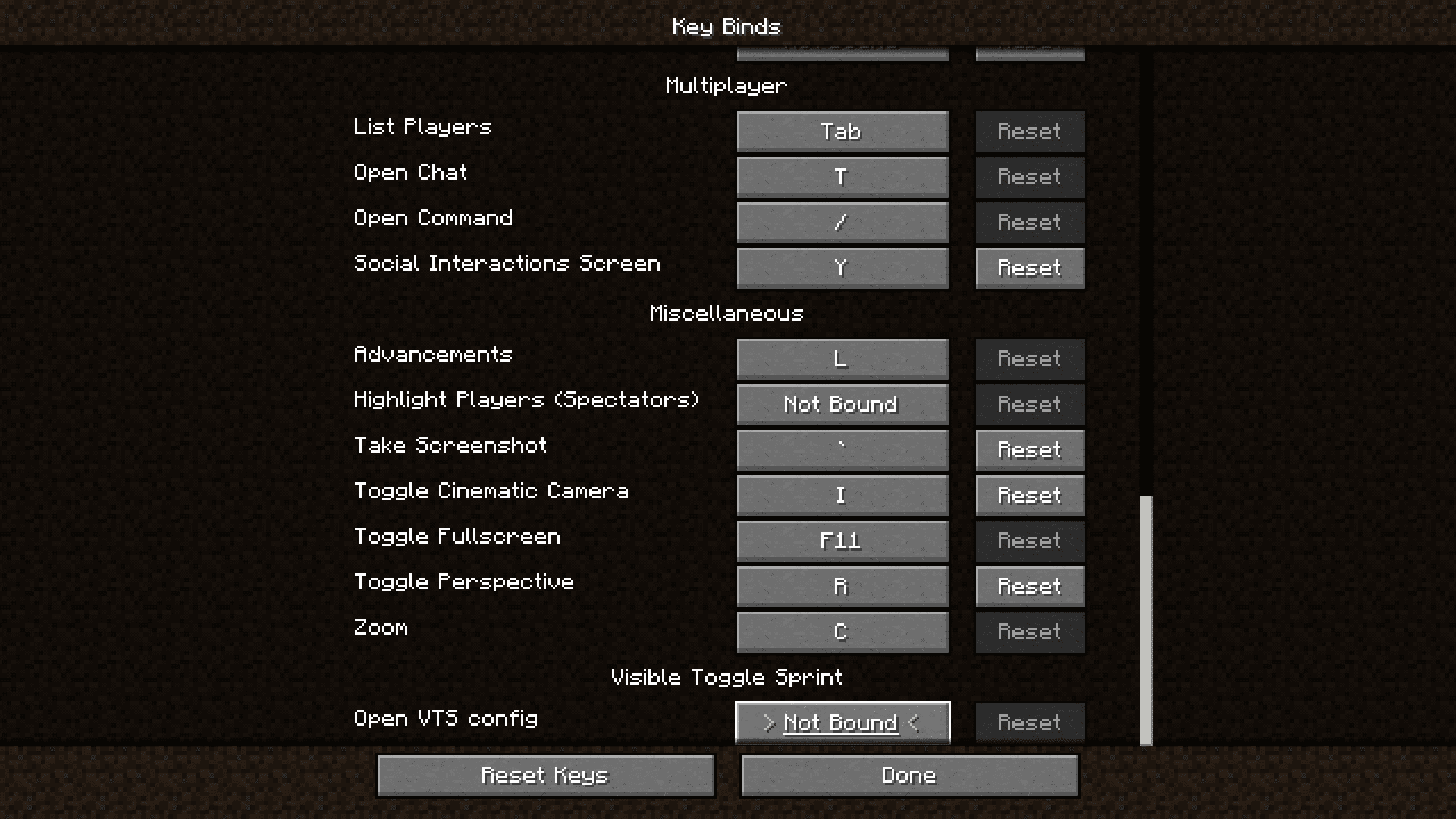
You need to set a keybind first in your Controls settings menu—search for "Visible Toggle Sprint" and assign any key you want. Once set, press that key in-game to open the configuration screen.
Why can't I see my sprint toggle status?
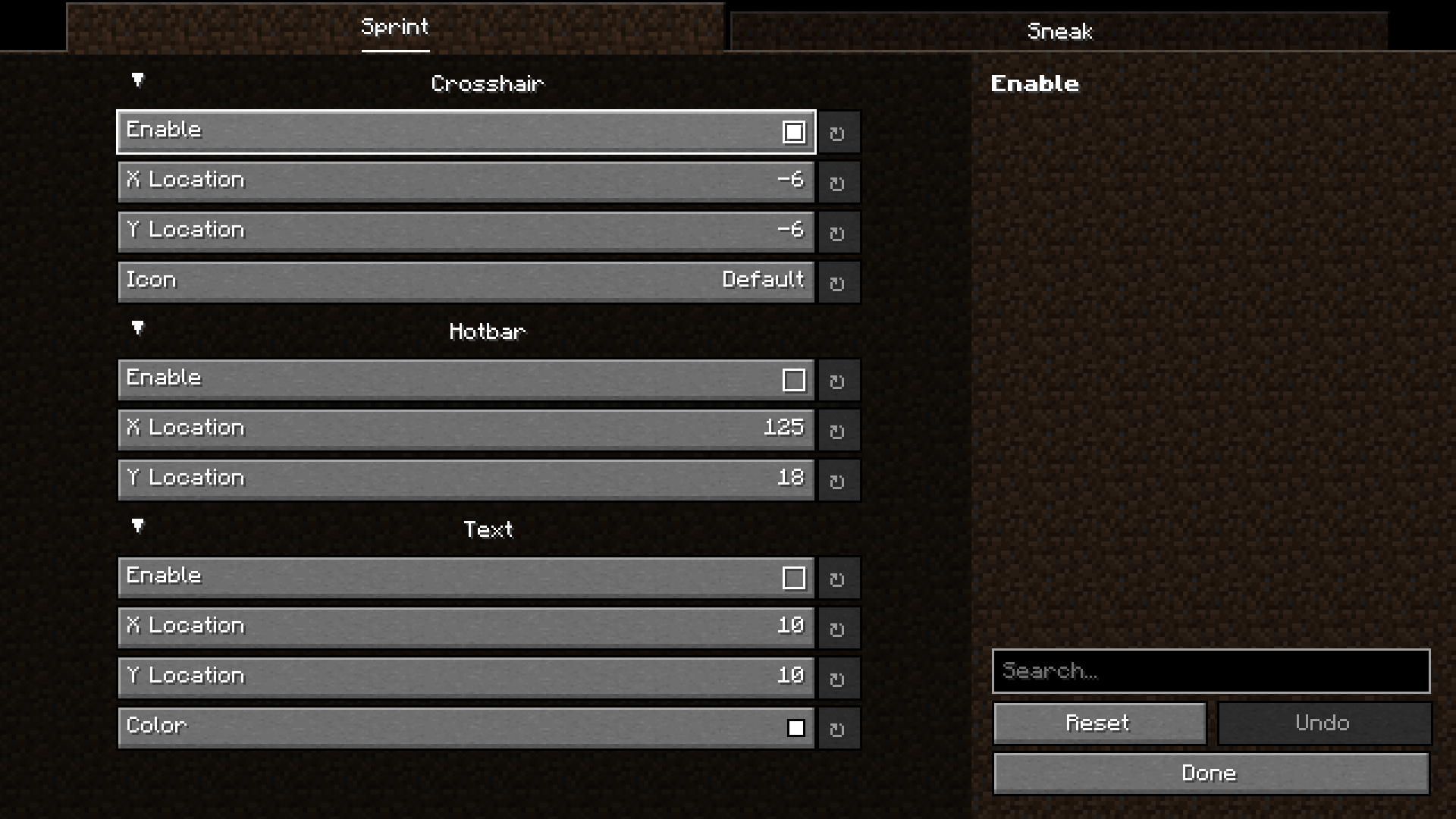
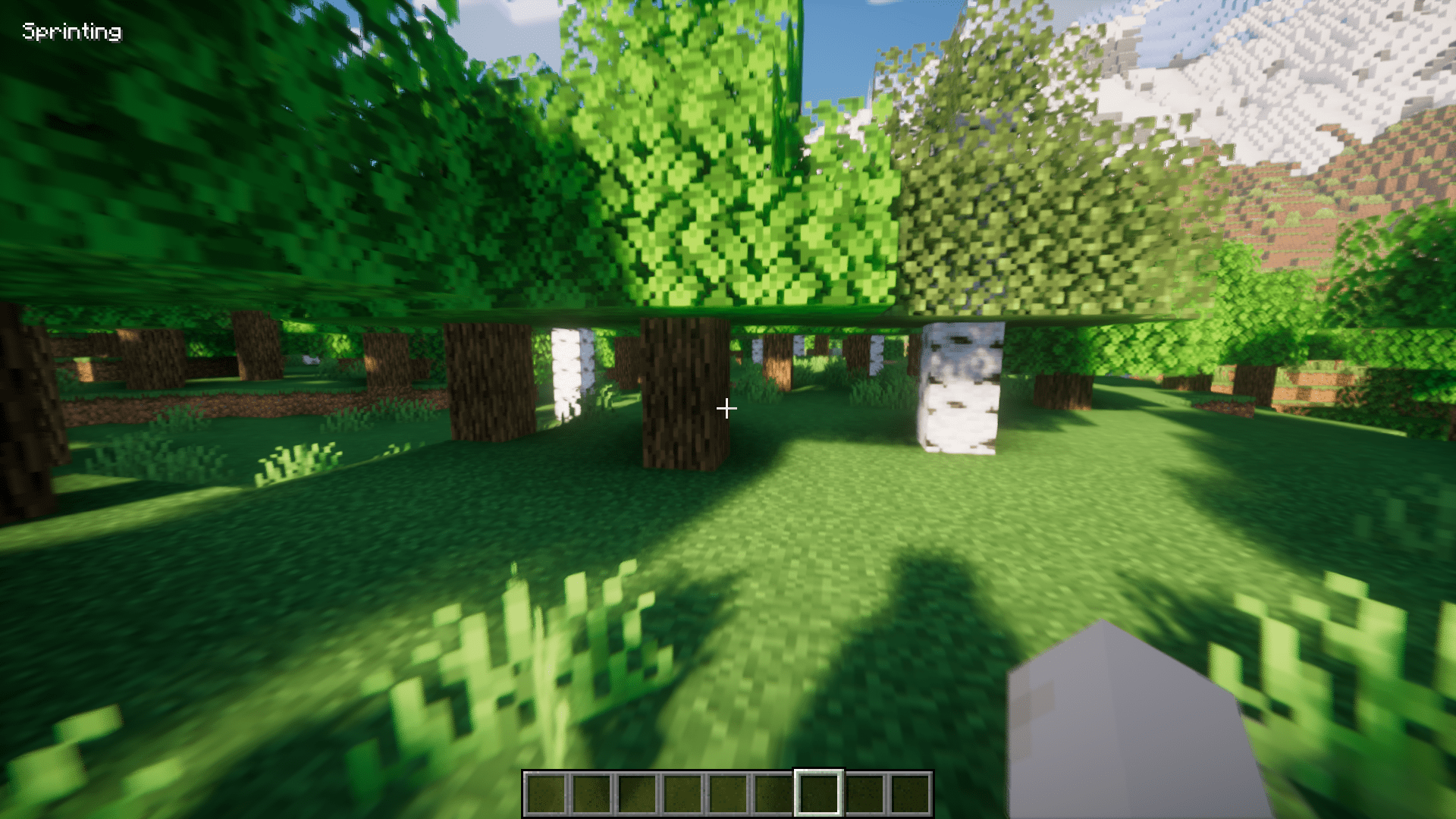
Make sure you have at least one display method enabled in the config screen (Crosshair, Icon, or Text). If all are disabled, nothing will show. Also check that your sprint keybind is set to toggle mode, not hold mode.
Where does the crosshair indicator appear?
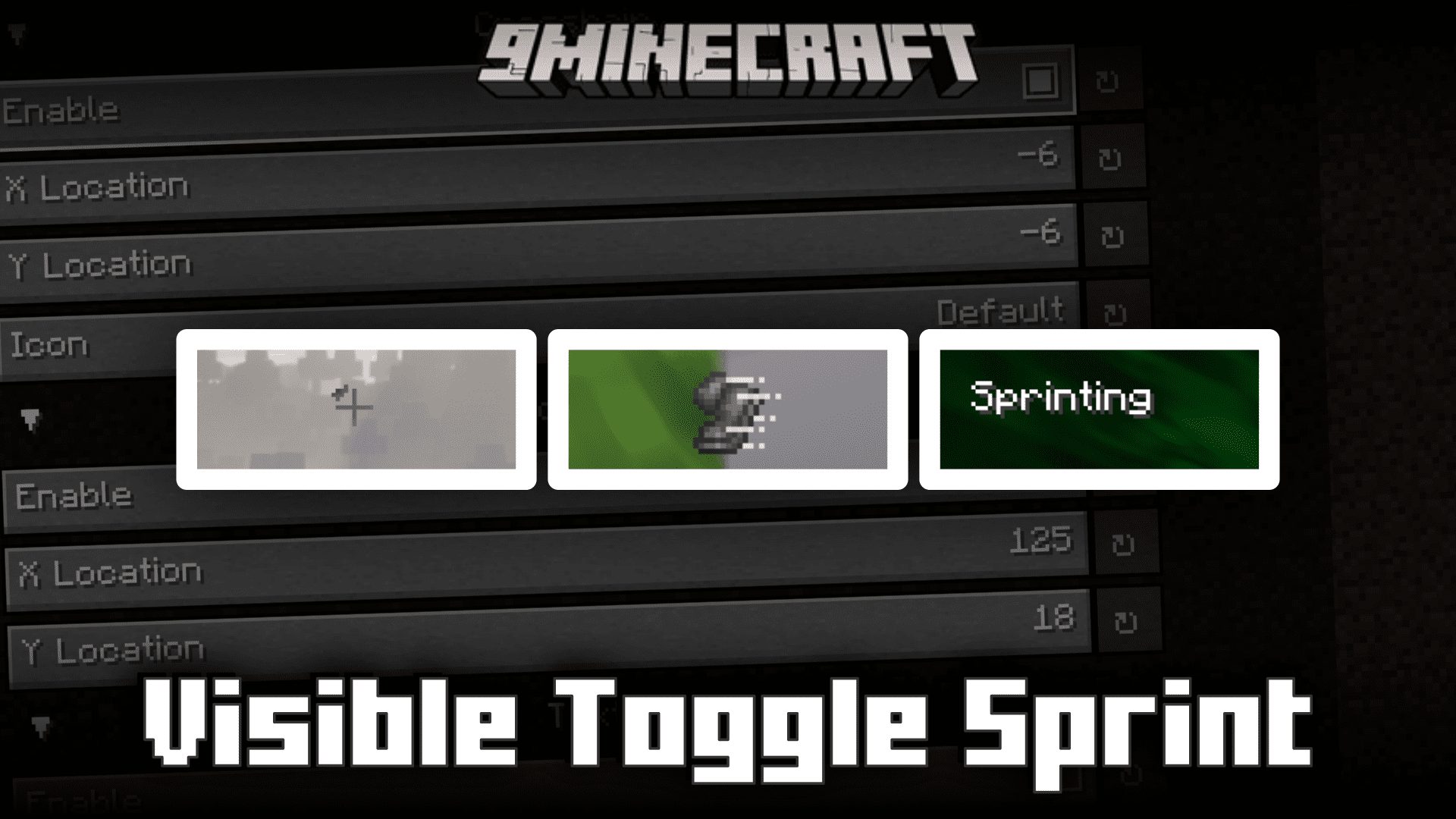
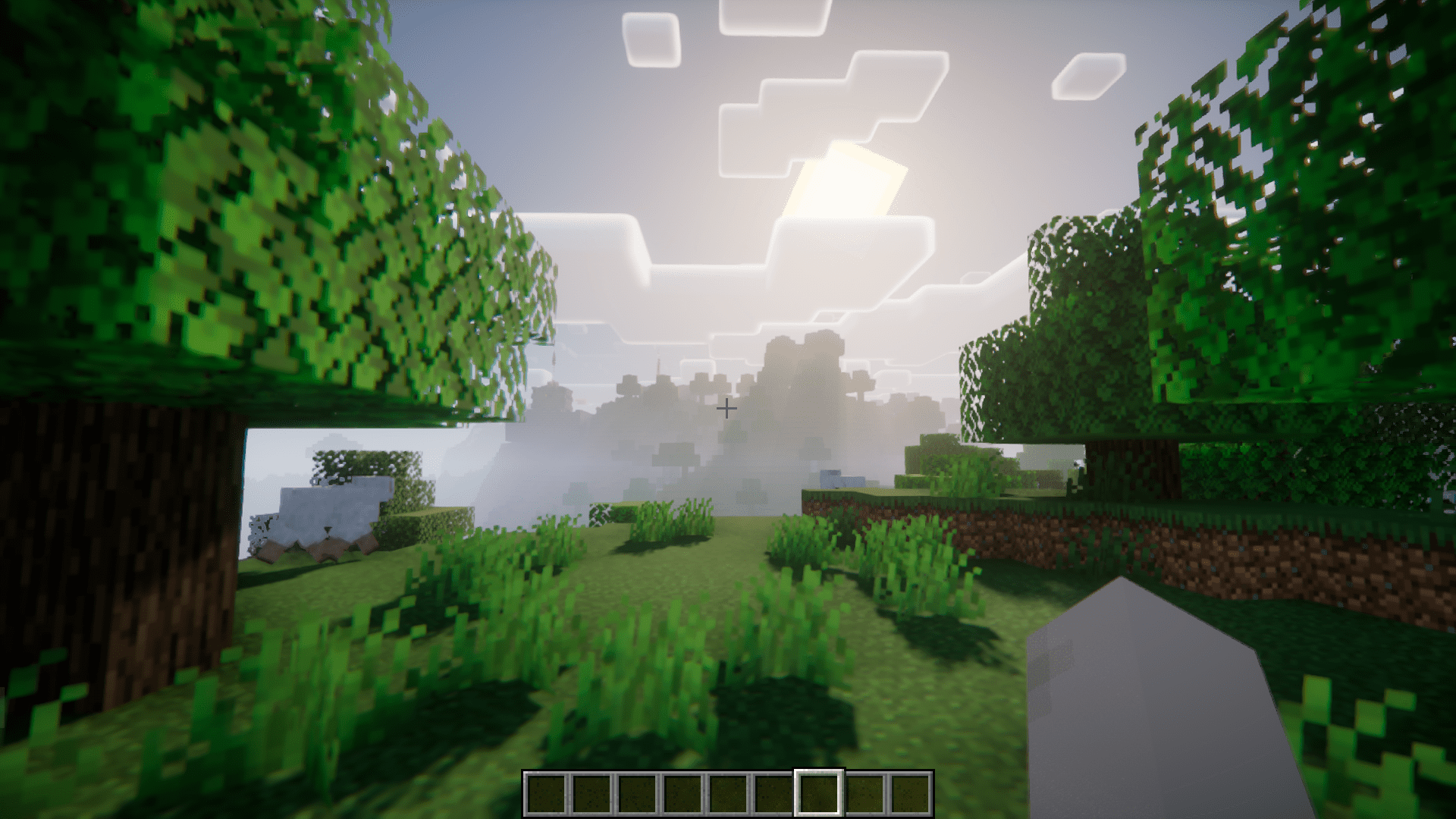
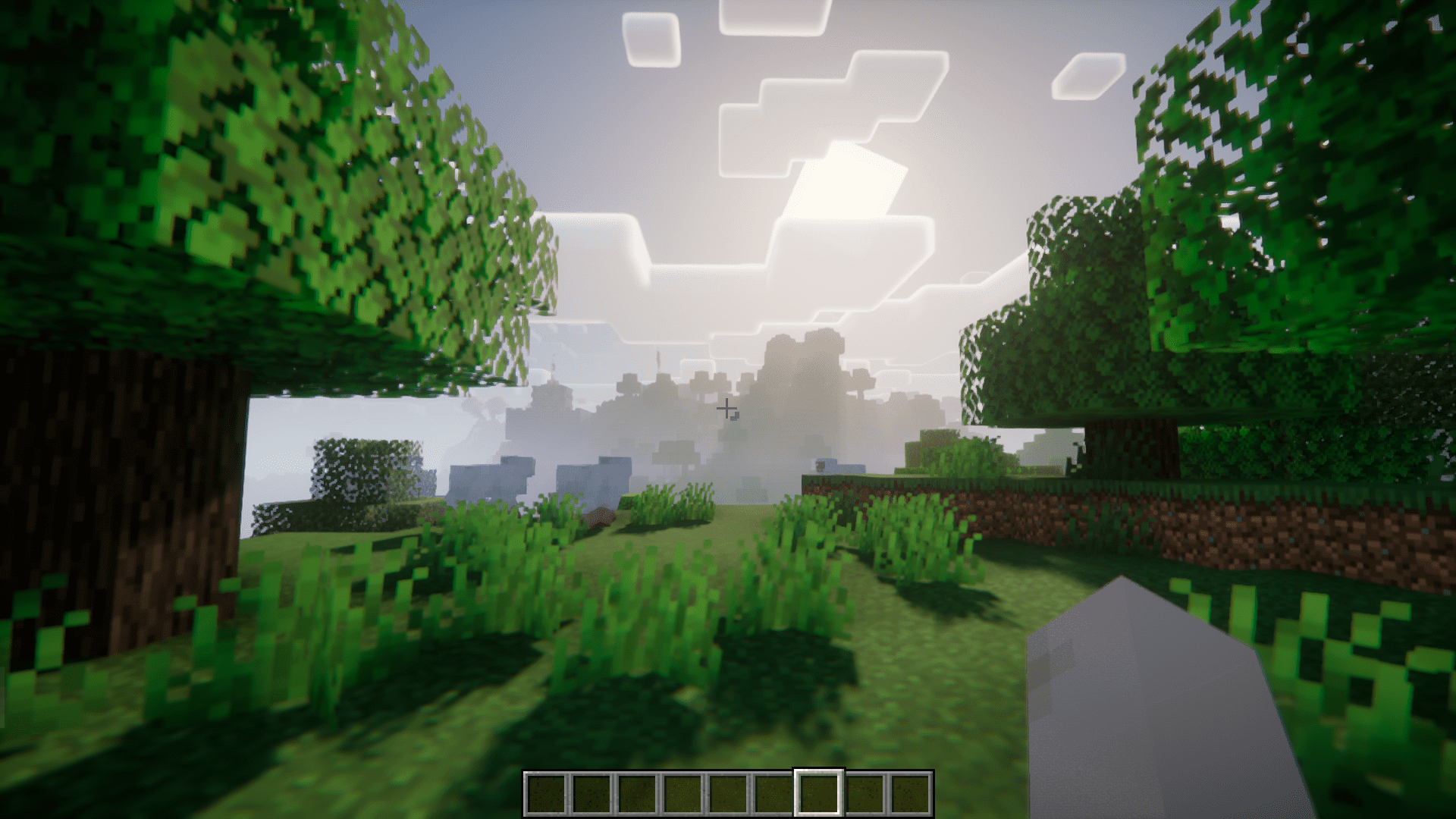
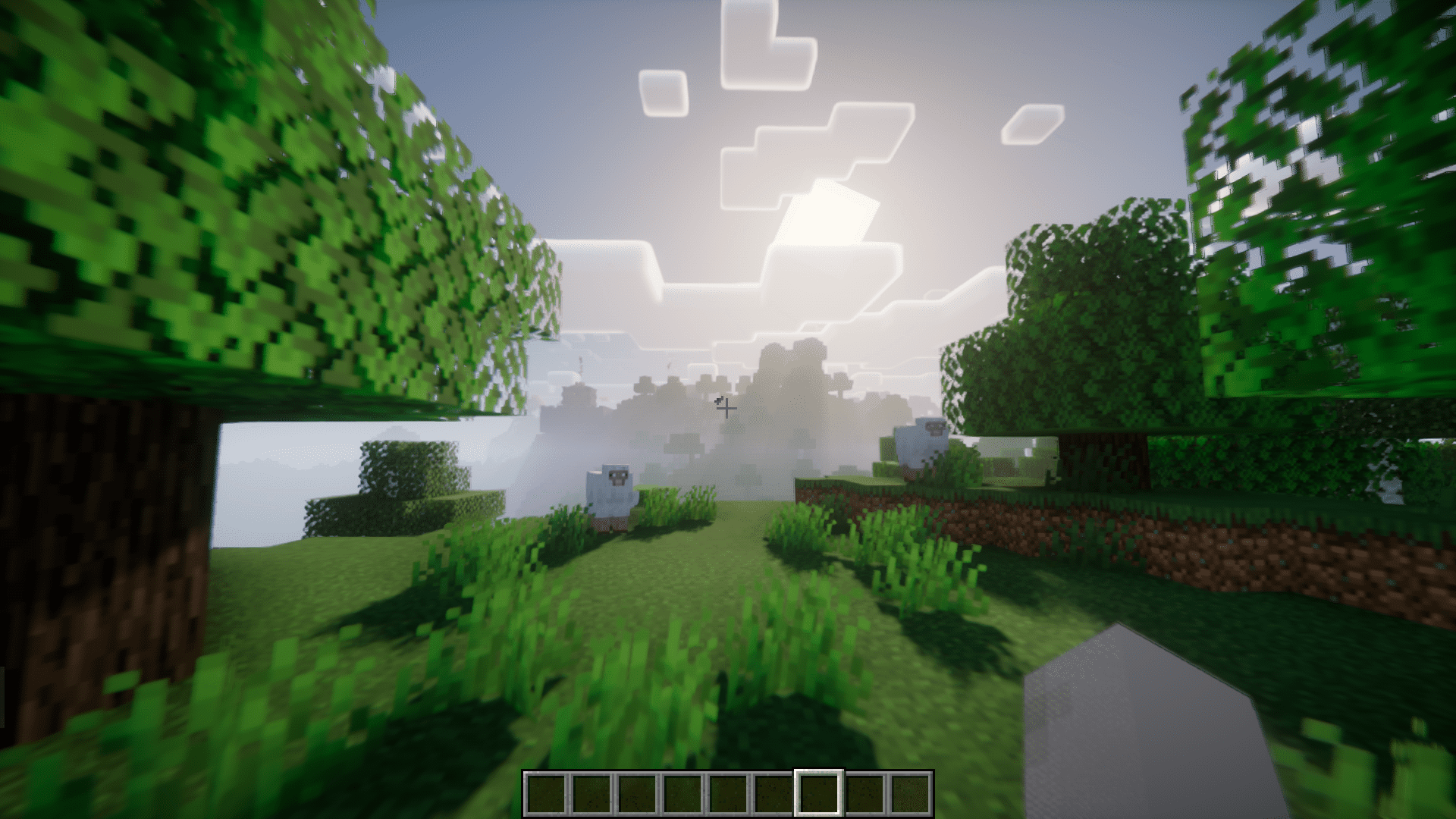
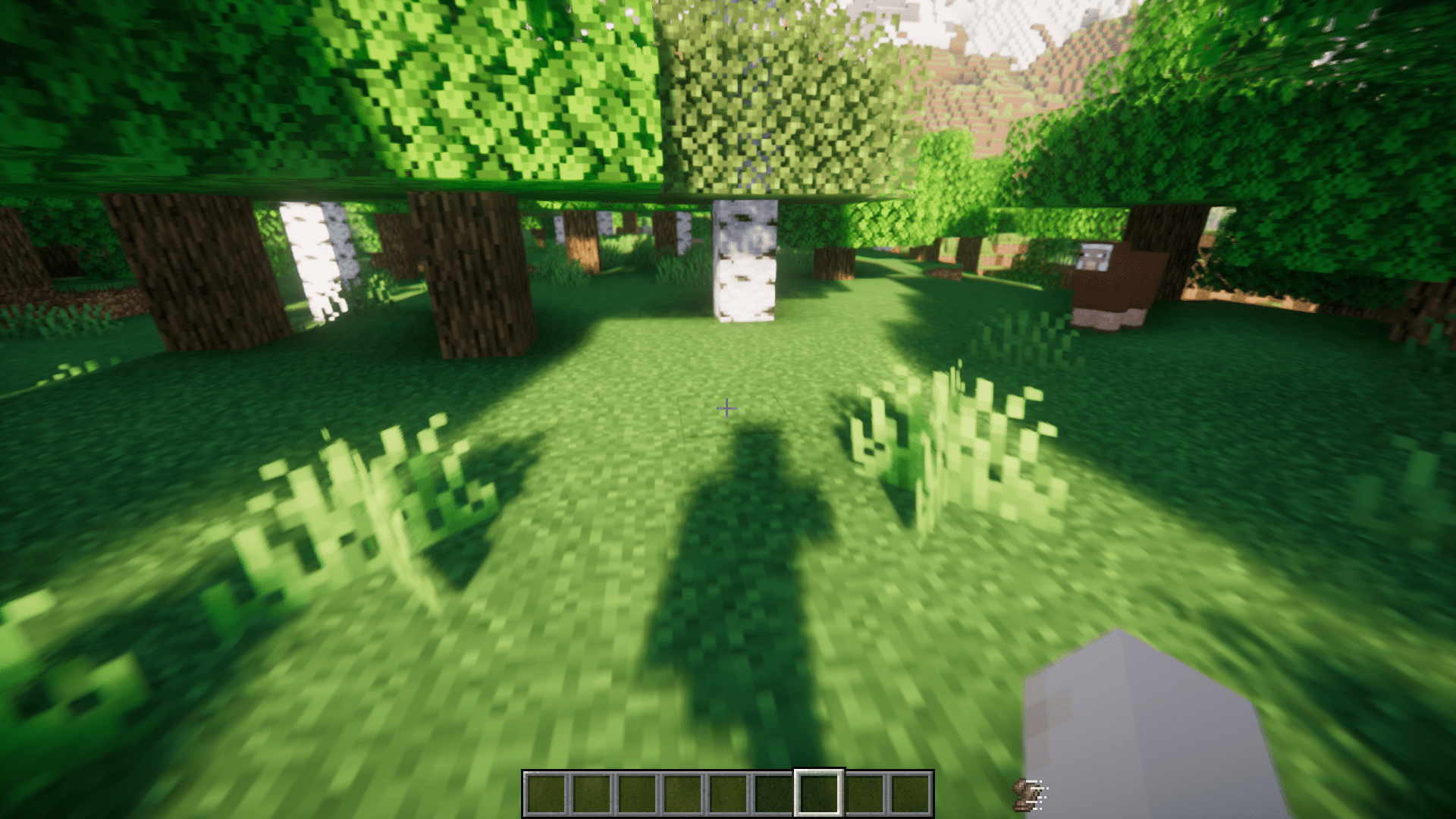
A small sign appears on the top right corner of your crosshair when sprint is toggled on, and on the bottom left corner when sneak is toggled on.
Can I move the icon and text displays around?
Yes, both the icon and text displays have configurable positions that you can adjust in the in-game config screen to place them anywhere on your screen.
See all 10 Visible Toggle Sprint questions ›
Gallery
8 images from the Visible Toggle Sprint Mod page.
You May Also Like
Wikis that share the most with this one
Wikis on the same theme: cat
More mod wikis on the site
The most downloaded mods that have a wiki here
A few wikis from each of the other kinds