

 DownloadEmber Visual Architect Mod
Get the files on 9Minecraft
Guides
Step-by-step, in-game.
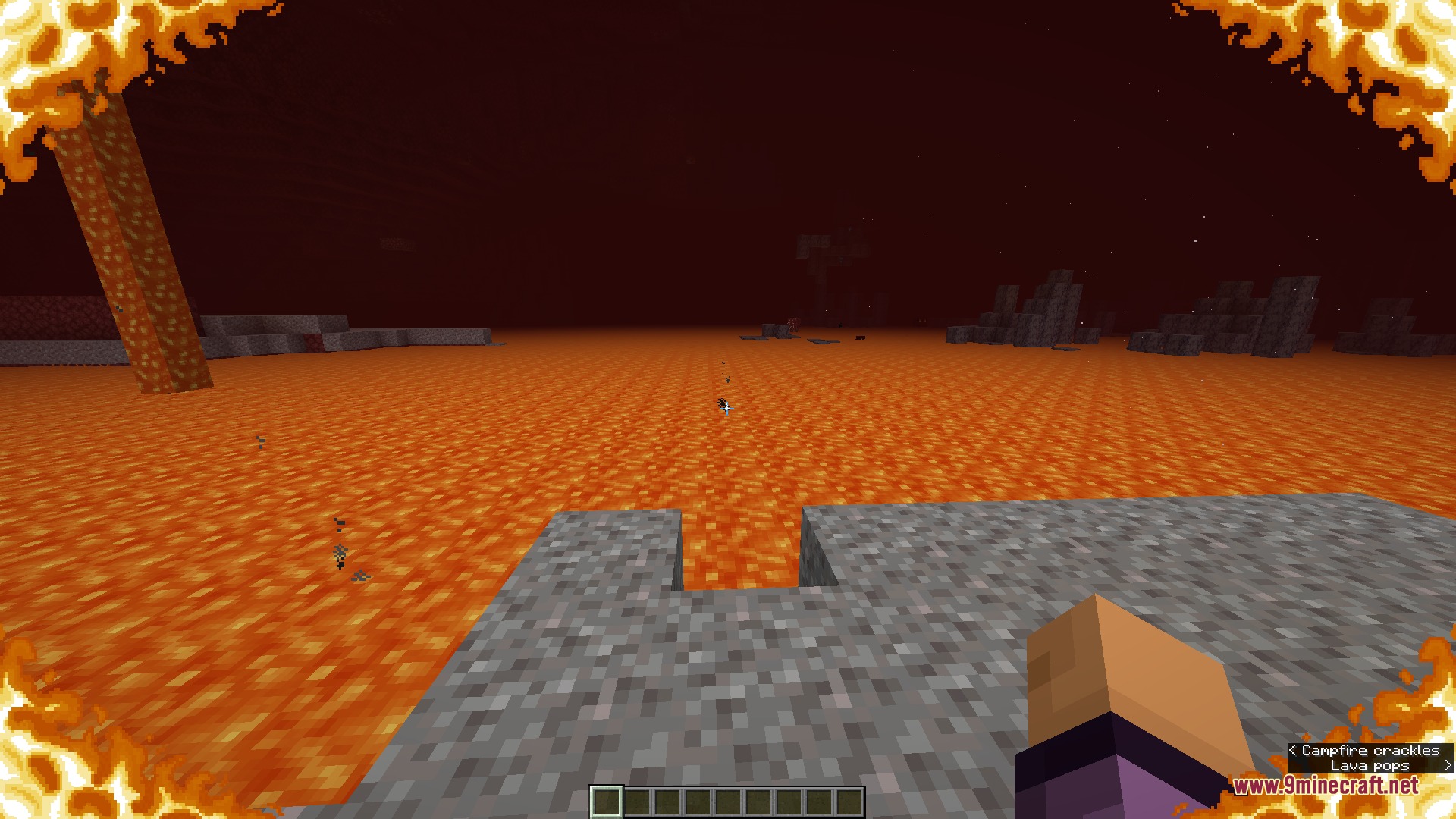
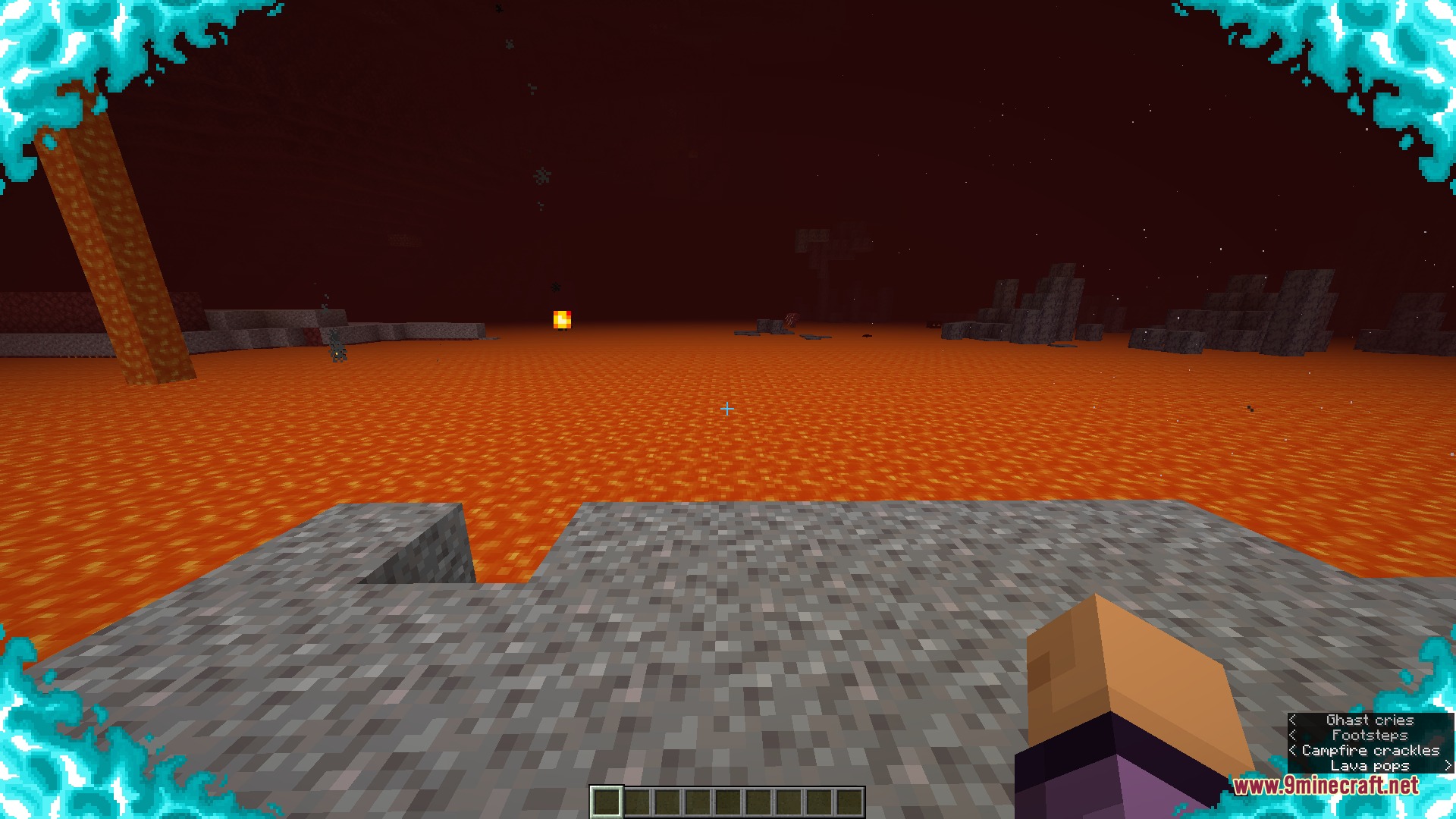
Adjust Fire Position and Height on ScreenReposition Your Fire Overlay The default fire overlay covers the center of your screen. You can move it to the edges…Clear Fog When Swimming Under LavaReduce Lava Fog Thickness Swimming under lava creates an extremely thick fog that blocks your view. This mod lets you…Distinguish Soul Fire from Regular Fire VisuallyEnable Soul Fire Color Change Soul fire appears in soul sand valleys and other soul-themed areas. This mod…Remove the Fire Overlay CompletelyDisable the Burning HUD If fire is blocking your view during combat or mining, you can turn off the overlay entirely.…
Frequently asked questions
Where do I find the mod settings?
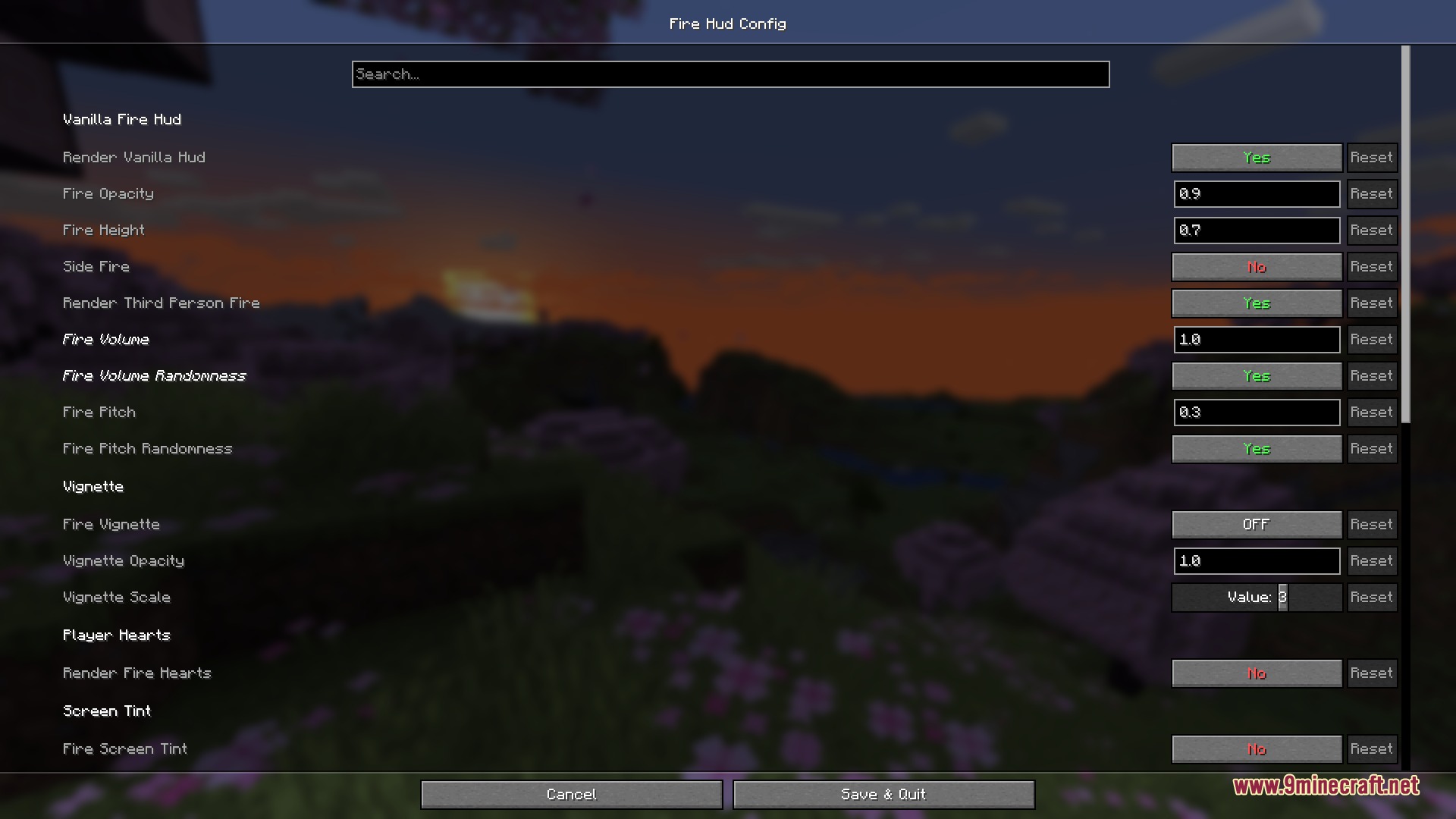
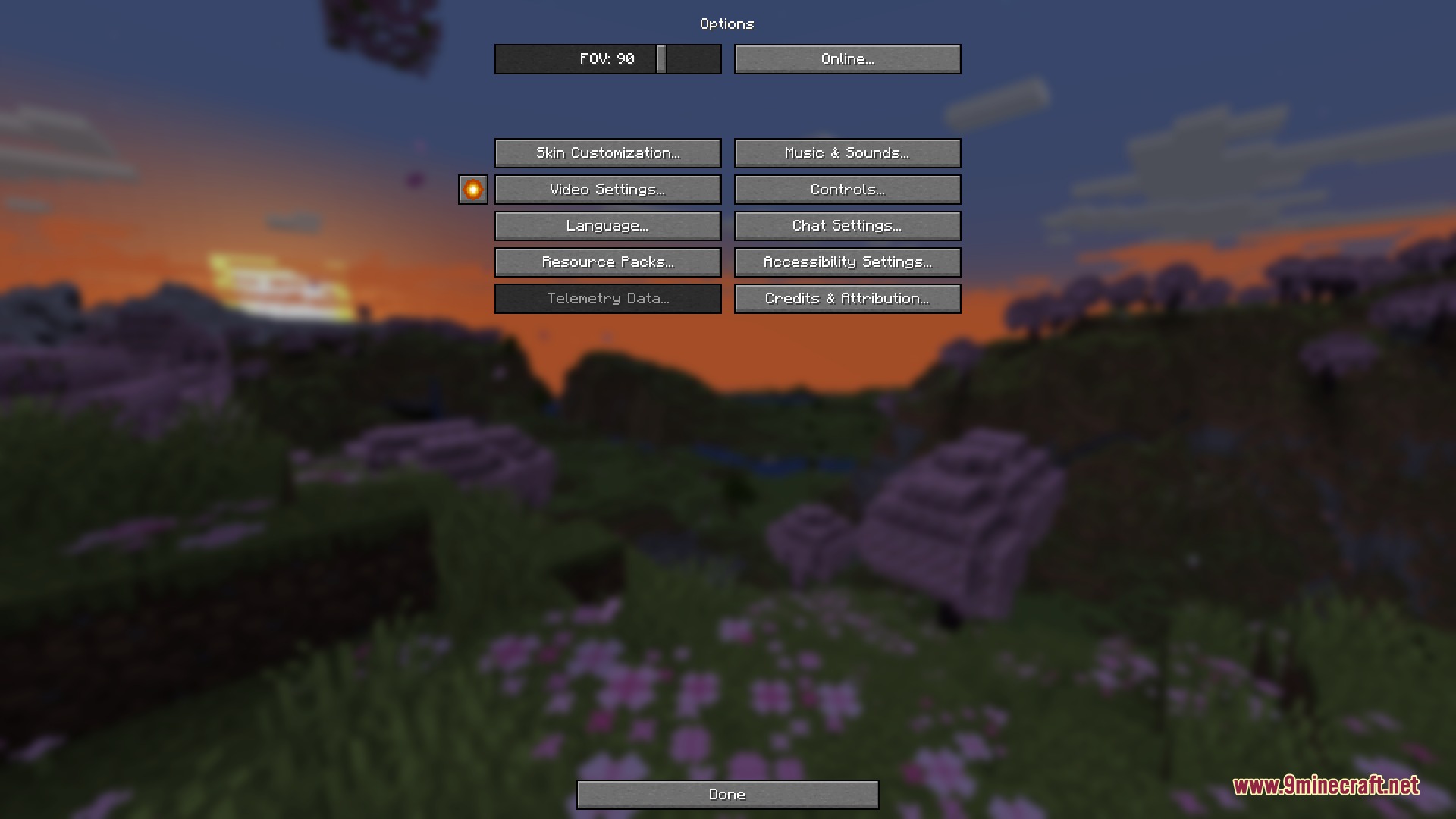
Open your game options menu and look for a settings button next to Video Settings, or access the mod through Mod Menu if you have it installed. Either path opens the visual adjustments screen where all fire and lava fog controls are located.
How do I turn off the fire overlay completely?
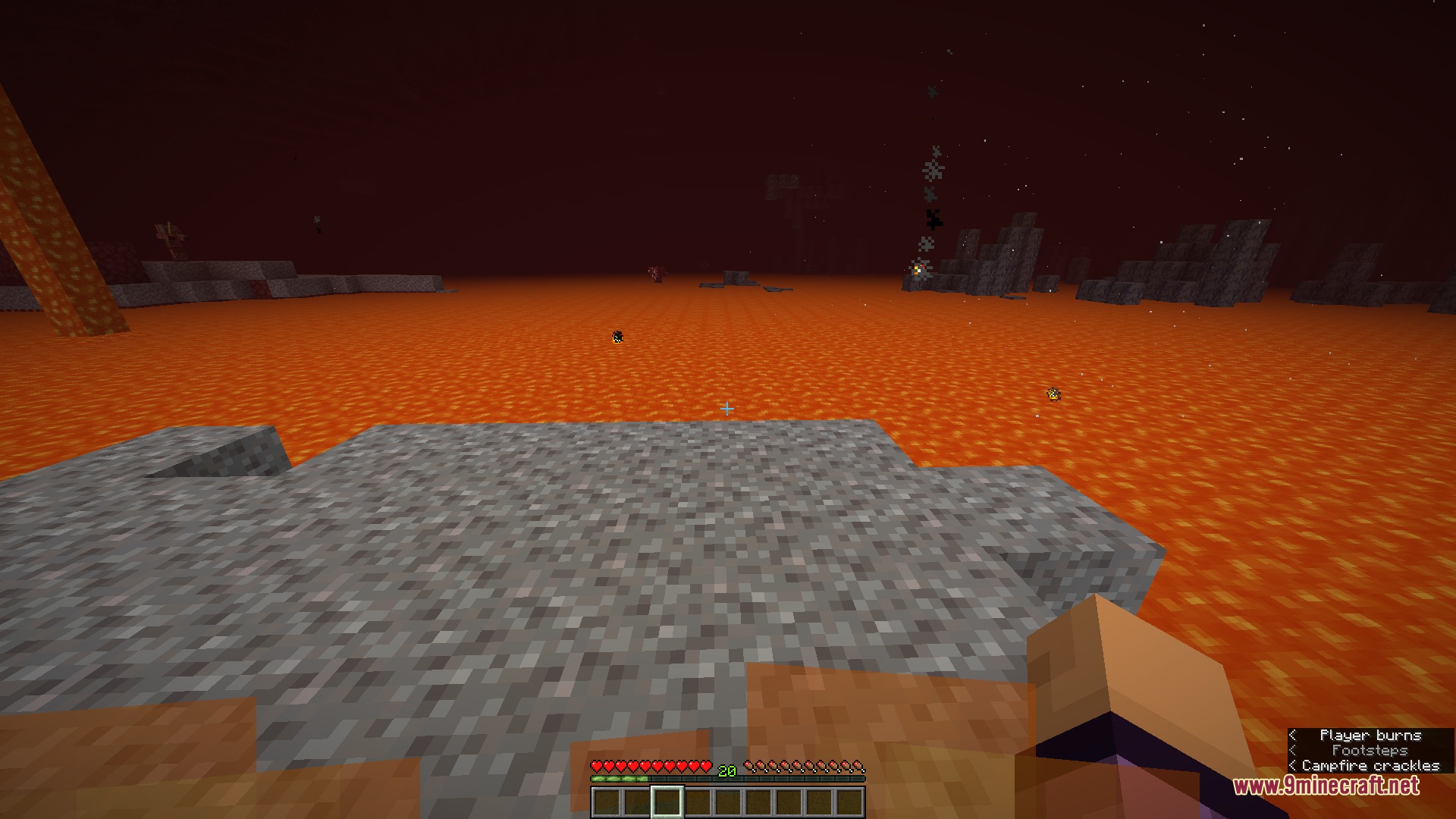
Open the mod settings and set the burning overlay opacity to its minimum value, or toggle the overlay off entirely depending on your preferred method. Your view will no longer be blocked by flames when you catch fire.
Can I make the fire appear only on the edges of my screen?
Yes, enable the side fire option in the mod settings to push flame graphics to the edges of your display instead of covering the center. This keeps your view clear while still showing you're burning.
How do I tell the difference between regular fire and soul fire?
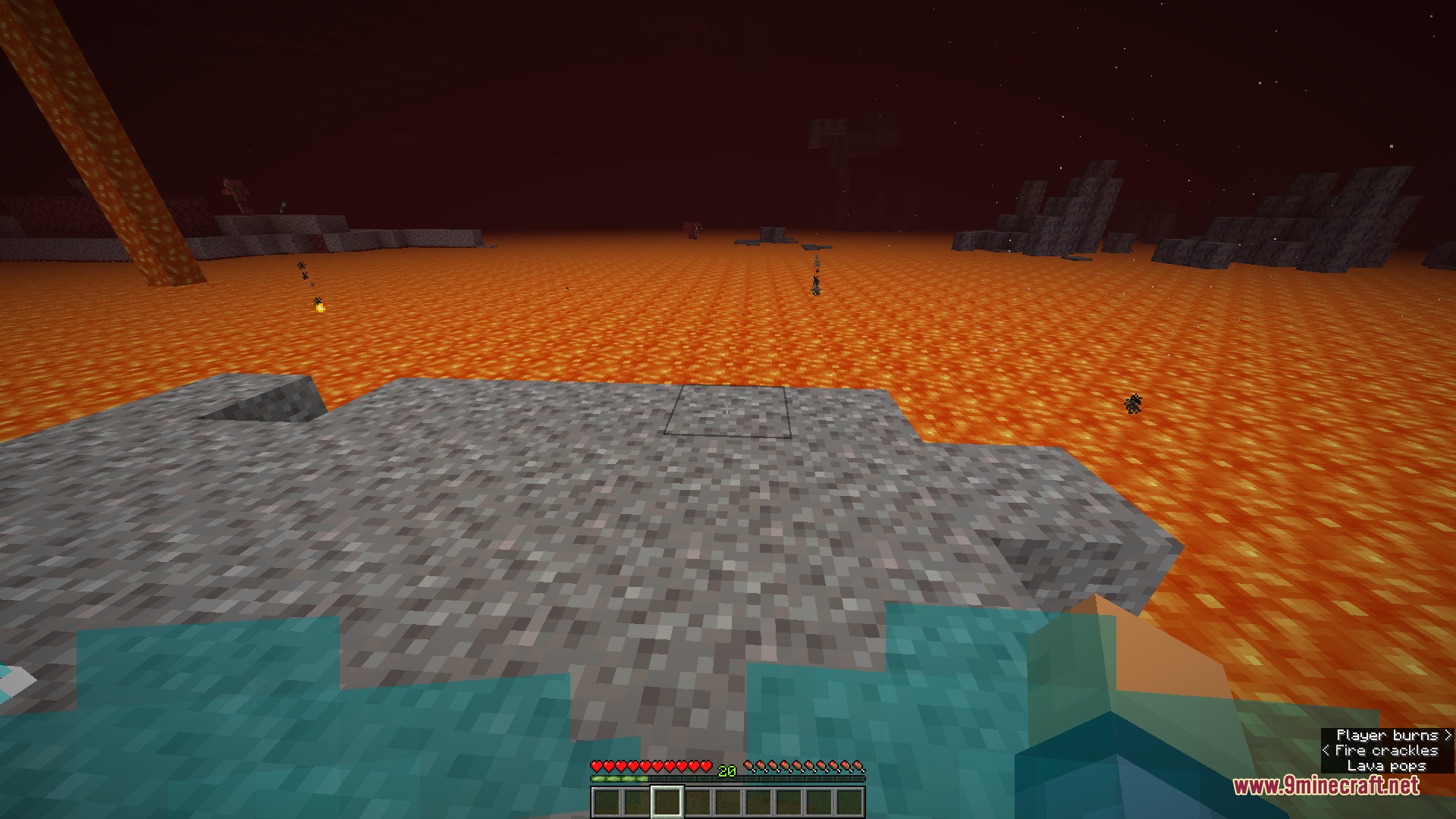
The mod automatically changes your screen flames to bright blue when you touch soul fire, making it visually distinct from orange regular fire. This happens without any manual adjustment needed.
See all 10 Ember Visual Architect questions ›
Gallery
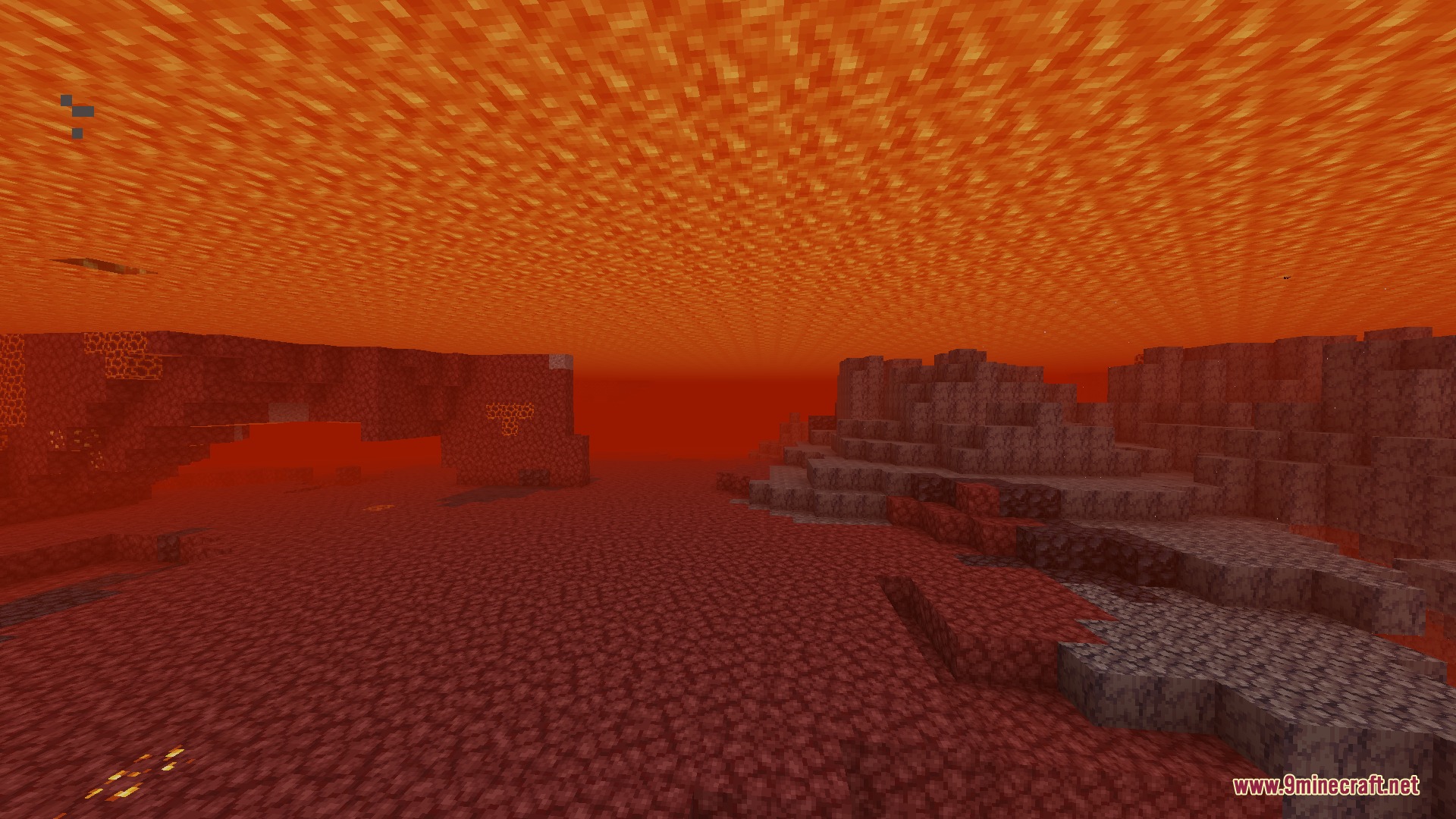
9 images from the Ember Visual Architect Mod page.
You May Also Like
Wikis that share the most with this one
More mod wikis on the site
The most downloaded mods that have a wiki here
A few wikis from each of the other kinds