

 DownloadCommand Keys Mod
Get the files on 9Minecraft
Guides
Step-by-step, in-game.
Create Multiple Commands for Different SituationsPlan Your Hotkeys Before setting up multiple commands, decide what you'll use them for. Common examples include:…Modify or Remove Hotkeys You No Longer NeedAccess Your Saved Hotkeys Open Mod Menu and navigate back to Command Keys Mod's config screen. You'll see a list of…Send Custom Chat Messages Without Opening ChatUnderstand Message vs. Command Syntax Command Keys Mod treats plain text differently from commands. If your text…Set Up Your First Hotkey CommandAccess the Config Screen Open Mod Menu (usually by pressing M by default, though this varies by setup). Find Command…
Frequently asked questions
How do I open the config screen to set up my first hotkey?
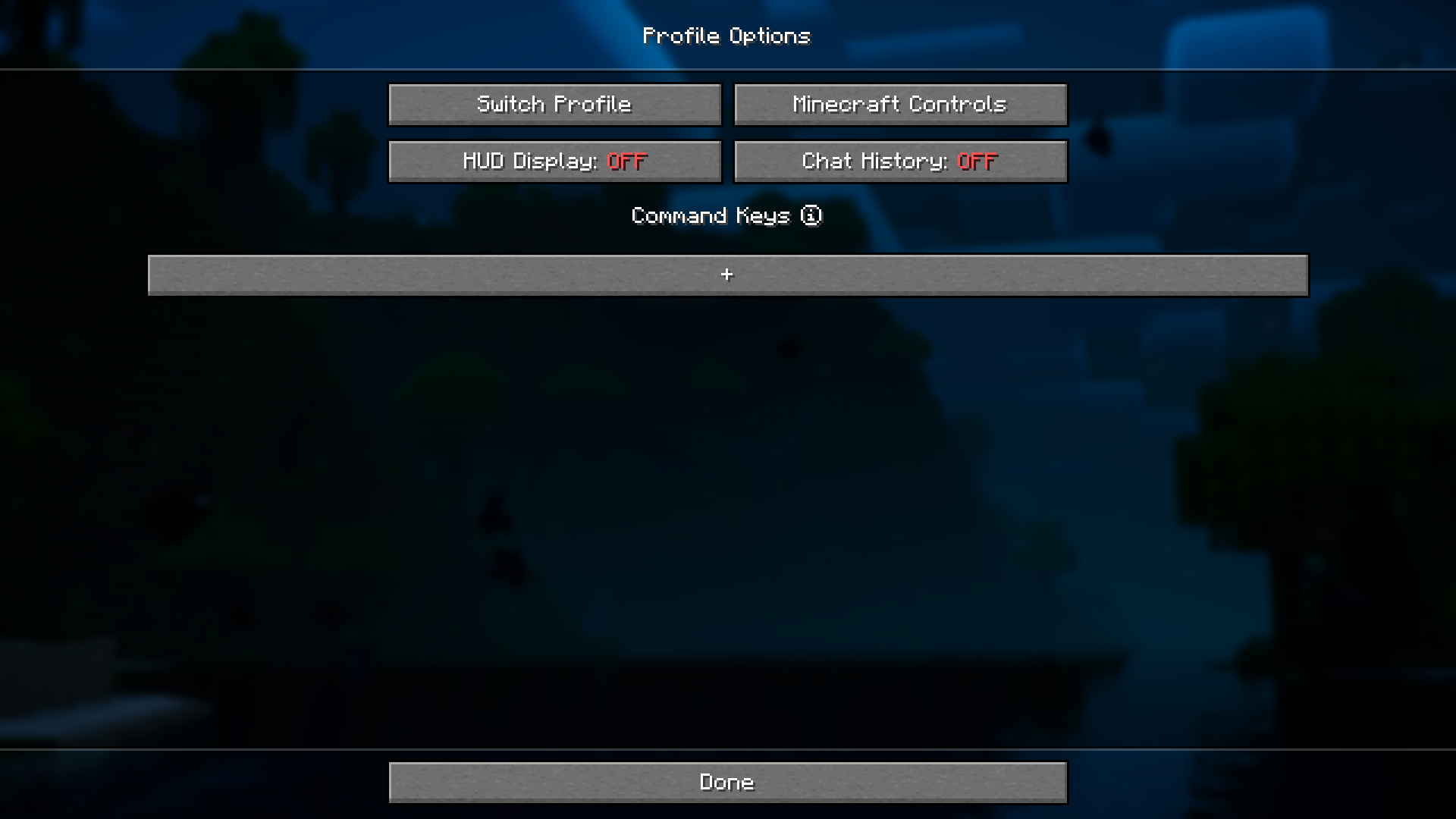
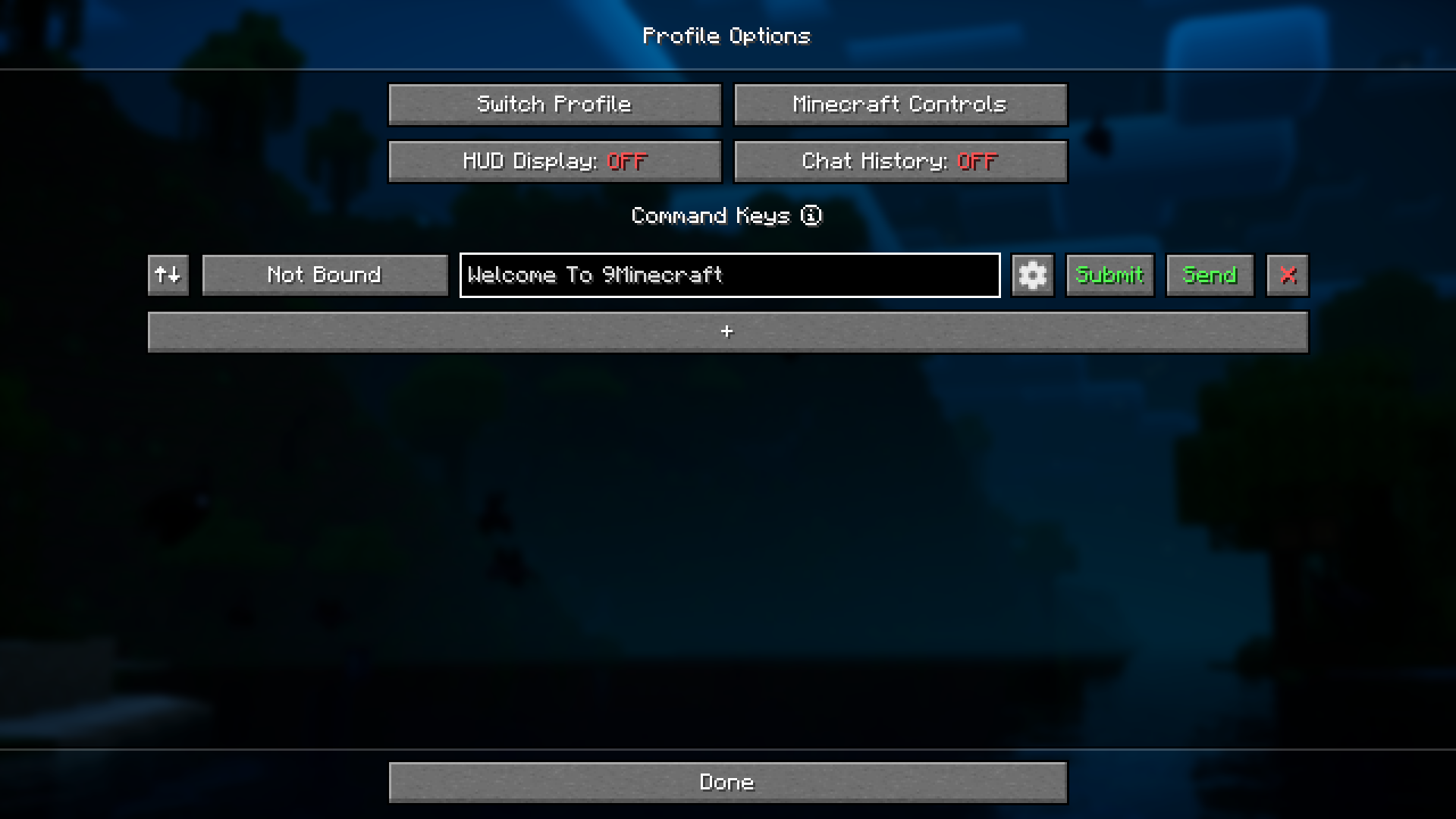
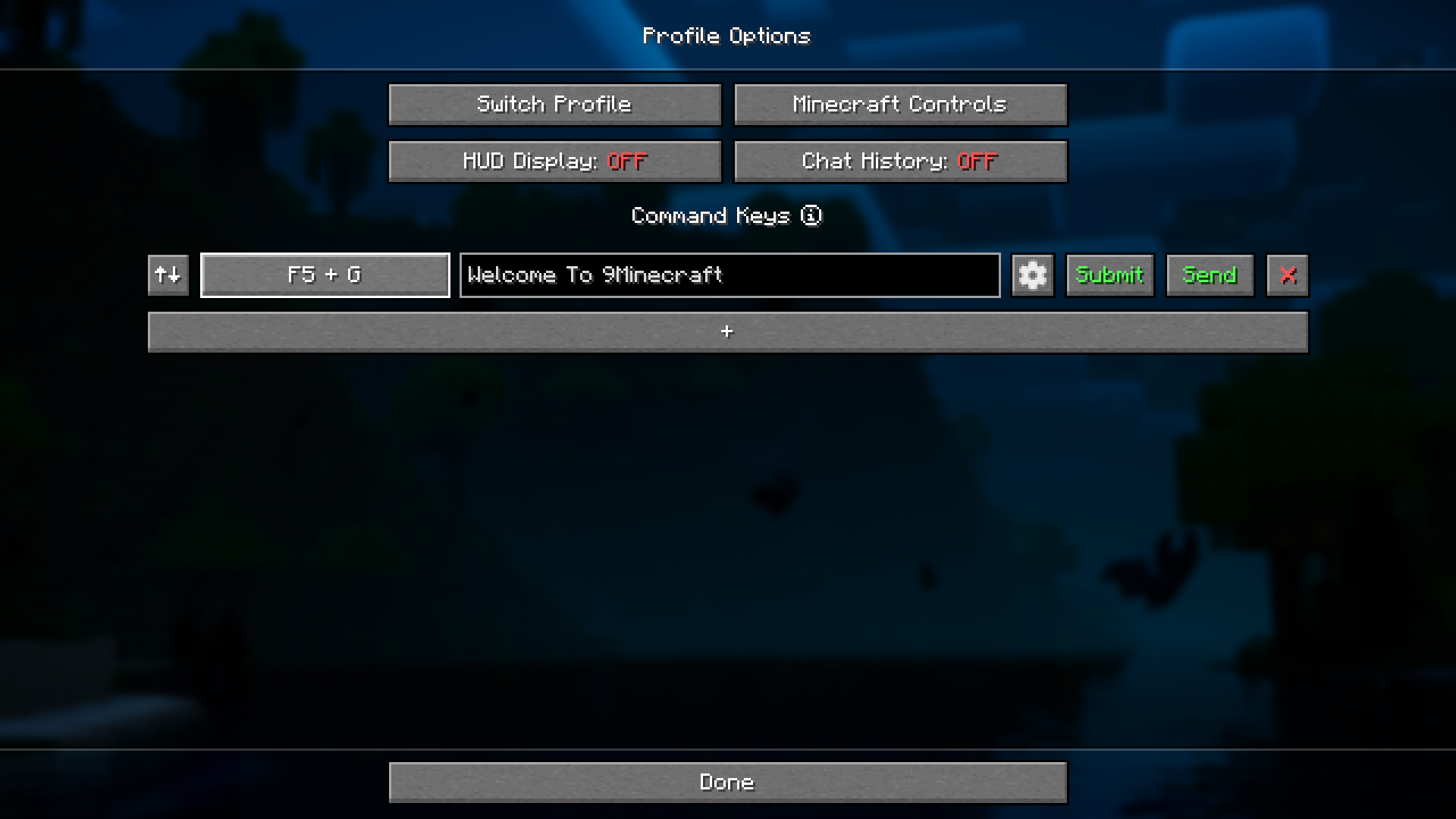
Open Mod Menu (usually by pressing M by default), find Command Keys Mod in the list, and click on it to access the config screen where you can add new commands and assign hotkeys.
Can I use the same hotkey for multiple commands?
No, each hotkey can only be bound to one command or message. If you try to assign a hotkey that's already in use, it will overwrite the previous binding.
What's the difference between sending a command and sending a chat message?
Commands start with a forward slash (like `/gamemode creative`) and execute server/client functions, while chat messages are regular text sent to the chat without a slash and will be visible to other players.
Do my hotkeys work in single-player and multiplayer servers?
Yes, hotkeys work in both single-player worlds and multiplayer servers, but commands you send must be allowed by the server—some servers restrict certain commands for regular players.
See all 10 Command Keys questions ›
Gallery
7 images from the Command Keys Mod page.
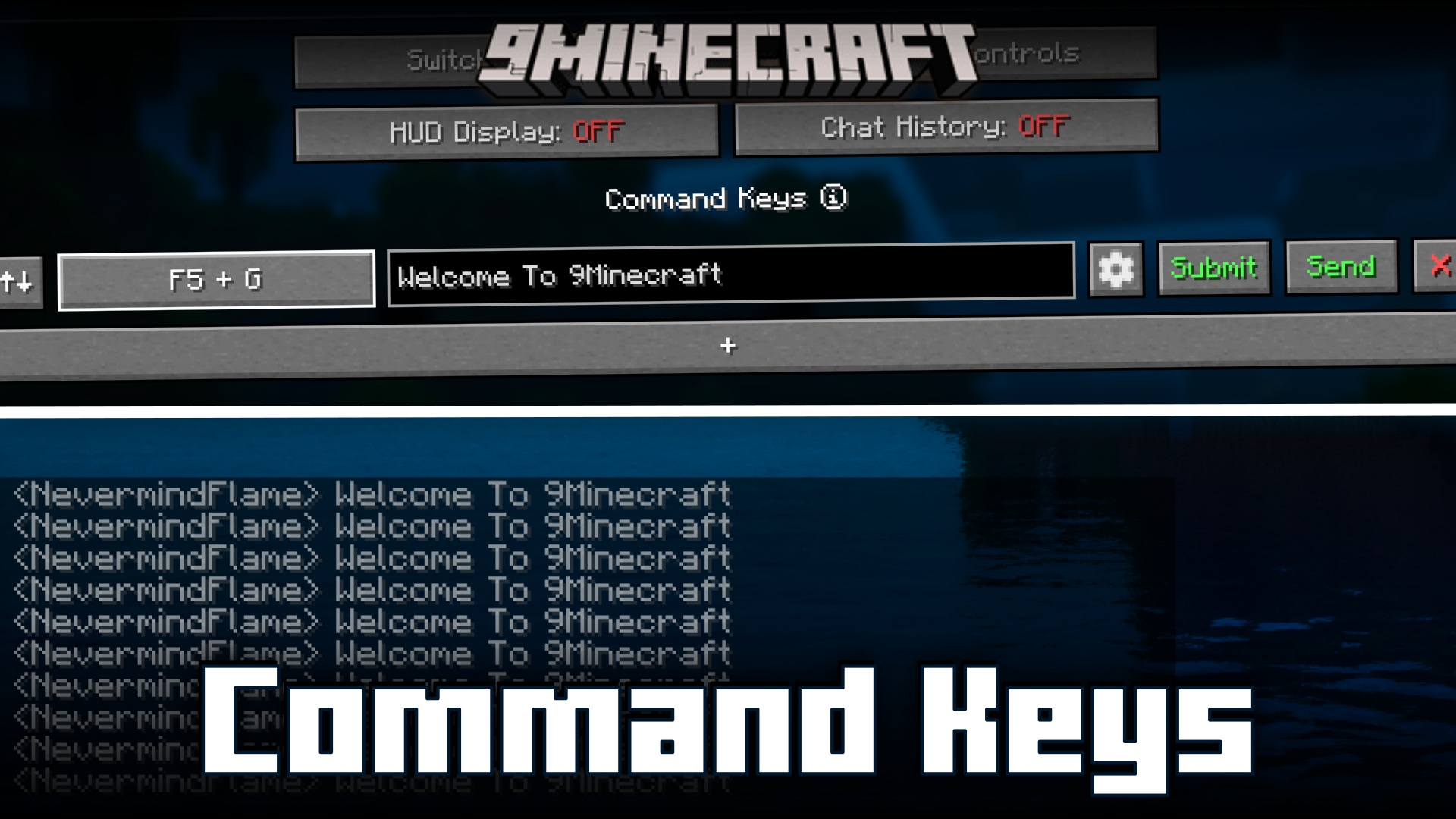
You May Also Like
Wikis that share the most with this one
More mod wikis on the site
 Combat Zone Mod
The most downloaded mods that have a wiki here
A few wikis from each of the other kinds