

 DownloadVeinMine Mod
Get the files on 9Minecraft
Guides
Step-by-step, in-game.
Configure Which Blocks Can Be VeinMinedAccess the Configuration File VeinMine settings are stored in a configuration file, typically located in your…Enable and Disable VeinMine While MiningToggle VeinMine On and Off VeinMine can be toggled during gameplay using a keybind. By default, you hold or press a…Maximize Efficiency When Mining Large VeinsUnderstand Vein Mining Limits VeinMine has a configurable range—it only connects blocks that are adjacent to each…Prevent Specific Blocks from Being Vein-MinedWhy Blacklist a Block? Some blocks—like valuable ores mixed with stone, or blocks that break slowly—might be better…
Frequently asked questions
How do I turn on vein mining?
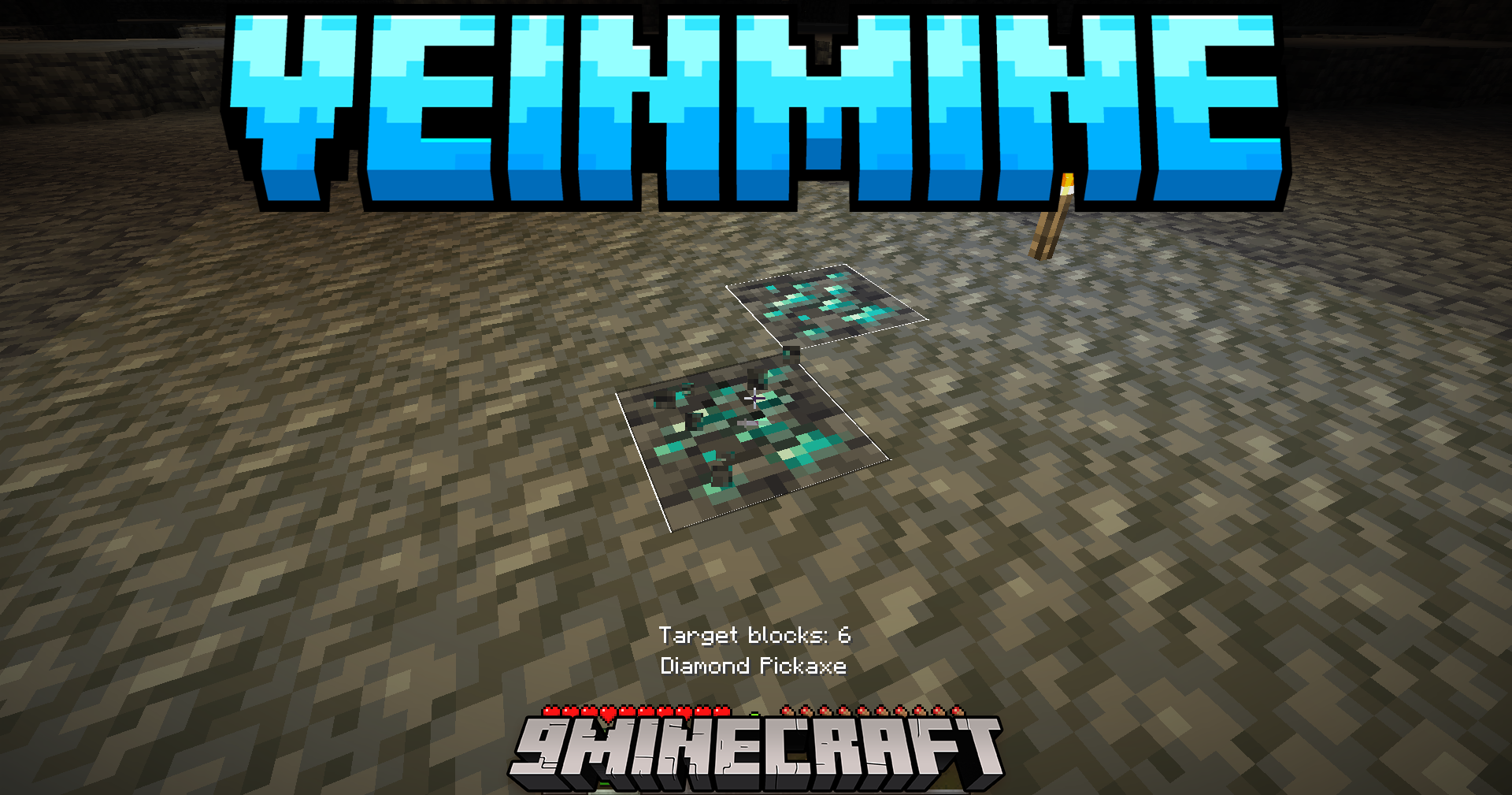
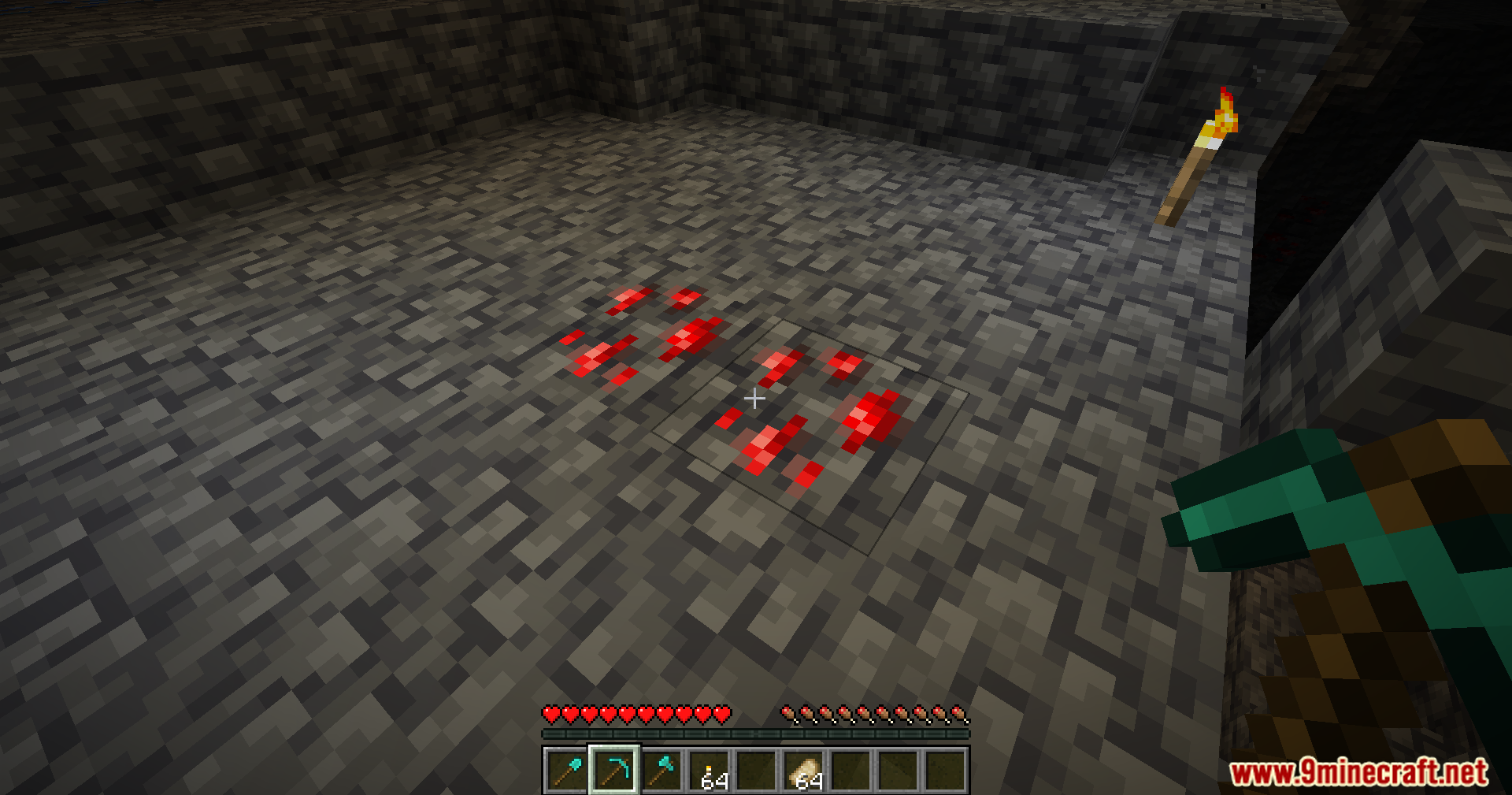
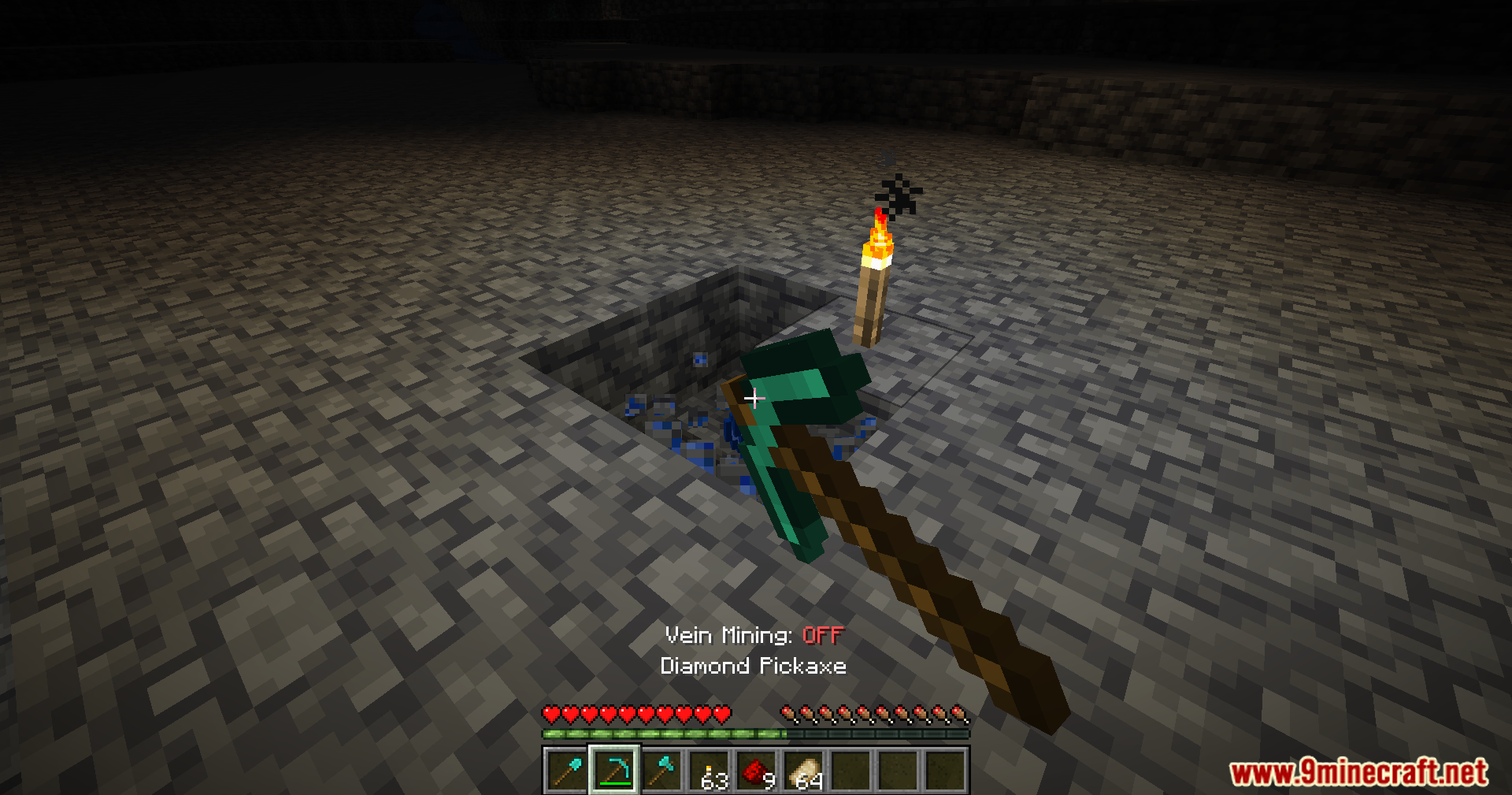
Press your VeinMine keybind (default is usually a specific key you can customize in controls) while mining to activate it for that block. When active, breaking one block will mine all connected blocks of the same type instead of just one.
Can I change the keybind for vein mining?
Yes, open your controls settings and search for the VeinMine keybind option to reassign it to any key you prefer. The new keybind will take effect immediately.
Why isn't vein mining working on certain blocks?
Those blocks may be blacklisted in the mod's configuration file, or they might not be in the supported blocks list. Check your config file to see which blocks are enabled for vein mining.
How far away can vein mining reach?
The mining range is configurable in the mod settings; by default it mines all connected blocks of the same type touching each other, but you can adjust the maximum distance in the configuration file.
See all 10 VeinMine questions ›
Gallery
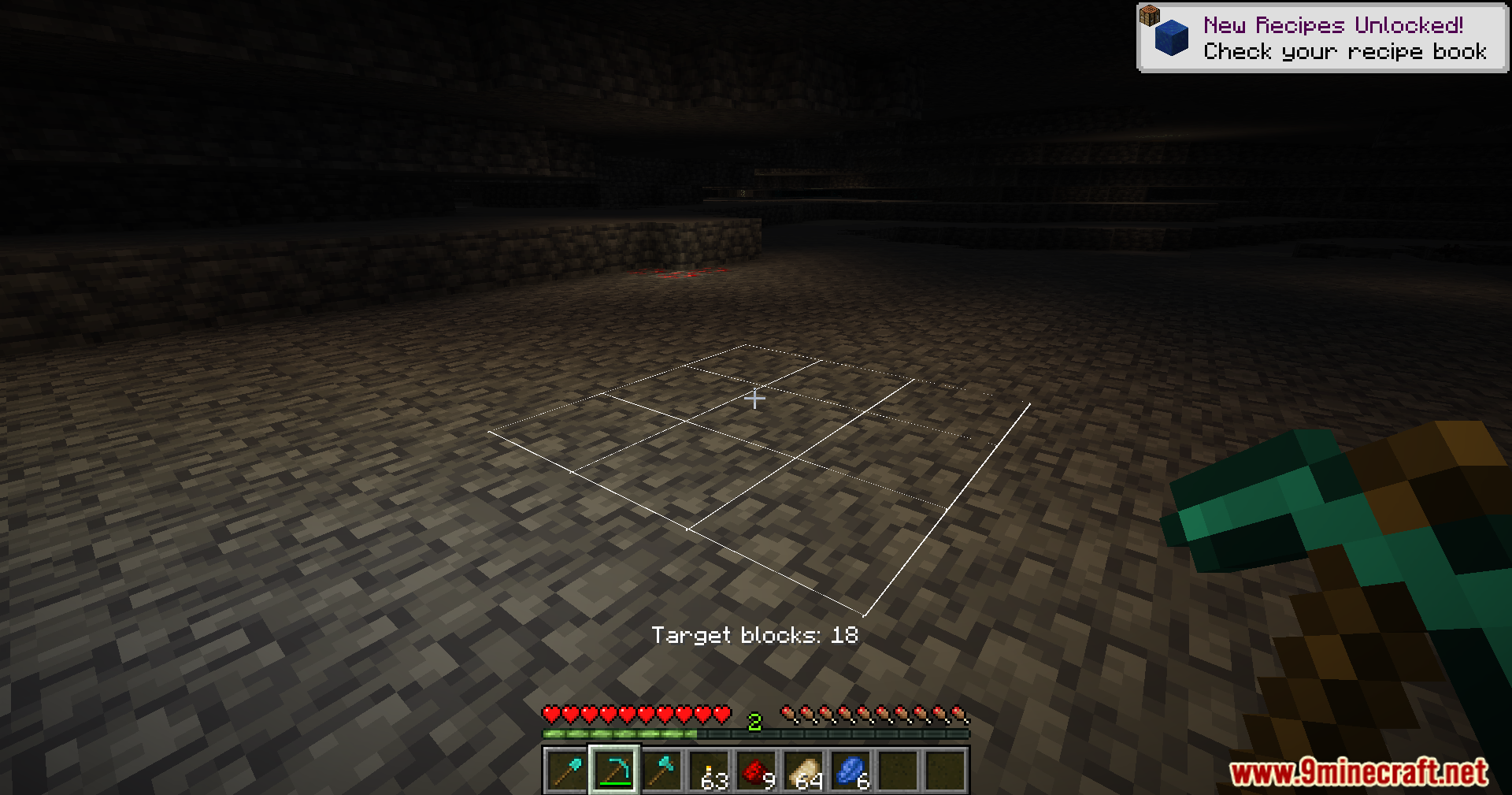
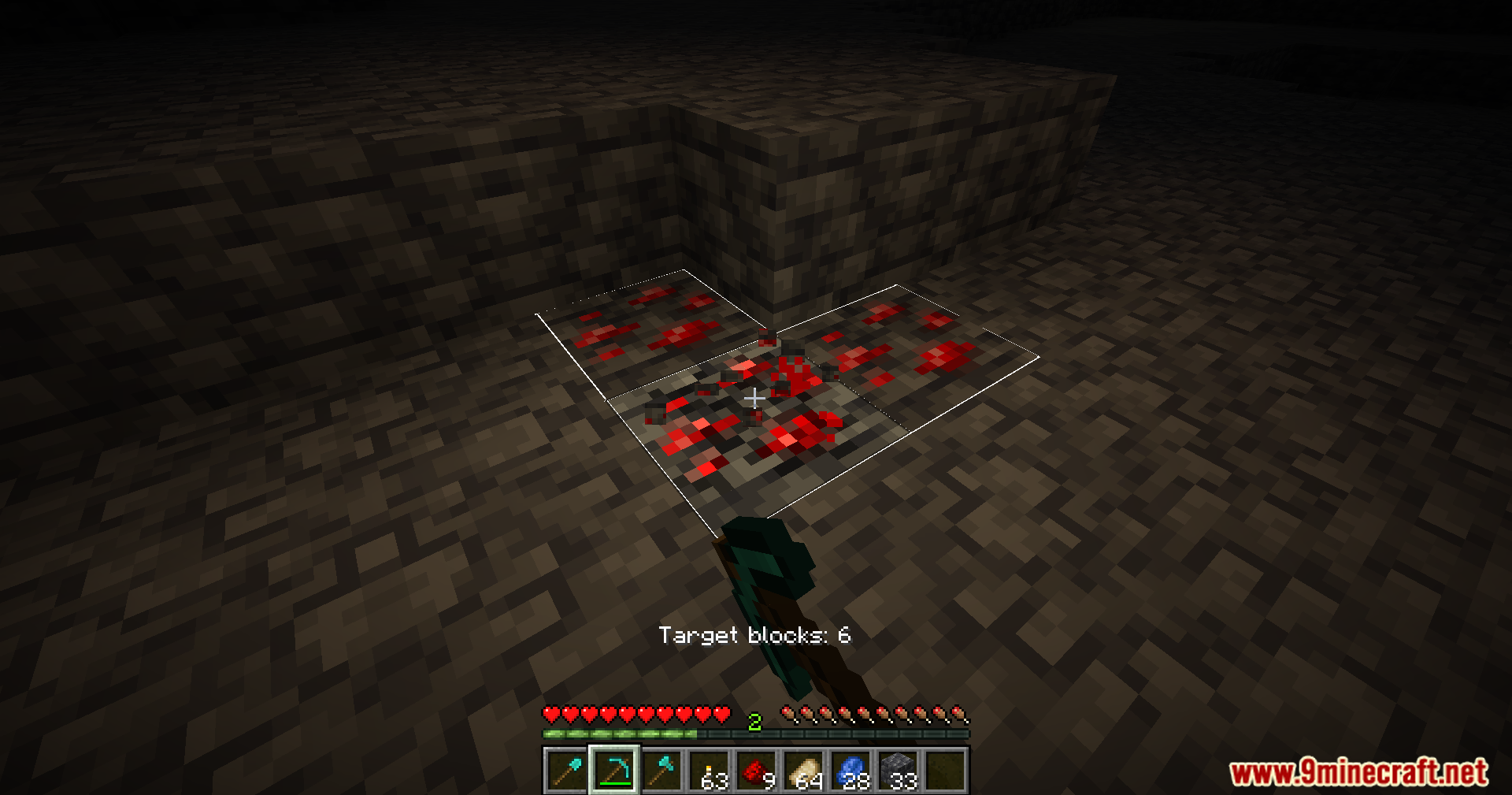
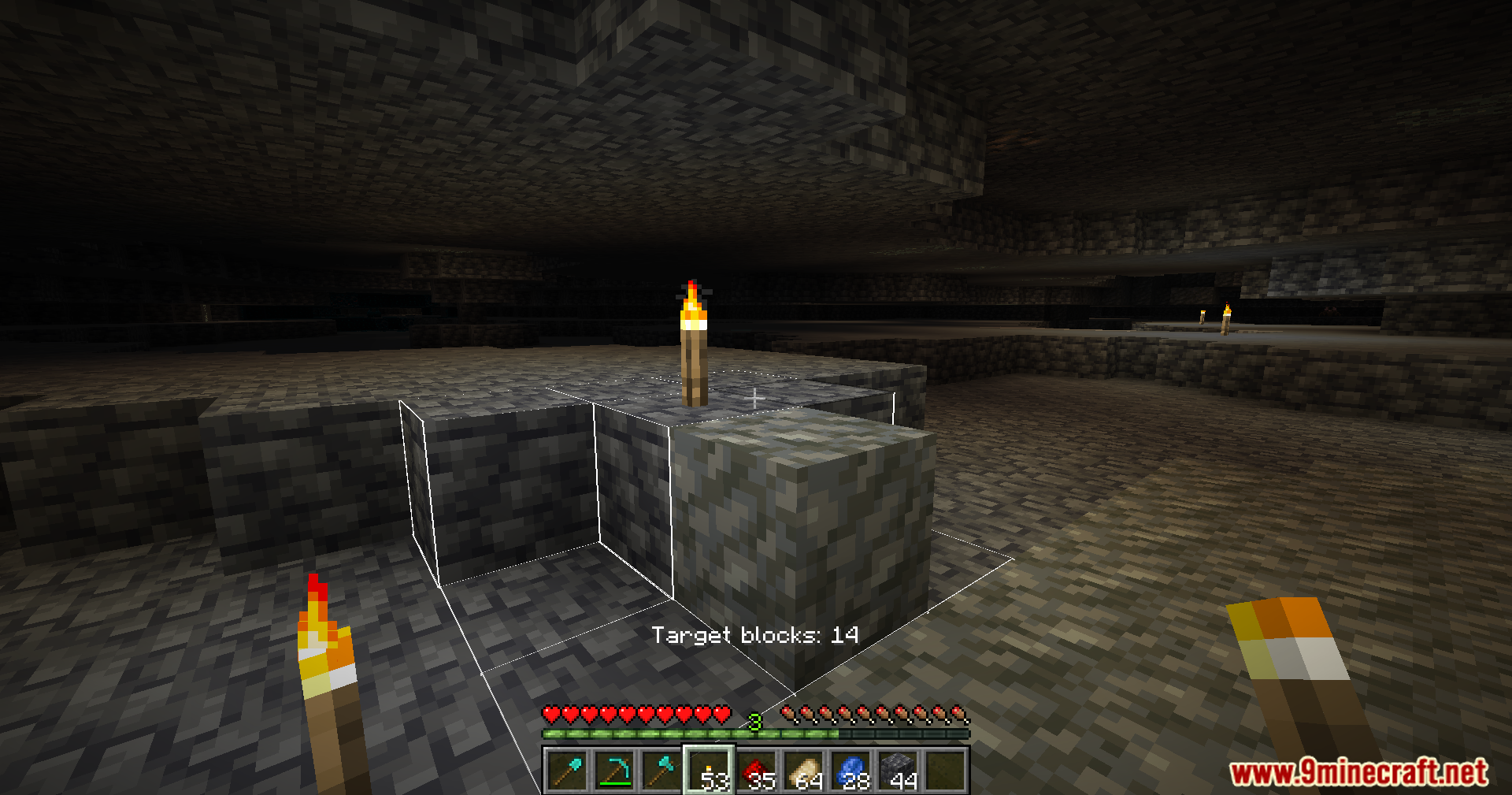
11 images from the Veinmine Mod page.
You May Also Like
Wikis that share the most with this one
Wikis on the same theme: ore
More mod wikis on the site
The most downloaded mods that have a wiki here
A few wikis from each of the other kinds