

 DownloadVectorientation Mod
Get the files on 9Minecraft
Guides
Step-by-step, in-game.
Adjust squash and stretch intensityUnderstanding squash and stretch Squash and stretch makes falling blocks compress slightly when moving fast and…Disable rotation for specific blocksFinding the configuration file The Vectorientation Mod stores its settings in a configuration file located in your…Make thrown items and blocks look more realisticHow the mod enhances realism Vectorientation Mod automatically rotates falling blocks and items to face their…Troubleshoot blocks not rotating or deformingCommon causes If falling blocks appear static and don't rotate or squash-and-stretch: 1. Check if the block is…
Frequently asked questions
Do I need to install this on the server or just my client?
Vectorientation Mod is entirely clientside, so you only need to install it on your game client. It works on any server without requiring the mod to be installed there.
Why aren't my blocks rotating when I throw them?
Check that rotation isn't disabled for that specific block in your config file. Also verify the mod is properly installed and loaded—you should see it listed in your mods menu.
How do I turn off squash and stretch for certain blocks?
Open the mod's configuration file and locate the block you want to modify, then set its squash and stretch value to zero or disable the deformation option for that block.
Can I make blocks rotate faster or slower?
The rotation speed is tied to the block's actual velocity in the game—faster-moving blocks will rotate more noticeably. You cannot adjust the rotation speed independently, but you can disable rotation entirely for specific blocks if desired.
See all 10 Vectorientation questions ›
Gallery
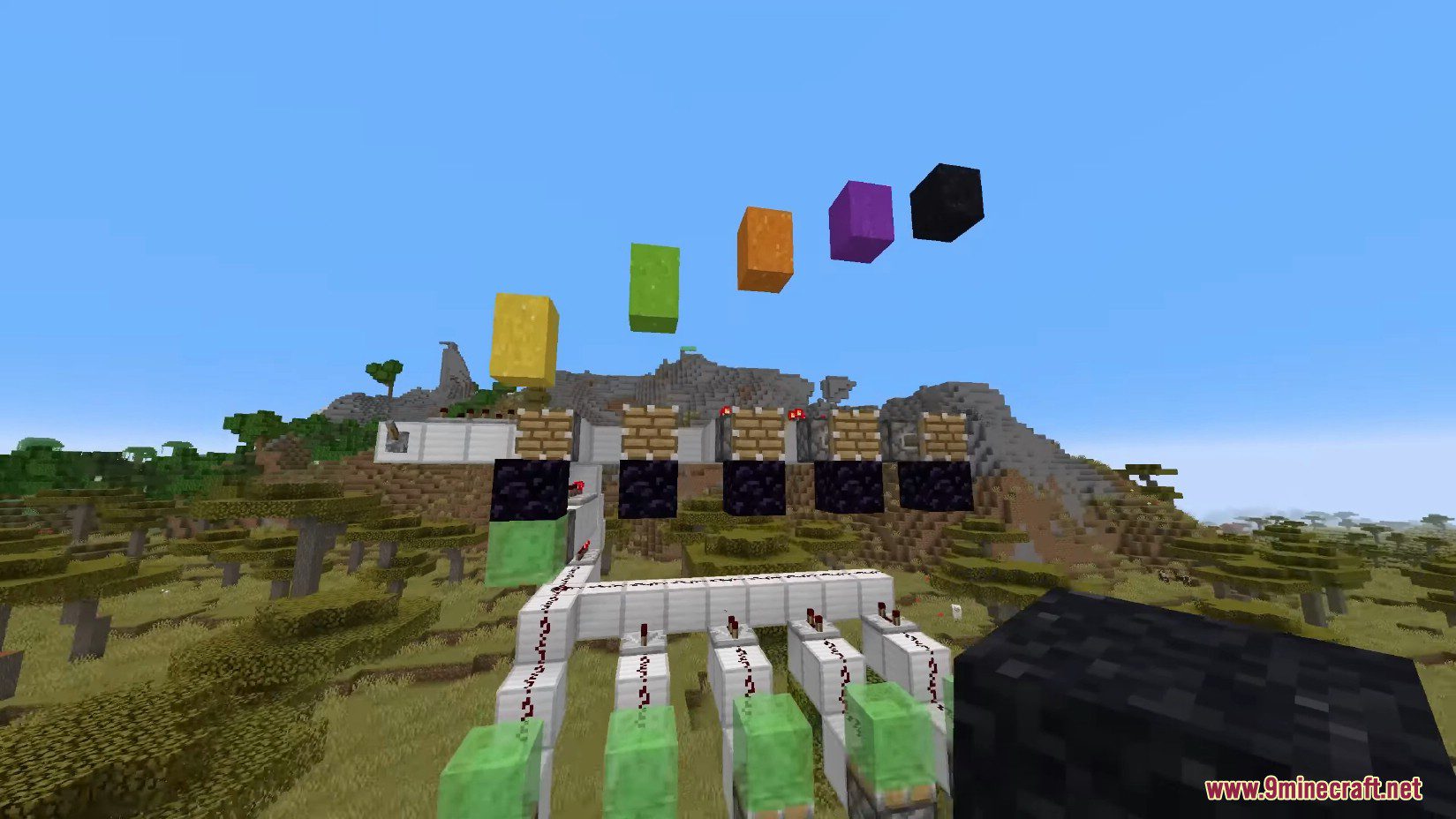
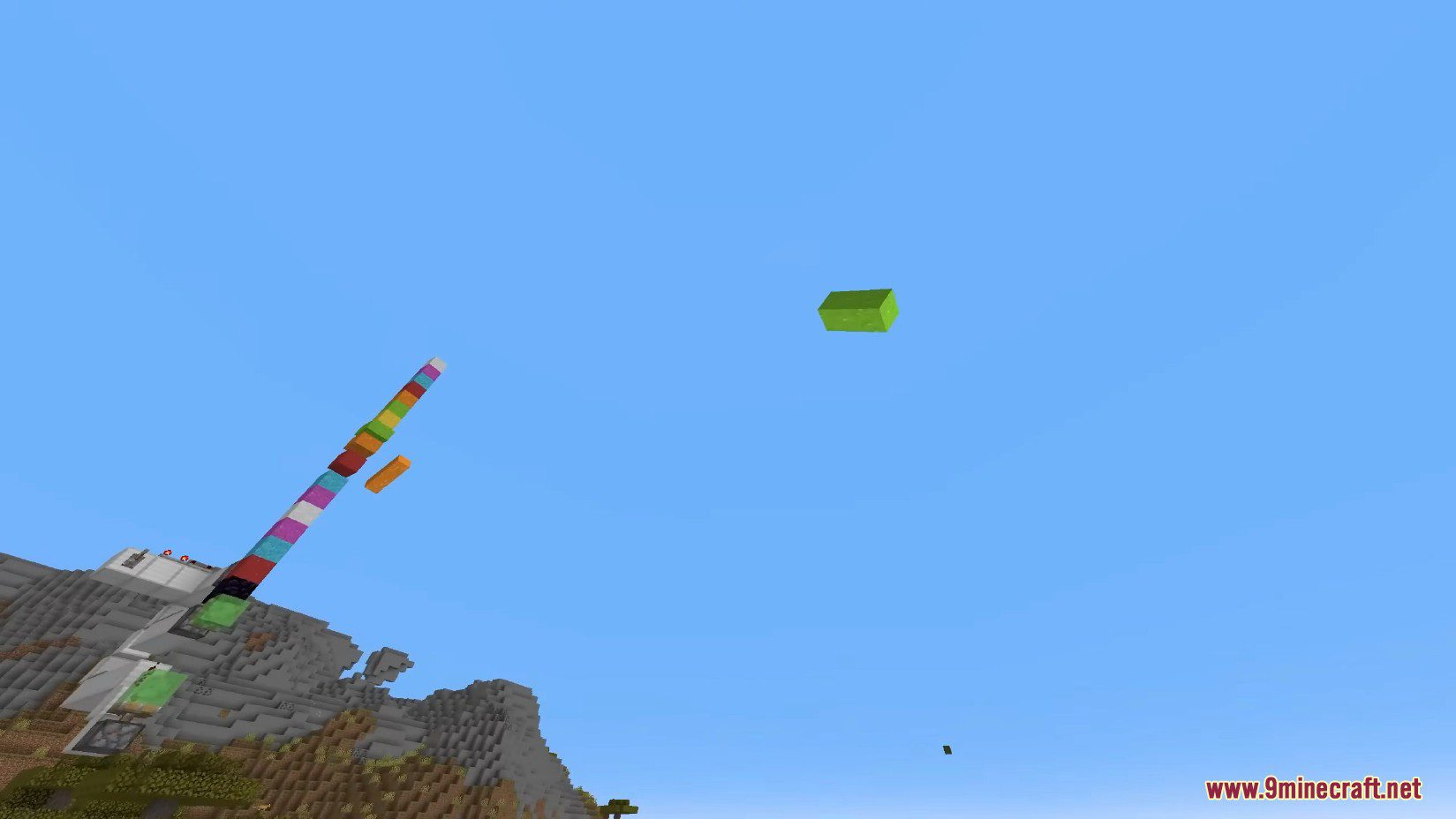
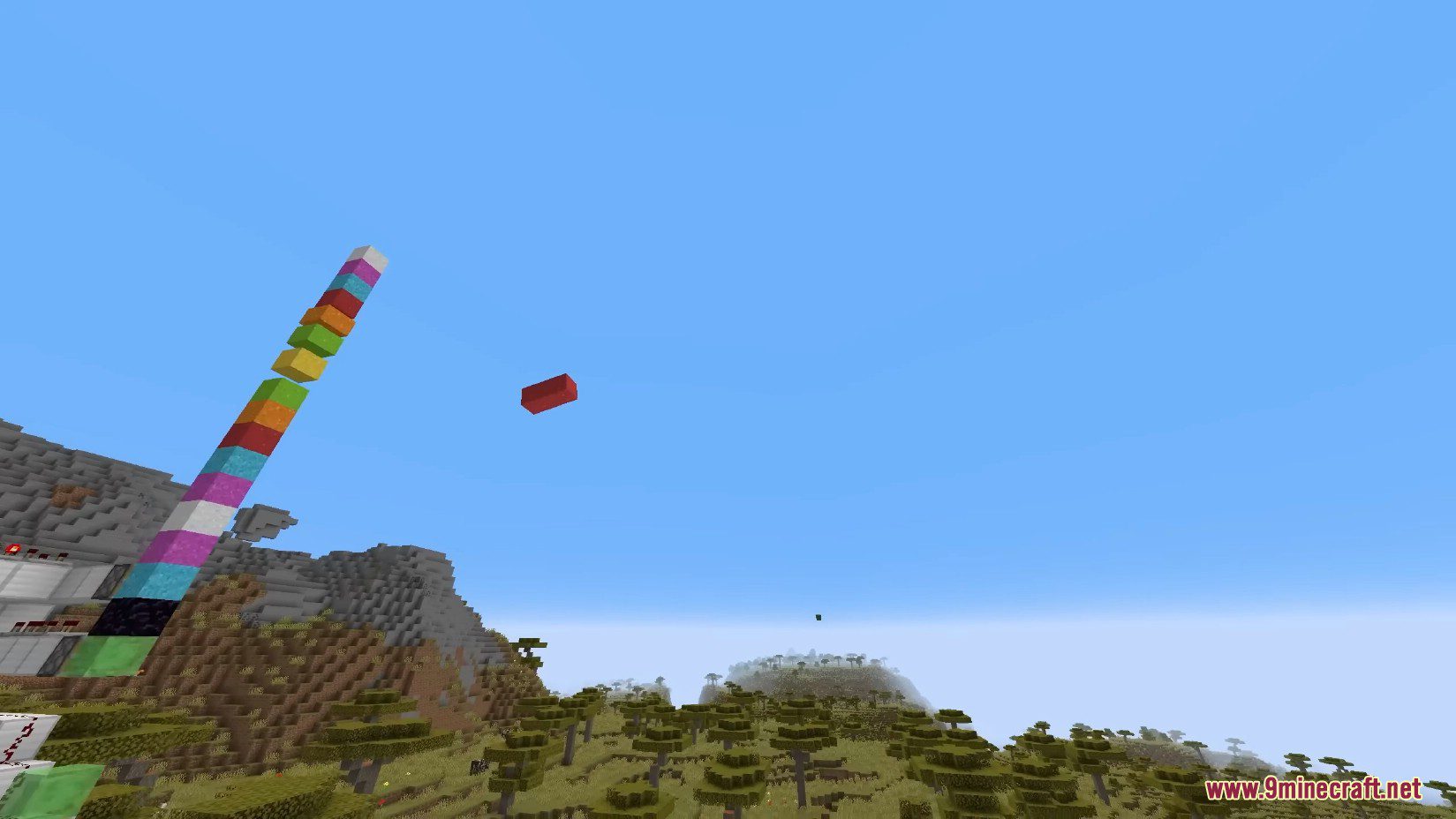
12 images from the Vectorientation Mod page.
You May Also Like
Wikis that share the most with this one
More mod wikis on the site
The most downloaded mods that have a wiki here
A few wikis from each of the other kinds