

 DownloadTooltip Scroll Mod
Get the files on 9Minecraft
Guides
Step-by-step, in-game.
How to Change the Tooltip Scroll Keybinds and SettingsOpening the Controls Menu All scroll keys are rebindable. Go to Options → Controls → Key Binds and look for the…How to Move a Tooltip Anywhere On or Off the ScreenFree Positioning This mod lets you push a tooltip to any position, including partially or fully off the screen. Hover…How to Move a Tooltip Left and Right (Horizontal Scrolling)Hold Shift to Scroll Sideways By default the scroll keys move tooltips vertically. To move a tooltip left or right ,…How to Scroll a Long Item Tooltip in MinecraftScrolling Vertically When an item has more information than fits on screen, the tooltip gets cut off. With this mod…
Frequently asked questions
How do I scroll a tooltip that's too long to fit on screen?
Hover the item so its tooltip appears, then press Page Down to scroll down through the hidden lines and Page Up to scroll back up. The tooltip only scrolls while it's open, so keep your cursor on the item.
Why isn't Page Up / Page Down doing anything when I hover an item?
The tooltip has to actually be taller than the screen before there's anything to scroll, so short tooltips won't move. Also make sure you're holding the cursor over the item itself, not a nearby slot, and that the keybinds haven't been changed or unbound.
How do I move a tooltip left and right instead of up and down?
Hold Shift while pressing Page Up or Page Down and the tooltip moves horizontally instead of vertically. Release Shift to go back to normal up/down scrolling.
Can I move a tooltip completely off the screen?
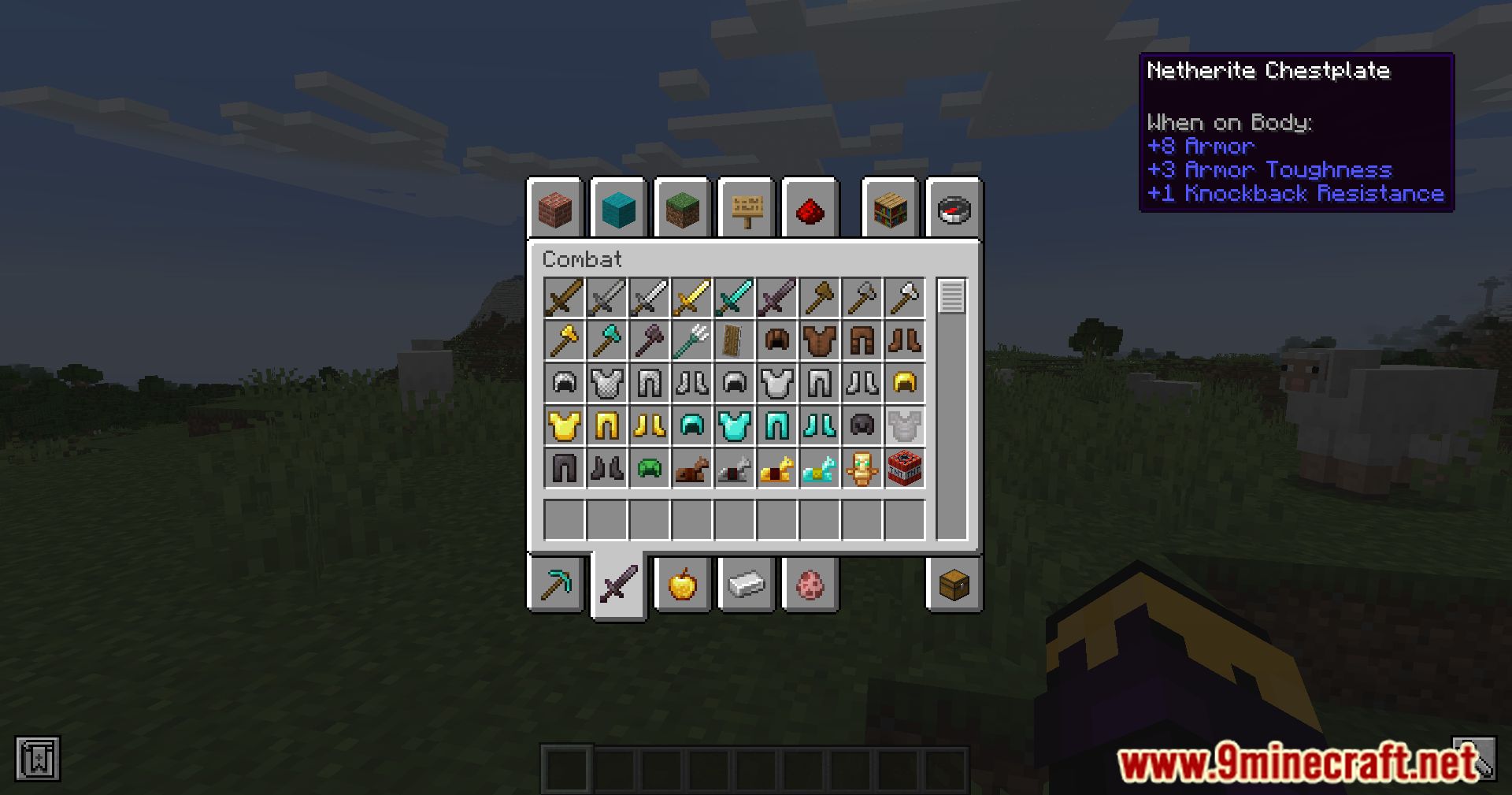
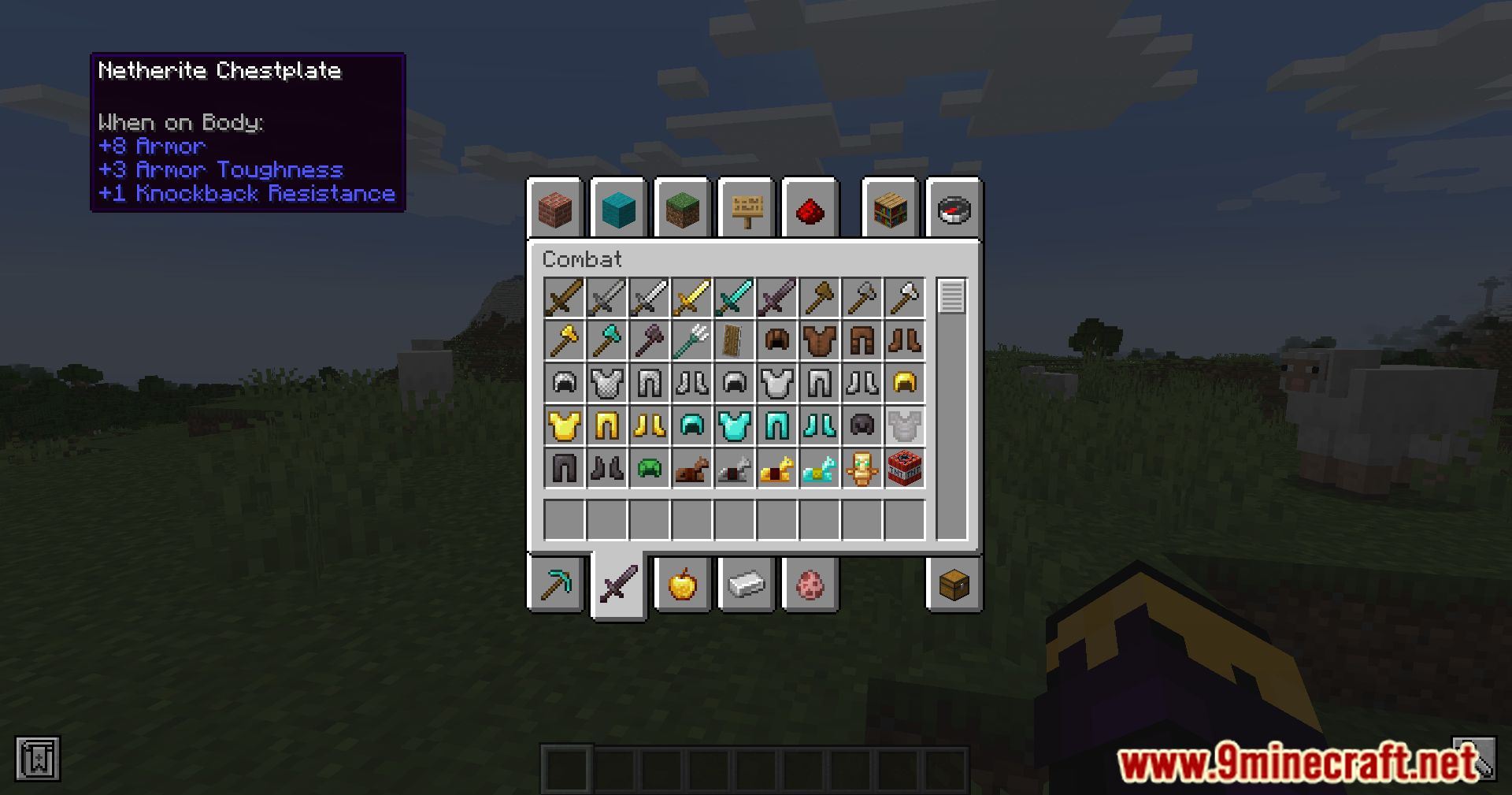
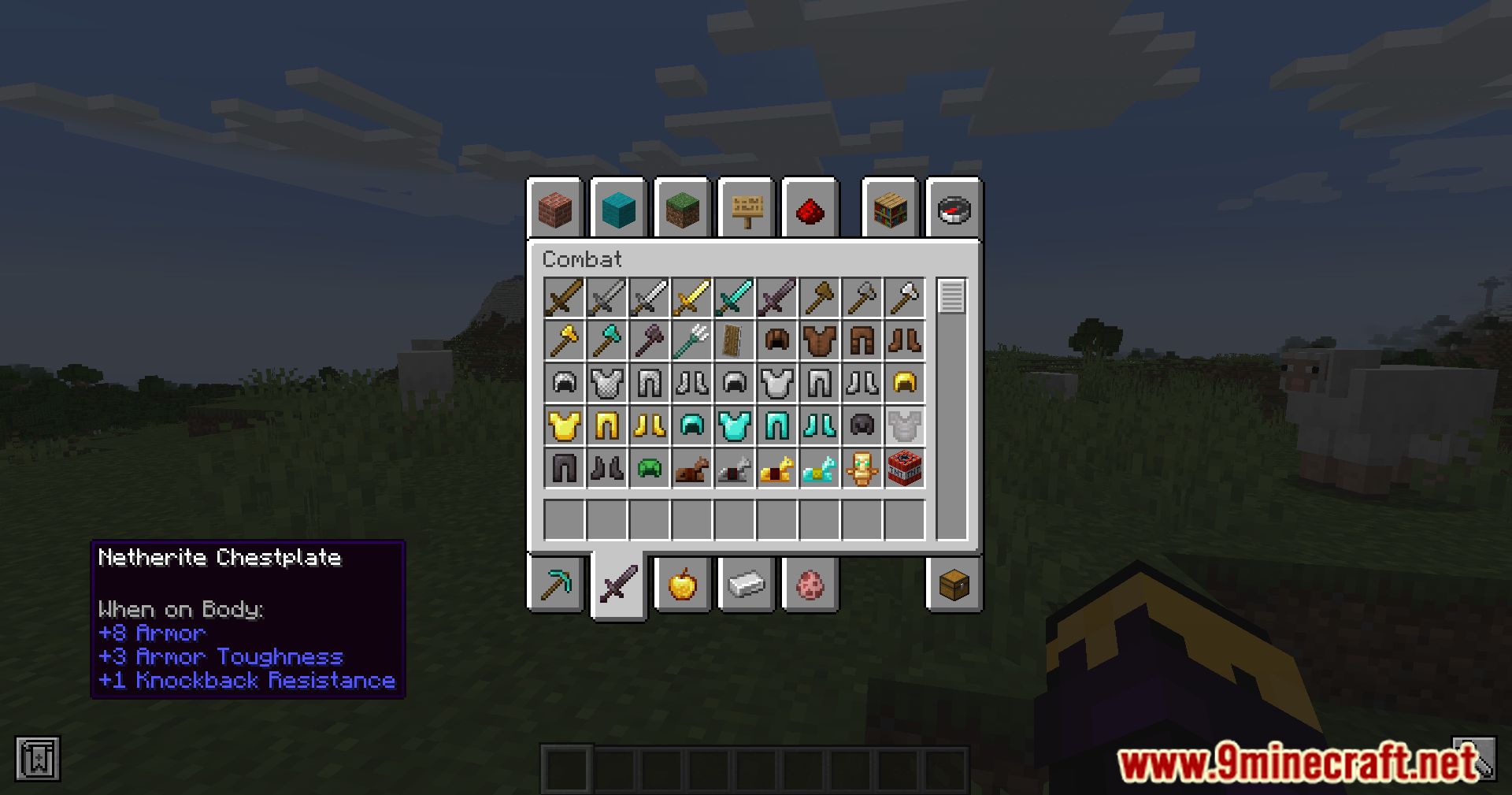
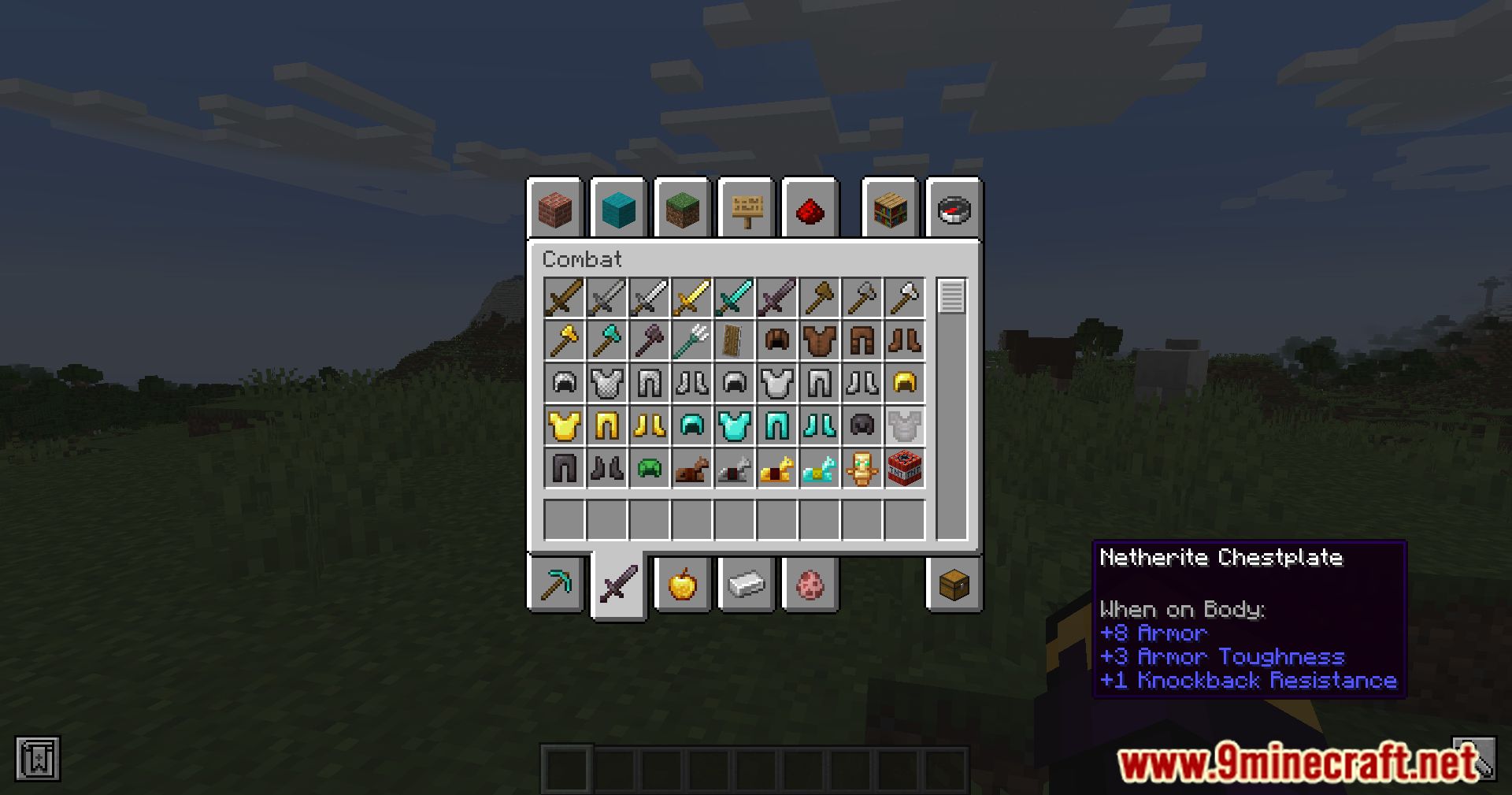
Yes, the mod lets you push tooltips past the screen edges in any direction, including fully off-screen. This is useful for clearing your view, but you'll need to scroll it back the same way to read it again.
See all 10 Tooltip Scroll questions ›
Gallery
9 images from the Tooltip Scroll Mod page.
You May Also Like
Wikis that share the most with this one
Wikis on the same theme: tool
More mod wikis on the site
The most downloaded mods that have a wiki here
A few wikis from each of the other kinds