

 DownloadTool Stats Mod
Get the files on 9Minecraft
Guides
Step-by-step, in-game.
How to Compare Two Tools Before Crafting or EnchantingLine Up the Tooltips Place both candidate tools in your inventory and hover each one without moving the mouse away…How to Customize Which Stats Show in Tool Stats TooltipsOpen the Config Tool Stats ships with a config file that controls which lines are rendered. You can edit it in two…How to Read the Tool Stats Tooltip on Any ToolWhere the Tooltip Appears Hover over any tool, weapon, or armor piece in your inventory, hotbar, or a container and a…How to Use Tool Stats to Plan Mining in a ModpackIdentify the Right Tool Tier Before heading to a new dimension or biome, hover your pickaxe and read its mining…
Frequently asked questions
How do I turn on the tool stats tooltip?
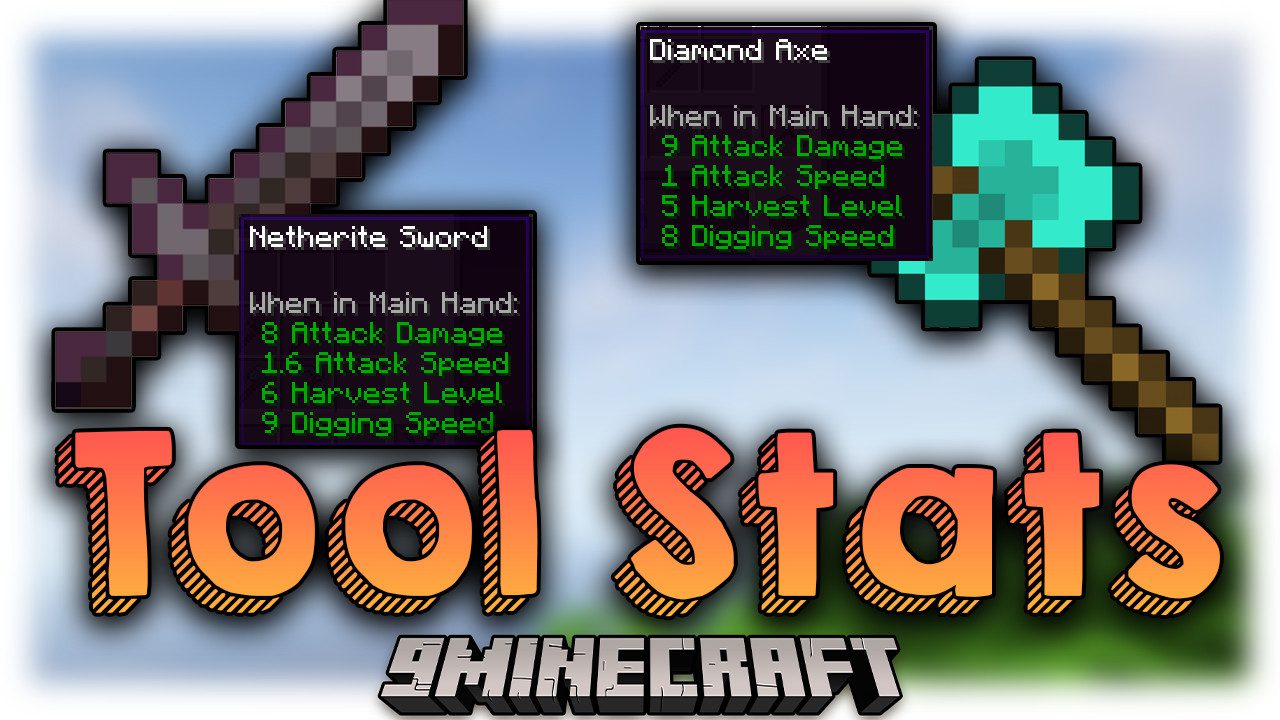
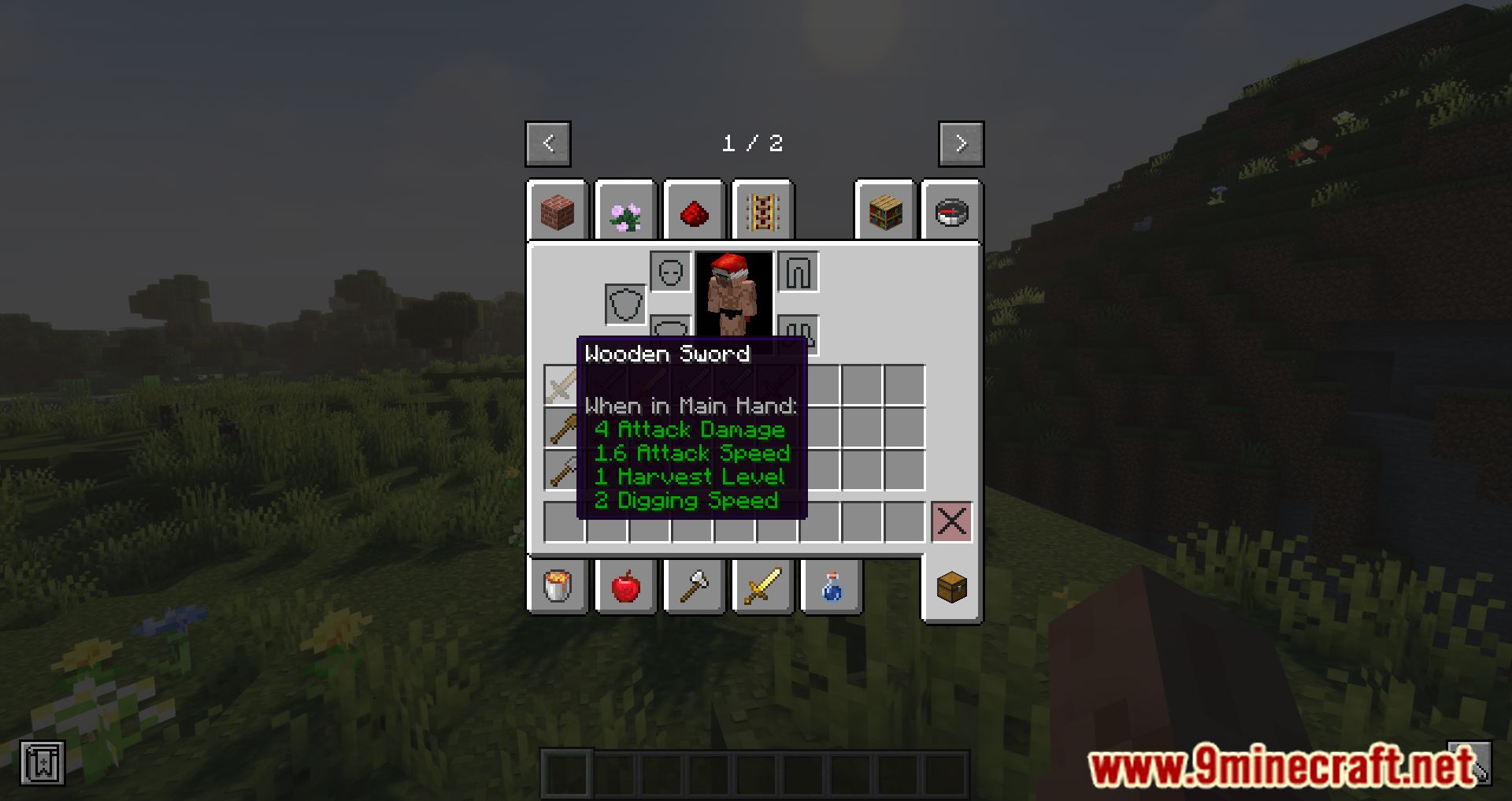
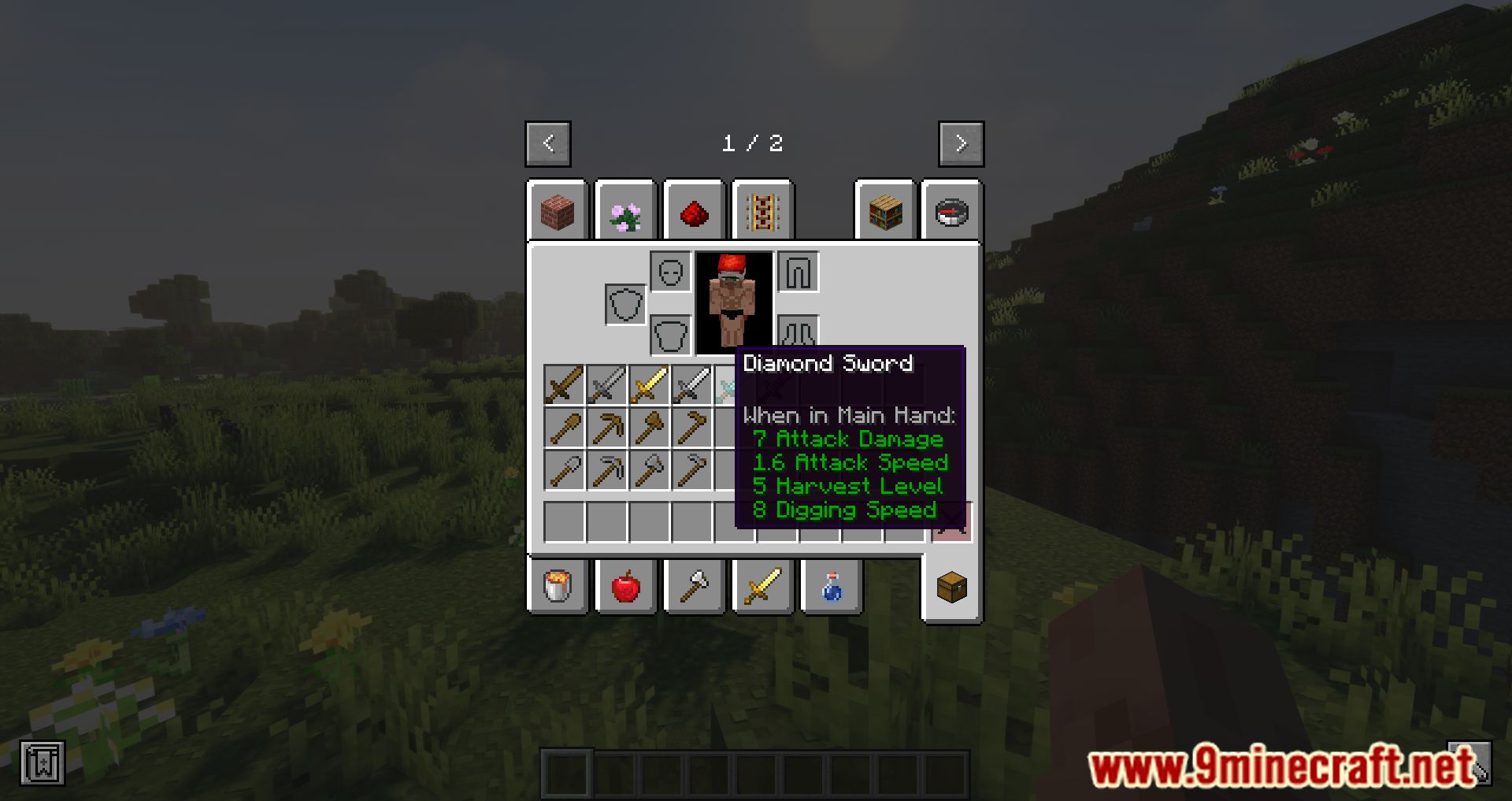
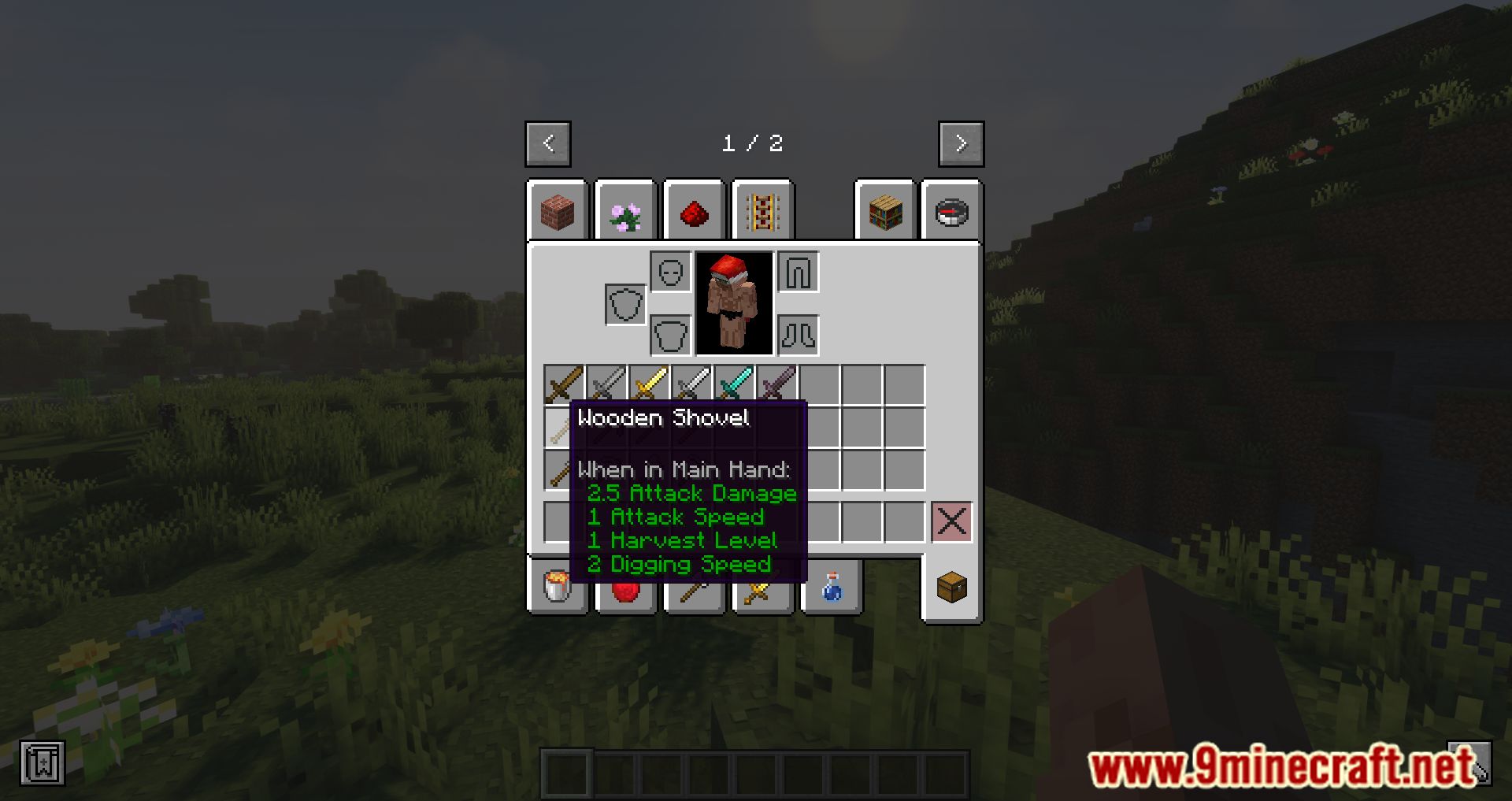
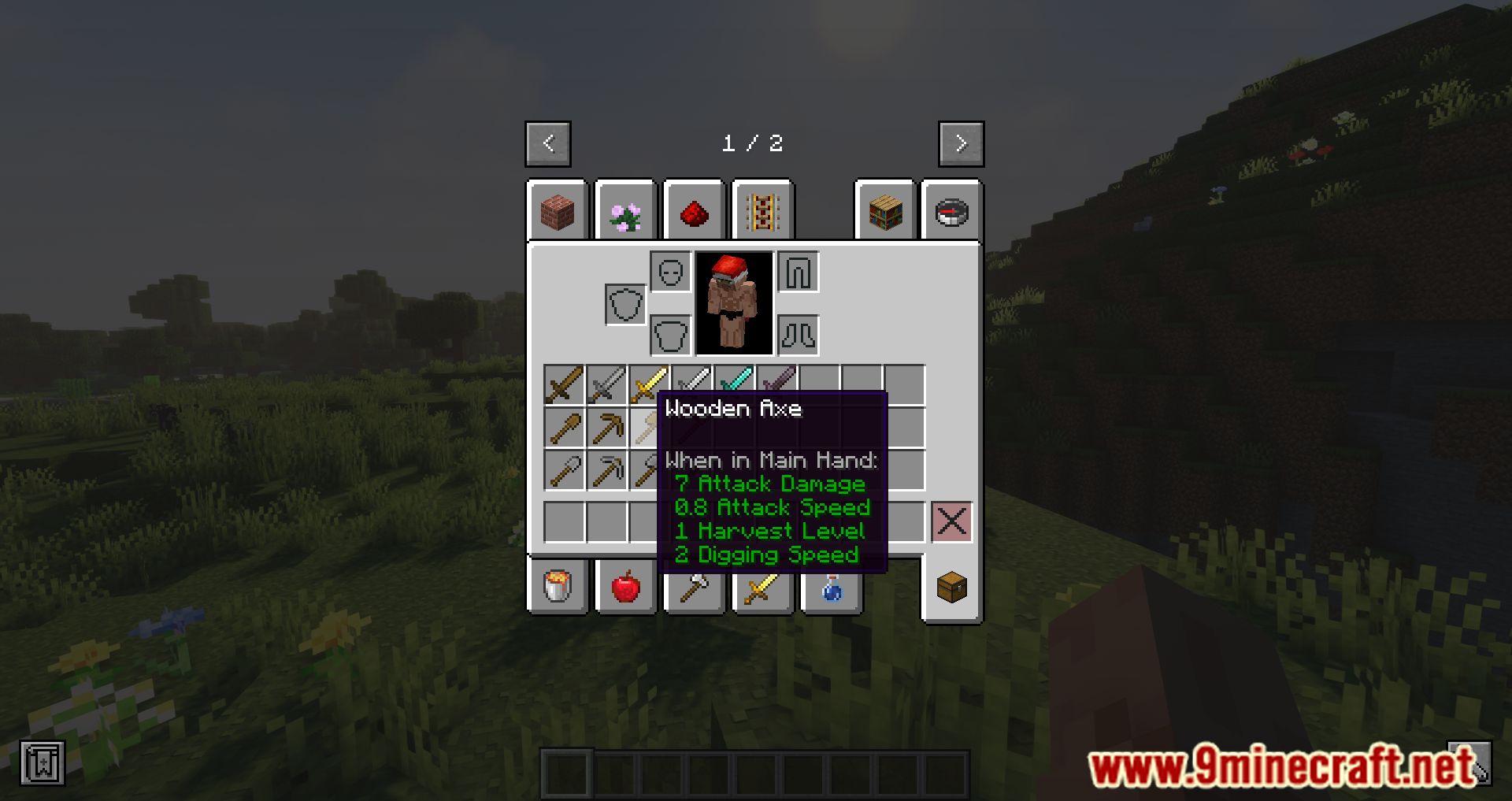
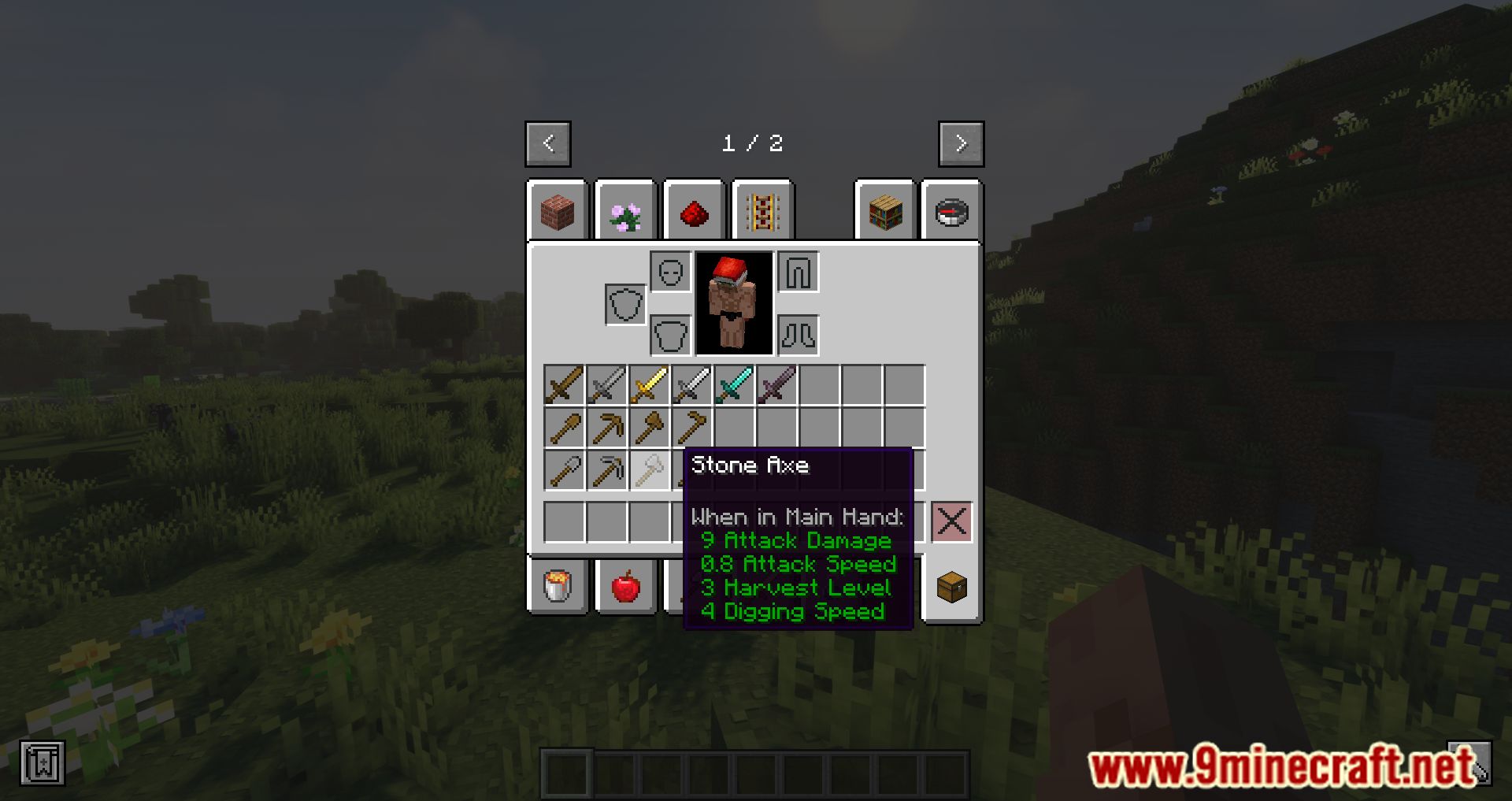
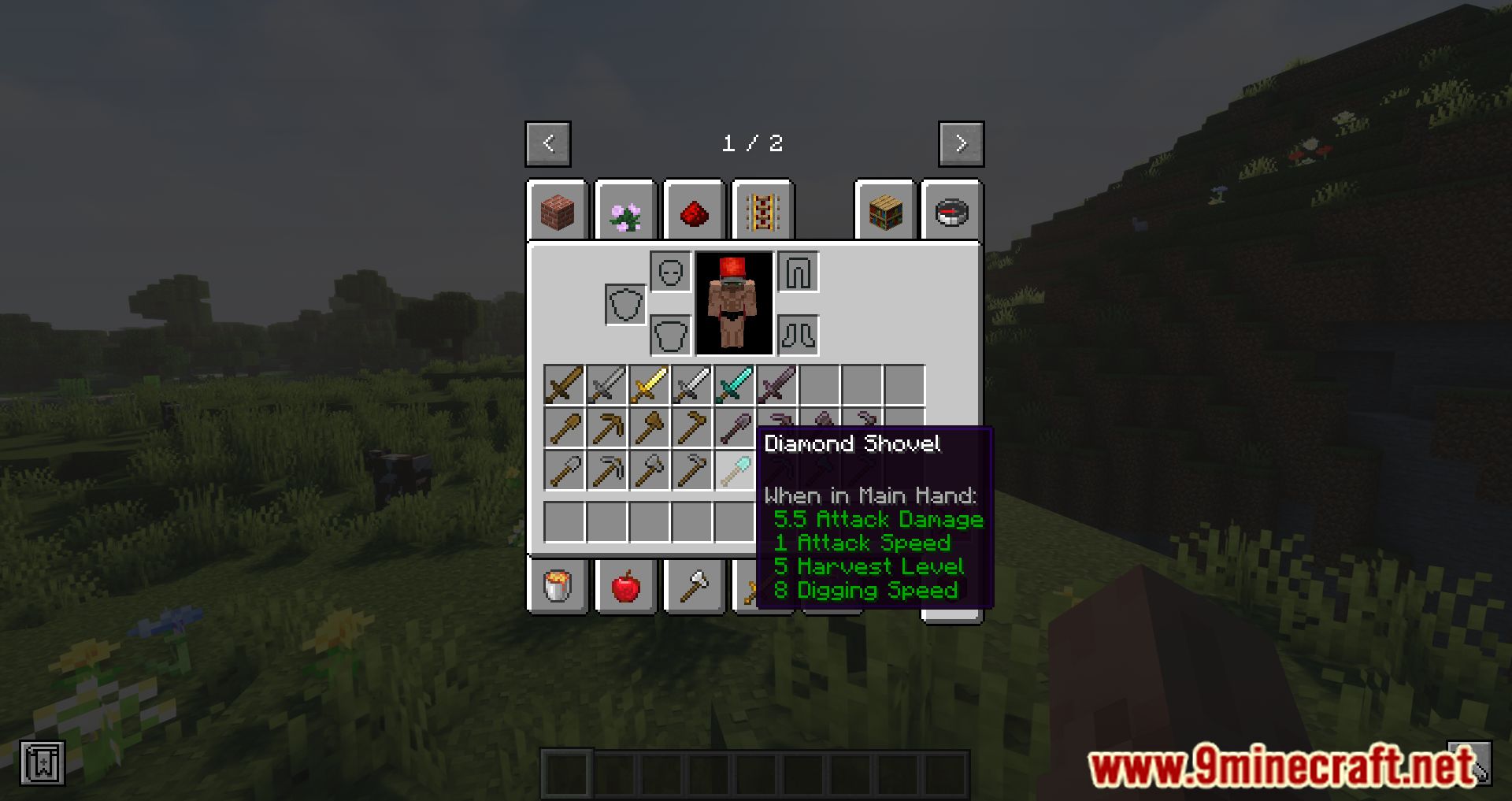
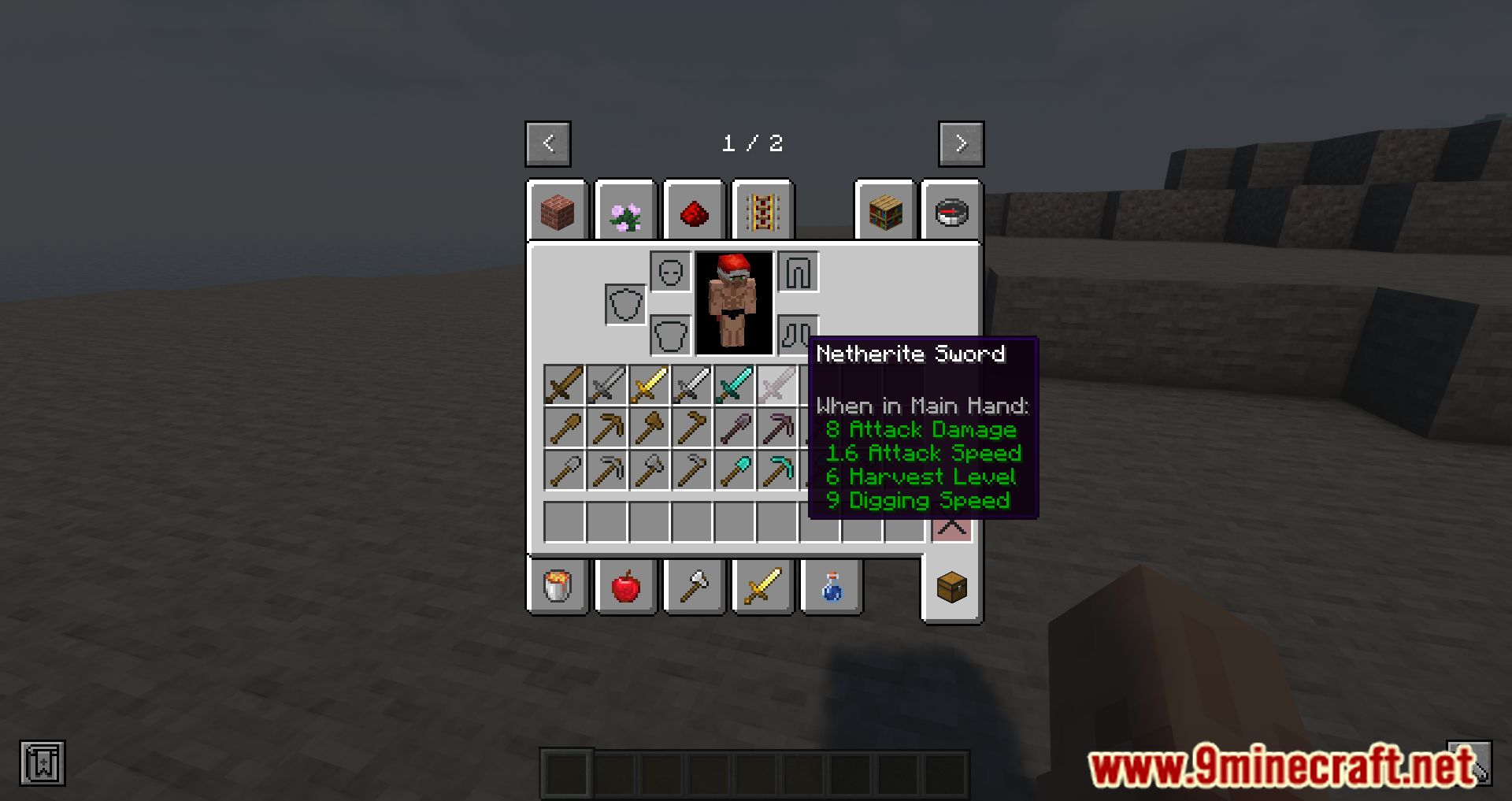
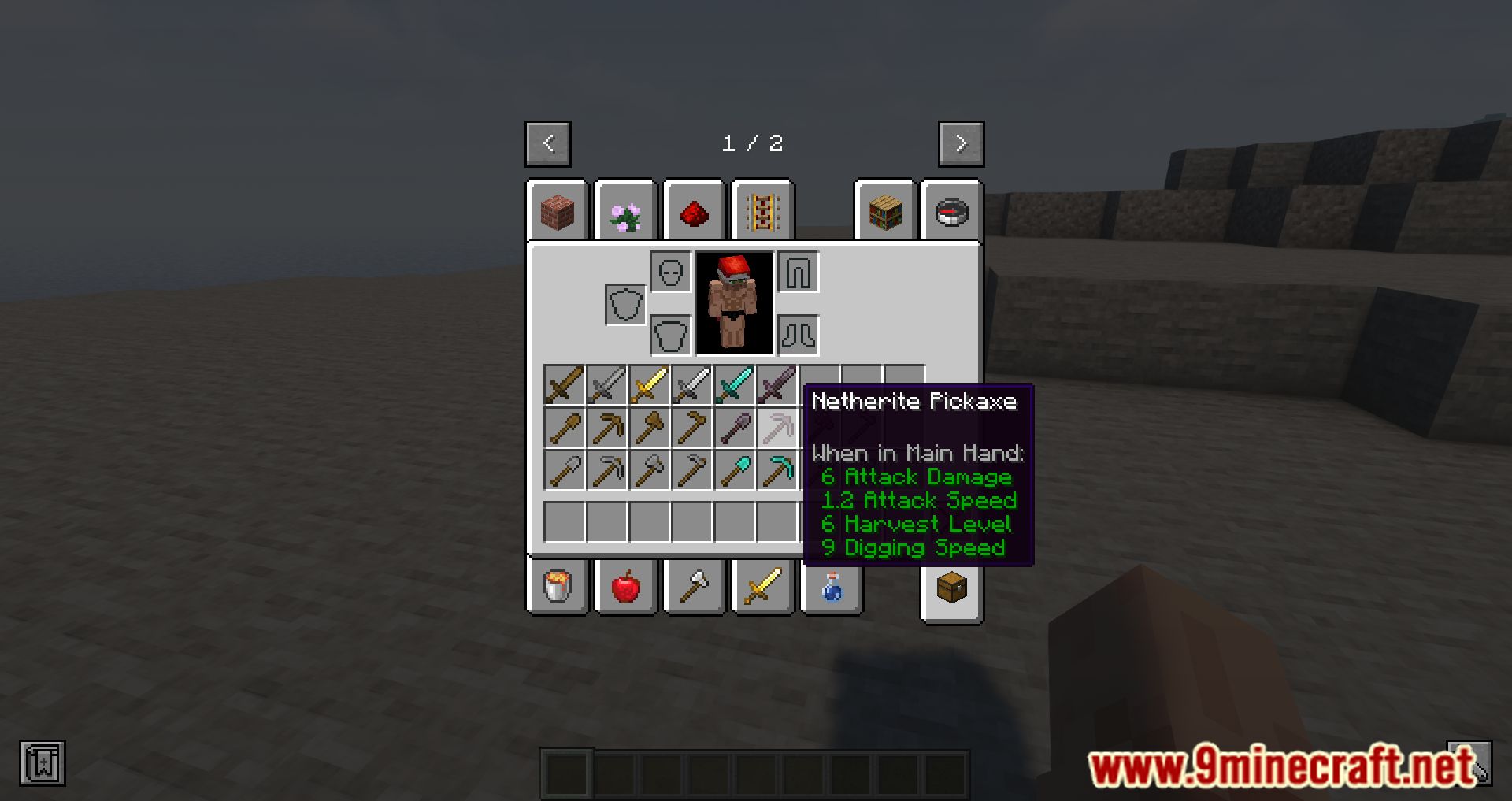
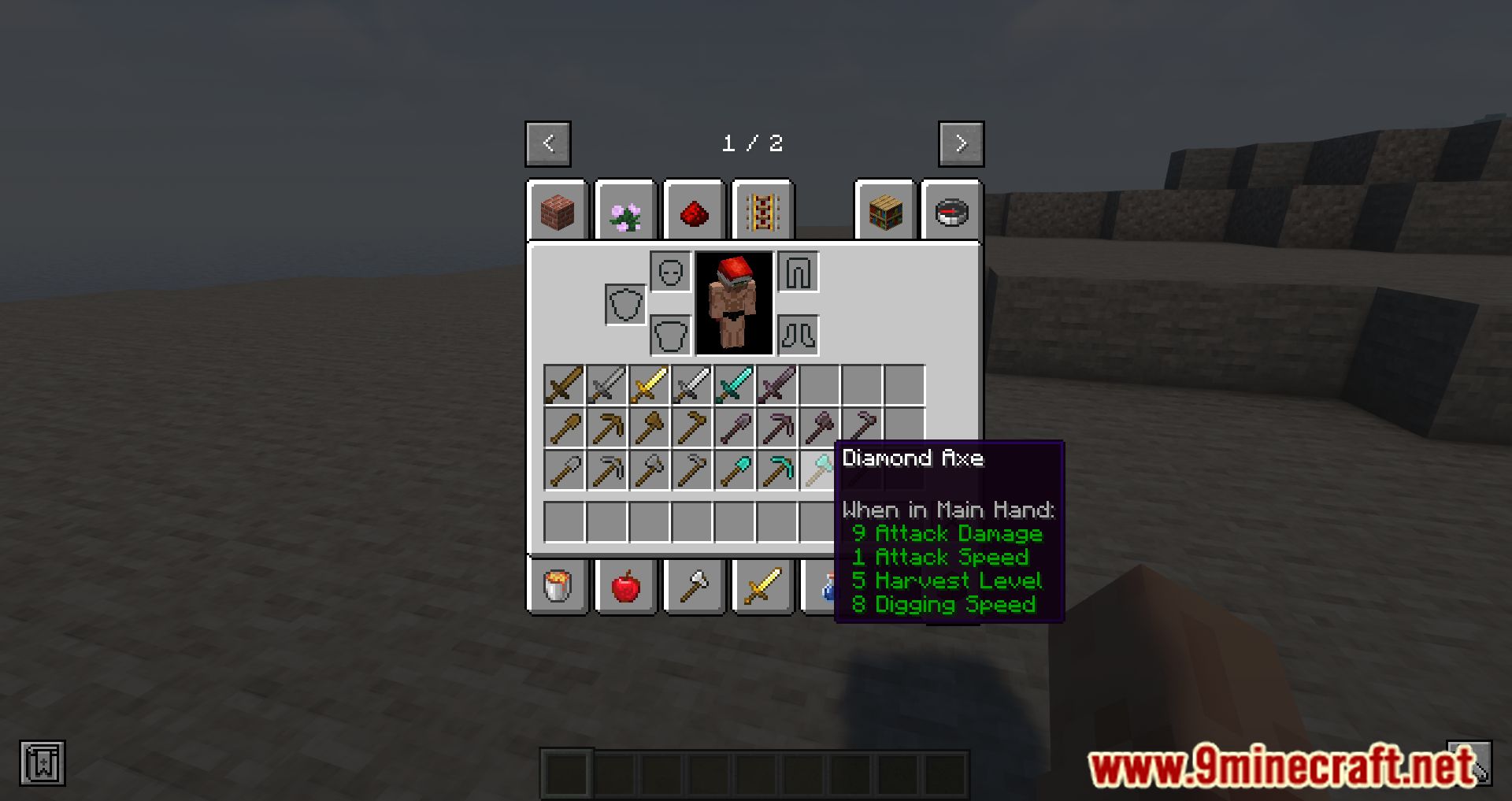
The tooltip is enabled by default, so simply hover over any tool in your inventory and the stats appear below the item name. If nothing shows, check that the mod is loaded and that the tooltip hasn't been toggled off in the mod's config.
Why do some tools show no stats at all?
Only items the mod recognizes as tools with relevant attributes will display stats. Items without durability, mining level, or mining speed data simply have nothing to report, so the tooltip stays empty.
How do I change which stats appear in the tooltip?
Open the mod's config file and toggle the individual stat entries on or off. Each stat (durability, mining speed, mining level, enchantability, attack speed) can be shown or hidden independently, and changes apply after reloading.
Can I hide the tooltip while holding a key?
Yes, the mod supports a keybind that hides the stats tooltip while held, which is useful when you want to see the vanilla tooltip only. Check your controls menu for the Tool Stats keybind and rebind it if it conflicts.
See all 10 Tool Stats questions ›
Gallery
10 images from the Tool Stats Mod page.
You May Also Like
Wikis that share the most with this one
Wikis on the same theme: tool
More mod wikis on the site
Too Many Structures 9minecraft ModToo Many Paintings ModToo Many Bows ModToo Fast ModTons Of Enchants ModTonic And Wild MedicineToms Trading NetworkToms Storage Star Optimized ModTom's Simple Storage ModToms Server Additions: Stone! ModToms Server Additions: Planks! ModToms Server Additions: Concrete! Mod
The most downloaded mods that have a wiki here
A few wikis from each of the other kinds