

 DownloadAuto Scroll Mod
Get the files on 9Minecraft
Guides
Step-by-step, in-game.
Create Random Block Patterns for Building DetailsPreparing Your Hotbar Gather all the blocks you want to use in your random pattern. This might include stone…Set Up Your First Auto Scroll KeybindAccessing Mod Settings Before you can use Auto Scroll Mod, you need to assign a keybind. Open your game settings and…Speed Up Large-Scale Detailing ProjectsWhy Auto Scroll Saves Time Manually scrolling through your hotbar for each block placement is tedious during large…Troubleshoot Auto Scroll Not WorkingVerify Your Keybind is Set Open your Controls settings and check that your Auto Scroll keybind has a key assigned to…
Frequently asked questions
How do I set up a keybind for Auto Scroll?
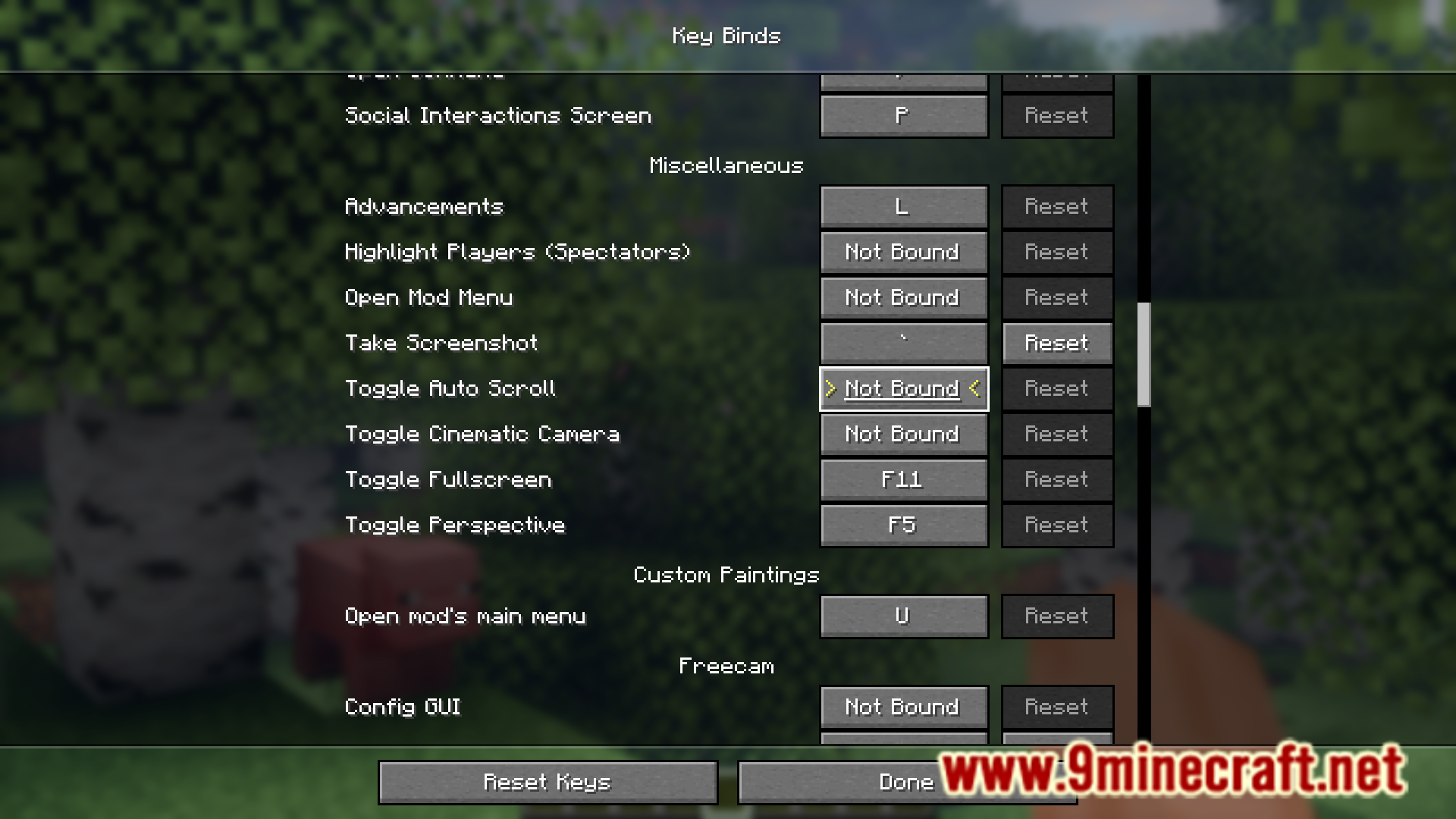
Open your Controls settings, find the Auto Scroll keybind (it will be unassigned by default), and click it to assign a key of your choice. Once assigned, you can press that key to activate automatic hotbar scrolling.
What blocks should I put in my hotbar for random detailing?
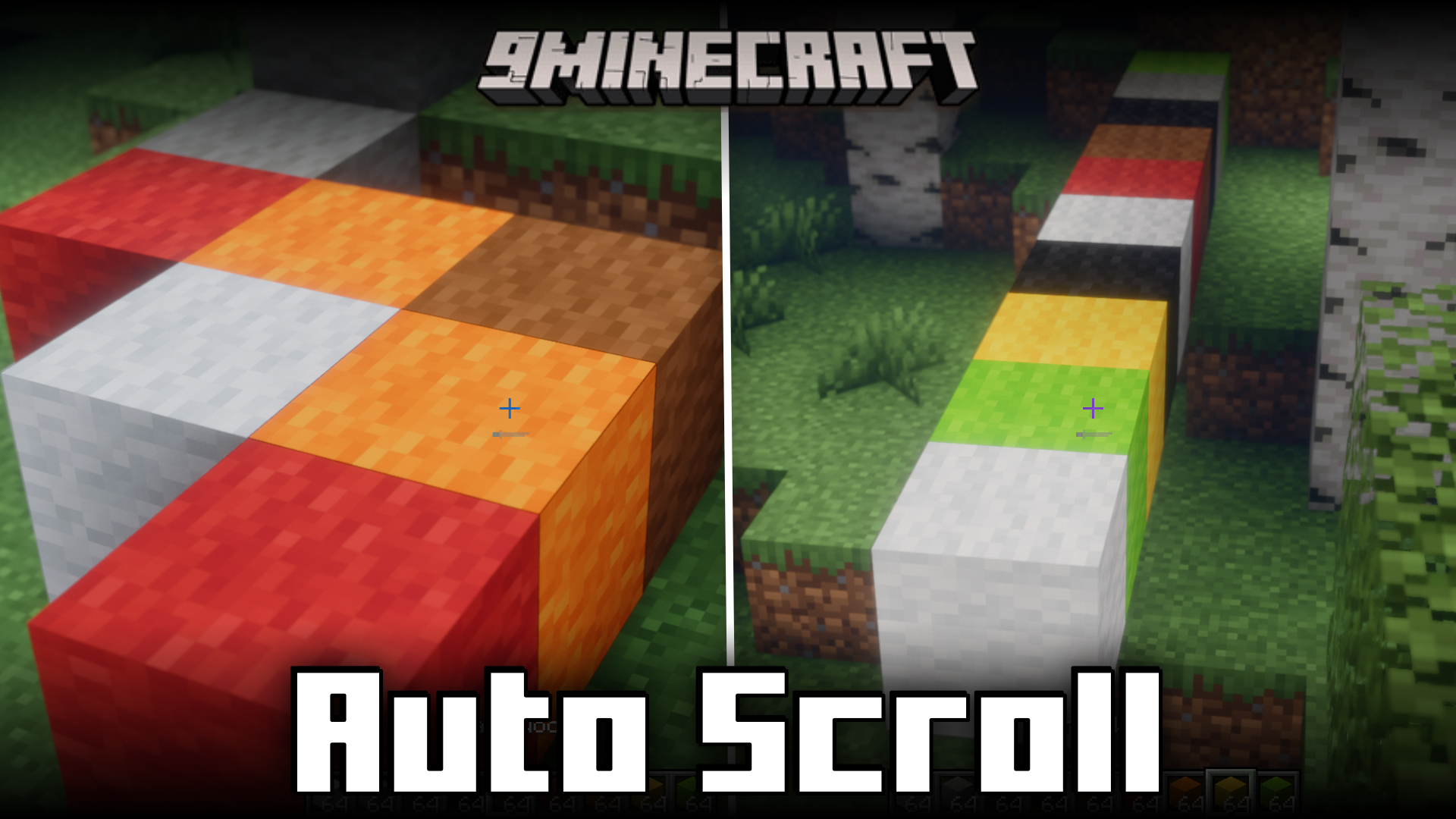
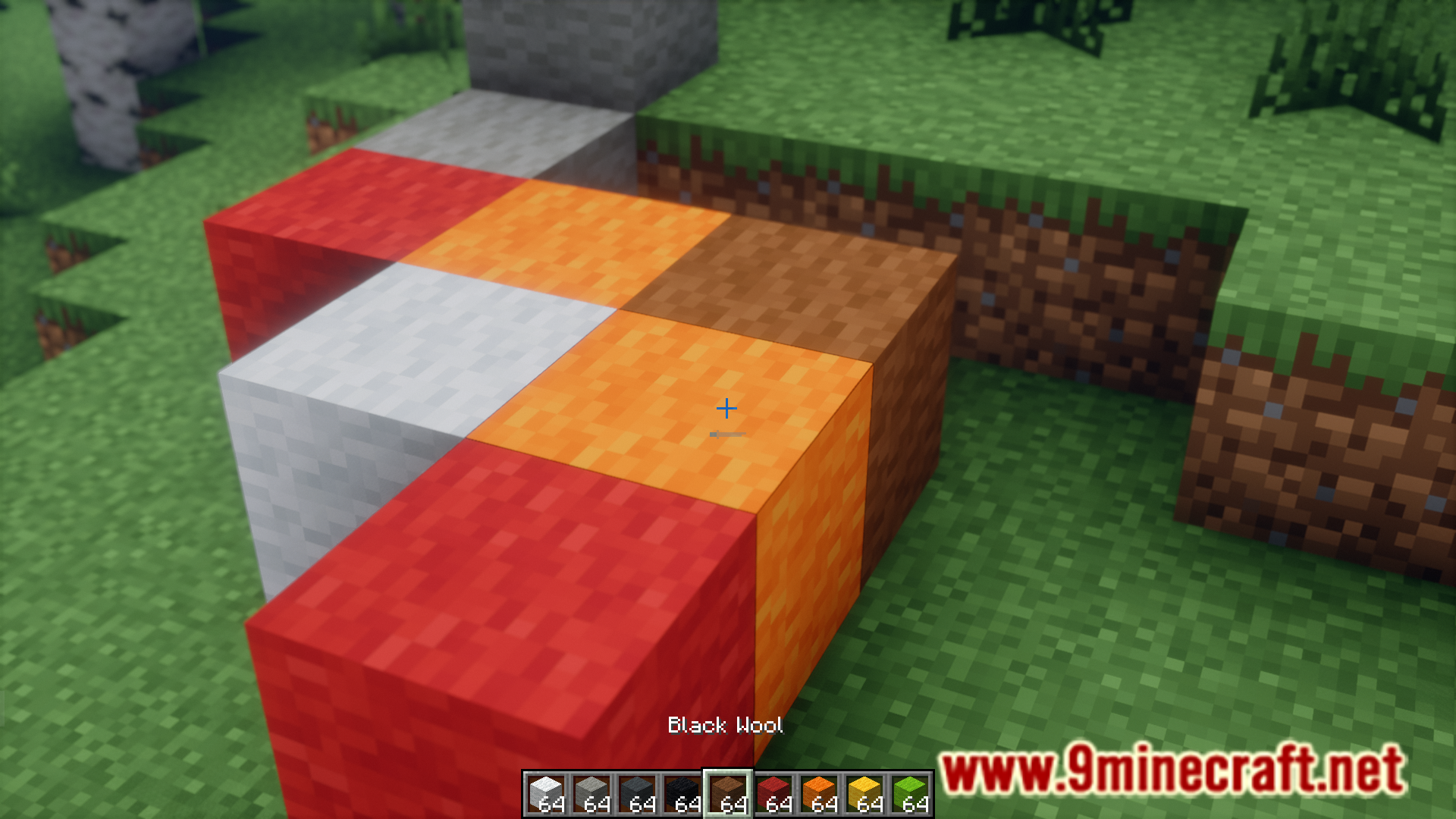
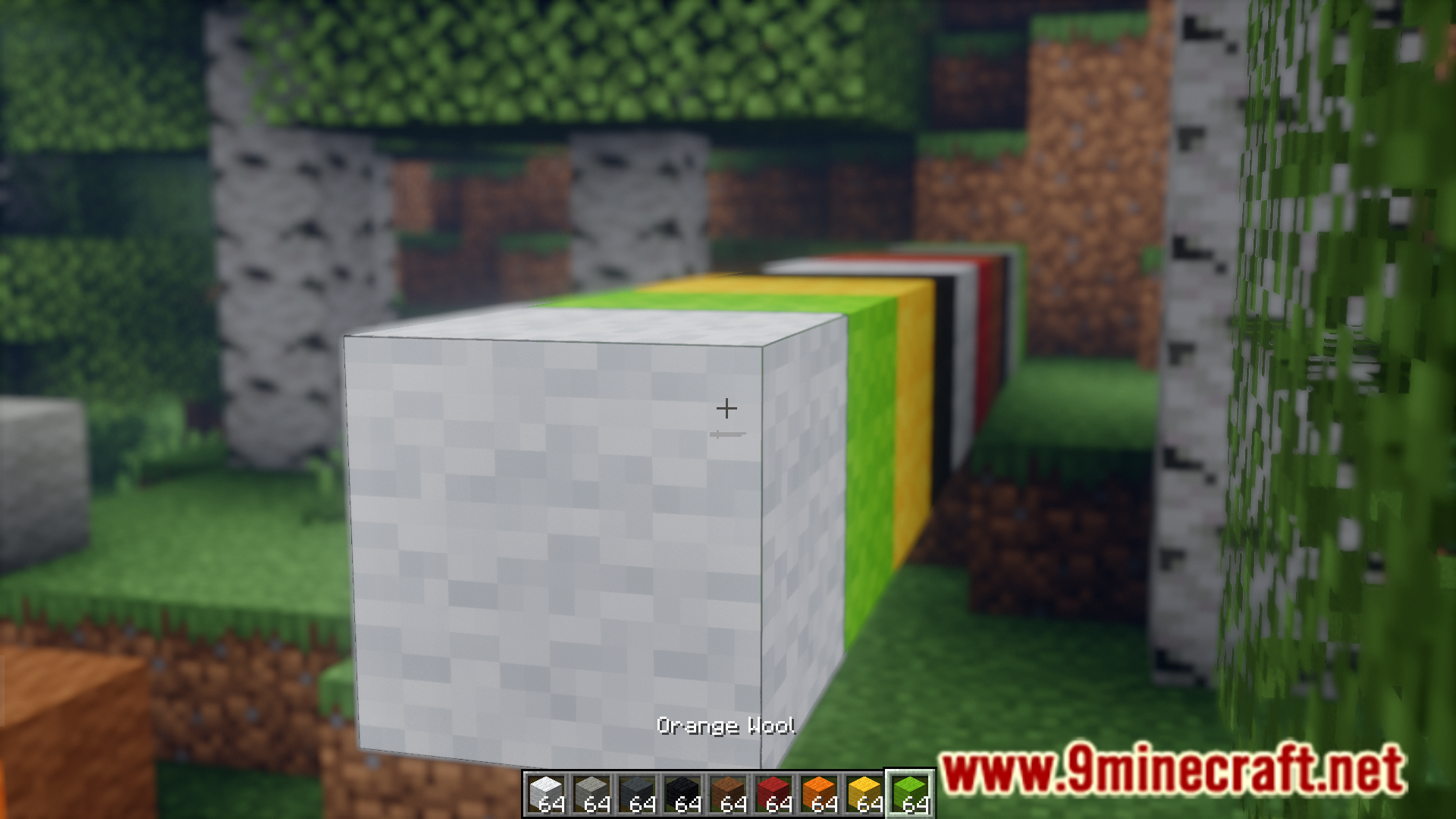
Place the blocks you want to randomly cycle through into consecutive hotbar slots—for example, stone, cobblestone, and mossy cobblestone in slots 1-3. When you hold Auto Scroll, it will cycle through only those slots.
Does Auto Scroll work while I'm placing blocks?
Yes, that's the main feature—hold down your place block button (right-click by default) while pressing your Auto Scroll keybind, and the mod will rapidly cycle through your hotbar slots as you place, creating random block patterns.
Can I control how fast Auto Scroll cycles through blocks?
The mod cycles at a fixed high speed designed for detailing work; you cannot adjust the scroll speed through settings, but the rapid cycling is intentional to speed up large projects.
See all 10 Auto Scroll questions ›
Gallery
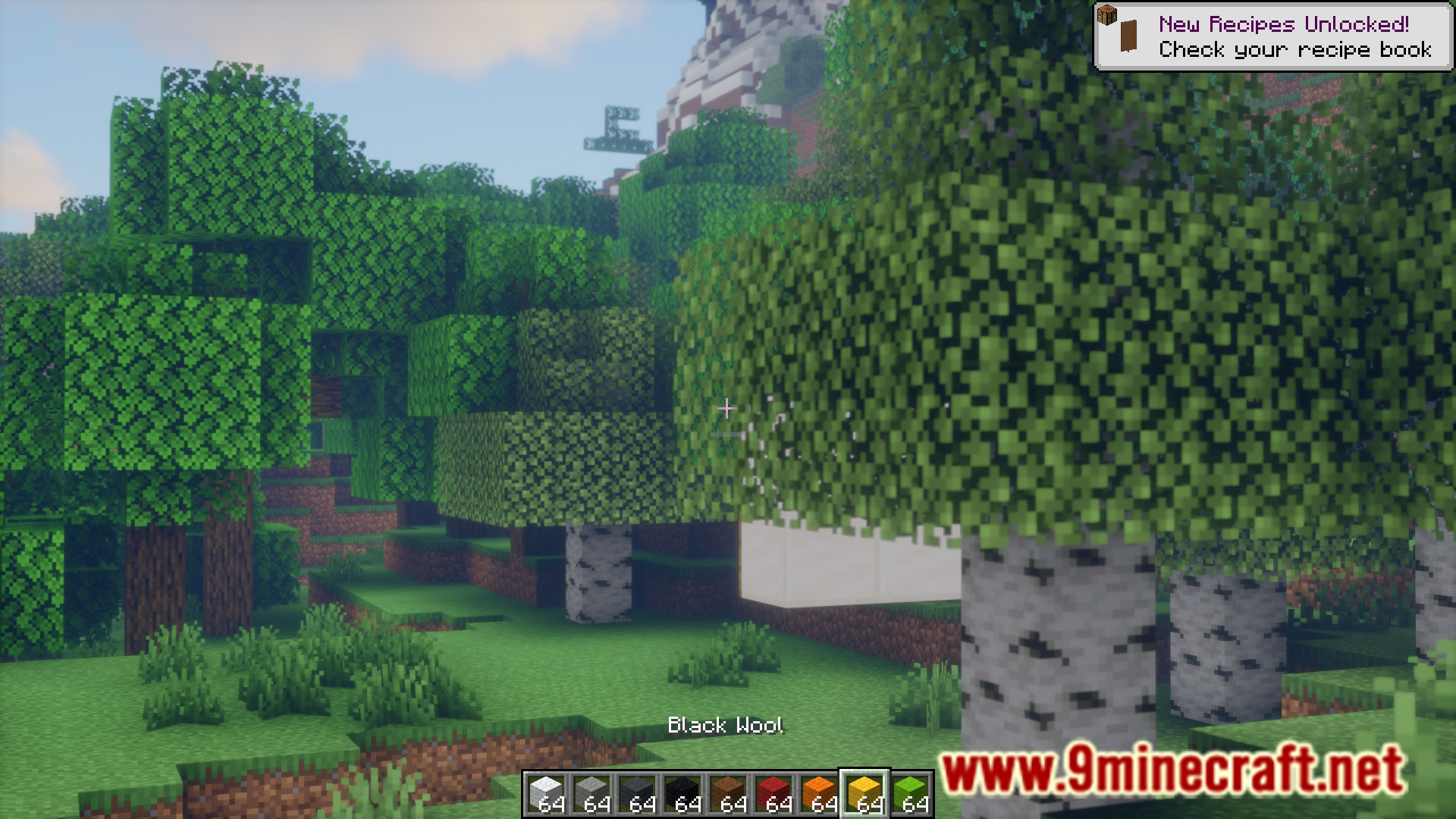
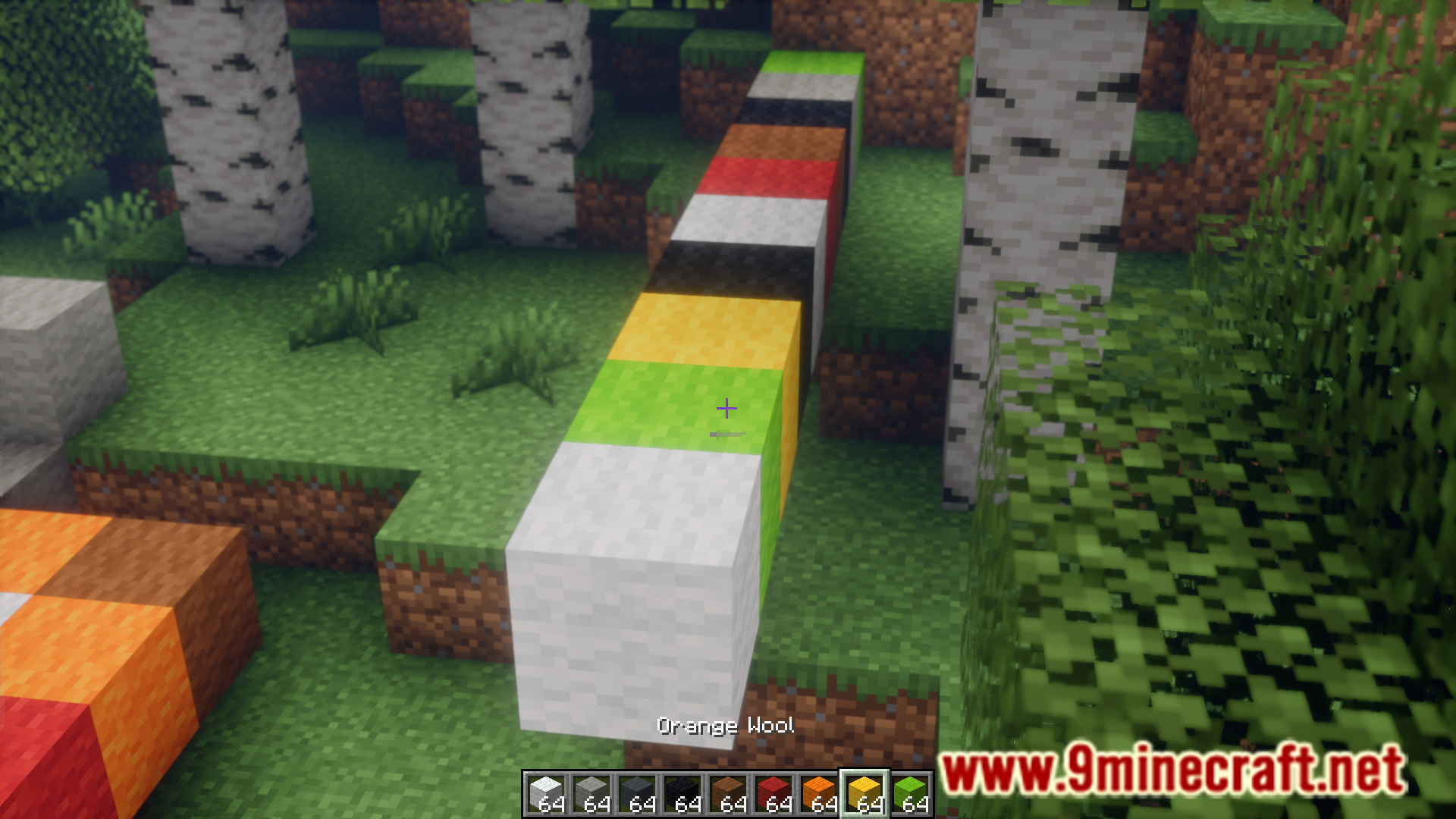
9 images from the Auto Scroll Mod page.
You May Also Like
Wikis that share the most with this one
More mod wikis on the site
The most downloaded mods that have a wiki here
A few wikis from each of the other kinds