

 DownloadTools on My Back TOMB Mod
Get the files on 9Minecraft
Guides
Step-by-step, in-game.
Adjust Item Position and Rotation on Your BackUnderstanding Positioning Controls Each item has six adjustment values that control how it appears: scale : Makes the…Display a Custom Mod Item on Your BackFinding the Item ID To display tools from other mods, you first need the exact item identifier. Check the mod's…Show Tools While Wearing a Cape or ElytraEnabling Cosmetics with Tools By default, the mod may hide your tools when you equip cosmetic items. You can change…Turn Off the Mod or Disable Specific ItemsDisabling the Entire Mod If you want to stop seeing tools on your back entirely: 1. Open…
Frequently asked questions
Why isn't my tool showing on my back?
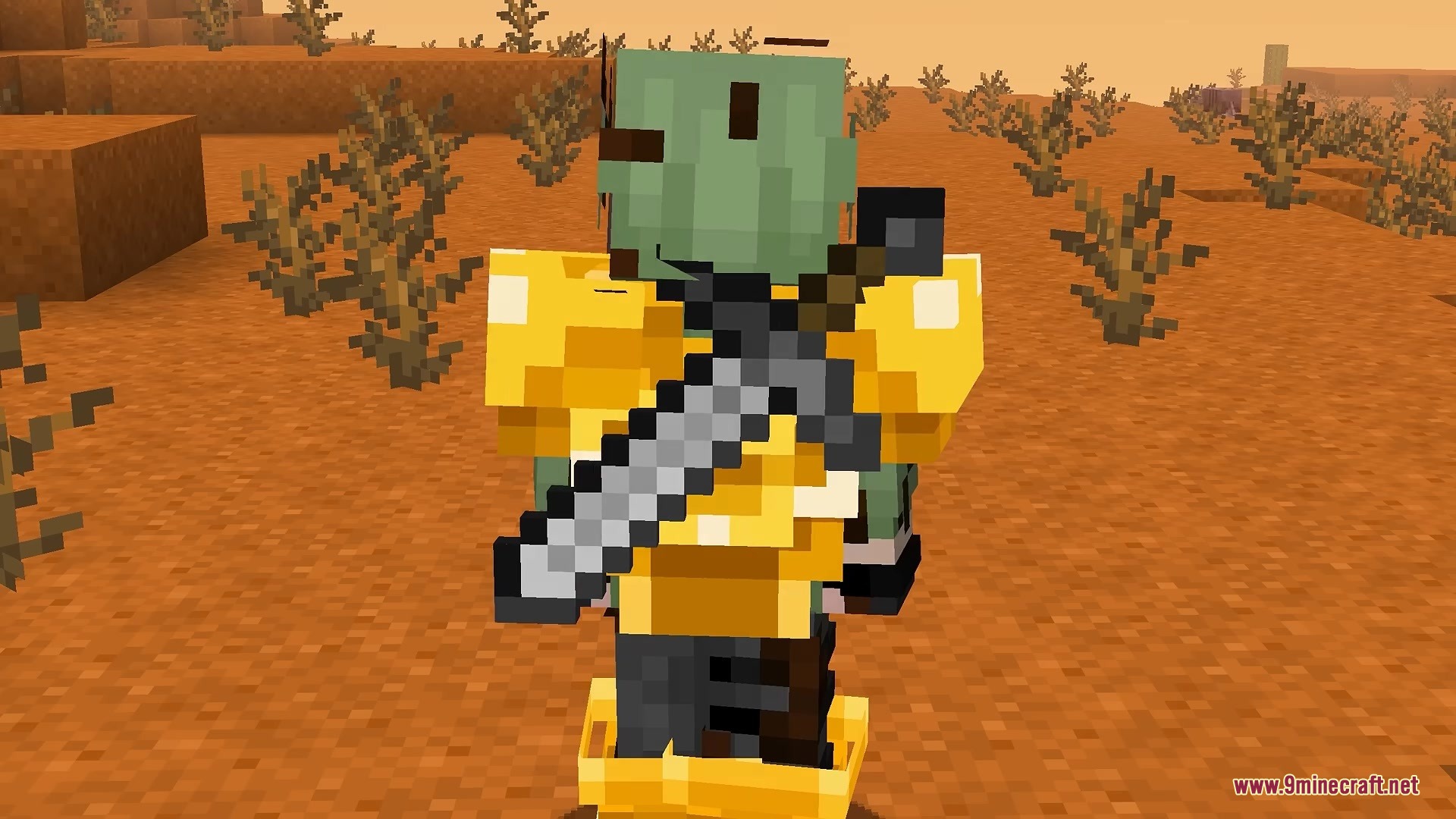
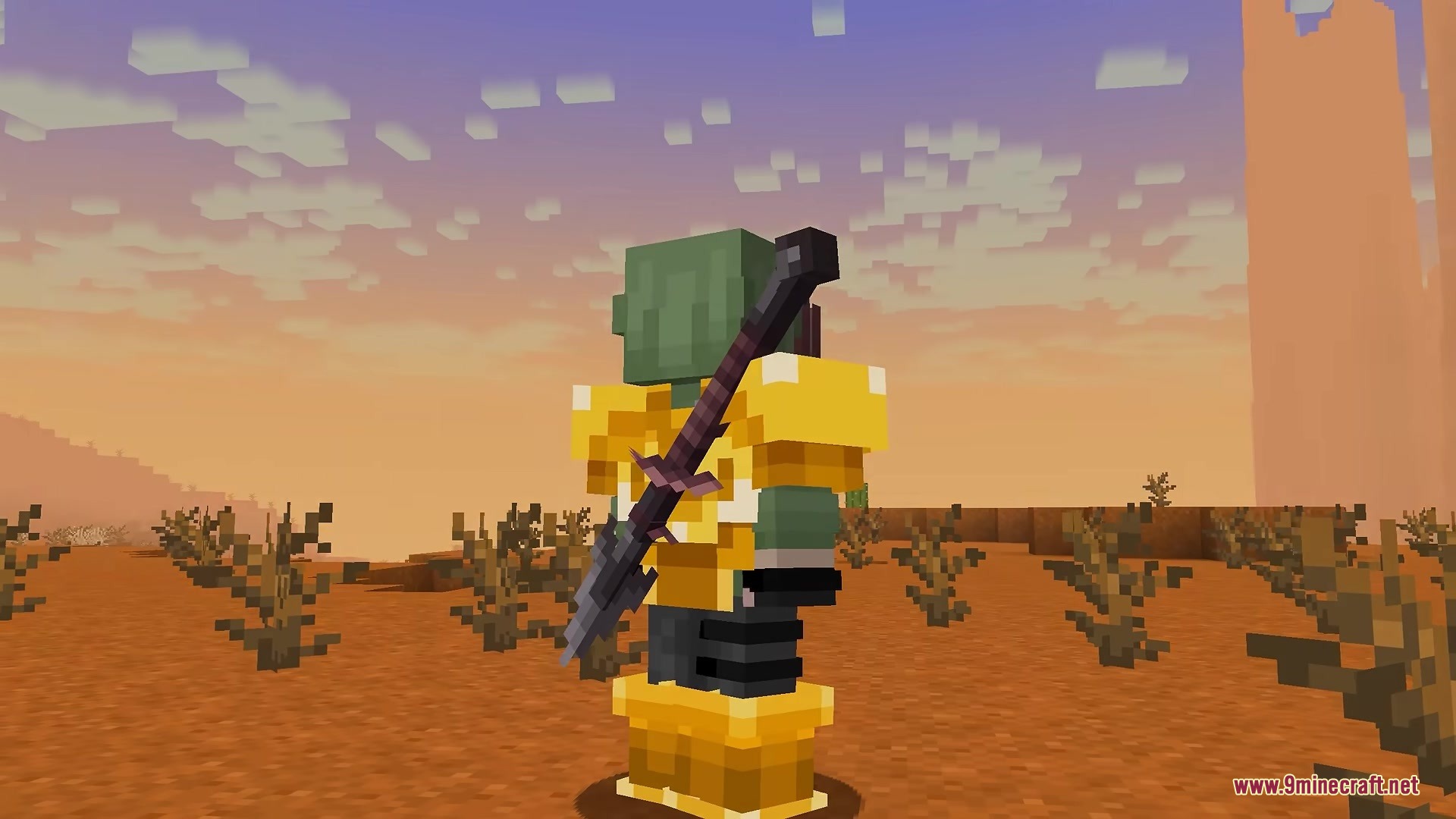
Make sure you're holding the tool in your main hand, then switch to a different item or empty hand—the tool will snap to your back once you stop holding it. If nothing appears, check that enableMod is set to true in your config file.
How do I add a custom mod item to display on my back?
Open /config/tools-on-my-back.json5 and add a new entry to the tools array with the correct itemId (you can find this by hovering over the item with advanced tooltips enabled), then set enabled to true and adjust scale, angle, and offsets to your liking.
My tool is floating away from my back or clipping into my body. How do I fix it?
Use the offsetX, offsetY, and offsetZ settings in the config to reposition the item—offsetZ moves it closer or further from your body, while offsetX and offsetY adjust left/right and up/down placement.
Can I use this mod on a multiplayer server?
Yes, the mod runs entirely on your client side, so you can join any server without needing the server to install anything—only you will see your tools on your back.
See all 10 Tools on My Back TOMB questions ›
Gallery
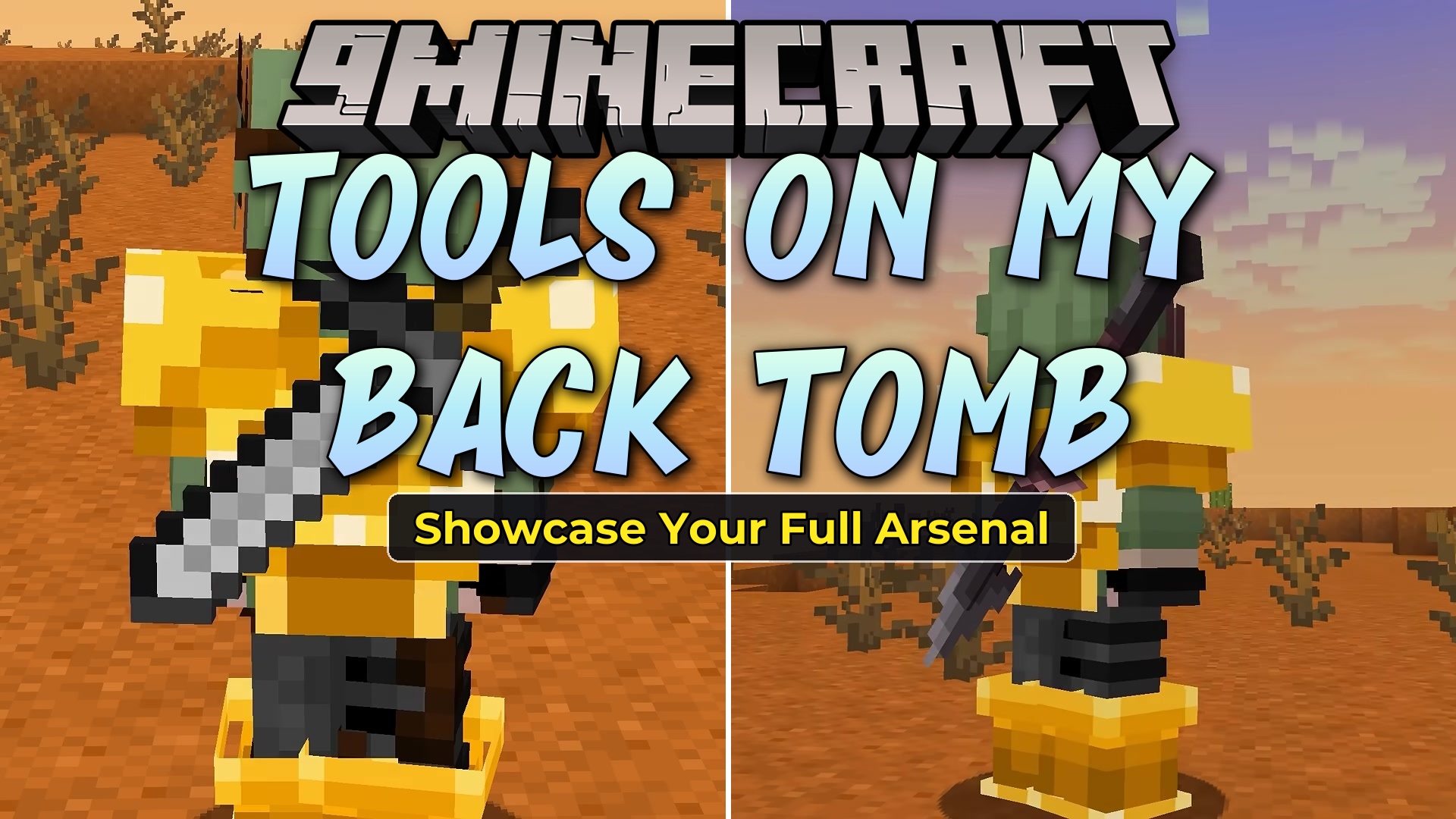
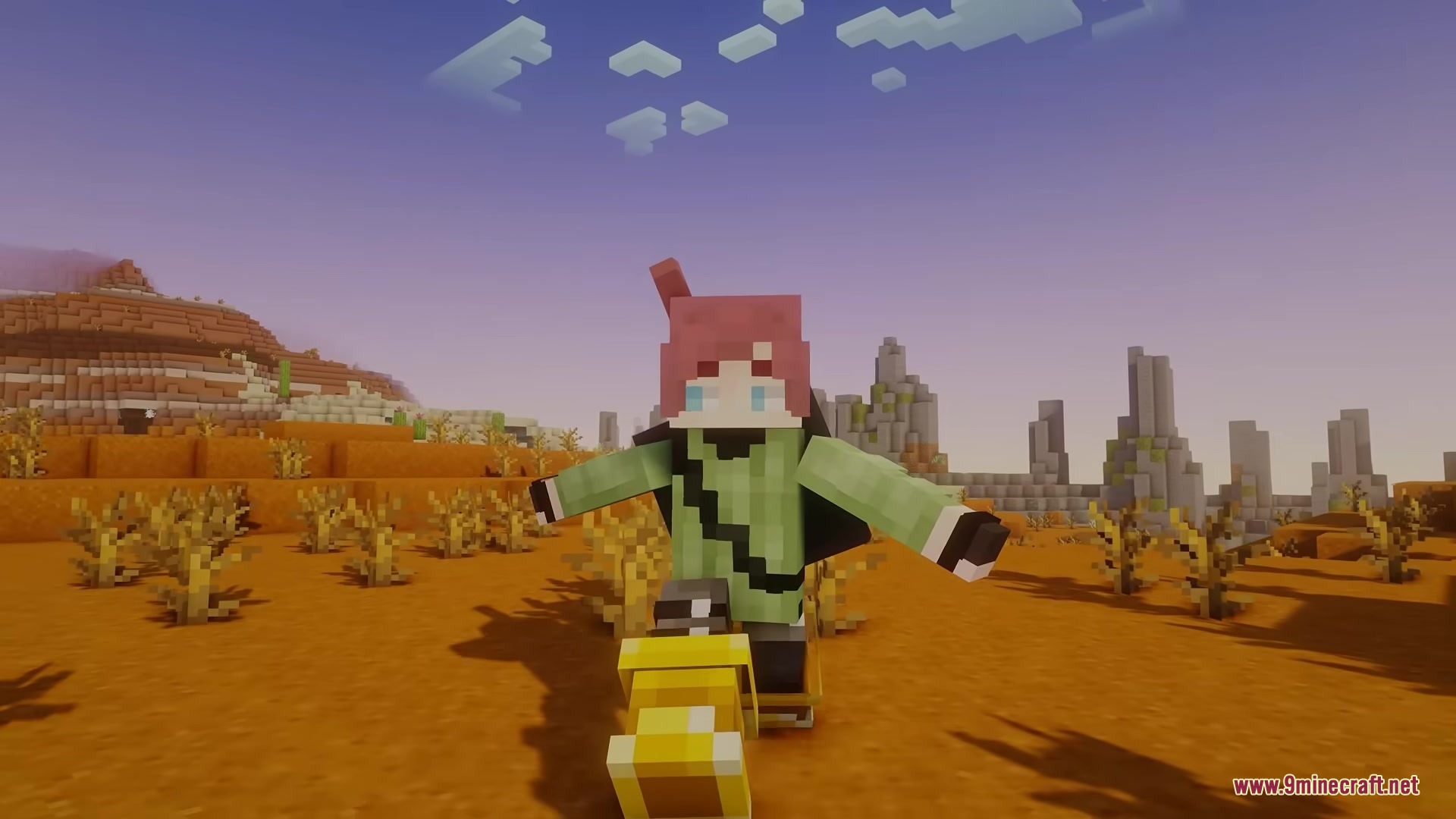
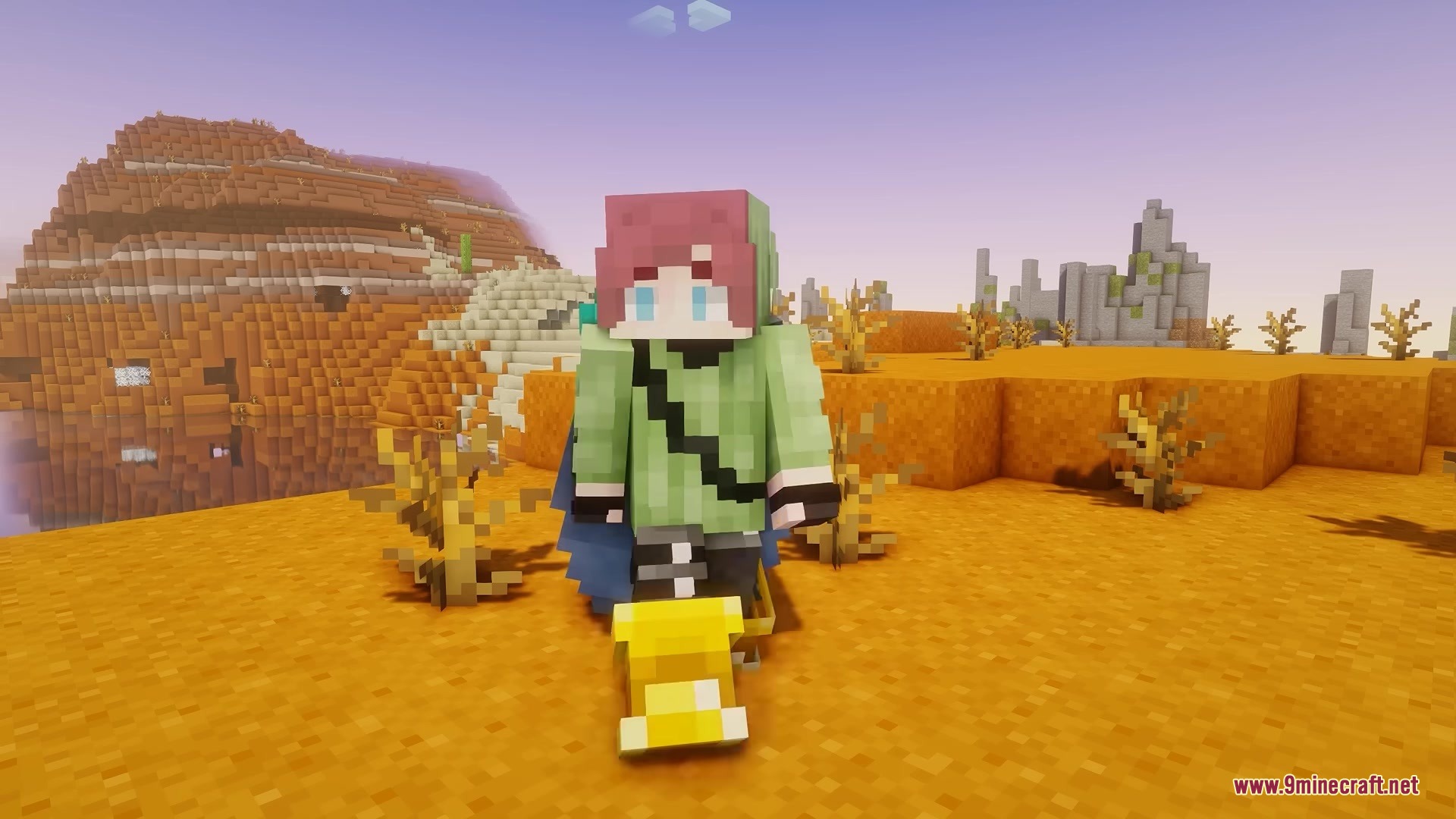
5 images from the Tools On My Back Tomb Mod page.
You May Also Like
Wikis that share the most with this one
Wikis on the same theme: tool
More mod wikis on the site
The most downloaded mods that have a wiki here
A few wikis from each of the other kinds