

 DownloadTool Progression
Get the files on 9Minecraft
Guides
Step-by-step, in-game.
Check if a Block Requires a Specific ToolUsing Waila/Hwyla When you hover over a block in the world, the Waila or Hwyla mod overlay (top-left corner by…Find What Tool You Need for a Specific BlockQuick Method 1. Look at the block you want to harvest 2. Hover over it with Waila/Hwyla enabled 3. Read the…See Mining Level Names in Tool TooltipsViewing Level Information When you hover over or inspect any pickaxe in your inventory, the tooltip automatically…Understand Tool Classes and Harvest LevelsTool Classes Each tool belongs to a specific class that determines what it can harvest: Pickaxe : mines stone, ore,…
Frequently asked questions
Does this mod change anything if I don't edit the config files?
No. Without custom configuration, Tool Progression Mod runs passively and only adds the Waila/Hwyla plugin tooltips and mining level names to pickaxes—your game plays normally.
How do I check what tool a block needs?
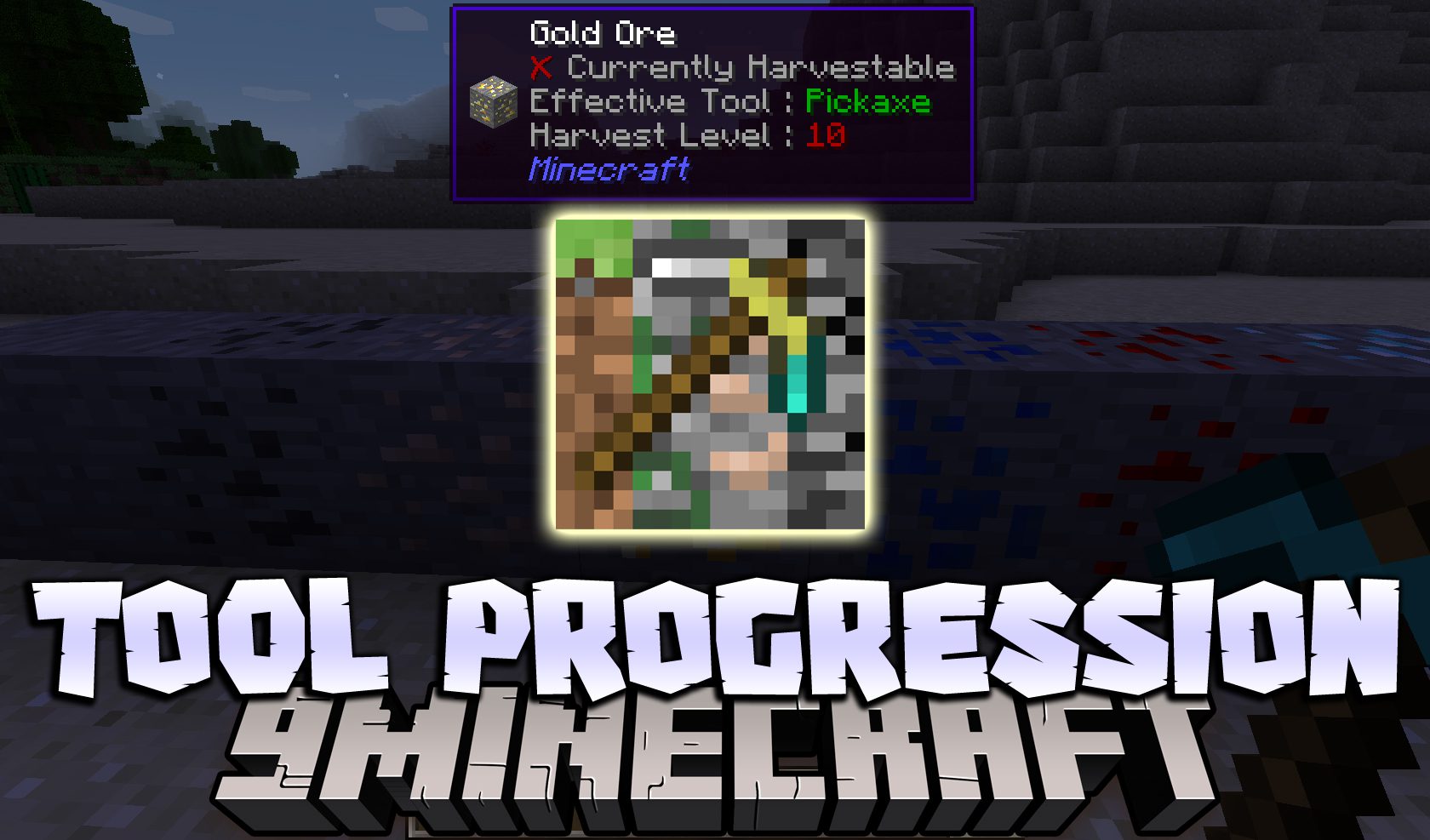
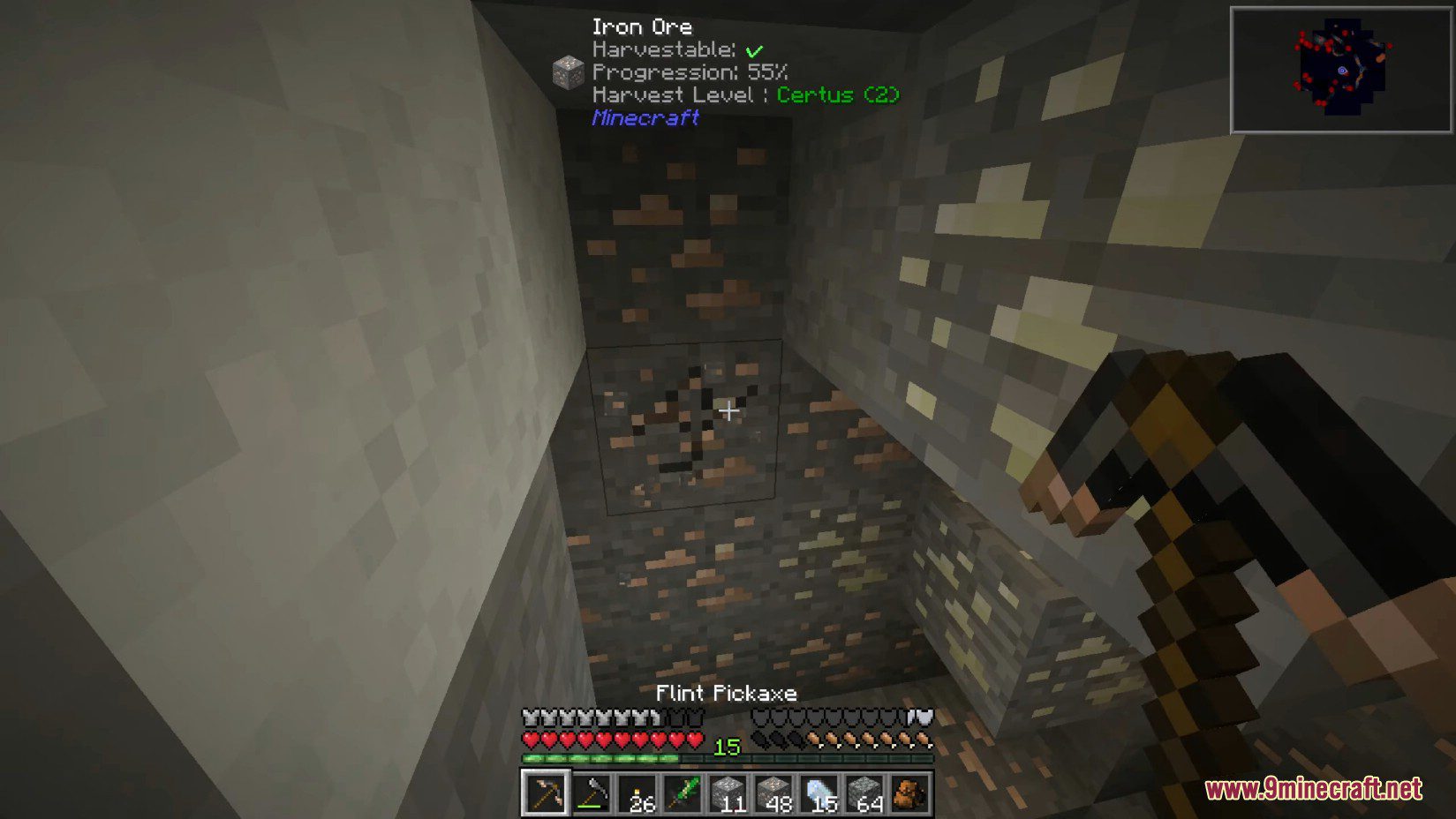
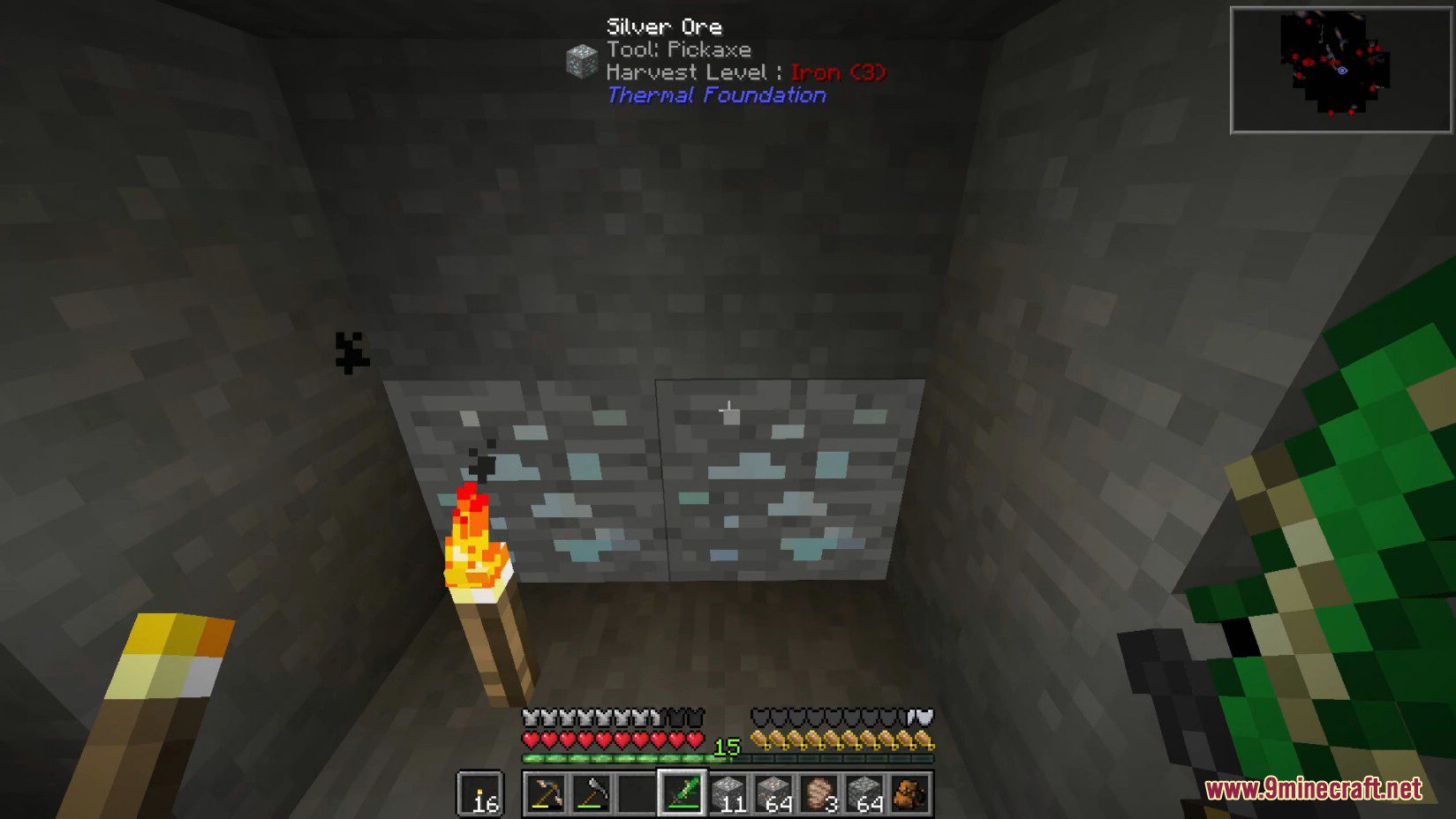
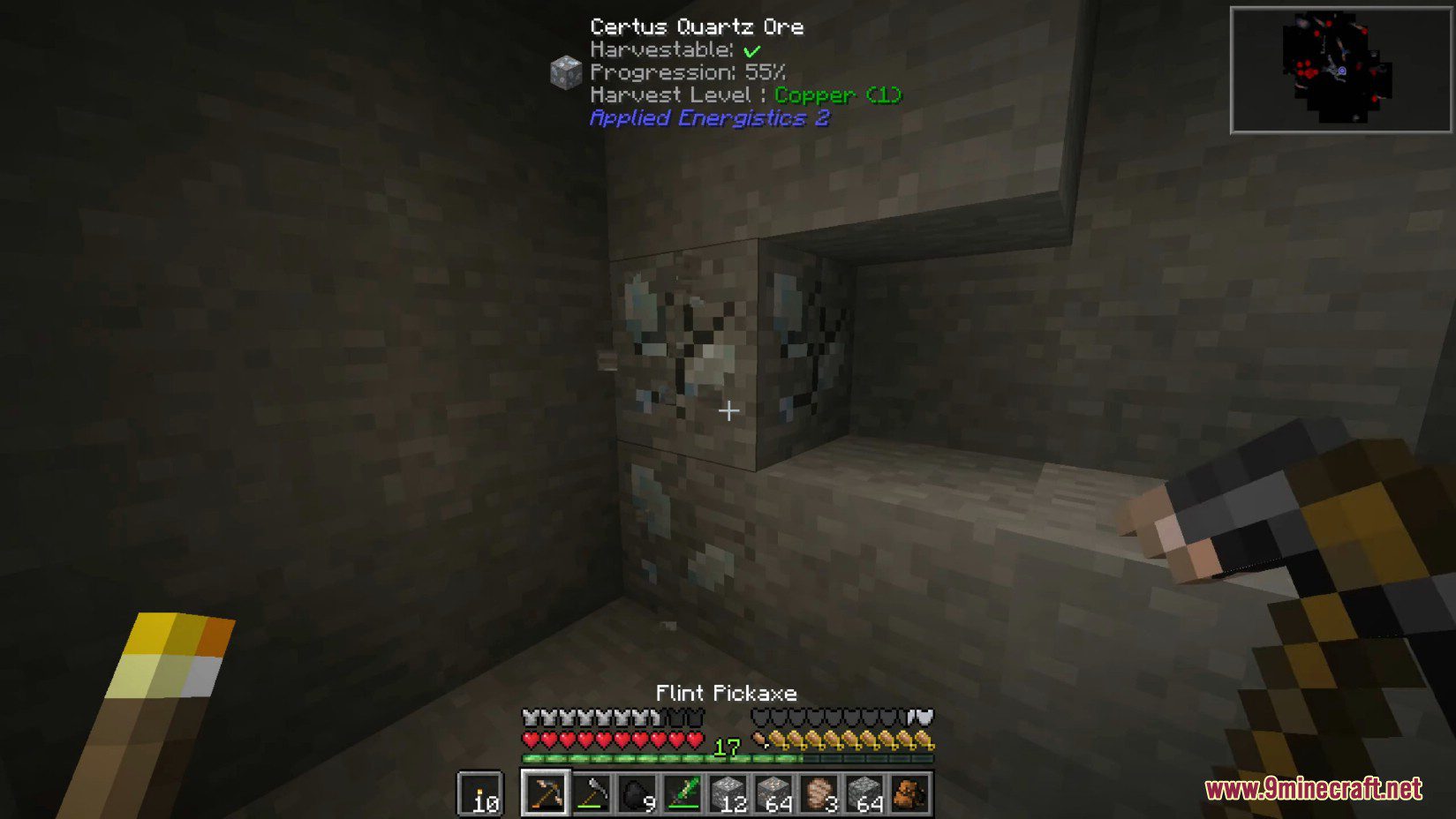
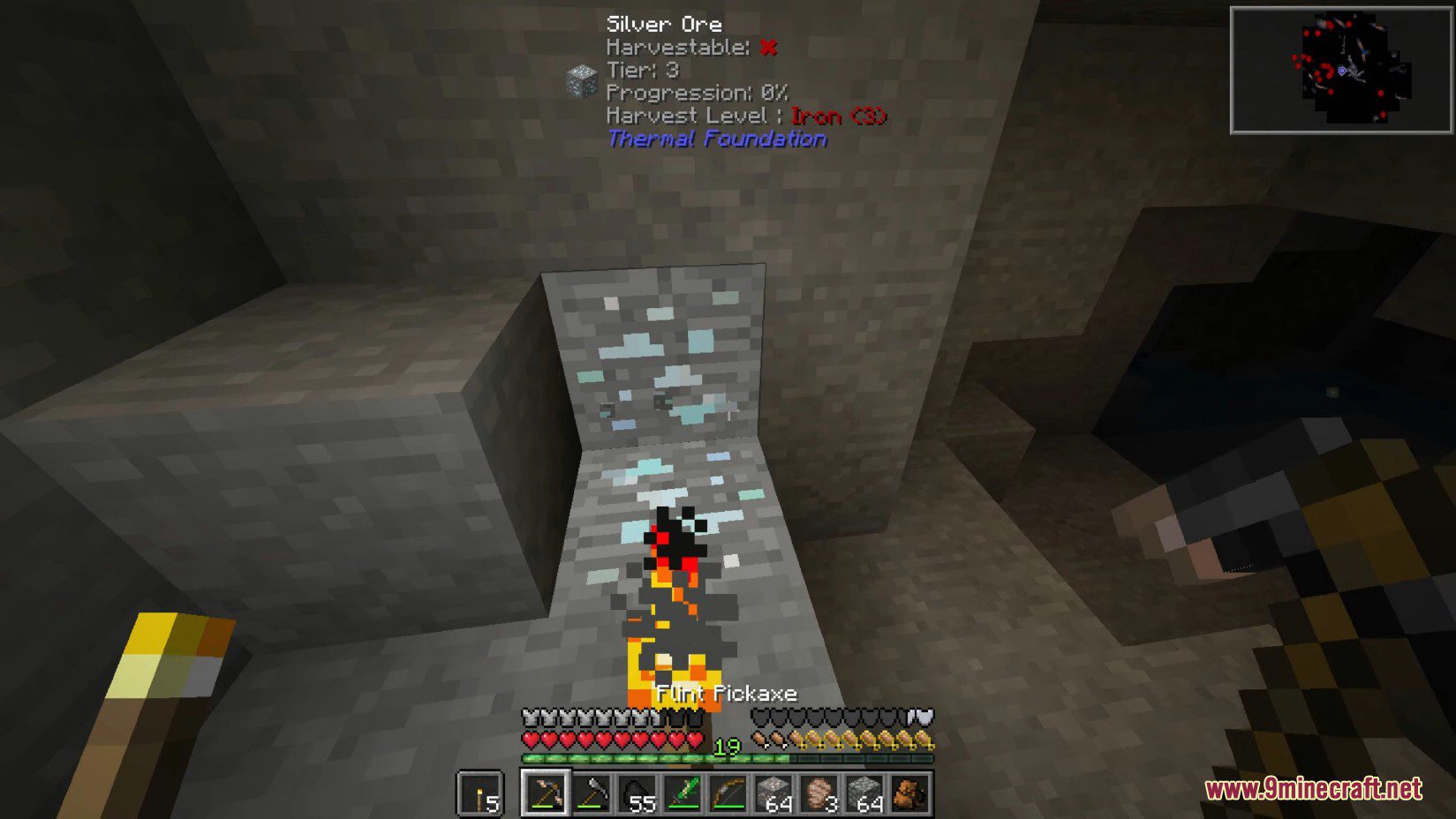
Hover over any block with Waila/Hwyla enabled, and the tooltip will show whether it requires a tool, which tool class is needed, and what harvest level that tool must have.
What's the difference between tool class and harvest level?
Tool class is the *type* of tool (pickaxe, axe, shovel, etc.), while harvest level is the *tier* or *rank* of that tool—for example, an iron pickaxe is the pickaxe class at harvest level 2.
Can I make a tool that works as multiple tools at once?
Yes, that's what a paxel does—it combines pickaxe, axe, and shovel classes in one tool. You can configure any tool to have multiple classes through the mod's config files.
How do I change what harvest level a tool has?
Edit the Tool Progression Mod configuration files to overwrite the harvest level for that specific tool, then reload or restart your game.
Can I make a block require a higher harvest level to break?
Yes, you can modify the required tool class and harvest level for any block in the configuration files, allowing you to lock blocks behind tool progression.
Does this mod work with modded tools and blocks?
Yes, the mod applies to any tool or block in the game—both vanilla and from other mods—as long as you configure them.
What happens if I try to break a block with the wrong tool?
The block won't drop as an item; it will break but you'll get nothing, just like vanilla Minecraft behavior for incompatible tools.
Can I see mining level names without being a modpack maker?
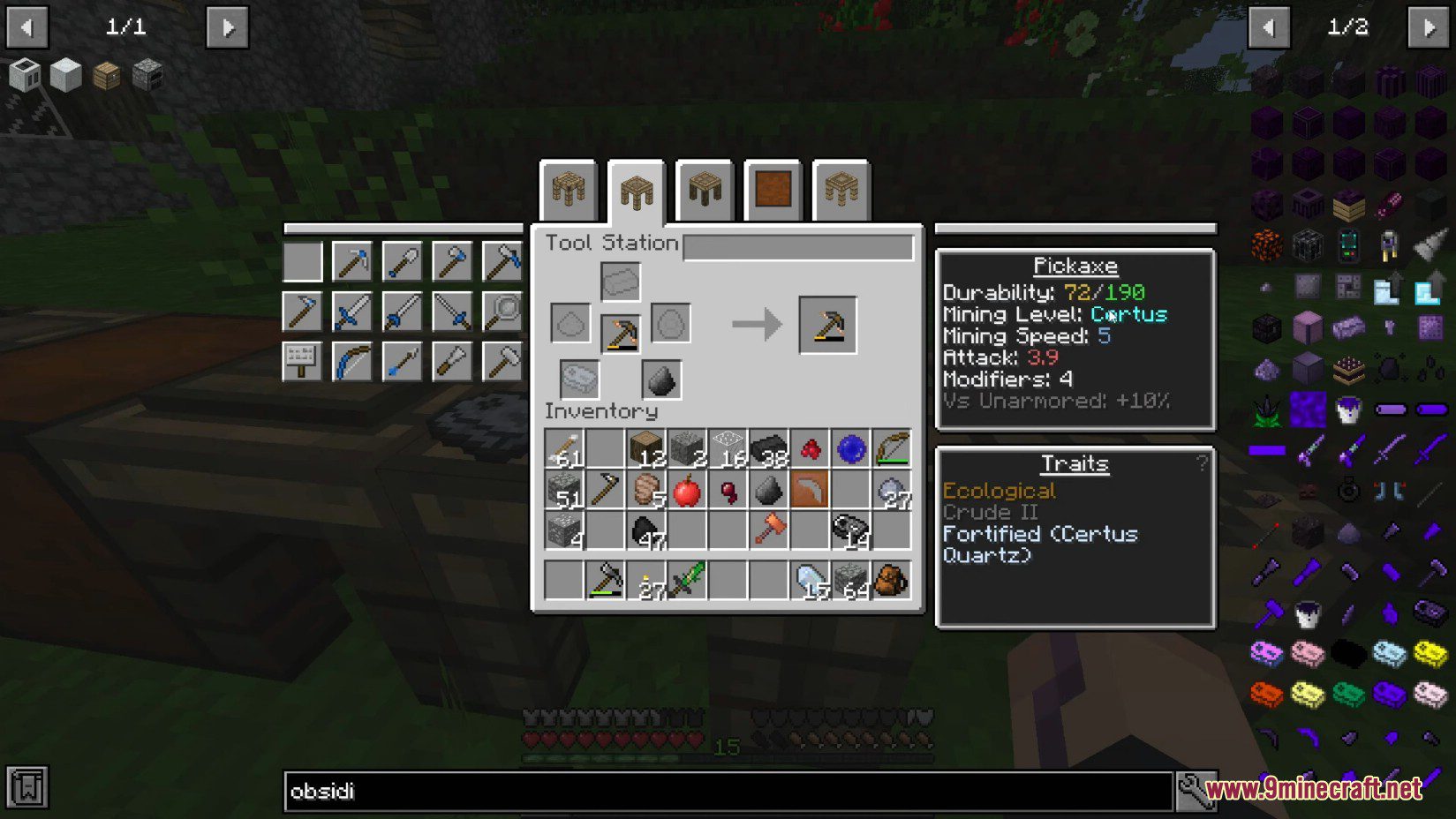
Yes, the mining level names appear in pickaxe tooltips automatically, so any player with the mod installed will see them.
Does this mod affect performance or cause lag?
No, Tool Progression Mod is lightweight and only reads configuration data at startup—it has negligible performance impact.
Gallery
7 images from the Tool Progression Mod page.

You May Also Like
Wikis that share the most with this one
Wikis on the same theme: magic
More mod wikis on the site
Too Many Structures 9minecraft ModToo Many Paintings ModToo Many Bows ModToo Fast ModTons Of Enchants ModTonic And Wild MedicineToms Trading NetworkToms Storage Star Optimized ModTom's Simple Storage ModToms Server Additions: Stone! ModToms Server Additions: Planks! ModToms Server Additions: Concrete! Mod
The most downloaded mods that have a wiki here
A few wikis from each of the other kinds