

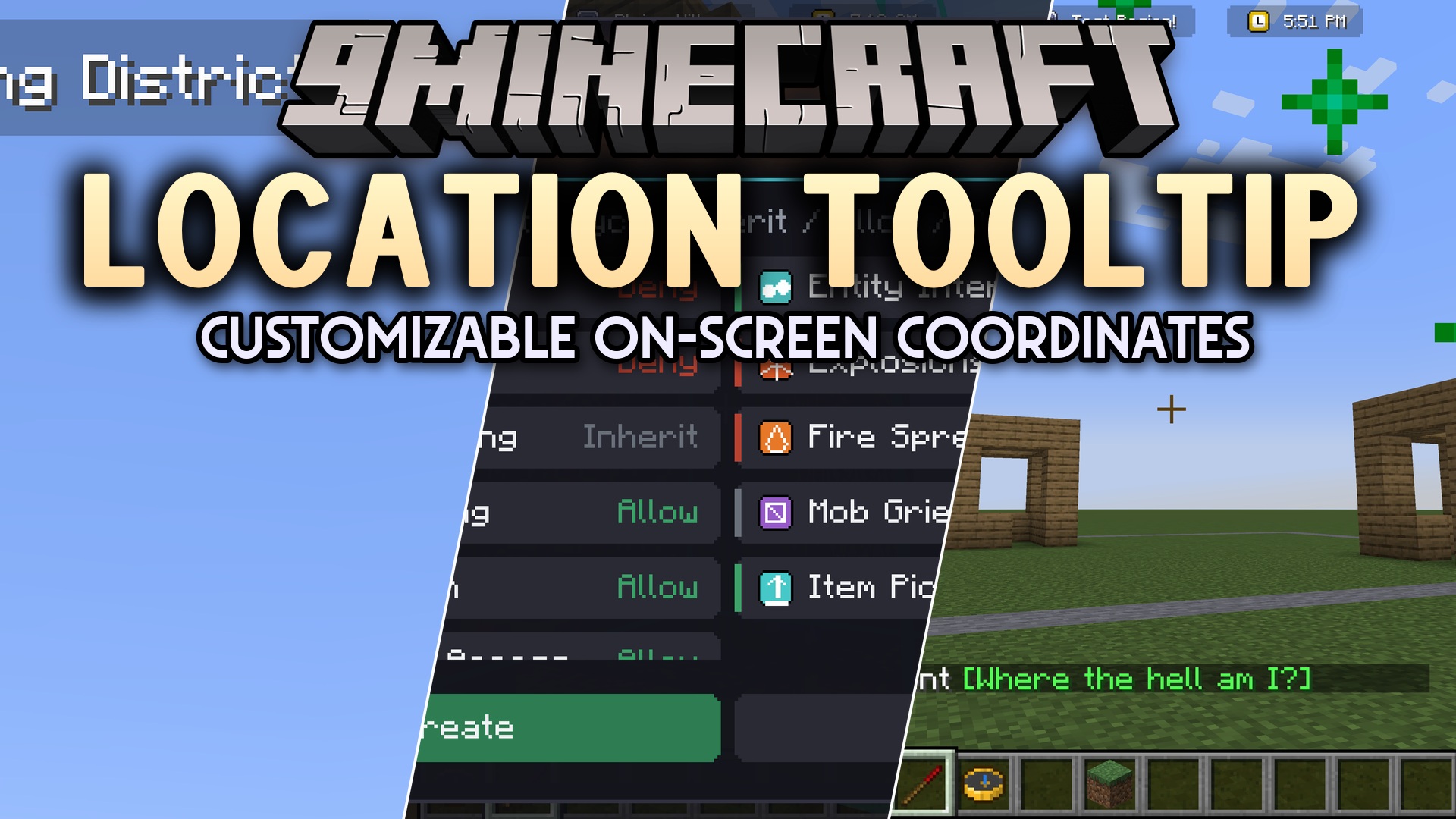
 DownloadLocation Tooltip
Get the files on 9Minecraft
Guides
Step-by-step, in-game.
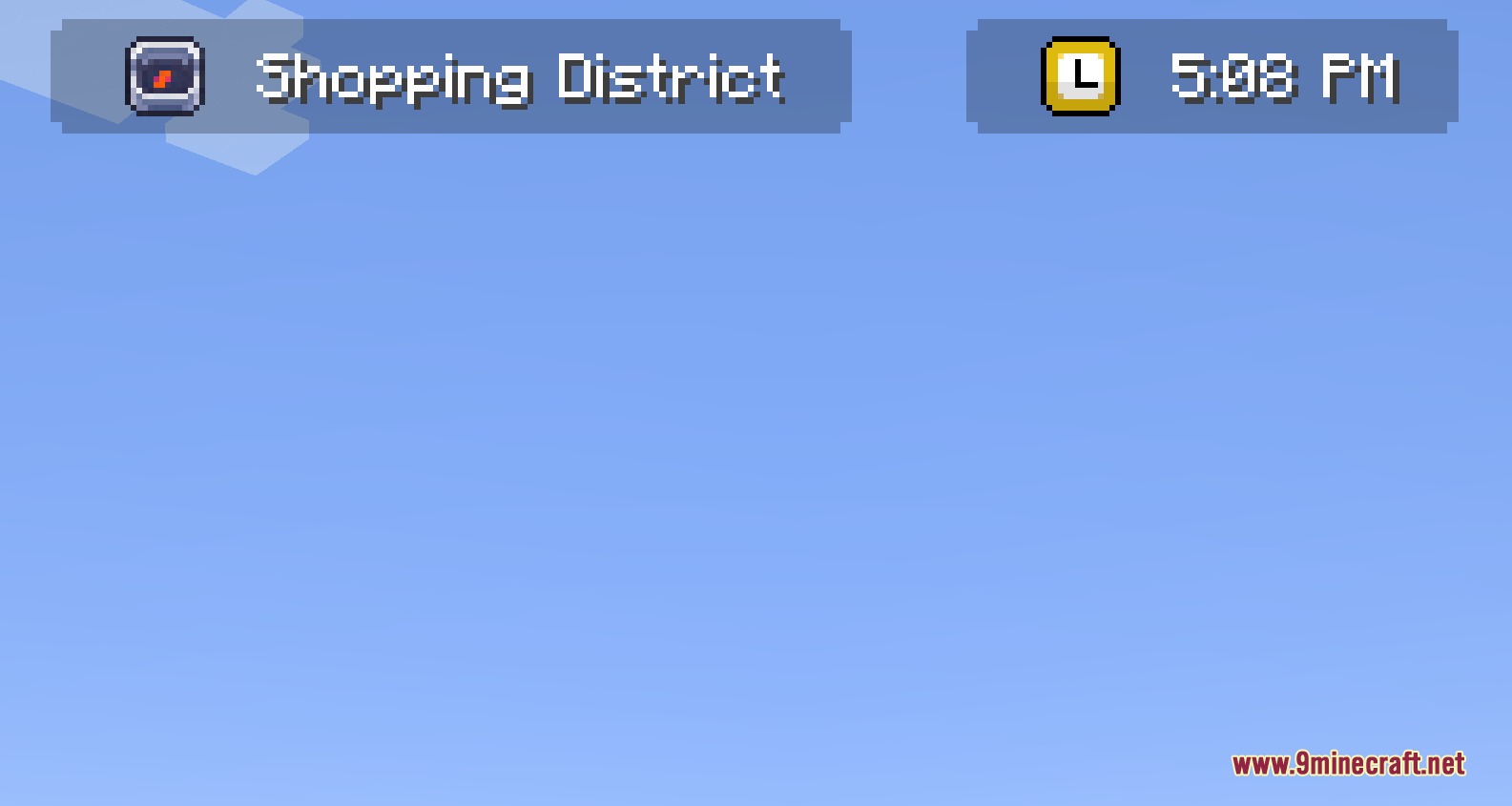
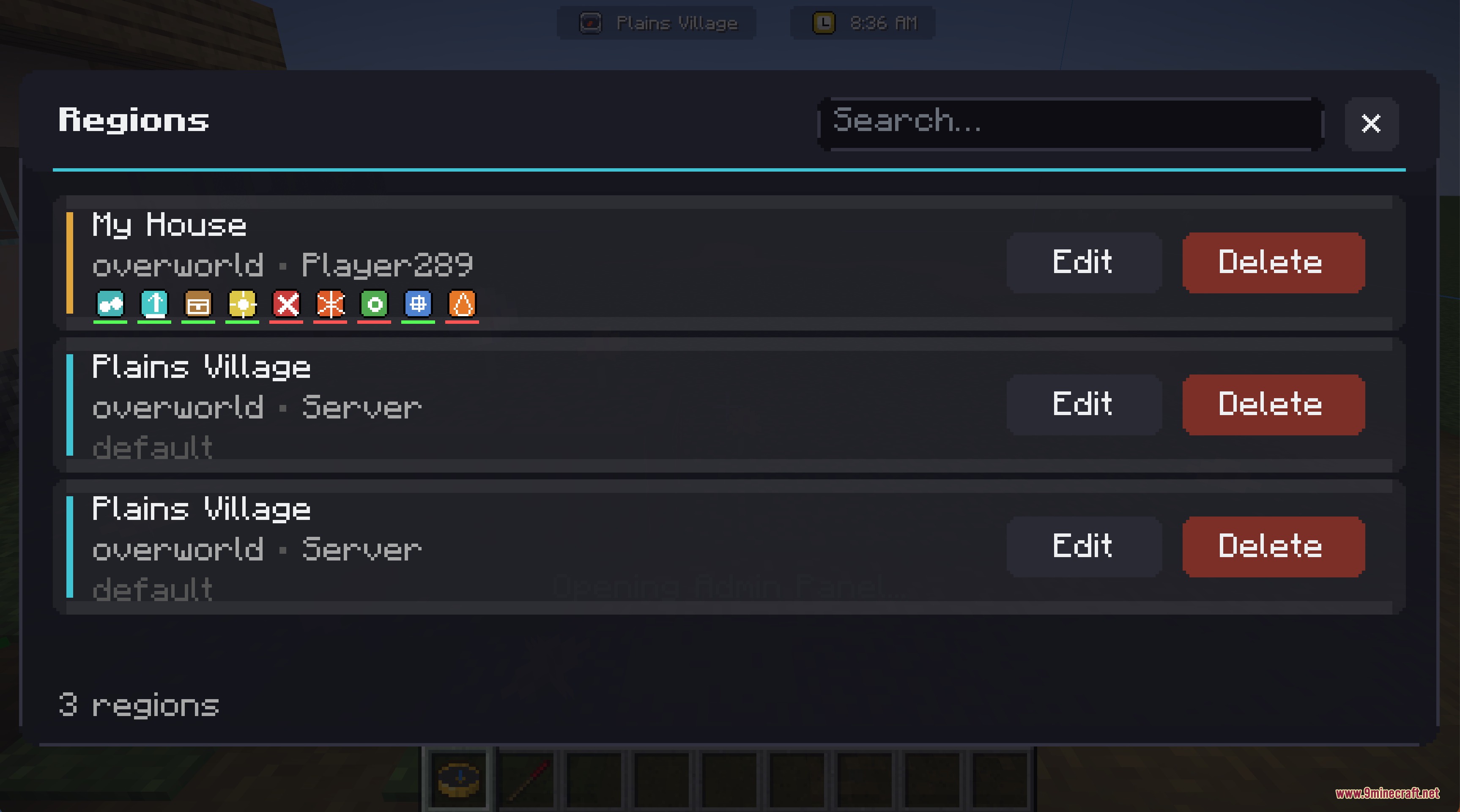
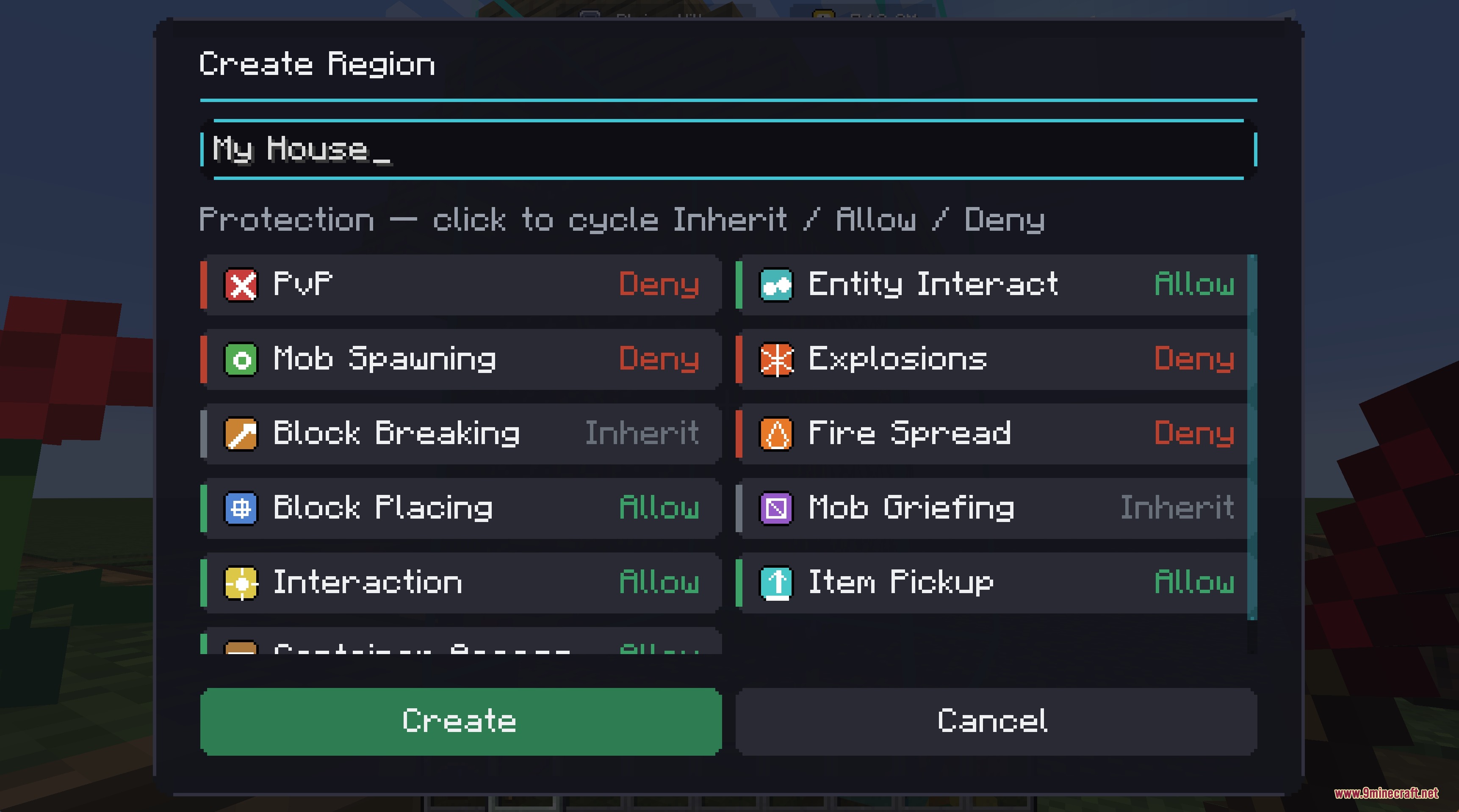
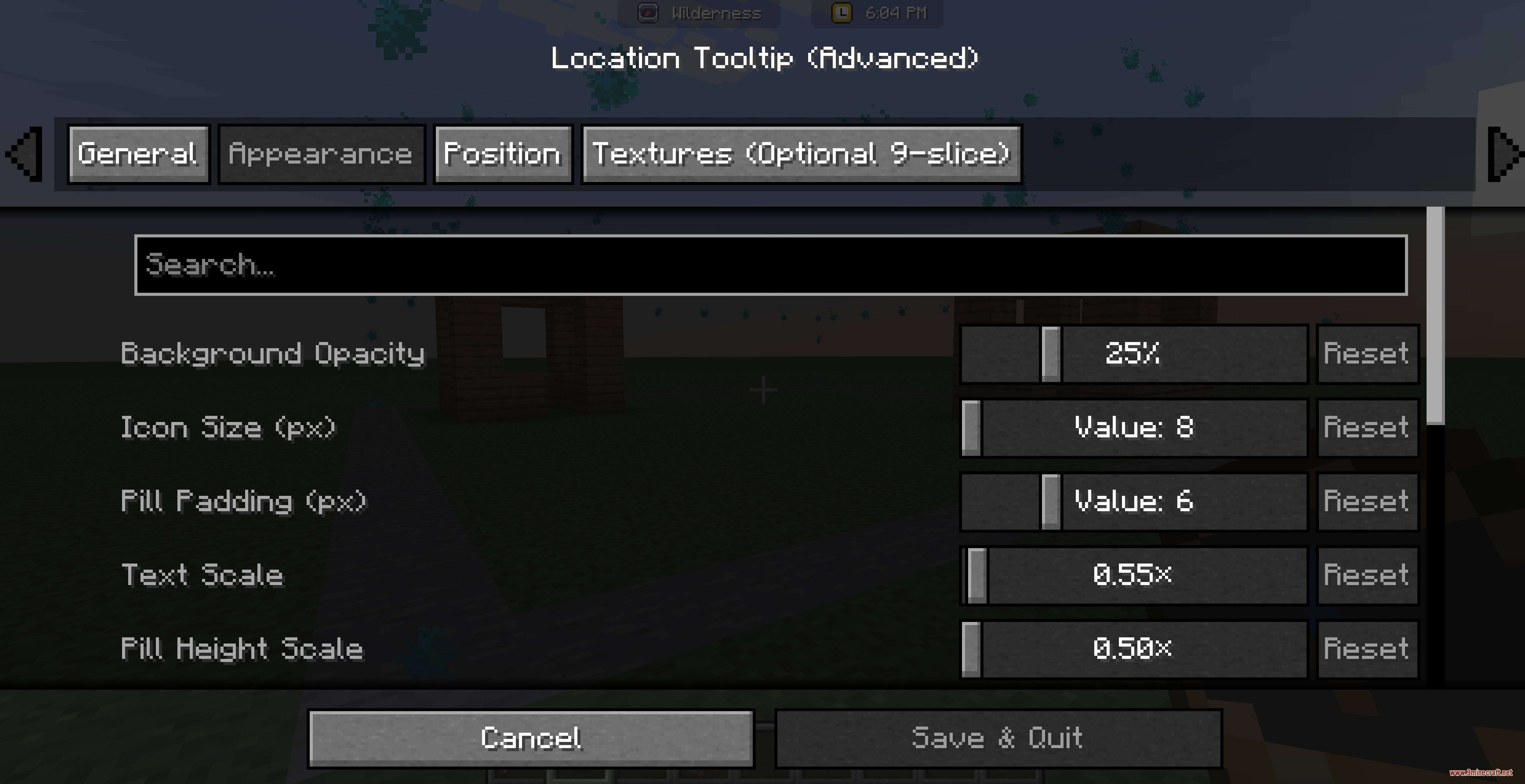
Create Your First Custom RegionGetting Started To create a named region, you'll need the Master Compass . Hold it in your hand, then hold Shift and…Customize the Location Display AppearanceOpening Display Settings Open the Mod Menu and navigate to the Location Tooltip Mod settings. Here you'll find…Manage and Edit Existing RegionsAccessing the Region List Hold the Master Compass , then hold Shift and Right Click to open the main menu. Select the…Visualize Region Boundaries with the Admin CompassWhen to Use the Admin Compass The Admin Compass is a special tool that reveals the invisible boundaries of regions in…
Recipes
Every recipe the mod adds, grouped by how it is made.
Items
 Region Wand
Advancements
Advancements this pack adds, and how to earn them.
Location TooltipClaim, name, and see regions.
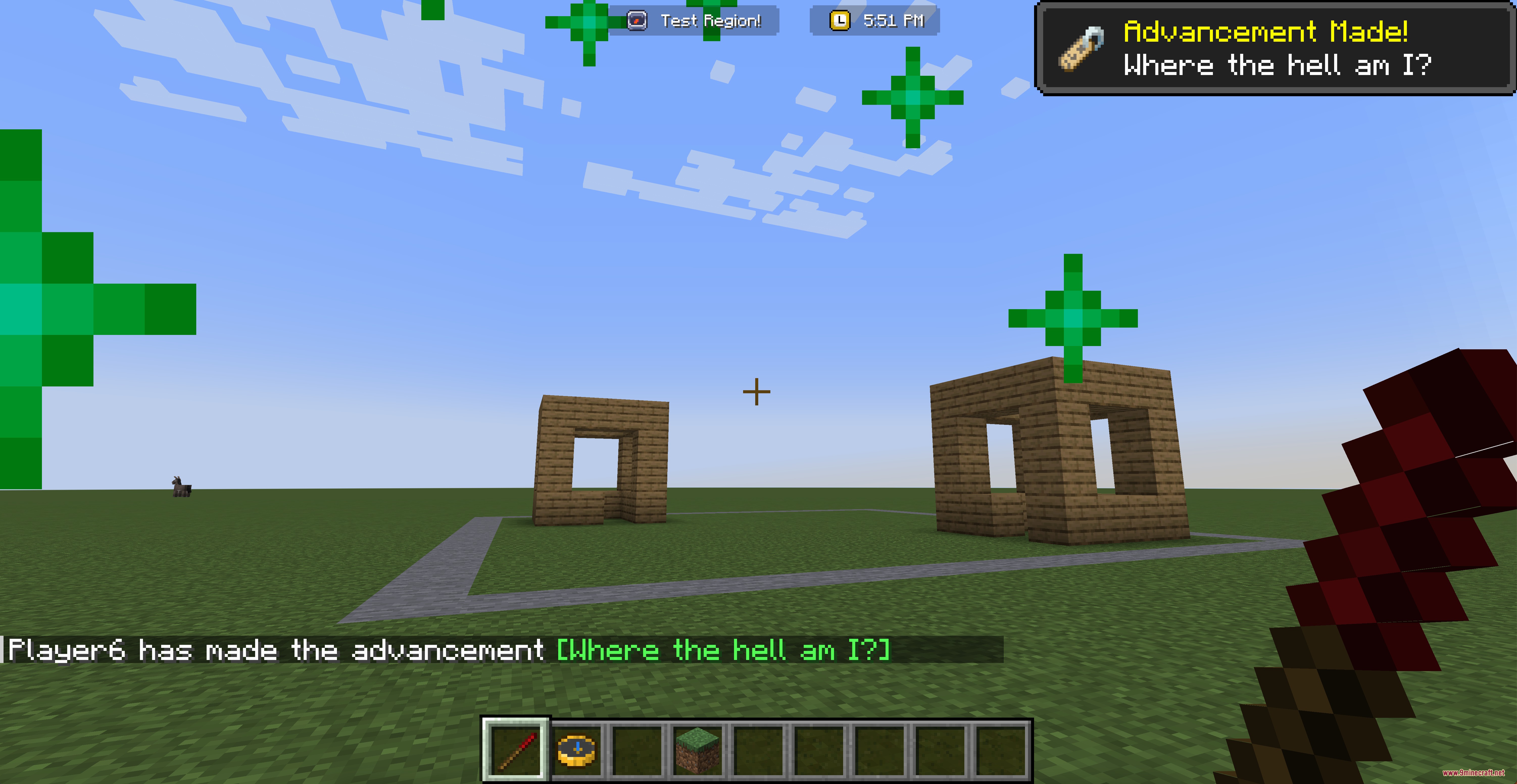
Where the hell am I?Create and name your first region.
Frequently asked questions
How do I start using this mod?
Craft or find the  Master Compass, then hold Shift and Right Click while holding it to open the main menu. From there you can access the region editor and start creating custom areas.
What's the difference between the Master Compass and the Admin Compass?
The Master Compass opens the region creation menu. The Admin Compass is used to visualize the invisible borders of existing regions so you can see where they are without editing them.
Master Compass opens the region creation menu. The Admin Compass is used to visualize the invisible borders of existing regions so you can see where they are without editing them.Can I see region boundaries while I'm building?
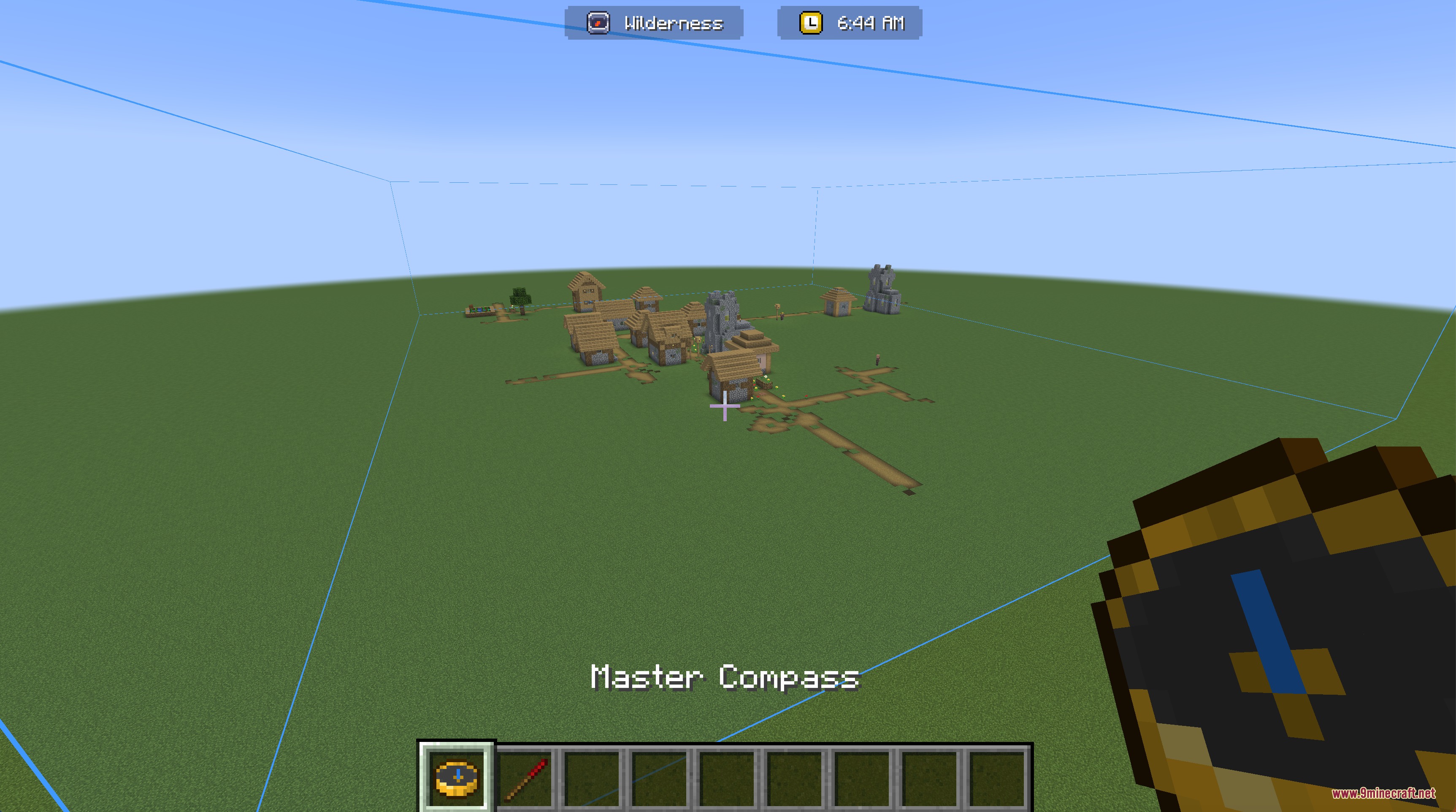
Yes—hold the Admin Compass and the invisible borders of nearby regions will become visible as blue boxes, making it easy to see exactly where your region extends.
How do nested regions work?
You can create a small region inside a larger one, like a shop inside a city. The display will automatically update to show the most specific region you're currently in.
See all 10 Location Tooltip questions ›
Gallery
8 images from the Location Tooltip Mod page.
You May Also Like
Wikis that share the most with this one
Wikis on the same theme: cat
More mod wikis on the site
The most downloaded mods that have a wiki here
A few wikis from each of the other kinds