

 DownloadSophisticated Item Actions Mod
Get the files on 9Minecraft
Guides
Step-by-step, in-game.
Find Items Across Multiple Chests QuicklyUsing Highlight to Locate Items When you need to find a specific item stored somewhere in your base, use the…Quickly Sort Items Into Storage Without Opening ChestsDepositing Items in One Action Instead of opening multiple chests to sort items, use Deposit to move items from your…Refill Your Inventory Stacks From Nearby StorageUsing Restock to Top Up Items When you're running low on a material while building or mining, Restock pulls more of…Work With Modded Storage and Special ContainersCompatibility With Different Storage Types Sophisticated Item Actions works with more than just vanilla chests. The…
Frequently asked questions
How do I start using this mod?
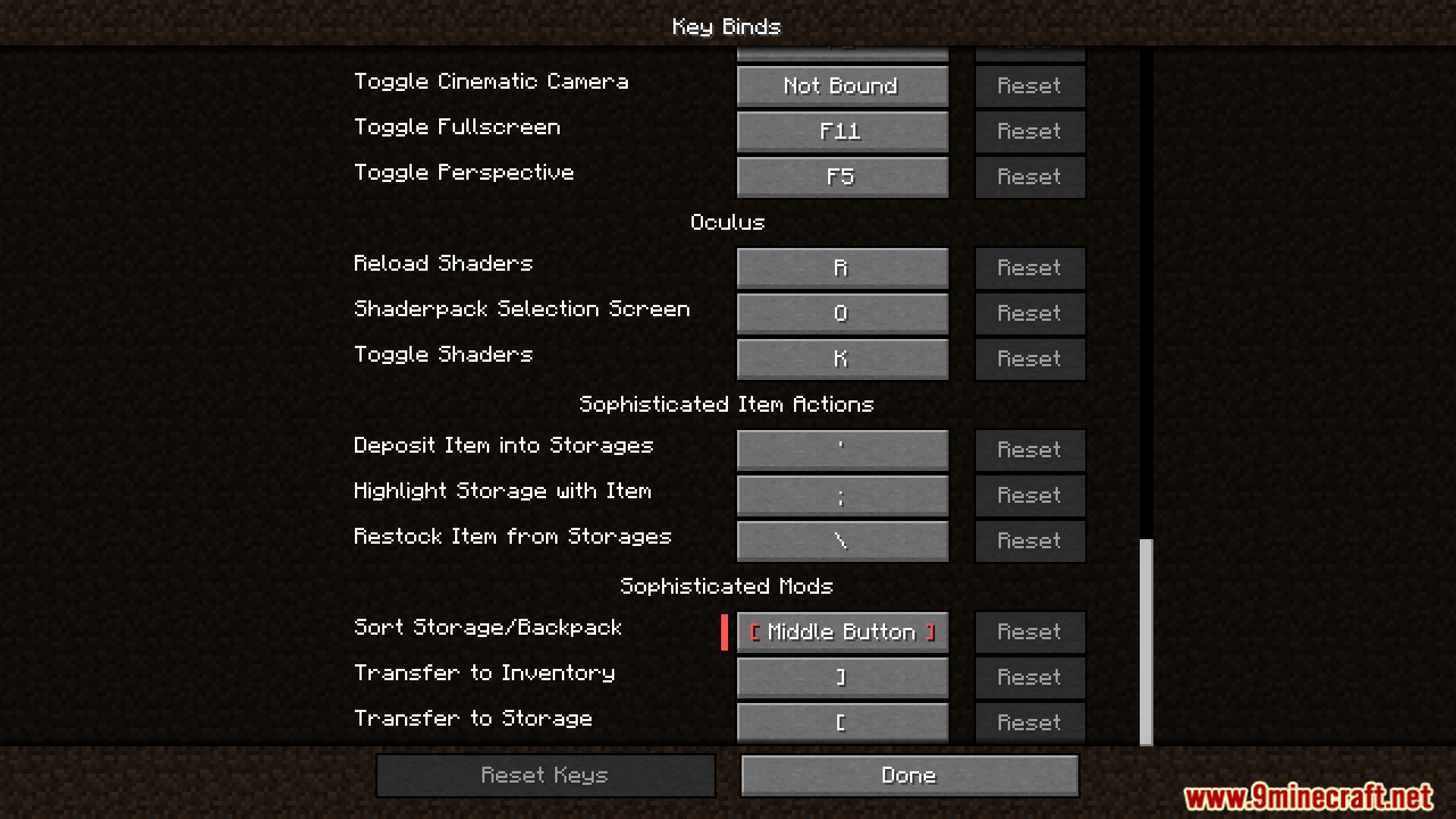
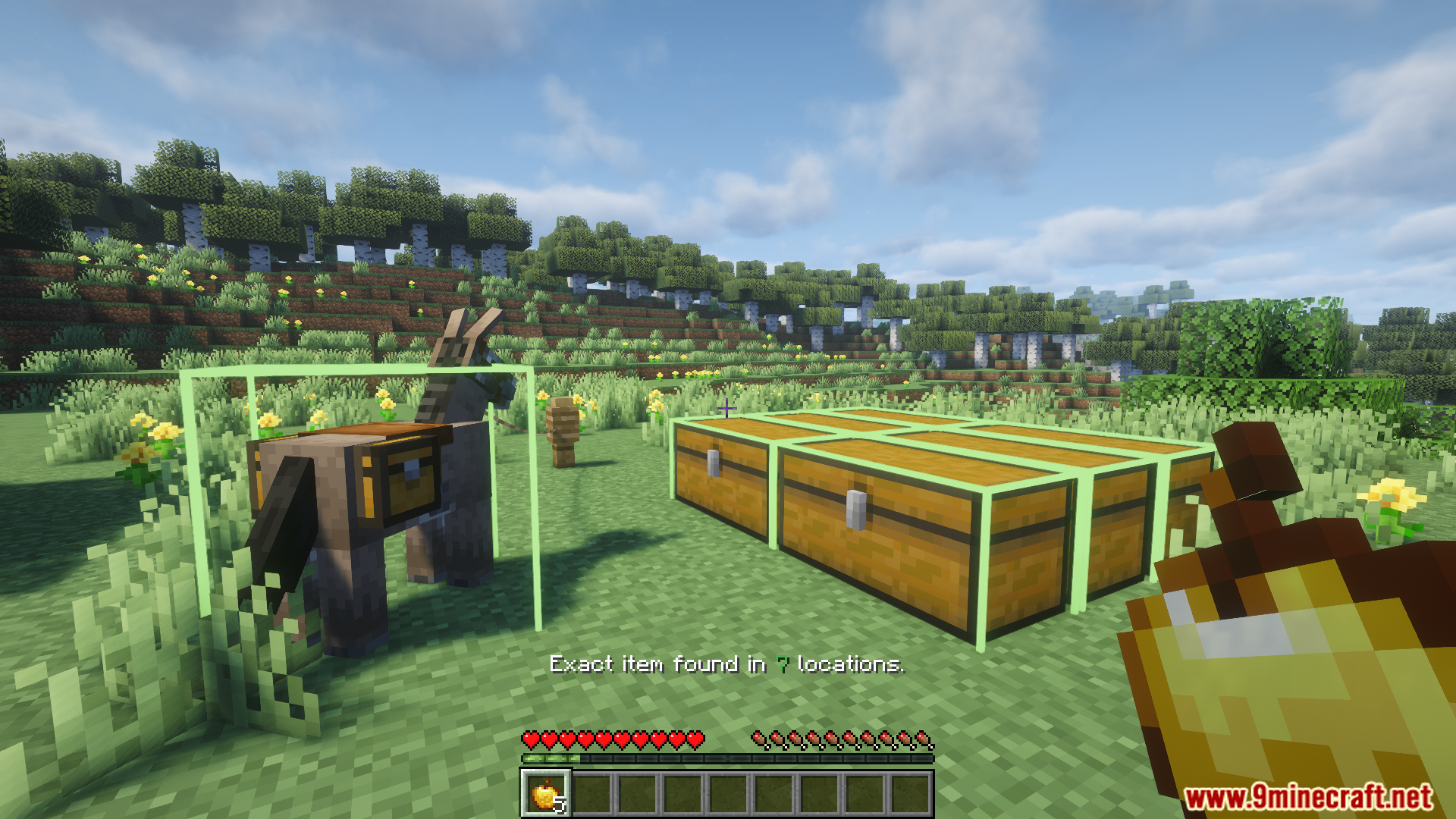
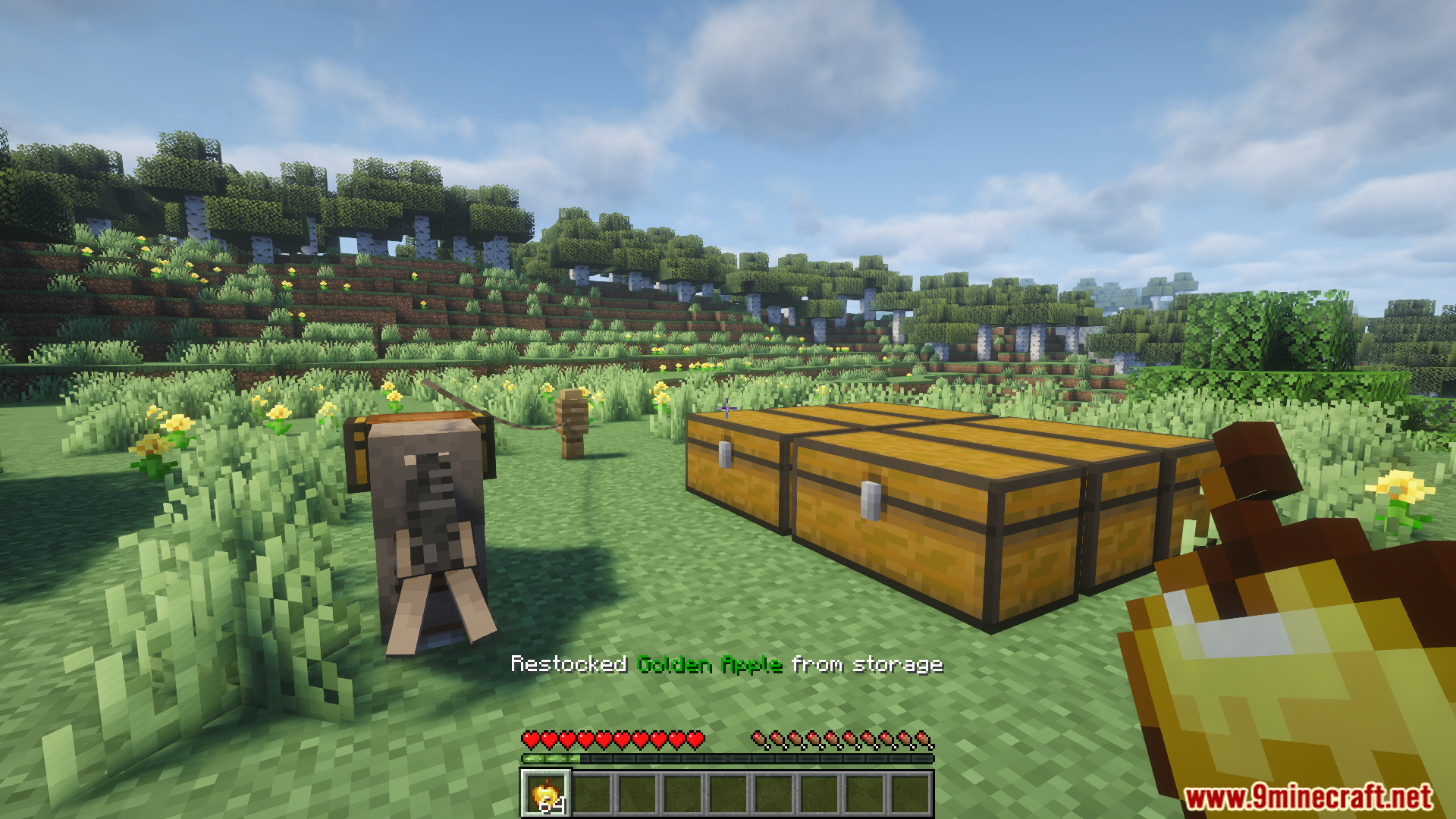
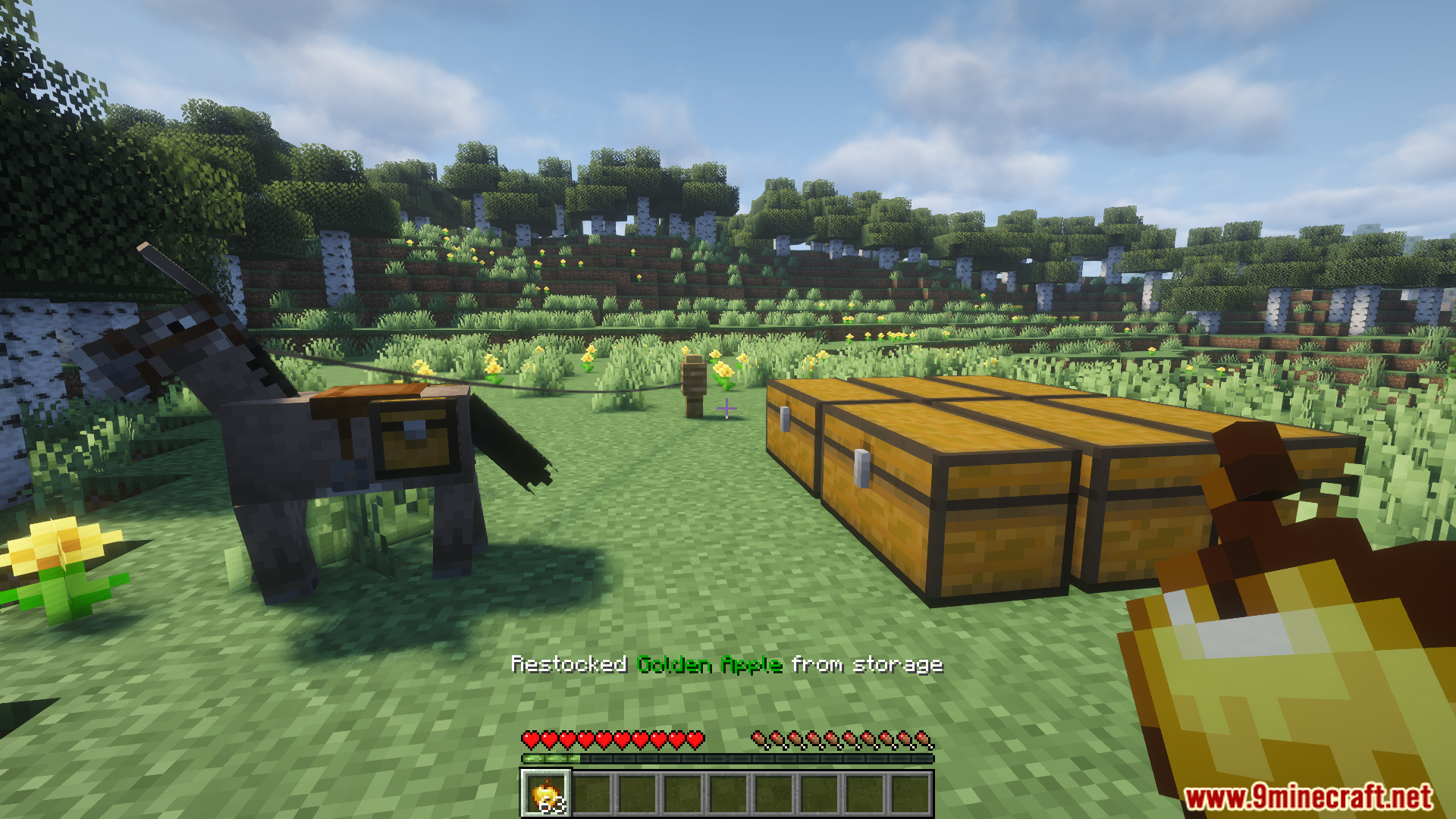
Open your controls/keybinds menu and assign keys for Highlight, Deposit, and Restock actions. Then point at any item in your inventory or hotbar and press your Highlight key to see which nearby chests contain it.
What's the difference between green and blue glowing chests?
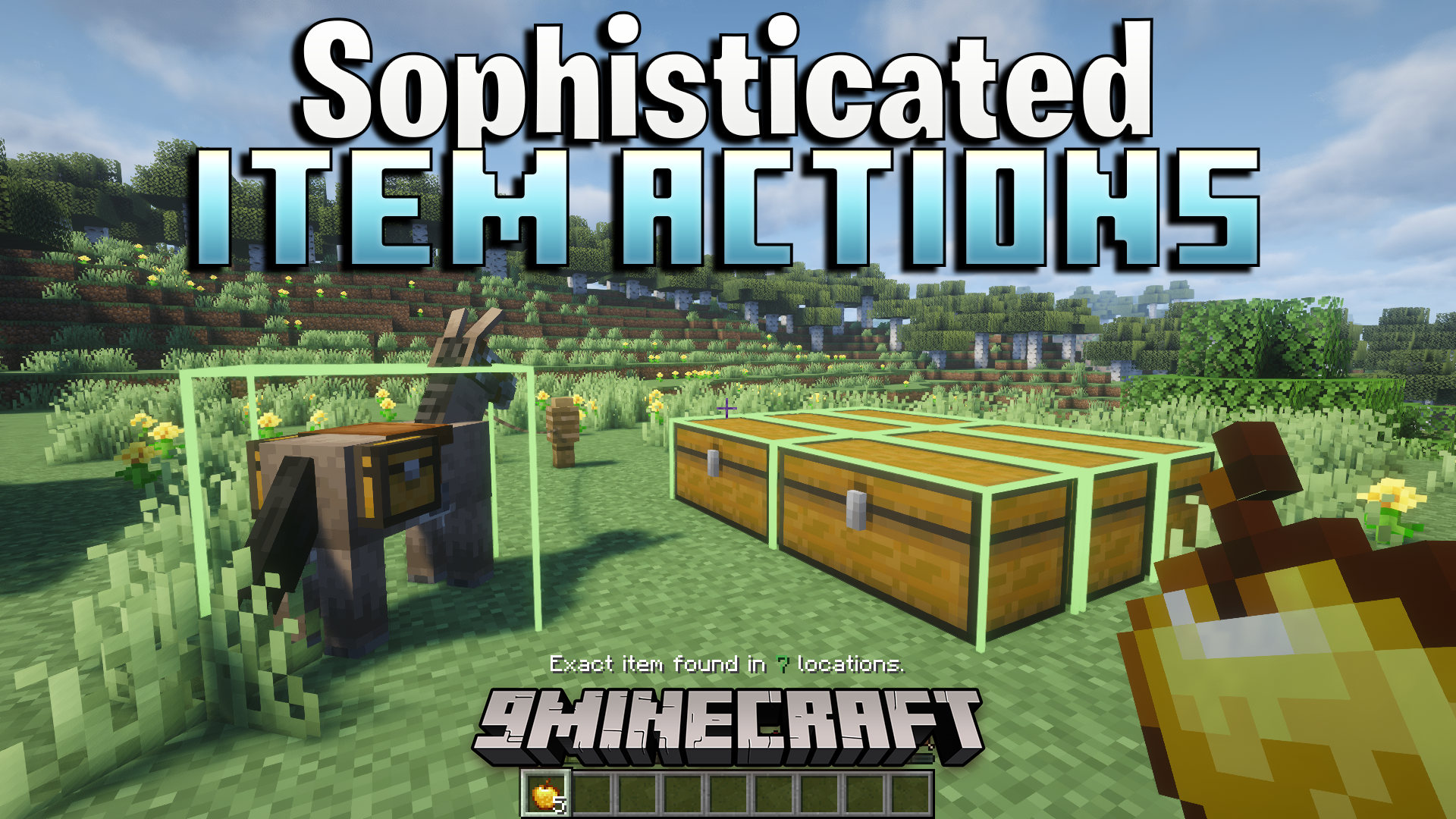
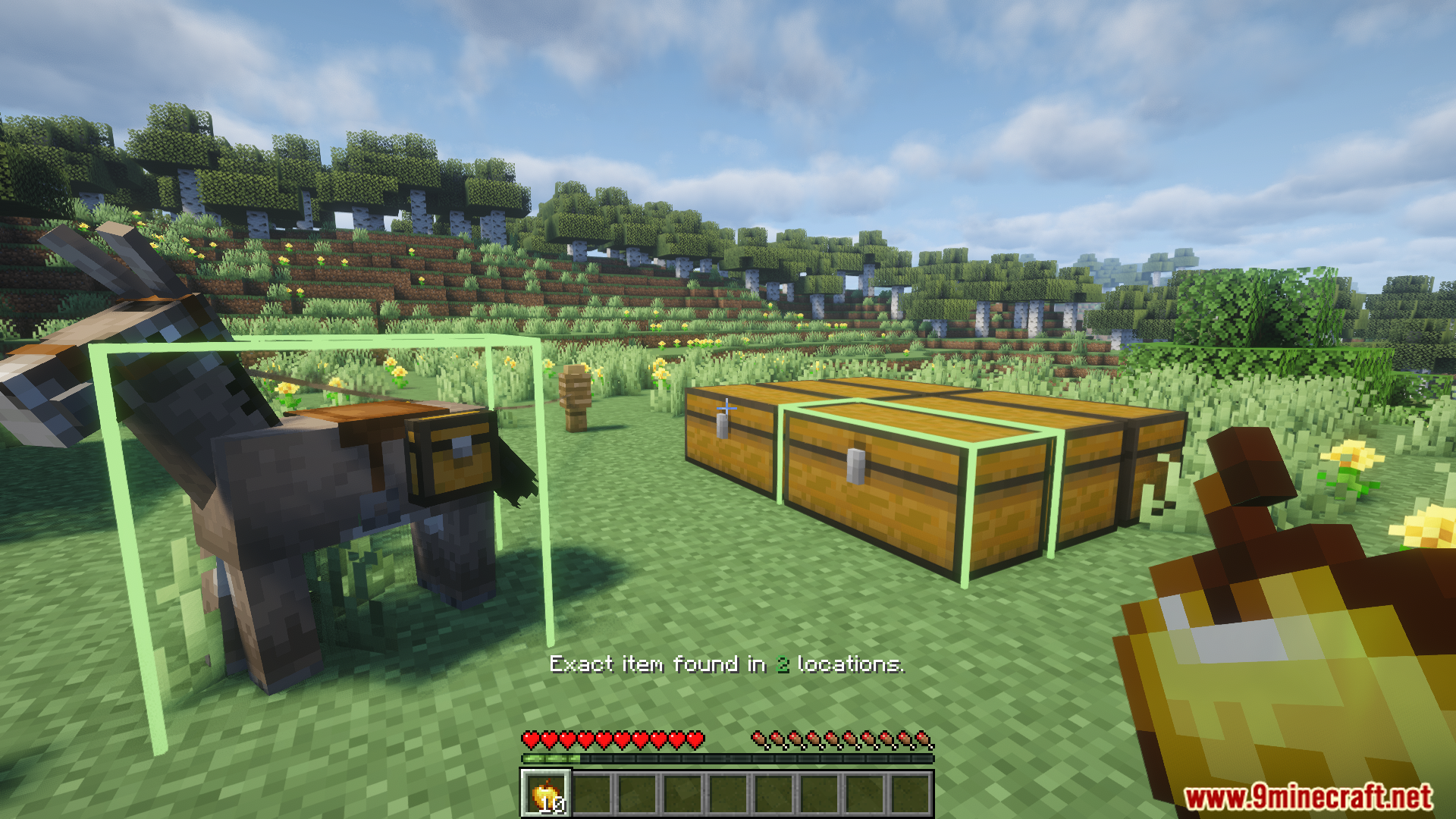
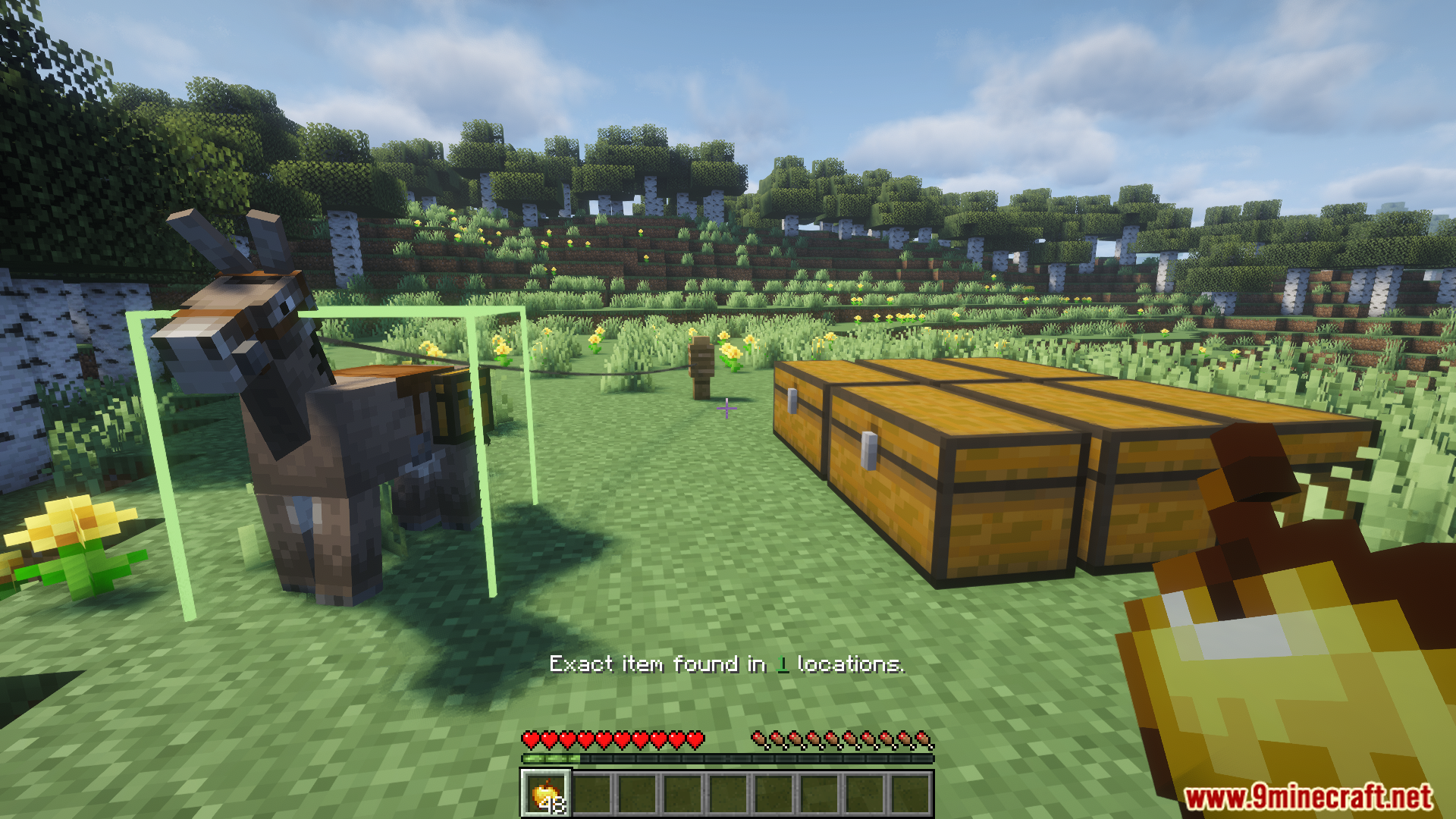
Green glow means the chest has the exact same item you're looking for. Blue glow means it has a similar item type (like different wood types or enchanted variants of the same tool).
Can I use this mod with chests from other mods?
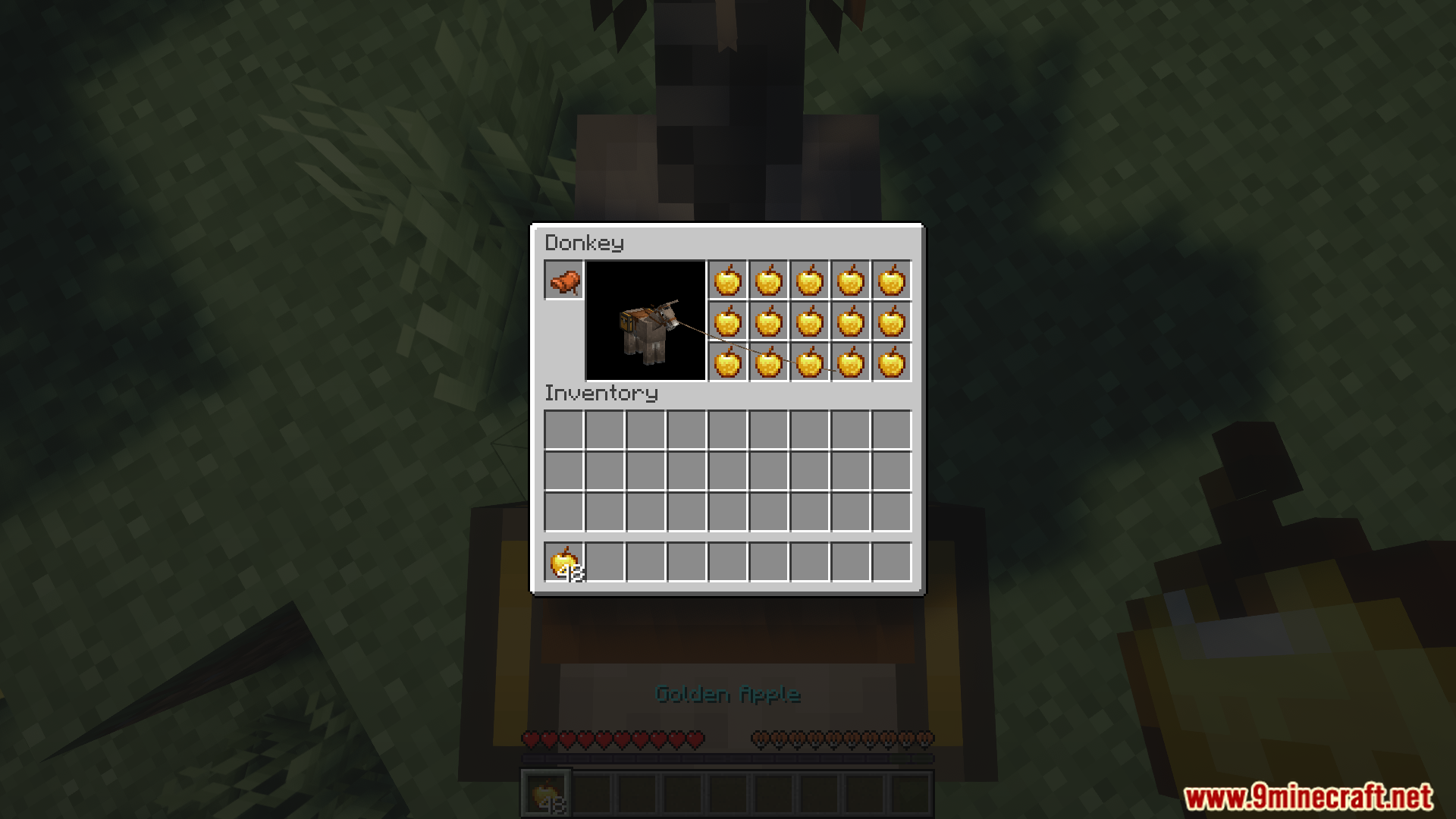
Yes, this mod works with most modded storage blocks including chests, barrels, and other containers from other mods.
How do I deposit items without opening chests?
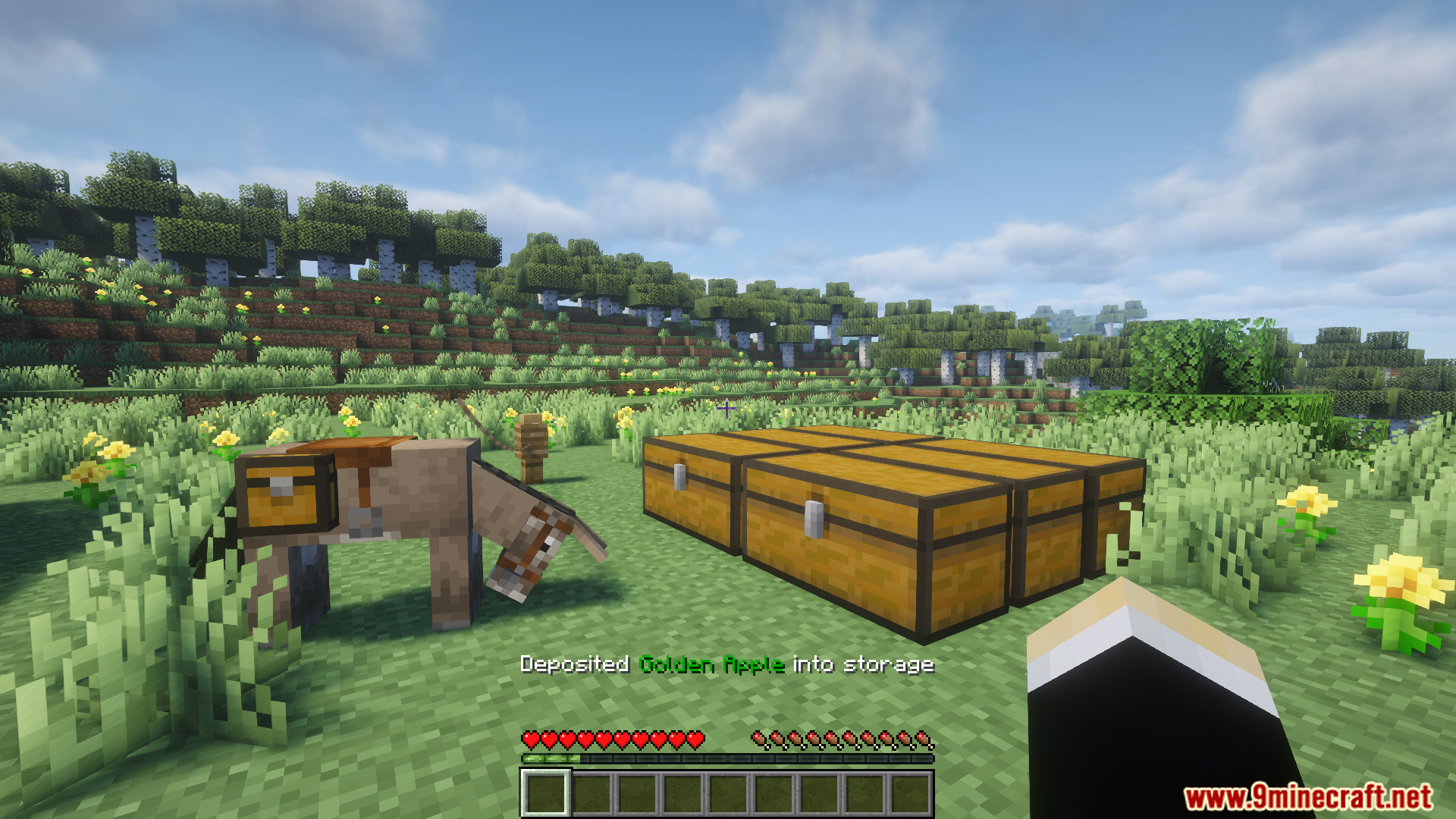
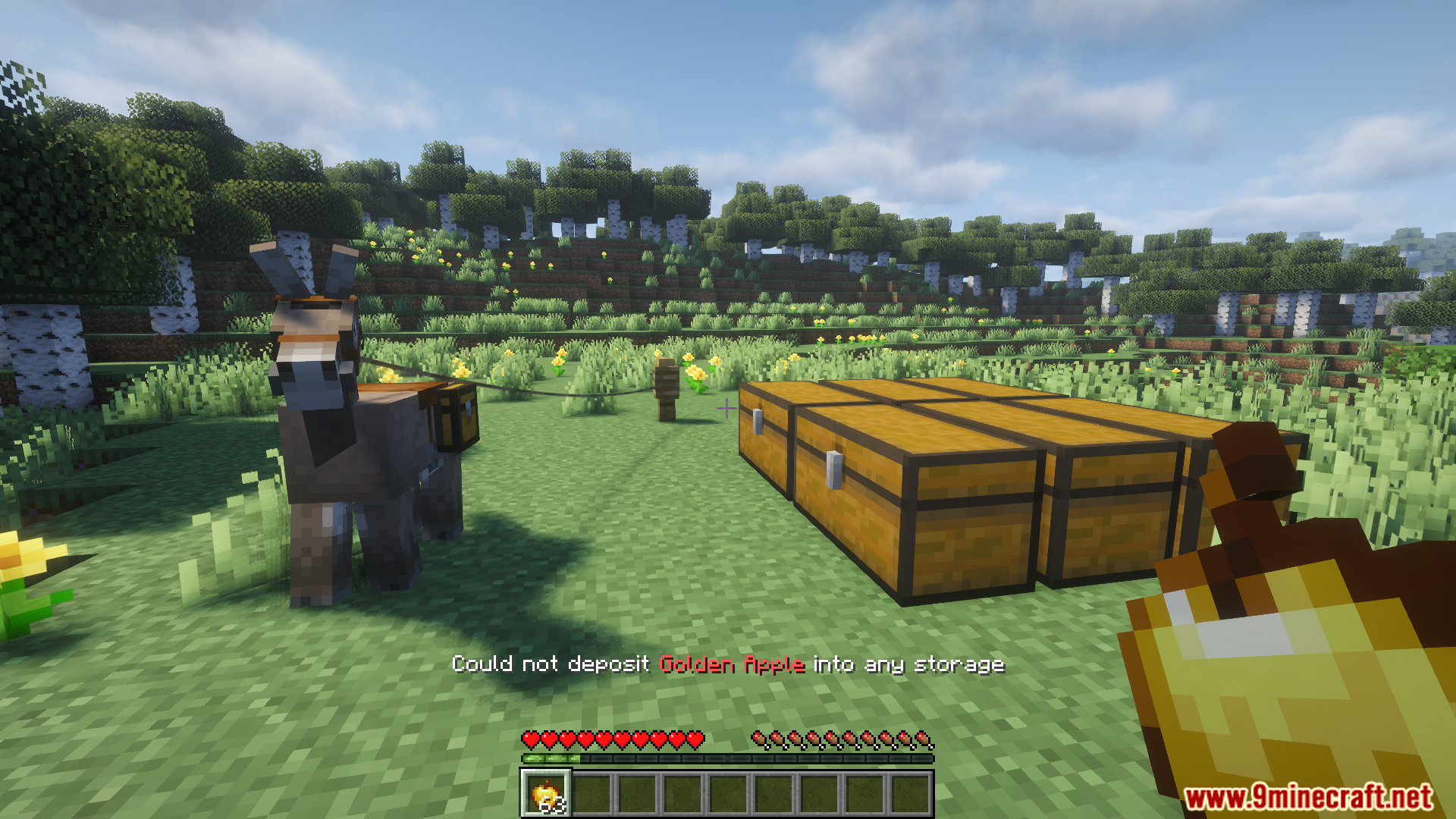
Hold the item you want to store, point at it in your inventory, and press your Deposit key. All nearby chests will receive the items automatically.
See all 10 Sophisticated Item Actions questions ›
Gallery
11 images from the Sophisticated Item Actions Mod page.
You May Also Like
Wikis that share the most with this one
Wikis on the same theme: cat
More mod wikis on the site
The most downloaded mods that have a wiki here
A few wikis from each of the other kinds