

 DownloadSimple Health Indicator Mod
Get the files on 9Minecraft
Guides
Step-by-step, in-game.
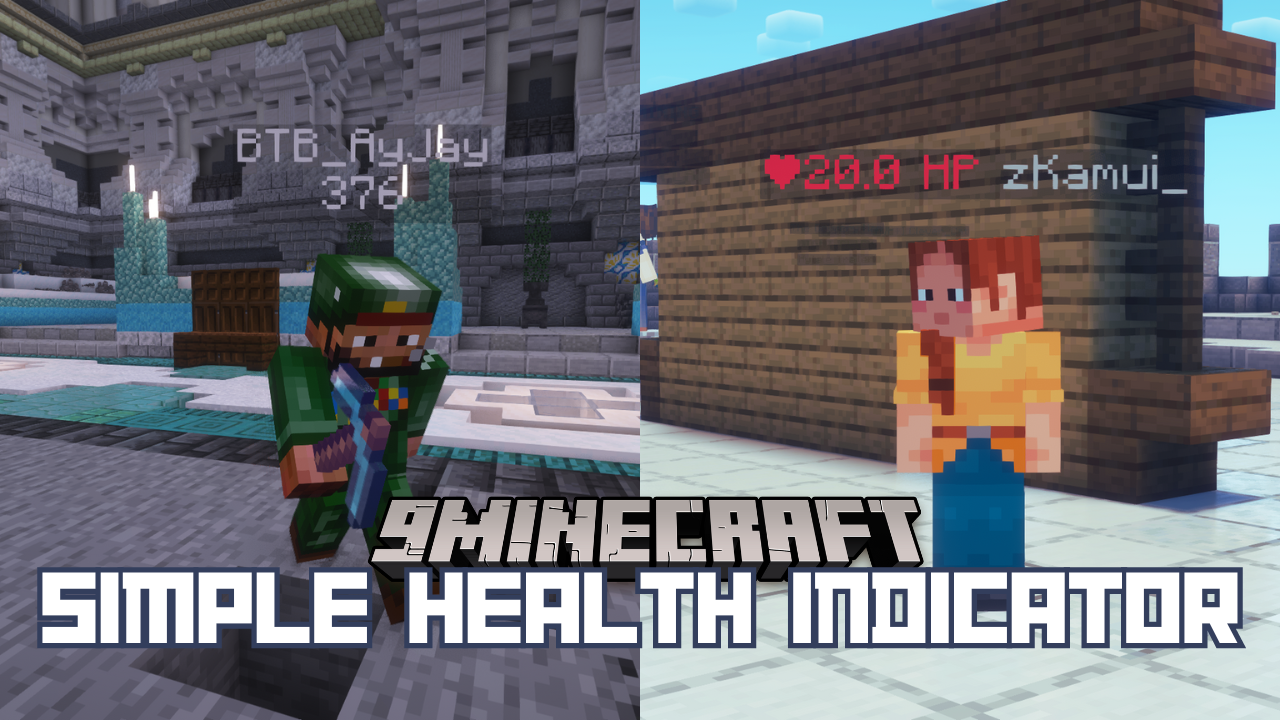
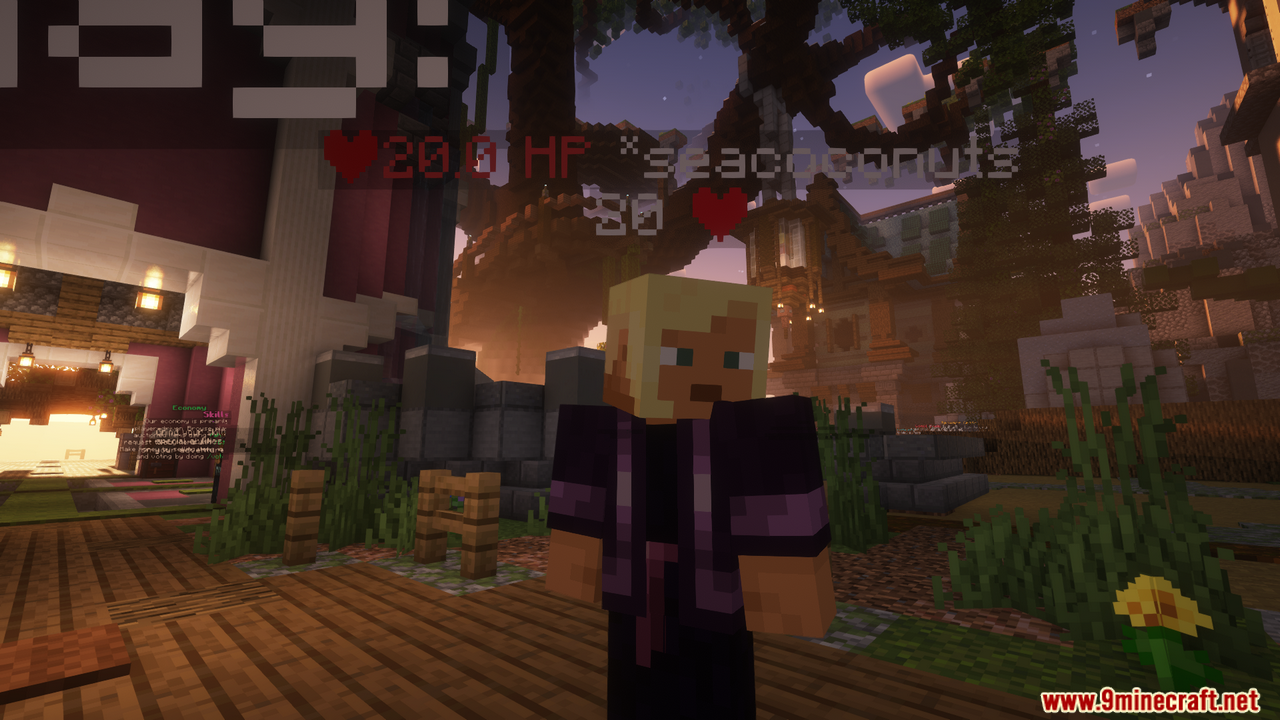
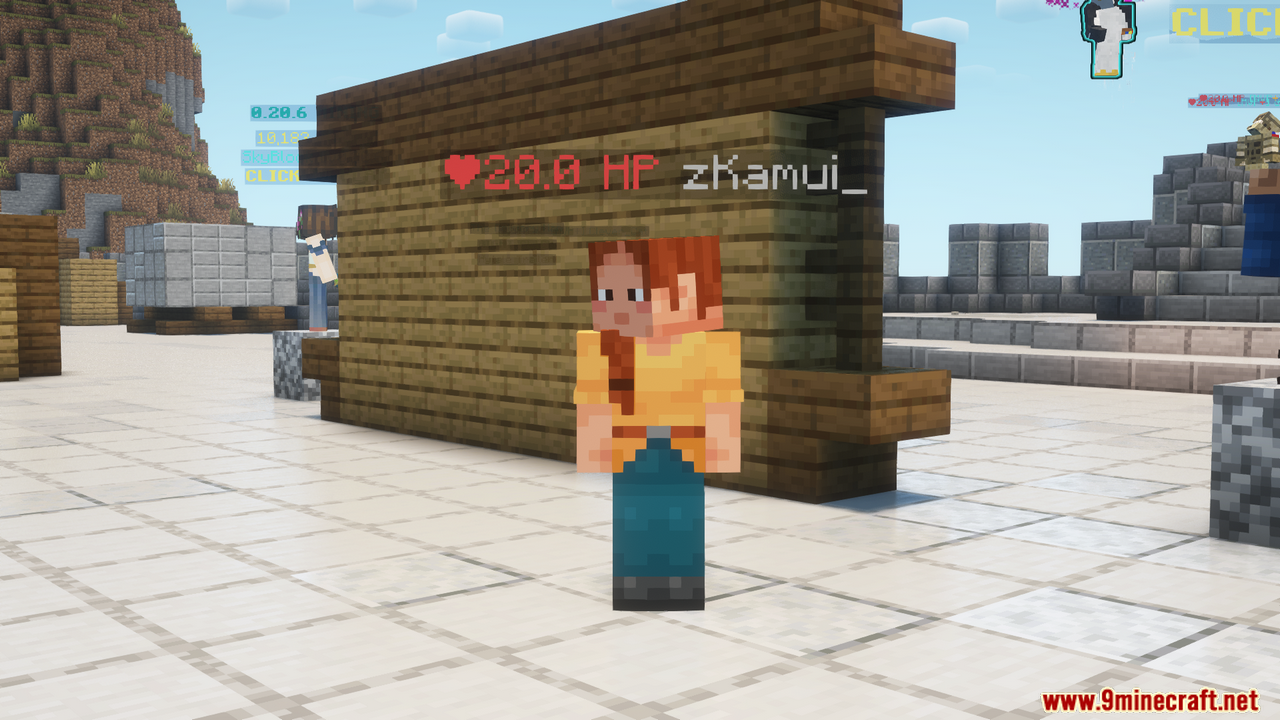
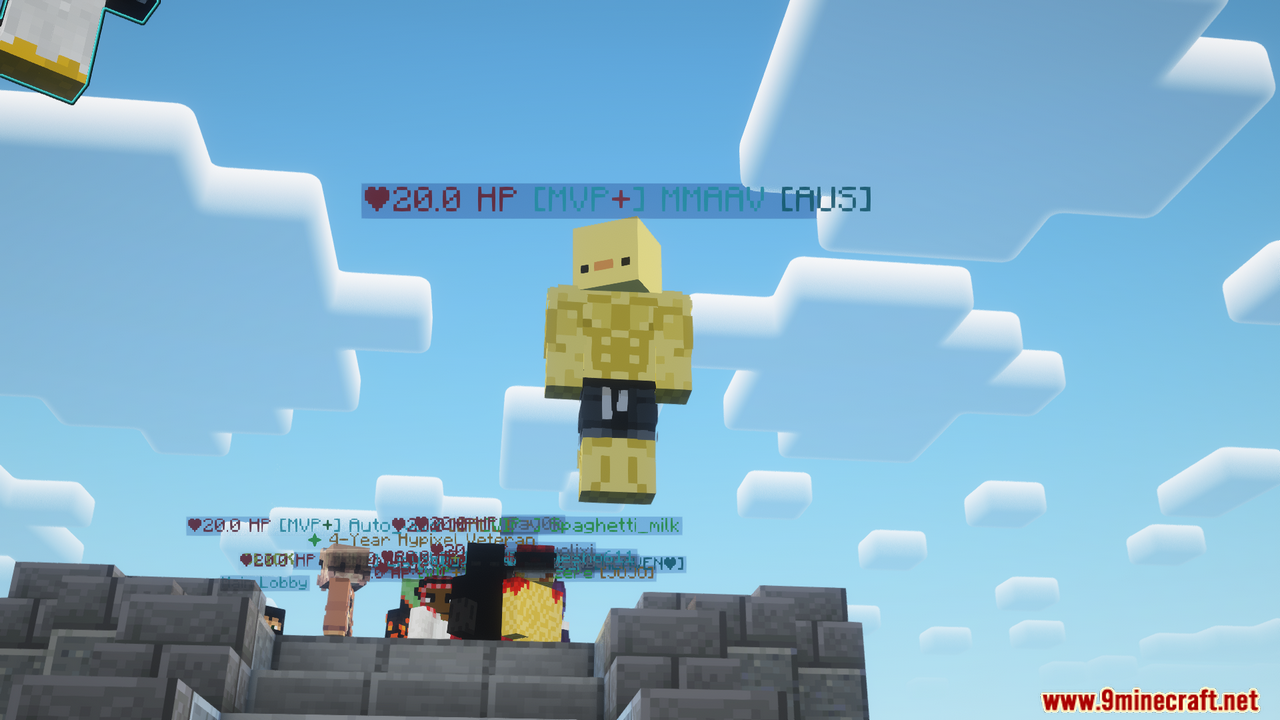
Display Health Above Player NamesEnable the Health Indicator The health indicator appears automatically once the mod is installed. When you look at…Hide the Health Indicator TemporarilyToggle Visibility with a Hotkey The mod includes a built-in keybind to quickly hide or show the health indicator…Switch Between Decimal and Whole Number Health DisplayChange Health Format By default, the mod may show health as a decimal (like 8.5) or whole number (like 8). You can…Troubleshoot Health Indicators Not ShowingVerify the Mod is Active If you don't see health displays above other players: 1. Check that the mod is installed and…
Frequently asked questions
Do I need to do anything after installing the mod?
No – the mod works immediately after installation. Health indicators will appear above other players' names by default without any setup required.
How do I change where the health display appears?
Open the mod's configuration menu through Cloth Config (usually accessed via the mods screen or a dedicated config key). You can adjust the horizontal and vertical position of the health indicator relative to the player's name.
Can I show health as decimals instead of whole numbers?
Yes – in the mod's configuration settings, toggle the health format option to switch between decimal (e.g., 8.5) and whole number (e.g., 8 or 9) display.
What's the keybind to hide the health indicator?
By default, you can toggle the health indicator visibility with a configurable key – check your controls settings or the mod's config menu to see or change which key is assigned.
See all 10 Simple Health Indicator questions ›
Gallery
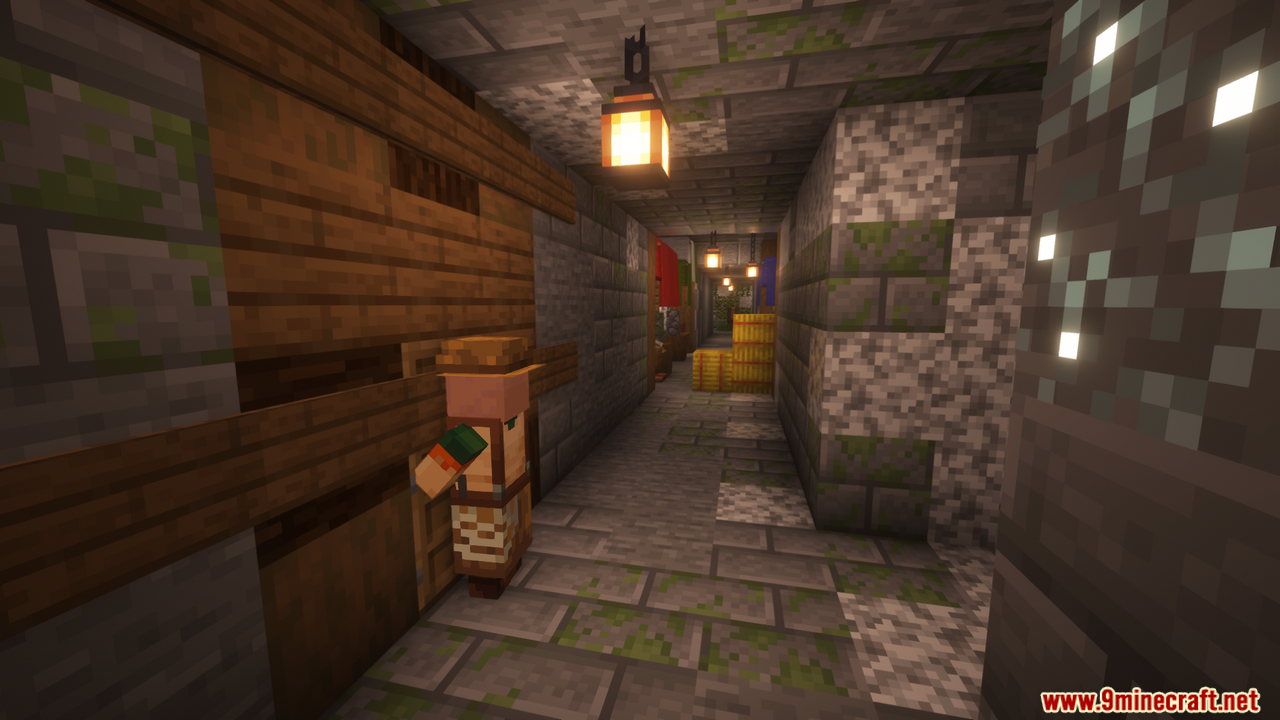
10 images from the Simple Health Indicator Mod page.





You May Also Like
Wikis that share the most with this one
Wikis on the same theme: cat
More mod wikis on the site
The most downloaded mods that have a wiki here
A few wikis from each of the other kinds