

 DownloadSimple Fog Control Mod
Get the files on 9Minecraft
Guides
Step-by-step, in-game.
How to Clear Nether Fog for Better Visibility in the NetherThe problem The Nether's thick red haze limits how far you can see, which is rough when you are bridging over lava or…How to Open the Simple Fog Control Settings ScreenPrerequisites Simple Fog Control does not add its own keybind or config file you edit by hand. All of its options…How to Remove or Reduce Water Fog So You Can See UnderwaterWhy water fog is the usual first stop Vanilla water fog closes in quickly and makes oceans, rivers, and flooded caves…How to Tune Terrain and Overall Fog for a Custom LookWhat terrain fog controls Beyond water and the Nether, Simple Fog Control exposes a general terrain/overall fog…
Frequently asked questions
How do I open the Simple Fog Control settings?
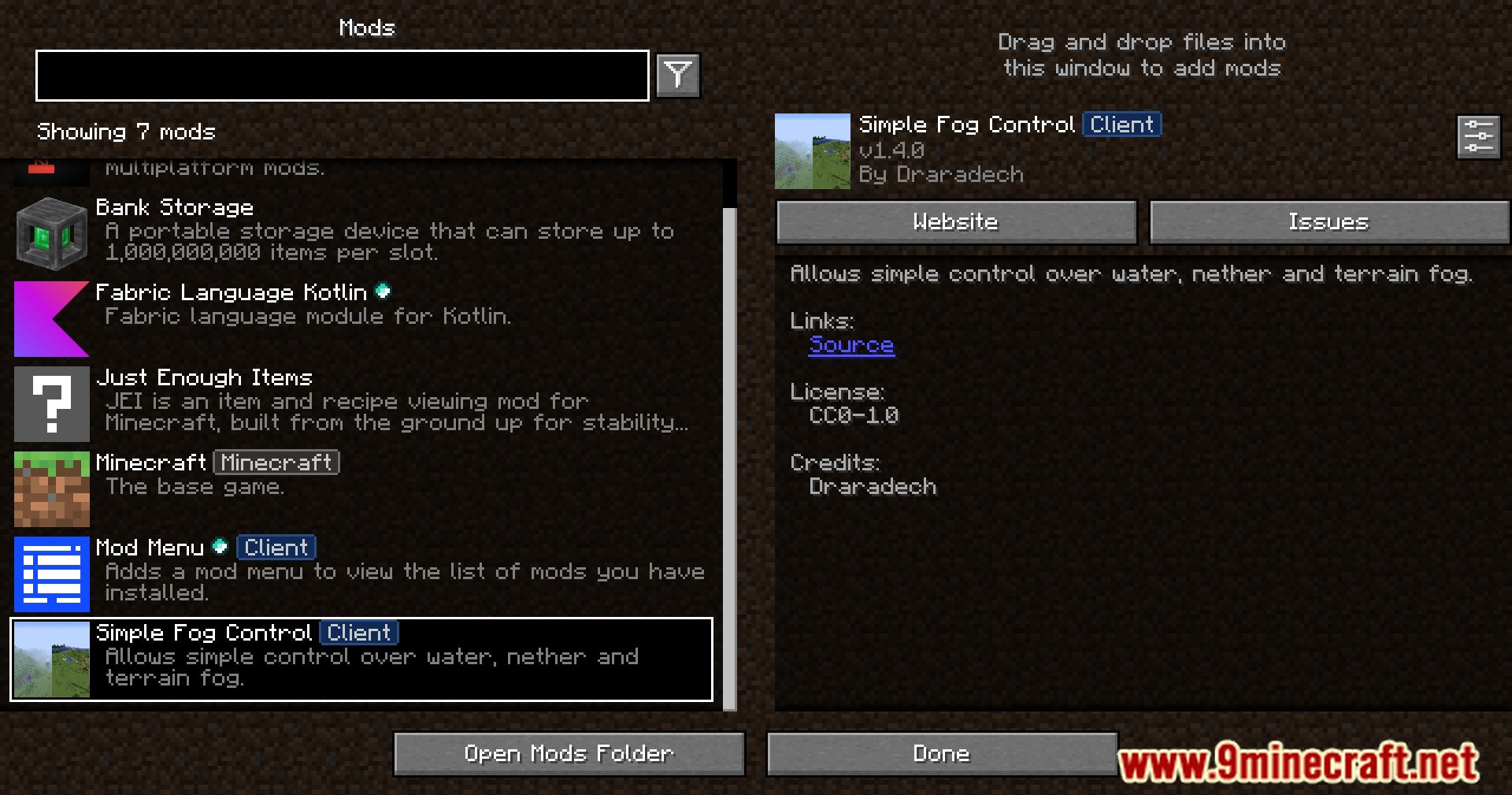
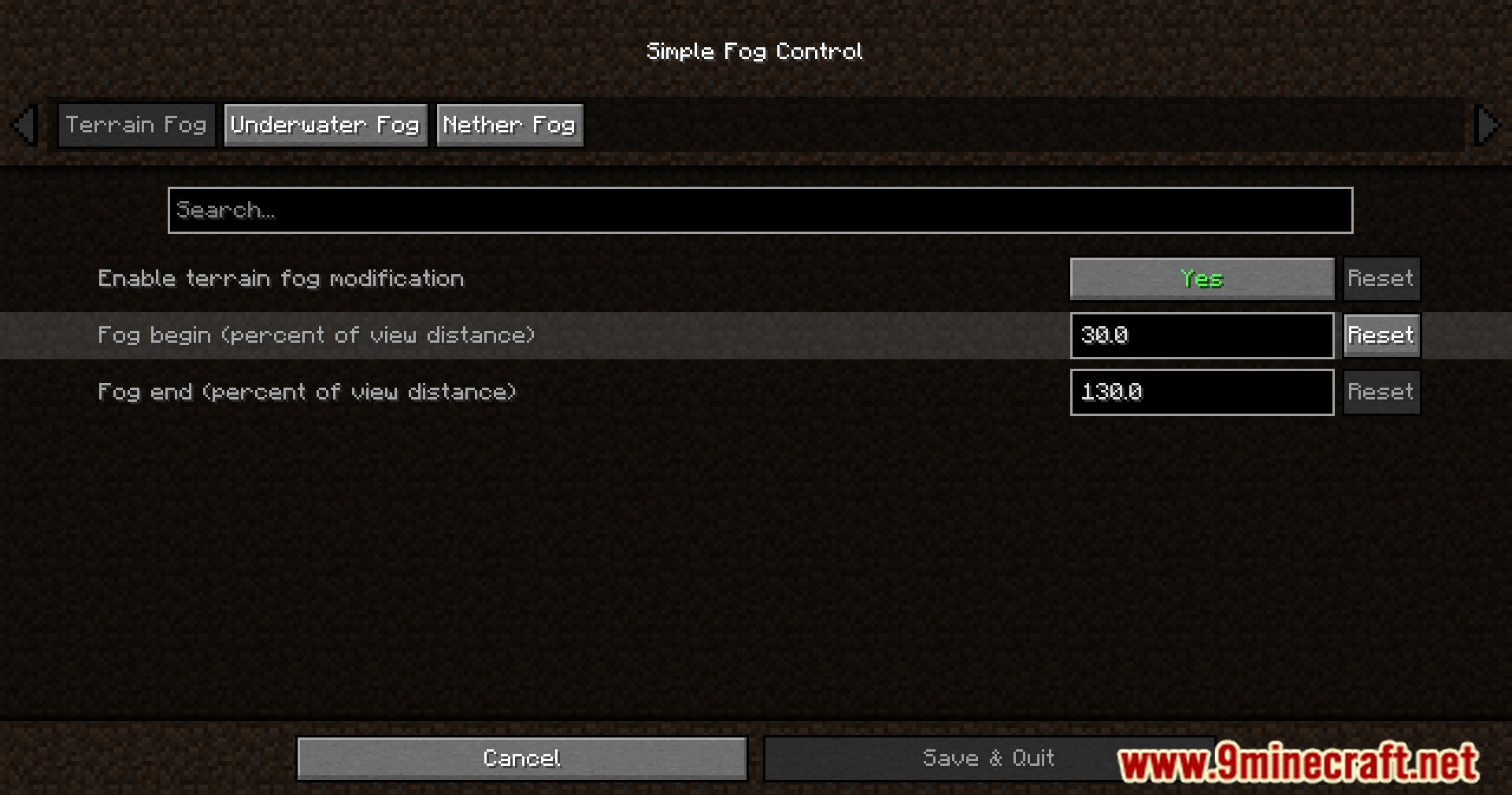
The mod has no keybind of its own; its settings screen is reached through the  Mod Menu mod's mod list. Install Mod Menu, open it from the main menu or pause screen, find Simple Fog Control in the list, and click its config button.
Can I use Simple Fog Control without Mod Menu?
How do I remove water fog so I can see underwater?
Open the settings screen and turn down or disable the water fog option. This removes the thick blue-green haze that normally limits underwater visibility, letting you see much farther while submerged.
How do I clear the fog in the Nether?
In the settings screen, adjust the Nether fog option to reduce or remove the red haze. This makes the Nether much brighter and easier to navigate, especially when building or fighting.
See all 10 Simple Fog Control questions ›
Gallery
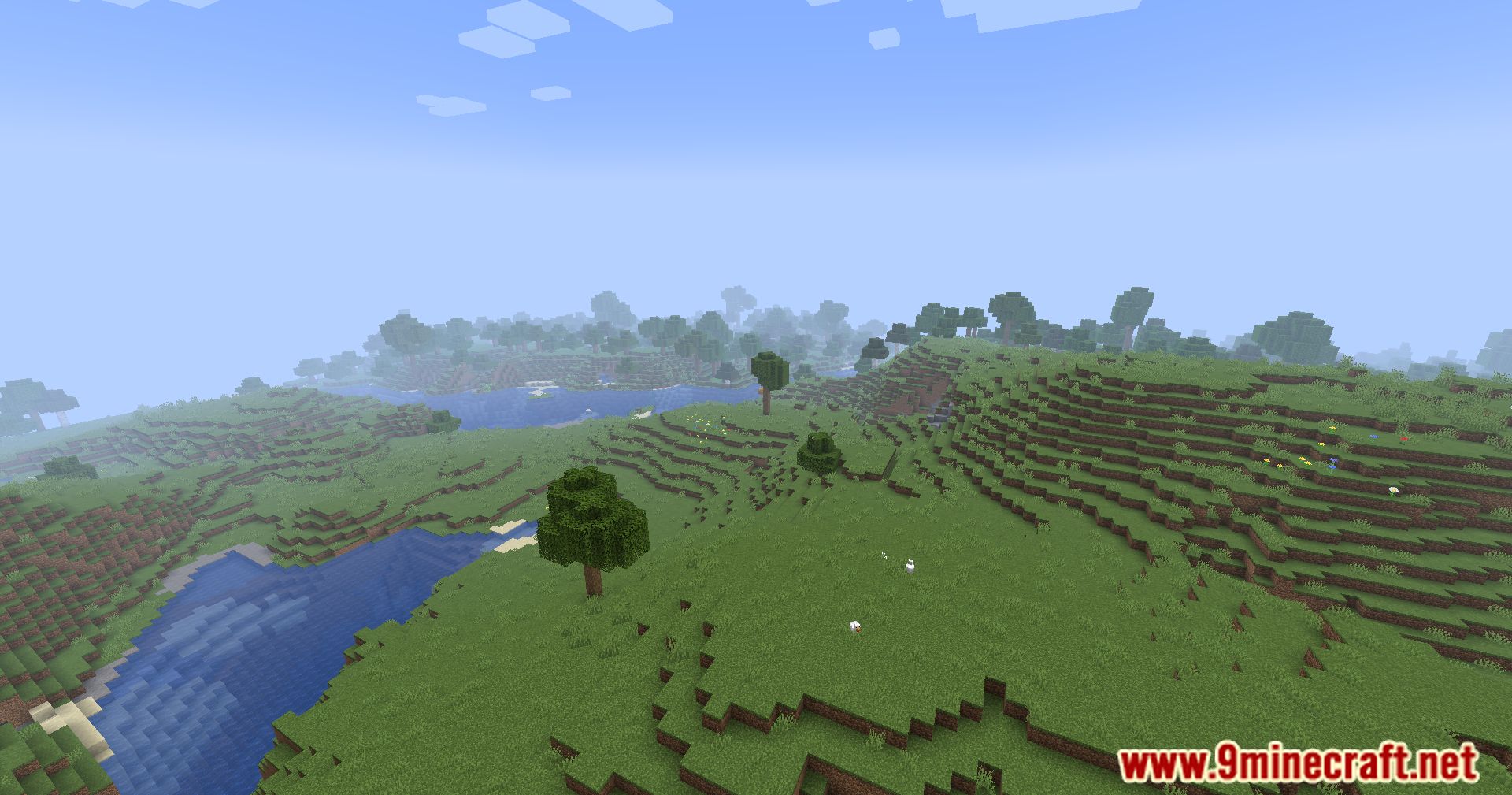
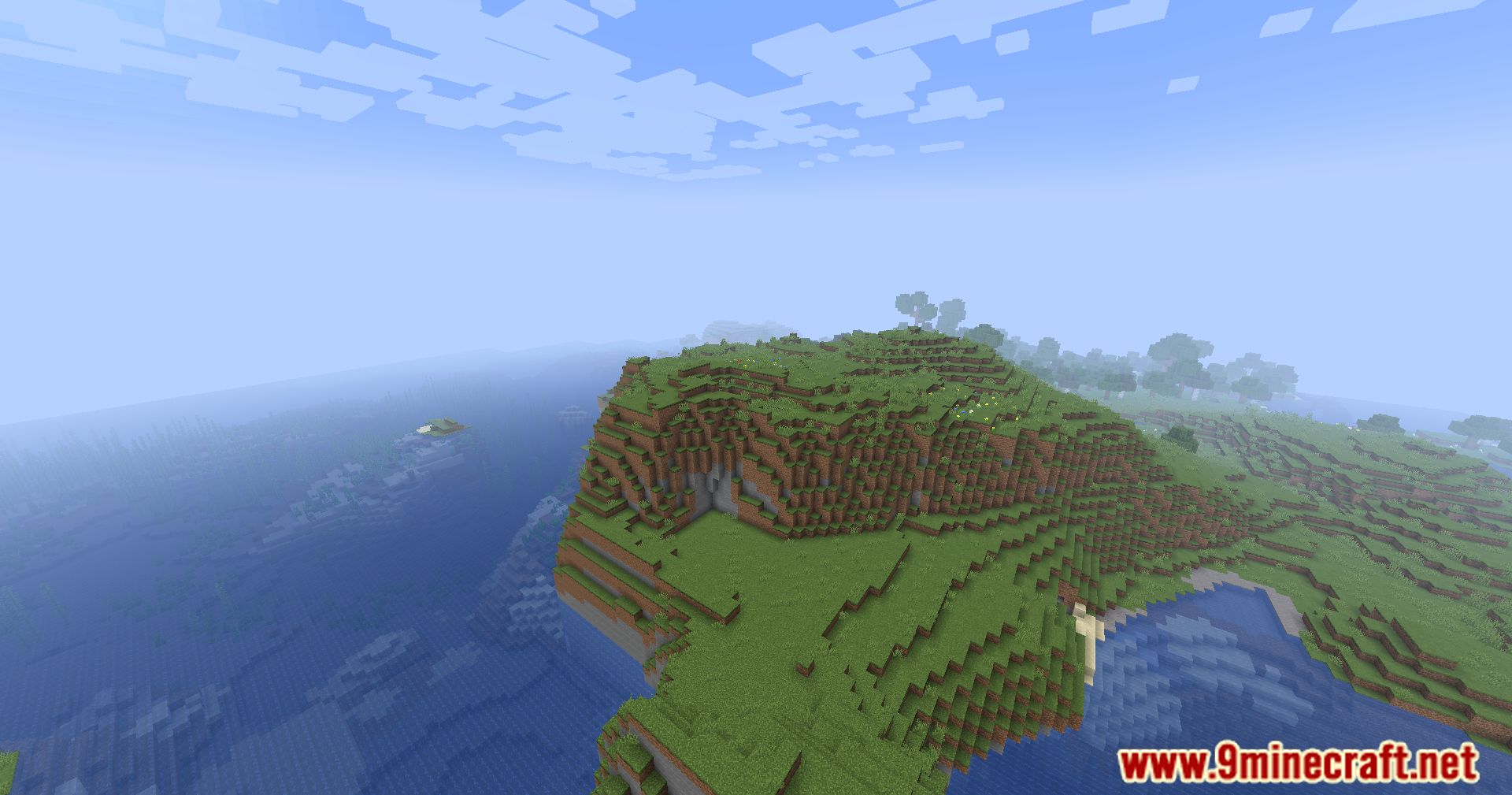
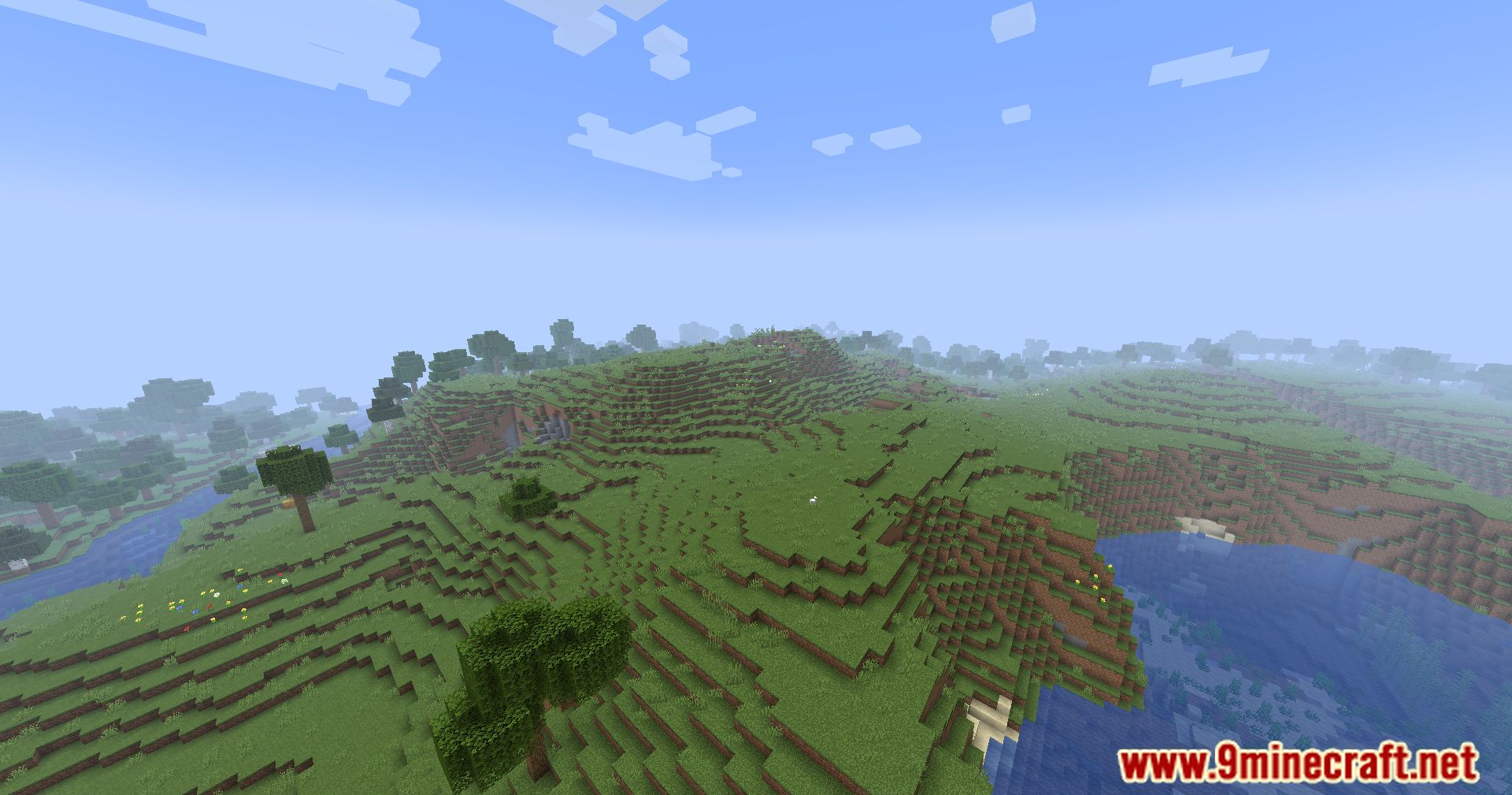
11 images from the Simple Fog Control Mod page.
You May Also Like
Wikis that share the most with this one
More mod wikis on the site
The most downloaded mods that have a wiki here
A few wikis from each of the other kinds