

 DownloadHealth Indicator TXF Mod
Get the files on 9Minecraft
Guides
Step-by-step, in-game.
How to Change the Health Bar Colors and Style in Health Indicator TXFOpening the Config Health Indicator TXF keeps all of its visual options in a config file rather than an in-game menu.…How to Read the Health Indicator HUD During CombatWhat Each Element Means When you look at an entity, the mod draws a small panel above it. The name sits at the top,…How to Reduce HUD Clutter When Many Entities Are NearbyWhy the HUD Gets Busy Health Indicator TXF draws a panel for every entity you look at, and in crowded situations — a…How to Use the HUD to Compare Weapons and ArmorSetting Up a Fair Test Because the mod shows both health numbers and armor values, it doubles as a testing tool. Find…
Frequently asked questions
How do I turn on the health indicator hud?
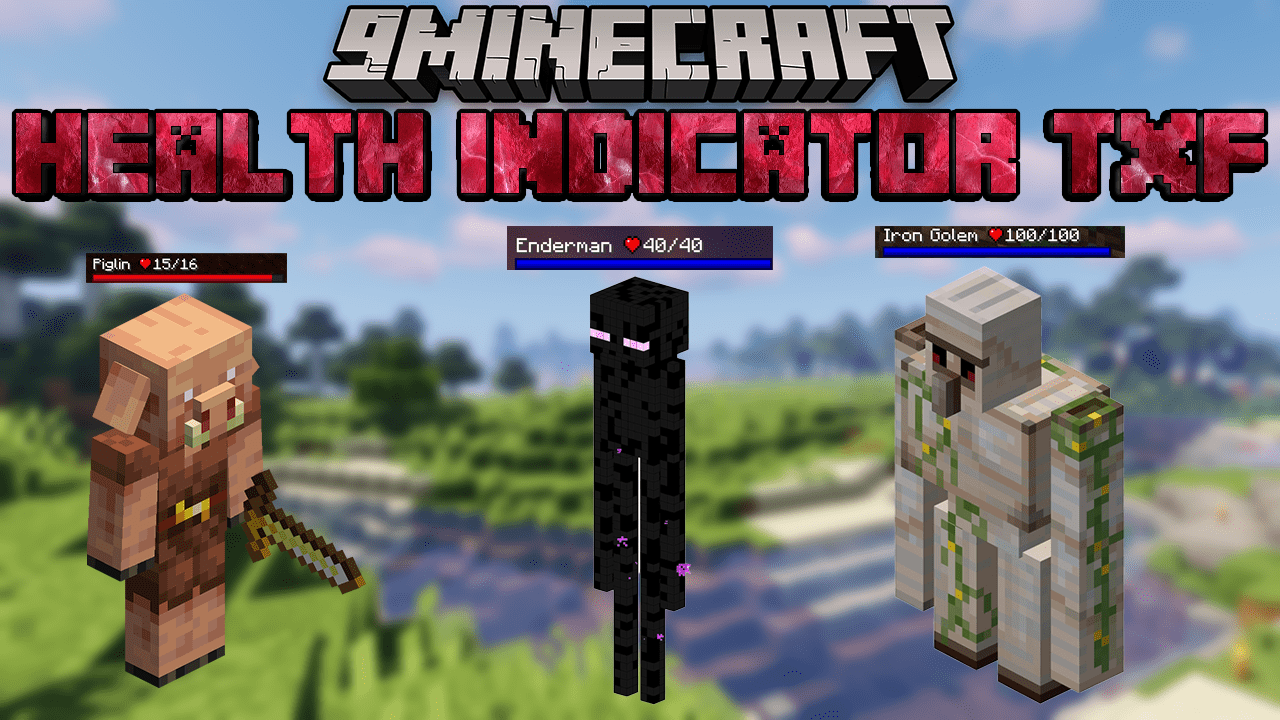
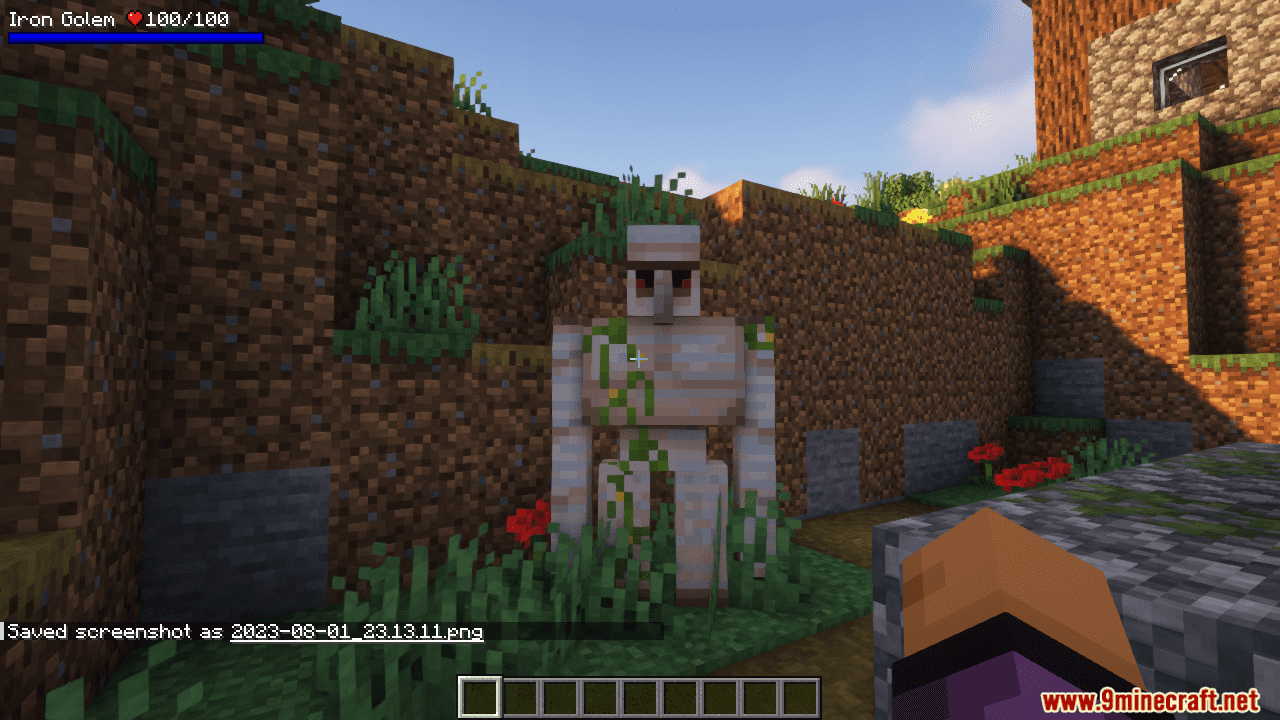
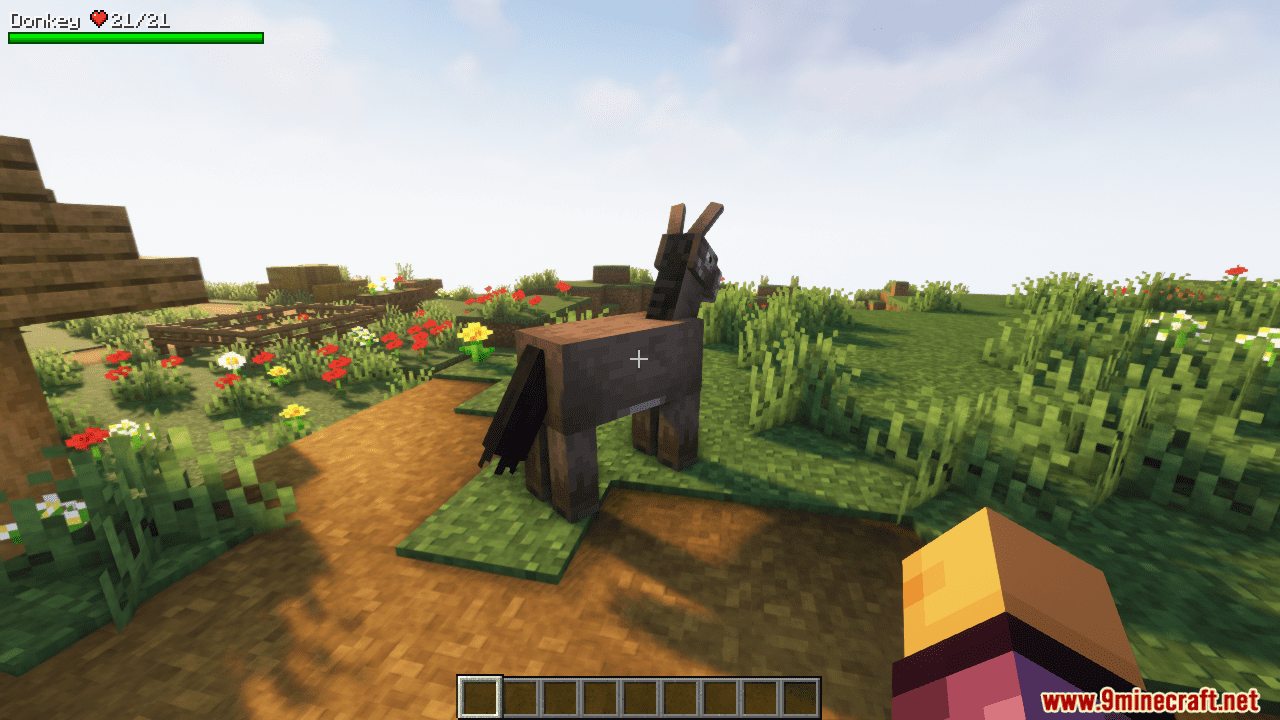
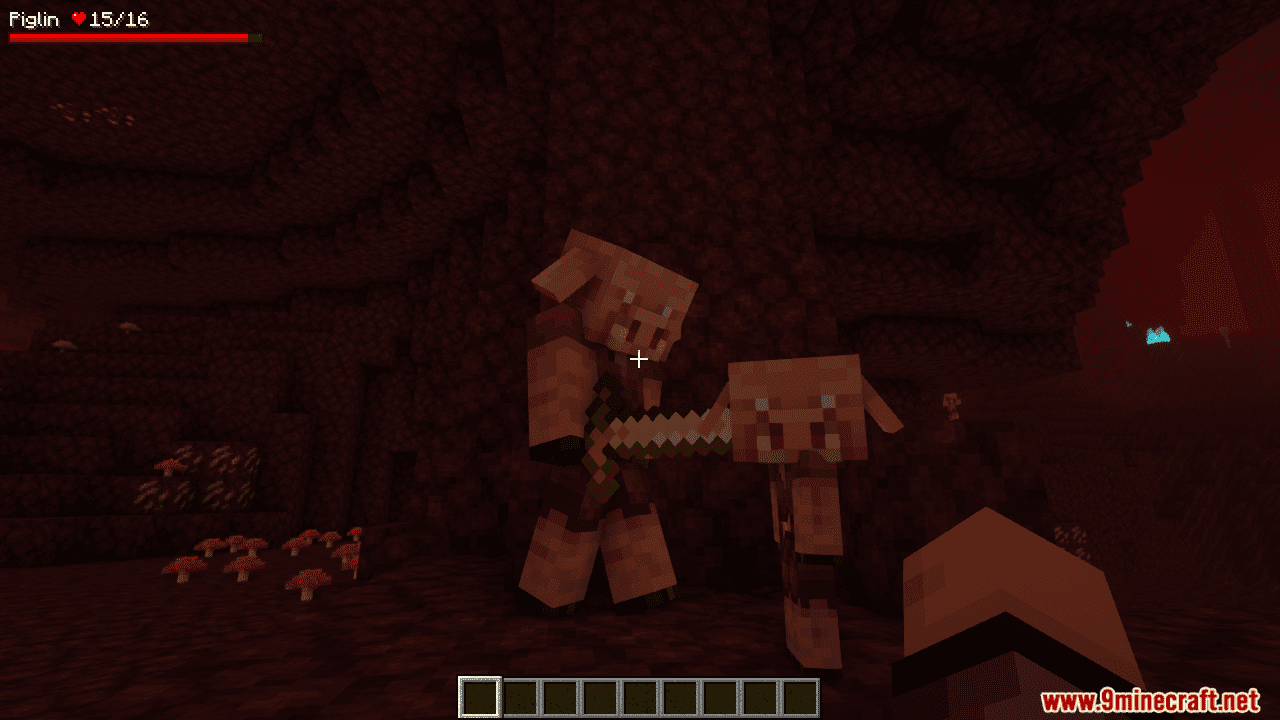
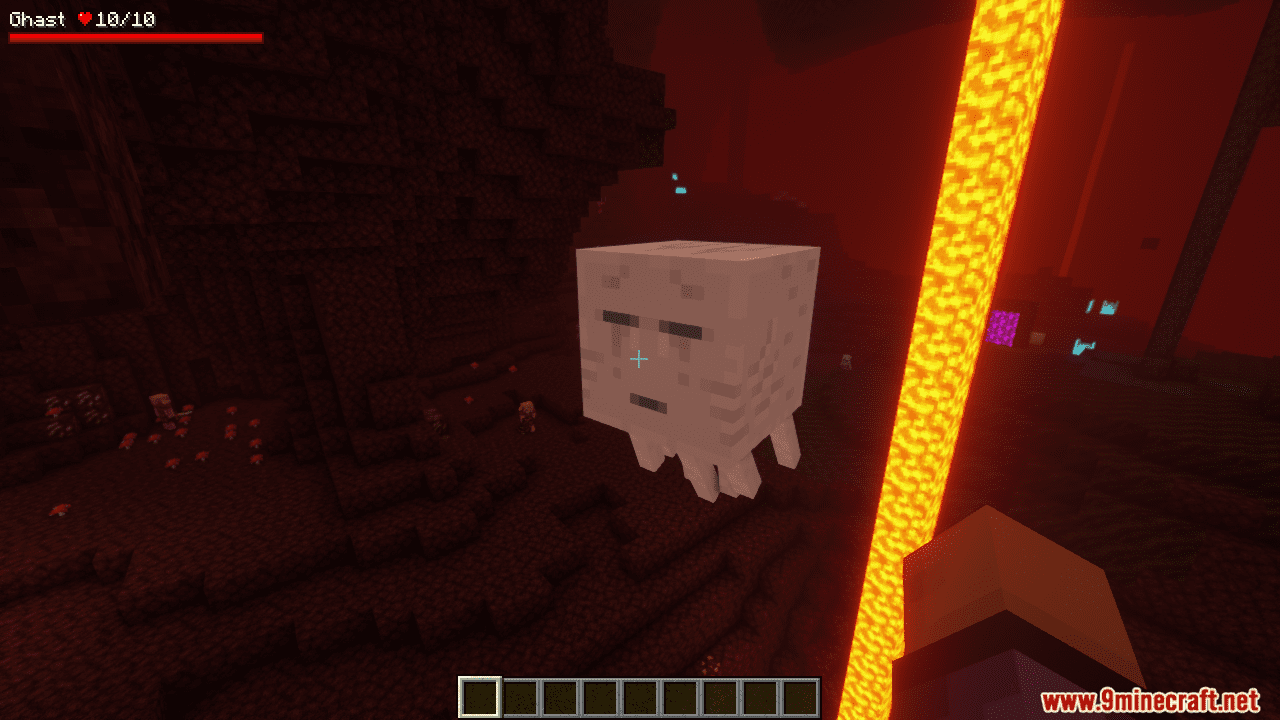
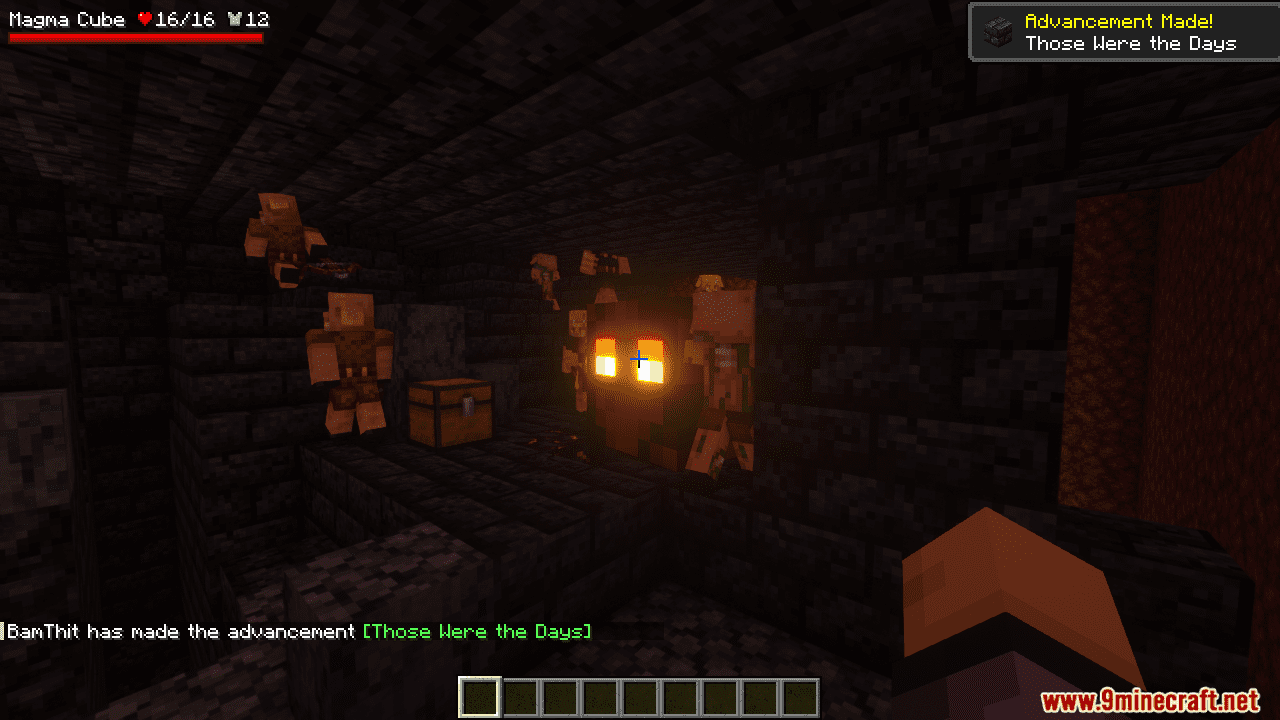
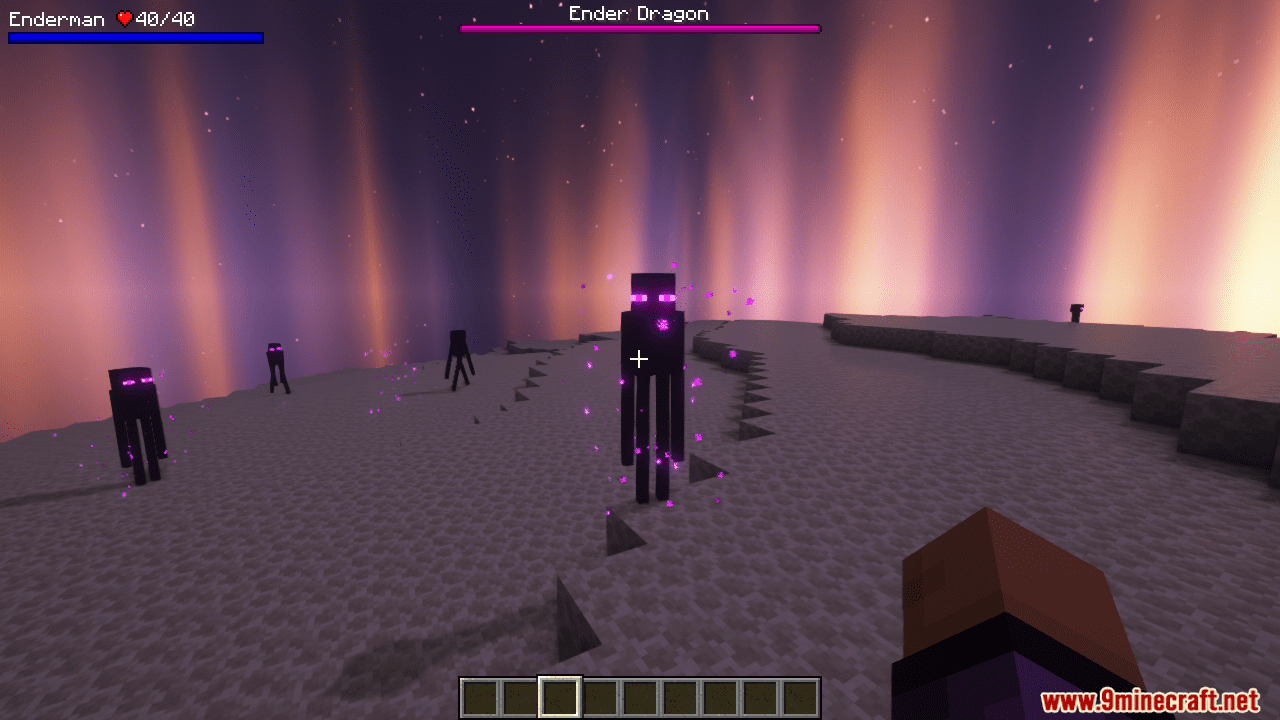
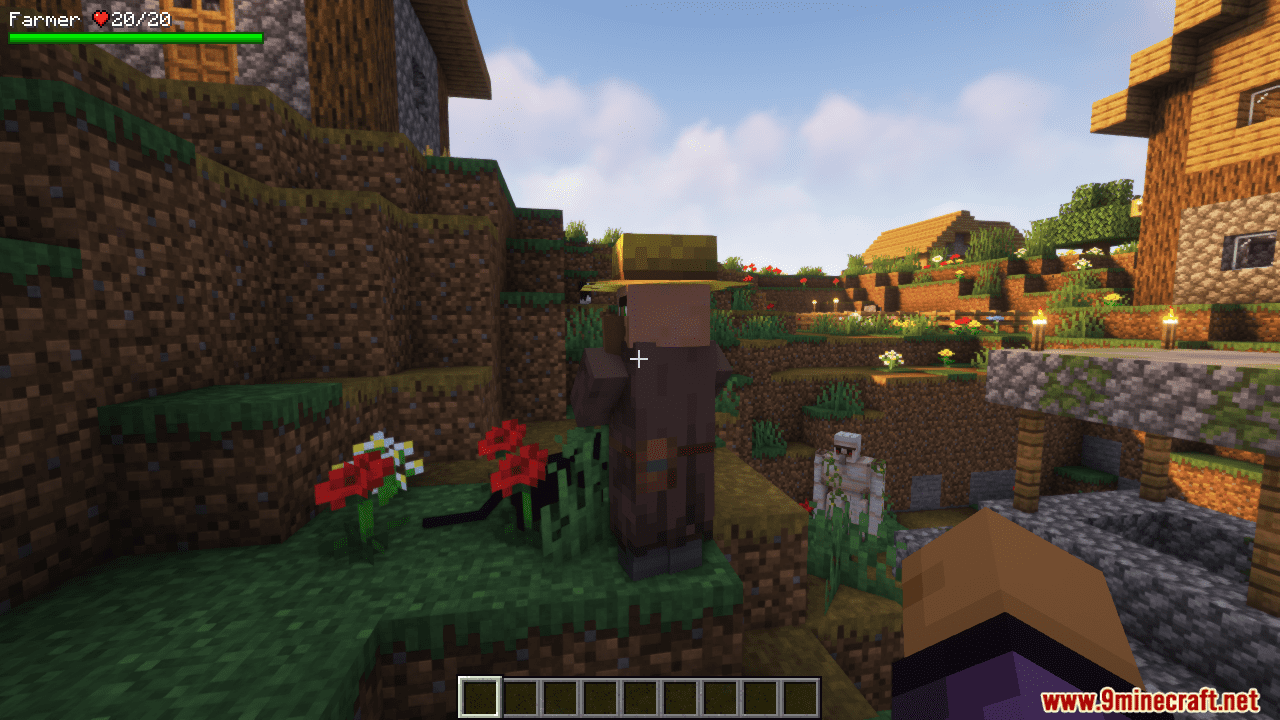
The HUD is active by default once the mod is loaded, so you should see names, armor, and health above nearby entities immediately. If nothing shows, check the mod config and make sure the display toggle hasn't been switched off.
Why is the health bar not showing above mobs?
The most common cause is that the entity is out of your  configured display range, or the HUD has been toggled off in the config. Some entities may also be excluded by your filter settings, so review the config if a specific mob type never shows a bar.
How do I open the health indicator config?
Open the mod config through your  mod menu or the config file, where you can adjust bar style, colors, and other display options. Changes usually apply right away, but a restart can help if something doesn't refresh.
What do the numbers and bars actually mean?
The numeric value shows the entity's current health, and the bar is a visual version of that same value so you can read it at a glance. Armor is shown separately, letting you judge how much protection a target still has before you commit to a fight.
See all 10 Health Indicator TXF questions ›
Gallery
8 images from the Health Indicator Txf Mod page.
You May Also Like
Wikis that share the most with this one
Wikis on the same theme: cat
More mod wikis on the site
The most downloaded mods that have a wiki here
A few wikis from each of the other kinds