

 DownloadPolyTime Mod
Get the files on 9Minecraft
Guides
Step-by-step, in-game.
Enable Lunar Cycle TrackingFollowing Moon Phases Instead of controlling time directly, you can let PolyTime automatically progress through…Set the Time Manually to a Specific HourUsing the Time Command The simplest way to set time is through the mod's command interface or config menu. Open your…Switch Between Different Time Control ModesManaging Multiple Time Modes PolyTime supports three distinct time control methods. You can switch between them…Sync Your Game Time with Real-World TimeEnabling Real-Time Synchronization PolyTime allows your in-game clock to match your actual local time, creating an…
Frequently asked questions
How do I open the PolyTime settings?
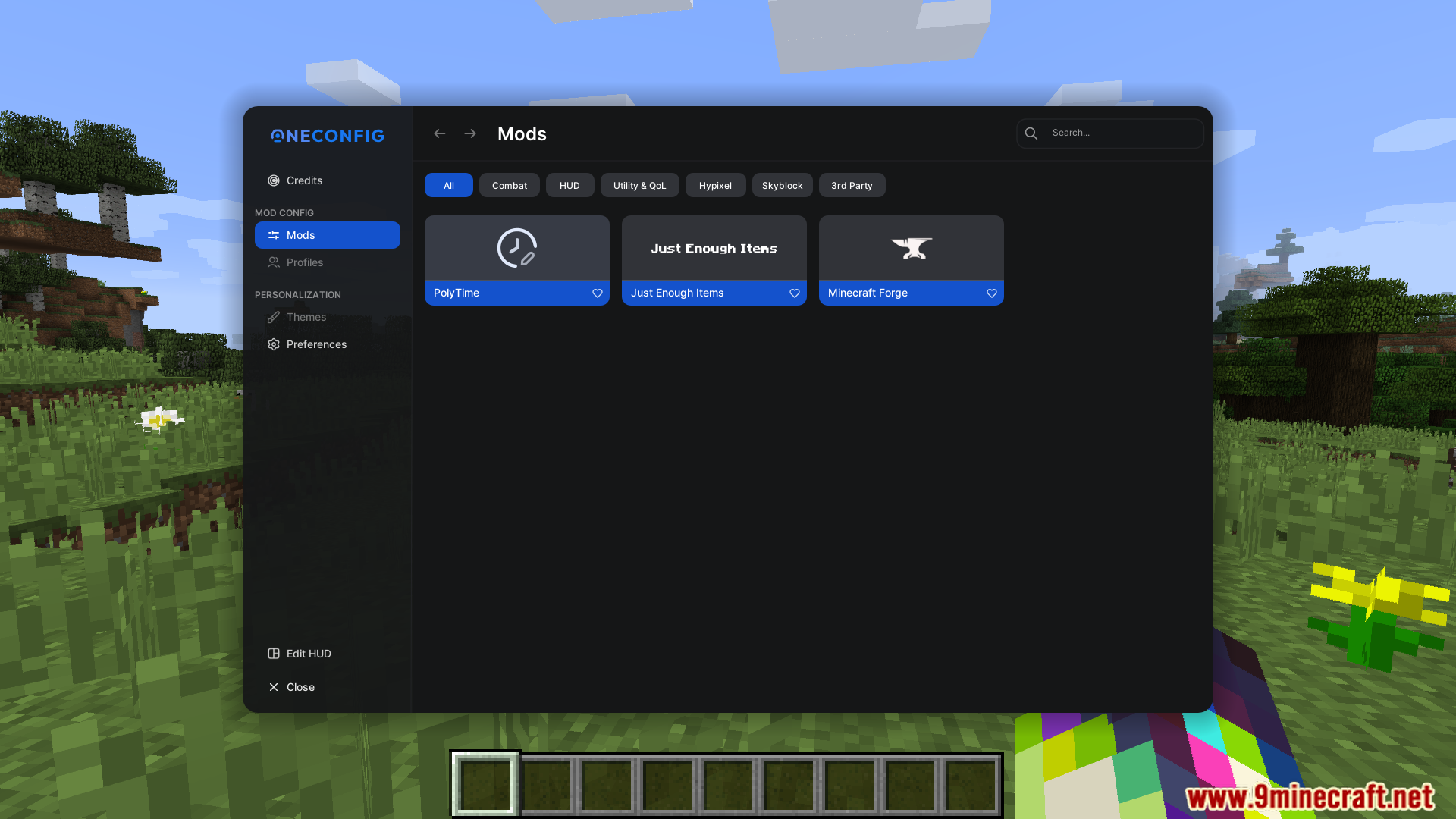
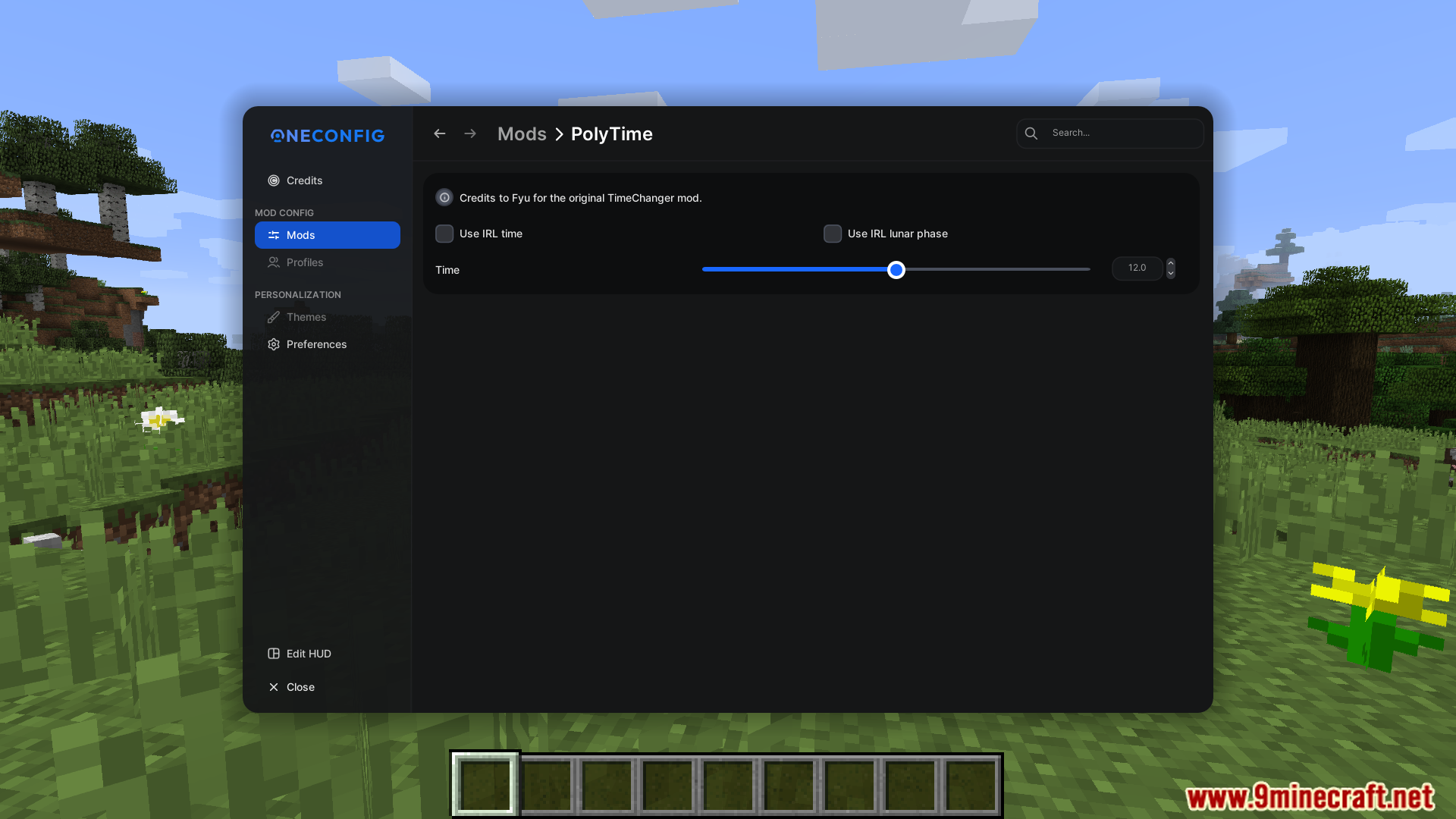
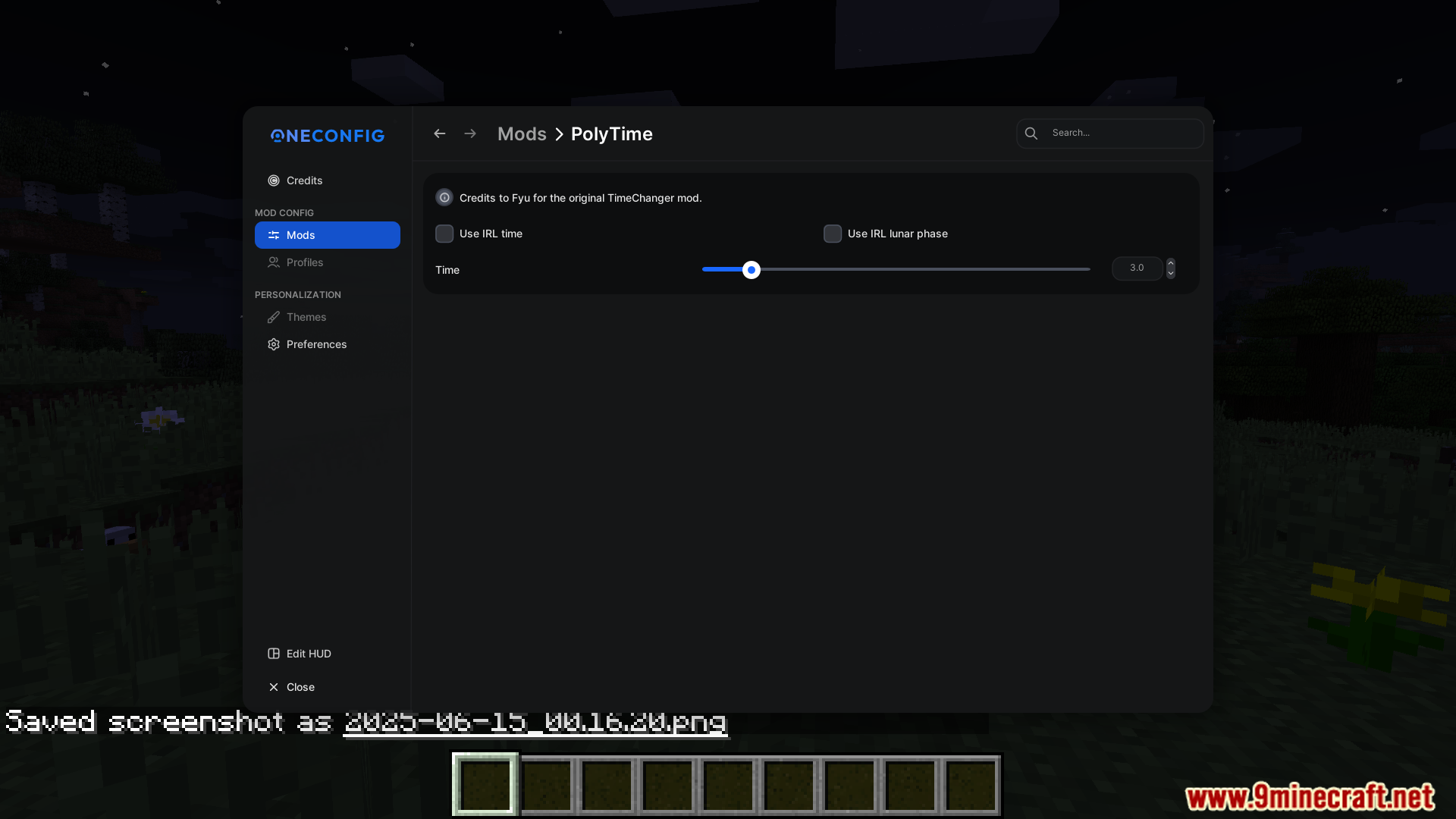
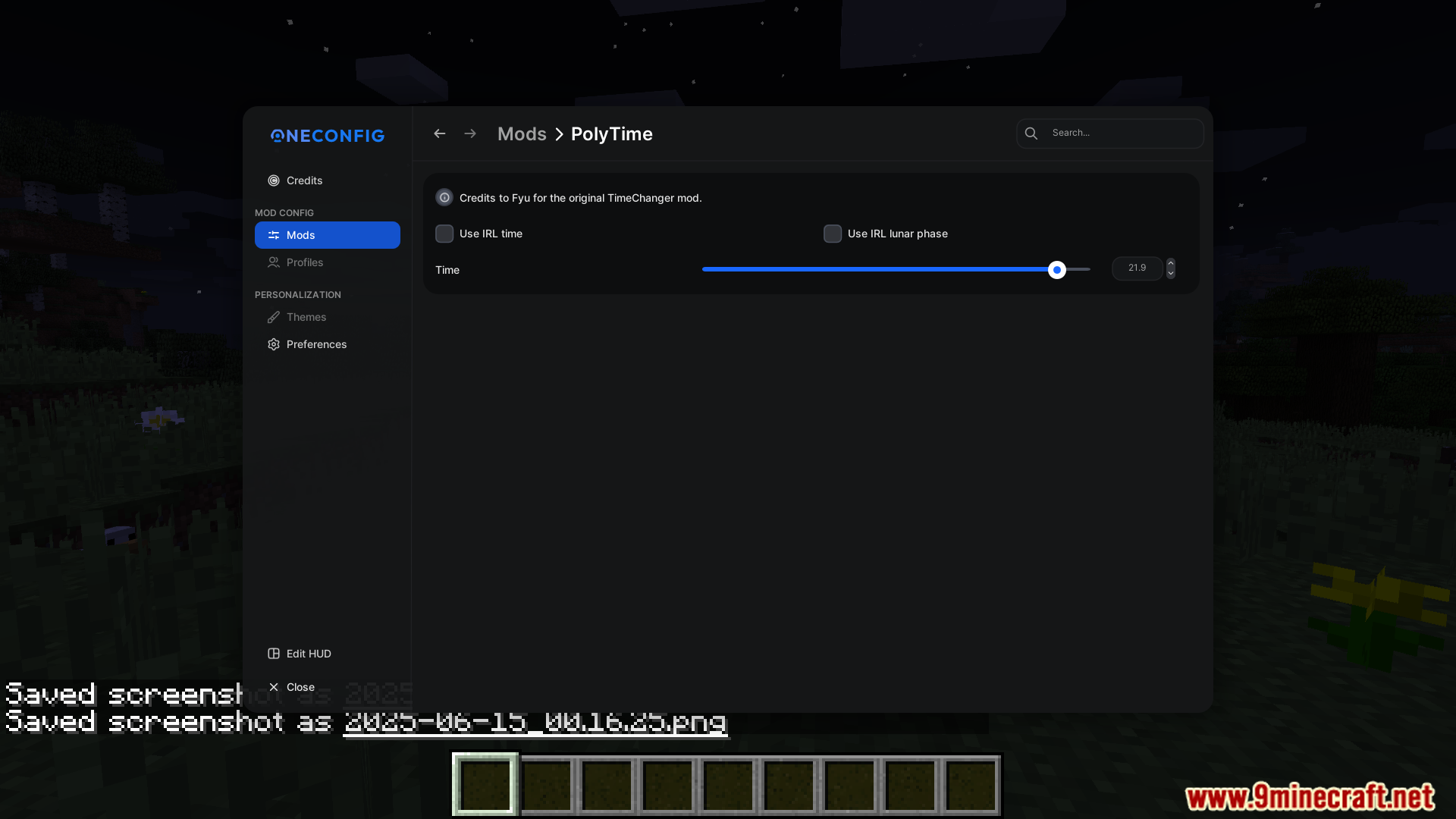
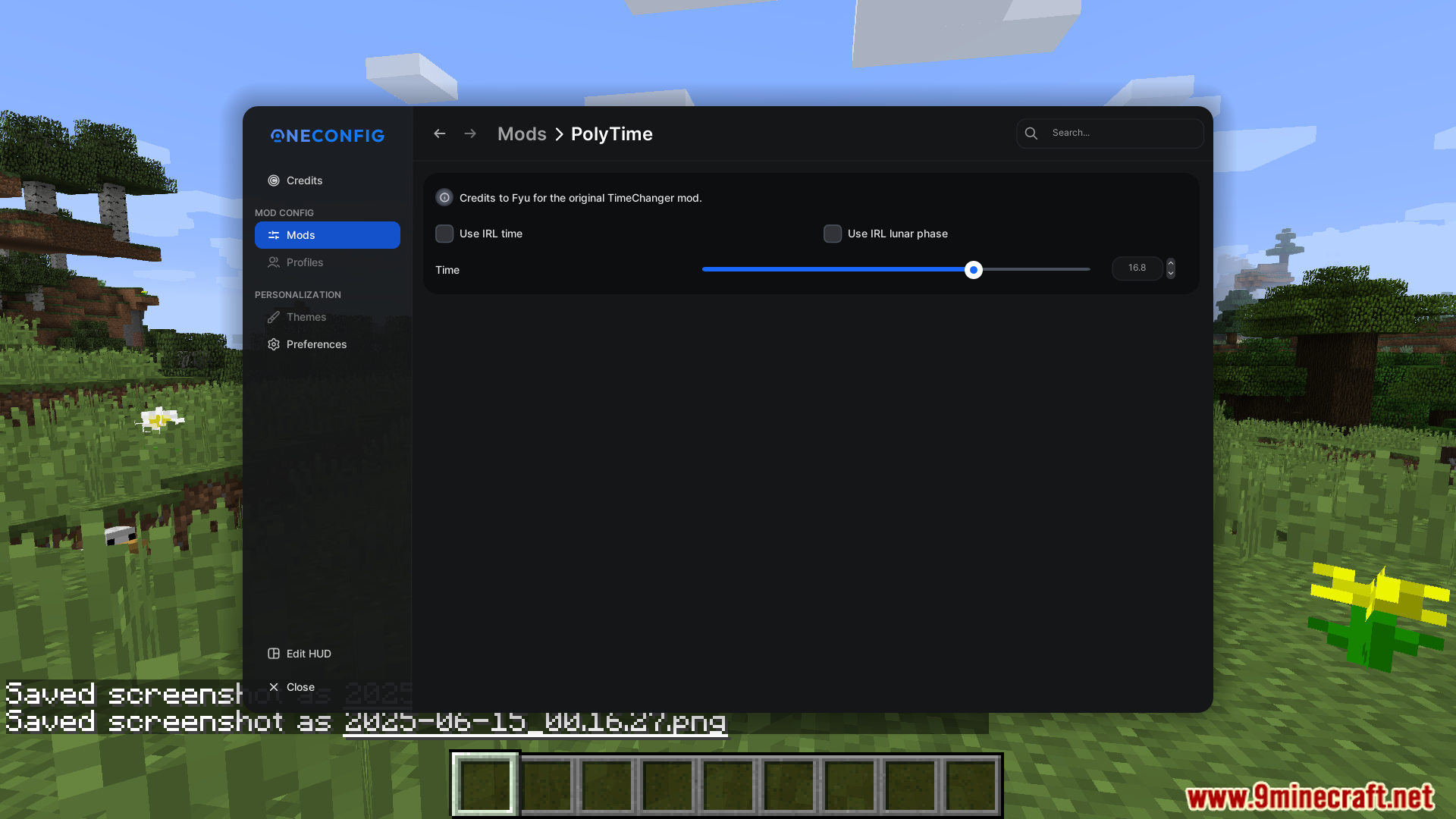
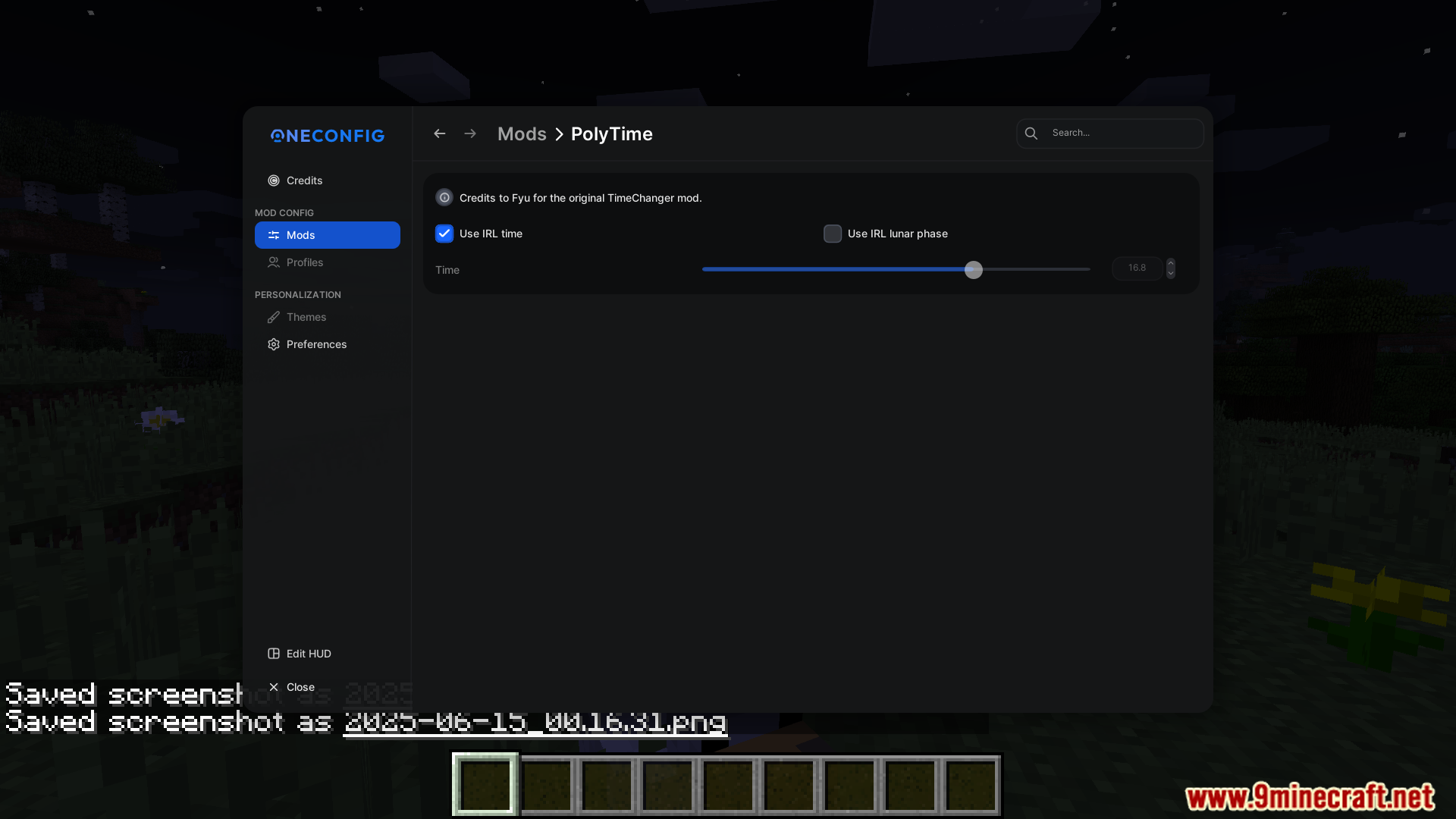
If OneConfig is installed, open your mods menu and look for the PolyTime settings panel. Otherwise, check your keybinds menu for a PolyTime hotkey, or use the mod's command interface if available in-game.
Can I set the time to a specific hour like noon or midnight?
Yes, use the manual time setting feature to input the exact hour you want. The mod accepts time values that correspond to in-game hours, allowing precise control over day/night cycles.
What does 'sync with real-world time' actually do?
This feature makes your in-game time match your actual local time, so when it's 3 PM in real life, it's 3 PM in your game world. The game time updates continuously as real time passes.
How do lunar cycles work in this mod?
When lunar cycle tracking is enabled, the moon's phases in-game progress through a realistic cycle that repeats over time. This affects the visual appearance of the moon but doesn't change gameplay mechanics unless other mods interact with it.
See all 10 PolyTime questions ›
Gallery
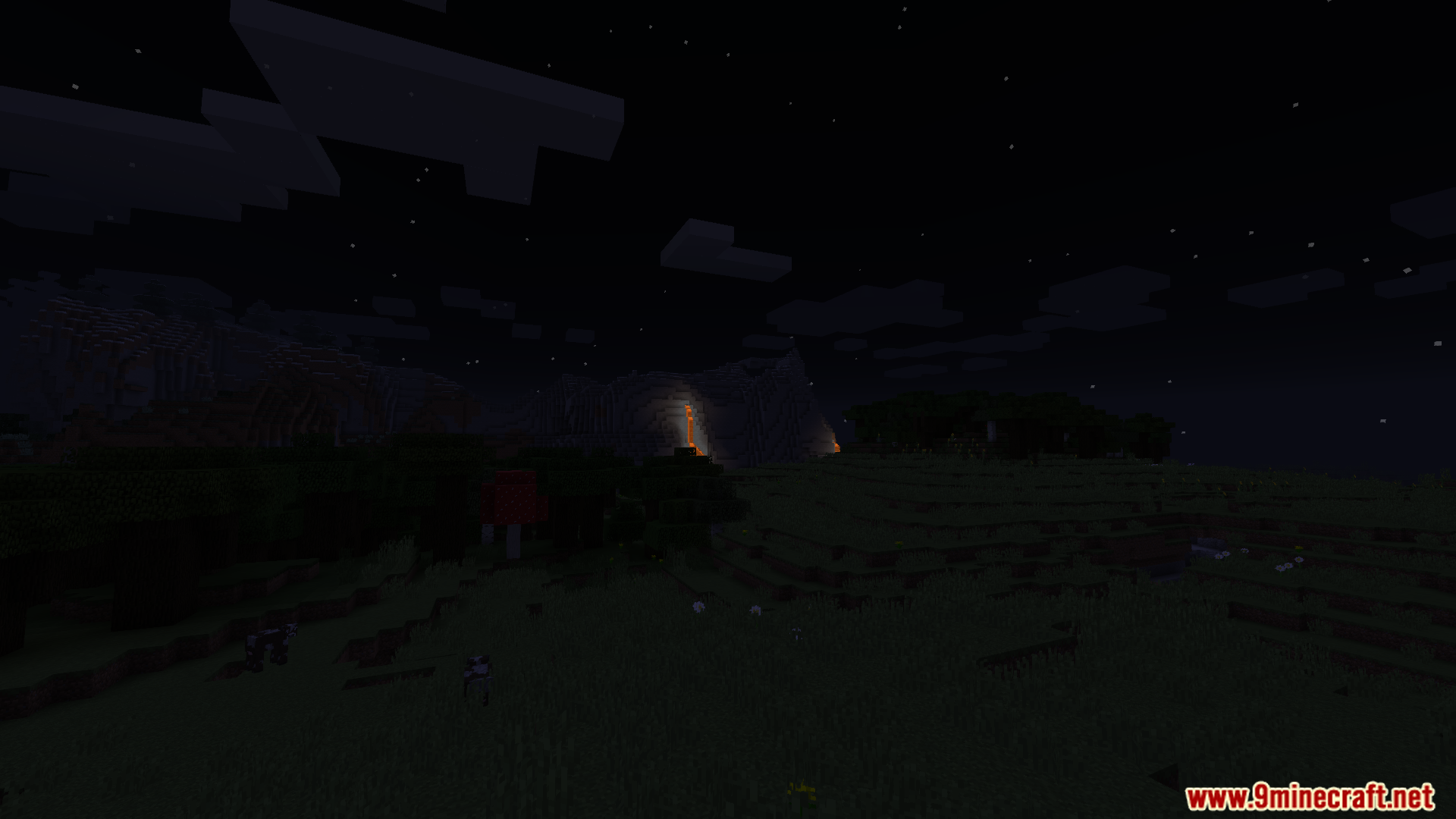
9 images from the Polytime Mod page.
You May Also Like
Wikis that share the most with this one
Wikis on the same theme: cat
More mod wikis on the site
The most downloaded mods that have a wiki here
A few wikis from each of the other kinds