

 DownloadPoly Sprint Mod
Get the files on 9Minecraft
Guides
Step-by-step, in-game.
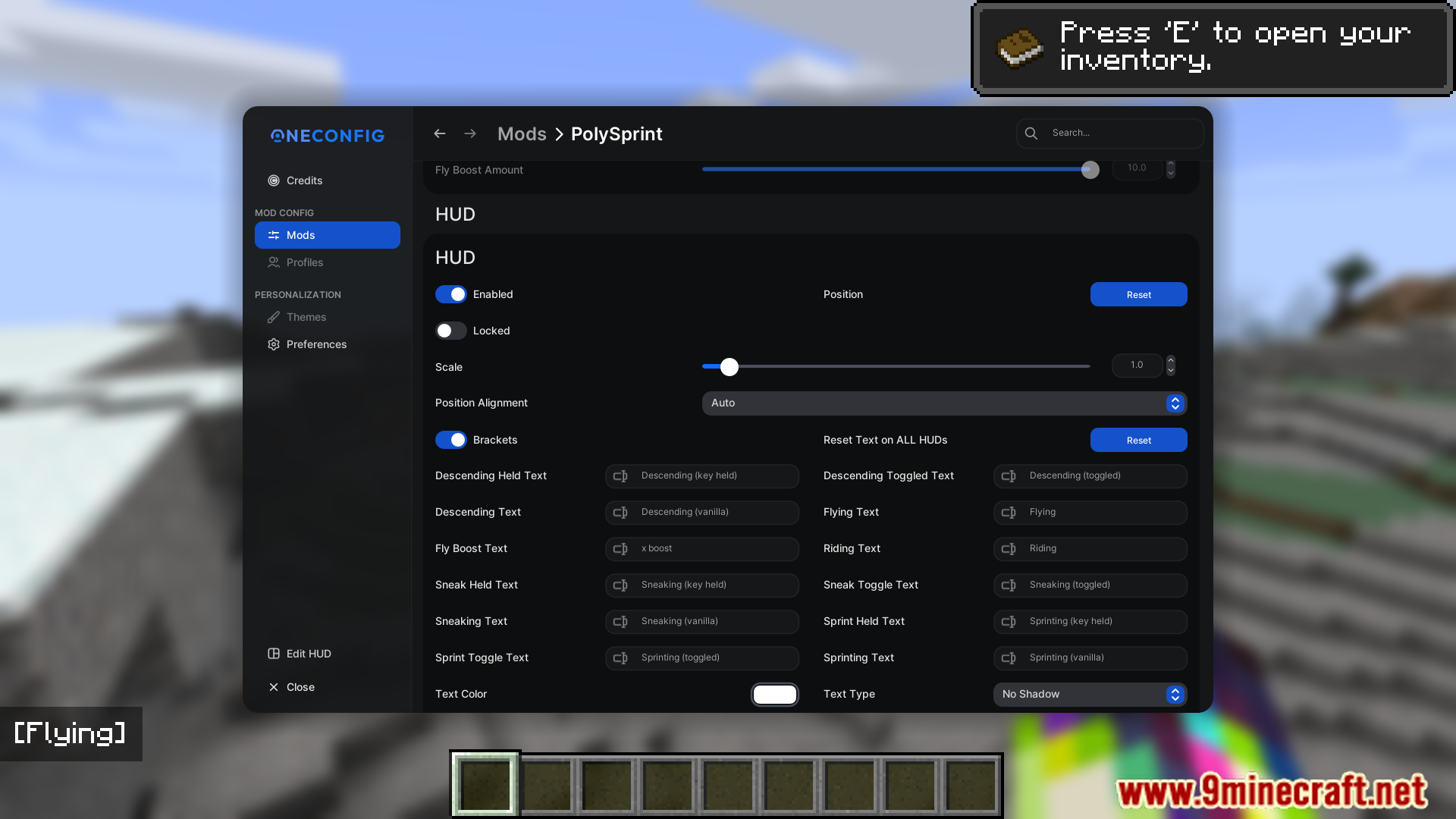
How to Customize the Poly Sprint HUDOpening the HUD settings Poly Sprint lets you change how on-screen elements look. Open the mod's configuration,…How to Enable Toggle Sprint and Toggle Sneak in Poly SprintTurning on the toggle options Poly Sprint's core feature is letting you stop holding down your sprint or sneak key.…How to Rebind Keys and Set Up OneConfig Profiles in Poly SprintRebinding Poly Sprint keys Open your controls menu and look for the Poly Sprint category. Here you will find keybinds…How to Stop W-Tap Sprinting with Poly SprintWhat W-tap sprinting is In vanilla Minecraft, sprinting is often triggered by double-tapping the forward key (W-tap).…
Frequently asked questions
How do I open the poly sprint settings menu?
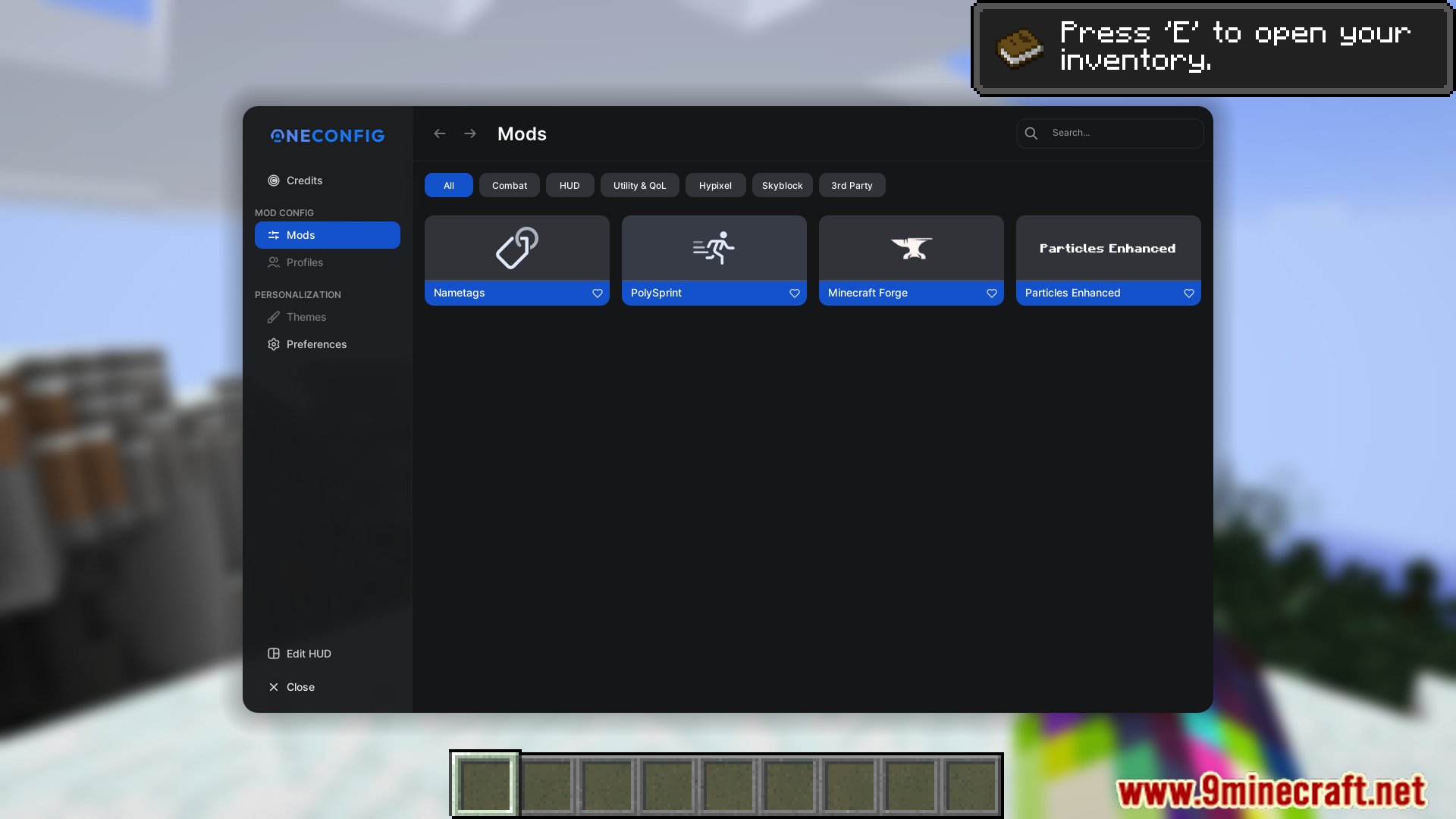
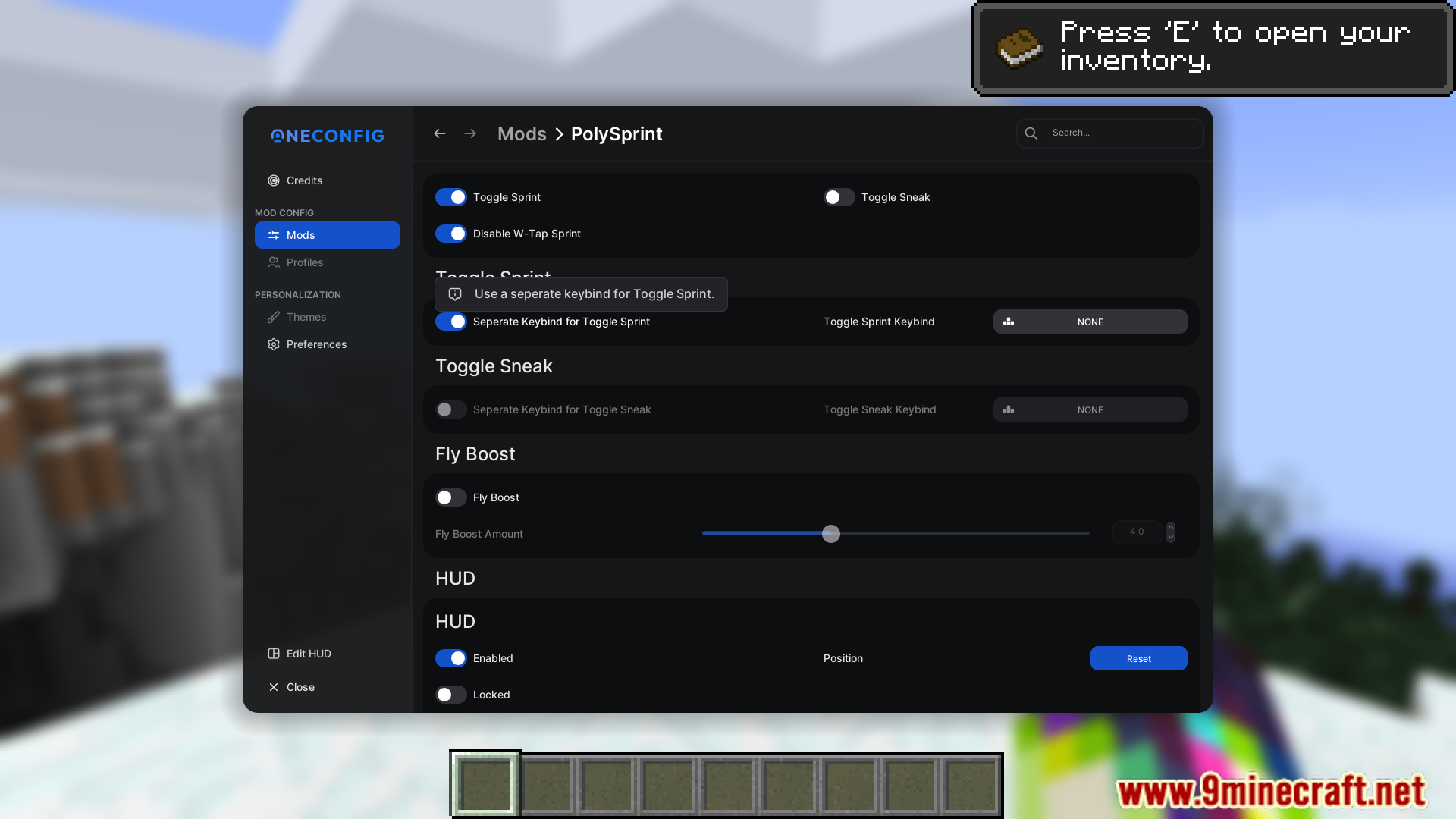
Press the mod's config keybind, which is unbound by default, so check your Controls settings and assign one first. You can also open it through the OneConfig menu if you have OneConfig installed.
How do I turn on toggle sprint?
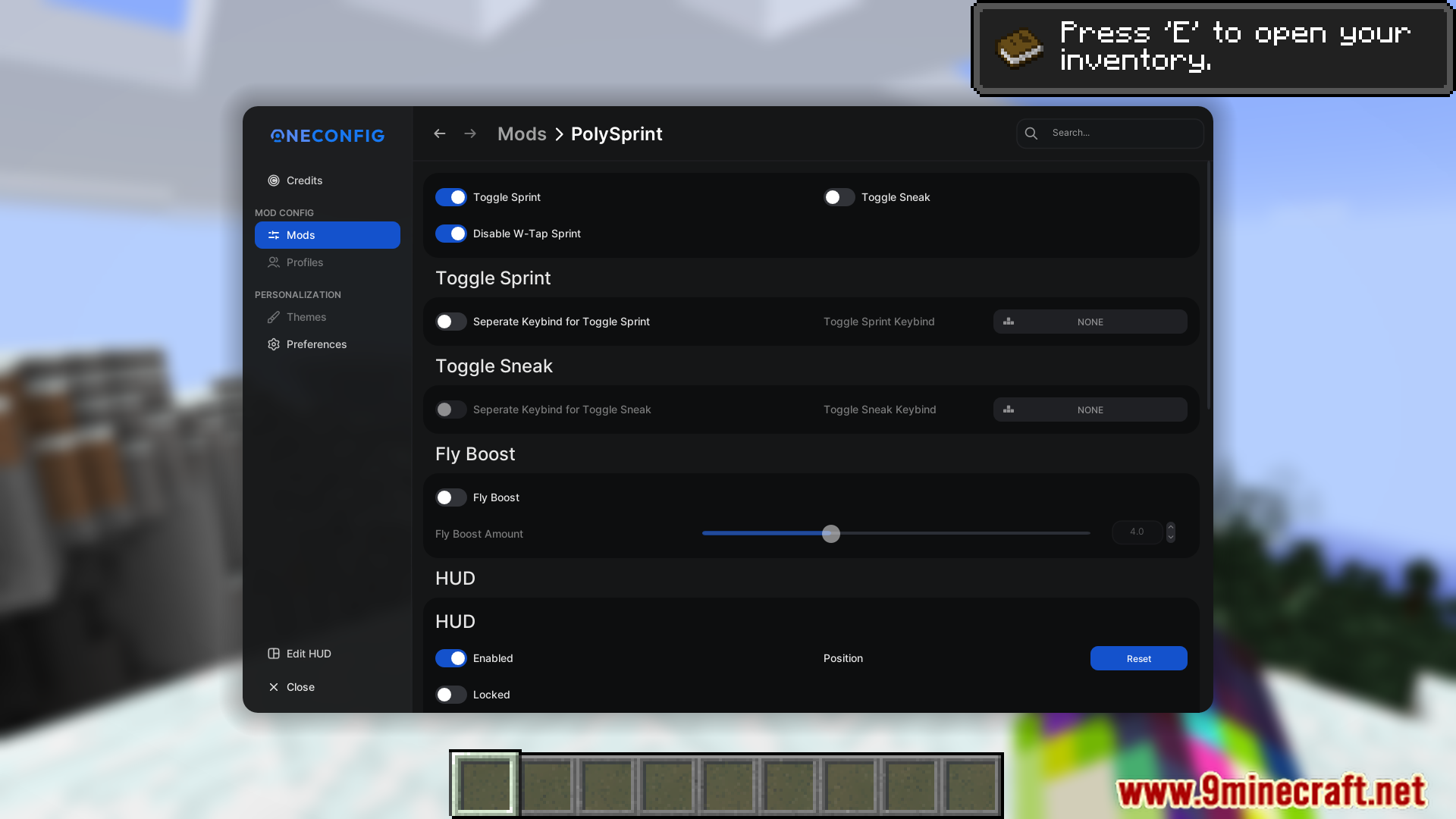
Open the Poly Sprint config and enable the toggle sprint option, then bind a key to toggle it in-game. Once enabled, tapping the toggle key makes you sprint continuously without holding the sprint key.
Why does my sprint keep turning off when I stop moving?
Toggle sprint in Poly Sprint typically deactivates when you stop moving or sneak, which is intended behavior. If you want it to persist differently, check the config for related toggle behavior options.
How do I stop w-tapping to sprint?
Enable the option in Poly Sprint that disables W-tap sprinting, so you no longer need to double-tap forward to start sprinting. This is separate from toggle sprint and can be used together with it.
See all 10 Poly Sprint questions ›
Gallery
10 images from the Poly Sprint Mod page.
You May Also Like
Wikis that share the most with this one
More mod wikis on the site
The most downloaded mods that have a wiki here
A few wikis from each of the other kinds