

 DownloadPlayereactions Mod
Get the files on 9Minecraft
Guides
Step-by-step, in-game.
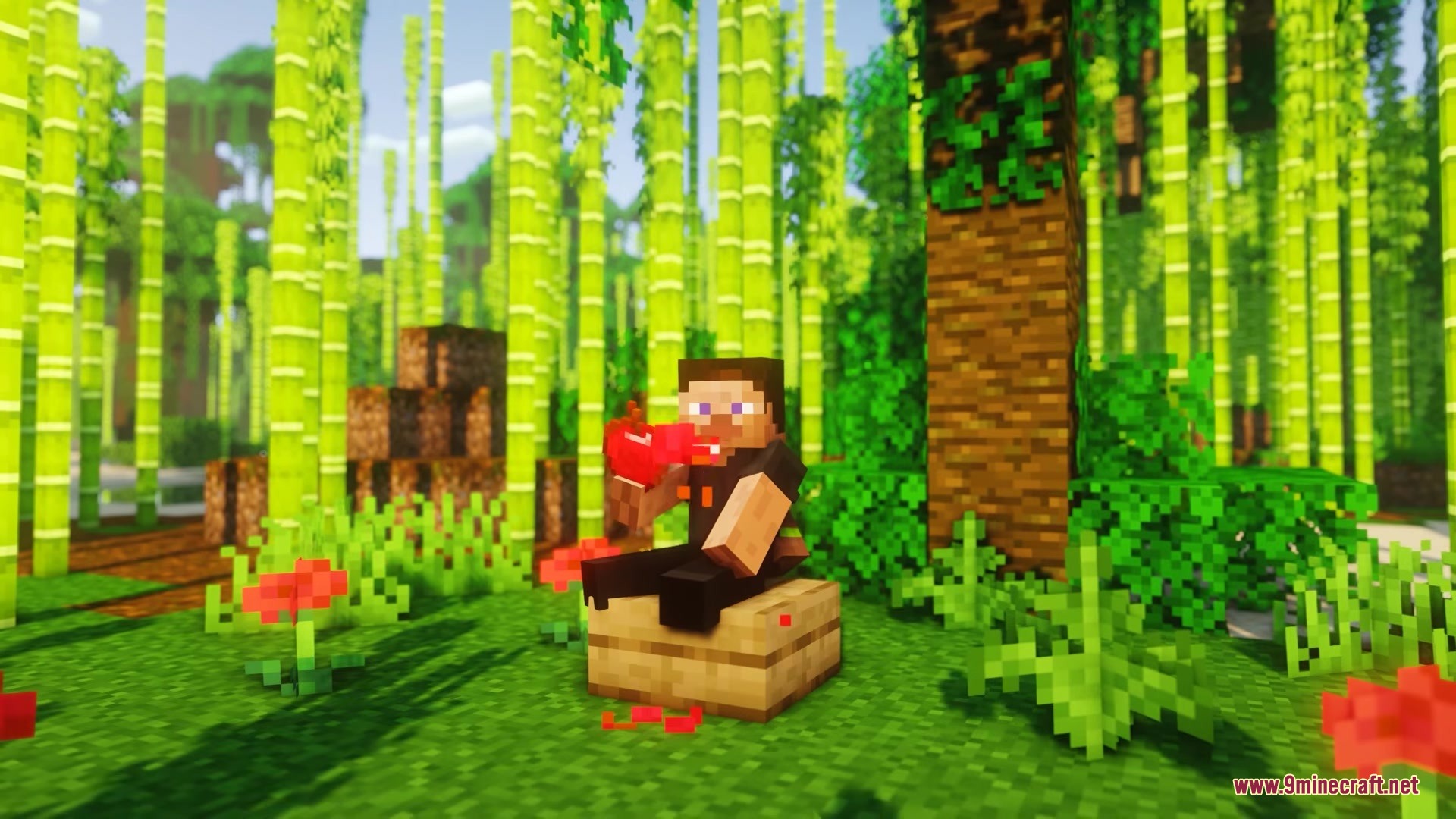
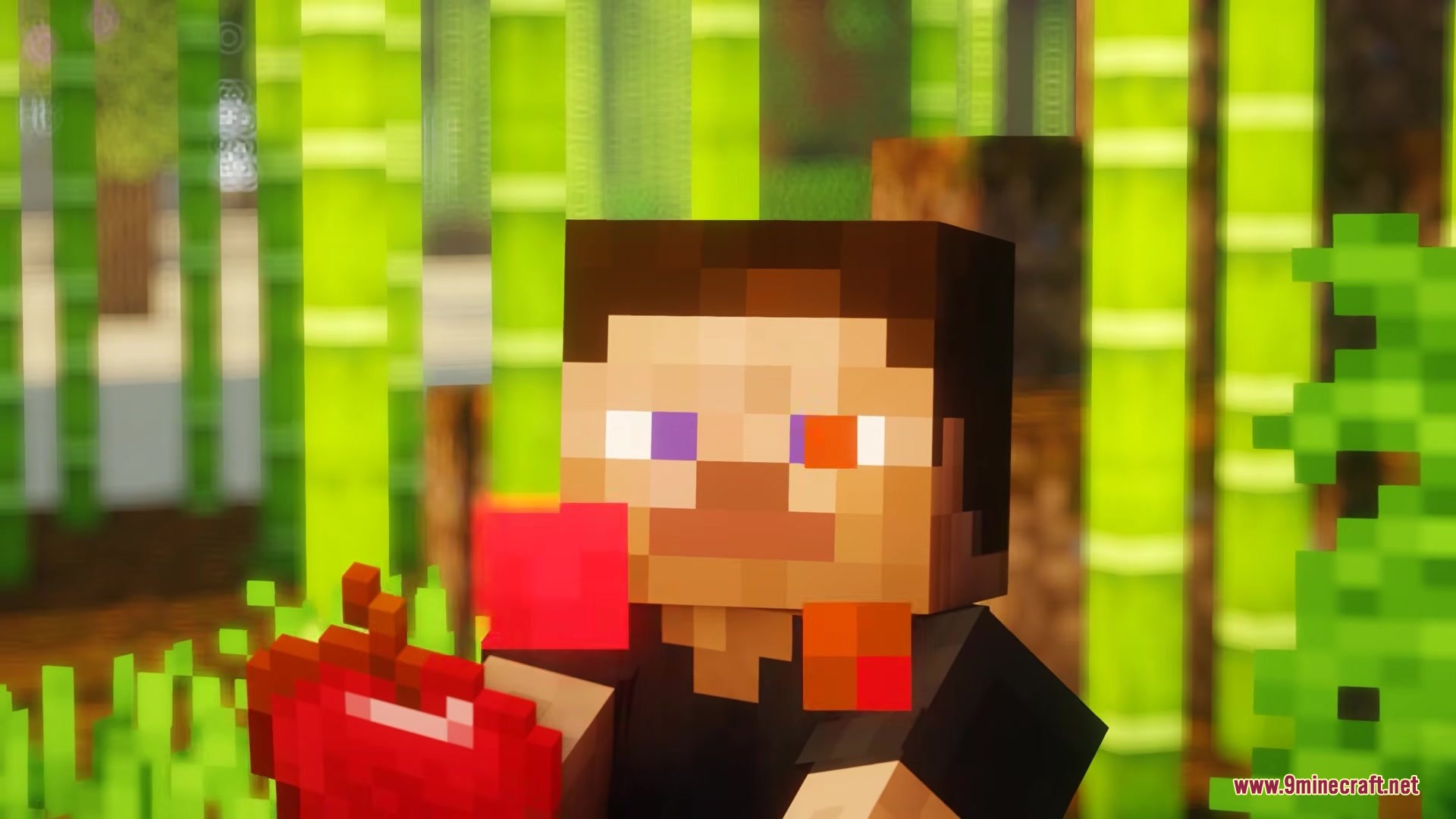
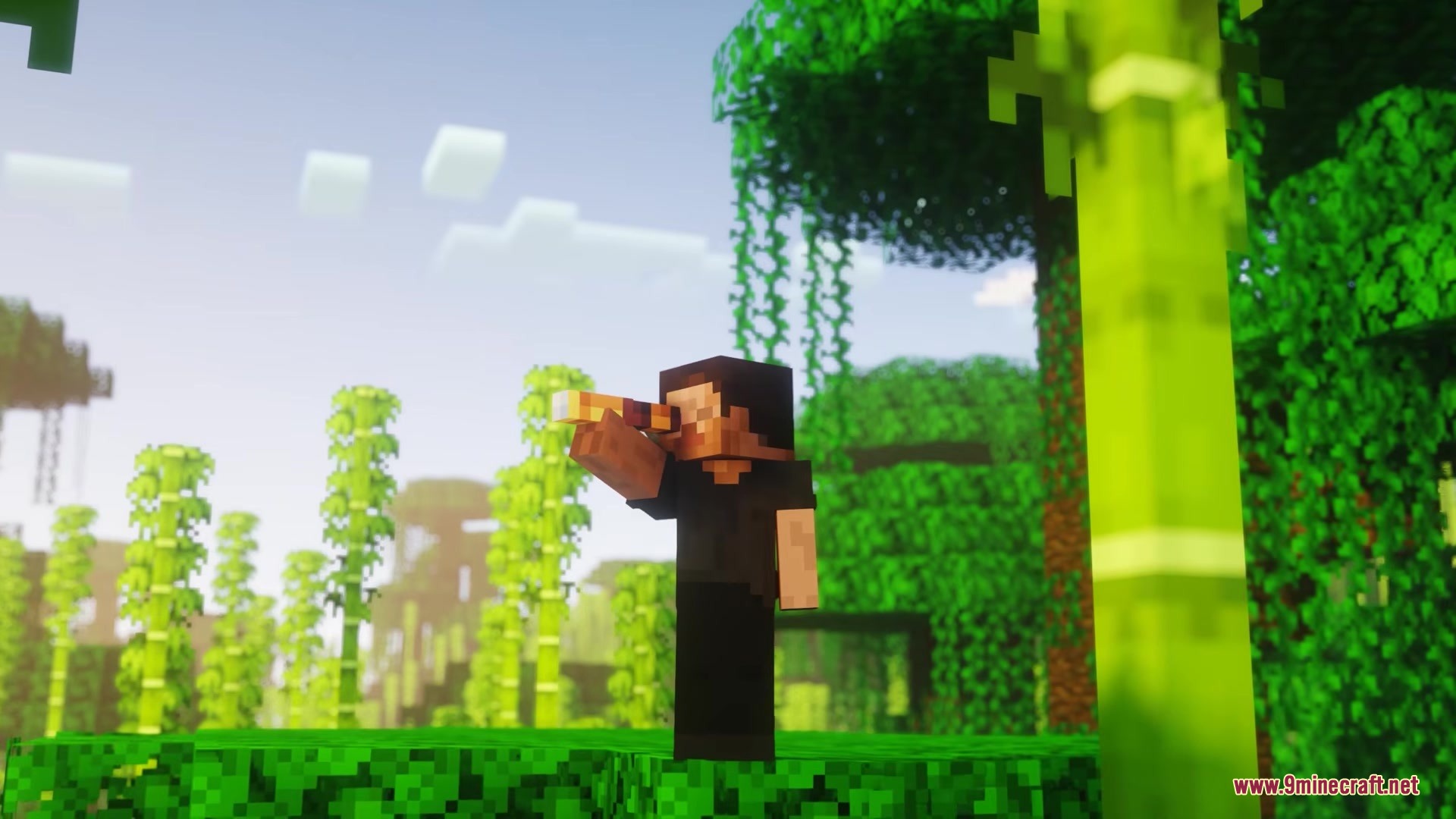
Adjust Your Character's Eye SizeAccess the Settings Menu Open your game settings and locate the Playereactions Mod configuration options. This is…See Your Character's Shocked Expression When FallingTake Fall Damage Climb to a height that will cause damage when you land, then jump or walk off the edge. Your…Use a Spyglass with One Eye ClosedEquip and Use a Spyglass Craft or obtain a spyglass, then hold it and right-click to look through it. Your…Watch Your Character React While EatingEat Food Normally Hold any food item and right-click to eat it as usual. Your character will automatically display a…
Frequently asked questions
How do I turn on facial expressions after installing the mod?
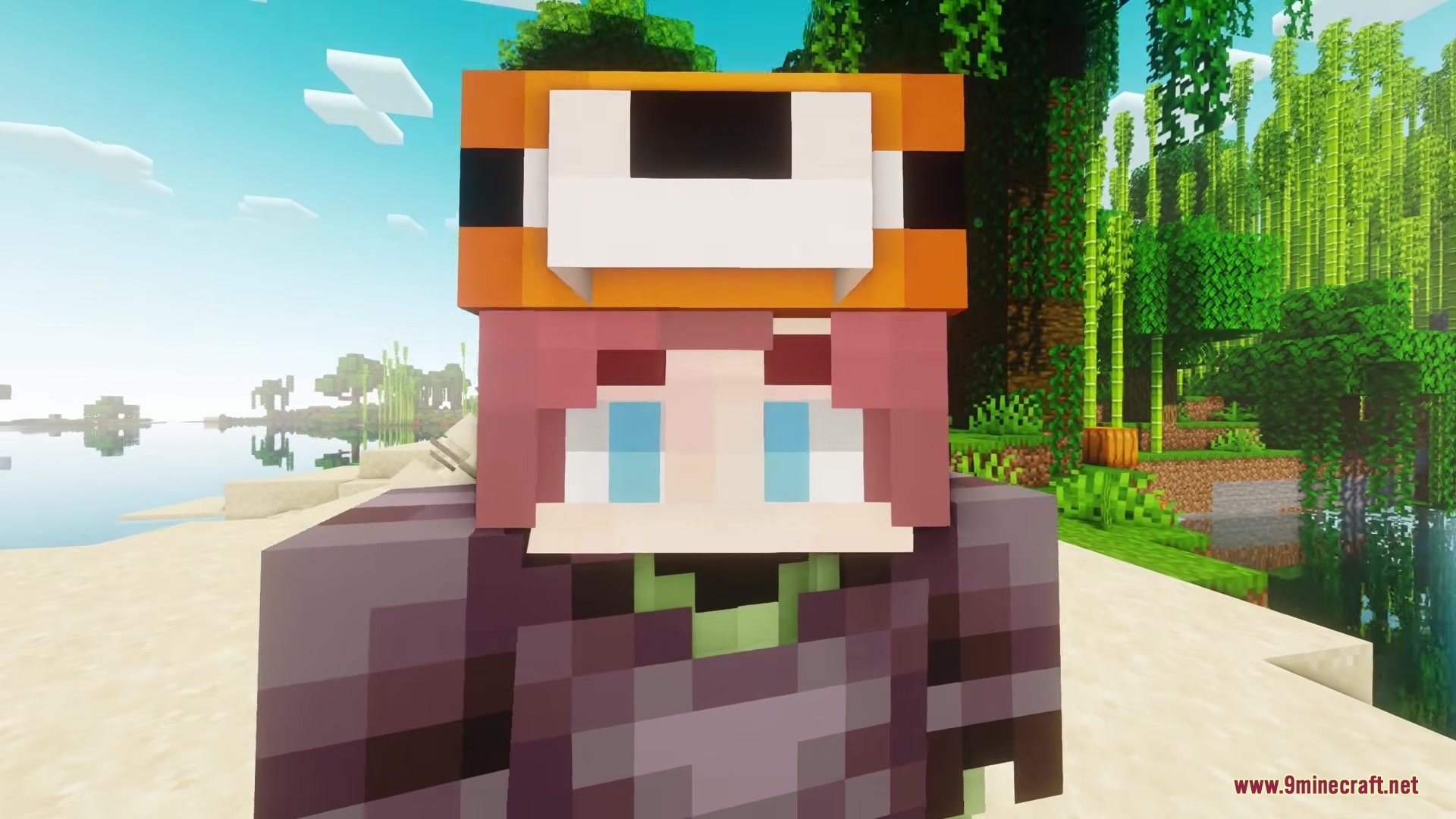
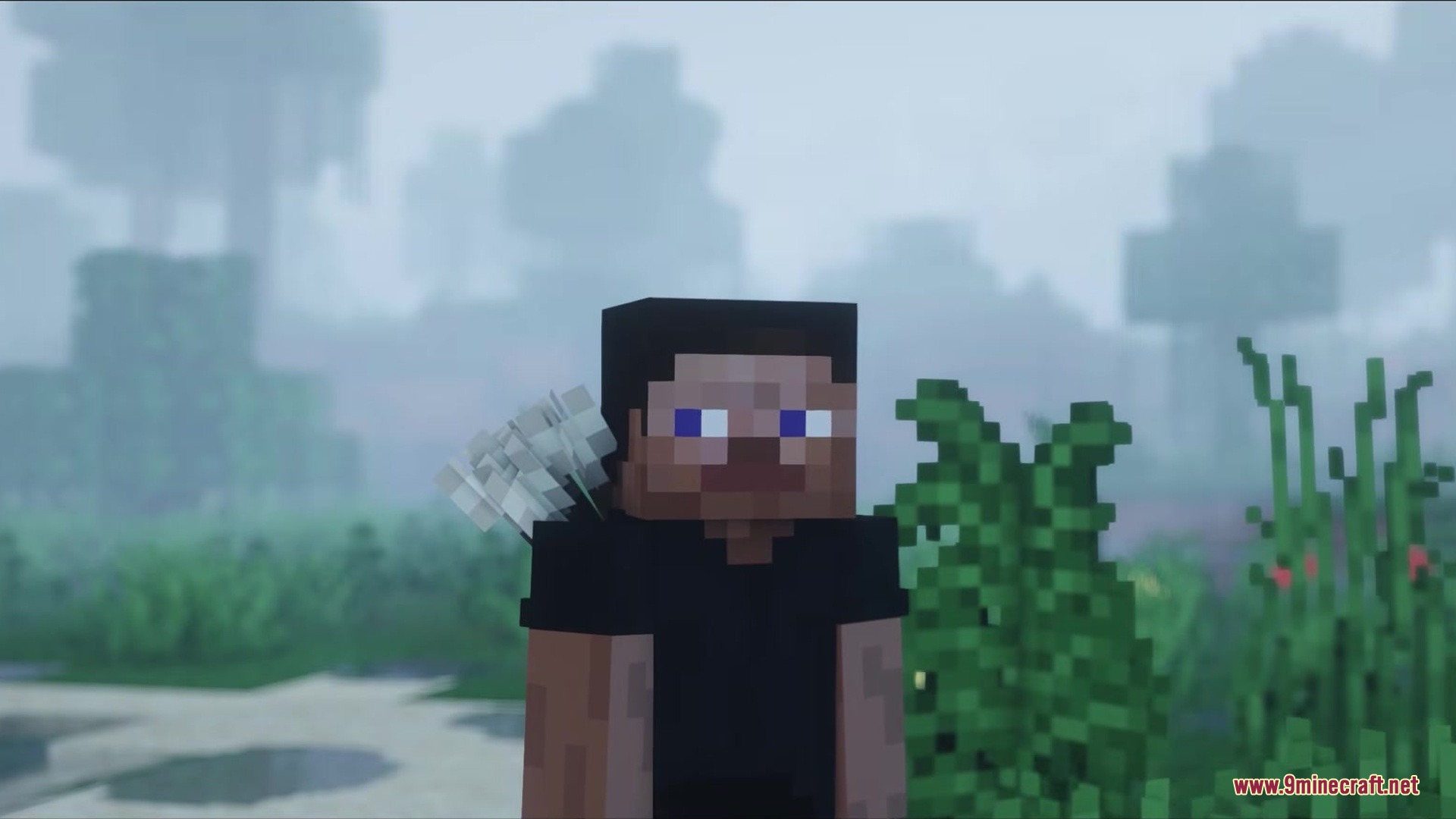
The mod works automatically once installed—your character will start blinking and reacting to activities right away. You don't need to enable anything in-game; expressions happen naturally during normal gameplay.
Can I disable blinking if it bothers me?
Yes, you can adjust or disable blinking through the mod's configuration settings. Access the settings menu to toggle automatic blinking on or off based on your preference.
Why does my character only close one eye when using a spyglass?
This is intentional—the mod makes your character squint with one eye closed when aiming a spyglass, mimicking how players naturally aim. It's a realistic reaction built into the mod's design.
Do facial expressions work with custom skins?
Yes, the mod works with custom skins since it adds expressions on top of your existing skin rather than replacing it. Your character's face movements will display over whatever skin you're wearing.
See all 10 Playereactions questions ›
Gallery
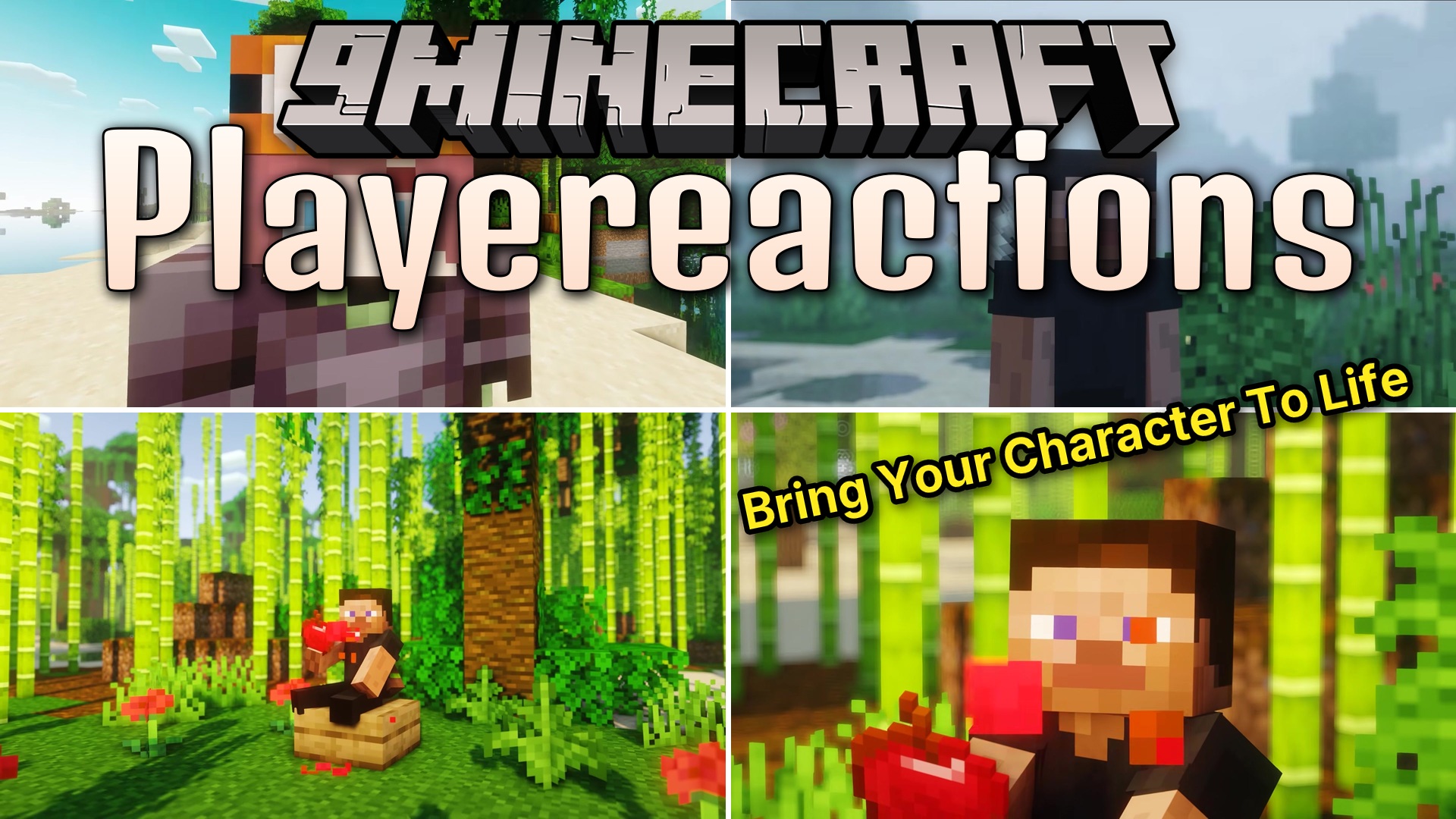
8 images from the Playereactions Mod page.
You May Also Like
Wikis that share the most with this one
More mod wikis on the site
The most downloaded mods that have a wiki here
A few wikis from each of the other kinds