

 DownloadPingHUD Mod
Get the files on 9Minecraft
Guides
Step-by-step, in-game.
How to Read Ping Values in the Player List with PingHUDWhere the Numbers Appear Once PingHUD is installed, open the player list by holding the key that shows the tab…How to Read Player Ping with PingHUDNumerical Ping in the Player List PingHUD changes how connection quality is shown in the player list. Instead of the…Monitoring Your Own Ping While PlayingFind Yourself in the List Open the player list and locate your own name. The number beside it is your current ping to…Spotting Connection Problems Early with PingHUDEstablish a Baseline Early in a session, open the player list and note the typical ping for yourself and for others.…Using PingHUD to Diagnose Lag on a Multiplayer ServerCompare Players Against Each Other Open the player list and look at the numerical ping for everyone connected. If one…
Frequently asked questions
What does the PingHUD Mod change about ping display?
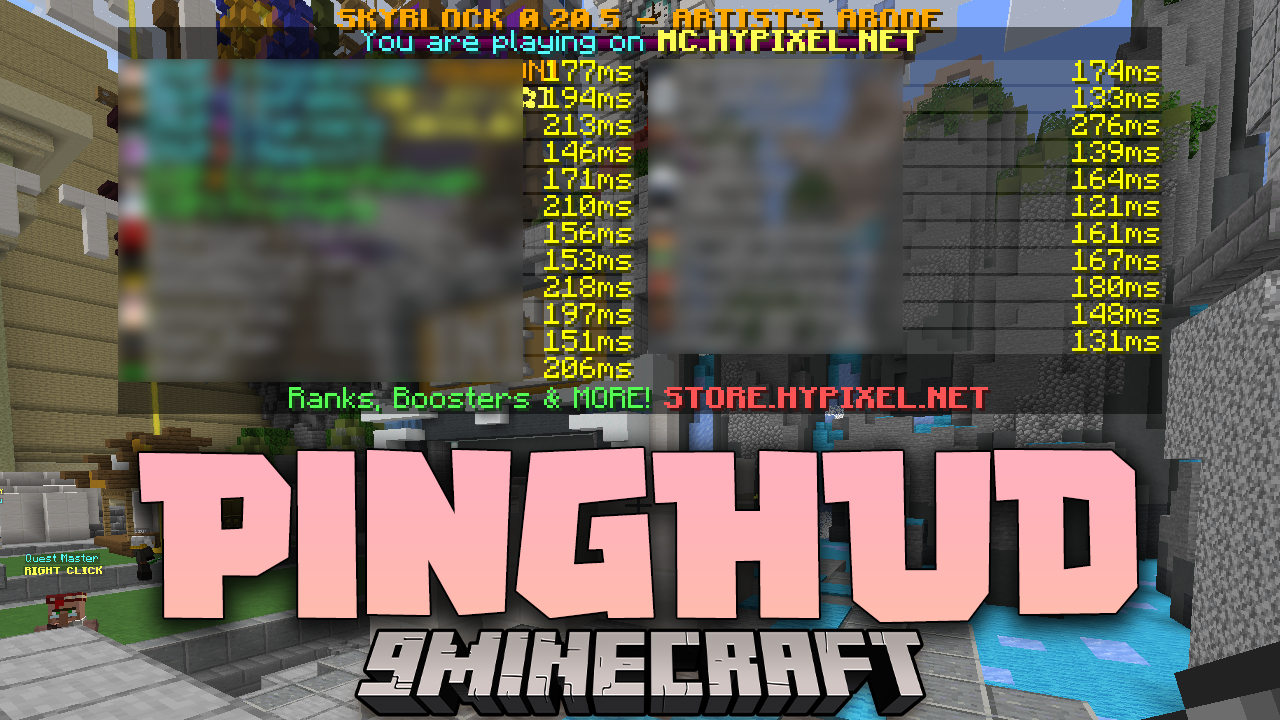
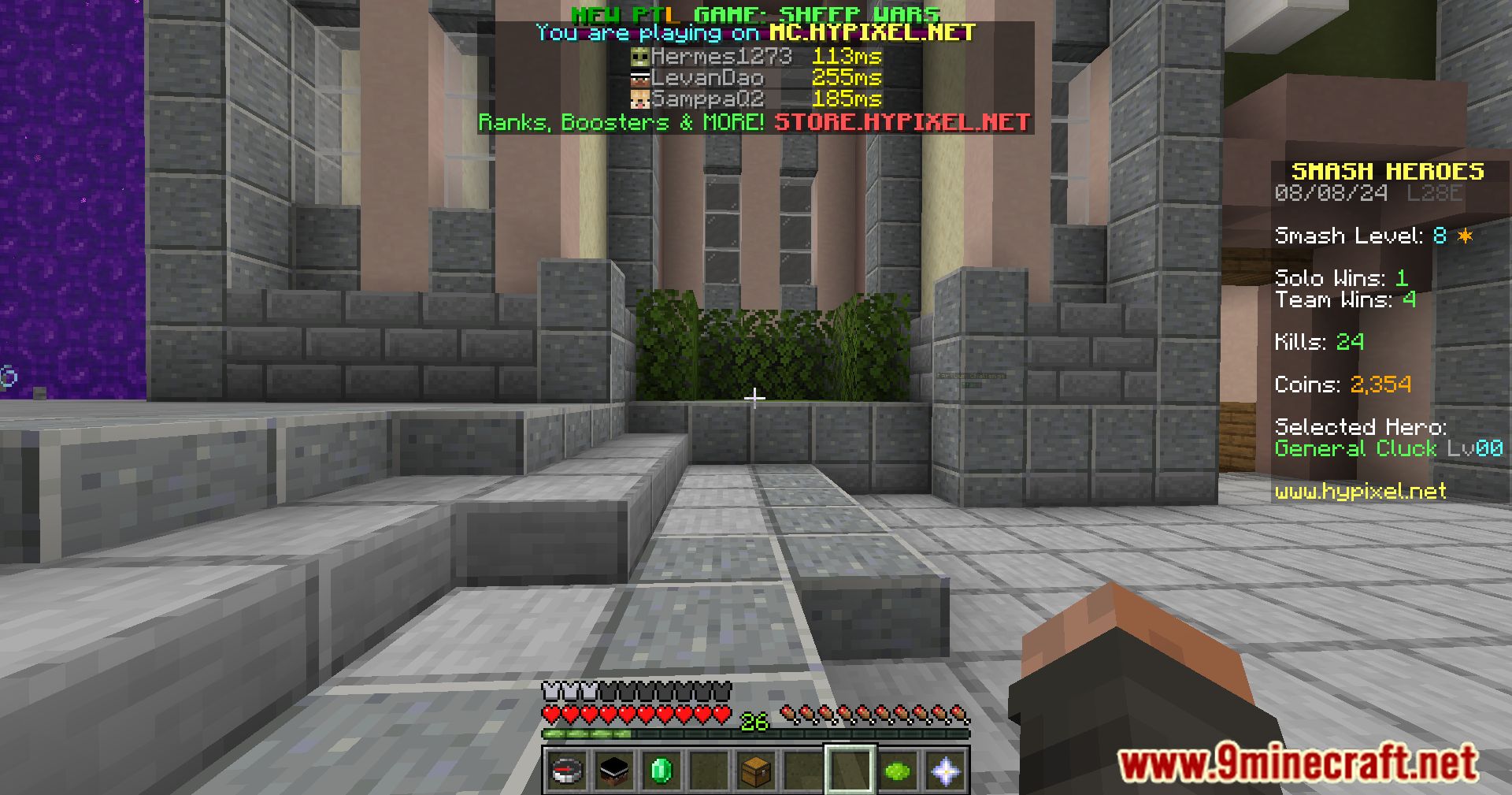
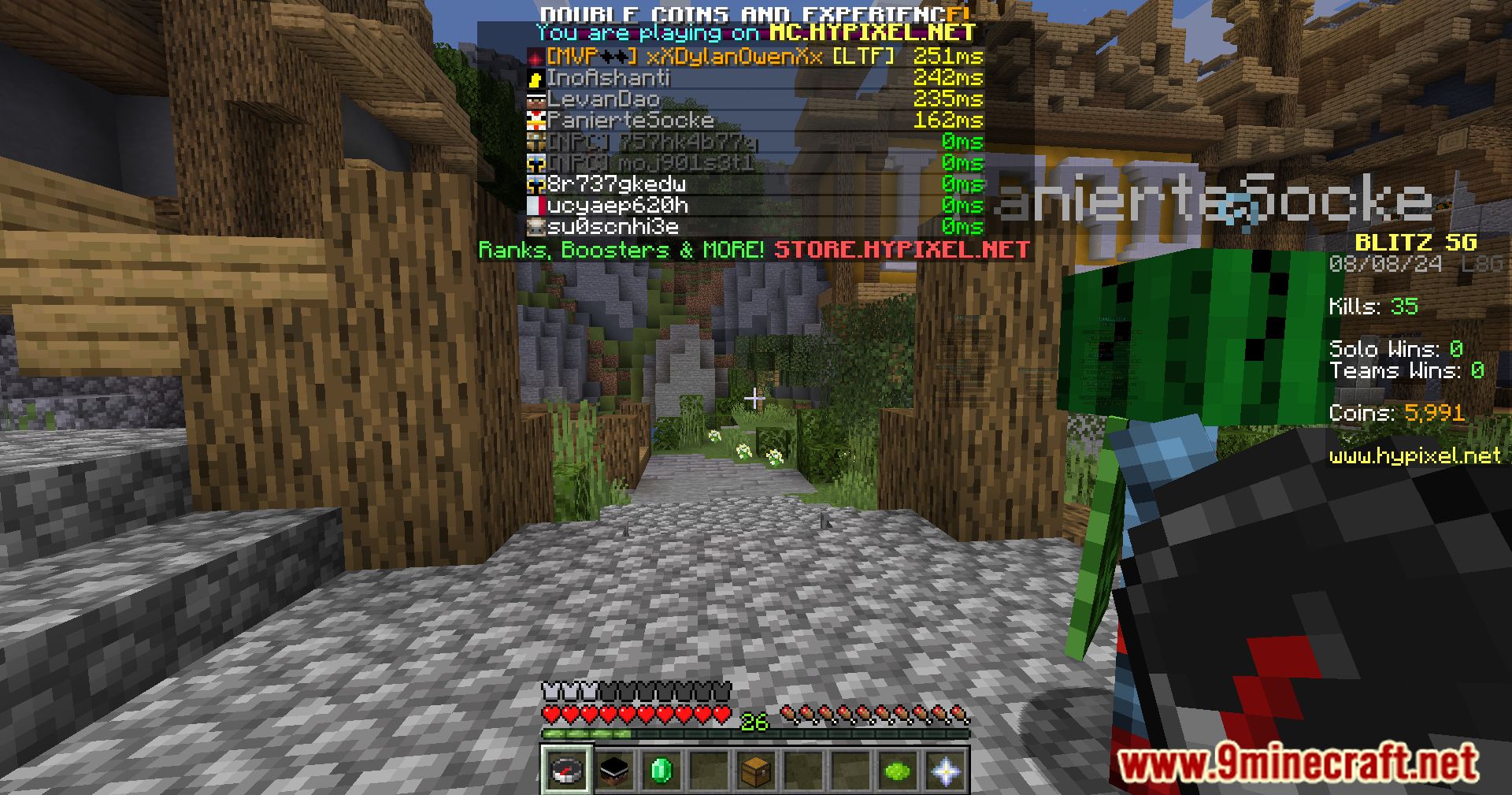
It replaces the default bar graph ping indicator in the player list with a numerical value. This gives a more accurate and clear representation of each player's ping.
Where does PingHUD show the numerical ping?
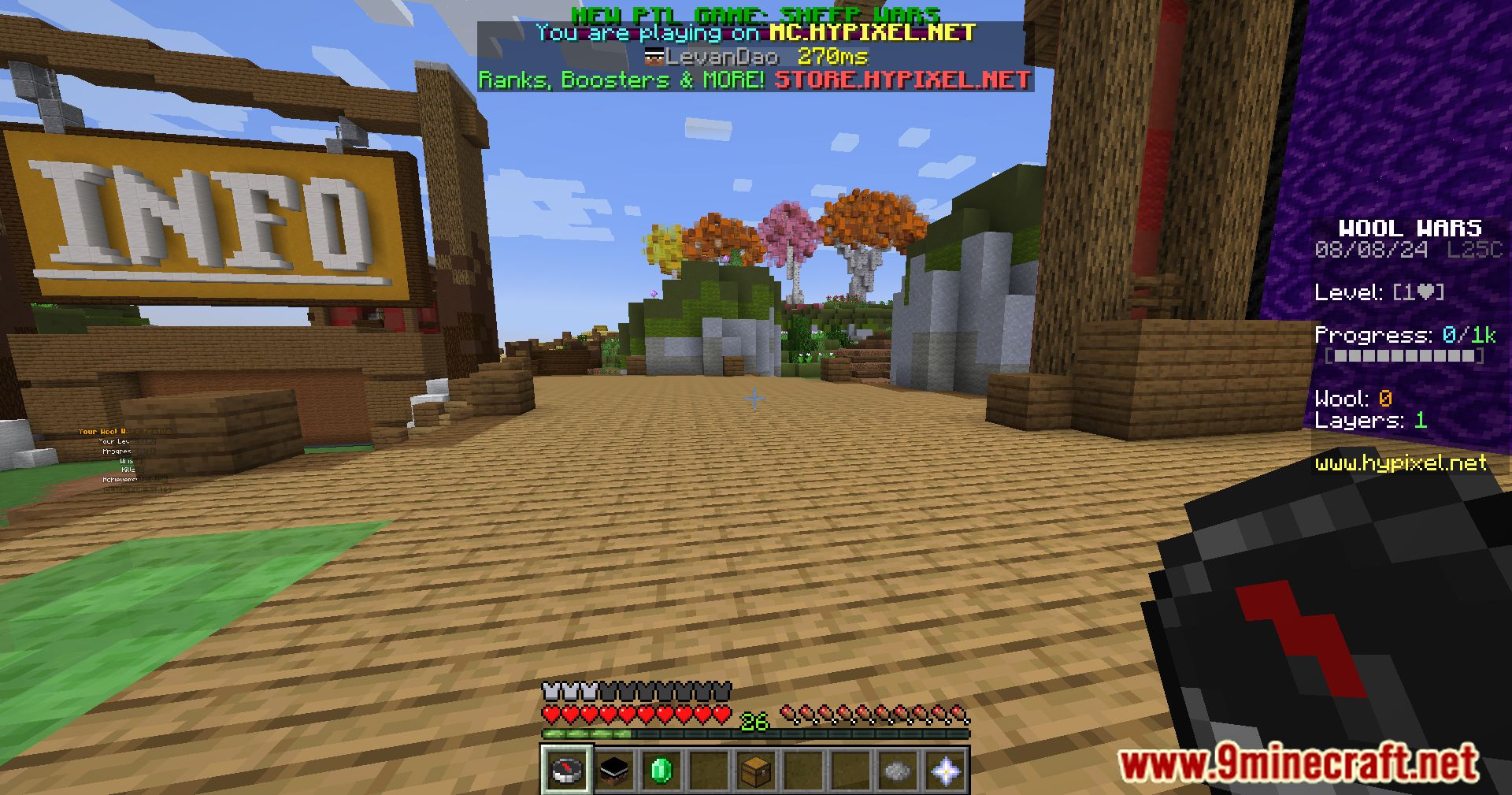
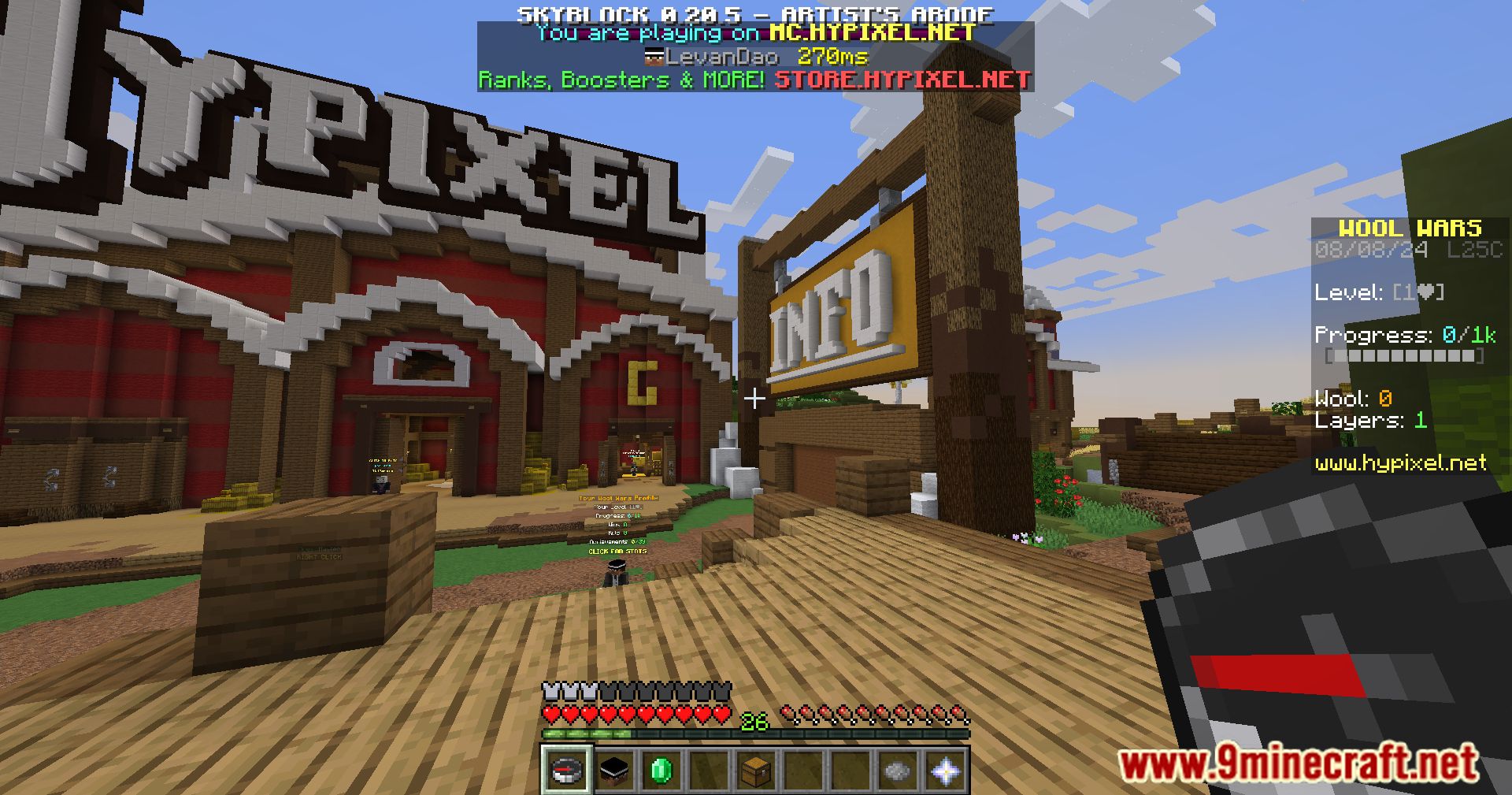
It shows the numerical ping in the player list, replacing the standard bar graph indicator. This makes each player's connection quality easier to read at a glance.
How does PingHUD help with real-time monitoring?
It lets players and server administrators quickly assess the network performance of all connected players. The numerical display provides a clearer picture of connection quality in real time.
Why is a numerical ping display better than a bar graph?
A numerical value gives a more precise and clear picture of each player's ping. This makes it easier to judge connection quality than the standard bar graph.
Gallery
11 images from the Pinghud Mod page.




You May Also Like
Wikis that share the most with this one
More mod wikis on the site
The most downloaded mods that have a wiki here
A few wikis from each of the other kinds