

 DownloadPicker Upper Mod
Get the files on 9Minecraft
Guides
Step-by-step, in-game.
Add Custom Blocks to Your Picker Upper ListLocate Your Server Config File Find the Picker Upper Mod configuration file on your server. This is typically stored…Configure Hanging Lanterns and Block PropertiesUnderstanding Block Properties Some blocks have properties that change their behavior or appearance. Picker Upper…Pick Up Decorative Blocks Without Breaking ThemHow Picker Upper Works Instead of punching a block to break it, simply walk up to supported decorative blocks and…Use Picker Upper in Multiplayer Without Forcing DownloadsServer-Side Installation Picker Upper Mod runs entirely on the server side. This means you only need to install it on…
Frequently asked questions
How do I pick up blocks with this mod?
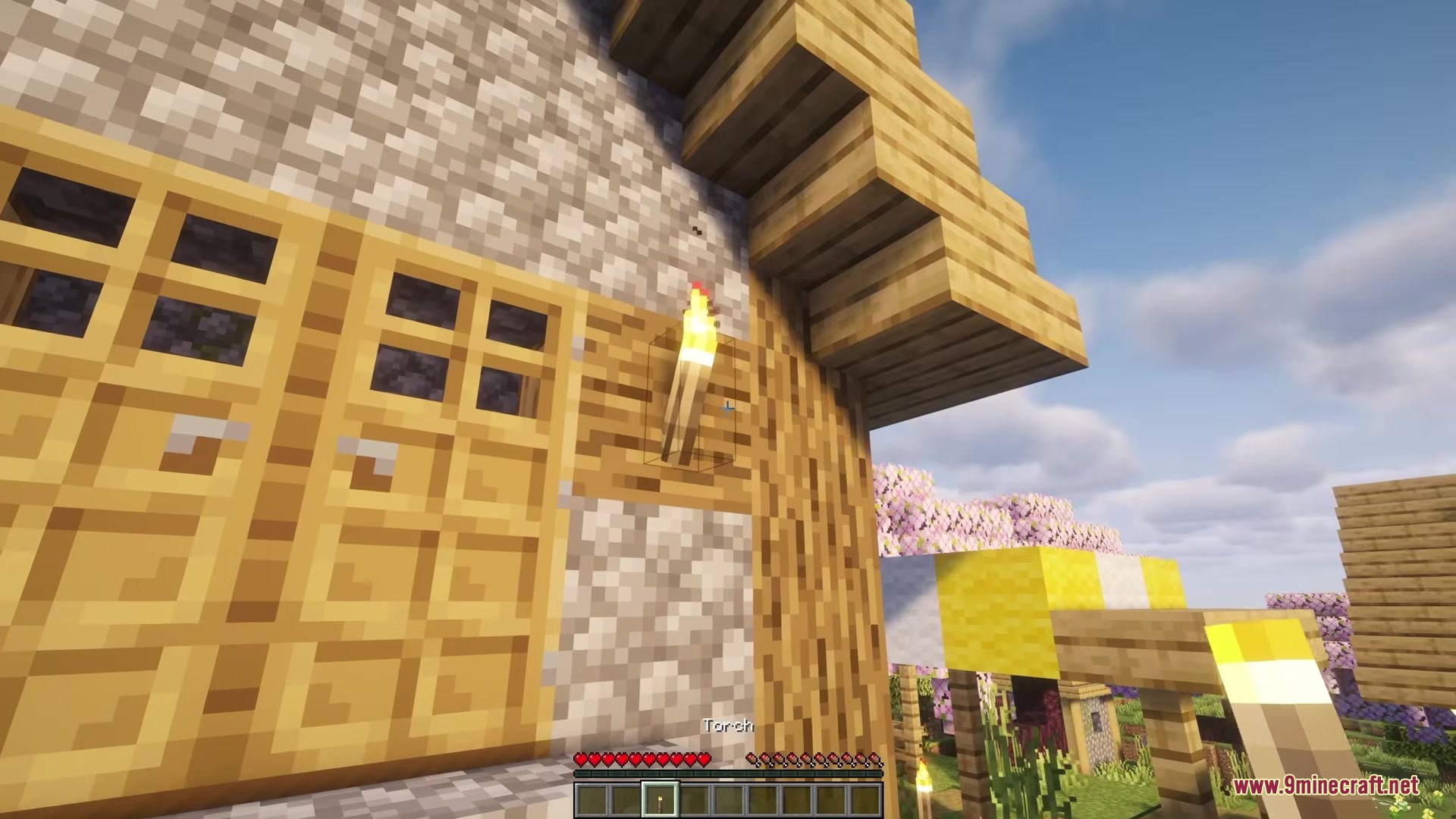
Simply look at a block in the pickUpBlocks list and left-click it like you normally would to break it—instead of breaking, it goes straight into your inventory. If you're already holding the same item, it automatically stacks.
Which blocks can I pick up by default?
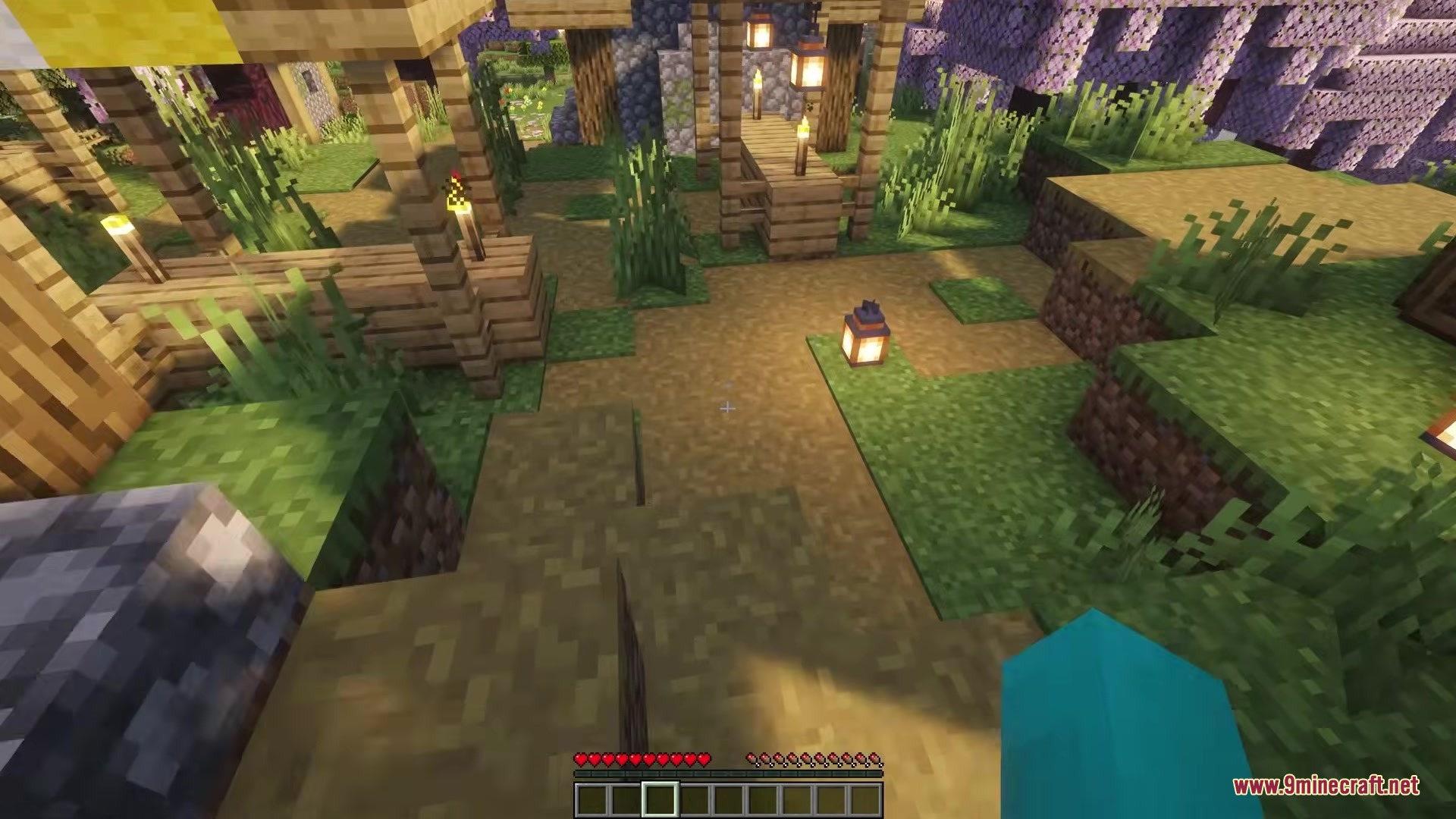
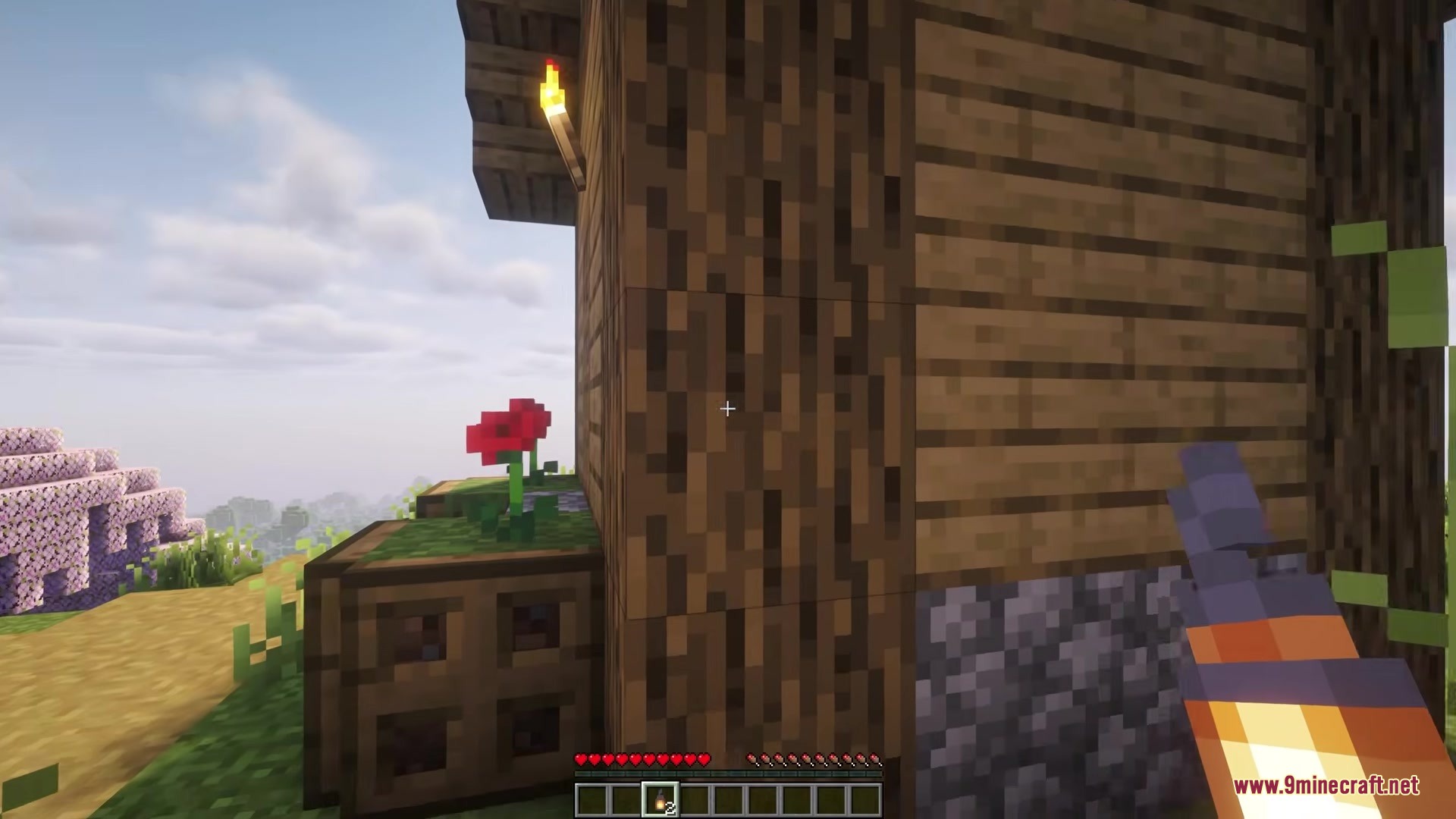
The mod works with torches (all variants), redstone torches, soul torches, non-hanging lanterns, and soul lanterns out of the box. You can add more blocks by editing the server config file.
Do my friends need to install this mod to play on my server?
No—Picker Upper runs entirely on the server side, so players can join your world without downloading or installing anything themselves.
Can I pick up items from chests or furnaces?
No, the mod intentionally ignores blocks that hold items like chests, furnaces, and barrels to keep your stored items safe from accidental clicks.
See all 10 Picker Upper questions ›
Gallery
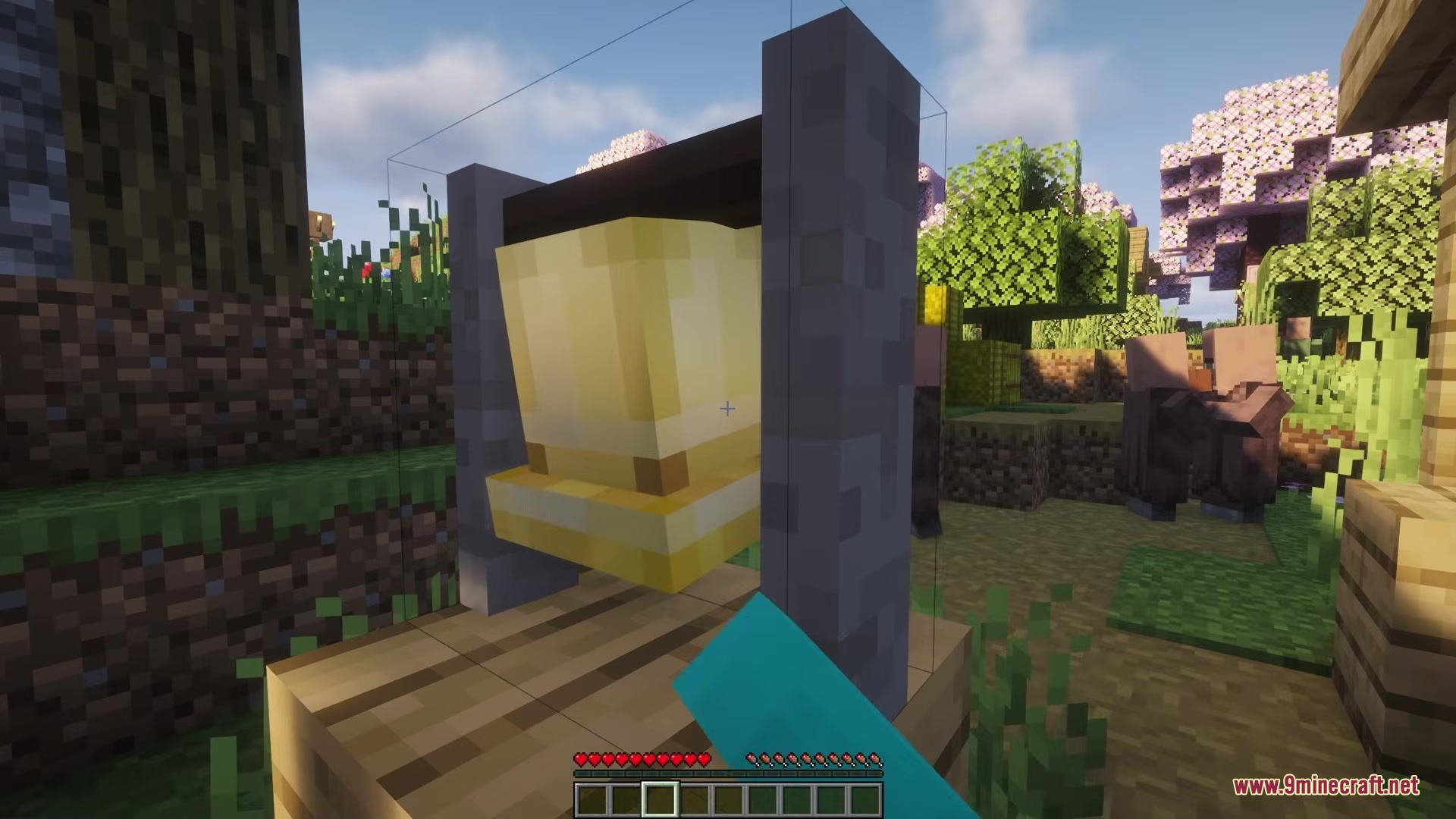
9 images from the Picker Upper Mod page.
You May Also Like
Wikis that share the most with this one
More mod wikis on the site
The most downloaded mods that have a wiki here
A few wikis from each of the other kinds