

 DownloadOpen Together Mod
Get the files on 9Minecraft
Guides
Step-by-step, in-game.
Create a Wide Entrance with Fence GatesArranging Multiple Gates Place fence gates side by side in a row to create a wide opening. The mod will link any…Set Up Synchronized Double DoorsPlacing Your Doors Place two matching wooden or iron doors directly next to each other, side by side. They must be…Toggle Grouping On and OffFinding the Toggle Button Open Together includes a quick toggle to enable or disable the door/gate grouping effect.…Use Open Together with Modded Doors and GatesUnderstanding Block Tag Compatibility Open Together uses block tags to recognize doors and gates from other mods.…
Frequently asked questions
How do I open doors together after installing the mod?
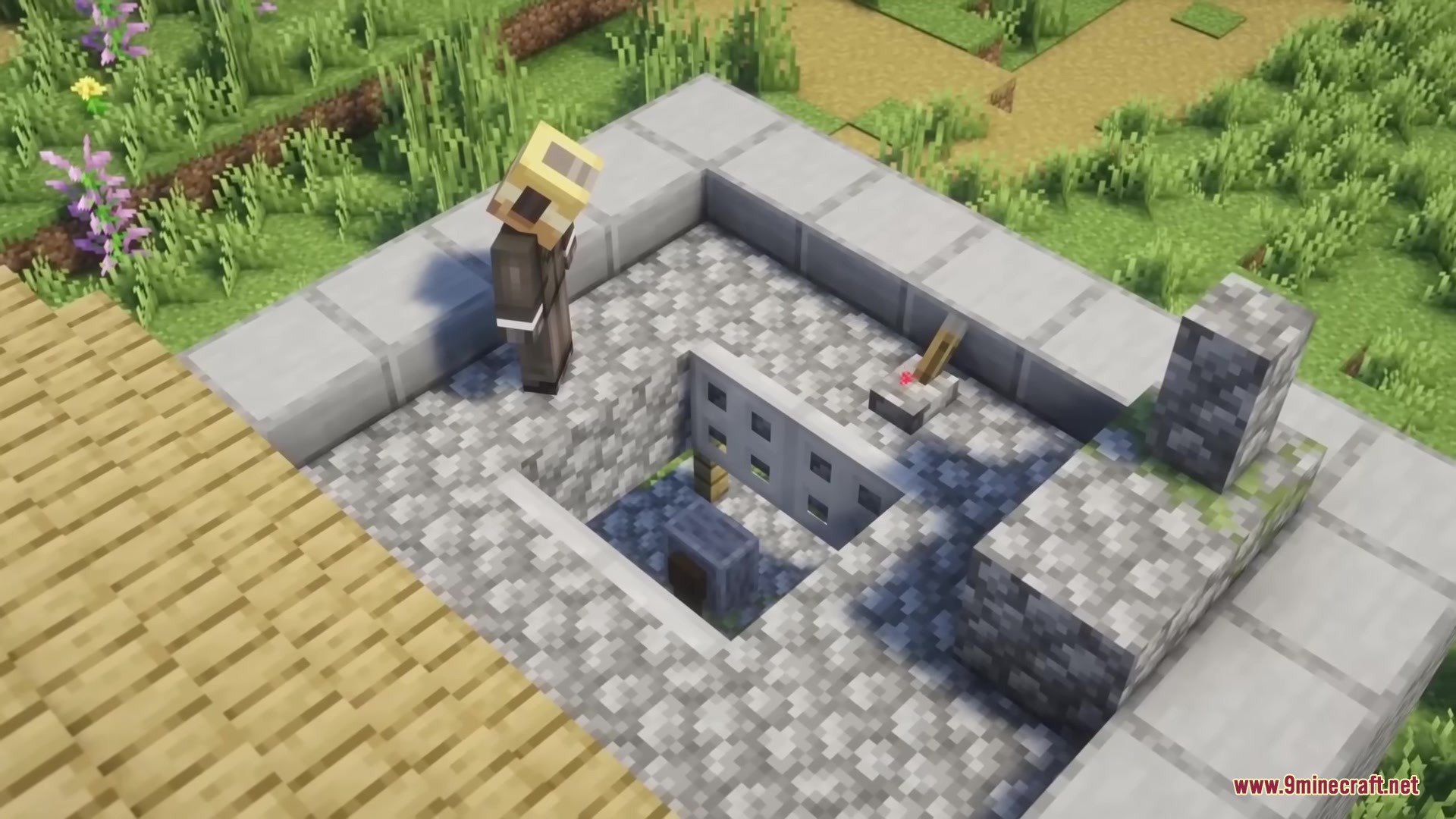
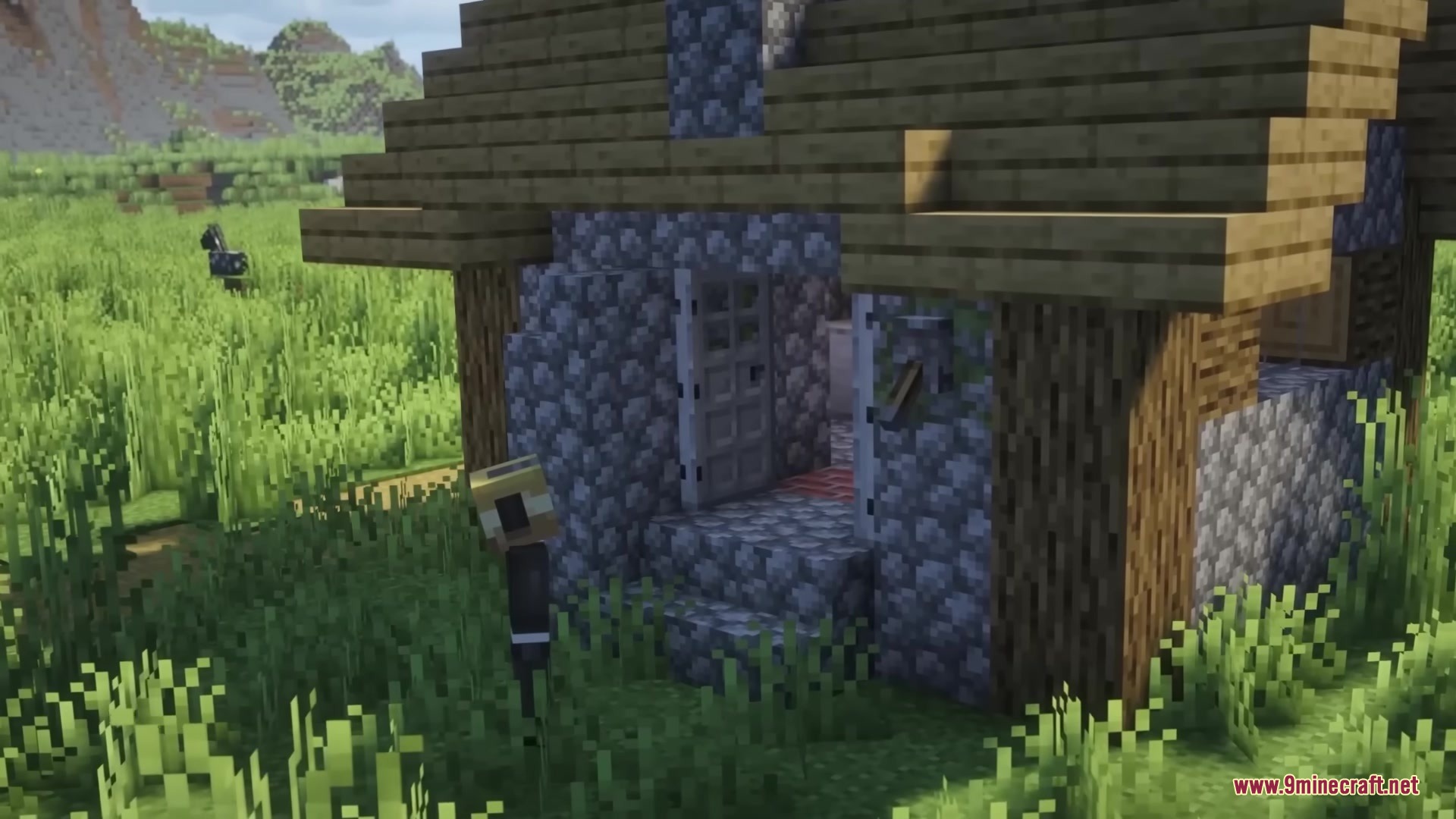
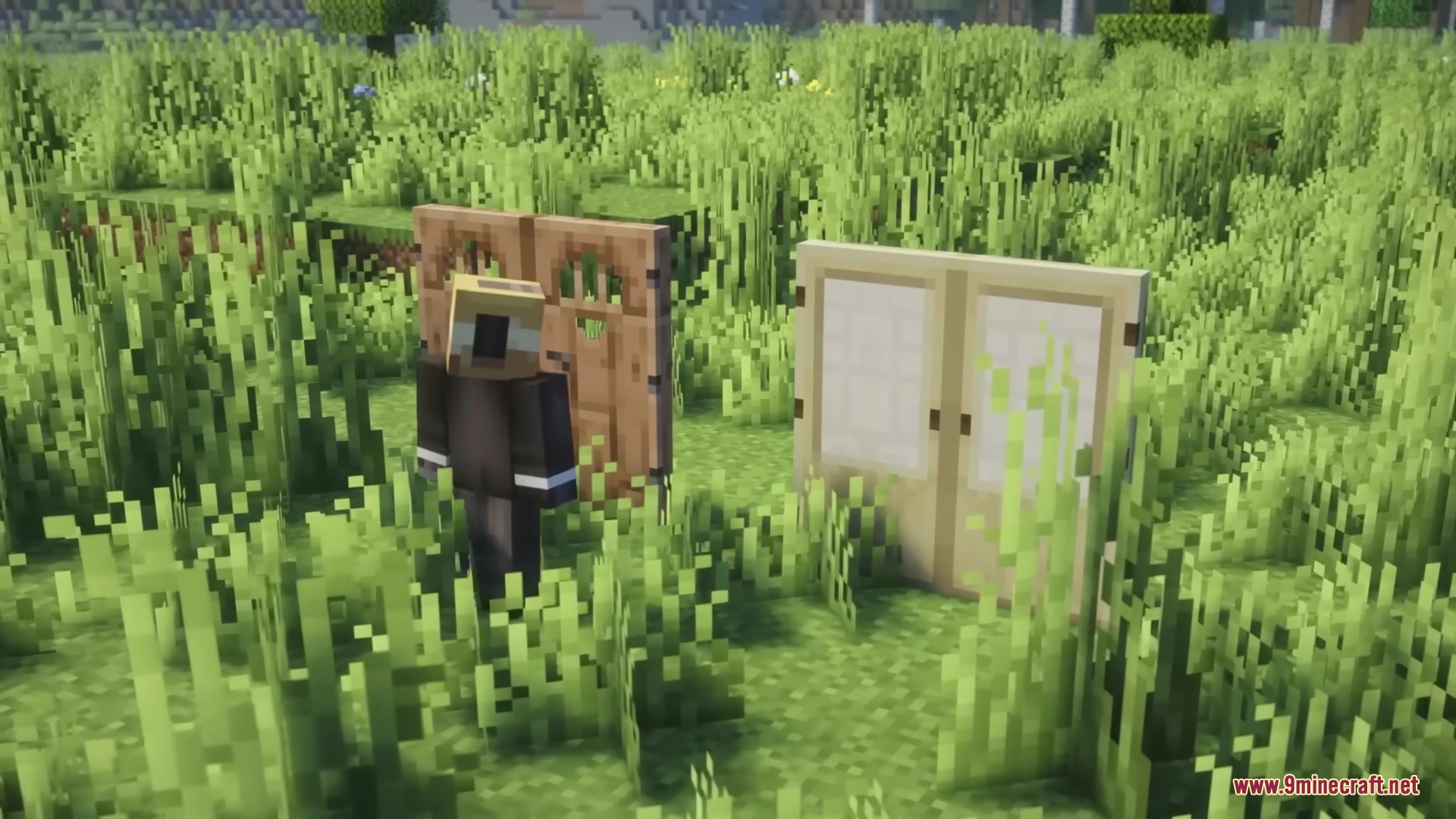
Place two matching doors right next to each other, then click one of them—both will open at the same time. The mod works automatically once installed; there's no setup needed.
Does this mod work on servers that don't have it installed?
Yes, you can use Open Together on multiplayer servers even if the server doesn't have the mod. The synchronized opening only happens on your client side, so other players see normal door behavior.
Can I turn off the grouping effect?
Yes, there's a quick toggle button to turn the grouping effect on or off whenever you want. You can switch it back on just as easily.
Does Open Together work with trapdoors and fence gates?
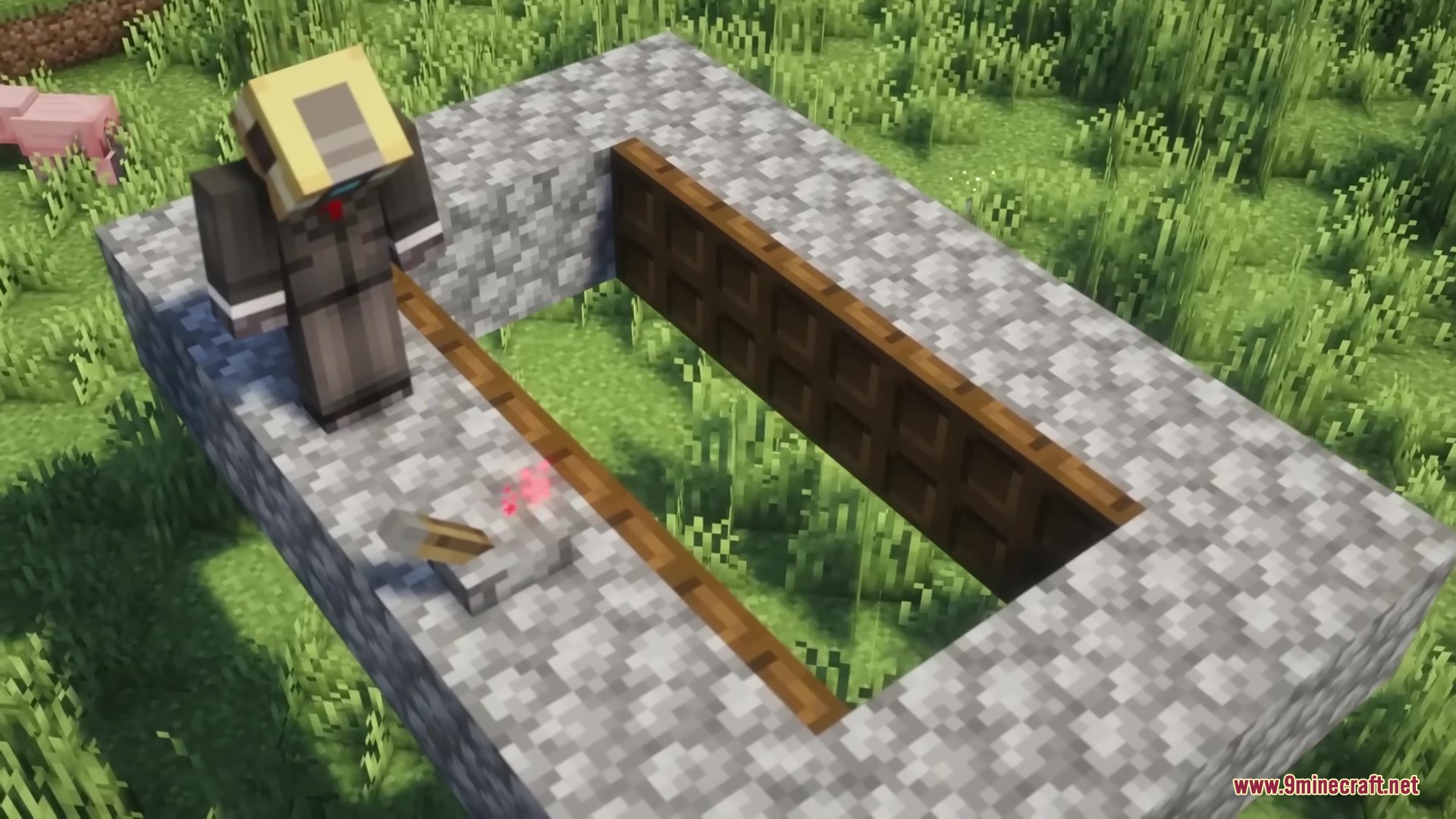
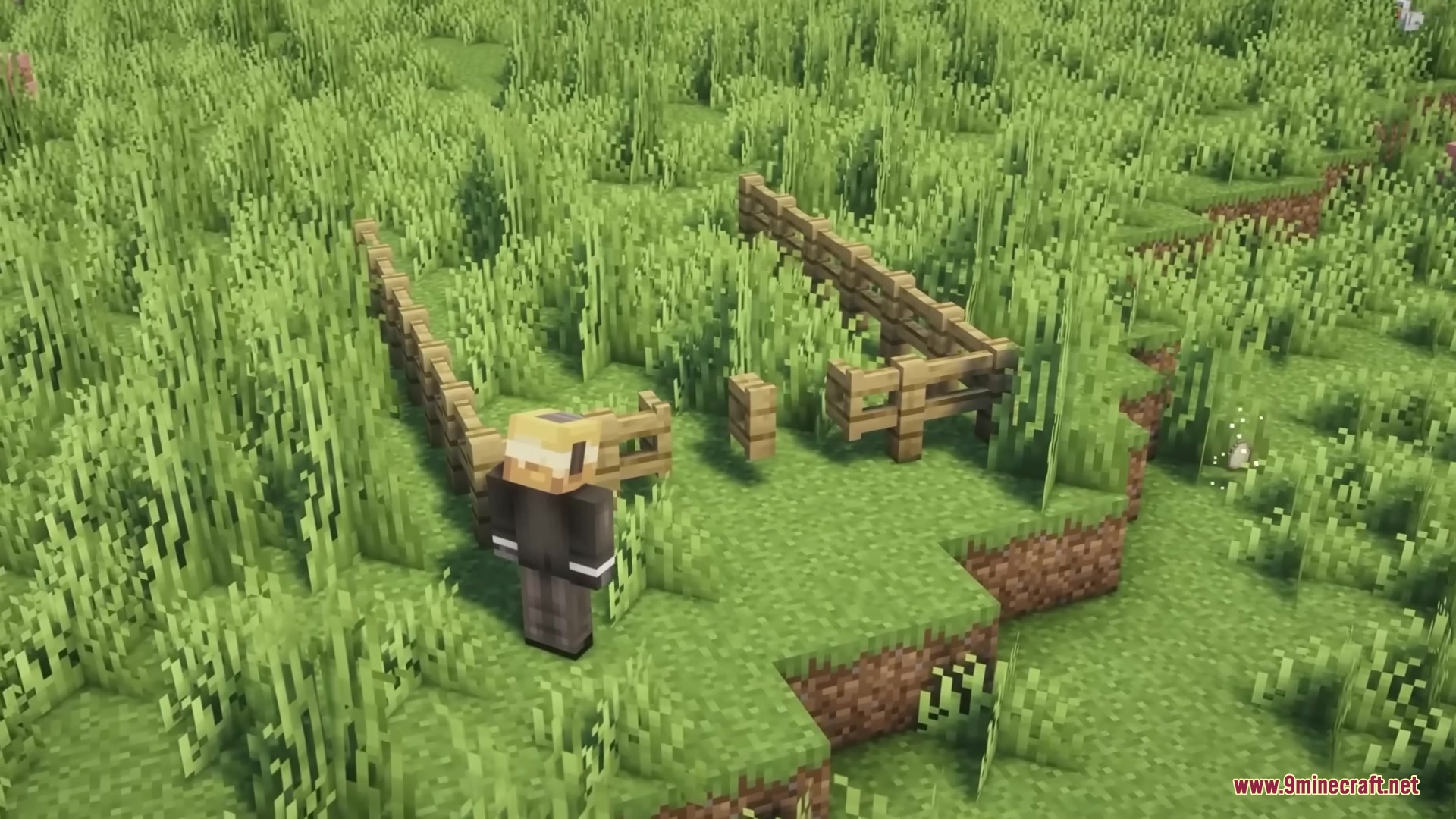
Yes, the mod links matching trapdoors and fence gates placed next to each other so they open as a group. This works the same way as double doors—click one and they all swing open together.
See all 10 Open Together questions ›
Gallery
9 images from the Open Together Mod page.

You May Also Like
Wikis that share the most with this one
More mod wikis on the site
The most downloaded mods that have a wiki here
A few wikis from each of the other kinds