

 DownloadOffersHUD Mod
Get the files on 9Minecraft
Guides
Step-by-step, in-game.
Comparing Multiple Villagers' Offers at a GlanceCheck Trades Between Multiple Villagers When managing multiple villagers in a trading hall, you may want to compare…Finding the Right Villager Profession by Checking Trades QuicklySpeed Up Profession Testing When setting up a villager trading hall or farm, you often need to test multiple job site…Monitoring Wandering Trader InventoryView Wandering Trader Offers Wandering traders appear randomly in your world and offer unique items. The OffersHUD…Reading Villager Trades Without Opening the GUIView Offers on the HUD When you look directly at a villager or wandering trader, the OffersHUD Mod automatically…
Frequently asked questions
How do I see a villager's trades without right-clicking?
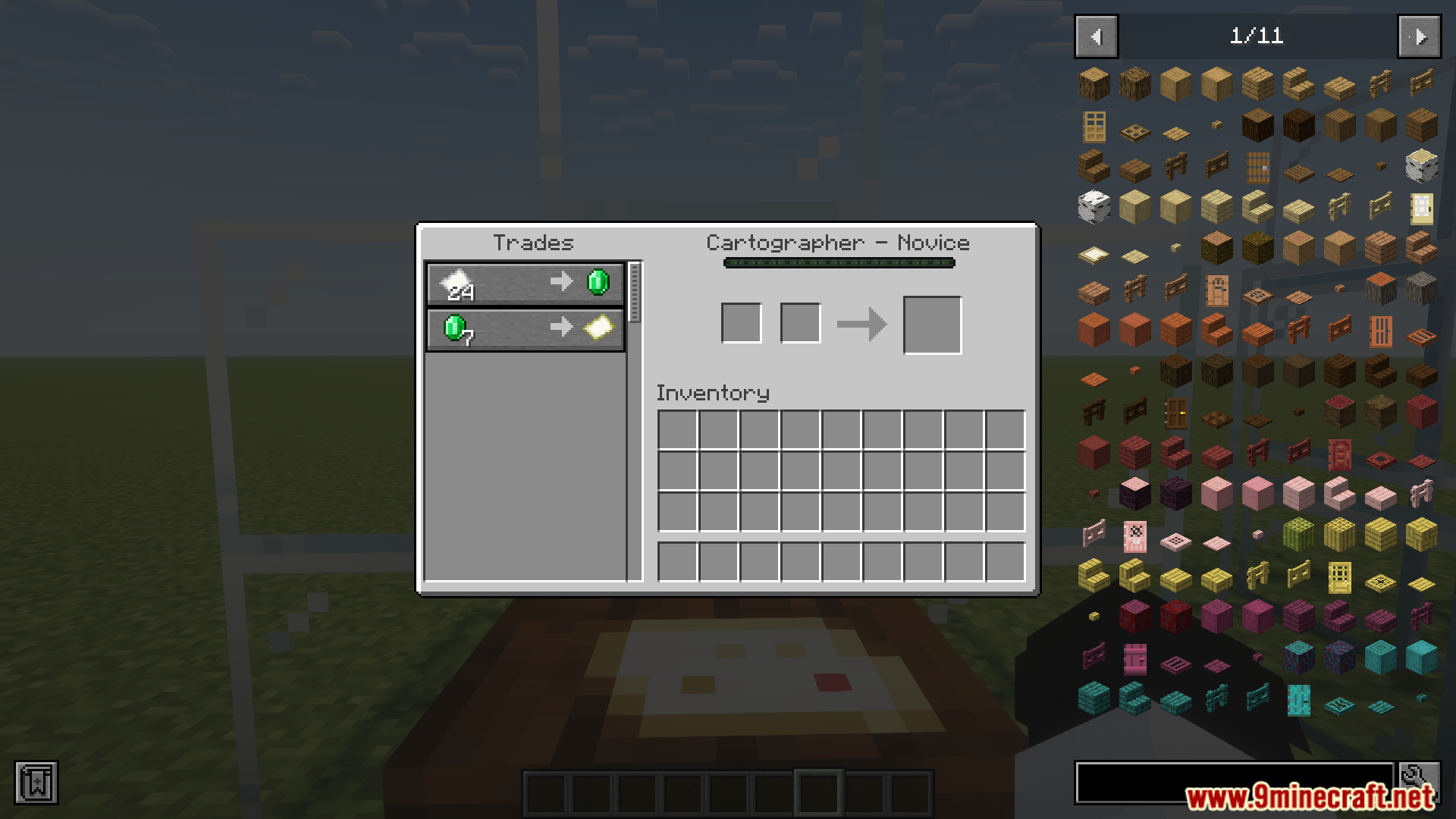
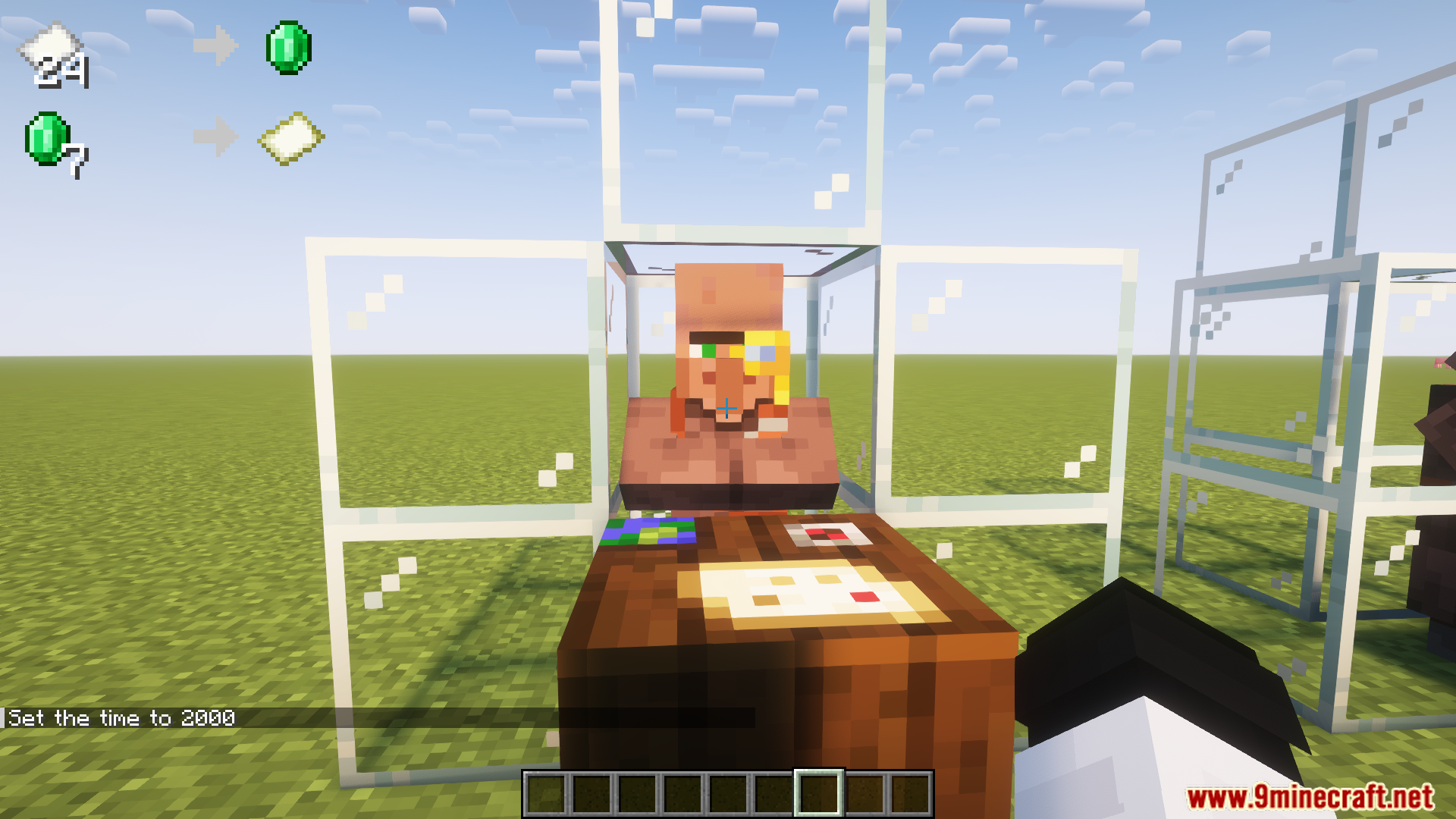
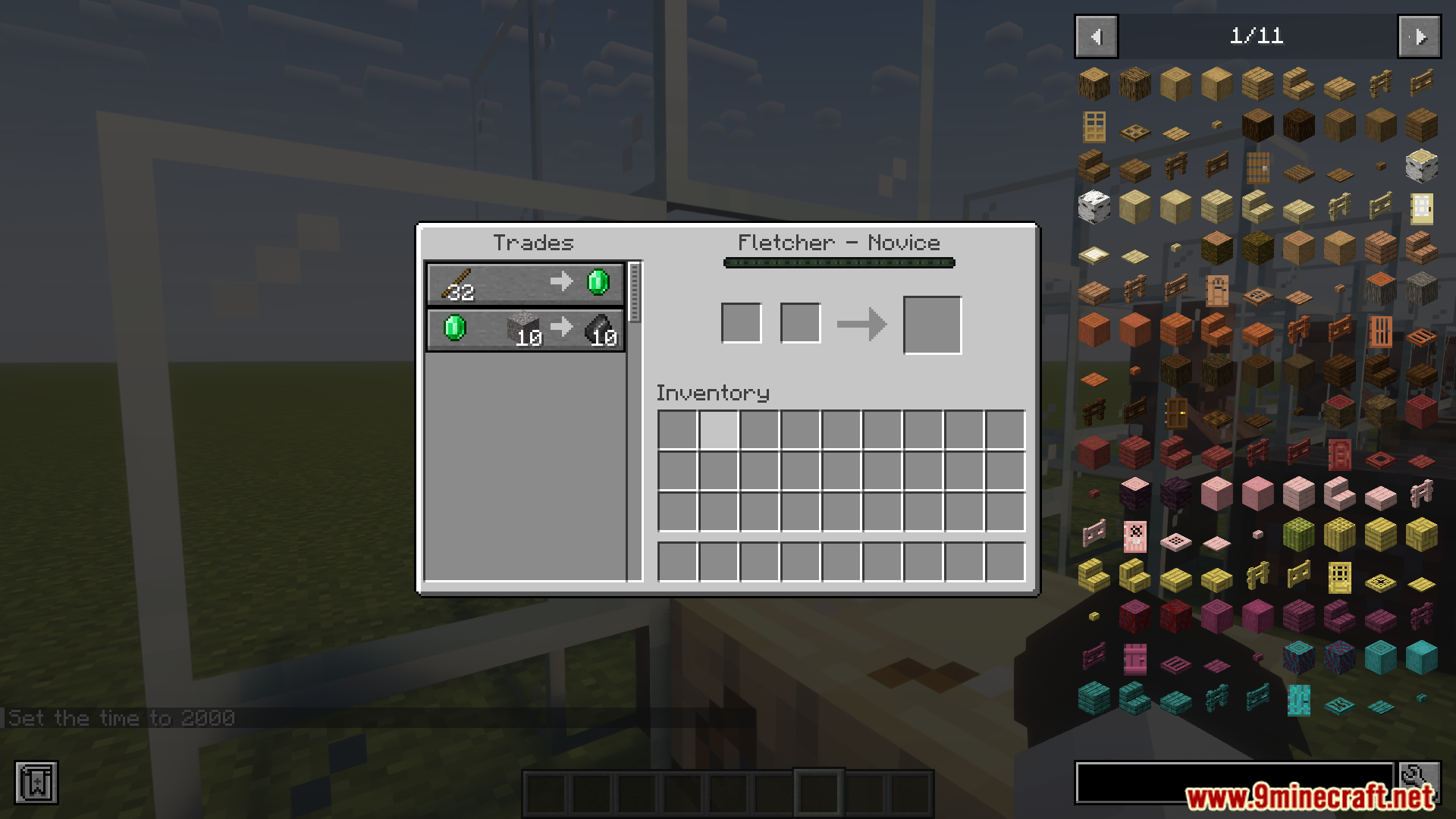
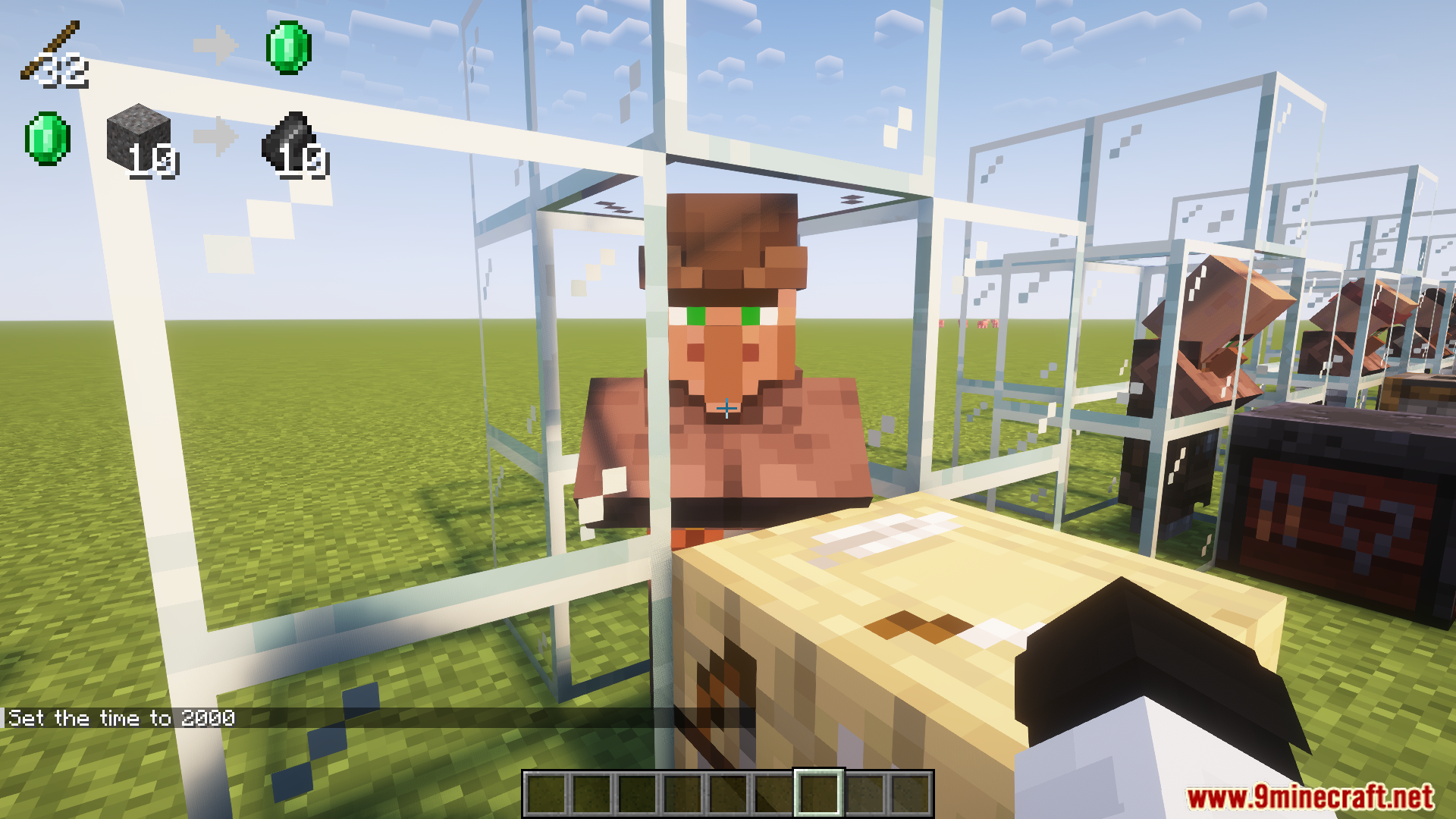
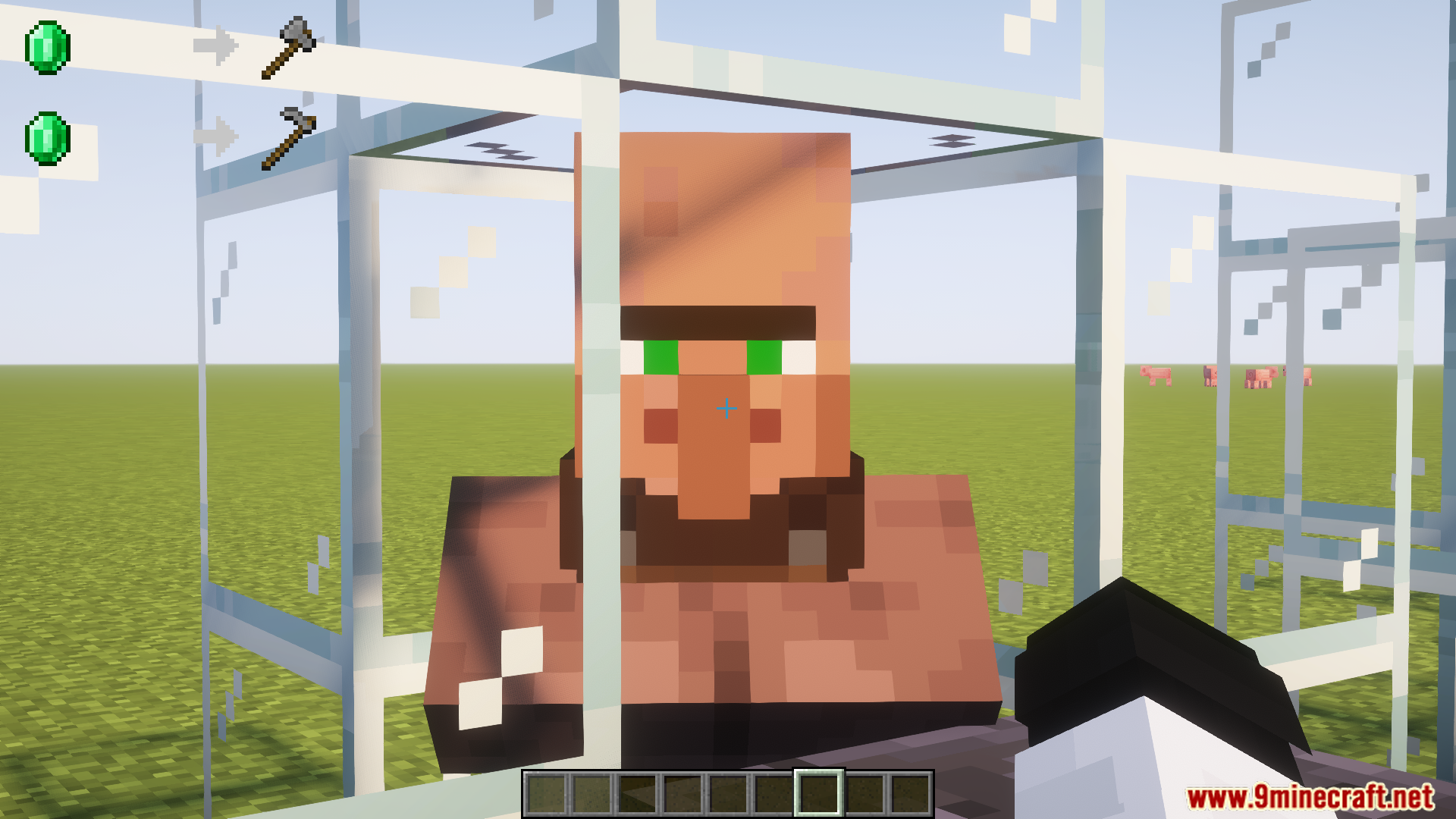
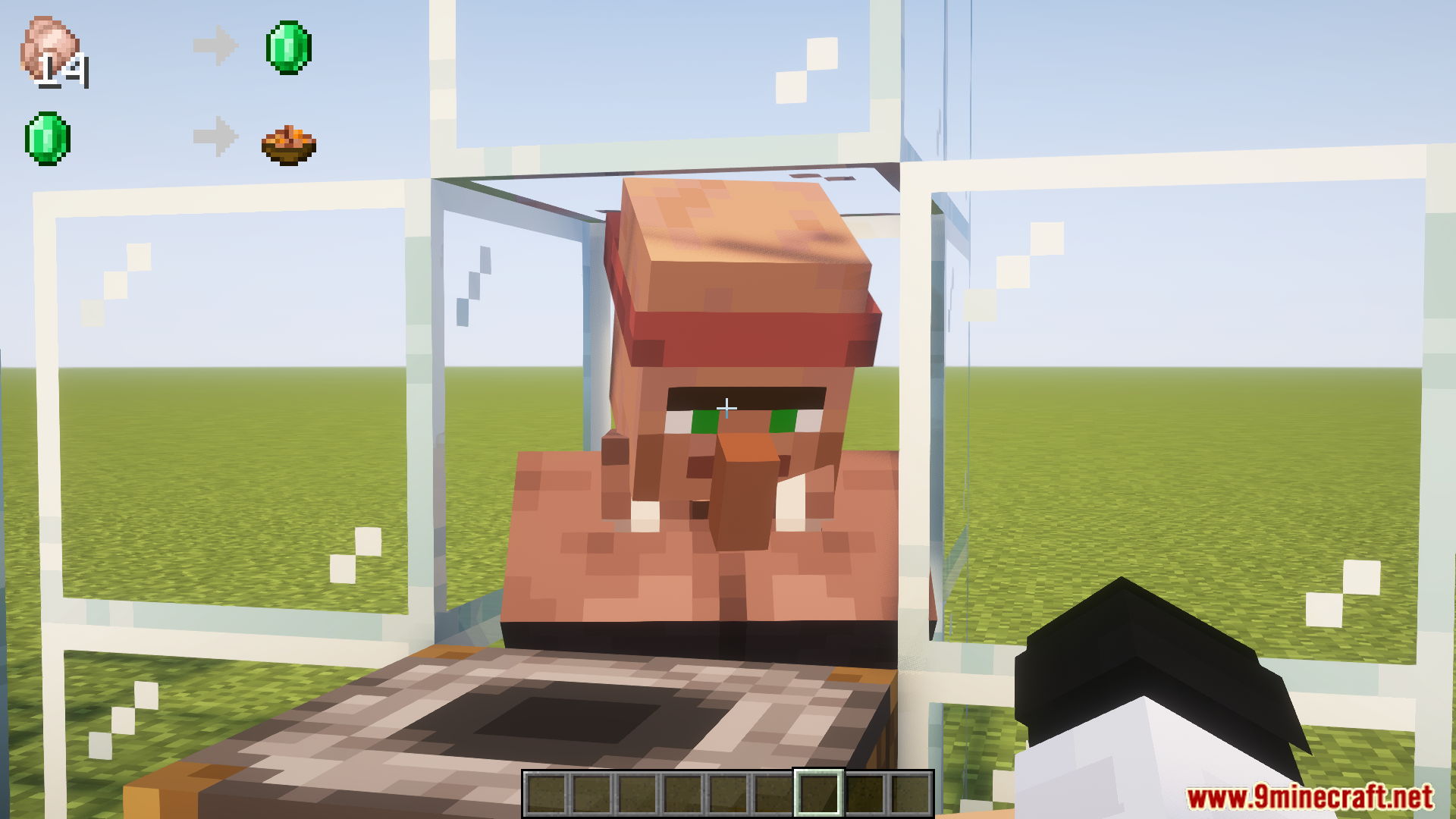
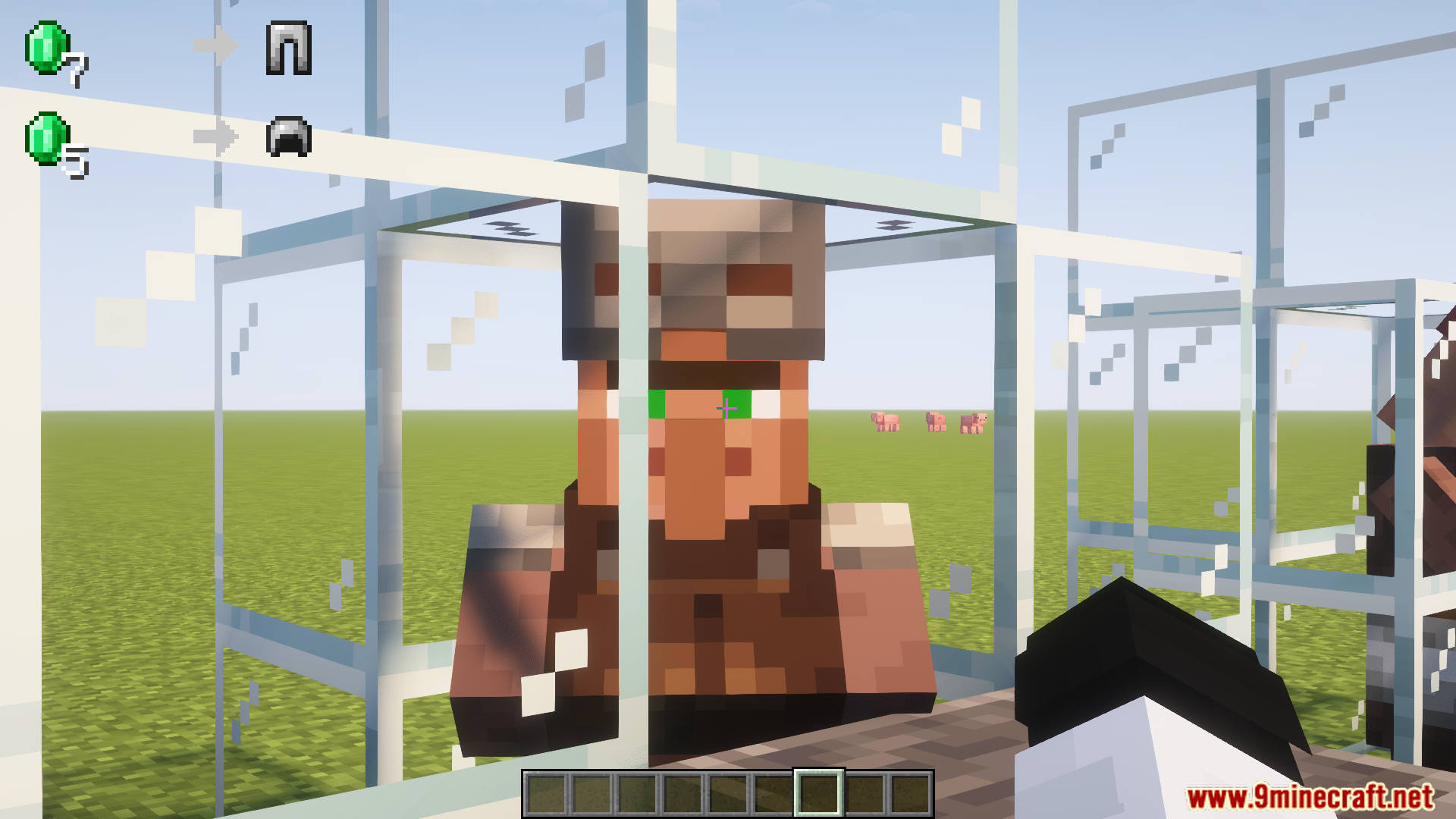
Simply look at a villager or wandering trader and their current offers will appear as a HUD overlay in the upper left corner of your screen. You can read all their available trades without opening the GUI or interacting with them.
Why isn't the HUD showing up when I look at a villager?
Make sure you're directly focusing on the villager (your crosshair should be on them). The HUD only appears when you're looking at a villager or wandering trader, and it may take a moment to render after you focus on them.
Can I see wandering trader offers with this mod?
Yes, the mod displays offers from both villagers and wandering traders. Simply look at a wandering trader and their inventory will appear on the HUD just like with regular villagers.
Does this mod work with job site blocks and profession changes?
Yes, this is one of the mod's main uses. You can quickly check a villager's trades after placing or moving a job site block without repeatedly right-clicking, making it much faster to find the profession and trades you want.
See all 10 OffersHUD questions ›
Gallery
12 images from the Offershud Mod page.

You May Also Like
Wikis that share the most with this one
More mod wikis on the site
The most downloaded mods that have a wiki here
A few wikis from each of the other kinds